light PONTIAC GRAND PRIX 2008 Repair Manual
[x] Cancel search | Manufacturer: PONTIAC, Model Year: 2008, Model line: GRAND PRIX, Model: PONTIAC GRAND PRIX 2008Pages: 450, PDF Size: 2.64 MB
Page 171 of 450
Driver Information Center (DIC)
The Driver Information Center (DIC) gives important
safety and maintenance facts. When the vehicle’s
ignition is turned on, all of the DIC lights illuminate for a
few seconds and an introductory message will appear.
After this, the DIC will begin working.
DIC Operation and Displays
(Uplevel DIC with Trip Computer)
The Driver Information Center (DIC) control buttons and
the message display screen are located above the
radio. The DIC gives important safety and maintenance
facts concerning the vehicle. The status of many of
the vehicle’s systems along with driver personalization
menus and warning messages about the vehicle’s
systems may display on the DIC screen.
The outside temperature automatically appears on
the bottom right corner of the DIC display screen.
If the outside temperature is below 38°F (3°C), the
temperature reading will toggle between displaying the
outside temperature and the word ICE for two minutes.
If there is a problem with the system that controls
the temperature display, the letters OC (Open Circuit)
or SC (Short Circuit) will appear on the display.
If this occurs, have the vehicle serviced by your
dealer/retailer.The vehicle’s shift lever position and the direction the
vehicle is traveling will also appear on the DIC screen.
The compass is self-calibrating, which eliminates
the need to manually set the compass. However, under
certain circumstances, such as during a long distance
cross-country trip, it will be necessary to compensate
for compass variance and reset the zone through
the DIC. SeeDIC Compass (Uplevel DIC) on page 3-65
for more information.
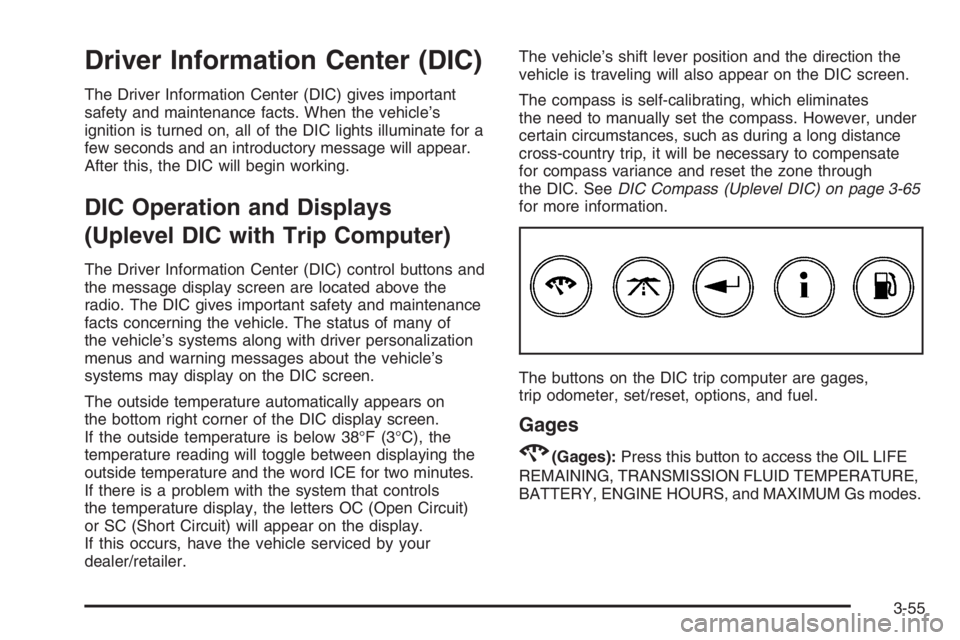
The buttons on the DIC trip computer are gages,
trip odometer, set/reset, options, and fuel.
Gages
2(Gages):Press this button to access the OIL LIFE
REMAINING, TRANSMISSION FLUID TEMPERATURE,
BATTERY, ENGINE HOURS, and MAXIMUM Gs modes.
3-55
Page 182 of 450
Compass Calibration
The compass can be manually calibrated. Only calibrate
the compass in a magnetically clean and safe location,
such as an open parking lot, where driving the vehicle
in circles is not a danger. It is suggested to calibrate
away from tall buildings, utility wires, manhole covers,
or other industrial structures, if possible.
If the DIC display does not show a heading, for example,
N for North, or the heading does not change after
making turns, there may be a strong magnetic eld
interfering with the compass. Such interference may
be caused by a magnetic CB or cell phone antenna
mount, a magnetic emergency light, magnetic note
pad holder, or any other magnetic item. Turn off
the vehicle, move the magnetic item, then turn on
the vehicle and calibrate the compass.
To adjust for compass variance and to calibrate the
compass, use the following procedure:
Compass Variance (Zone) and Calibration
Procedure
1. Do not set the compass zone when the vehicle is
moving. Only set it when the vehicle is in PARK (P).
Press the options button until COMPASS
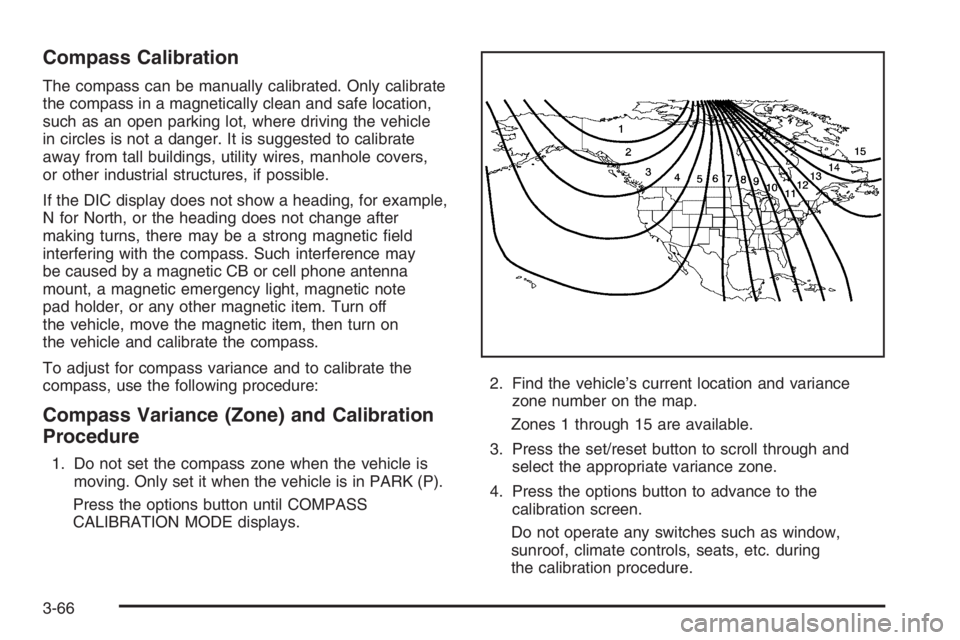
CALIBRATION MODE displays.2. Find the vehicle’s current location and variance
zone number on the map.
Zones 1 through 15 are available.
3. Press the set/reset button to scroll through and
select the appropriate variance zone.
4. Press the options button to advance to the
calibration screen.
Do not operate any switches such as window,
sunroof, climate controls, seats, etc. during
the calibration procedure.
3-66
Page 184 of 450
AJAR
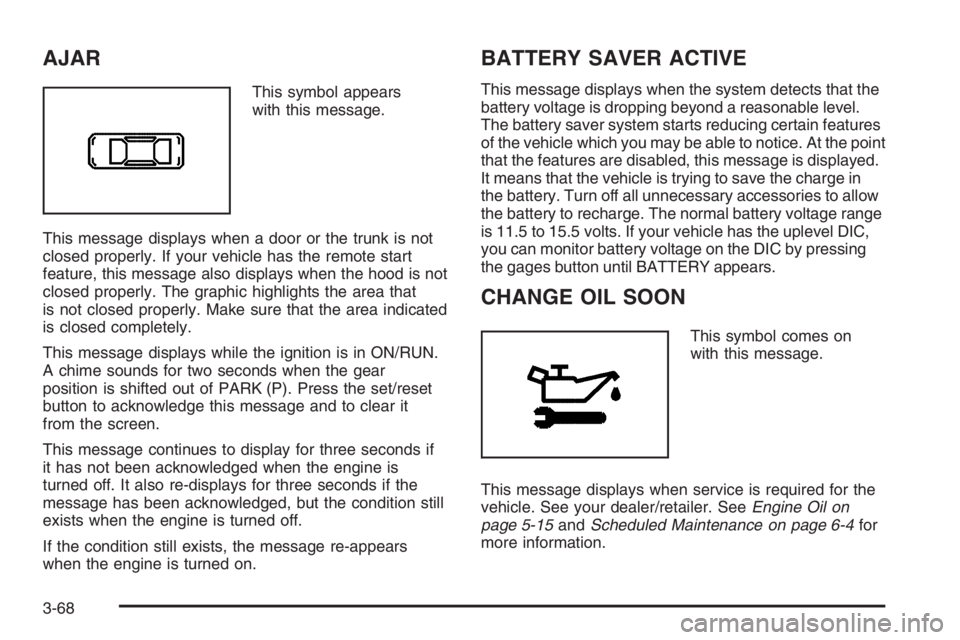
This symbol appears
with this message.
This message displays when a door or the trunk is not
closed properly. If your vehicle has the remote start
feature, this message also displays when the hood is not
closed properly. The graphic highlights the area that
is not closed properly. Make sure that the area indicated
is closed completely.
This message displays while the ignition is in ON/RUN.
A chime sounds for two seconds when the gear
position is shifted out of PARK (P). Press the set/reset
button to acknowledge this message and to clear it
from the screen.
This message continues to display for three seconds if
it has not been acknowledged when the engine is
turned off. It also re-displays for three seconds if the
message has been acknowledged, but the condition still
exists when the engine is turned off.
If the condition still exists, the message re-appears
when the engine is turned on.
BATTERY SAVER ACTIVE
This message displays when the system detects that the
battery voltage is dropping beyond a reasonable level.
The battery saver system starts reducing certain features
of the vehicle which you may be able to notice. At the point
that the features are disabled, this message is displayed.
It means that the vehicle is trying to save the charge in
the battery. Turn off all unnecessary accessories to allow
the battery to recharge. The normal battery voltage range
is 11.5 to 15.5 volts. If your vehicle has the uplevel DIC,
you can monitor battery voltage on the DIC by pressing
the gages button until BATTERY appears.
CHANGE OIL SOON
This symbol comes on
with this message.
This message displays when service is required for the
vehicle. See your dealer/retailer. SeeEngine Oil on
page 5-15andScheduled Maintenance on page 6-4for
more information.
3-68
Page 186 of 450
CHECK GAS CAP
This message displays when the fuel cap is not on,
or is not fully tightened. Check the fuel cap to ensure it is
on and properly tightened. The diagnostic system can
determine if the fuel cap has been left off or improperly
installed. A loose or missing fuel cap allows fuel to
evaporate into the atmosphere. A few driving trips with
the cap properly installed should turn this message off.
SeeFilling the Tank on page 5-8for more information.
This message displays while the ignition is in ON/RUN.
A chime sounds for two seconds when this message
is displayed and then the message continues to display.
Press the set/reset button to acknowledge this
message and to clear it from the screen.
This message continues to display for three seconds
if it has not been acknowledged when the engine
is turned off. It also re-displays for three seconds if the
message has been acknowledged, but the condition
still exists when the engine is turned off.
If the condition still exists, the message re-appears
when the engine is turned on.
CHECK TIRE PRESSURE
This message displays when the pressure in one or
more of the vehicle’s tires needs to be checked. This
message also displays LEFT FRONT, RIGHT FRONT,LEFT REAR, or RIGHT REAR to indicate which tire
needs to be checked. You can receive more than one tire
pressure message at a time. To read the other messages
that may have been sent at the same time, press the
set/reset button. If a tire pressure message appears on
the DIC, stop as soon as you can. Have the tire pressures
checked and set to those shown on the Tire Loading
Information label. SeeTires on page 5-62,Loading Your
Vehicle on page 4-22, andInflation - Tire Pressure on
page 5-69. The DIC also shows the tire pressure values.
SeeDIC Operation and Displays (Uplevel DIC with Trip
Computer) on page 3-55orDIC Operation and Displays
(Base Level DIC) on page 3-62. If the tire pressure is low,
the low tire pressure warning light comes on. SeeTire
Pressure Light on page 3-49.
This message displays while the ignition is in ON/RUN.
Press the set/reset button to acknowledge this
message and to clear it from the screen.
This message continues to display for three seconds
if it has not been acknowledged when the engine
is turned off. It also re-displays for three seconds if the
message has been acknowledged, but the condition
still exists when the engine is turned off.
If the condition still exists, the message re-appears
when the engine is turned on.
3-70
Page 187 of 450
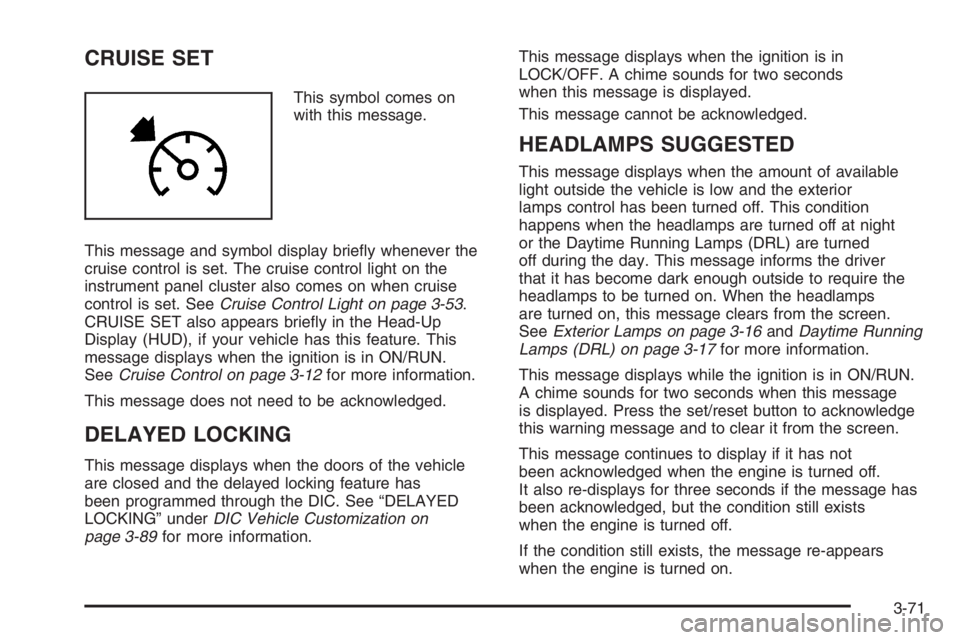
CRUISE SET
This symbol comes on
with this message.
This message and symbol display briey whenever the
cruise control is set. The cruise control light on the
instrument panel cluster also comes on when cruise
control is set. SeeCruise Control Light on page 3-53.
CRUISE SET also appears briey in the Head-Up
Display (HUD), if your vehicle has this feature. This
message displays when the ignition is in ON/RUN.
SeeCruise Control on page 3-12for more information.
This message does not need to be acknowledged.
DELAYED LOCKING
This message displays when the doors of the vehicle
are closed and the delayed locking feature has
been programmed through the DIC. See “DELAYED
LOCKING” underDIC Vehicle Customization on
page 3-89for more information.This message displays when the ignition is in
LOCK/OFF. A chime sounds for two seconds
when this message is displayed.
This message cannot be acknowledged.
HEADLAMPS SUGGESTED
This message displays when the amount of available
light outside the vehicle is low and the exterior
lamps control has been turned off. This condition
happens when the headlamps are turned off at night
or the Daytime Running Lamps (DRL) are turned
off during the day. This message informs the driver
that it has become dark enough outside to require the
headlamps to be turned on. When the headlamps
are turned on, this message clears from the screen.
SeeExterior Lamps on page 3-16andDaytime Running
Lamps (DRL) on page 3-17for more information.
This message displays while the ignition is in ON/RUN.
A chime sounds for two seconds when this message
is displayed. Press the set/reset button to acknowledge
this warning message and to clear it from the screen.
This message continues to display if it has not
been acknowledged when the engine is turned off.
It also re-displays for three seconds if the message has
been acknowledged, but the condition still exists
when the engine is turned off.
If the condition still exists, the message re-appears
when the engine is turned on.
3-71
Page 188 of 450
HOT COOLANT
Notice:If the HOT COOLANT warning message
appears on the DIC display, stop the vehicle as soon
as possible. Do not increase the engine speed
above normal idling speed. Severe engine damage
can result from driving a vehicle with an overheated
engine. SeeEngine Overheating on page 5-27for
more information.
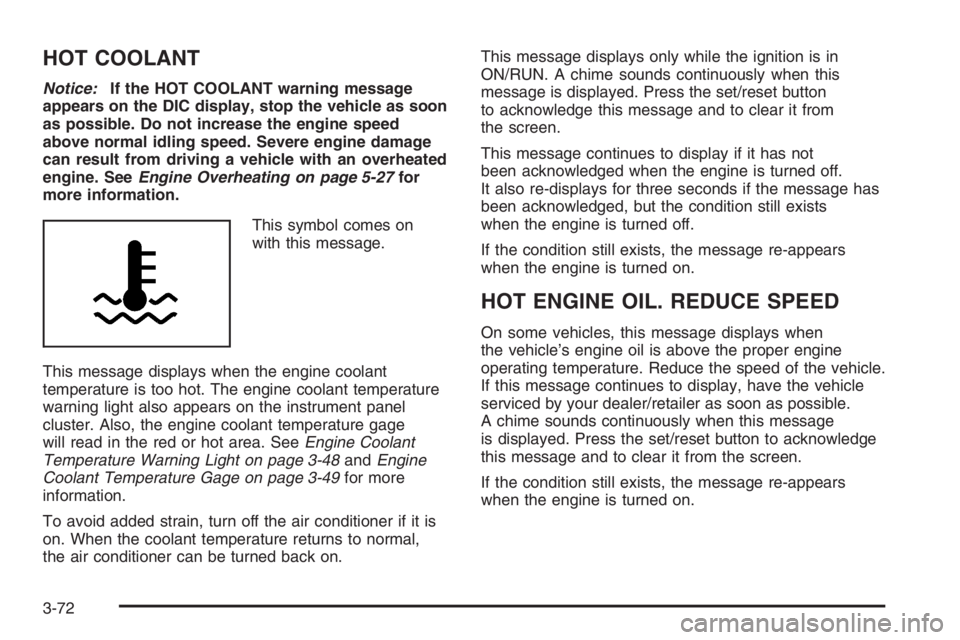
This symbol comes on
with this message.
This message displays when the engine coolant
temperature is too hot. The engine coolant temperature
warning light also appears on the instrument panel
cluster. Also, the engine coolant temperature gage
will read in the red or hot area. SeeEngine Coolant
Temperature Warning Light on page 3-48andEngine
Coolant Temperature Gage on page 3-49for more
information.
To avoid added strain, turn off the air conditioner if it is
on. When the coolant temperature returns to normal,
the air conditioner can be turned back on.This message displays only while the ignition is in
ON/RUN. A chime sounds continuously when this
message is displayed. Press the set/reset button
to acknowledge this message and to clear it from
the screen.
This message continues to display if it has not
been acknowledged when the engine is turned off.
It also re-displays for three seconds if the message has
been acknowledged, but the condition still exists
when the engine is turned off.
If the condition still exists, the message re-appears
when the engine is turned on.
HOT ENGINE OIL. REDUCE SPEED
On some vehicles, this message displays when
the vehicle’s engine oil is above the proper engine
operating temperature. Reduce the speed of the vehicle.
If this message continues to display, have the vehicle
serviced by your dealer/retailer as soon as possible.
A chime sounds continuously when this message
is displayed. Press the set/reset button to acknowledge
this message and to clear it from the screen.
If the condition still exists, the message re-appears
when the engine is turned on.
3-72
Page 191 of 450
LOW BRAKE FLUID
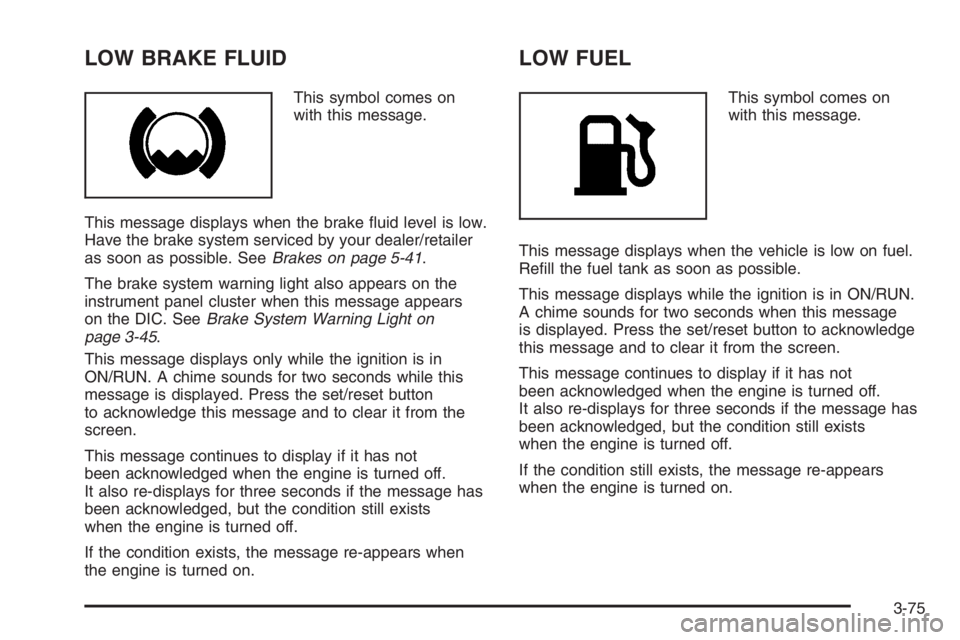
This symbol comes on
with this message.
This message displays when the brake uid level is low.
Have the brake system serviced by your dealer/retailer
as soon as possible. SeeBrakes on page 5-41.
The brake system warning light also appears on the
instrument panel cluster when this message appears
on the DIC. SeeBrake System Warning Light on
page 3-45.
This message displays only while the ignition is in
ON/RUN. A chime sounds for two seconds while this
message is displayed. Press the set/reset button
to acknowledge this message and to clear it from the
screen.
This message continues to display if it has not
been acknowledged when the engine is turned off.
It also re-displays for three seconds if the message has
been acknowledged, but the condition still exists
when the engine is turned off.
If the condition exists, the message re-appears when
the engine is turned on.
LOW FUEL
This symbol comes on
with this message.
This message displays when the vehicle is low on fuel.
Rell the fuel tank as soon as possible.
This message displays while the ignition is in ON/RUN.
A chime sounds for two seconds when this message
is displayed. Press the set/reset button to acknowledge
this message and to clear it from the screen.
This message continues to display if it has not
been acknowledged when the engine is turned off.
It also re-displays for three seconds if the message has
been acknowledged, but the condition still exists
when the engine is turned off.
If the condition still exists, the message re-appears
when the engine is turned on.
3-75
Page 192 of 450
LOW OIL LEVEL
On some vehicles, this message displays when the
vehicle’s engine oil is low.
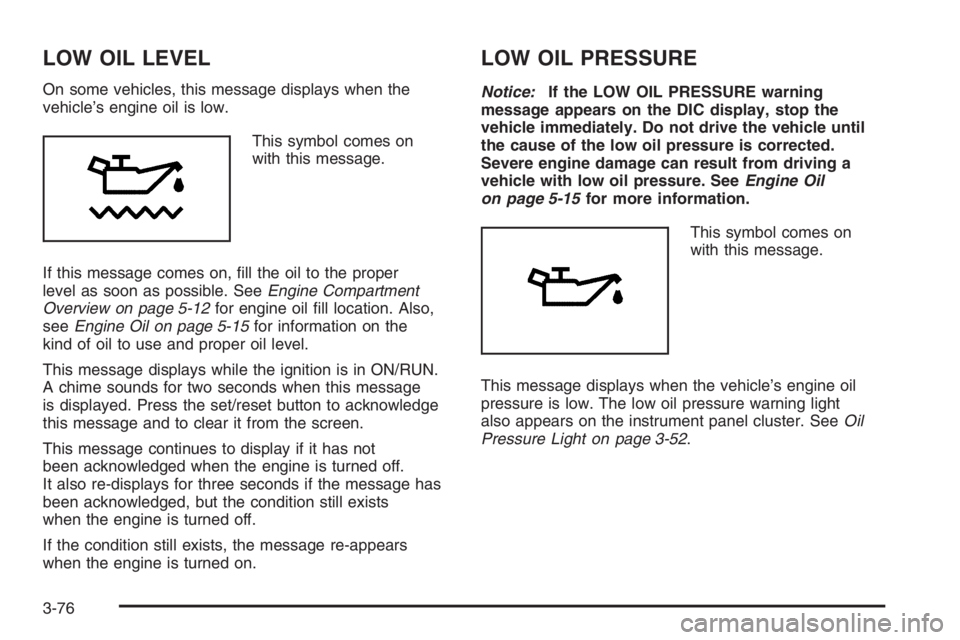
This symbol comes on
with this message.
If this message comes on, ll the oil to the proper
level as soon as possible. SeeEngine Compartment
Overview on page 5-12for engine oil ll location. Also,
seeEngine Oil on page 5-15for information on the
kind of oil to use and proper oil level.
This message displays while the ignition is in ON/RUN.
A chime sounds for two seconds when this message
is displayed. Press the set/reset button to acknowledge
this message and to clear it from the screen.
This message continues to display if it has not
been acknowledged when the engine is turned off.
It also re-displays for three seconds if the message has
been acknowledged, but the condition still exists
when the engine is turned off.
If the condition still exists, the message re-appears
when the engine is turned on.
LOW OIL PRESSURE
Notice:If the LOW OIL PRESSURE warning
message appears on the DIC display, stop the
vehicle immediately. Do not drive the vehicle until
the cause of the low oil pressure is corrected.
Severe engine damage can result from driving a
vehicle with low oil pressure. SeeEngine Oil
on page 5-15for more information.
This symbol comes on
with this message.
This message displays when the vehicle’s engine oil
pressure is low. The low oil pressure warning light
also appears on the instrument panel cluster. SeeOil
Pressure Light on page 3-52.
3-76
Page 194 of 450
PARKING BRAKE ON
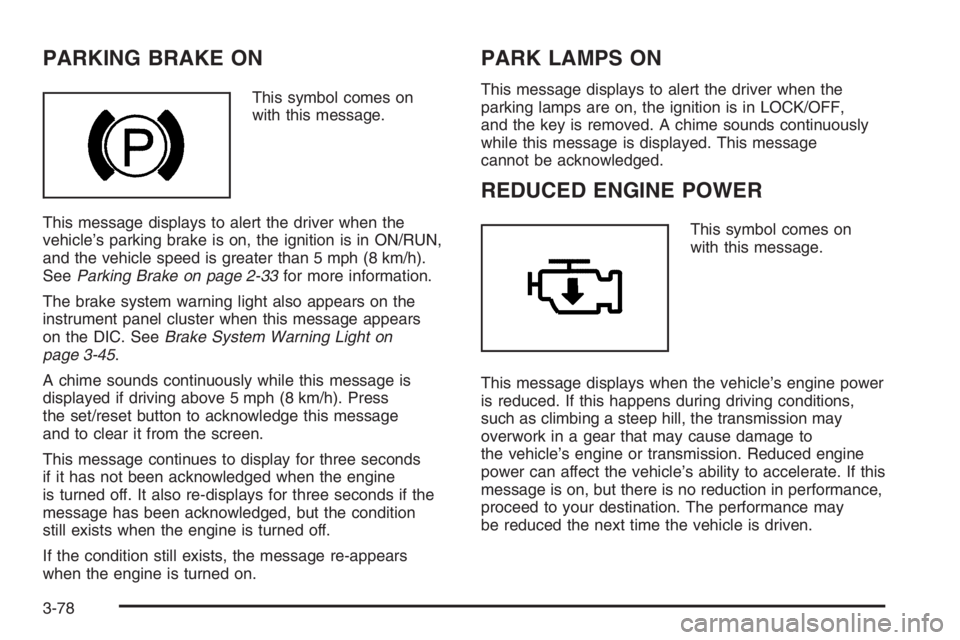
This symbol comes on
with this message.
This message displays to alert the driver when the
vehicle’s parking brake is on, the ignition is in ON/RUN,
and the vehicle speed is greater than 5 mph (8 km/h).
SeeParking Brake on page 2-33for more information.
The brake system warning light also appears on the
instrument panel cluster when this message appears
on the DIC. SeeBrake System Warning Light on
page 3-45.
A chime sounds continuously while this message is
displayed if driving above 5 mph (8 km/h). Press
the set/reset button to acknowledge this message
and to clear it from the screen.
This message continues to display for three seconds
if it has not been acknowledged when the engine
is turned off. It also re-displays for three seconds if the
message has been acknowledged, but the condition
still exists when the engine is turned off.
If the condition still exists, the message re-appears
when the engine is turned on.
PARK LAMPS ON
This message displays to alert the driver when the
parking lamps are on, the ignition is in LOCK/OFF,
and the key is removed. A chime sounds continuously
while this message is displayed. This message
cannot be acknowledged.
REDUCED ENGINE POWER
This symbol comes on
with this message.
This message displays when the vehicle’s engine power
is reduced. If this happens during driving conditions,
such as climbing a steep hill, the transmission may
overwork in a gear that may cause damage to
the vehicle’s engine or transmission. Reduced engine
power can affect the vehicle’s ability to accelerate. If this
message is on, but there is no reduction in performance,
proceed to your destination. The performance may
be reduced the next time the vehicle is driven.
3-78
Page 199 of 450
SERVICE STABILITY SYSTEM
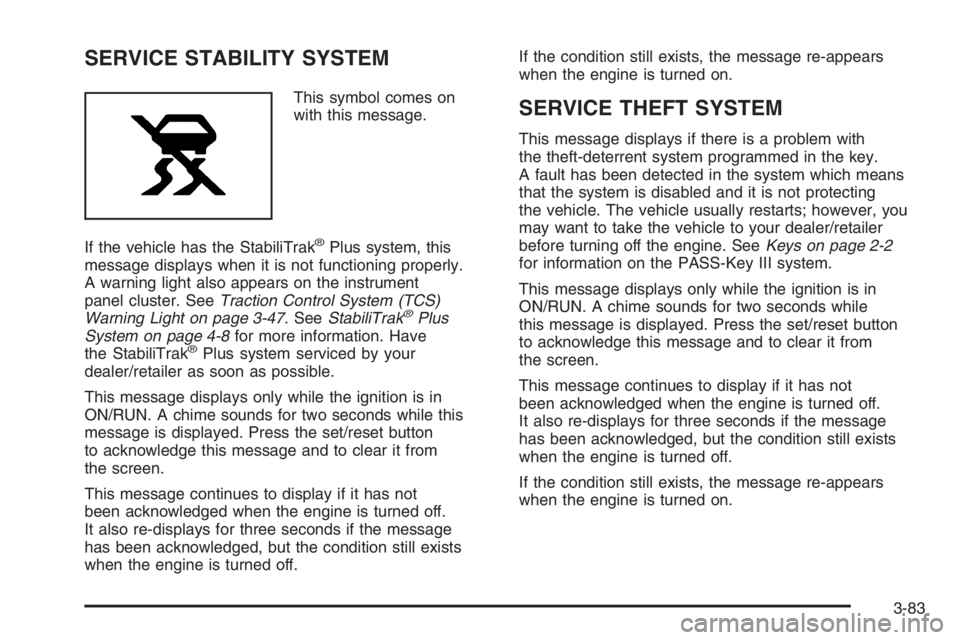
This symbol comes on
with this message.
If the vehicle has the StabiliTrak
®Plus system, this
message displays when it is not functioning properly.
A warning light also appears on the instrument
panel cluster. SeeTraction Control System (TCS)
Warning Light on page 3-47. SeeStabiliTrak
®Plus
System on page 4-8for more information. Have
the StabiliTrak
®Plus system serviced by your
dealer/retailer as soon as possible.
This message displays only while the ignition is in
ON/RUN. A chime sounds for two seconds while this
message is displayed. Press the set/reset button
to acknowledge this message and to clear it from
the screen.
This message continues to display if it has not
been acknowledged when the engine is turned off.
It also re-displays for three seconds if the message
has been acknowledged, but the condition still exists
when the engine is turned off.If the condition still exists, the message re-appears
when the engine is turned on.
SERVICE THEFT SYSTEM
This message displays if there is a problem with
the theft-deterrent system programmed in the key.
A fault has been detected in the system which means
that the system is disabled and it is not protecting
the vehicle. The vehicle usually restarts; however, you
may want to take the vehicle to your dealer/retailer
before turning off the engine. SeeKeys on page 2-2
for information on the PASS-Key III system.
This message displays only while the ignition is in
ON/RUN. A chime sounds for two seconds while
this message is displayed. Press the set/reset button
to acknowledge this message and to clear it from
the screen.
This message continues to display if it has not
been acknowledged when the engine is turned off.
It also re-displays for three seconds if the message
has been acknowledged, but the condition still exists
when the engine is turned off.
If the condition still exists, the message re-appears
when the engine is turned on.
3-83