light PONTIAC GRAND PRIX 2008 Manual PDF
[x] Cancel search | Manufacturer: PONTIAC, Model Year: 2008, Model line: GRAND PRIX, Model: PONTIAC GRAND PRIX 2008Pages: 450, PDF Size: 2.64 MB
Page 200 of 450
SERVICE TIRE MONITOR SYSTEM
This message displays if a part on the Tire Pressure
Monitor System (TPMS) is not working properly. The tire
pressure light also ashes and then remains on during
the same ignition cycle. SeeTire Pressure Light on
page 3-49. Several conditions may cause this message
to appear. SeeTire Pressure Monitor Operation on
page 5-72for more information. If the warning comes on
and stays on, there may be a problem with the TPMS.
See your dealer/retailer.
This message displays only while the ignition is in
ON/RUN. Press the set/reset button to acknowledge
this message and to clear it from the screen.
This message continues to display if it has not
been acknowledged when the engine is turned off.
It also re-displays for three seconds if the message
has been acknowledged, but the condition still exists
when the engine is turned off.
If the condition still exists, the message re-appears
when the engine is turned on.
SERVICE TRACTION SYSTEM
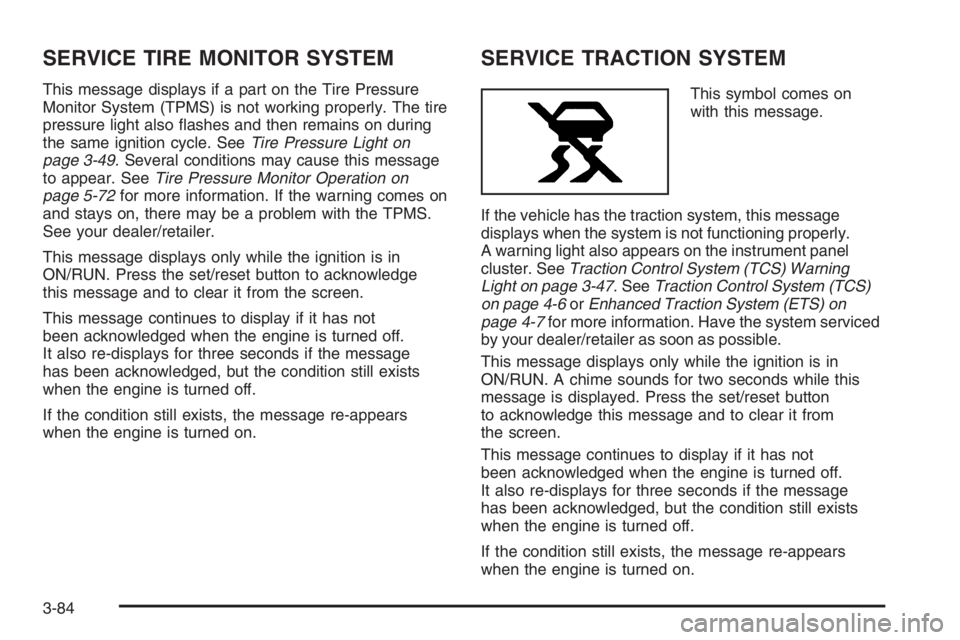
This symbol comes on
with this message.
If the vehicle has the traction system, this message
displays when the system is not functioning properly.
A warning light also appears on the instrument panel
cluster. SeeTraction Control System (TCS) Warning
Light on page 3-47. SeeTraction Control System (TCS)
on page 4-6orEnhanced Traction System (ETS) on
page 4-7for more information. Have the system serviced
by your dealer/retailer as soon as possible.
This message displays only while the ignition is in
ON/RUN. A chime sounds for two seconds while this
message is displayed. Press the set/reset button
to acknowledge this message and to clear it from
the screen.
This message continues to display if it has not
been acknowledged when the engine is turned off.
It also re-displays for three seconds if the message
has been acknowledged, but the condition still exists
when the engine is turned off.
If the condition still exists, the message re-appears
when the engine is turned on.
3-84
Page 202 of 450
STABILITY CONTROL ACTIVE
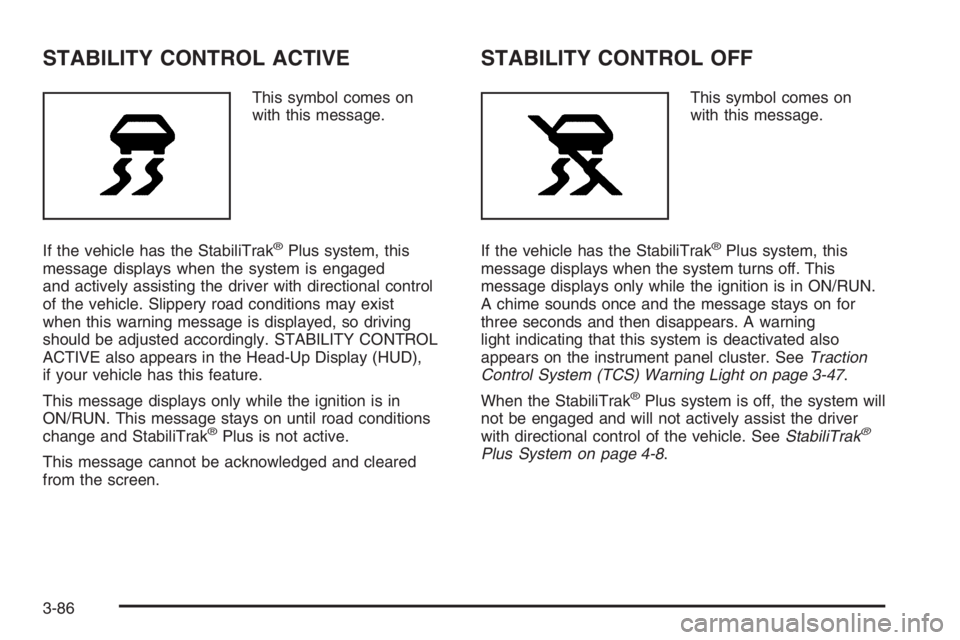
This symbol comes on
with this message.
If the vehicle has the StabiliTrak
®Plus system, this
message displays when the system is engaged
and actively assisting the driver with directional control
of the vehicle. Slippery road conditions may exist
when this warning message is displayed, so driving
should be adjusted accordingly. STABILITY CONTROL
ACTIVE also appears in the Head-Up Display (HUD),
if your vehicle has this feature.
This message displays only while the ignition is in
ON/RUN. This message stays on until road conditions
change and StabiliTrak
®Plus is not active.
This message cannot be acknowledged and cleared
from the screen.
STABILITY CONTROL OFF
This symbol comes on
with this message.
If the vehicle has the StabiliTrak
®Plus system, this
message displays when the system turns off. This
message displays only while the ignition is in ON/RUN.
A chime sounds once and the message stays on for
three seconds and then disappears. A warning
light indicating that this system is deactivated also
appears on the instrument panel cluster. SeeTraction
Control System (TCS) Warning Light on page 3-47.
When the StabiliTrak
®Plus system is off, the system will
not be engaged and will not actively assist the driver
with directional control of the vehicle. SeeStabiliTrak
®
Plus System on page 4-8.
3-86
Page 204 of 450
TRACTION CONTROL OFF
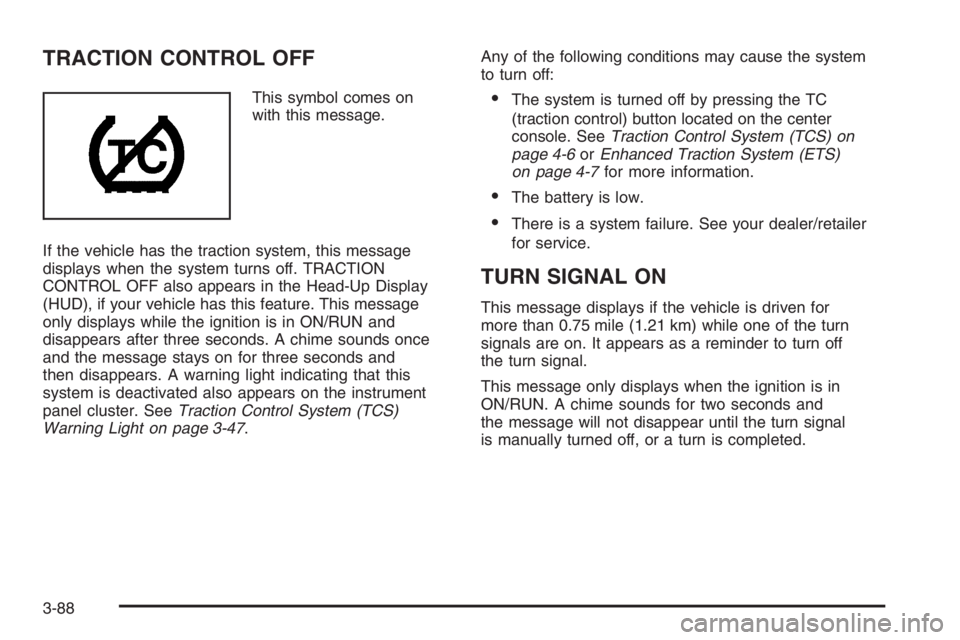
This symbol comes on
with this message.
If the vehicle has the traction system, this message
displays when the system turns off. TRACTION
CONTROL OFF also appears in the Head-Up Display
(HUD), if your vehicle has this feature. This message
only displays while the ignition is in ON/RUN and
disappears after three seconds. A chime sounds once
and the message stays on for three seconds and
then disappears. A warning light indicating that this
system is deactivated also appears on the instrument
panel cluster. SeeTraction Control System (TCS)
Warning Light on page 3-47.Any of the following conditions may cause the system
to turn off:The system is turned off by pressing the TC
(traction control) button located on the center
console. SeeTraction Control System (TCS) on
page 4-6orEnhanced Traction System (ETS)
on page 4-7for more information.
The battery is low.
There is a system failure. See your dealer/retailer
for service.
TURN SIGNAL ON
This message displays if the vehicle is driven for
more than 0.75 mile (1.21 km) while one of the turn
signals are on. It appears as a reminder to turn off
the turn signal.
This message only displays when the ignition is in
ON/RUN. A chime sounds for two seconds and
the message will not disappear until the turn signal
is manually turned off, or a turn is completed.
3-88
Page 205 of 450
DIC Vehicle Customization
Your vehicle may have customization capabilities that
allow you to program certain features to one preferred
setting. Customization features can only be programmed
to one setting on the vehicle and cannot be programmed
to a preferred setting for two different drivers.
All of the customization options may not be available on
your vehicle. Only the options available will be displayed
on the DIC.
The default settings for the customization features were
set when your vehicle left the factory, but may have
been changed from their default state since then. The
customization preferences are automatically recalled.
To change customization preferences, use the
following procedure.
Entering the Personal Programming Mode
1. Turn the ignition on and make sure the vehicle
is in PARK (P).
To avoid excessive drain on the battery, it is
recommended that the headlamps are turned off.
2. Press the options button until PERSONAL
PROGRAMMING MODE appears on the DIC.3. Press the set/reset button to display the
rst screen.
4. Press the options button to access these modes:
Personal Programming Mode Screens
EXTERIOR LIGHTING DELAY:This screen allows
this feature to be turned off, or allows the selection of the
number of seconds the exterior lamps are turned on
after the key is removed from the ignition, or the vehicle
is unlocked using the Remote Keyless Entry (RKE)
transmitter.
If OFF is selected, the exterior lamps will not turn on.
If a time delay is chosen, the lamps will turn on for
the selected time. The time delay will be cancelled
and the exterior lamps will turn on automatically when
the key is removed from the ignition, or the vehicle
is unlocked using the RKE transmitter.
To program this mode:
1. Press and release the set/reset button to scroll to
the selection you want to program. Choose from
OFF, 15, 30, 60, or 90 seconds.
2. Press the options button again to advance to the
next screen.
3-89
Page 206 of 450
INTERIOR LIGHTS WHEN DOOR CLOSED:This
screen allows this feature to be turned OFF or ON.
If OFF is selected, the interior lamps will turn off
immediately when the ignition is turned off and the
last open door is closed.
If ON is selected, the interior lamps will stay on for
about 25 seconds after the vehicle’s ignition is turned
off and the last open door is closed.
To program this mode:
1. Press and release the set/reset button to scroll to
either OFF or ON.
2. Press the options button again to advance to the
next screen.
INTERIOR LIGHTS WHEN KEY REMOVED:This
screen allows this feature to be turned OFF or ON.
This feature enables the interior lamps in the vehicle to
turn on for about 25 seconds after the key is removed
from the ignition.
If OFF is selected, removing the key from the ignition
will not cause the interior lamps to turn on.
If ON is selected, removing the key from the ignition will
cause the interior lamps to be turned on for about
25 seconds.To program this mode:
1. Press and release the set/reset button to scroll to
either OFF or ON.
2. Press the options button again to advance to the
next screen.
AUTO DOOR UNLOCK:This screen allows this feature
to be turned off, used for the driver’s door only, or for
all the doors.
If OFF is selected, none of the doors will unlock when
the vehicle is shifted into PARK (P).
If DRIVER is selected, only the driver’s door will unlock
when the vehicle is shifted into PARK (P).
If ALL is selected, all the doors will unlock when the
vehicle is shifted into PARK (P).
To program this mode:
1. Press and release the set/reset button to scroll to
either OFF, DRIVER, or ALL.
2. Press the options button again to advance to the
next screen.
3-90
Page 207 of 450
AUTO DOOR UNLOCK ON:If DRIVER or ALL was
selected on the AUTO DOOR UNLOCK screen, this
screen allows selection of when the vehicle’s doors will
unlock. The choices are when the key is removed from
the ignition or when the vehicle is shifted into PARK (P).
If KEY-OUT is selected, the auto door unlock will function
when the key is taken out of the ignition.
If PARK is selected, the auto door unlock will function
when the vehicle is shifted into PARK (P).
To program this mode:
1. Press and release the set/reset button to scroll to
either KEY-OUT or PARK.
2. Press the options button again to advance to the
next screen.
DELAYED LOCKING:This screen allows this feature
to be turned OFF or ON. The key must be out of
the ignition for this feature to work.
If OFF is selected, there will be no delayed locking of
the vehicle’s doors.
If ON is selected, the locking of the vehicle’s doors will
be delayed by ve seconds after a power door lock
switch is pressed while the door is open, or the LOCK
button on the RKE transmitter is pressed while any
door is open.To program this mode:
1. Press and release the set/reset button to scroll to
either OFF or ON.
2. Press the options button again to advance to the
next screen.
REMOTE LOCKS FEEDBACK:This screen allows
selection for this option to be turned OFF, or gives the
choice of two methods of verication; LIGHTS or
LIGHTS and HORN; that indicate the vehicle’s doors
are locked when the LOCK button on the RKE
transmitter is pressed.
If OFF is selected, this feature will not be programmed.
If LIGHTS is selected, the exterior lamps will ash when
the LOCK button on the RKE transmitter is pressed.
If LIGHTS and HORN is selected, the exterior lamps will
ash when the LOCK button on the RKE transmitter is
pressed, and the horn will sound when the LOCK button
on the RKE transmitter is pressed again within ve
seconds of the previous command.
To program this mode:
1. Press the set/reset button to scroll to OFF, LIGHTS,
or LIGHTS and HORN.
2. Press the options button again to advance to the
next screen.
3-91
Page 214 of 450
To scan preset stations, press and hold either SCAN
arrow for more than four seconds until PSCAN or
PRESET SCAN and the preset number displays and a
double beep sounds. The radio goes to the rst
preset station, plays for a few seconds, then goes to the
next preset station. Press either SCAN arrow again to
stop scanning presets.
The radio scans stations only with a strong signal that
are in the selected band.
Setting Preset Stations
Up to 30 stations (six FM1, six FM2, and six AM,
six XM1 and six XM2 (if equipped)), can be programmed
on the six numbered pushbuttons, by performing the
following steps:
1. Turn the radio on.
2. Press BAND to select FM1, FM2, AM, or XM1
or XM2.
3. Tune in the desired station.
4. Press EQ, or depending on the radio, AUTO EQ,
to select the equalization.
5. Press and hold one of the six numbered
pushbuttons until a beep sounds. When that
numbered pushbutton is pressed, the station that
was set returns and the equalization that was
selected is stored for that pushbutton.
6. Repeat the steps for each pushbutton.
Setting the Tone
(Bass/Midrange/Treble)
TONE:Press and release the TONE button until BASS,
MID (midrange), or TREB (treble) displays. The
SELECT LED indicator lights to show that the tone
control can be adjusted. Turn the SELECT knob
to increase or to decrease. If a station is weak or has
static, decrease the treble.
To return all of the tone controls to the middle position,
press and hold the TONE button until FLAT displays.
AUDIO (Radio with Six-Disc CD Player):Push
the AUDIO knob until BASS, MID (midrange), or
TREB (treble) displays. Turn the knob to increase
or to decrease. If a station is weak or noisy, decrease
the treble.
To adjust bass, midrange, or treble to the middle
position, select BASS, MID, or TREB and push and
hold the AUDIO knob. The display level adjusts to the
middle position and a beep sounds.
To adjust all tone and speaker controls to the middle
position, push and hold the AUDIO knob when no tone
or speaker control is displayed. CENTERED displays
and one beep sounds.
3-98
Page 215 of 450
EQ or AUTO EQ (Equalization):Press this button to
select customized equalization settings.
Up to six customized equalization settings, can be
programmed on the six numbered pushbuttons,
by performing the following steps:
1. Turn the radio on.
2. Use the TONE button and the SELECT knob to
create the desired equalization.
3. Press and hold the EQ or AUTO EQ button for
two seconds. SELECT EQ # displays and the
EQ symbol ashes.
4. Press EQ or turn the SELECT knob to select the
desired EQ number.
5. Press and hold the EQ or AUTO EQ button or push
the SELECT knob to store the equalization setting
and the number. A beep sounds and EQ SAVED
displays.
6. Repeat the steps for the other EQ settings and
numbers.
EQ 5 has been programmed at the factory for use with
talk radio, but it can be set to a different tone.Adjusting the Speakers (Balance/Fade)
BAL (Balance):Press this button until BAL displays,
to adjust the balance between the right and the left
speakers. The SELECT LED indicator lights to show
that the speakers can be adjusted. Turn the SELECT
knob to move the sound toward the right or the left
speakers.
FADE:Press this button until FADE displays, to adjust
the fade between the front and the rear speakers.
The SELECT LED indicator lights to show that the
speakers can be adjusted. Turn the SELECT knob to
move the sound toward the front or the rear speakers.
Press and hold the BAL FADE button for two seconds
to return all speaker settings to the middle position.
AUDIO (Radio with Six-Disc CD Player):Push
the AUDIO knob until BAL (balance) displays, to adjust
the balance between the right and the left speakers.
Turn the knob to move the sound toward the right or
the left speakers.
To adjust the fade between the front and rear
speakers, push and hold the AUDIO knob until FAD
(fade) displays. Turn the knob to move the sound
toward the front or the rear speakers.
To adjust the balance and the fade to the middle
position, select balance or fade and push and hold
the AUDIO knob. The display level adjusts to the
middle position and a beep sounds.
3-99
Page 219 of 450
Radio Messages for XM™ Only
SeeXM Radio Messages on page 3-114later in
this section for further detail.
Playing a CD
Radio with CD (Base)
Insert a CD partway into the slot, label side up. The
player pulls it in and the CD should begin playing. If you
want to insert a CD when the ignition is off, rst press
the eject button or push the RCL knob. If you insert a CD
with the radio off and the ignition on, it starts to play.
Radio with CD (MP3)
Insert a CD partway into the slot, label side up. The
player pulls it in and READING DISC and the CD symbol
appears on the display. If you want to insert a CD
with the ignition off, rst press the EJECT button or
push the RCL knob.
When a CD is inserted, the CD symbol appears on
the display. As each new track starts to play, the track
number appears on the display.
If the ignition or radio is turned off with a CD in the
player it stays in the player. When the ignition or radio
is turned on, the CD starts to play where it stopped,
if it was the last selected audio source.For vehicles that have a radio with a Six-Disc CD
player, see the following:
LOAD / CD
Z:Press the LOAD side of this button to
load CDs into the CD player. This CD player holds up
to six CDs.
To insert one CD, do the following:
1. Turn the ignition on.
2. Press and release the LOAD button.
3. Wait for the indicator light, located to the right of
the slot, to turn green.
4. Load a CD. Insert the CD partway into the slot,
label side up. The player pulls the CD in.
To insert multiple CDs, do the following:
1. Turn the ignition on.
2. Press and hold the LOAD button for two seconds.
A beep sounds and the indicator light, located to
the right of the slot, begins to ash.
3. Once the light stops ashing and turns green, load
a CD. Insert the CD partway into the slot, label side
up. The player pulls the CD in.
Once the CD is loaded, the light begins ashing
again. Once the light stops ashing and turns green
you can load another CD. The CD player takes
up to six CDs. Do not try to load more than six.
3-103
Page 220 of 450
To load more than one CD but less than six, complete
Steps 1 through 3. When nished loading CDs, the
radio begins to play the last CD loaded.
If more than one CD has been loaded, a number for
each CD displays.
Playing a Specic Loaded CD
For every CD loaded, a number appears on the display.
To play a specic CD, rst press the CD AUX button,
then press the numbered pushbutton that corresponds to
the CD. A small bar appears under the CD number
that is playing and the track number displays.
If an error appears on the display, see “CD Messages”
later in this section.
LOAD/CD
Z(Eject):Press the CD eject side of this
button to eject a CD(s). A beep sounds and the indicator
light ashes to indicate when a CD is being ejected.
REMOVE CD displays. The CD can be removed.
If the CD is not removed, after 25 seconds, the CD is
automatically pulled back into the player. If the CD is
pushed back into the player, before the 25 second time
period is complete, the player senses an error and tries
to eject the CD several times before stopping.Do not repeatedly press the CD eject button to eject a CD
after trying to push it in manually. The player’s 25-second
eject timer resets at each press of eject, causing the
player to not eject the CD until the 25-second time period
has elapsed.
Once the player stops and the CD is ejected, remove the
CD. After removing the CD, push the PWR knob off and
then on again, or wait for the system to reset. This clears
the CD-sensing feature and enables CDs to be loaded
into the player again.
\1 (Forward) or FWD|(Forward):Depending
on the radio that your vehicle has, the reverse arrows
will look different, but they function the same. Press
and hold this button to advance quickly within a track.
Sound is heard at a reduced volume. Release this
pushbutton to play the passage. The elapsed time of
the track displays.
RPT (Repeat):For the Radio with Six-Disc CD player,
use this feature to repeat one track or an entire CD.
To use repeat, do the following:
To repeat the track you are listening to, press and
release the RPT button. RPT displays. Press RPT
again to turn off repeat play.
To repeat the CD you are listening to, press and hold
the RPT button for two seconds. RPT displays. Press
RPT again to turn off repeat play.
3-104