radio PONTIAC GTO 2004 Owners Manual
[x] Cancel search | Manufacturer: PONTIAC, Model Year: 2004, Model line: GTO, Model: PONTIAC GTO 2004Pages: 326, PDF Size: 2.24 MB
Page 63 of 326

The main key can be used
for the ignition, as well as
all locks, except for the
glovebox.
There is another key that
locks and unlocks the
glovebox.This key can usually be kept in the unlocked glovebox.
Then, when leaving your vehicle and master key
with a car park attendant, you can lock valuables in the
glovebox and take the glovebox key with you.
When a new key is delivered, it will come with a bar
coded tag attached to the key ring. Keep the bar code
tag that came with the original keys. Give this tag
to your dealer if you need a new key made.
The vehicle comes with a security card that lists various
security numbers for your vehicle, including key
numbers, and the radio PIN. Please keep the card in a
safe place, away from your vehicle.
If a replacement key is needed, you will have to go to
the dealership and make a request. If a key is lost, your
vehicle will have to be towed to a dealer to receive a
new key.
In an emergency, contact Pontiac Roadside Assistance.
SeeRoadside Assistance Program on page 7-5for
more information.
Notice:If you ever lock your keys in your vehicle,
you may have to damage the vehicle to get in.
Be sure you have spare keys.
2-3
Page 64 of 326

Remote Keyless Entry System
Your keyless entry system operates on a radio
frequency subject to Federal Communications
Commission (FCC) Rules.
This device complies with Part 15 of the FCC Rules.
Operation is subject to the following two conditions:
1. This device may not cause interference, and
2. This device must accept any interference received,
including interference that may cause undesired
operation of the device.
Changes or modifications to this system by other than
an authorized service facility could void authorization to
use this equipment.At times you may notice a decrease in range. This is
normal for any remote keyless entry system. If the
transmitter does not work or if you have to stand closer
to your vehicle for the transmitter to work, try this:
•Check the distance. You may be too far from your
vehicle. You may need to stand closer during
rainy or snowy weather.
•Check the location. Other vehicles or objects may
be blocking the signal. Take a few steps to the
left or right, hold the transmitter higher, and
try again.
•Check to determine if battery replacement is
necessary. See “Battery Replacement” under
Remote Keyless Entry System Operation on
page 2-5.
•If you are still having trouble, see your dealer or a
qualified technician for service.
2-4
Page 77 of 326

Retained Accessory Power (RAP)
Your vehicle is equipped with a Retained Accessory
Power (RAP) feature which will allow the radio to
continue to work for one hour after the ignition is turned
to OFF. The windows will also be accessible for
15 minutes or until either door is opened.
Starting Your Engine
Automatic Transmission
Move your shift lever to PARK (P) or NEUTRAL (N).
Your engine won’t start in any other position – that’s a
safety feature. To restart when you’re already moving,
use NEUTRAL (N) only.
Notice:Do not try to shift to PARK (P) if your
vehicle is moving. If you do, you could damage the
transmission. Shift to PARK (P) only when your
vehicle is stopped.
Manual Transmission
The shift lever should be in neutral and the parking
brake engaged. Hold the clutch pedal to the floor and
start the engine. Your vehicle won’t start if the clutch
pedal is not all the way down – that’s a safety feature.
Starting Your Engine
1. With your foot off the accelerator pedal and the
parking brake firmly applied, turn your ignition
key to START. When the engine starts, let go of the
key. The idle speed will go down as your engine
gets warm.
Notice:Holding your key in START for longer than
15 seconds at a time will cause your battery to
be drained much sooner. And the excessive heat
can damage your starter motor. Wait about
15 seconds between each try to help avoid draining
your battery or damaging your starter.
2. If it doesn’t start, wait about 15 seconds and try
again to start the engine by turning the ignition
key to START. Wait about 15 seconds between
each try.
When your engine has run about 10 seconds to
warm up, your vehicle is ready to be driven. Don’t
run your engine at high speeds when it is cold.
If the weather is below freezing (32°F or 0°C), let
the engine run for a few minutes to warm up.
Notice:Your engine is designed to work with the
electronics in your vehicle. If you add electrical
parts or accessories, you could change the way the
engine operates. Before adding electrical equipment,
check with your dealer. If you do not, your engine
might not perform properly.
2-17
Page 92 of 326

Vehicle Personalization
Vehicle Personalization mode enables the driver to
customize some of the vehicle features using the trip
computer switch and instrument panel center display.
Only features that are equipped on the vehicle will
be displayed.
The following list shows features that can be reset or
customized.
•Restore To Factory Settings
•Underspeed Chime
•Distance To Arrival Display
•Arrival Default
•Trip Computer A and B
•Stop Watch
•Rest Reminder
•Digital Speedometer
•Radio Display
•Confirmation Beeps
•Speed Dependent Volume
•Audio Distortion Limiter
•Headlights Off Delay Time
•Headlights Approach Time
•Auto Headlights Sensitivity
•Courtesy Lamp Timeout
•Ignition Off Courtesy Lamp
•Two Stage Unlock
•Auto Lock In Drive (Automatic Transmission Only)
•Door Lock Indication
2-32
Page 95 of 326

RADIO DISPLAY
This option is used to enable or disable the audio
system display on the instrument panel. Detailed
information on the operation of the radio and CD is
provided in the audio section. Use the up or down
arrows to select On or Off. If On is selected, the Radio
display is activated, the default is On. Press the
MODE button to continue. SeeRadio with Six-Disc CD
on page 3-43. The default selection is On.
CONFIRMATION BEEPS
This option is used to enable or disable the audio
system confirmation beeps function. This function is
explained further in the audio section. The audio system
option level fitted to your vehicle determines the
menu choices available. Use the up or down arrows to
select ’On’ or Off, Beeps On, CD Load & Eject Only
or Beeps Off. If On is selected, the audio system
confirmation beeps function is activated, the default is
On. Press the MODE button to continue. SeeRadio
with Six-Disc CD on page 3-43. The default selection
is On.
SPEED DEPENDENT VOLUME
This option is used to enable or disable the audio
system speed dependent volume function. This function
is explained further in the audio section. Use the up
or down arrows to adjust the setting to Off, 1, 2, 3, 4 or
Max, the default is 2. Press the MODE button to
continue. SeeRadio with Six-Disc CD on page 3-43.
The default selection is 2.
AUDIO DISTORTION LIMITER
This option is used to enable or disable the audio
system distortion limiting function. This function is
explained further in the audio section. Use the up or
down arrows to select On or Off. If On is selected, the
audio distortion limiting function is activated, the
default is On. Press the MODE button to continue.
SeeRadio with Six-Disc CD on page 3-43. The default
selection is On.
2-35
Page 99 of 326
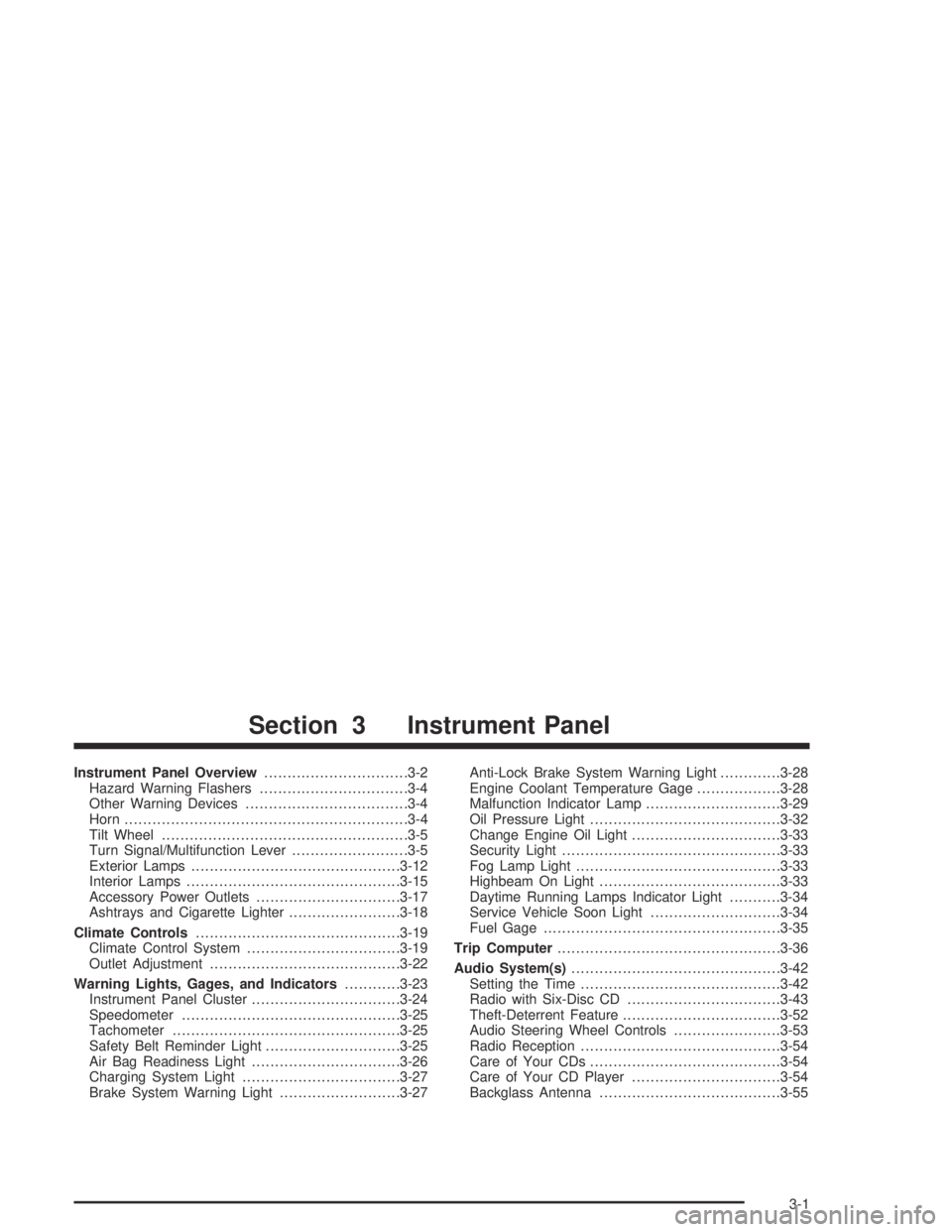
Instrument Panel Overview...............................3-2
Hazard Warning Flashers................................3-4
Other Warning Devices...................................3-4
Horn.............................................................3-4
Tilt Wheel.....................................................3-5
Turn Signal/Multifunction Lever.........................3-5
Exterior Lamps.............................................3-12
Interior Lamps..............................................3-15
Accessory Power Outlets...............................3-17
Ashtrays and Cigarette Lighter........................3-18
Climate Controls............................................3-19
Climate Control System.................................3-19
Outlet Adjustment.........................................3-22
Warning Lights, Gages, and Indicators............3-23
Instrument Panel Cluster................................3-24
Speedometer...............................................3-25
Tachometer.................................................3-25
Safety Belt Reminder Light.............................3-25
Air Bag Readiness Light................................3-26
Charging System Light..................................3-27
Brake System Warning Light..........................3-27Anti-Lock Brake System Warning Light.............3-28
Engine Coolant Temperature Gage..................3-28
Malfunction Indicator Lamp.............................3-29
Oil Pressure Light.........................................3-32
Change Engine Oil Light................................3-33
Security Light...............................................3-33
Fog Lamp Light............................................3-33
Highbeam On Light.......................................3-33
Daytime Running Lamps Indicator Light...........3-34
Service Vehicle Soon Light............................3-34
Fuel Gage...................................................3-35
Trip Computer................................................3-36
Audio System(s).............................................3-42
Setting the Time...........................................3-42
Radio with Six-Disc CD.................................3-43
Theft-Deterrent Feature..................................3-52
Audio Steering Wheel Controls.......................3-53
Radio Reception...........................................3-54
Care of Your CDs.........................................3-54
Care of Your CD Player................................3-54
Backglass Antenna.......................................3-55
Section 3 Instrument Panel
3-1
Page 111 of 326

When the DRL system is on, the taillamps, sidemarker
lamps, parking lamps, and instrument panel lights
will not be illuminated unless you have turned the
exterior lamps control to the parking lamp or headlamp
position.
The DRL system will remain off any time your vehicle is
in PARK (P) or the parking brake is engaged the first
time the ignition is turned on.
As with any vehicle, you should turn on the regular
headlamp system when you need it.
Automatic Headlamp System
When it is dark enough outside, your Automatic
Headlamp System will turn on your headlamps at the
normal brightness along with other lamps such as
the taillamps, sidemarker, parking lamps, and the
instrument panel lights. The radio lights will also be dim.
Your vehicle is equipped with a light sensor on the
top of the instrument panel under the defroster
grill. Make sure it is not covered, which will cause the
system to be on whenever the ignition is on.
The system may also be on when driving through a
parking garage, heavy overcast weather, or a tunnel.
This is normal.If you start your vehicle in a dark garage, the automatic
headlamp system will come on immediately.
As with any vehicle, you should turn on the regular
headlamps when you need them.
The headlamps can be set to come on at different
levels. The sensitivity can be adjusted to Early, Normal,
or Late. SeeVehicle Personalization on page 2-32.
Leaving the headlamps and parking lamps on when the
engine is not running will eventually drain the battery.
To prevent the battery from draining, the headlamp and
parking lamps will switch off when the ignition has
been switched off and the driver’s door is opened,
because the vehicle senses that the driver has forgotten
to switch off the lights. The lights stay off until the
ignition is again switched on, or the lights are turned
back on manually by the headlamp switch. The
headlamps can be set to automatically switch off after
you have locked the vehicle and walked away. To set or
adjust the time delay from when the driver’s door is
opened to when the lights automatically switch off, see
Vehicle Personalization on page 2-32. If you wish to
have the lights on when leaving the vehicle, wait
until they have been automatically switched off, then
turn the light switch first to off, then to parking lamps or
headlamps.
3-13
Page 112 of 326

Fog Lamps
The dial to the left of the steering wheel on the
instrument panel also controls the fog lamps.
-(Fog Lamp):When using the fog lamps, the
ignition must be on as well as the parking lamps or the
low-beam headlamps. If the high-beam headlamps
are activated or flashed, the fog lamps will turn off.
Pull the exterior lamp adjuster dial out to turn the fog
lamps on, and push the dial in to turn the fog lamps off.
The indicator light in the knob will come on when the
fog lamps are working.
Headlamps and Dimming Instructions
When the headlamps are switched on, the instrument
panel is automatically illuminated. Once illuminated, you
can adjust their brightness. Some illuminated areas
of the vehicle have been linked to the brightness control,
such as the trip computer, headlamp switch, radio,
etc. This means that the interior lights can be adjusted
to your preference. When the headlamps are turned
off and back on again, the brightness level reverts to the
last adjusted setting. SeeInterior Lamps on page 3-15
for more information.
Headlamps On When Approaching the
Vehicle
Your vehicle is designed to provide additional security,
when returning to the vehicle at night. When the
UNLOCK or LOCK button on the key is used, the car’s
exterior lights will come on for a preset time or until
the car is relocked. This feature only works if the
headlamp control is in the AUTO or headlamp positions.
To set or adjust the time the headlamps stay on after
the UNLOCK button has been pressed, seeVehicle
Personalization on page 2-32.
3-14
Page 114 of 326

Front Reading Lamps
Your vehicle has reading lamps located in the dome
lamp. The lamps can be turned on and off manually by
pressing the side of each reading lamp when the
doors are closed.
Trunk Lamp
The trunk lamp comes on when you open your trunk.
Battery Run-Down Protection
Your vehicle has a battery run-down protection feature
designed to protect your vehicle’s battery.
It will activate when there has been no electrical change
for one hour, nothing has been turned on or off, after
the ignition has been turned to ON or ACCESSORIES.
At this time, all the interior lamps will turn off: dome,
reading, glovebox, trunk.
The system is turned on if a door is opened, the vehicle
is unlocked, or the trunk is opened. Once the system
is turned on, the one hour battery protection time resets
to zero and the interior lamps will continue to operate
for another hour, or until the vehicle is locked.The interior lamp system will shut down 10 seconds
after your vehicle is locked using either the key or the
remote key locking system. However, if an interior lamp,
such as the dome lamp, has been turned on manually
and is on at the time the vehicle is locked, the
system will not shut down after the normal 10 seconds.
The one hour battery protection will be activated
instead.
The vehicle’s hazard lights will continue to operate at
all times.Accessory Control
If you want the accessories to operate once the key has
been removed from the ignition, you must turn the
system on by either manually starting an accessory,
such as turning the radio on again. This will activate a
one hour timer that will operate accessories such as
the radio, accessory power outlet, and windshield wipers
before turning off. These actions will reset the timer to
zero. Likewise, if an accessory such as the radio is
turned on at any time during the one hour period, the
timer is reset to zero and all accessories will continue to
operate for another hour. To enable accessory control
after the system has been reset, you must turn the
ignition on and then off again.
3-16
Page 125 of 326

Charging System Light
The charging system light
will come on when you
turn on the ignition,
until the engine is started,
as a check to show
you it is working.
When the engine is running, the light should go out.
If the light illuminates and the Check Alternator message
on the trip computer stays on, or comes on while you
are driving you may have a problem with the electrical
charging system. It could indicate that you have a loose
generator drive belt or another electrical problem.
Have it checked right away. Driving while this light is on
could drain your battery.
If you must drive a short distance with the light on, be
certain to turn off all your accessories, such as the radio
and air conditioner.
The Check Alternator message will remain until the
MODE button on the trip computer is pressed, but the
symbol will remain until the problem is fixed.
Brake System Warning Light
To check that the light is
working, the symbol is
displayed when the ignition
is first turned ON and
the park brake applied.
If the symbol illuminates and the Brake message
appears on the trip computer display while driving and
the park brake is released, a fault with the brakes is
indicated. You should immediately stop the car on the
side of the road as carefully as possible. Do not proceed
until satisfied that braking is possible or that the
cause of the problem has been fixed.
A warning will chime if you attempt to drive off without
releasing the park brake.
The Brake message will remain until the MODE button
on the trip computer is pressed, but the symbol will
remain until the problem is fixed.
3-27