reset PONTIAC PONTIAC 1995 Owners Manual
[x] Cancel search | Manufacturer: PONTIAC, Model Year: 1995, Model line: PONTIAC, Model: PONTIAC PONTIAC 1995Pages: 354, PDF Size: 17.27 MB
Page 91 of 354
Windshield Wipers
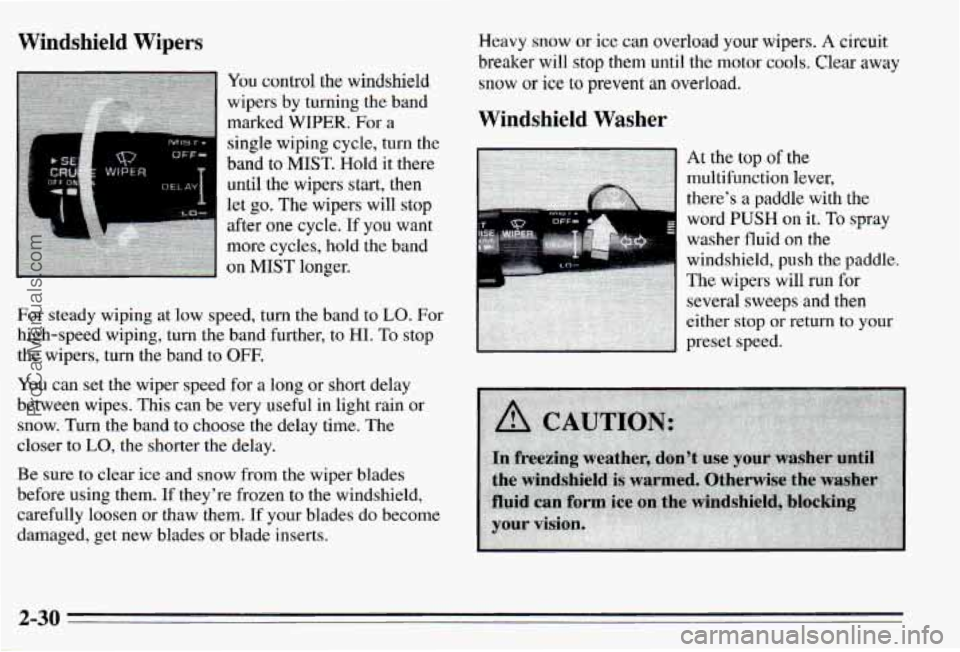
You control the windshield
wipers by turning the band
marked
WIPER. For a
single wiping cycle, turn the
band to MIST. Hold it there
until the wipers start, then
let
go. The wipers will stop
after one cycle. If you want
more cycles, hold the band
on
MIST longer.
For steady wiping at low speed, turn the band to
LO. For
high-speed wiping, turn the band further, to HI.
To stop
the wipers, turn the band
to OFF.
You can set the wiper speed for a long or short delay
between wipes. This can be very useful in light rain or
snow. Turn the band to choose the delay time. The
closer to
LO, the shorter the delay.
Be sure to clear ice and snow from the wiper blades
before using them. If they’re frozen to the windshield,
carefully loosen or thaw them.
If your blades do become
damaged, get new blades
or blade inserts. Heavy
snow or ice can overload your wipers. A circuit
breaker will stop them until the motor c001.s. Clear away
snow or ice to prevent an overload.
Windshield Washer
word PUSH on it. To spray
washer
fluid on the
windshield, push the paddle.
The wipers will
run for
several sweeps and then
either stop or return
to your
preset speed.
2-30
ProCarManuals.com
Page 93 of 354
To Set Cruise Control
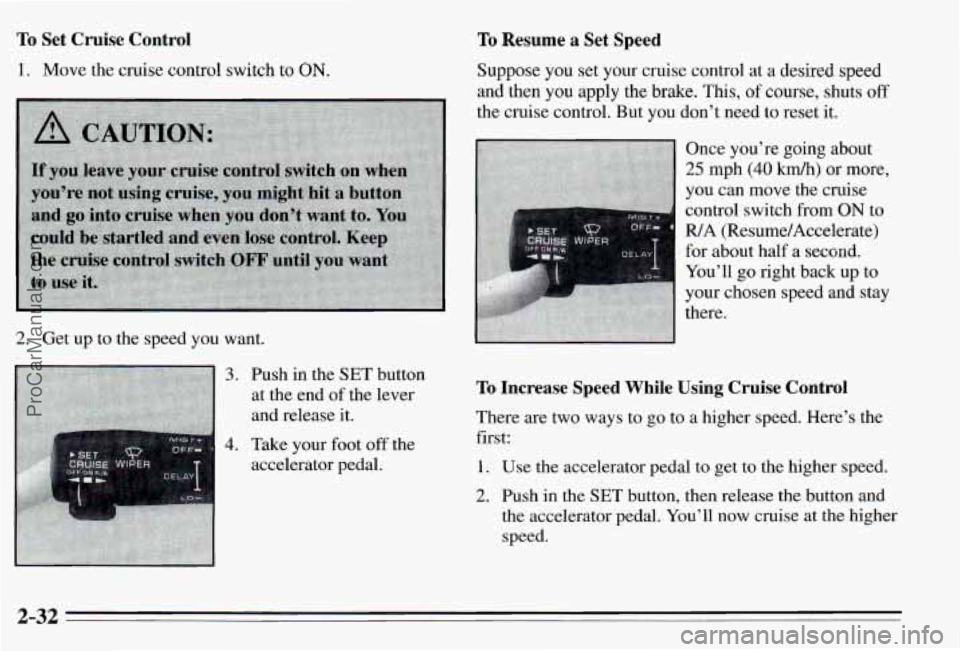
1. Move the cruise control switch to ON.
2. Get up to the speed you want.
3.
4.
Push in the SET button
at the end
of the lever
and release it.
Take your foot
off the
accelerator pedal.
To Resume a Set Speed
Suppose you set your cruise control at a desired speed
and then you apply the brake.
This, of course, shuts off
the cruise control. But you don’t need to reset it.
To Increase Speed While Using Cruise Control
There are two ways to go to a higher speed. Here’s the
first:
1. Use the accelerator pedal to get to the higher speed.
2. Push in the SET button, then release the button and
the accelerator pedal. You’ll now cruise at the higher
speed.
2-32
ProCarManuals.com
Page 108 of 354
Speedometer/Odometer
Your speedometer lets you see your speed in both miles
per hour (mph) and kilometers per hour
(km/h). Your
odometer shows how far your vehicle has been driven in
either miles (used
in the United States) or in kilometers
(used in Canada).
Your Pontiac has a tamper-resistant odometer.
If you see
silver lines between the numbers, you’ll know someone
has probably tampered with it and the numbers may not
be true.
You may wonder what happens if your vehicle needs a
new odometer installed.
If the new one can be set to the
mileage total of the old odometer, then it must be. But if
it can’t, then it’s set at zero and a label must be put on
the driver’s door to show the old mileage reading when
the new odometer was installed.
Trip Odo~ der
Your trip odometer tells how far you have driven since
you last reset
it. To set it to zero, press the RESET
button
on the right side of the instrument cluster.
Tachometer
RPM xho
II rn
LJ
3.1L Shown, 3.4L Similar
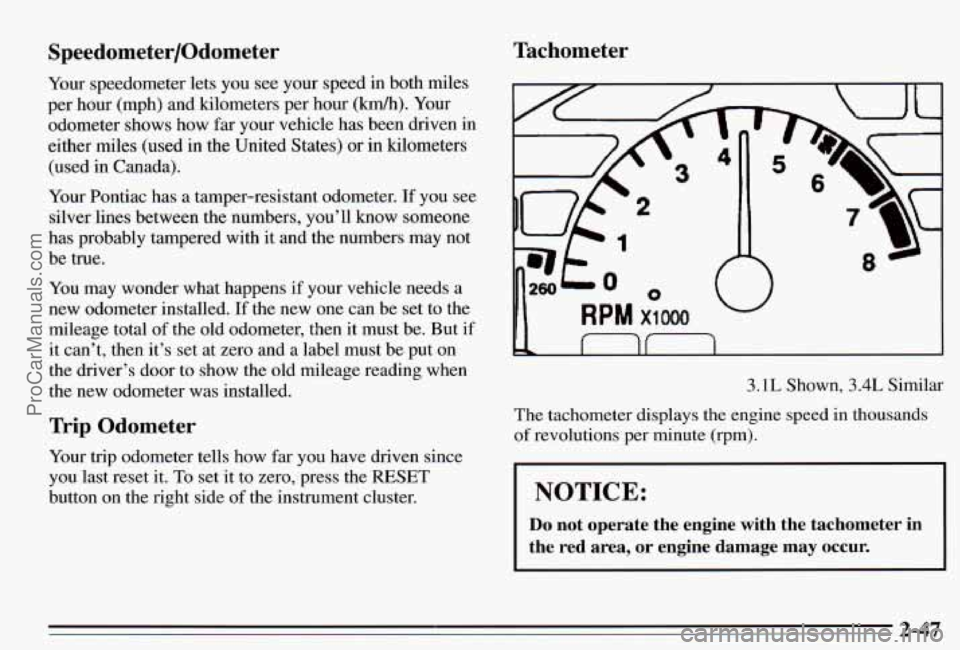
The tachometer displays the engine speed in thousands
of revolutions per minute (rpm).
I NOTICE:
Do not operate the engine with the tachometer in
the red area,
or engine damage may occur.
2-47 ProCarManuals.com
Page 114 of 354
Anti-Lock Brake System Warning Light
(Option)
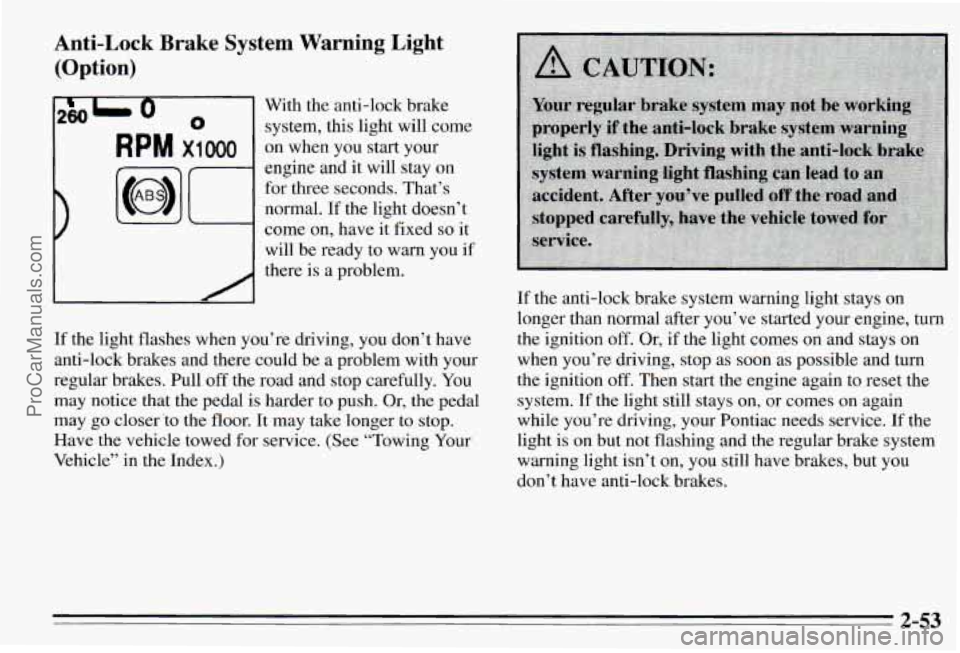
2801 0 With the anti-lock brake
0 system, this light will come
RPM x1 000 on when you start your
engine and it
will stay on
for three seconds. That’s
normal. If the light doesn’t
come on, have it fixed
so it
will be ready to warn you if
there is a problem.
If the light flashes when you’re driving, you don’t have
anti-lock brakes and there could be a problem with your
regular brakes. Pull
off the road and stop carefully. You
may notice that the pedal is harder to push. Or, the pedal
may go closer
‘to the floor. It may take longer to stop.
Have the vehicle towed for service. (See “Towing Your
Vehicle” in the Index.) If
the anti-lock brake system warning light stays
on
longer than normal after you’ve started your engine, turn
the ignition off. Or, if the light comes on and stays on
when you’re driving, stop as soon as possible and turn
the ignition
off. Then start the engine again to reset the
system.
If the light still stays on, or comes on again
while you’re driving, your Pontiac needs service.
If the
light is
on but not flashing and the regular brake system
warning light isn’t on, you still have brakes, but you
don’t have anti-lock brakes.
2-53
ProCarManuals.com
Page 120 of 354
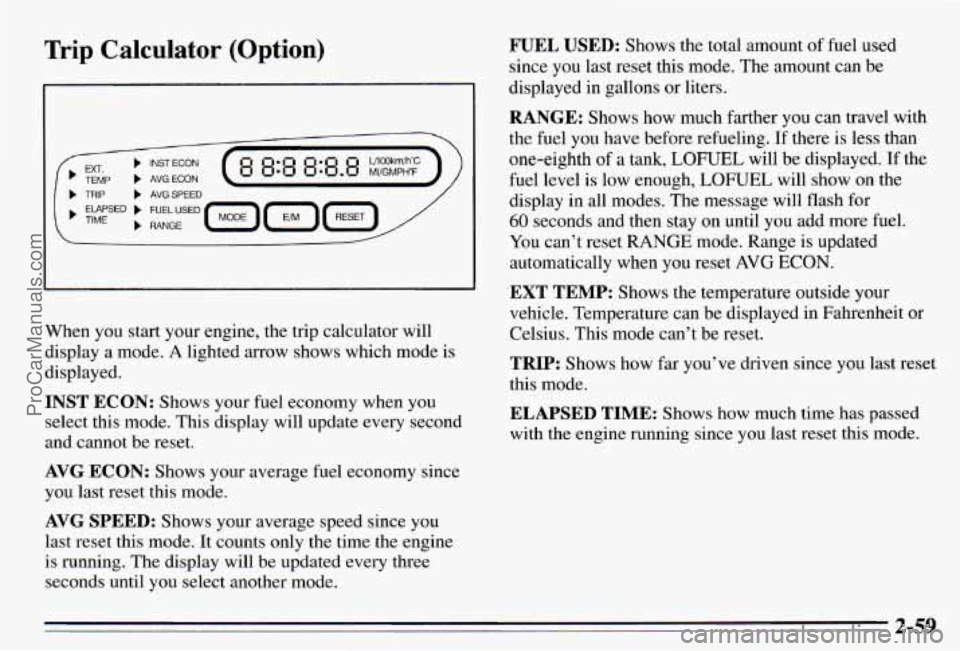
Trip Calculator (Option)
L
When you start your engine, the trip calculator will
display a mode.
A lighted arrow shows which mode is
displayed.
INST ECON: Shows your fuel economy when you
select
this mode. This display will update every second
and cannot be reset.
AVG ECON: Shows your average fuel economy since
you last reset this mode.
AVG SPEED: Shows your average speed since you
last reset this mode.
It counts only the time the engine
is running.
The disp1.a~ will be updated every three
seconds until you select another mode.
WEL USED: Shows the total amount of fuel used
since you last reset
this mode. The amount can be
displayed in gallons or liters.
RANGE: Shows how much farther you can travel with
the
fuel you have before refueling. If there is less than
one-eighth
of a tank, LOF’UEL will be displayed. If the
fuel level is
low enough, LOFUEL will show on the
display in all modes. The message
will flash for
60 seconds and then stay on until you add more fuel.
You can’t reset
RANGE mode. Range is updated
automatically when you reset
AVG ECON.
‘EXT TEMP: Shows the temperature outside your
vehicle. Temperature can be displayed in Fahrenheit or
Celsius. This mode can’t be reset.
TRIP: Shows how far you’ve driven since you last reset
this mode.
ELAPSED TIME: Shows how much time has passed
with the engine running since you last reset this mode.
2-59
ProCarManuals.com
Page 121 of 354
Control Buttons
The trip calculator has three buttons that control its
functions.
MODE: Press this button to change the mode being
displayed.
EM: Press this button to change the display from
English to metric units or metric to English.
RESET Press this button for one second to reset the
mode displayed.
If you push and hold RESET for more
than five seconds, all the modes will reset. You can’t
reset
INST ECON, RANGE or EXT TEMP.
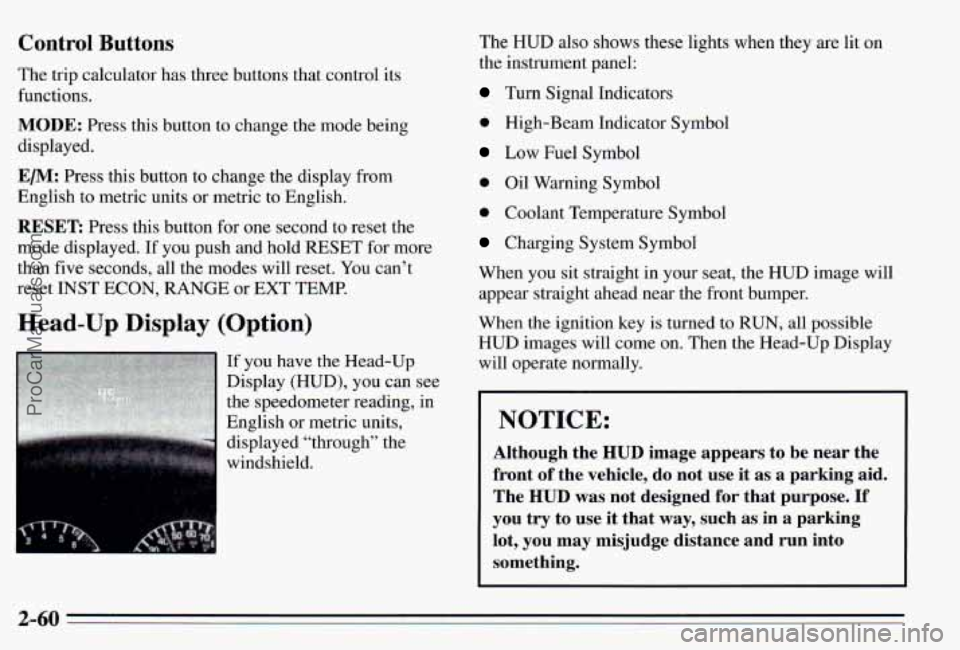
Head-Up Display (Option)
If you have the Head-Up
Display (HUD), you can see
the speedometer reading, in
English or metric units,
displayed “through” the
windshield. The
HUD also shows these lights when they are
lit on
the instrument panel:
Turn Signal Indicators
0 High-Beam Indicator Symbol
Low Fuel Symbol
0 Oil Warning Symbol
0 Coolant Temperature Symbol
Charging System Symbol
When you sit straight in your seat, the HUD image will appear straight ahead near the front bumper.
When the ignition key is turned
to RUN, all possible
HUD images will come on. Then the Head-Up Display
will operate normally.
NOTICE:
Although the HUD image appears to be near the
front
of the vehicle, do not use it as a parking aid.
The
HUD was not designed for that purpose. If
you try to use it that way, such as in a parking
lot, you may misjudge distance and run into
something.
2-60
ProCarManuals.com
Page 122 of 354
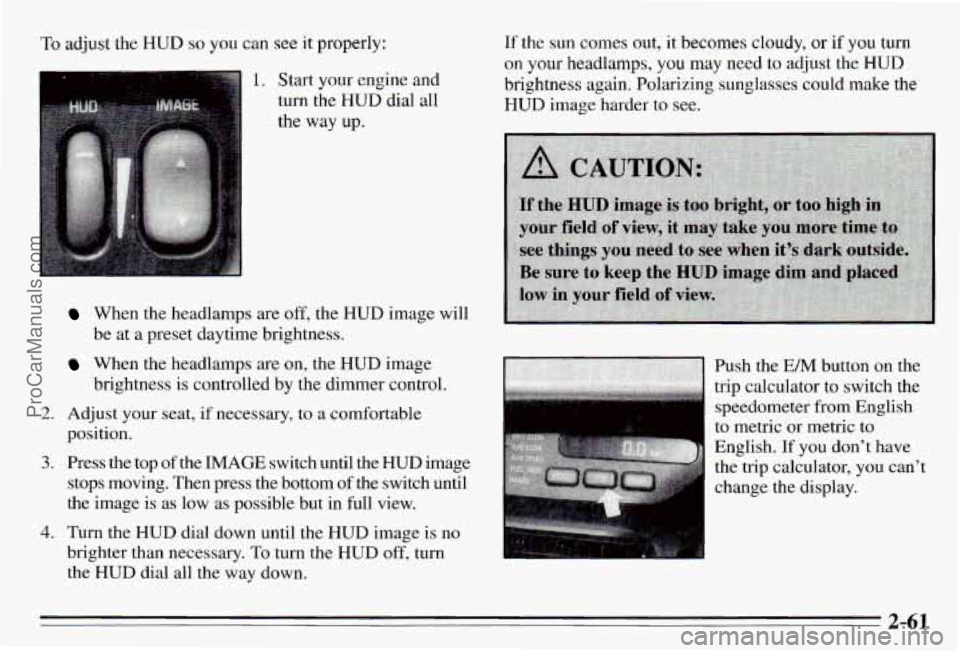
‘To adjust the HUD so you can see it properly:
1. Start your engine and
turn the HUD dial all
the way up.
2.
3.
4.
When the headlamps are off, the HUD image will
be at a preset daytime brightness.
brightness is controlled by the dimer control.
When the headlamps are on, the HUD image
Adjust your seat, if necessary, to
a comfortable
position.
Press the top of
the IMAGE switch until the HUD image
stops moving. Then press the bottom of the switch until
the image is as low as possible but in full view.
Turn the HUD dial down until the HUD image is
no
brighter than necessary. To turn the HUD off, turn
the HUD dial all
the way down.
If the sun comes out, it becomes cloudy, or if you turn
on
your headlamps, you may need to adjust the HUD
brightness again, Polarizing sunglasses could make the
HUD image harder to see.
speedometer from English
to metric or metric to
English. If you don’t have
the trip calculator, you can’t
1 change the display.
2-61
ProCarManuals.com
Page 131 of 354
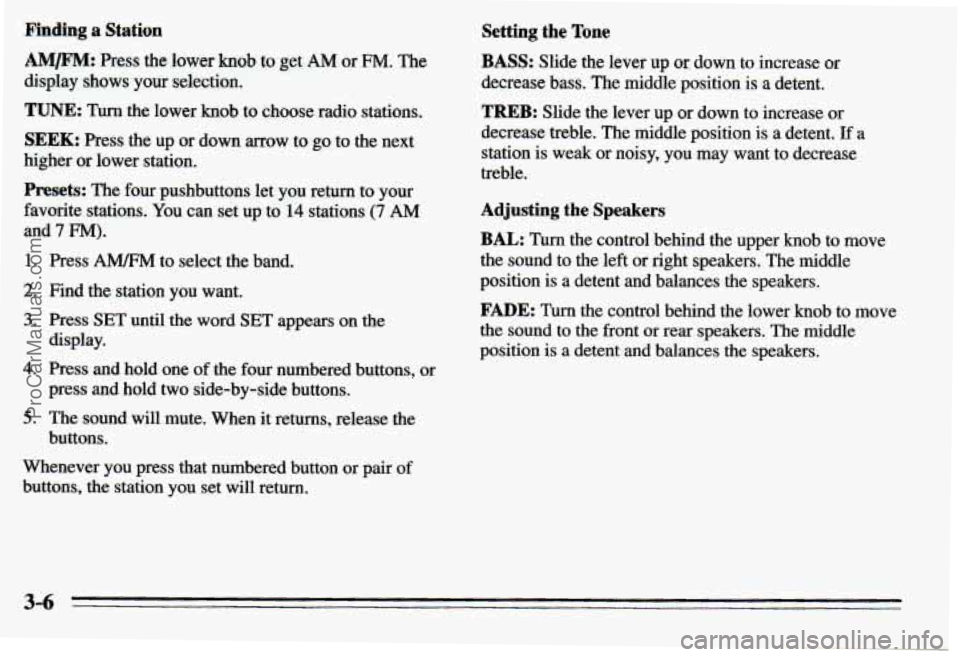
Pinding a Station
AM/FM: Press the lower knob to get AM or FM. The
display shows your selection.
TUNE: Turn the lower knob to choose radio stations.
SEEK: Press the up or down mow to go to the next
higher or lower station.
Presets: The four pushbuttons let you return to your
favorite stations. You can set
up to 14 stations (7 AM
and 7 FM).
1. Press A" to select the band.
2. Find the station you want.
3. Press SET until the word SET appears on the
4. Press and hold one of the four numbered buttons, or
5. The sound will mute. When it returns, release the
display.
press and hold
two side-by-side buttons.
buttons.
Whenever you press that numbered button
or pair of
buttons, the station you set will return.
Setting the Tone
BASS: Slide the lever up or: down to increase or
decrease bass. The middle
position is a detent.
TREB: Slide the lever up or down to increase or
decrease treble. The middle position
is a detent. If a
station is weak or noisy, you may
want to decrease
treble.
Adjusting the Speakers
BAL: Turn the control behind the upper knob to move
the sound to the left or right speakers. The middle
position
is a detent and balances the speakers.
FADE: Turn the control behind the lower knob to move
the sound to the front or rear speakers. The middle
position
is a detent and balances the speakers.
3-6
ProCarManuals.com
Page 132 of 354
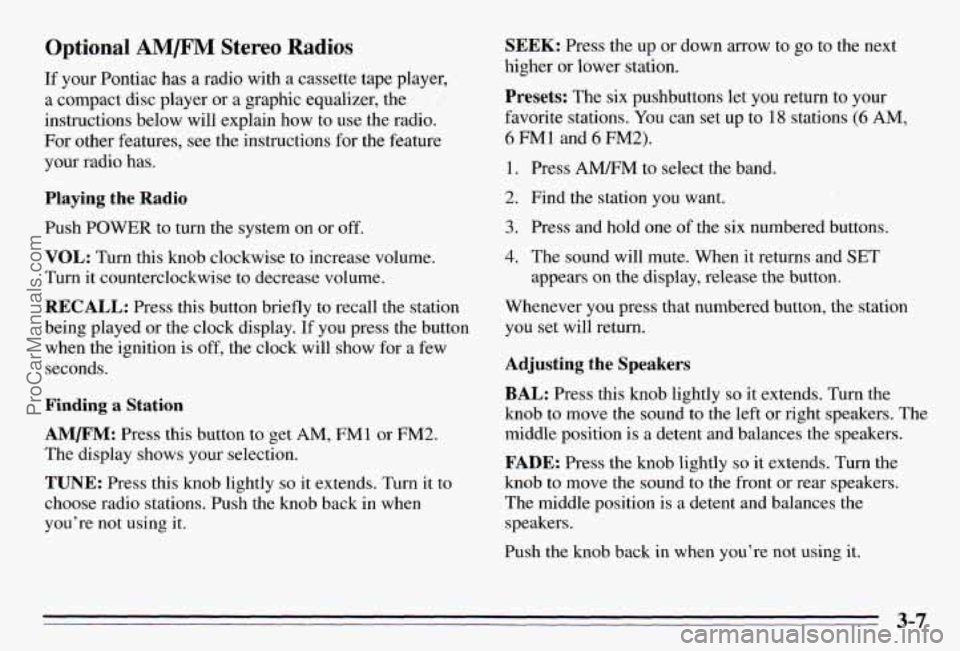
Optional AM/F” Stereo Radios
If your Pontiac has a radio with a cassette tape player,
a compact disc player or a graphic equalizer, the
instructions below will explain how to use the radio.
For other features, see the instructions
for the feature
your radio has.
Playing the Radio
Push POWER to turn the system on or off.
VOL: Turn this knob clockwise to increase volume.
Turn it counterclockwise to decrease volume.
RECALL: Press this button briefly to recall the station
being played or the clock display.
If you press the button
when the ignition
is off, the clock will show for a few
seconds.
Finding a Station
AMm: Press this button to get AM, FMl or FM2.
The display shows your selection.
TUNE: Press this knob lightly so it extends. Turn it to
choose radio stations. Push the knob back in when
you’re not using
it.
SEEK: Press the up or down arrow to go to the next
higher
or lower station.
Presets: The six pushbuttons let you return to your
favorite stations. You can set up to
18 stations (6 AM,
6 FM1 and 6 FM2).
1. Press AMRM to select the band.
2. Find the station you want.
3. Press and hold one of the six numbered butt S.
4. The sound will mute. When it returns and SET
appears on the display, release the button.
Whenever you press that numbered button, the station
you set will return.
Adjusting the Speakers
BAL: Press this knob lightly so it extends. Turn the
knob
to move the sound to the left or right speakers. The
middle position is
a detent and balances the speakers.
FADE: Press the knob lightly so it extends. Turn the
knob to move the sound to the front or rear speakers.
The middle position is
a detent and balances the
speakers.
Push the knob back in when you’re not using
it.
3-7
ProCarManuals.com
Page 135 of 354
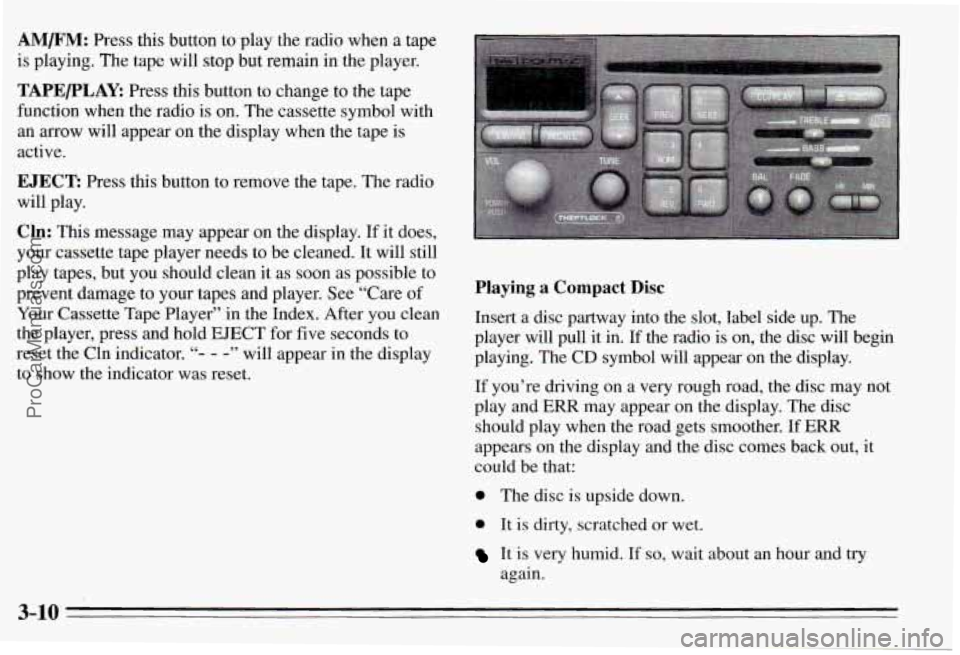
AM/F”: Press this button to play the radio when a tape
is playing. The tape will stop but remain in the player.
TAPE/PLAY: Press this button to change to the tape
function when the radio is on. The cassette symbol with
an
mow will appear on the display when the tape is
active.
EJECT: Press this button to remove the tape. The radio
will play.
Cln: This message may appear on the display. If it does,
your cassette tape player needs to be cleaned.
It will still
play tapes, but you should clean it as soon as possible to
prevent damage to your tapes and player. See “Care
of
Your Cassette Tape Player” in the Index. After you clean
the player, press and hold EJECT for five seconds to
reset the Cln indicator.
“- - -” will appear in the display
to show the indicator was reset.
Playing a Compact Disc
Insert a disc partway into the slot, label side up. The
player will pull it in. If the radio is on, the disc will begin
playing. The CD symbol
will appear on the display.
If you’re driving on a very rough road, the disc may not
play and ERR may appear on the display. The disc
should play when the road gets smoother.
If ERR
appears on the display and the disc comes back out,
it
could be that:
0 The disc is upside down.
0 It is dirty, scratched or wet.
It is very humid. If so, wait about an hour and try
again.
3-10
ProCarManuals.com