battery Ram 1500 2015 User Guide
[x] Cancel search | Manufacturer: RAM, Model Year: 2015, Model line: 1500, Model: Ram 1500 2015Pages: 871, PDF Size: 24.83 MB
Page 36 of 871
REMOTE STARTING SYSTEM — IF EQUIPPED
This system uses the Remote Keyless Entry
(RKE) transmitter to start the engine conve-
niently from outside the vehicle while still
maintaining security. The system has a range of
approximately 300 ft (91 m).
NOTE:
•The vehicle must be equipped with an automatic
transmission to be equipped with Remote Start.
•Obstructions between the vehicle and the RKE trans-
mitter may reduce this range.
How To Use Remote Start
All of the following conditions must be met before the
engine will remote start:
•Shift lever in PARK
•Doors closed
•Hood closed
•HAZARD switch off
•BRAKE switch inactive (brake pedal not pushed)
•Ignition key removed from ignition switch
•Battery at an acceptable charge level
•RKE PANIC button not pushed
•Fuel meets minimum requirement
•System not disabled from previous remote start event
•Vehicle security alarm not active
34 THINGS TO KNOW BEFORE STARTING YOUR VEHICLE
Page 48 of 871
NOTE:
•After pushing the door handle LOCK button, you
must wait two seconds before you can lock or unlock
the doors, using either Passive Entry door handle. This
is done to allow you to check if the vehicle is locked by
pulling the door handle, without the vehicle reacting
and unlocking.
•The Passive Entry system will not operate if the RKE
transmitter battery is dead.
The vehicle doors can also be locked by using the RKE
transmitter lock button or the lock button located on the
vehicle’s interior door panel.
WINDOWS
Power Windows — If Equipped
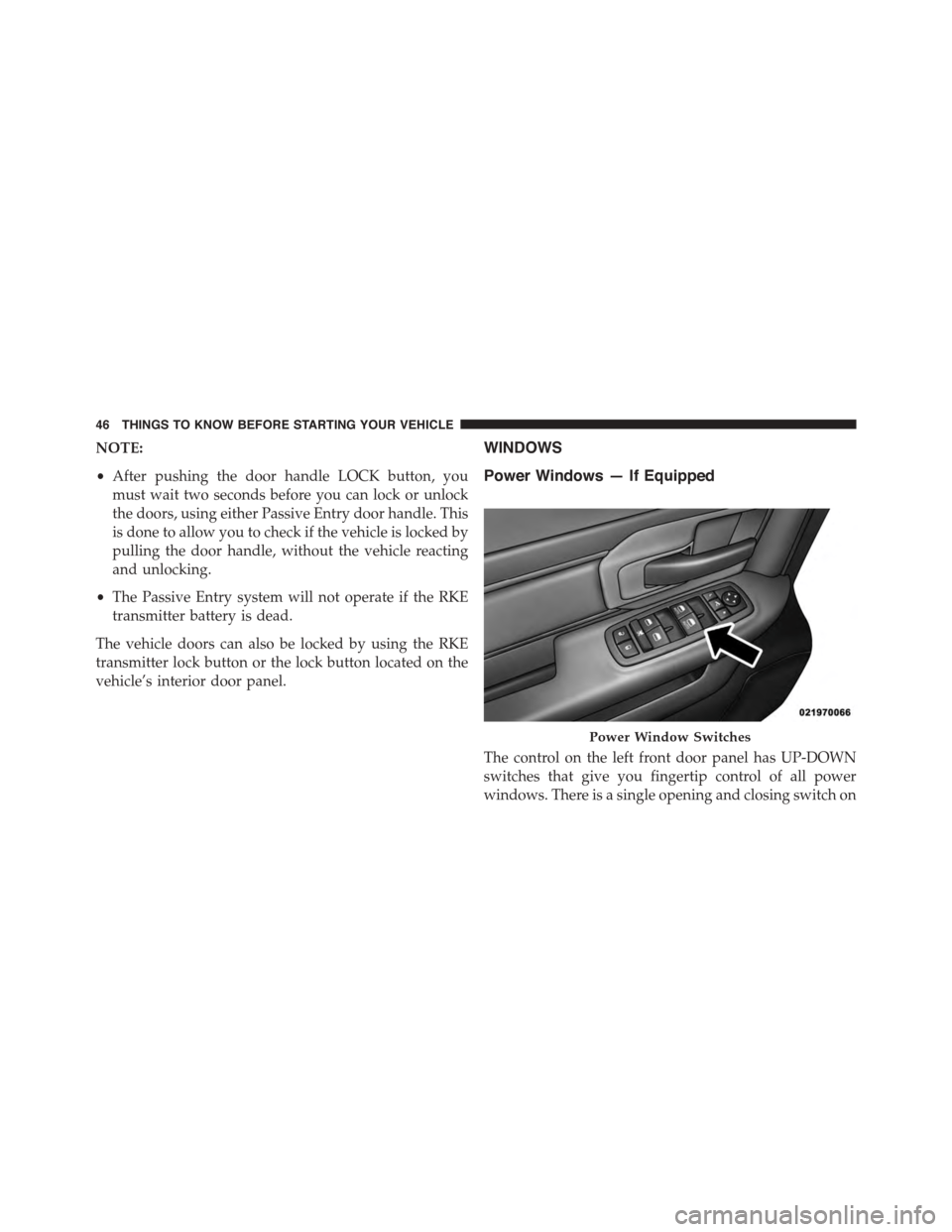
The control on the left front door panel has UP-DOWN
switches that give you fingertip control of all power
windows. There is a single opening and closing switch on
Power Window Switches
46 THINGS TO KNOW BEFORE STARTING YOUR VEHICLE
Page 80 of 871
continues, see your doctor. If these particles settle on
your clothing, follow the garment manufacturer ’s in-
structions for cleaning.
Do not drive your vehicle after the air bags have de-
ployed. If you are involved in another collision, the air
bags will not be in place to protect you.
WARNING!
Deployed air bags and seat belt pretensioners cannot
protect you in another collision. Have the air bags,
seat belt pretensioners, and the seat belt retractor
assemblies replaced by an authorized dealer imme-
diately. Also, have the Occupant Restraint Controller
System serviced as well.
NOTE:
•Air bag covers may not be obvious in the interior trim,
but they will open during air bag deployment.
•After any collision, the vehicle should be taken to an
authorized dealer immediately.
Enhanced Accident Response System
In the event of an impact, if the communication network
remains intact, and the power remains intact, depending
on the nature of the event, the ORC will determine
whether to have the Enhanced Accident Response Sys-
tem perform the following functions:
•Cut off fuel to the engine.
•Flash hazard lights as long as the battery has power or
until the ignition switch is turned to the “OFF” posi-
tion.
•Turn on the interior lights, which remain on as long as
the battery has power or until the ignition switch is
turned to the “OFF” position.
•Unlock the doors automatically.
78 THINGS TO KNOW BEFORE STARTING YOUR VEHICLE
Page 81 of 871
System Reset Procedure
In order to reset the Enhanced Accident Response System
functions after an event, the ignition switch must be
changed from ignition START or ON/RUN to ignition
OFF.
Air Bag Warning Light
The air bags must be ready to inflate for your protection
in a collision. The Occupant Restraint Control-
ler (ORC) monitors the internal circuits and
interconnecting wiring associated with air bag
system electrical components.
The ORC monitors the readiness of the electronic parts of
the air bag system whenever the ignition switch is in the
START or ON/RUN position. If the ignition switch is in
the OFF position or in the ACC position, the air bag
system is not on and the air bags will not inflate.
The ORC contains a backup power supply system that
may deploy the air bags even if the battery loses power or
it becomes disconnected prior to deployment.
The ORC turns on the Air Bag Warning Light in the
instrument panel for approximately four to eight seconds
for a self-check when the ignition switch is first turned to
the ON/RUN position. After the self-check, the Air Bag
Warning Light will turn off. If the ORC detects a mal-
function in any part of the system, it turns on the Air Bag
Warning Light, either momentarily or continuously. A
single chime will sound to alert you if the light comes on
again after initial startup.
The ORC also includes diagnostics that will illuminate
the instrument panel Air Bag Warning Light if a malfunc-
tion is detected that could affect the air bag system. The
diagnostics also record the nature of the malfunction.
While the air bag system is designed to be maintenance
2
THINGS TO KNOW BEFORE STARTING YOUR VEHICLE 79
Page 123 of 871
▫Lights-On Reminder...................172
▫Battery Saver.........................172
▫Interior Lights.......................172
▫Cargo Light.........................176
▫Multifunction Lever...................176
▫Turn Signals.........................176
▫Lane Change Assist...................177
▫Flash-To-Pass........................177
▫High/Low Beam Switch................178
!WINDSHIELD WIPERS AND WASHERS......178
▫Windshield Wipers....................178
▫Windshield Wiper Operation.............179
▫Intermittent Wiper System...............179
▫Windshield Washers...................179
▫Mist Feature.........................180
▫Rain Sensing Wipers — If Equipped........180
!TILT STEERING COLUMN...............182
!HEATED STEERING WHEEL —
IF EQUIPPED.........................183
!DRIVER ADJUSTABLE PEDALS —
IF EQUIPPED.........................185
!ELECTRONIC SPEED CONTROL...........186
▫To Activate..........................187
▫To Set A Desired Speed.................188
▫To Deactivate........................188
▫To Resume Speed.....................188
▫To Vary The Speed Setting...............188
3
UNDERSTANDING THE FEATURES OF YOUR VEHICLE 121
Page 134 of 871
WARNING!(Continued)
•The Occupant Restraint Control module turns on
the Air Bag Warning Light on the instrument panel
if a malfunction in any part of the system is
detected. If the Air Bag Warning Light is illumi-
nated, the air bag system may not be working
properly and the 9-1-1 system may not be able to
send a signal to a 9-1-1 operator. If the Air Bag
Warning Light is illuminated, have an authorized
dealer service the ORC system immediately.
Even if the 9-1-1 Call system is fully functional, factors
beyond Chrysler Group LLC’s control may prevent or
stop the 9-1-1 Call system operation. These include, but
are not limited to, the following factors:
•The ignition key has been removed from the ignition
and the delayed accessories mode is active.
•The ignition key is in OFF position.
•The vehicle’s electrical systems are not intact.
•The 9-1-1 Call system software and/or hardware are
damaged during a crash.
•The vehicle battery loses power or becomes discon-
nected during a vehicle crash.
•Wireless and/or Global Positioning Satellite signals
are unavailable or obstructed.
•Equipment malfunction at the 9-1-1 operator facility.
•Operator error by the 9-1-1 operator.
•Wireless network congestion.
•Weather.
•Buildings, structures, geographic terrain, or tunnels.
132 UNDERSTANDING THE FEATURES OF YOUR VEHICLE
Page 174 of 871
Lights-On Reminder
If the headlights, parking lights, or cargo lights are left on
after the ignition is turned OFF, a chime will sound when
the driver ’s door is opened.
Battery Saver
To protect the life of your vehicle’s battery, load shedding
is provided for both the interior and exterior lights.
If the ignition is OFF and any door is left ajar for 10
minutes or the dimmer control is rotated all the way up
to the dome ON position for 10 minutes, the interior
lights will automatically turn off.
NOTE:Battery saver mode is cancelled if the ignition is
ON.
If the headlights remain on while the ignition is cycled
OFF, the exterior lights will automatically turn off after
eight minutes. If the headlights are turned on and left on
for eight minutes while the ignition is OFF, the exterior
lights will automatically turn off.
Interior Lights
Courtesy and dome lights are turned on when the front
doors are opened, when the dimmer control (rotating
wheel on the bottom of the switch) is rotated to the far
right detent position. If your vehicle is equipped with
Remote Keyless Entry (RKE) and the UNLOCK button is
pressed on the RKE transmitter the courtesy and dome
lights will turn on. When a door is open and the interior
lights are on, rotating the dimmer control all the way left,
to the OFF detent, will cause all the interior lights to go
out. This is also known as the#Party#mode because it
allows the doors to stay open for extended periods of
time without discharging the vehicle’s battery.
172 UNDERSTANDING THE FEATURES OF YOUR VEHICLE
Page 216 of 871
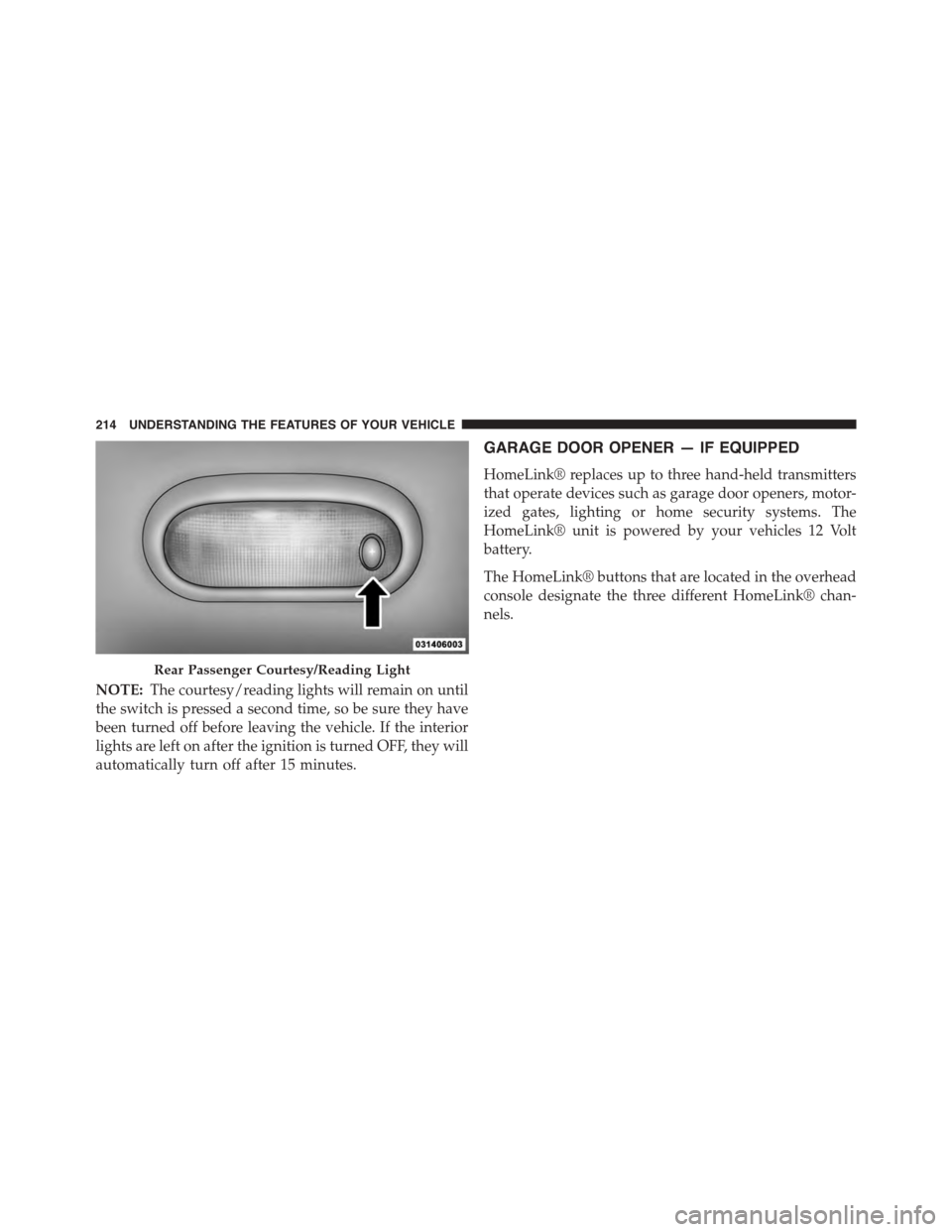
NOTE:The courtesy/reading lights will remain on until
the switch is pressed a second time, so be sure they have
been turned off before leaving the vehicle. If the interior
lights are left on after the ignition is turned OFF, they will
automatically turn off after 15 minutes.
GARAGE DOOR OPENER — IF EQUIPPED
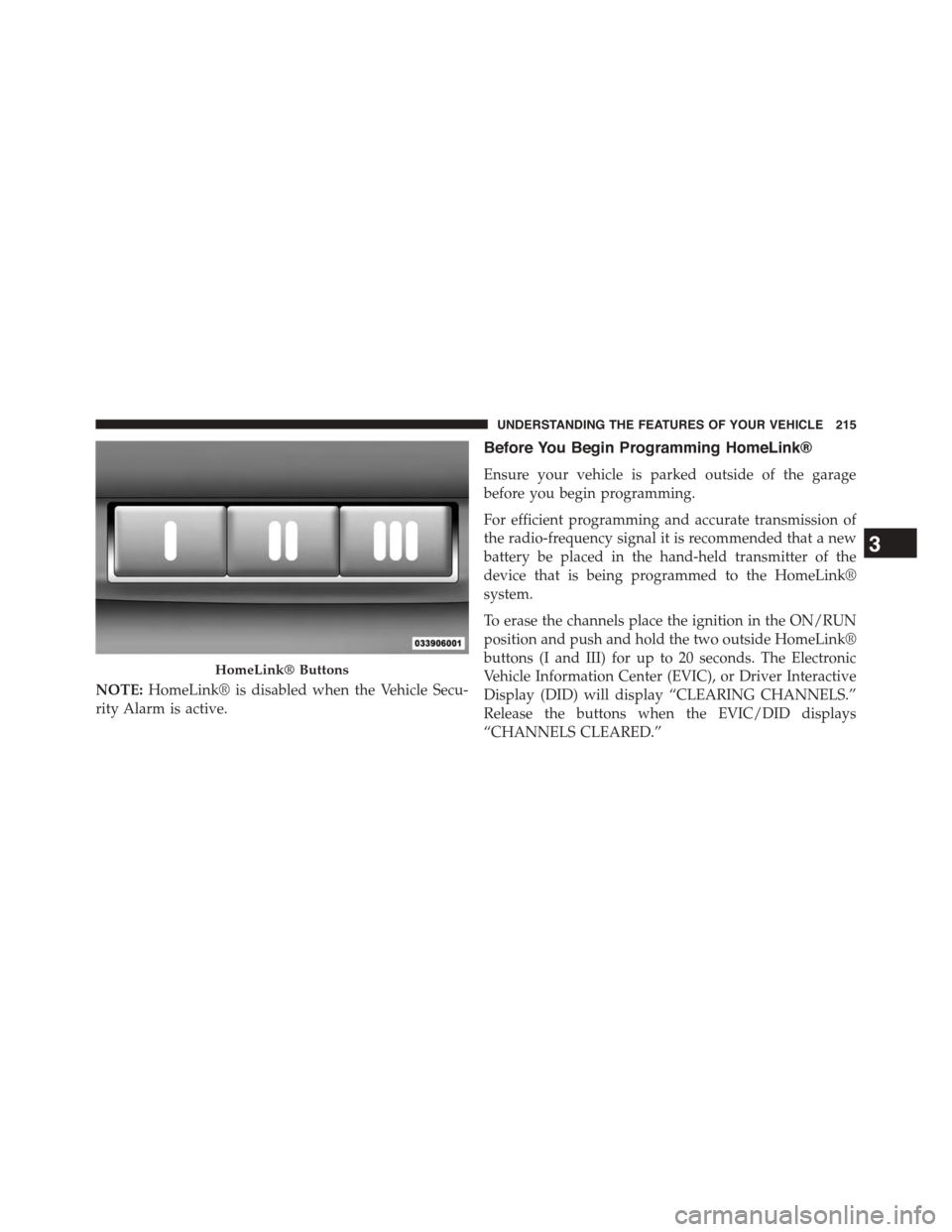
HomeLink® replaces up to three hand-held transmitters
that operate devices such as garage door openers, motor-
ized gates, lighting or home security systems. The
HomeLink® unit is powered by your vehicles 12 Volt
battery.
The HomeLink® buttons that are located in the overhead
console designate the three different HomeLink® chan-
nels.
Rear Passenger Courtesy/Reading Light
214 UNDERSTANDING THE FEATURES OF YOUR VEHICLE
Page 217 of 871
NOTE:HomeLink® is disabled when the Vehicle Secu-
rity Alarm is active.
Before You Begin Programming HomeLink®
Ensure your vehicle is parked outside of the garage
before you begin programming.
For efficient programming and accurate transmission of
the radio-frequency signal it is recommended that a new
battery be placed in the hand-held transmitter of the
device that is being programmed to the HomeLink®
system.
To erase the channels place the ignition in the ON/RUN
position and push and hold the two outside HomeLink®
buttons (I and III) for up to 20 seconds. The Electronic
Vehicle Information Center (EVIC), or Driver Interactive
Display (DID) will display “CLEARING CHANNELS.”
Release the buttons when the EVIC/DID displays
“CHANNELS CLEARED.”
HomeLink® Buttons
3
UNDERSTANDING THE FEATURES OF YOUR VEHICLE 215
Page 224 of 871
Interactive Display (DID) will display “CLEARING
CHANNELS.” Release the buttons when the EVIC/DID
displays “CHANNELS CLEARED.”
The HomeLink® Universal Transceiver is disabled when
the Vehicle Security Alarm is active.
Troubleshooting Tips
If you are having trouble programming HomeLink®,
here are some of the most common solutions:
•Replace the battery in the original hand-held transmitter.
•Push the LEARN button on the Garage Door Opener
to complete the training for a Rolling Code.
•Did you unplug the device for programming and
remember to plug it back in?
If you have any problems, or require assistance, please
call toll-free 1-800-355-3515 or, on the Internet at
HomeLink.com for information or assistance.
WARNING!
Vehicle exhaust contains carbon monoxide, a danger-
ous gas. Do not run your vehicle in the garage while
programming the transceiver. Exhaust gas can cause
serious injury or death.
WARNING!
Your motorized door or gate will open and close
while you are programming the universal trans-
ceiver. Do not program the transceiver if people, pets
or other objects are in the path of the door or gate.
Only use this transceiver with a garage door opener
that has a “stop and reverse” feature as required by
Federal safety standards. This includes most garage
door opener models manufactured after 1982. Do not
(Continued)
222 UNDERSTANDING THE FEATURES OF YOUR VEHICLE