remote start Ram 1500 2015 Owner's Guide
[x] Cancel search | Manufacturer: RAM, Model Year: 2015, Model line: 1500, Model: Ram 1500 2015Pages: 871, PDF Size: 24.83 MB
Page 150 of 871
Vehicles Equipped With Remote Start
On models that are equipped with remote start, the
heated seats can be programed to come on during a
remote start.
If your vehicle is equipped with a touchscreen, this
feature can be programmed through the Uconnect®
system. Refer to “Uconnect® Settings” in “Understand-
ing Your Instrument Panel” for further information.
If your vehicle is not equipped with a touchscreen, this
feature can be programmed through the Electronic Ve-
hicle Information Center (EVIC) or Driver Information
Display (DID). Refer to “Electronic Vehicle Information
Center (EVIC)” or “Driver Information Display (DID)” in
“Understanding Your Instrument Panel” for further in-
formation.
Rear Heated Seats
On some models, the two outboard seats are equipped
with heated seats. The heated seat switches for these
seats are located on the rear of the center console.
There are two heated seat switches that allow the rear
passengers to operate the seats independently. You can
choose from HIGH, LOW or OFF heat settings. Amber
indicator lights in each switch indicate the level of heat in
use. Two indicator lights will illuminate for HIGH, one
for LOW and none for OFF.
Press the switch once to select HIGH-level
heating. Press the switch a second time to select
LOW-level heating. Press the switch a third
time to shut the heating elements OFF.
NOTE:
•Once a heat setting is selected, heat will be felt within
two to five minutes.
148 UNDERSTANDING THE FEATURES OF YOUR VEHICLE
Page 152 of 871

Vehicles Equipped With Remote Start
On models that are equipped with remote start, the
ventilated seats can be programed to come on during a
remote start.
If your vehicle is equipped with a touchscreen, this
feature can be programmed through the Uconnect®
system. Refer to “Uconnect® Settings” in “Understand-
ing Your Instrument Panel” for further information.
If your vehicle is not equipped with a touchscreen, this
feature can be programmed through the Electronic Ve-
hicle Information Center (EVIC) or Driver Information
Display (DID). Refer to “Electronic Vehicle Information
Center (EVIC)” or “Driver Information Display (DID)” in
“Understanding Your Instrument Panel” for further in-
formation.
Manual Seat Adjuster — If Equipped
Both front seats are adjustable forward or rearward. The
manual seat adjustment handle is located under the seat
cushion at the front edge of each seat.
While sitting in the seat, pull up on the handle and slide
the seat forward or backward. Release the bar once you
Manual Seat Adjuster
150 UNDERSTANDING THE FEATURES OF YOUR VEHICLE
Page 162 of 871
Programming The Memory Feature
NOTE:To create a new memory profile, perform the
following:
1. Cycle the vehicles ignition to the ON/RUN position
(do not start the engine).
2. Adjust all memory profile settings to desired prefer-
ences (seat, side mirrors, adjustable pedals and radio
station presets).
3. Press and release the S (Set) button on the memory
switch.
4. Within five seconds, press and release either of the
memory buttons (1) or (2). The Electronic Vehicle
Information Center (EVIC) or Driver Information Dis-
play (DID) will display which memory position has
been set.
NOTE:
•Memory profiles can be set without the vehicle in
PARK, but the vehicle must be in PARK to recall a
memory profile.
•To set a memory profile to your RKE transmitter, refer
to “Linking And Unlinking The Remote Keyless Entry
Transmitter To Memory” in this section.
Linking And Unlinking The Remote Keyless Entry
Transmitter To Memory
Your RKE transmitters can be programmed to recall one
of two pre-programmed memory profiles by pressing the
UNLOCK button on the RKE transmitter.
NOTE:Before programming your RKE transmitters to
memory the feature has to be selected.
•If your vehicle is equipped with a touchscreen, you
must select the “Memory To FOB” feature through the
160 UNDERSTANDING THE FEATURES OF YOUR VEHICLE
Page 184 of 871
Remote Start Mode Inhibit— On vehicles equipped
with Remote Starting system, Rain Sensing wipers are
not operational when the vehicle is in the remote start
mode. Once the operator is in the vehicle and has placed
the ignition switch in the RUN position, rain sensing
wiper operation can resume, if it has been selected, and
no other inhibit conditions (mentioned previously) exist.
TILT STEERING COLUMN
This feature allows you to tilt the steering column
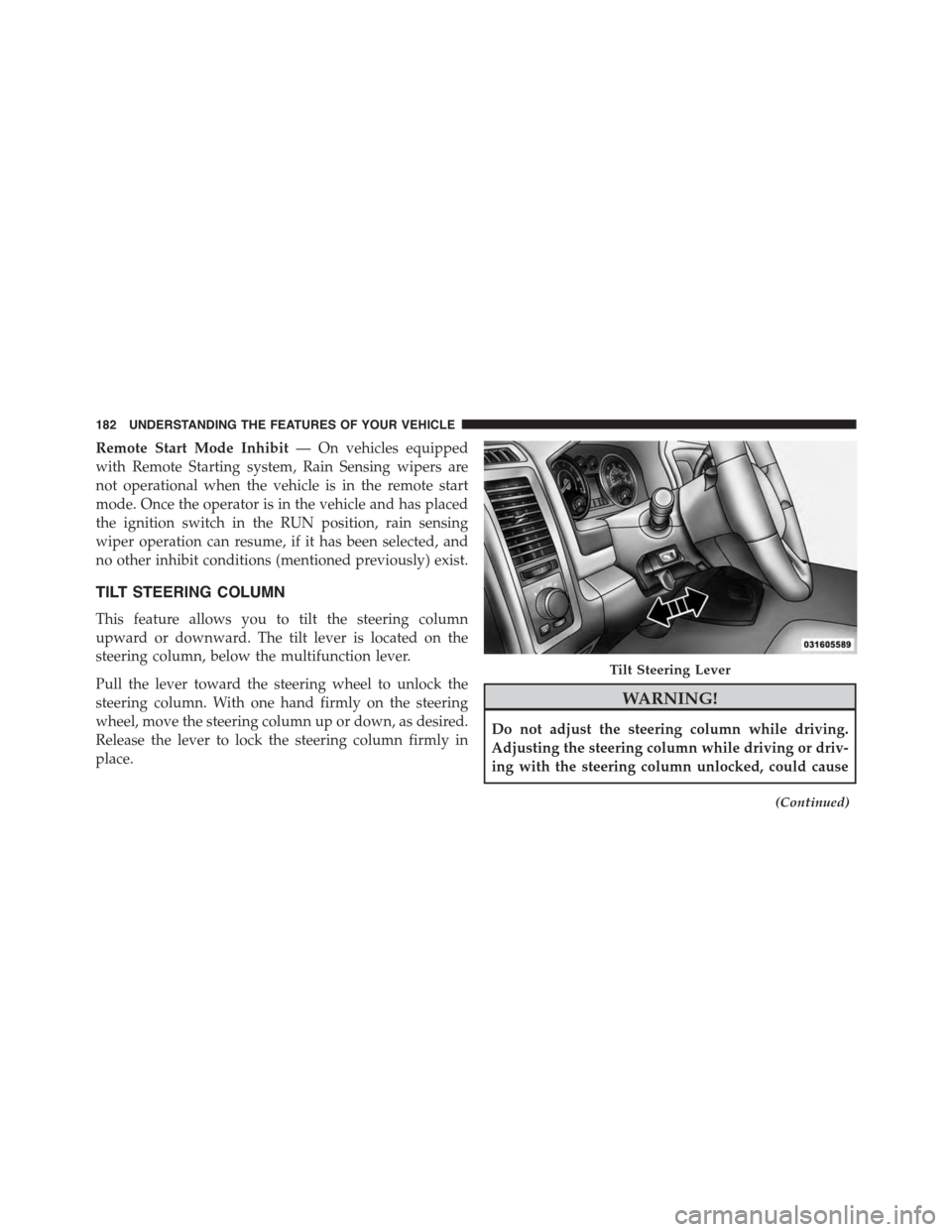
upward or downward. The tilt lever is located on the
steering column, below the multifunction lever.
Pull the lever toward the steering wheel to unlock the
steering column. With one hand firmly on the steering
wheel, move the steering column up or down, as desired.
Release the lever to lock the steering column firmly in
place.
WARNING!
Do not adjust the steering column while driving.
Adjusting the steering column while driving or driv-
ing with the steering column unlocked, could cause
(Continued)
Tilt Steering Lever
182 UNDERSTANDING THE FEATURES OF YOUR VEHICLE
Page 185 of 871
WARNING!(Continued)
the driver to lose control of the vehicle. Failure to
follow this warning may result in serious injury or
death.
HEATED STEERING WHEEL — IF EQUIPPED
The steering wheel contains a heating element that helps
warm your hands in cold weather. The heated steering
wheel has only one temperature setting. Once the heated
steering wheel has been turned on it will operate for
approximately 30 to 80 minutes before automatically
shutting off. The heated steering wheel can shut off early
or may not turn on when the steering wheel is already
warm.
The heated steering wheel control button is located on
the center of the instrument panel below the climate
controls.
If your vehicle is equipped with a touchscreen, the heated
steering wheel control button is located within the cli-
mate or controls screen of the touchscreen.
•Press the heated steering wheel buttononce to
turn the heating element On.
•Press the heated steering wheel buttona second
time to turn the heating element Off.
NOTE:The engine must be running for the heated
steering wheel to operate.
Vehicles Equipped With Remote Start
On models that are equipped with remote start, the
heated steering wheel can be programed to come on
during a remote start.
3
UNDERSTANDING THE FEATURES OF YOUR VEHICLE 183
Page 308 of 871
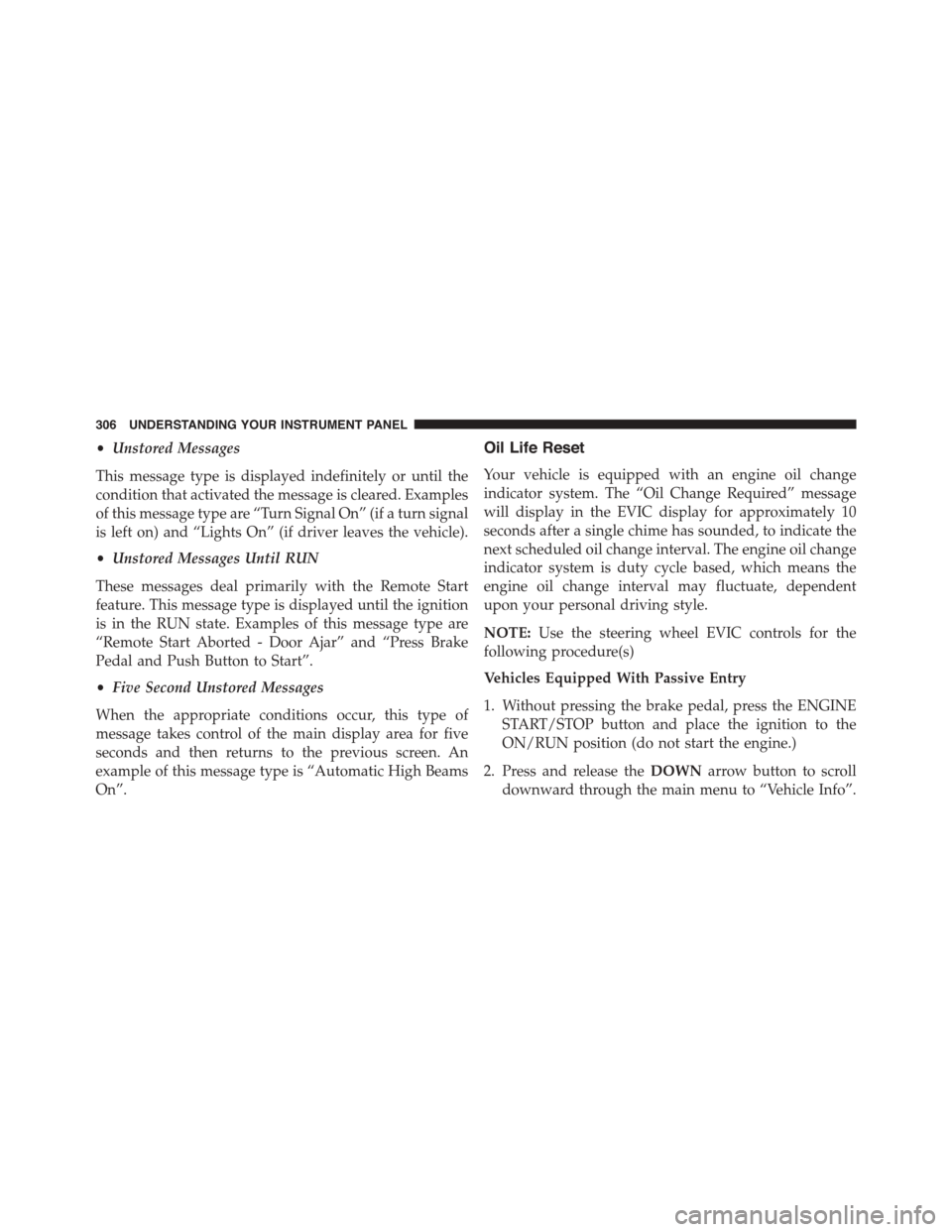
•Unstored Messages
This message type is displayed indefinitely or until the
condition that activated the message is cleared. Examples
of this message type are “Turn Signal On” (if a turn signal
is left on) and “Lights On” (if driver leaves the vehicle).
•Unstored Messages Until RUN
These messages deal primarily with the Remote Start
feature. This message type is displayed until the ignition
is in the RUN state. Examples of this message type are
“Remote Start Aborted - Door Ajar” and “Press Brake
Pedal and Push Button to Start”.
•Five Second Unstored Messages
When the appropriate conditions occur, this type of
message takes control of the main display area for five
seconds and then returns to the previous screen. An
example of this message type is “Automatic High Beams
On”.
Oil Life Reset
Your vehicle is equipped with an engine oil change
indicator system. The “Oil Change Required” message
will display in the EVIC display for approximately 10
seconds after a single chime has sounded, to indicate the
next scheduled oil change interval. The engine oil change
indicator system is duty cycle based, which means the
engine oil change interval may fluctuate, dependent
upon your personal driving style.
NOTE:Use the steering wheel EVIC controls for the
following procedure(s)
Vehicles Equipped With Passive Entry
1. Without pressing the brake pedal, press the ENGINE
START/STOP button and place the ignition to the
ON/RUN position (do not start the engine.)
2. Press and release theDOWNarrow button to scroll
downward through the main menu to “Vehicle Info”.
306 UNDERSTANDING YOUR INSTRUMENT PANEL
Page 311 of 871
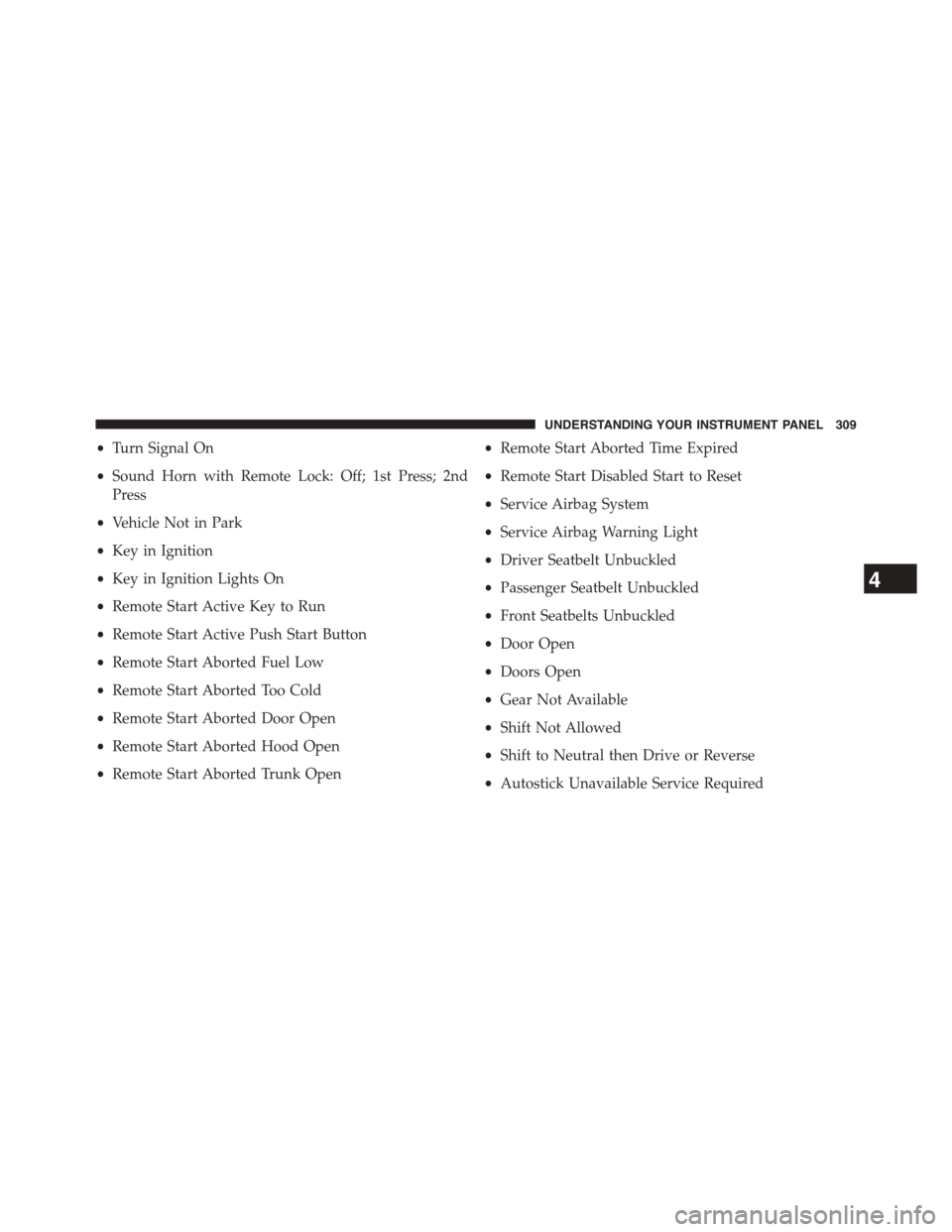
•Turn Signal On
•Sound Horn with Remote Lock: Off; 1st Press; 2nd
Press
•Vehicle Not in Park
•Key in Ignition
•Key in Ignition Lights On
•Remote Start Active Key to Run
•Remote Start Active Push Start Button
•Remote Start Aborted Fuel Low
•Remote Start Aborted Too Cold
•Remote Start Aborted Door Open
•Remote Start Aborted Hood Open
•Remote Start Aborted Trunk Open
•Remote Start Aborted Time Expired
•Remote Start Disabled Start to Reset
•Service Airbag System
•Service Airbag Warning Light
•Driver Seatbelt Unbuckled
•Passenger Seatbelt Unbuckled
•Front Seatbelts Unbuckled
•Door Open
•Doors Open
•Gear Not Available
•Shift Not Allowed
•Shift to Neutral then Drive or Reverse
•Autostick Unavailable Service Required
4
UNDERSTANDING YOUR INSTRUMENT PANEL 309
Page 322 of 871
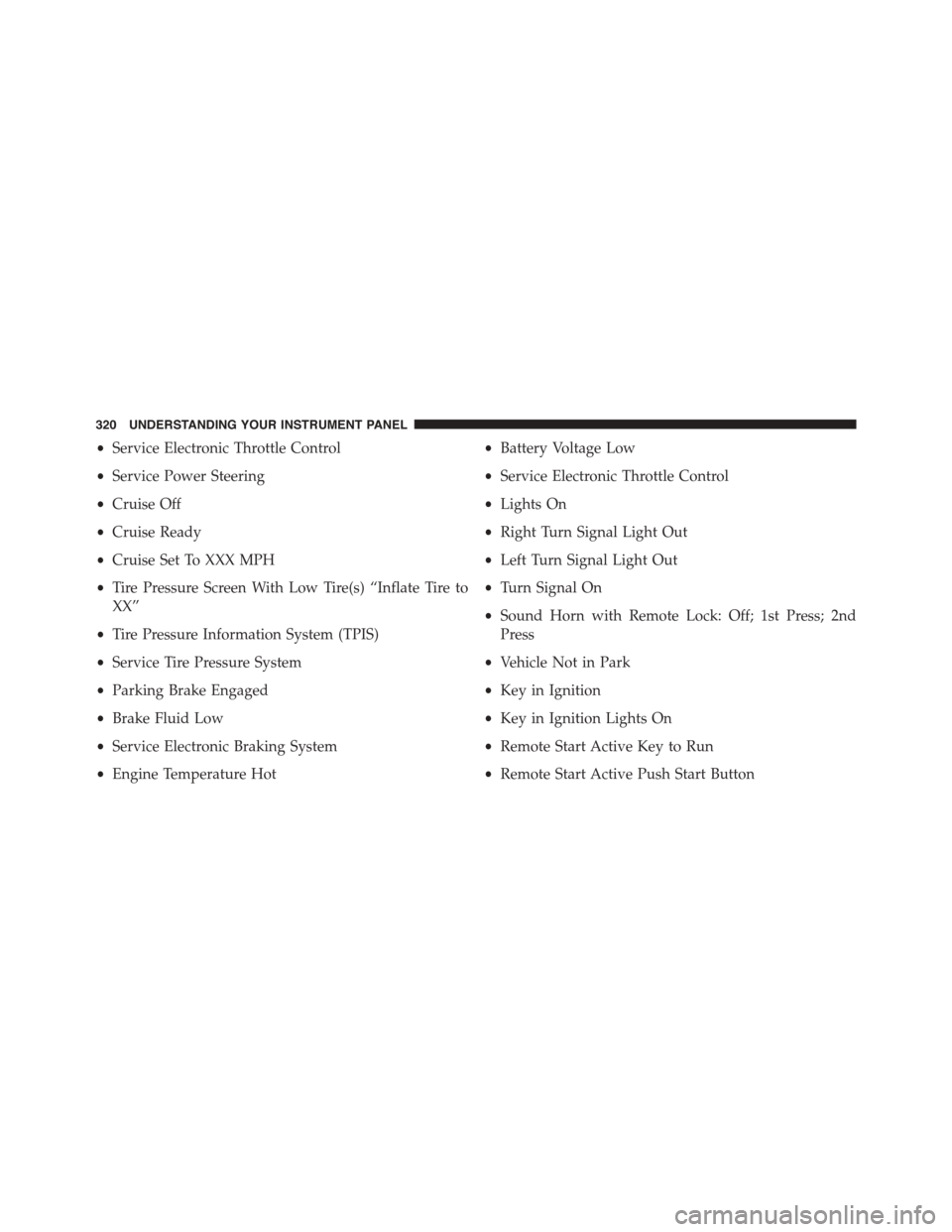
•Service Electronic Throttle Control
•Service Power Steering
•Cruise Off
•Cruise Ready
•Cruise Set To XXX MPH
•Tire Pressure Screen With Low Tire(s) “Inflate Tire to
XX”
•Tire Pressure Information System (TPIS)
•Service Tire Pressure System
•Parking Brake Engaged
•Brake Fluid Low
•Service Electronic Braking System
•Engine Temperature Hot
•Battery Voltage Low
•Service Electronic Throttle Control
•Lights On
•Right Turn Signal Light Out
•Left Turn Signal Light Out
•Turn Signal On
•Sound Horn with Remote Lock: Off; 1st Press; 2nd
Press
•Vehicle Not in Park
•Key in Ignition
•Key in Ignition Lights On
•Remote Start Active Key to Run
•Remote Start Active Push Start Button
320 UNDERSTANDING YOUR INSTRUMENT PANEL
Page 323 of 871
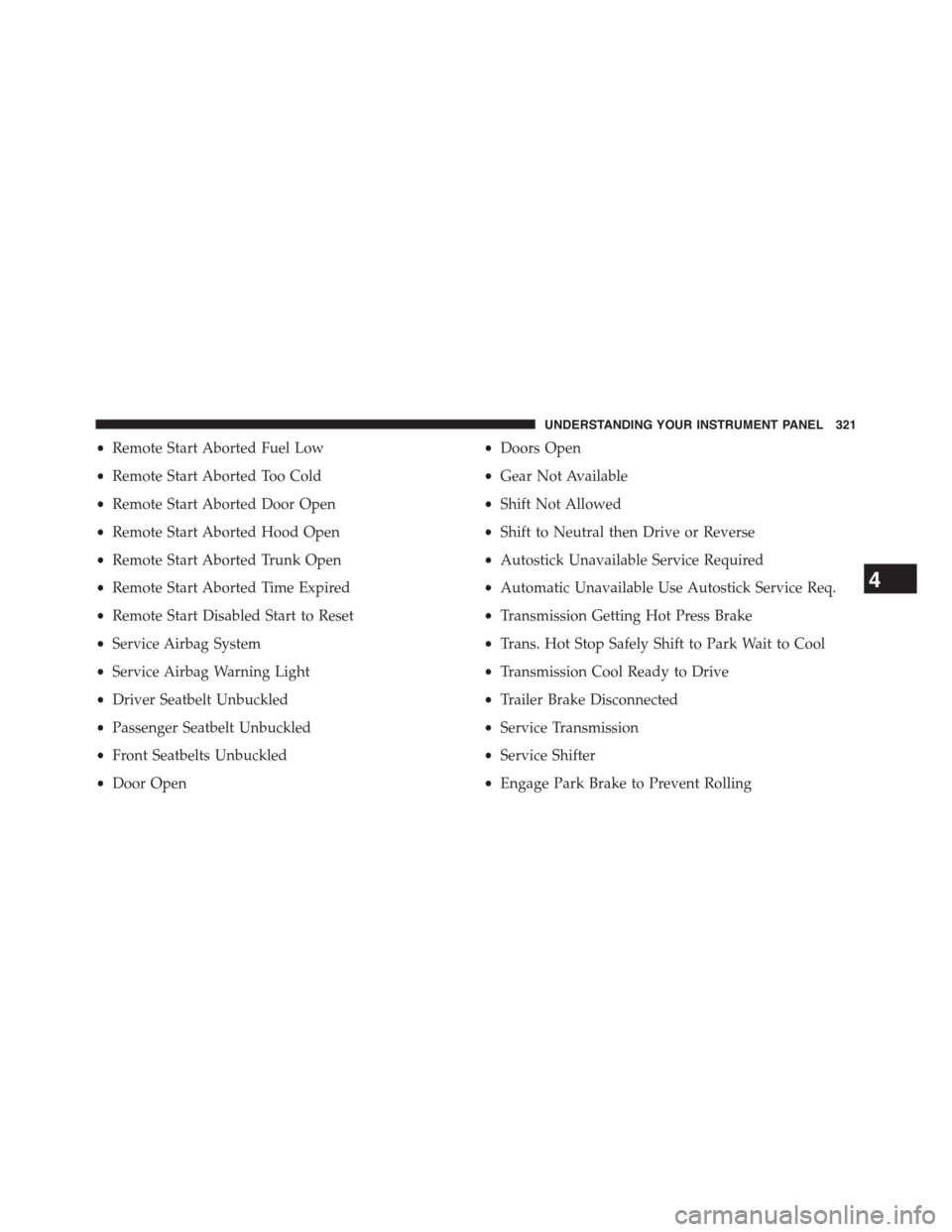
•Remote Start Aborted Fuel Low
•Remote Start Aborted Too Cold
•Remote Start Aborted Door Open
•Remote Start Aborted Hood Open
•Remote Start Aborted Trunk Open
•Remote Start Aborted Time Expired
•Remote Start Disabled Start to Reset
•Service Airbag System
•Service Airbag Warning Light
•Driver Seatbelt Unbuckled
•Passenger Seatbelt Unbuckled
•Front Seatbelts Unbuckled
•Door Open
•Doors Open
•Gear Not Available
•Shift Not Allowed
•Shift to Neutral then Drive or Reverse
•Autostick Unavailable Service Required
•Automatic Unavailable Use Autostick Service Req.
•Transmission Getting Hot Press Brake
•Trans. Hot Stop Safely Shift to Park Wait to Cool
•Transmission Cool Ready to Drive
•Trailer Brake Disconnected
•Service Transmission
•Service Shifter
•Engage Park Brake to Prevent Rolling
4
UNDERSTANDING YOUR INSTRUMENT PANEL 321
Page 328 of 871
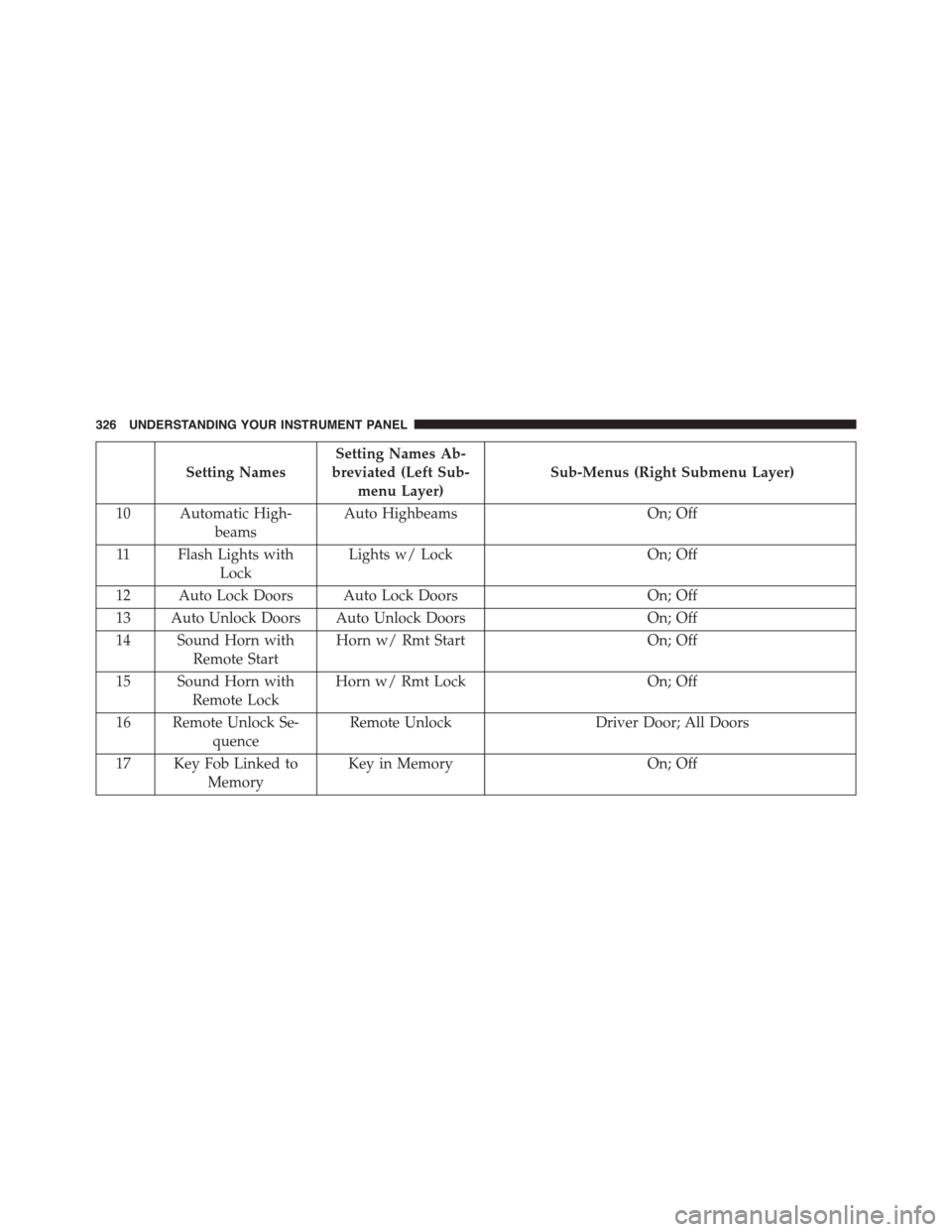
Setting Names
Setting Names Ab-
breviated (Left Sub-
menu Layer)
Sub-Menus (Right Submenu Layer)
10 Automatic High-
beams
Auto HighbeamsOn; Off
11 Flash Lights with
Lock
Lights w/ LockOn; Off
12 Auto Lock Doors Auto Lock DoorsOn; Off
13 Auto Unlock Doors Auto Unlock DoorsOn; Off
14 Sound Horn with
Remote Start
Horn w/ Rmt StartOn; Off
15 Sound Horn with
Remote Lock
Horn w/ Rmt LockOn; Off
16 Remote Unlock Se-
quence
Remote UnlockDriver Door; All Doors
17 Key Fob Linked to
Memory
Key in MemoryOn; Off
326 UNDERSTANDING YOUR INSTRUMENT PANEL