lock Ram 1500 2020 Owner's Manual
[x] Cancel search | Manufacturer: RAM, Model Year: 2020, Model line: 1500, Model: Ram 1500 2020Pages: 674, PDF Size: 32.69 MB
Page 472 of 674
470 IN CASE OF EMERGENCY
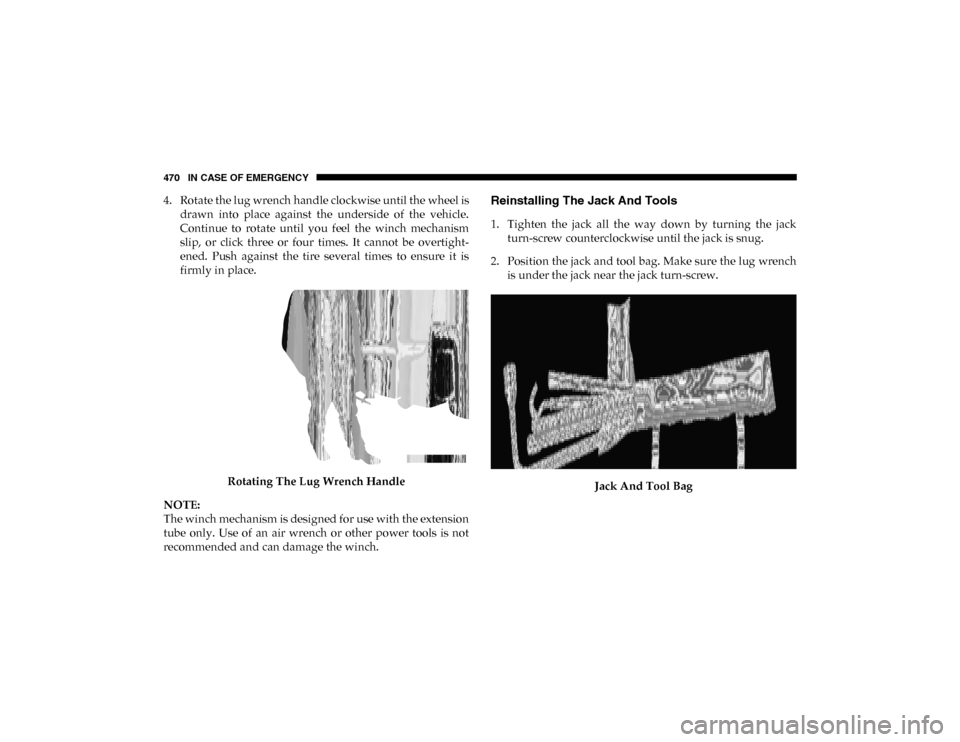
4. Rotate the lug wrench handle clockwise until the wheel isdrawn into place against the underside of the vehicle.
Continue to rotate until you feel the winch mechanism
slip, or click three or four times. It cannot be overtight -
ened. Push against the tire several times to ensure it is
firmly in place.
Rotating The Lug Wrench Handle
NOTE:
The winch mechanism is designed for use with the extension
tube only. Use of an air wrench or other power tools is not
recommended and can damage the winch.Reinstalling The Jack And Tools
1. Tighten the jack all the way down by turning the jack turn-screw counterclockwise until the jack is snug.
2. Position the jack and tool bag. Make sure the lug wrench is under the jack near the jack turn-screw.
Jack And Tool Bag
2020_DT_1500_OM_US.book Page 470
Page 473 of 674
IN CASE OF EMERGENCY 471
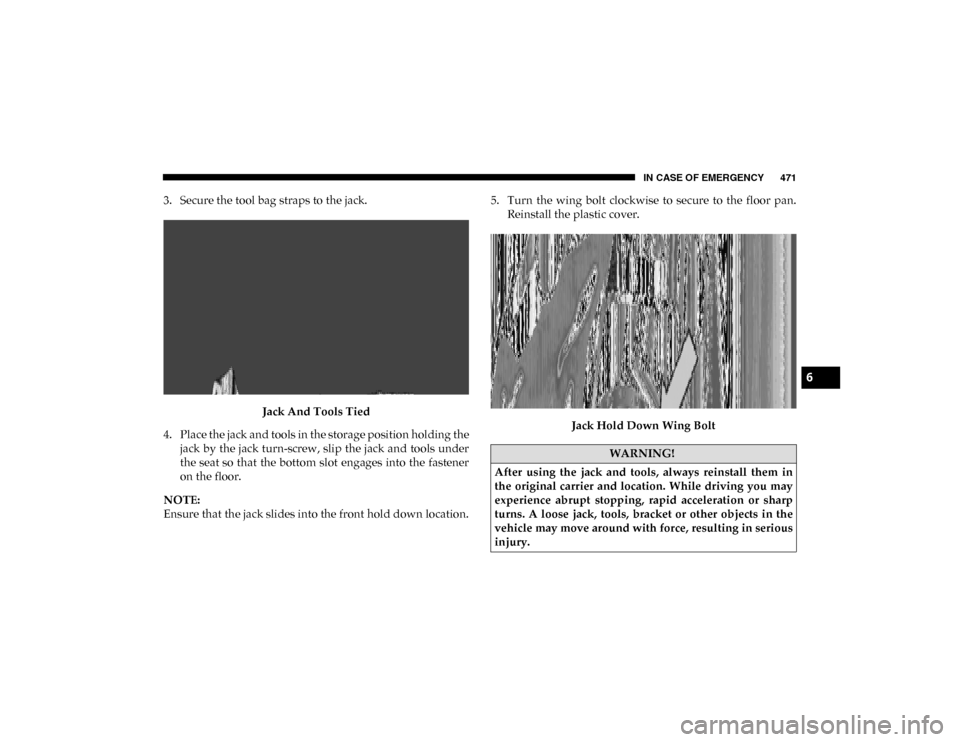
3. Secure the tool bag straps to the jack.Jack And Tools Tied
4. Place the jack and tools in the storage position holding the jack by the jack turn-screw, slip the jack and tools under
the seat so that the bottom slot engages into the fastener
on the floor.
NOTE:
Ensure that the jack slides into the front hold down location. 5. Turn the wing bolt clockwise to secure to the floor pan.
Reinstall the plastic cover.
Jack Hold Down Wing Bolt
WARNING!
After using the jack and tools, always reinstall them in
the original carrier and location. While driving you may
experience abrupt stopping, rapid acceleration or sharp
turns. A loose jack, tools, bracket or other objects in the
vehicle may move around with force, resulting in serious
injury.
6
2020_DT_1500_OM_US.book Page 471
Page 479 of 674

IN CASE OF EMERGENCY 477
NOTE:
When the lever is locked in the released position the access
cover cannot be reinstalled.
4. Behind the Manual Park Release access cover is theorange tether strap. Pull the tether strap out as far as it
will go, then release it. The tether and lever will remain
outside of the trim panel and the transmission should
now be in NEUTRAL, allowing the vehicle to be moved.
To Reset The Manual Park Release:
1. Apply firm pressure to the brake pedal while seated in the driver’s seat.
2. Pull the tether strap out again, then release it.
3. Allow the tether to retract with the lever back to its orig -
inal position.
4. Verify the transmission is in PARK.
5. Confirm that the tether has retracted fully and re-install the access cover. If the access cover cannot be reinstalled,
repeat steps 1 though 4.
6. Re-install the access cover.FREEING A STUCK VEHICLE
If your vehicle becomes stuck in mud, sand, or snow, it can
often be moved using a rocking motion. Turn the steering
wheel right and left to clear the area around the front wheels.
Then shift back and forth between DRIVE (D) and REVERSE
(R), while gently pressing the accelerator. Use the least
amount of accelerator pedal pressure that will maintain the
rocking motion, without spinning the wheels or racing the
engine.
NOTE:
Shifts between DRIVE and REVERSE can only be achieved at
wheel speeds of 5 mph (8 km/h) or less. Whenever the trans -
mission remains in NEUTRAL (N) for more than two
seconds, you must press the brake pedal to engage DRIVE or
REVERSE.
NOTE:
Push the “ESC Off” switch, to place the Electronic Stability
Control (ESC) system in “Partial Off” mode, before rocking
the vehicle. Refer to “Electronic Brake Control” in “Safety”
for further information. Once the vehicle has been freed,
push the “ESC Off” switch again to restore “ESC On” mode.
6
2020_DT_1500_OM_US.book Page 477
Page 504 of 674

502 SERVICING AND MAINTENANCE
Conditions that would require replacement:
• Rib chunking (one or more ribs has separated from beltbody)
• Rib or belt wear
• Longitudinal belt cracking (cracks between two ribs)
• Belt slips
• “Groove jumping" (belt does not maintain correct position on pulley)
• Belt broken
• Noise (objectionable squeal, squeak, or rumble is heard or felt while drive belt is in operation)
NOTE:
Identify and correct problem before new belt is installed.
NOTE:
If your vehicle is equipped with Stop/Start belt must be
replaced with an OEM grade Mopar belt.
Some conditions can be caused by a faulty component such
as a belt pulley. Belt pulleys should be carefully inspected for
damage and proper alignment. Belt replacement on some models requires the use of special
tools, we recommend having your vehicle serviced at an
authorized dealer.
Body Lubrication
Locks and all body pivot points, including such items as seat
tracks, door hinge pivot points and rollers, liftgate, tailgate,
decklid, sliding doors and hood hinges, should be lubricated
periodically with a lithium based grease, such as Mopar
Spray White Lube to assure quiet, easy operation and to
protect against rust and wear. Prior to the application of any
lubricant, the parts concerned should be wiped clean to
remove dust and grit; after lubricating excess oil and grease
should be removed. Particular attention should also be given
to hood latching components to ensure proper function.
When performing other underhood services, the hood latch
release mechanism, and safety catch should be cleaned and
lubricated.
The external lock cylinders should be lubricated twice a year,
preferably in the Fall and Spring. Apply a small amount of a
high quality lubricant, such as Mopar Lock Cylinder Lubri
-
cant directly into the lock cylinder.
2020_DT_1500_OM_US.book Page 502
Page 506 of 674
504 SERVICING AND MAINTENANCE
Wiper Blade Removal/Installation
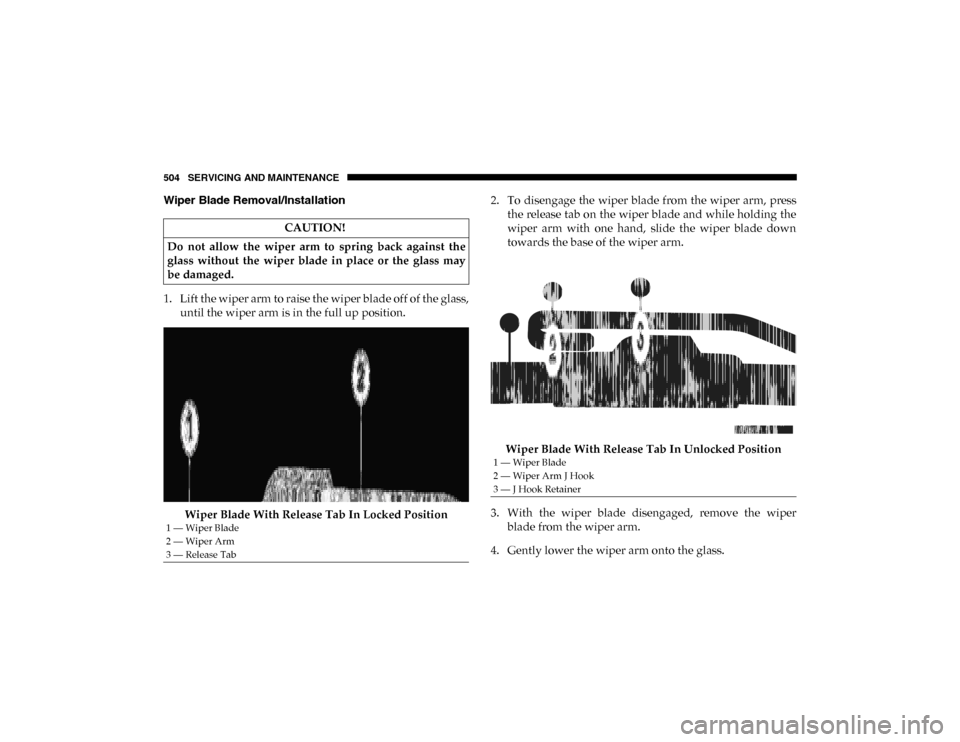
1. Lift the wiper arm to raise the wiper blade off of the glass,until the wiper arm is in the full up position.
Wiper Blade With Release Tab In Locked Position 2. To disengage the wiper blade from the wiper arm, press
the release tab on the wiper blade and while holding the
wiper arm with one hand, slide the wiper blade down
towards the base of the wiper arm.
Wiper Blade With Release Tab In Unlocked Position
3. With the wiper blade disengaged, remove the wiper blade from the wiper arm.
4. Gently lower the wiper arm onto the glass.
CAUTION!
Do not allow the wiper arm to spring back against the
glass without the wiper blade in place or the glass may
be damaged.
1 — Wiper Blade
2 — Wiper Arm
3 — Release Tab
1 — Wiper Blade
2 — Wiper Arm J Hook
3 — J Hook Retainer
2020_DT_1500_OM_US.book Page 504
Page 562 of 674

560 MULTIMEDIA
Push the MORE or SETTINGS button on the faceplate, then
press the Settings button on the touchscreen (if equipped) to
display the Settings menu screen. In this mode, the Uconnect
system allows you to access programmable features that may
be equipped such as Display, Units, Voice, Clock, Safety &
Driving Assistance, Brakes, Lights, Doors & Locks, Power
Side Steps (if equipped), Auto-On Comfort (if equipped),
Engine Off Options, Suspension (if equipped), Trailer Brake,
Audio, Phone/Bluetooth®, SiriusXM® Setup (if equipped),
Restore Settings, Clear Personal Data, and System Informa-
tion.
NOTE:
Only one category may be selected at a time. When making a selection, press the button on the touch
-
screen to enter the desired mode. Once in the desired mode,
press and release the preferred setting until the button is
highlighted. Once the setting is complete, either press the
Back arrow or the Done button on the touchscreen. Pressing
the Up or Down arrow buttons on the touchscreen on the
right side of the screen will allow you to toggle up or down
through the list of available settings.
NOTE:
All settings should be changed with the ignition in the ON/
RUN position.
2020_DT_1500_OM_US.book Page 560
Page 564 of 674

562 MULTIMEDIA
Units — If Equipped
After pressing Units on the touchscreen, the following will be available:
Voice
After pressing the Voice button on the touchscreen, the following settings will be available:
Clock
After pressing the Clock button on the touchscreen, the following settings will be available:Setting Name
Selectable Options
Units USMetric Custom
Setting Name Selectable Options
Voice Response Length Brief Detailed
Show Command List AlwaysWith Help Never
Setting Name Selectable Options
Set Time 12 hour24 hour
NOTE:
Within the “Set Time” feature, press the corresponding arrow above and below the current time to adjust, and then select
“AM” or “PM”.
2020_DT_1500_OM_US.book Page 562
Page 567 of 674

MULTIMEDIA 565
Brakes — If Equipped
After pressing the Brakes button on the touchscreen, the following setting will be available:
Lights
After pressing the Lights button on the touchscreen, the following settings will be available:Setting Name
Selectable Options
Brake Service YesNo
NOTE:
Selecting the “Brake Service” feature will display a pop-up asking whether or not you would like to retract the park brakes
to all brake system service. Auto Park Brake OnOff
Setting Name Selectable Options
Headlight Off Delay 0 sec
30 sec
60 sec 90 sec
Headlight Illumination On Approach 0 sec
30 sec
60 sec 90 sec
NOTE:
When the “Headlight Illumination On Approach” feature is selected, it allows the adjustment of the amount of time the head -
lights remain on when the doors are unlocked with the key fob.
Headlights With Wipers — If Equipped On
Off
9
2020_DT_1500_OM_US.book Page 565
Page 568 of 674

566 MULTIMEDIA
Doors & Locks
After pressing the Doors & Locks button on the touchscreen, the following settings will be available:Auto Dim High Beams — If Equipped
OnOff
Flash Lights With Lock OnOff
NOTE:
When the “Flash Lights With Lock” feature is selected, the exterior lights flash when the doors are locked or unlocked with
the key fob. This feature may be selected with or without the sound horn on lock feature selected. Steering Directed Lights — If Equipped On
Off
NOTE:
When the “Steering Directed Lights” feature is selected, the headlights turn with the direction of the steering wheel. Setting Name
Selectable Options
Setting NameSelectable Options
Auto Door Locks — If Equipped On
Off
NOTE:
When the “Auto Door Locks” feature is selected, all doors lock automatically when the vehicle reaches a speed of 15 mph
(24 km/h).
2020_DT_1500_OM_US.book Page 566
Page 569 of 674

MULTIMEDIA 567
Auto Unlock On ExitOn Off
NOTE:
When the “Auto Unlock On Exit” feature is selected, all doors unlock when the vehicle is stopped, the transmission is in the
PARK or NEUTRAL (N) position, and the driver's door is opened. Sound Horn With Lock Off1st Press 2nd Press
Remote Door Unlock All Driver
NOTE:
The “Remote Door Unlock” feature allows you to program your remote door locks to open “All doors” or only the “Driver
door” with the first push of the key fob or when grabbing the Passive Entry door handle. Sound Horn With Remote Start On
Off
NOTE:
When the “Sound Horn With Remote Start” feature is selected, the horn sounds when the remote start is activated.
Memory Linked To Fob — If Equipped On
Off
NOTE:
• The “Memory Linked To Fob” feature provides automatic driver seat positioning to enhance driver mobility when entering and exiting the vehicle.
• The seat returns to the memorized seat location if “Memory Linked To Fob” is set to On when the key fob is used to unlock the door. Setting Name
Selectable Options
9
2020_DT_1500_OM_US.book Page 567