change wheel Ram 1500 2020 User Guide
[x] Cancel search | Manufacturer: RAM, Model Year: 2020, Model line: 1500, Model: Ram 1500 2020Pages: 674, PDF Size: 32.69 MB
Page 265 of 674

SAFETY 263
(Continued)
Your vehicle may also be designed to perform any of these
other functions in response to the Enhanced Accident
Response System:
• Turn off the Fuel Filter Heater, Turn off the HVAC BlowerMotor, Close the HVAC Circulation Door
• Cut off battery power to the: • Engine
• Electric Motor (if equipped)
• Electric power steering
• Brake booster
• Electric park brake
• Automatic transmission gear selector
• Horn
• Front wiper
• Headlamp washer pump
NOTE:
After an accident, remember to cycle the ignition to the STOP
(OFF/LOCK) position and remove the key from the ignition
switch to avoid draining the battery. Carefully check the
vehicle for fuel leaks in the engine compartment and on the
ground near the engine compartment and fuel tank before
resetting the system and starting the engine. If there are no
fuel leaks or damage to the vehicle electrical devices (e.g. headlights) after an accident, reset the system by following
the procedure described below. If you have any doubt,
contact an authorized dealer.
Enhanced Accident Response System Reset Procedure
In order to reset the Enhanced Accident Response System
functions after an event, the ignition switch must be changed
from ignition START or ON/RUN to ignition OFF. Carefully
check the vehicle for fuel leaks in the engine compartment
and on the ground near the engine compartment and fuel
tank before resetting the system and starting the engine.
Maintaining Your Air Bag System
WARNING!
• Modifications to any part of the air bag system could cause it to fail when you need it. You could be injured
if the air bag system is not there to protect you. Do not
modify the components or wiring, including adding
any kind of badges or stickers to the steering wheel hub
trim cover or the upper passenger side of the instru -
ment panel. Do not modify the front bumper, vehicle
body structure, or add aftermarket side steps or
running boards.
4
2020_DT_1500_OM_US.book Page 263
Page 311 of 674
STARTING AND OPERATING 309
NOTE:
Even if the transmission can be reset, we recommend that
you visit an authorized dealer at your earliest possible
convenience. An authorized dealer has diagnostic equip-
ment to assess the condition of your transmission.
If the transmission cannot be reset, an authorized dealer
service is required.
Electronic Range Select (ERS) Operation — Eight-Speed
Transmission
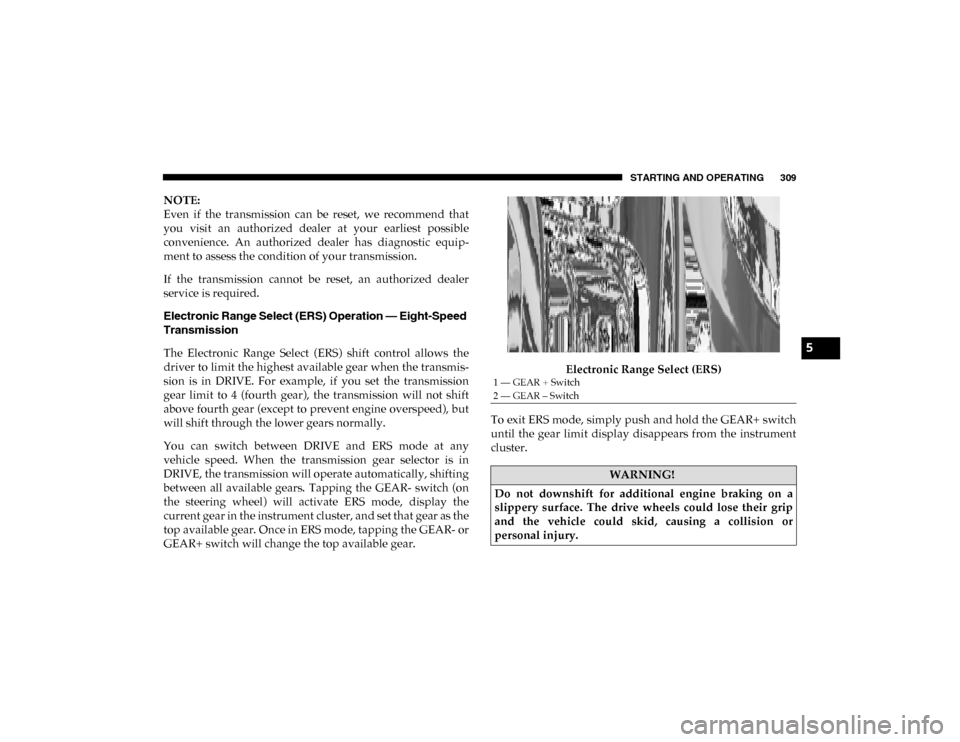
The Electronic Range Select (ERS) shift control allows the
driver to limit the highest available gear when the transmis -
sion is in DRIVE. For example, if you set the transmission
gear limit to 4 (fourth gear), the transmission will not shift
above fourth gear (except to prevent engine overspeed), but
will shift through the lower gears normally.
You can switch between DRIVE and ERS mode at any
vehicle speed. When the transmission gear selector is in
DRIVE, the transmission will operate automatically, shifting
between all available gears. Tapping the GEAR- switch (on
the steering wheel) will activate ERS mode, display the
current gear in the instrument cluster, and set that gear as the
top available gear. Once in ERS mode, tapping the GEAR- or
GEAR+ switch will change the top available gear. Electronic Range Select (ERS)
To exit ERS mode, simply push and hold the GEAR+ switch
until the gear limit display disappears from the instrument
cluster.
1 — GEAR + Switch
2 — GEAR – Switch
WARNING!
Do not downshift for additional engine braking on a
slippery surface. The drive wheels could lose their grip
and the vehicle could skid, causing a collision or
personal injury.
5
2020_DT_1500_OM_US.book Page 309
Page 332 of 674

330 STARTING AND OPERATING
The indicator lamps 1 through 4 will illuminate to show the
current position of the vehicle. Flashing indicator lamps will
show a position which the system is working to achieve.
When raising or lowering, the flashing indicator lamp is the
position the system is working to achieve.
Pushing the height selector switch up once will move the
suspension one position higher from the current position,
assuming all conditions are met (i.e. key in ON/RUN posi-
tion, engine running, speed below threshold, etc). The height
selector switch can be pushed up multiple times, each push
will raise the requested level by one position up to a
maximum position of OR or the highest position allowed
based on current conditions (i.e. vehicle speed, etc).
Pushing the height selector switch down once will move the
suspension one position lower from the current level,
assuming all conditions are met (i.e. key in ON/RUN posi -
tion, engine running, doors closed, speed below threshold,
etc). The height selector switch can be pushed down multiple
times, each push will lower the requested level by one posi -
tion down to a minimum of Entry/Exit Mode or the lowest
position allowed based on current conditions (i.e. vehicle
speed, etc.)
Automatic height changes will occur based on vehicle speed
and the current vehicle height. The indicator lamps and instrument cluster display messages will operate the same
for automatic changes and user requested changes.
• Off-Road 1 (OR1) – Indicator lamps 4, 3, 2, and 1 will be
illuminated when the vehicle is in OR1.
• Normal Ride Height (NRH) – Indicator lamps 4, 3, and 2 will be illuminated when the vehicle is in this position.
• Aero Mode – Indicator lamps 4 and 3 will be illuminated when the vehicle is in this position.
• Entry/Exit Mode – Indicator lamp 4 will be illuminated when the vehicle is in Entry Exit Mode. Entry/Exit mode
can be requested up to 33 mph (53 km/h). If vehicle speed
is reduced to, and kept below, 15 mph (24 km/h) indicator
lamp 3 will flash and indicator lamp 4 will remain solid
until Entry/Exit Mode is achieved at which point indicator
lamp 3 will turn off.
• Transport Mode – No indicator lamps will be illuminated. Transport Mode is disabled by driving the vehicle.
• Tire/Jack Mode – Indicator lamps 4 and 1 will be illumi -
nated. Tire/Jack Mode is disabled by driving the vehicle.
• Wheel Alignment Mode – Indicator lamps 2, 3, and 4 will be illuminated. Wheel Alignment Mode is disabled by
driving the vehicle.
2020_DT_1500_OM_US.book Page 330
Page 375 of 674

STARTING AND OPERATING 373
The ParkSense Active Park Assist system will only operate
and search for a parking space when the following condi-
tions are present:
• The gear position is in DRIVE.
• The ignition is in the RUN position.
• The ParkSense Active Park Assist switch is activated.
• The driver’s door is closed.
• The liftgate is closed.
• Vehicle speed is less than 15 mph (25 km/h).
NOTE:
If the vehicle is driven above approximately 15 mph (25 km/h),
the instrument cluster display will instruct the driver to slow
down. If the vehicle is driven above approximately 18 mph
(30 km/h), the system will cancel. The driver must then reacti -
vate the system by pushing the ParkSense Active Park Assist
switch.
• Make sure that the outer surface and the underside of the front and rear fascias/bumpers are clean and clear of
snow, ice, mud, dirt or other obstruction.
When pushed, the LED on the ParkSense Active Park Assist
switch will blink momentarily, and then the LED will turn
off if any of the above conditions are not present.Parallel Parking Space Assistance Operation/Display
When the ParkSense Active Park Assist system is enabled the
“Active ParkSense Searching - Push OK To Switch To
Perpendicular Park” message will appear in the instrument
cluster display. You may switch to perpendicular parking if
you desire. Push the OK button on the left side steering
wheel switch to change your parking space setting.
NOTE:
• When searching for a parking space, use the turn signal indicator to select which side of the vehicle you want to
perform the parking maneuver. The ParkSense Active
Park Assist system will automatically search for a parking
space on the passenger's side of the vehicle if the turn
signal is not activated.
• The driver needs to make sure that the selected parking space for the maneuver remains free and clear of any
obstructions (e.g. pedestrians, bicycles, etc.).
• The driver is responsible to ensure that the selected parking space is suitable for the maneuver and free/clear
of anything that may be overhanging or protruding into
the parking space (e.g., ladders, tailgates, etc. from
surrounding objects/vehicles).
5
2020_DT_1500_OM_US.book Page 373
Page 383 of 674

STARTING AND OPERATING 381
The system will then instruct the driver to check their
surroundings and move backward.Check Surroundings — Move Backwards Your vehicle is now in the parallel park position. When the
maneuver is complete, the driver will be instructed to check
the vehicle's parking position. If the driver is satisfied with
the vehicle position, they should shift to PARK. The "Active
ParkSense Complete - Check Parking Position" message will
be momentarily displayed.
Perpendicular Parking Space Assistance Operation/
Display
When the ParkSense Active Park Assist system is enabled,
the “Active ParkSense Searching - Push OK to Switch to
Perpendicular Park” message will show in the instrument
cluster display. Push the OK button on the left side steering
wheel switch to change your parking space setting to a
perpendicular maneuver. You may switch back to parallel
parking if you desire.
5
2020_DT_1500_OM_US.book Page 381
Page 396 of 674
394 STARTING AND OPERATING
Left Lane Departure — Both Lane Lines Detected
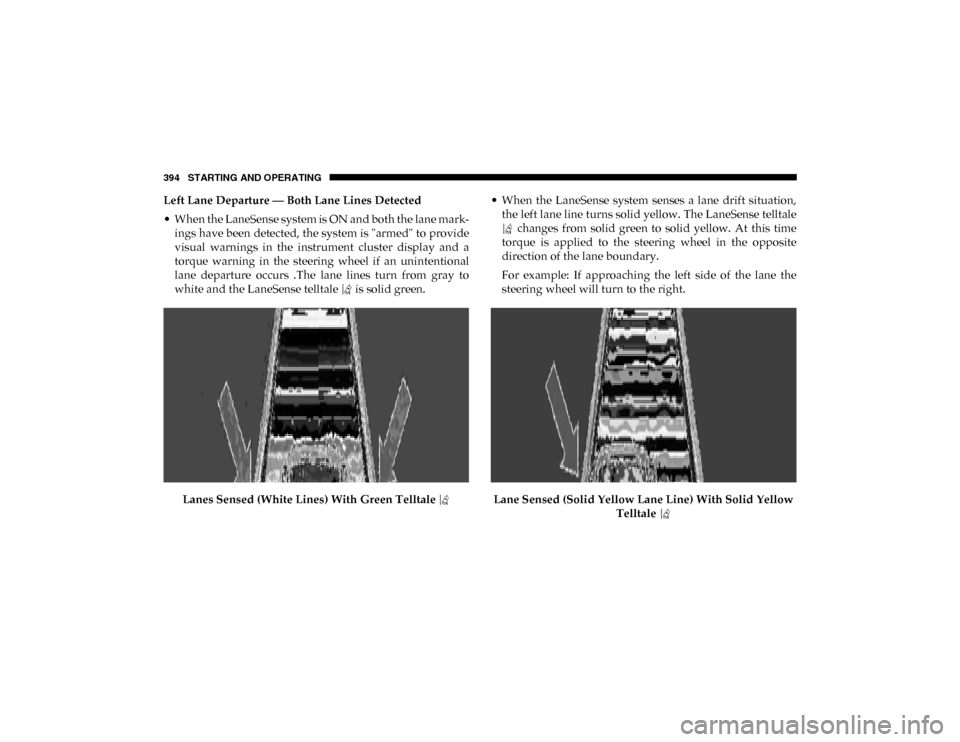
• When the LaneSense system is ON and both the lane mark -
ings have been detected, the system is "armed" to provide
visual warnings in the instrument cluster display and a
torque warning in the steering wheel if an unintentional
lane departure occurs .The lane lines turn from gray to
white and the LaneSense telltale is solid green.
Lanes Sensed (White Lines) With Green Telltale • When the LaneSense system senses a lane drift situation,
the left lane line turns solid yellow. The LaneSense telltale changes from solid green to solid yellow. At this time
torque is applied to the steering wheel in the opposite
direction of the lane boundary.
For example: If approaching the left side of the lane the
steering wheel will turn to the right.
Lane Sensed (Solid Yellow Lane Line) With Solid Yellow Telltale
2020_DT_1500_OM_US.book Page 394
Page 397 of 674
STARTING AND OPERATING 395
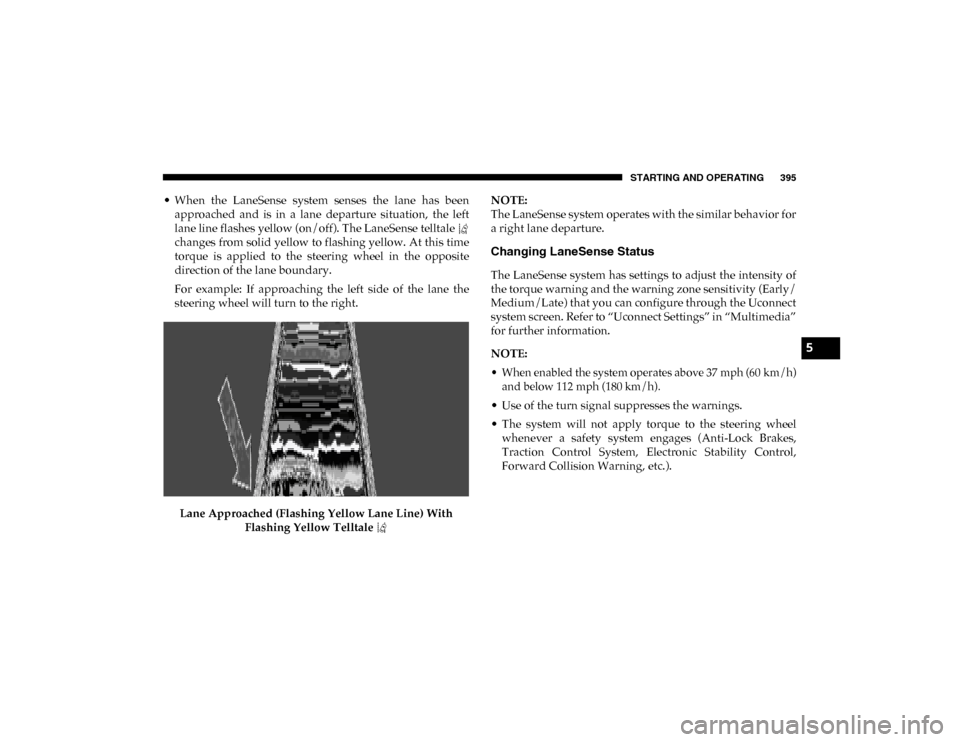
• When the LaneSense system senses the lane has beenapproached and is in a lane departure situation, the left
lane line flashes yellow (on/off). The LaneSense telltale
changes from solid yellow to flashing yellow. At this time
torque is applied to the steering wheel in the opposite
direction of the lane boundary.
For example: If approaching the left side of the lane the
steering wheel will turn to the right.
Lane Approached (Flashing Yellow Lane Line) With Flashing Yellow Telltale NOTE:
The LaneSense system operates with the similar behavior for
a right lane departure.
Changing LaneSense Status
The LaneSense system has settings to adjust the intensity of
the torque warning and the warning zone sensitivity (Early/
Medium/Late) that you can configure through the Uconnect
system screen. Refer to “Uconnect Settings” in “Multimedia”
for further information.
NOTE:
• When enabled the system operates above 37 mph (60 km/h)
and below 112 mph (180 km/h).
• Use of the turn signal suppresses the warnings.
• The system will not apply torque to the steering wheel whenever a safety system engages (Anti-Lock Brakes,
Traction Control System, Electronic Stability Control,
Forward Collision Warning, etc.).
5
2020_DT_1500_OM_US.book Page 395
Page 419 of 674

STARTING AND OPERATING 417
GAIN Adjustment Buttons (+/-)
Pushing these buttons will adjust the brake control power
output to the trailer brakes in 0.5 increments. The GAIN
setting can be increased to a maximum of 10 or decreased to
a minimum of 0 (no trailer braking).
GAIN
The GAIN setting is used to set the trailer brake control for
the specific towing condition and should be changed as
towing conditions change. Changes to towing conditions
include trailer load, vehicle load, road conditions and
weather.
Adjusting GAIN
NOTE:
This should only be performed in a traffic free environment
at speeds of approximately 20–25 mph (30–40 km/h).
1. Make sure the trailer brakes are in good working condi-
tion, functioning normally and properly adjusted. See
your trailer dealer if necessary.
2. Hook up the trailer and make the electrical connections according to the trailer manufacturer's instructions.
3. When a trailer with electric/EOH brakes is plugged in, the trailer connected message should appear in the
instrument cluster display (if the connection is not recog -nized by the ITBM, braking functions will not be avail
-
able), the GAIN setting will illuminate and the correct
type of trailer must be selected from the instrument
cluster display options.
4. Push the UP or DOWN button on the steering wheel until “TRAILER TOW” appears on the screen.
5. Push the RIGHT arrow on the steering wheel to enter “TRAILER TOW”.
6. Push the UP or DOWN buttons until the Trailer Brake Type appears on the screen.
7. Push the RIGHT arrow and then push the UP or DOWN buttons until the proper Trailer Brake Type appears on
the screen.
8. In a traffic-free environment, tow the trailer on a dry, level surface at a speed of 20–25 mph (30–40 km/h) and
squeeze the manual brake control lever completely.
9. If the trailer wheels lockup (indicated by squealing tires), reduce the GAIN setting; if the trailer wheels turn freely,
increase the GAIN setting.
Repeat steps 8 and 9 until the GAIN setting is at a point just
below trailer wheel lockup. If towing a heavier trailer, trailer
wheel lockup may not be attainable even with the maximum
GAIN setting of 10.
5
2020_DT_1500_OM_US.book Page 417
Page 456 of 674

454 IN CASE OF EMERGENCY
JACKING AND TIRE CHANGING NOTE:
If your vehicle is equipped with an air suspension system,
there is a feature which allows the automatic leveling to be
disabled to assist with changing a tire.
This feature can be activated through the Uconnect system.
Refer to “Uconnect Settings” in “Multimedia” for further
information.
Jack Location
The jack and jack tools are stored under the front passenger
seat.
WARNING!
• Do not attempt to change a tire on the side of the vehicle close to moving traffic. Pull far enough off the road to
avoid the danger of being hit when operating the jack
or changing the wheel.
• Being under a jacked-up vehicle is dangerous. The vehicle could slip off the jack and fall on you. You
could be crushed. Never put any part of your body
under a vehicle that is on a jack. If you need to get
under a raised vehicle, take it to a service center where
it can be raised on a lift.
• Never start or run the engine while the vehicle is on a jack.
• The jack is designed to be used as a tool for changing tires only. The jack should not be used to lift the
vehicle for service purposes. The vehicle should be
jacked on a firm level surface only. Avoid ice or slip -
pery areas.
2020_DT_1500_OM_US.book Page 454
Page 464 of 674
462 IN CASE OF EMERGENCY
Preparations For Jacking
1. Park on a firm, level surface. Avoid ice or slippery areas.
2. Turn on the Hazard Warning flasher.
3. Apply the parking brake.
4. Shift the transmission into Park (P).
5. Turn the ignition OFF.
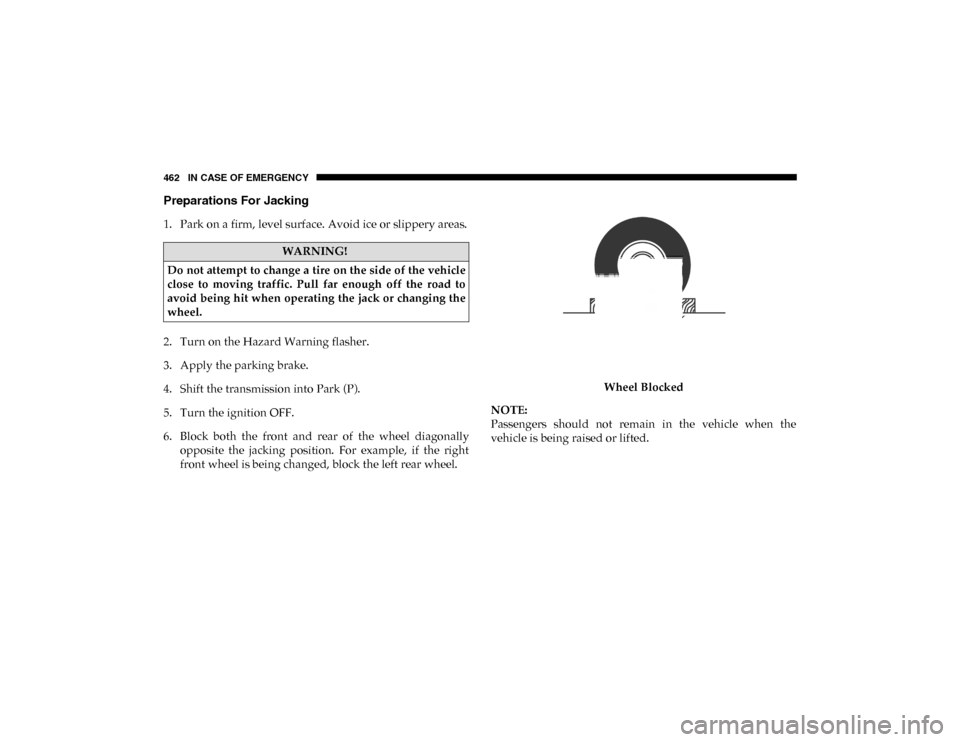
6. Block both the front and rear of the wheel diagonallyopposite the jacking position. For example, if the right
front wheel is being changed, block the left rear wheel. Wheel Blocked
NOTE:
Passengers should not remain in the vehicle when the
vehicle is being raised or lifted.
WARNING!
Do not attempt to change a tire on the side of the vehicle
close to moving traffic. Pull far enough off the road to
avoid being hit when operating the jack or changing the
wheel.
2020_DT_1500_OM_US.book Page 462