AC system Ram 1500 2020 Owner's Manual
[x] Cancel search | Manufacturer: RAM, Model Year: 2020, Model line: 1500, Model: Ram 1500 2020Pages: 674, PDF Size: 32.69 MB
Page 423 of 674
STARTING AND OPERATING 421
Tow/Haul Mode
To reduce potential for automatic transmission overheating,
activate TOW/HAUL mode when driving in hilly areas, or
select a lower gear range (using the Electronic Range Select
(ERS) shift control) on more severe grades.
Speed Control — If Equipped
• Do not use on hilly terrain or with heavy loads.
• When using the speed control, if you experience speeddrops greater than 10 mph (16 km/h), disengage until you
can get back to cruising speed.
• Use speed control in flat terrain and with light loads to maximize fuel efficiency.
Cooling System
To reduce potential for engine and transmission over -
heating, take the following actions:
City Driving
In city traffic — while stopped, place the transmission in
NEUTRAL, but do not increase engine idle speed. Highway Driving
• Reduce speed
• Temporarily turn off air conditioning
Air Suspension System
To aid in attaching/detaching the trailer from the vehicle, the air
suspension system can be used. Refer to “Air Suspension
System” in “Starting And Operating” for further information.
NOTE:
The vehicle must remain in the engine running position
while attaching a trailer for proper leveling of the air suspen
-
sion system.
SNOWPLOW
NOTE:
Do not use this model vehicle for snowplow applications.
WARNING!
Snowplows and other aftermarket equipment should not
be added to the front end of your vehicle. The airbag
crash sensors may be affected by the change in the front
end structure. The airbags could deploy unexpectedly or
could fail to deploy during a collision resulting in
serious injury or death.
5
2020_DT_1500_OM_US.book Page 421
Page 424 of 674

422 STARTING AND OPERATING
RECREATIONAL TOWING (BEHIND MOTORHOME, ETC.)
Towing This Vehicle Behind Another Vehicle
NOTE:
• When towing your vehicle, always follow applicable stateand provincial laws. Contact state and provincial
Highway Safety offices for additional details. • Vehicles equipped with Active-Level Four Corner Air
Suspension must be placed in Transport mode before
tying them down (from the body) on a trailer or flatbed
truck. Refer to “Active-Level Four Corner Air Suspension
– If Equipped” for more information. If the vehicle cannot
WARNING!
Attaching a snowplow to this vehicle could adversely
affect performance of the airbag system in a collision. Do
not expect that the airbag will perform as described
earlier in this manual.CAUTION!
Using this vehicle for snowplow applications can cause
damage to the vehicle.
Towing Condition Wheels OFF The
Ground Two-Wheel Drive
Models Four-Wheel Drive Models
Flat Tow NONENOT ALLOWED See Instructions
• Transmission in PARK
• Transfer case in NEUTRAL (N)
• Tow in forward direction
Dolly Tow Front
NOT ALLOWED NOT ALLOWED
Rear OK NOT ALLOWED
On Trailer ALLOK OK
2020_DT_1500_OM_US.book Page 422
Page 431 of 674

STARTING AND OPERATING 429
Off-Road Driving Tips
Care should be taken when attempting to climb steep hills or
driving diagonally across a hill or slope. If natural obstacles
force you to travel diagonally up or down a hill, choose a
mild angle and keep as little side tilt as possible. Keep the
vehicle moving and make turns slowly and cautiously.
If you must back down a hill, back straight down using
REVERSE gear. Never back down in NEUTRAL or diago-
nally across the hill. When driving over sand, mud, and other soft terrain, shift to
low gear and drive steadily. Apply the accelerator slowly to
avoid spinning the wheels.
Do not reduce the tire pressures for this type of driving.
After Driving Off-Road
Off-road operation puts more stress on your vehicle than
does most on-road driving. After going off-road, it is always
a good idea to check for damage. That way you can get any
problems taken care of right away and have your vehicle
ready when you need it.
• Completely inspect the underbody of your vehicle. Check
tires, body structure, steering, suspension, and exhaust
system for damage.
• Inspect the radiator for mud and debris and clean as required.
• Check threaded fasteners for looseness, particularly on the chassis, drivetrain components, steering, and suspension.
Retighten them, if required, and torque to the values spec -
ified in the Service Manual.
• Check for accumulations of plants or brush. These things could be a fire hazard. They might hide damage to fuel
lines, brake hoses, axle pinion seals, and propeller shafts.
• Driving through standing water may cause damage to
your vehicle’s drivetrain components. Always inspect
your vehicle’s fluids (i.e., engine oil, transmission, axle,
etc.) for signs of contamination (i.e., fluid that is milky
or foamy in appearance) after driving through standing
water. Do not continue to operate the vehicle if any
fluid appears contaminated, as this may result in
further damage. Such damage is not covered by the
New Vehicle Limited Warranty.
• Getting water inside your vehicle’s engine can cause it to lock up and stall out, and cause serious internal
damage to the engine. Such damage is not covered by
the New Vehicle Limited Warranty. CAUTION!
(Continued)
5
2020_DT_1500_OM_US.book Page 429
Page 433 of 674
431
IN CASE OF EMERGENCY
HAZARD WARNING FLASHERS
The Hazard Warning switch is located on the upper
switch bank just below the radio.
NOTE:
If your vehicle is equipped with a 12–inch Uconnect display,
the Hazard Warning switch is located above the display.
Push the switch to turn on the Hazard Warning flasher.
When the switch is activated, all directional turn signals will
flash on and off to warn oncoming traffic of an emergency.
Push the switch a second time to turn off the Hazard
Warning flashers.
This is an emergency warning system and it should not be
used when the vehicle is in motion. Use it when your vehicle
is disabled and it is creating a safety hazard for other motor -
ists.
When leaving the vehicle to seek assistance, the Hazard
Warning flashers will continue to operate even though the
ignition is placed in the OFF position. NOTE:
With extended use the Hazard Warning flashers may wear
down your battery.
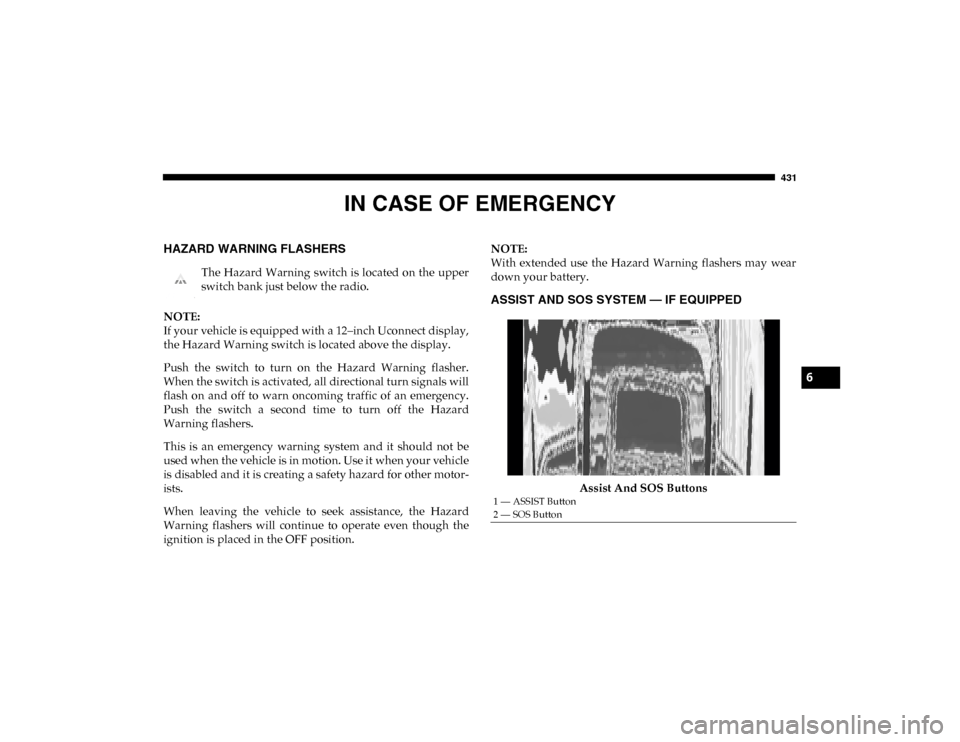
ASSIST AND SOS SYSTEM — IF EQUIPPED
Assist And SOS Buttons
1 — ASSIST Button
2 — SOS Button
6
2020_DT_1500_OM_US.book Page 431
Page 434 of 674
432 IN CASE OF EMERGENCY
If equipped, the overhead console contains an ASSIST and a
SOS button.
NOTE:
• Your vehicle may be transmitting data as authorized bythe subscriber.
• The SOS and ASSIST buttons will only function if you are connected to an operable LTE (voice/data) or 4G (data)
network. Other Uconnect services will only be operable if
your SiriusXM Guardian™ service is active and connected
to an operable LTE (voice/data) or 4G (data) network. ASSIST Call
The ASSIST Button is used to automatically connect you to
any one of the following support centers:
• Roadside Assistance – If you get a flat tire, or need a tow,
just push the ASSIST button and you’ll be connected to
someone who can help. Roadside Assistance will know
what vehicle you’re driving and its location. Additional
fees may apply for roadside assistance.
• SiriusXM Guardian™ Customer Care – In-vehicle support for SiriusXM Guardian™.
• Vehicle Customer Care – Total support for all other vehicle issues.
SOS Call
1. Push the SOS Call button on the overhead console.
NOTE:
In case the SOS Call button is pushed in error, there will be a
ten second delay before the SOS Call system initiates a call to
a SOS operator. To cancel the SOS Call connection, push the
SOS call button on the overhead console or press the cancel -
lation button on the Device Screen. Termination of the SOS
Call will turn off the green LED light on the overhead
console.
WARNING!
ALWAYS obey traffic laws and pay attention to the road.
ALWAYS drive safely with your hands on the steering
wheel. You have full responsibility and assume all risks
related to the use of the features and applications in this
vehicle. Only use the features and applications when it is
safe to do so. Failure to do so may result in an accident
involving serious injury or death.
2020_DT_1500_OM_US.book Page 432
Page 435 of 674
IN CASE OF EMERGENCY 433
(Continued)
2. The LED light located between the ASSIST and SOSbuttons on the overhead console will turn green once a
connection to a SOS operator has been made.
3. Once a connection between the vehicle and a SOS oper- ator is made, the SOS Call system may transmit the
following important vehicle information to a SOS oper -
ator:
• Indication that the occupant placed a SOS Call
• The vehicle brand
• The last known GPS coordinates of the vehicle
4. You should be able to speak with the SOS operator through the vehicle audio system to determine if addi -
tional help is needed. NOTE:
• Your vehicle may be transmitting data as authorized by
the subscriber.
• Once a connection is made between the vehicle’s SOS Call system and the SOS operator, the SOS operator may be
able to open a voice connection with the vehicle to deter -
mine if additional help is needed. Once the SOS operator
opens a voice connection with the vehicle’s SOS Call
system, the operator should be able to speak with you or
other vehicle occupants and hear sounds occurring in the
vehicle. The vehicle’s SOS Call system will attempt to
remain connected with the SOS operator until the SOS
operator terminates the connection.
5. The SOS operator may attempt to contact appropriate emergency responders and provide them with important
vehicle information and GPS coordinates.
WARNING!
ALWAYS obey traffic laws and pay attention to the road.
ALWAYS drive safely with your hands on the steering
wheel. You have full responsibility and assume all risks
related to the use of the features and applications in this
vehicle. Only use the features and applications when it is
safe to do so. Failure to do so may result in an accident
involving serious injury or death.
WARNING!
• If anyone in the vehicle could be in danger (e.g., fire or smoke is visible, dangerous road conditions or loca -
tion), do not wait for voice contact from an Emergency
Services Agent. All occupants should exit the vehicle
immediately and move to a safe location.
6
2020_DT_1500_OM_US.book Page 433
Page 436 of 674
434 IN CASE OF EMERGENCY
(Continued)
SOS Call System Limitations
Vehicles sold in Mexico DO NOT have SOS Call system
capabilities.
SOS or other emergency line operators in Mexico may not
answer or respond to SOS system calls.
If the SOS Call system detects a malfunction, any of the
following may occur at the time the malfunction is detected,
and at the beginning of each ignition cycle:
• The overhead console light located between the ASSIST and SOS buttons will continuously be illuminated red.
• The Device Screen will display the following message: “Vehicle device requires service. Please contact your
dealer.”
• An In-Vehicle Audio message will state “Vehicle device requires service. Please contact your dealer.”
• Never place anything on or near the vehicle’s operable
network and GPS antennas. You could prevent oper -
able network and GPS signal reception, which can
prevent your vehicle from placing an emergency call.
An operable network and GPS signal reception is
required for the SOS Call system to function properly.
• The SOS Call system is embedded into the vehicle’s electrical system. Do not add aftermarket electrical
equipment to the vehicle’s electrical system. This may
prevent your vehicle from sending a signal to initiate
an emergency call. To avoid interference that can cause
the SOS Call system to fail, never add aftermarket
equipment (e.g., two-way mobile radio, CB radio, data
recorder, etc.) to your vehicle’s electrical system or
modify the antennas on your vehicle. IF YOUR
VEHICLE LOSES BATTERY POWER FOR ANY
REASON (INCLUDING DURING OR AFTER AN
ACCIDENT), THE UCONNECT FEATURES, APPS
AND SERVICES, AMONG OTHERS, WILL NOT
OPERATE.
• Modifications to any part of the SOS Call system could cause the air bag system to fail when you need it. You
could be injured if the air bag system is not there to
help protect you.WARNING! (Continued)
WARNING!
• Ignoring the overhead console light could mean you will not have SOS Call services. If the overhead console
light is illuminated, have your authorized dealer
service the SOS Call system immediately.
2020_DT_1500_OM_US.book Page 434
Page 437 of 674
IN CASE OF EMERGENCY 435
Even if the SOS Call system is fully functional, factors
beyond FCA US LLC’s control may prevent or stop the SOS
Call system operation. These include, but are not limited to,
the following factors:
• Delayed accessories mode is active
• The ignition is in the OFF position
• The vehicle’s electrical systems are not intact
• The SOS Call system software and/or hardware aredamaged during a crash
• The vehicle battery loses power or becomes disconnected during a vehicle crash
• LTE (voice/data) or 4G (data) network and/or Global Positioning Satellite signals are unavailable or obstructed
• Equipment malfunction at the SOS operator facility • Operator error by the SOS operator
• LTE (voice/data) or 4G (data) network congestion
• Weather
• Buildings, structures, geographic terrain, or tunnels
NOTE:
• Your vehicle may be transmitting data as authorized by
the subscriber.
• Never place anything on or near the vehicle’s LTE (voice/ data) or 4G (data) and GPS antennas. You could prevent
LTE (voice/data) or 4G (data) and GPS signal reception,
which can prevent your vehicle from placing an emer -
gency call. An operable LTE (voice/data) or 4G (data)
network connection and a GPS signal is required for the
SOS Call system to function properly.
• The Occupant Restraint Control module turns on the
air bag Warning Light on the instrument panel if a
malfunction in any part of the system is detected. If the
Air Bag Warning Light is illuminated, have your autho -
rized dealer service the Occupant Restraint Control
system immediately.
WARNING! (Continued)
WARNING!
ALWAYS obey traffic laws and pay attention to the road.
ALWAYS drive safely with your hands on the steering
wheel. You have full responsibility and assume all risks
related to the use of the features and applications in this
vehicle. Only use the features and applications when it is
safe to do so. Failure to do so may result in an accident
involving serious injury or death.
6
2020_DT_1500_OM_US.book Page 435
Page 446 of 674
444 IN CASE OF EMERGENCY
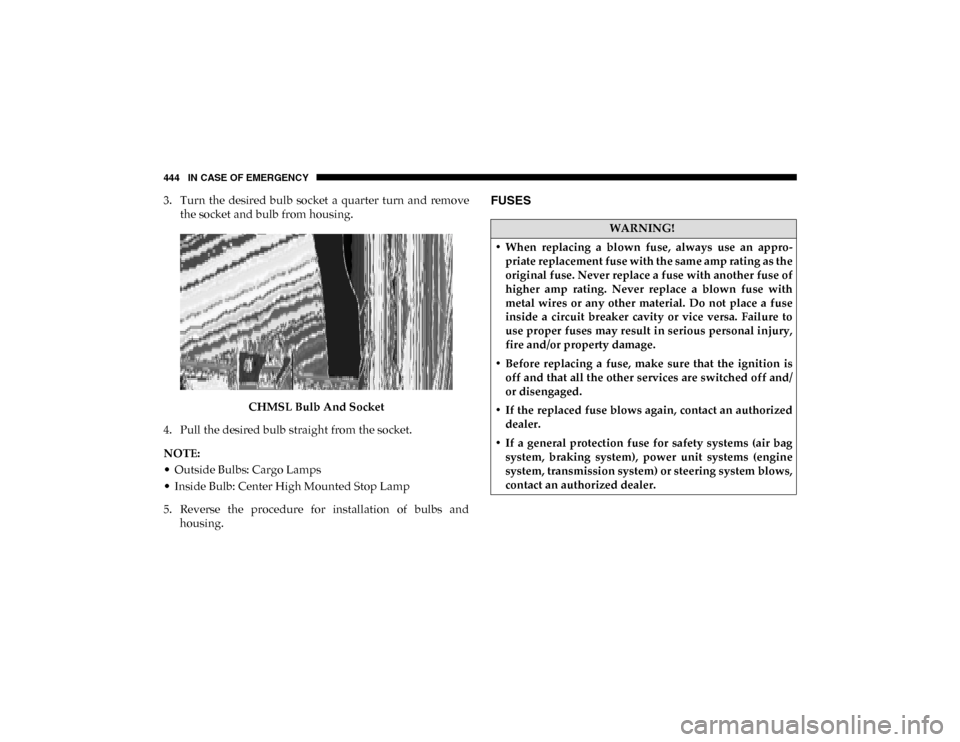
3. Turn the desired bulb socket a quarter turn and removethe socket and bulb from housing.
CHMSL Bulb And Socket
4. Pull the desired bulb straight from the socket.
NOTE:
• Outside Bulbs: Cargo Lamps
• Inside Bulb: Center High Mounted Stop Lamp
5. Reverse the procedure for installation of bulbs and housing.FUSES
WARNING!
• When replacing a blown fuse, always use an appro -
priate replacement fuse with the same amp rating as the
original fuse. Never replace a fuse with another fuse of
higher amp rating. Never replace a blown fuse with
metal wires or any other material. Do not place a fuse
inside a circuit breaker cavity or vice versa. Failure to
use proper fuses may result in serious personal injury,
fire and/or property damage.
• Before replacing a fuse, make sure that the ignition is off and that all the other services are switched off and/
or disengaged.
• If the replaced fuse blows again, contact an authorized dealer.
• If a general protection fuse for safety systems (air bag system, braking system), power unit systems (engine
system, transmission system) or steering system blows,
contact an authorized dealer.
2020_DT_1500_OM_US.book Page 444
Page 451 of 674

IN CASE OF EMERGENCY 449
Internal Power Distribution Center
The Power Distribution Center is located under the drivers
side instrument panel. This center contains cartridge fuses,
micro fuses, relays, and circuit breakers. A description of
each fuse and component may be stamped on the inside
cover, otherwise the cavity number of each fuse is stamped
on the inside cover that corresponds to the following chart.
CAUTION!
• When installing the power distribution center cover, it is important to ensure the cover is properly positioned
and fully latched. Failure to do so may allow water to
get into the power distribution center and possibly
result in an electrical system failure.
• When replacing a blown fuse, it is important to use only a fuse having the correct amperage rating. The use
of a fuse with a rating other than indicated may result
in a dangerous electrical system overload. If a properly
rated fuse continues to blow, it indicates a problem in
the circuit that must be corrected.
Cavity Cartridge Fuse Micro Fuse Description
F01 30 Amp Pink –Trailer Tow Receptacle
F03 –20 Amp Yellow Module Seat Heater Front (Pass)
F04 ––Spare
F05 –20 Amp Yellow Module PPU Cooling Fan
F06 40 Amp Green –Mod CBC 4 Exterior Light 2
F07 40 Amp Green –Mod CBC 3 PWR Locks
F08 ––Spare
F09 ––Spare
F10 40 Amp Green –HVAC Blower Motor
6
2020_DT_1500_OM_US.book Page 449