mirror Ram 1500 2020 Owner's Guide
[x] Cancel search | Manufacturer: RAM, Model Year: 2020, Model line: 1500, Model: Ram 1500 2020Pages: 674, PDF Size: 32.69 MB
Page 219 of 674
SAFETY 217
When RCP is on and the vehicle is in REVERSE (R), the
driver is alerted using both the visual and audible alarms,
including reducing the radio volume.
Modes Of Operation
Three selectable modes of operation are available in the
Uconnect System.
Refer to “Uconnect Settings” in “Multimedia” for further
information.
Blind Spot Alert Lights Only
When operating in Blind Spot Alert mode, the BSM system
will provide a visual alert in the appropriate side viewmirror based on a detected object. However, when the
system is operating in Rear Cross Path (RCP) mode, the
system will respond with both visual and audible alerts
when a detected object is present. Whenever an audible alert
is requested, the radio is muted.
Blind Spot Alert Lights/Chime
When operating in Blind Spot Alert Lights/Chime mode, the
BSM system will provide a visual alert in the appropriate
side view mirror based on a detected object. If the turn signal
is then activated, and it corresponds to an alert present on
that side of the vehicle, an audible chime will also be
sounded. Whenever a turn signal and detected object are
present on the same side at the same time, both the visual
and audible alerts will be issued. In addition to the audible
alert the radio (if on) will also be muted.
NOTE:
Whenever an audible alert is requested by the BSM system,
the radio is also muted.
When the system is in RCP, the system shall respond with
both visual and audible alerts when a detected object is
present. Whenever an audible alert is requested, the radio is
also muted. Turn/hazard signal status is ignored; the RCP
state always requests the chime.
WARNING!
Rear Cross Path Detection (RCP) is not a back up aid
system. It is intended to be used to help a driver detect
an oncoming vehicle in a parking lot situation. Drivers
must be careful when backing up, even when using RCP.
Always check carefully behind your vehicle, look
behind you, and be sure to check for pedestrians,
animals, other vehicles, obstructions, and blind spots
before backing up. Failure to do so can result in serious
injury or death.
4
2020_DT_1500_OM_US.book Page 217
Page 222 of 674
220 SAFETY
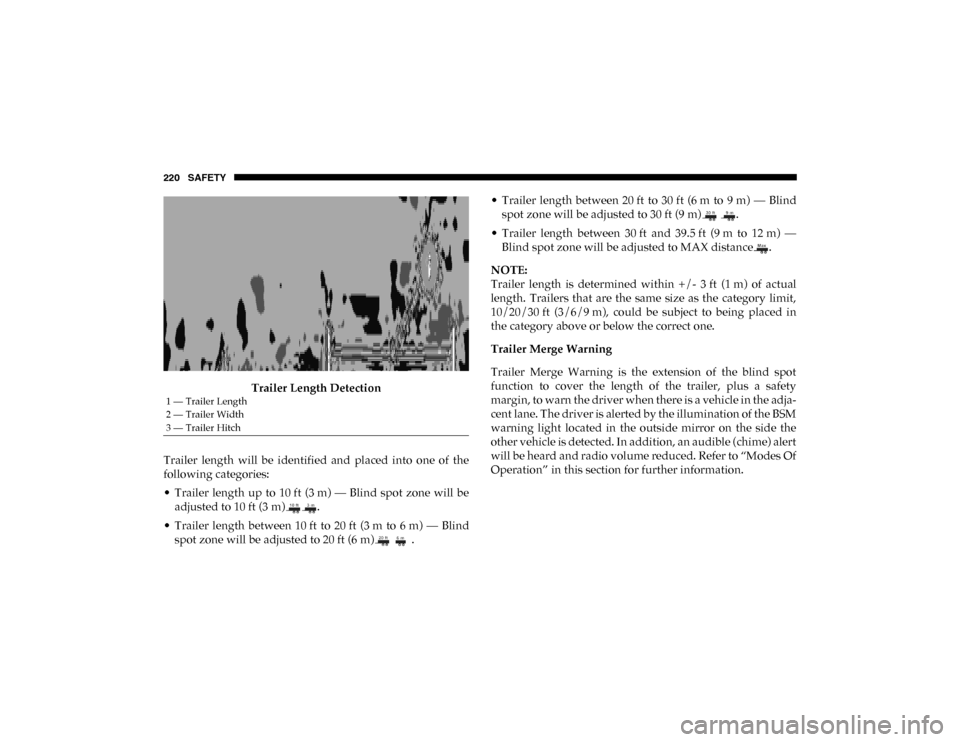
Trailer Length Detection
Trailer length will be identified and placed into one of the
following categories:
• Trailer length up to 10 ft (3 m) — Blind spot zone will be adjusted to 10 ft (3 m) .
• Trailer length between 10 ft to 20 ft (3 m to 6 m) — Blind spot zone will be adjusted to 20 ft (6 m) . • Trailer length between 20 ft to 30 ft (6 m to 9 m) — Blind
spot zone will be adjusted to 30 ft (9 m) .
• Trailer length between 30 ft and 39.5 ft (9 m to 12 m) — Blind spot zone will be adjusted to MAX distance .
NOTE:
Trailer length is determined within +/- 3 ft (1 m) of actual
length. Trailers that are the same size as the category limit,
10/20/30 ft (3/6/9 m), could be subject to being placed in
the category above or below the correct one.
Trailer Merge Warning
Trailer Merge Warning is the extension of the blind spot
function to cover the length of the trailer, plus a safety
margin, to warn the driver when there is a vehicle in the adja -
cent lane. The driver is alerted by the illumination of the BSM
warning light located in the outside mirror on the side the
other vehicle is detected. In addition, an audible (chime) alert
will be heard and radio volume reduced. Refer to “Modes Of
Operation” in this section for further information.
1 — Trailer Length
2 — Trailer Width
3 — Trailer Hitch
2020_DT_1500_OM_US.book Page 220
Page 223 of 674
SAFETY 221
NOTE:
• The Trailer Merge Alert system DOES NOT alert the driverabout rapidly approaching vehicles that are outside the
detection zones.
• The Blind Spot Monitoring (BSM) system may experience drop outs (blinking on and off) of the side mirror warning
indicator lamps when a motorcycle or any small object
remains at the side of the vehicle for extended periods of
time (more than a couple of seconds).
• Crowded areas such as parking lots, neighborhoods, etc. May lead to an increased amount of false alerts. This is
normal operation. General Information
The following regulatory statement applies to all Radio
Frequency (RF) devices equipped in this vehicle:
This device complies with Part 15 of the FCC Rules and with
Innovation, Science and Economic Development Canada
license-exempt RSS standard(s). Operation is subject to the
following two conditions:
1. This device may not cause harmful interference, and
2. This device must accept any interference received,
including interference that may cause undesired opera -
tion.
Le présent appareil est conforme aux CNR d`Innovation,
Science and Economic Development applicables aux appar -
eils radio exempts de licence. L'exploitation est autorisée aux
deux conditions suivantes:
1. l'appareil ne doit pas produire de brouillage, et
2. l'utilisateur de l'appareil doit accepter tout brouillage radioélectrique subi, même si le brouillage est susceptible
d'en compromettre le fonctionnement.
WARNING!
The Blind Spot Monitoring system is only an aid to help
detect objects in the blind spot zones. The BSM system is
not designed to detect pedestrians, bicyclists, or animals.
Even if your vehicle is equipped with the BSM system,
always check your vehicle’s mirrors, glance over your
shoulder, and use your turn signal before changing
lanes. Failure to do so can result in serious injury or
death.
4
2020_DT_1500_OM_US.book Page 221
Page 292 of 674
290
(Continued)
STARTING AND OPERATING
STARTING THE ENGINE
Before starting your vehicle, adjust your seat, adjust both
inside and outside mirrors, and fasten your seat belt.
The starter should not be operated for more than 10-second
intervals. Waiting a few seconds between such intervals will
protect the starter from overheating.
WARNING!
• When leaving the vehicle, always make sure the keyless ignition node is in the "OFF" mode, remove the
key fob from the vehicle and lock the vehicle.
• Never leave children alone in a vehicle, or with access to an unlocked vehicle. Allowing children to be in a
vehicle unattended is dangerous for a number of
reasons. A child or others could be seriously or fatally
injured. Children should be warned not to touch the
parking brake, brake pedal or the gear selector.
• Do not leave the key fob in or near the vehicle, or in alocation accessible to children, and do not leave the
ignition of a vehicle equipped with Keyless
Enter-N-Go in the ACC or ON/RUN mode. A child
could operate power windows, other controls, or move
the vehicle.
• Do not leave children or animals inside parked vehicles in hot weather. Interior heat build-up may cause
serious injury or death.
WARNING! (Continued)
2020_DT_1500_OM_US.book Page 290
Page 355 of 674

STARTING AND OPERATING 353
Display Warnings And Maintenance
“Wipe Front Radar Sensor In Front Of Vehicle” Warning
The “ACC/FCW Unavailable Wipe Front Radar Sensor”
warning will display and also a chime will indicate when
conditions temporarily limit system performance.
This most often occurs at times of poor visibility, such as in
snow or heavy rain. The ACC system may also become
temporarily blinded due to obstructions, such as mud, dirt or
ice. In these cases, the instrument cluster display will display
“ACC/FCW Unavailable Wipe Front Radar Sensor” and the
system will deactivate.
The “ACC/FCW Unavailable Wipe Front Radar Sensor”
message can sometimes be displayed while driving in highly
reflective areas (i.e. tunnels with reflective tiles, or ice and
snow). The ACC system will recover after the vehicle has left
these areas. Under rare conditions, when the radar is not
tracking any vehicles or objects in its path this warning may
temporarily occur.
NOTE:
If the “ACC/FCW Unavailable Wipe Front Radar Sensor”
warning is active Normal (Fixed Speed) Cruise Control is
still available. For additional information refer to “Normal
(Fixed Speed) Cruise Control Mode” in this section.If weather conditions are not a factor, the driver should
examine the sensor. It may require cleaning or removal of an
obstruction. The sensor is located in the camera in the center
of the windshield, on the forward side of the rearview
mirror.
To keep the ACC System operating properly, it is important
to note the following maintenance items:
• Always keep the sensor clean. Carefully clear the wind
-
shield.
• Do not remove any screws from the sensor. Doing so could cause an ACC system malfunction or failure and require a
sensor realignment.
• Do not attach or install any accessories near the sensor, including transparent material or aftermarket grilles.
Doing so could cause an ACC system failure or malfunc -
tion.
When the condition that deactivated the system is no longer
present, the system will return to the “Adaptive Cruise
Control Off” state and will resume function by simply reac -
tivating it.
5
2020_DT_1500_OM_US.book Page 353
Page 356 of 674

354 STARTING AND OPERATING
NOTE:
• If the “ACC/FCW Unavailable Wipe Front Radar Sensor”message occurs frequently (e.g. more than once on every
trip) without any snow, rain, mud, or other obstruction,
have the radar sensor realigned at your authorized dealer.
• Installing a snow plow, front-end protector, an after -
market grille or modifying the grille is not recommended.
Doing so may block the sensor and inhibit ACC/FCW
operation.
“Clean Front Windshield” Warning
The “ACC/FCW Limited Functionality Clean Front Wind -
shield” warning will display and also a chime will indicate
when conditions temporarily limit system performance. This
most often occurs at times of poor visibility, such as in snow
or heavy rain and fog. The ACC system may also become
temporarily blinded due to obstructions, such as mud, dirt,
or ice on windshield, driving directly into the sun and fog on
the inside of glass. In these cases, the instrument cluster
display will show “ACC/FCW Limited Functionality Clean
Front Windshield” and the system will have degraded
performance.
The “ACC/FCW Limited Functionality Clean Front Wind -
shield” message can sometimes be displayed while driving in adverse weather conditions. The ACC/FCW system will
recover after the vehicle has left these areas. Under rare
conditions, when the camera is not tracking any vehicles or
objects in its path this warning may temporarily occur.
If weather conditions are not a factor, the driver should
examine the windshield and the camera located on the back
side of the inside rear view mirror. They may require
cleaning or removal of an obstruction.
When the condition that created limited functionality is no
longer present, the system will return to full functionality.
NOTE:
If the “ACC/FCW Limited Functionality Clean Front Wind
-
shield” message occurs frequently (e.g. more than once on
every trip) without any snow, rain, mud, or other obstruc -
tion, have the windshield and forward facing camera
inspected at your authorized dealer.
Service ACC/FCW Warning
If the system turns off, and the instrument cluster displays
“ACC/FCW Unavailable Service Required” or “Cruise/
FCW Unavailable Service Required”, there may be an
internal system fault or a temporary malfunction that limits
ACC functionality. Although the vehicle is still drivable
under normal conditions, ACC will be temporarily unavail -
2020_DT_1500_OM_US.book Page 354
Page 400 of 674

398 STARTING AND OPERATING
NOTE:
If snow, ice, mud, or any foreign substance builds up on the
camera lens, clean the lens, rinse with water, and dry with a
soft cloth. Do not cover the lens.
Zoom View
When the Rear View Camera image is being displayed, and
the vehicle speed is below 8 mph (13 km/h) while in any
gear selector position, Zoom View is available. By pressing
the “magnifying glass” icon in the upper left of the display
screen, the image will zoom in to four times the standard
view. Pressing the icon a second time will return the view to
the standard Backup Camera display.
When Zoom View is selected while the vehicle is in
REVERSE, then shifted to DRIVE, the camera delay view will
display the standard Backup Camera view. If the vehicle is
then returned to REVERSE gear from DRIVE, the Zoom
View selection will automatically resume.
Shifting to NEUTRAL from any gear will maintain the
selected view (Zoom or Standard) as long as the vehicle is
below 8 mph (13 km/h).
If the vehicle is in PARK, Zoom View is available until the
gear selector is placed in DRIVE or REVERSE and speeds are
at or above 8 mph (13 km/h). NOTE:
• If the vehicle in is DRIVE, NEUTRAL, or REVERSE, and
speed is greater than or equal to 8 mph (13 km/h), ZoomView is unavailable and the icon will appear grey.
• While in Zoom View, the guidelines will not be visible.
SURROUND VIEW CAMERA SYSTEM — IF EQUIPPED
Your vehicle may be equipped with the Surround View
Camera System that allows you to see an on-screen image of
the surroundings and top view of your vehicle whenever the
gear selector is put into REVERSE or a different view is
selected through the on screen soft buttons. The top view of
the vehicle will show which doors are open. The image will
be displayed on the touchscreen display along with a caution
note “Check Entire Surroundings” across the top of the
screen. After five seconds, this note will disappear. The
Surround View Camera System is comprised of four sequen -
tial cameras located in the front grille, rear tailgate and side
mirrors.
NOTE:
The Surround View Camera System has programmable
settings that may be selected through the Uconnect System.
Refer to “Uconnect Settings” in “Multimedia” for further
information.
2020_DT_1500_OM_US.book Page 398
Page 401 of 674

STARTING AND OPERATING 399
When the vehicle is shifted into REVERSE, the rear camera
view and top view is the default view of the system (Auto-
matic Activation).
When the vehicle is shifted out of REVERSE (with camera
delay turned on), the camera image will continue to be
displayed for up to 10 seconds after shifting out of REVERSE
unless the vehicle speed exceeds 8 mph (13 km/h), the
vehicle is shifted into PARK or the ignition is placed in the
OFF position. There is a touch screen button “X” to disable
the display of the camera image.
When the vehicle is shifted out of REVERSE (with camera
delay turned off), the surround view camera mode is exited
and the last known screen appears again.
While the “rear view” is displayed, and if enabled, active
guide lines are overlaid on the image to illustrate the width
of the vehicle, including the side view mirrors and its
projected backup path based on the steering wheel position.
Different colored zones indicate the distance to the rear of
the vehicle. The following table shows the approximate distances for
each zone:
Modes Of Operation
Standard Backup Camera view can be manually activated by
selecting “Backup Camera” through the Controls menu
within the Uconnect screen.
Refer to “Parkview Rear Back Up Camera — If Equipped” in
this chapter for more information on activation conditions.
Zone
Distance To The Rear Of The
Vehicle
Red 0 - 1 ft (0 - 30 cm)
Yellow 1 ft - 6.5 ft (30 cm - 2 m)
Green 6.5 ft or greater
(2 m or greater)
5
2020_DT_1500_OM_US.book Page 399
Page 402 of 674
400 STARTING AND OPERATING
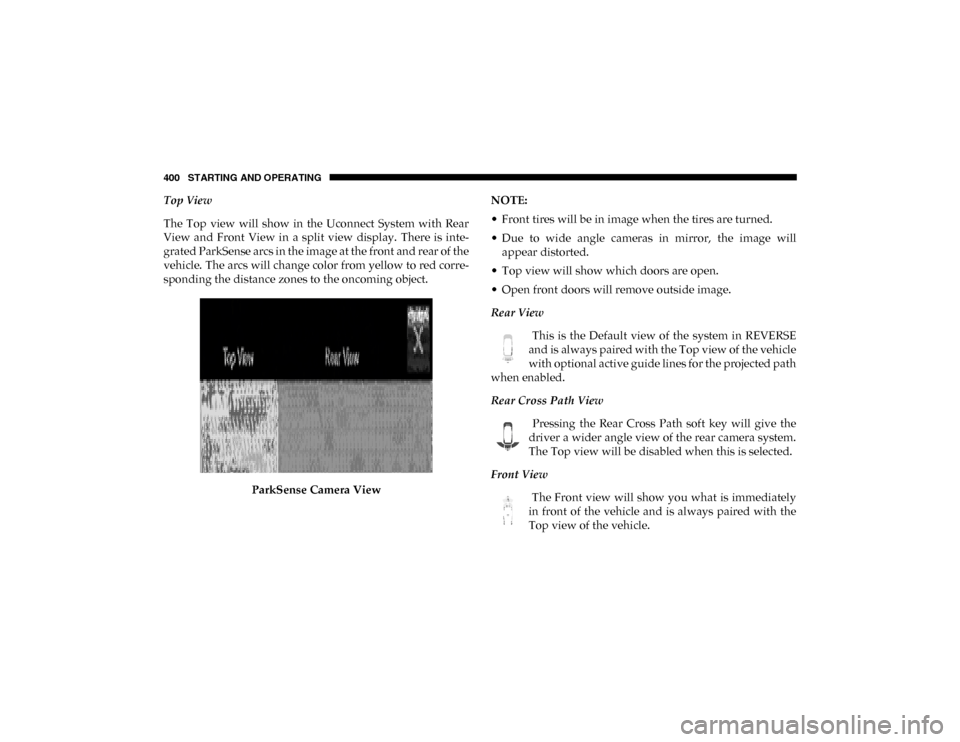
Top View
The Top view will show in the Uconnect System with Rear
View and Front View in a split view display. There is inte-
grated ParkSense arcs in the image at the front and rear of the
vehicle. The arcs will change color from yellow to red corre -
sponding the distance zones to the oncoming object.
ParkSense Camera View NOTE:
• Front tires will be in image when the tires are turned.
• Due to wide angle cameras in mirror, the image will
appear distorted.
• Top view will show which doors are open.
• Open front doors will remove outside image.
Rear View
This is the Default view of the system in REVERSE
and is always paired with the Top view of the vehicle
with optional active guide lines for the projected path
when enabled.
Rear Cross Path View
Pressing the Rear Cross Path soft key will give the
driver a wider angle view of the rear camera system.
The Top view will be disabled when this is selected.
Front View The Front view will show you what is immediately
in front of the vehicle and is always paired with the
Top view of the vehicle.
2020_DT_1500_OM_US.book Page 400
Page 439 of 674

IN CASE OF EMERGENCY 437
Low & High Beam (LED Reflector Headlamp)LED (Serviced At An Authorized Dealer)
Low & High Beam (LED Projector Headlamp) LED (Serviced At An Authorized Dealer)
Turn Signal / Front Position (Halogen Reflector Headlamp) 7444NA
Turn Signal / Front Position (LED Headlamps) LED (Serviced At An Authorized Dealer)
Front Side Marker (Halogen Reflector Headlamp) W5W
Front Side Marker (LED Headlamps) LED (Serviced At An Authorized Dealer)
Front Fog Lamps (Halogen Reflector Headlamp) H11LL
Front Fog Lamps (LED Headlamps) LED (Serviced At An Authorized Dealer)
Side Indicators (Front And Side View Mirror) LED (Serviced At An Authorized Dealer)
Base Rear Tail/Turn and Stop Lamp 7440LL/W21WLL
Premium Rear Tail/Turn/Backup and Stop Lamp LED (Serviced At An Authorized Dealer)
Base Backup Lamp 7440/W21W
Center High Mounted Stop Lamp (CHMSL) 921
Cargo Lamp 921
Rear License Plate Lamp LED (Serviced At An Authorized Dealer)
Base Turn Lamp 7440NA / WY21W
Exterior Bulbs
Bulb Name Bulb Number
6
2020_DT_1500_OM_US.book Page 437