trailer Ram 1500 2020 Owner's Guide
[x] Cancel search | Manufacturer: RAM, Model Year: 2020, Model line: 1500, Model: Ram 1500 2020Pages: 674, PDF Size: 32.69 MB
Page 220 of 674

218 SAFETY
Blind Spot Alert Off
When the BSM system is turned off there will be no visual or
audible alerts from either the BSM, RCP, or Trailer Merge
Assist systems.
NOTE:
The BSM system will store the current operating mode when
the vehicle is shut off. Each time the vehicle is started the
previously stored mode will be recalled and used.
Trailer Merge Assist
NOTE:
When Trailer Merge Assist is activated, Rear Cross Path is
disabled.
Trailer Merge Assist is a function of the Blind Spot Moni-
toring (BSM) system that extends the blind spot zone to work
while pulling a trailer. Trailer Merge Assist consists of three
sub functions:
• Automatic Trailer Detection
• Trailer Length Detection
• Trailer Merge Warning Blind Spot Zones With Trailer Merge Assist
Automatic Trailer Detection
There are two modes of operation for the detection of the
trailer length:
• Automatic Mode — When “Auto Mode” is selected, the
system will use the blind spot sensors to automatically
determine the presence and length of a trailer. The pres -
ence of a trailer will be detected using the blind spot radar
within 90 seconds of forward movement of the vehicle.
1 — Vehicle
2 — Trailer
2020_DT_1500_OM_US.book Page 218
Page 221 of 674
SAFETY 219
The vehicle must be moving above 6 mph (10 km/h) to
activate the feature. Once the trailer has been detected, the
system will default to the maximum blind spot zone until
the length has been verified. You will see “Auto” in the
instrument panel cluster .
• Max Mode — When “Max Mode” is selected, the system
will default to the maximum blind spot zone regardless of
what size trailer is attached
NOTE:
Selected setting is stored when the ignition is cycled OFF. To
change this setting, it must be selected through the Uconnect
Settings. Refer to “Uconnect Settings” in “Multimedia” for
further information.
Trailer Length Detection
Once the trailer presence has been established. The trailer
length will be established (by making a 90 degree turn) and
then the trailer length category (example 10-20 ft (3 m to
6 m)) will be displayed. This can take up to 30 seconds after
completing the turn. NOTE:
During the same ignition cycle, if the vehicle is at a standstill
for a minimum of 90 seconds, a new “trailer detection
request” is enabled by the system once the vehicle resumes
motion.
Maximum length supported by the Trailer Merge Assist
feature is 39.5 ft (12 m). Trailer length is considered the
forward most portion of the trailer hitch to the rearward
most portion of the body, bumper, or ramp of the trailer.
Maximum width supported by the Trailer Merge Assist
feature is 8.5 ft (2.59 m). Trailer width is measured at the
widest portion of the trailer and may include wheels, tires,
finders, or rails.
NOTE:
Fifth wheel or gooseneck trailers are not supported by
Trailer Merge Assist.
4
2020_DT_1500_OM_US.book Page 219
Page 222 of 674
220 SAFETY
Trailer Length Detection
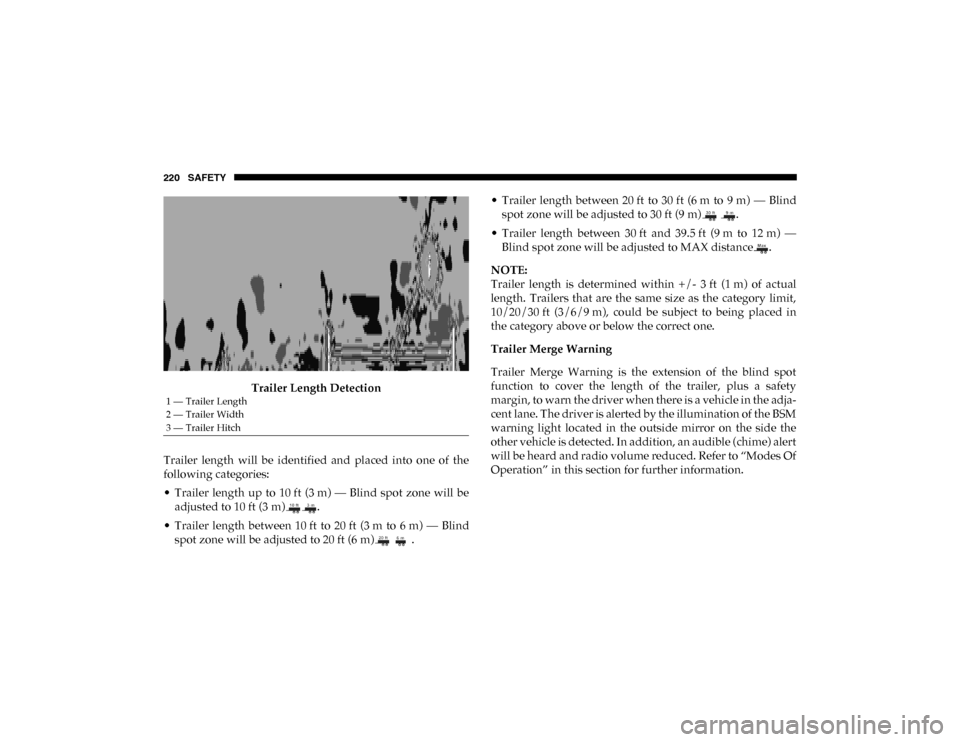
Trailer length will be identified and placed into one of the
following categories:
• Trailer length up to 10 ft (3 m) — Blind spot zone will be adjusted to 10 ft (3 m) .
• Trailer length between 10 ft to 20 ft (3 m to 6 m) — Blind spot zone will be adjusted to 20 ft (6 m) . • Trailer length between 20 ft to 30 ft (6 m to 9 m) — Blind
spot zone will be adjusted to 30 ft (9 m) .
• Trailer length between 30 ft and 39.5 ft (9 m to 12 m) — Blind spot zone will be adjusted to MAX distance .
NOTE:
Trailer length is determined within +/- 3 ft (1 m) of actual
length. Trailers that are the same size as the category limit,
10/20/30 ft (3/6/9 m), could be subject to being placed in
the category above or below the correct one.
Trailer Merge Warning
Trailer Merge Warning is the extension of the blind spot
function to cover the length of the trailer, plus a safety
margin, to warn the driver when there is a vehicle in the adja -
cent lane. The driver is alerted by the illumination of the BSM
warning light located in the outside mirror on the side the
other vehicle is detected. In addition, an audible (chime) alert
will be heard and radio volume reduced. Refer to “Modes Of
Operation” in this section for further information.
1 — Trailer Length
2 — Trailer Width
3 — Trailer Hitch
2020_DT_1500_OM_US.book Page 220
Page 223 of 674

SAFETY 221
NOTE:
• The Trailer Merge Alert system DOES NOT alert the driverabout rapidly approaching vehicles that are outside the
detection zones.
• The Blind Spot Monitoring (BSM) system may experience drop outs (blinking on and off) of the side mirror warning
indicator lamps when a motorcycle or any small object
remains at the side of the vehicle for extended periods of
time (more than a couple of seconds).
• Crowded areas such as parking lots, neighborhoods, etc. May lead to an increased amount of false alerts. This is
normal operation. General Information
The following regulatory statement applies to all Radio
Frequency (RF) devices equipped in this vehicle:
This device complies with Part 15 of the FCC Rules and with
Innovation, Science and Economic Development Canada
license-exempt RSS standard(s). Operation is subject to the
following two conditions:
1. This device may not cause harmful interference, and
2. This device must accept any interference received,
including interference that may cause undesired opera -
tion.
Le présent appareil est conforme aux CNR d`Innovation,
Science and Economic Development applicables aux appar -
eils radio exempts de licence. L'exploitation est autorisée aux
deux conditions suivantes:
1. l'appareil ne doit pas produire de brouillage, et
2. l'utilisateur de l'appareil doit accepter tout brouillage radioélectrique subi, même si le brouillage est susceptible
d'en compromettre le fonctionnement.
WARNING!
The Blind Spot Monitoring system is only an aid to help
detect objects in the blind spot zones. The BSM system is
not designed to detect pedestrians, bicyclists, or animals.
Even if your vehicle is equipped with the BSM system,
always check your vehicle’s mirrors, glance over your
shoulder, and use your turn signal before changing
lanes. Failure to do so can result in serious injury or
death.
4
2020_DT_1500_OM_US.book Page 221
Page 310 of 674

308 STARTING AND OPERATING
When frequent transmission shifting occurs (such as when
operating the vehicle under heavy loading conditions, in
hilly terrain, traveling into strong head winds, or while
towing a heavy trailer), select TOW/HAUL mode or use the
Electronic Range Select (ERS) shift control (refer to "Elec-
tronic Range Select (ERS) Operation" in this section for
further information) to select a lower gear range. Under
these conditions, using a lower gear range will improve
performance and extend transmission life by reducing exces -
sive shifting and heat buildup.
During extremely cold temperatures (-22°F [-30°C] or
below), transmission operation may be modified depending
on engine and transmission temperature as well as vehicle
speed. Normal operation will resume once the transmission
temperature has risen to a suitable level.
Transmission Limp Home Mode
Transmission function is monitored electronically for
abnormal conditions. If a condition is detected that could
result in transmission damage, Transmission Limp Home
Mode is activated. In this mode, the transmission may
operate only in certain gears, or may not shift at all. Vehicle
performance may be severely degraded and the engine may
stall. In some situations, the transmission may not re-engage
if the engine is turned off and restarted. The Malfunction Indicator Light (MIL) may be illuminated. A message in the
instrument cluster will inform the driver of the more serious
conditions, and indicate what actions may be necessary.
In the event of a momentary problem, the transmission can
be reset to regain all forward gears by performing the
following steps:
NOTE:
In cases where the instrument cluster message indicates the
transmission may not re-engage after engine shutdown,
perform this procedure only in a desired location (prefer
-
ably, at an authorized dealer).
1. Stop the vehicle.
2. Shift the transmission into PARK, if possible. If not, shift the transmission to NEUTRAL.
3. Push and hold the ignition switch until the engine turns OFF.
4. Wait approximately 30 seconds.
5. Restart the engine.
6. Shift into the desired gear range. If the problem is no longer detected, the transmission will return to normal
operation.
2020_DT_1500_OM_US.book Page 308
Page 312 of 674
310 STARTING AND OPERATING
When to Use TOW/HAUL Mode
When driving in hilly areas, towing a trailer, carrying a
heavy load, etc., and frequent transmission shifting occurs,
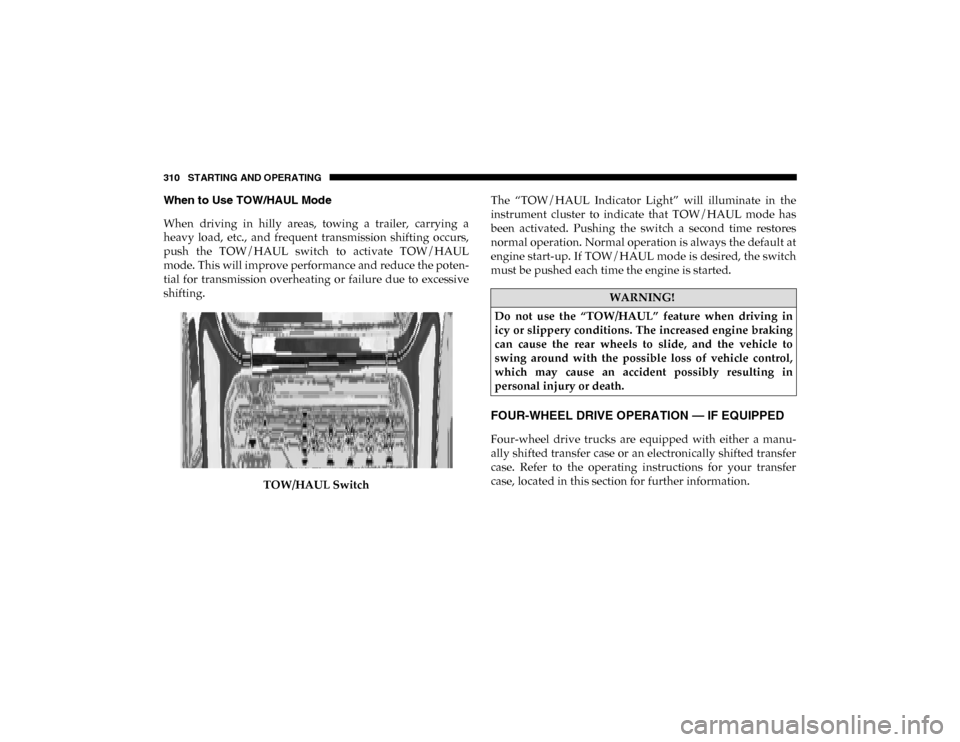
push the TOW/HAUL switch to activate TOW/HAUL
mode. This will improve performance and reduce the poten-
tial for transmission overheating or failure due to excessive
shifting.
TOW/HAUL Switch The “TOW/HAUL Indicator Light” will illuminate in the
instrument cluster to indicate that TOW/HAUL mode has
been activated. Pushing the switch a second time restores
normal operation. Normal operation is always the default at
engine start-up. If TOW/HAUL mode is desired, the switch
must be pushed each time the engine is started.
FOUR-WHEEL DRIVE OPERATION — IF EQUIPPED
Four-wheel drive trucks are equipped with either a manu-
ally shifted transfer case or an electronically shifted transfer
case. Refer to the operating instructions for your transfer
case, located in this section for further information.
WARNING!
Do not use the “TOW/HAUL” feature when driving in
icy or slippery conditions. The increased engine braking
can cause the rear wheels to slide, and the vehicle to
swing around with the possible loss of vehicle control,
which may cause an accident possibly resulting in
personal injury or death.
2020_DT_1500_OM_US.book Page 310
Page 325 of 674
STARTING AND OPERATING 323
Wheel Alignment Mode
Before performing a wheel alignment, this mode must be
enabled. Refer to “Instrument Cluster Display” in “Getting
To Know Your Instrument Panel” or “Uconnect Settings” in
“Multimedia” if equipped with a touch screen radio for
further information.
NOTE:
This mode is intended to be enabled with engine running.
Protection Strategy
In order to “protect” the air suspension system, the vehicle
will disable load leveling as required (suspension over-
loaded, battery charge low, etc.). Load leveling will automat -
ically resume as soon as system operation requirements are
met. See your authorized dealer if system does not resume.
NOTE:
If towing with air suspension refer to “Trailer Towing” in
“Starting And Operating” for further information.
Instrument Cluster Display Messages
When the appropriate conditions exist, a message will
appear in the instrument cluster display. Refer to “Instru-
ment Cluster Display” in “Getting To Know Your Instru-
ment Panel” for further information. An audible chime will be heard whenever a system error has
been detected.
See an authorized dealer for system service if normal opera
-
tion does not resume.
Operation
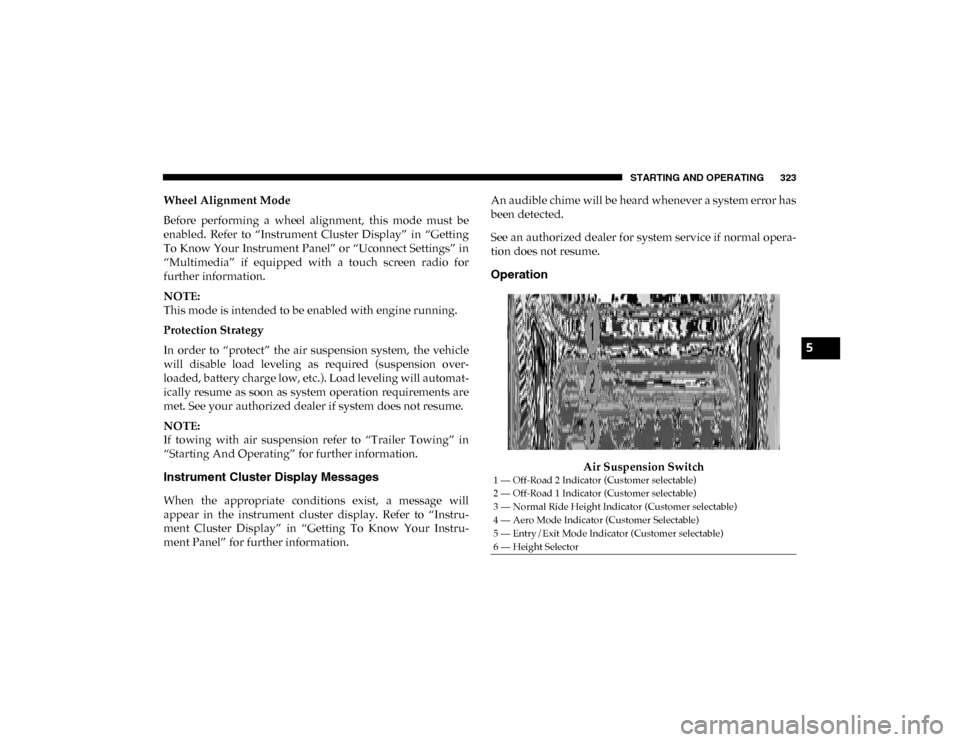
Air Suspension Switch
1 — Off-Road 2 Indicator (Customer selectable)
2 — Off-Road 1 Indicator (Customer selectable)
3 — Normal Ride Height Indicator (Customer selectable)
4 — Aero Mode Indicator (Customer Selectable)
5 — Entry/Exit Mode Indicator (Customer selectable)
6 — Height Selector
5
2020_DT_1500_OM_US.book Page 323
Page 331 of 674
STARTING AND OPERATING 329
Wheel Alignment Mode
Before performing a wheel alignment, this mode must be
enabled. Refer to “Instrument Cluster Display” in “Getting
To Know Your Instrument Panel” or “Uconnect Settings” in
“Multimedia” if equipped with a touch screen radio for
further information.
NOTE:
This mode is intended to be enabled with engine running.
Protection Strategy
In order to “protect” the air suspension system, the vehicle
will disable load leveling as required (suspension over-
loaded, battery charge low, etc.). Load leveling will automat -
ically resume as soon as system operation requirements are
met. See your authorized dealer if system does not resume.
NOTE:
If towing with air suspension refer to “Trailer Towing” in
“Starting And Operating” for further information.
Instrument Cluster Display Messages
When the appropriate conditions exist, a message will
appear in the instrument cluster display. Refer to “Instru-
ment Cluster Display” in “Getting To Know Your Instru-
ment Panel” for further information. An audible chime will be heard whenever a system error has
been detected.
See an authorized dealer for system service if normal opera
-
tion does not resume.
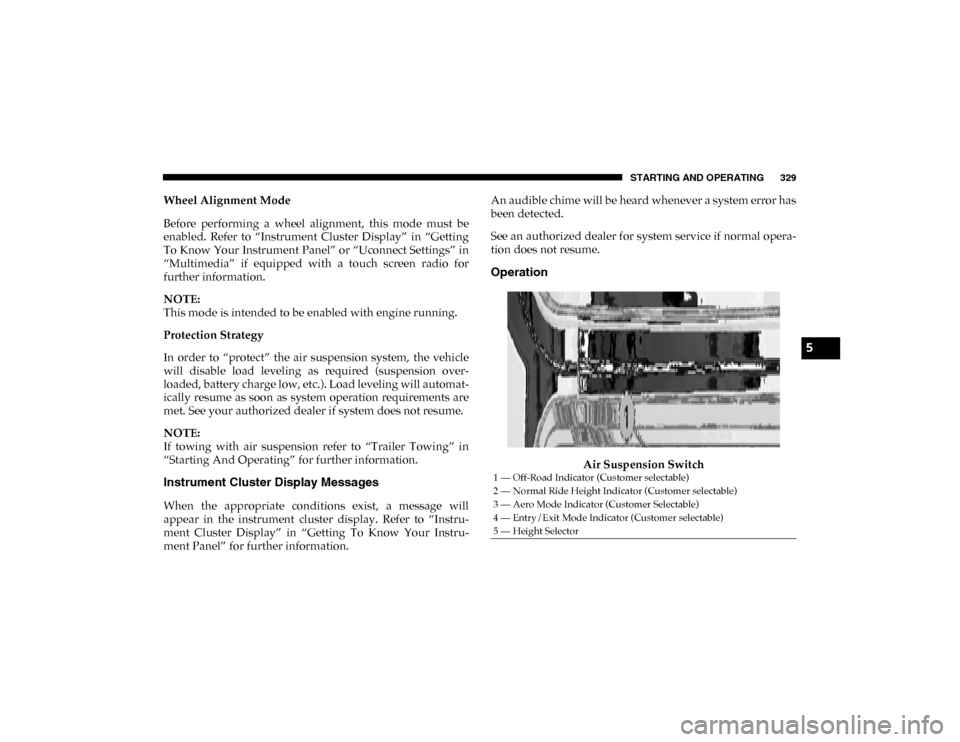
Operation
Air Suspension Switch
1 — Off-Road Indicator (Customer selectable)
2 — Normal Ride Height Indicator (Customer selectable)
3 — Aero Mode Indicator (Customer Selectable)
4 — Entry/Exit Mode Indicator (Customer selectable)
5 — Height Selector
5
2020_DT_1500_OM_US.book Page 329
Page 344 of 674

342 STARTING AND OPERATING
Adaptive Cruise Control (ACC) Operation
The speed control buttons (located on the right side of the
steering wheel) operates the Adaptive Cruise Control (ACC)
system.Adaptive Cruise Control Buttons
• Does not always fully recognize complex driving
conditions, which can result in wrong or missing
distance warnings.
• Will bring the vehicle to a complete stop while following a target vehicle and hold the vehicle for
approximately three minutes in the stop position. If
the target vehicle does not start moving within three
minutes the parking brake will be activated, and the
ACC system will be cancelled.
You should switch off the ACC system:
• When driving in fog, heavy rain, heavy snow, sleet, heavy traffic, and complex driving situations (i.e., in
highway construction zones).
• When entering a turn lane or highway off ramp; when driving on roads that are winding, icy, snow-covered,
slippery, or have steep uphill or downhill slopes.
• When towing a trailer up or down steep slopes.
• When circumstances do not allow safe driving at a constant speed.
WARNING! (Continued)
1 — SET (+)/Accel
2 — Normal (Fixed Speed) Cruise Control On/Off
3 — RES/Resume
4 — SET (-)/Decel
5 — Distance Setting Decrease
6 — Adaptive Cruise Control (ACC) On/Off
7 — Distance Setting Increase
8 — CANC/Cancel
2020_DT_1500_OM_US.book Page 342
Page 347 of 674

STARTING AND OPERATING 345
To Set A Desired ACC Speed
When the vehicle reaches the speed desired, push the SET (+)
button or the SET (-) button and release. The instrument
cluster display will show the set speed.
If the system is set when the vehicle speed is below 20 mph
(32 km/h), the set speed shall be defaulted to 20 mph
(32 km/h). If the system is set when the vehicle speed is
above 20 mph (32 km/h), the set speed shall be the current
speed of the vehicle.
NOTE:
ACC cannot be set if there is a stationary vehicle in front of
your vehicle in close proximity.
Remove your foot from the accelerator pedal, after the ACC
has been set. If you do not, the vehicle may continue to accel -
erate beyond the set speed. If this occurs:
• The message “ACC DRIVER OVERRIDE” will display in the instrument cluster display.
• The system will not be controlling the distance between your vehicle and the vehicle ahead. The vehicle speed will
only be determined by the position of the accelerator
pedal.
To Cancel
The following conditions cancel the system:
• The brake pedal is applied.
• The CANC (cancel) button is pushed.
• An Anti-Lock Brake System (ABS) event occurs.
• The trailer brake is applied manually (if equipped).
• The gear selector is removed from the DRIVE position.
• The Electronic Stability Control/Traction Control System(ESC/TCS) activates.
• The vehicle parking brake is applied.
• Driver seatbelt is unbuckled at low speeds.
• Driver door is opened at low speeds.
• A Trailer Sway Control (TSC) event occurs.
• The driver switches ESC to Full Off mode.
• The braking temperature exceeds normal range (over -
heated).
5
2020_DT_1500_OM_US.book Page 345