instrument cluster Ram 1500 2020 Service Manual
[x] Cancel search | Manufacturer: RAM, Model Year: 2020, Model line: 1500, Model: Ram 1500 2020Pages: 674, PDF Size: 32.69 MB
Page 294 of 674

292 STARTING AND OPERATING
Normal Starting Using ENGINE START/STOP Button
To Turn On The Engine Using The ENGINE START/STOP
Button
1. The transmission must be in PARK.
2. Press and hold the brake pedal while pushing theENGINE START/STOP button once.
3. The system takes over and attempts to start the vehicle. If the vehicle fails to start, the starter will disengage auto -
matically after 10 seconds.
4. If you wish to stop the cranking of the engine prior to the engine starting, push the button again.
NOTE:
Normal starting of either a cold or a warm engine is obtained
without pumping or pressing the accelerator pedal.
To Turn Off The Engine Using ENGINE START/STOP
Button
1. Place the gear selector in PARK, then push and release the ENGINE START/STOP button.
2. The ignition will return to the OFF mode. 3. If the gear selector is not in PARK, the ENGINE START/
STOP button must be held for two seconds or three short
pushes in a row with the vehicle speed above 5 mph
(8 km/h) before the engine will shut off. The ignition will
remain in the ACC mode until the gear selector is in
PARK and the button is pushed twice to the OFF mode.
4. If the gear selector is not in PARK and the ENGINE START/STOP button is pushed once with the vehicle
speed above 5 mph (8 km/h), the instrument cluster will
display a “ Vehicle Not In Park ” message and the engine
will remain running. Never leave a vehicle out of the
PARK position, or it could roll.
NOTE:
If the gear selector is not in PARK, and the ENGINE START/
STOP button is pushed once with the vehicle speed below
5 mph (8 km/h), the engine will shut off and the ignition will
remain in the ACC position. If vehicle speed drops below
1.2 mph (1.9 km/h), the vehicle may AutoPark. See Auto -
Park section for further details.
2020_DT_1500_OM_US.book Page 292
Page 295 of 674

STARTING AND OPERATING 293
ENGINE START/STOP Button Functions — With Driver’s
Foot OFF The Brake Pedal (In PARK Or NEUTRAL Posi-
tion)
The ENGINE START/STOP button operates similar to an
ignition switch. It has three modes: OFF, ACC, and RUN. To
change the ignition modes without starting the vehicle and
use the accessories, follow these directions:
1. Start with the ignition in the OFF mode.
2. Push the ENGINE START/STOP button once to place the ignition to the ACC mode.
3. Push the ENGINE START/STOP button a second time to place the ignition to the RUN mode.
4. Push the ENGINE START/STOP button a third time to return the ignition to the OFF mode.
AutoPark — Rotary Shifter and 8-Speed Transmission
Only
AutoPark is a supplemental feature to assist in placing the
vehicle in PARK should the situations on the following
pages occur. It is a back up system and should not be relied
upon as the primary method by which the driver shifts the
vehicle into PARK. The conditions under which AutoPark will engage are
outlined on the following pages.
WARNING!
• Driver inattention could lead to failure to place the vehicle in PARK. ALWAYS DO A VISUAL CHECK
that your vehicle is in PARK by verifying that a solid
(not blinking) “P” is indicated in the Instrument
Cluster Display and near the gear selector. If the "P"
indicator is blinking, your vehicle is not in PARK. As
an added precaution, always apply the parking brake
when exiting the vehicle.
• AutoPark is a supplemental feature. It is not designed to replace the need to shift your vehicle into PARK. It is
a back up system and should not be relied upon as the
primary method by which the driver shifts the vehicle
into PARK.
5
2020_DT_1500_OM_US.book Page 293
Page 296 of 674

294 STARTING AND OPERATING
If the vehicle is not in PARK and the driver turns off the
engine, the vehicle may AutoPark.
AutoPark will engage when all of these conditions are met:
• Vehicle is equipped with a rotary shifter and an 8-speedtransmission
• Vehicle is not in PARK
• Vehicle Speed is 1.2 mph (1.9 km/h) or less
• Ignition switched from RUN to ACC
NOTE:
For Keyless Enter-N-Go equipped vehicles, The engine will
turn off and the ignition switch will change to ACC mode.
After 30 minutes the ignition switches to OFF automatically,
unless the driver turns the ignition switch OFF.
If the vehicle is not in PARK and the driver exits the
vehicle with the engine running, the vehicle may Auto -
Park.
AutoPark will engage when all of these conditions are met:
• Vehicle is equipped with a rotary shifter and an 8-speed transmission
• Vehicle is not in PARK
• Vehicle speed is 1.2 mph (1.9 km/h) or less
• Driver’s seat belt is unbuckled • Driver’s door is ajar
• Brake Pedal is not depressed
The MESSAGE “
AutoPark Engaged Shift to P then Shift to
Gear ” will display in the instrument cluster.
NOTE:
In some cases the ParkSense graphic will be displayed in the
instrument cluster, causing the “ AutoPark Engaged Shift to
P then Shift to Gear ” to not be seen. In these cases, the shifter
must be returned to “P” to select desired gear.
If the driver shifts into PARK while moving, the vehicle
may AutoPark.
AutoPark will engage ONLYwhen vehicle speed is 1.2 MPH
(1.9 km/h) or less.
The MESSAGE “ Vehicle Speed is Too High to Shift to
P ”will be displayed in the instrument cluster if vehicle speed
is above 1.2 mph (1.9 km/h).
WARNING!
If vehicle speed is above 1.2 mph (1.9 km/h), the transmission will default to NEUTRAL until the vehicle
speed drops below 1.2 mph (1.9 km). A vehicle left in the
NEUTRAL position can roll. As an added precaution,
always apply the parking brake when exiting the vehicle.
2020_DT_1500_OM_US.book Page 294
Page 297 of 674

STARTING AND OPERATING 295
(Continued)
4WD LOW — If Equipped
AutoPark will be disabled when operating the vehicle in
4WD LOW.
The MESSAGE “AutoPark Disabled ” will be displayed in
the instrument cluster.
Additional customer warnings will be given when all of
these conditions are met:
• Vehicle is not in PARK
• Driver’s Door is ajar
• Vehicle is in 4WD LOW range
The MESSAGE “ AutoPark Not Engaged ” will be displayed
in the instrument cluster. A warning chime will continue
until you shift the vehicle into PARK or the Driver’s Door is
closed.
ALWAYS DO A VISUAL CHECK
that your vehicle is in
PARK by looking for the "P" in the Instrument Cluster
Display and near the shifter. As an added precaution, always
apply the parking brake when exiting the vehicle. If Engine Fails To Start
If the engine fails to start after you have followed the
“Normal Starting” procedure, it may be flooded. Push the
accelerator pedal all the way to the floor and hold it there
while the engine is cranking. This should clear any excess
fuel in case the engine is flooded.
The starter motor will engage automatically, run for 10
seconds, and then disengage. Once this occurs, release the
accelerator pedal and the brake pedal, wait 10 to 15 seconds,
then repeat the “Normal Starting” procedure.
WARNING!
• Never pour fuel or other flammable liquid into the throttle body air inlet opening in an attempt to start the
vehicle. This could result in flash fire causing serious
personal injury.
• Do not attempt to push or tow your vehicle to get it started. Vehicles equipped with an automatic transmis -
sion cannot be started this way. Unburned fuel could
enter the catalytic converter and once the engine has
started, ignite and damage the converter and vehicle.
5
2020_DT_1500_OM_US.book Page 295
Page 300 of 674
298 STARTING AND OPERATING
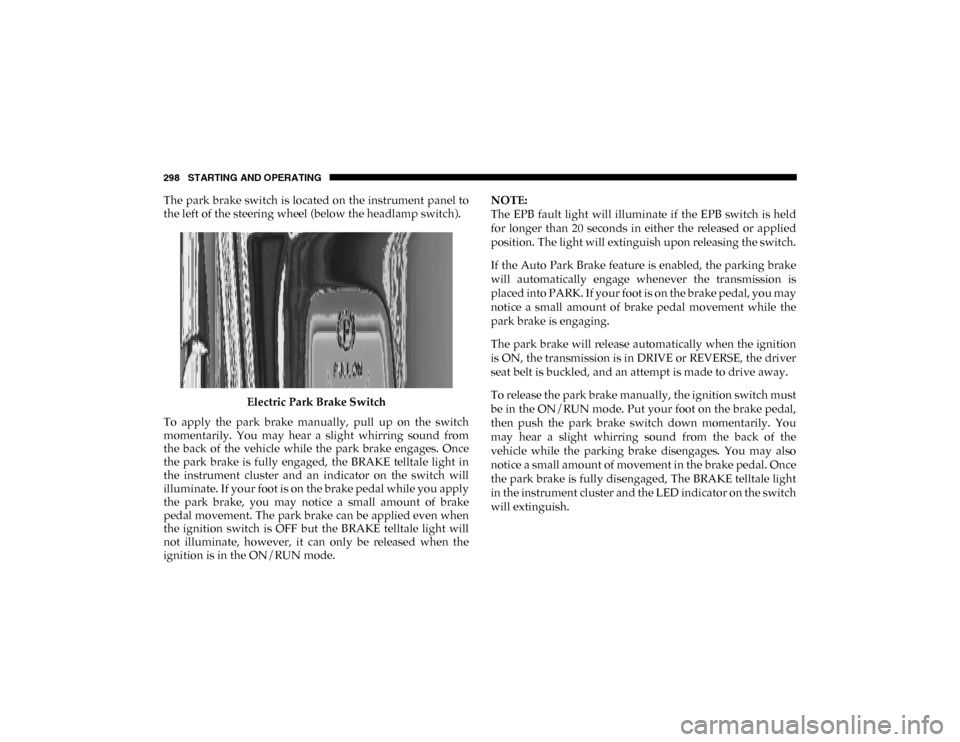
The park brake switch is located on the instrument panel to
the left of the steering wheel (below the headlamp switch).Electric Park Brake Switch
To apply the park brake manually, pull up on the switch
momentarily. You may hear a slight whirring sound from
the back of the vehicle while the park brake engages. Once
the park brake is fully engaged, the BRAKE telltale light in
the instrument cluster and an indicator on the switch will
illuminate. If your foot is on the brake pedal while you apply
the park brake, you may notice a small amount of brake
pedal movement. The park brake can be applied even when
the ignition switch is OFF but the BRAKE telltale light will
not illuminate, however, it can only be released when the
ignition is in the ON/RUN mode. NOTE:
The EPB fault light will illuminate if the EPB switch is held
for longer than 20 seconds in either the released or applied
position. The light will extinguish upon releasing the switch.
If the Auto Park Brake feature is enabled, the parking brake
will automatically engage whenever the transmission is
placed into PARK. If your foot is on the brake pedal, you may
notice a small amount of brake pedal movement while the
park brake is engaging.
The park brake will release automatically when the ignition
is ON, the transmission is in DRIVE or REVERSE, the driver
seat belt is buckled, and an attempt is made to drive away.
To release the park brake manually, the ignition switch must
be in the ON/RUN mode. Put your foot on the brake pedal,
then push the park brake switch down momentarily. You
may hear a slight whirring sound from the back of the
vehicle while the parking brake disengages. You may also
notice a small amount of movement in the brake pedal. Once
the park brake is fully disengaged, The BRAKE telltale light
in the instrument cluster and the LED indicator on the switch
will extinguish.
2020_DT_1500_OM_US.book Page 298
Page 306 of 674

304 STARTING AND OPERATING
Brake/Transmission Shift Interlock System
This vehicle is equipped with a Brake Transmission Shift
Interlock System (BTSI) that holds the transmission gear
selector in PARK unless the brakes are applied. To shift the
transmission out of PARK, the engine must be running and
the brake pedal must be pressed.
The brake pedal must also be pressed to shift from
NEUTRAL into DRIVE or REVERSE when the vehicle is
stopped or moving at low speeds.
Eight-Speed Automatic Transmission
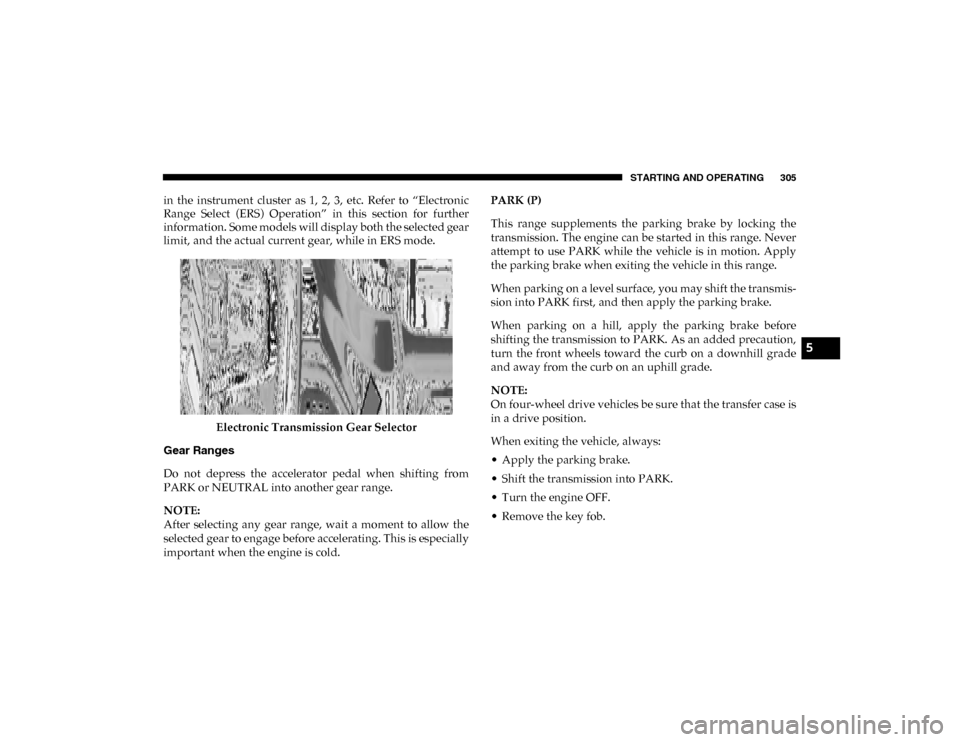
The transmission is controlled using a rotary electronic gear
selector located on the instrument panel. The transmission
gear range (PRND) is displayed both above the gear selector
and in the instrument cluster. To select a gear range, simply
rotate the gear selector. You must press the brake pedal to
shift the transmission out of PARK (or NEUTRAL, when the
vehicle is stopped or moving at low speeds). To shift past
multiple gear ranges at once (such as PARK to DRIVE),
simply rotate the gear selector to the appropriate detent.
Select the DRIVE range for normal driving.NOTE:
In the event of a mismatch between the gear selector position
and the actual transmission gear (for example, driver selects
PARK while driving), the position indicator will blink
continuously until the selector is returned to the proper posi
-
tion, or the requested shift can be completed.
The electronically-controlled transmission adapts its shift
schedule based on driver inputs, along with environmental
and road conditions. The transmission electronics are
self-calibrating; therefore, the first few shifts on a new
vehicle may be somewhat abrupt. This is a normal condition,
and precision shifts will develop within a few hundred miles
(kilometers).
Only shift from DRIVE to PARK or REVERSE when the
accelerator pedal is released and the vehicle is stopped. Be
sure to keep your foot on the brake pedal when shifting
between these gears.
The transmission gear selector has only PARK, REVERSE,
NEUTRAL, and DRIVE positions. Manual downshifts can be
made using the Electronic Range Select (ERS) shift control.
Pressing the GEAR-/GEAR+ switches (on the steering
wheel) while in the DRIVE position will select the highest
available transmission gear, and will display that gear limit
2020_DT_1500_OM_US.book Page 304
Page 307 of 674
STARTING AND OPERATING 305
in the instrument cluster as 1, 2, 3, etc. Refer to “Electronic
Range Select (ERS) Operation” in this section for further
information. Some models will display both the selected gear
limit, and the actual current gear, while in ERS mode.Electronic Transmission Gear Selector
Gear Ranges
Do not depress the accelerator pedal when shifting from
PARK or NEUTRAL into another gear range.
NOTE:
After selecting any gear range, wait a moment to allow the
selected gear to engage before accelerating. This is especially
important when the engine is cold. PARK (P)
This range supplements the parking brake by locking the
transmission. The engine can be started in this range. Never
attempt to use PARK while the vehicle is in motion. Apply
the parking brake when exiting the vehicle in this range.
When parking on a level surface, you may shift the transmis
-
sion into PARK first, and then apply the parking brake.
When parking on a hill, apply the parking brake before
shifting the transmission to PARK. As an added precaution,
turn the front wheels toward the curb on a downhill grade
and away from the curb on an uphill grade.
NOTE:
On four-wheel drive vehicles be sure that the transfer case is
in a drive position.
When exiting the vehicle, always:
• Apply the parking brake.
• Shift the transmission into PARK.
• Turn the engine OFF.
• Remove the key fob.
5
2020_DT_1500_OM_US.book Page 305
Page 310 of 674

308 STARTING AND OPERATING
When frequent transmission shifting occurs (such as when
operating the vehicle under heavy loading conditions, in
hilly terrain, traveling into strong head winds, or while
towing a heavy trailer), select TOW/HAUL mode or use the
Electronic Range Select (ERS) shift control (refer to "Elec-
tronic Range Select (ERS) Operation" in this section for
further information) to select a lower gear range. Under
these conditions, using a lower gear range will improve
performance and extend transmission life by reducing exces -
sive shifting and heat buildup.
During extremely cold temperatures (-22°F [-30°C] or
below), transmission operation may be modified depending
on engine and transmission temperature as well as vehicle
speed. Normal operation will resume once the transmission
temperature has risen to a suitable level.
Transmission Limp Home Mode
Transmission function is monitored electronically for
abnormal conditions. If a condition is detected that could
result in transmission damage, Transmission Limp Home
Mode is activated. In this mode, the transmission may
operate only in certain gears, or may not shift at all. Vehicle
performance may be severely degraded and the engine may
stall. In some situations, the transmission may not re-engage
if the engine is turned off and restarted. The Malfunction Indicator Light (MIL) may be illuminated. A message in the
instrument cluster will inform the driver of the more serious
conditions, and indicate what actions may be necessary.
In the event of a momentary problem, the transmission can
be reset to regain all forward gears by performing the
following steps:
NOTE:
In cases where the instrument cluster message indicates the
transmission may not re-engage after engine shutdown,
perform this procedure only in a desired location (prefer
-
ably, at an authorized dealer).
1. Stop the vehicle.
2. Shift the transmission into PARK, if possible. If not, shift the transmission to NEUTRAL.
3. Push and hold the ignition switch until the engine turns OFF.
4. Wait approximately 30 seconds.
5. Restart the engine.
6. Shift into the desired gear range. If the problem is no longer detected, the transmission will return to normal
operation.
2020_DT_1500_OM_US.book Page 308
Page 311 of 674
STARTING AND OPERATING 309
NOTE:
Even if the transmission can be reset, we recommend that
you visit an authorized dealer at your earliest possible
convenience. An authorized dealer has diagnostic equip-
ment to assess the condition of your transmission.
If the transmission cannot be reset, an authorized dealer
service is required.
Electronic Range Select (ERS) Operation — Eight-Speed
Transmission
The Electronic Range Select (ERS) shift control allows the
driver to limit the highest available gear when the transmis -
sion is in DRIVE. For example, if you set the transmission
gear limit to 4 (fourth gear), the transmission will not shift
above fourth gear (except to prevent engine overspeed), but
will shift through the lower gears normally.
You can switch between DRIVE and ERS mode at any
vehicle speed. When the transmission gear selector is in
DRIVE, the transmission will operate automatically, shifting
between all available gears. Tapping the GEAR- switch (on
the steering wheel) will activate ERS mode, display the
current gear in the instrument cluster, and set that gear as the
top available gear. Once in ERS mode, tapping the GEAR- or
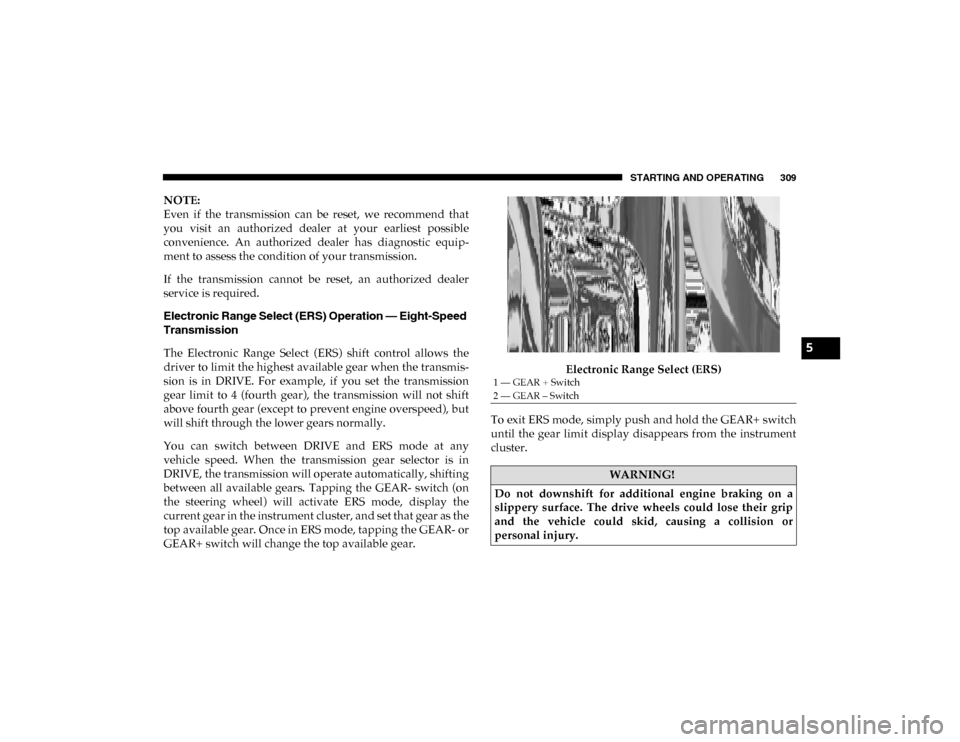
GEAR+ switch will change the top available gear. Electronic Range Select (ERS)
To exit ERS mode, simply push and hold the GEAR+ switch
until the gear limit display disappears from the instrument
cluster.
1 — GEAR + Switch
2 — GEAR – Switch
WARNING!
Do not downshift for additional engine braking on a
slippery surface. The drive wheels could lose their grip
and the vehicle could skid, causing a collision or
personal injury.
5
2020_DT_1500_OM_US.book Page 309
Page 312 of 674
310 STARTING AND OPERATING
When to Use TOW/HAUL Mode
When driving in hilly areas, towing a trailer, carrying a
heavy load, etc., and frequent transmission shifting occurs,
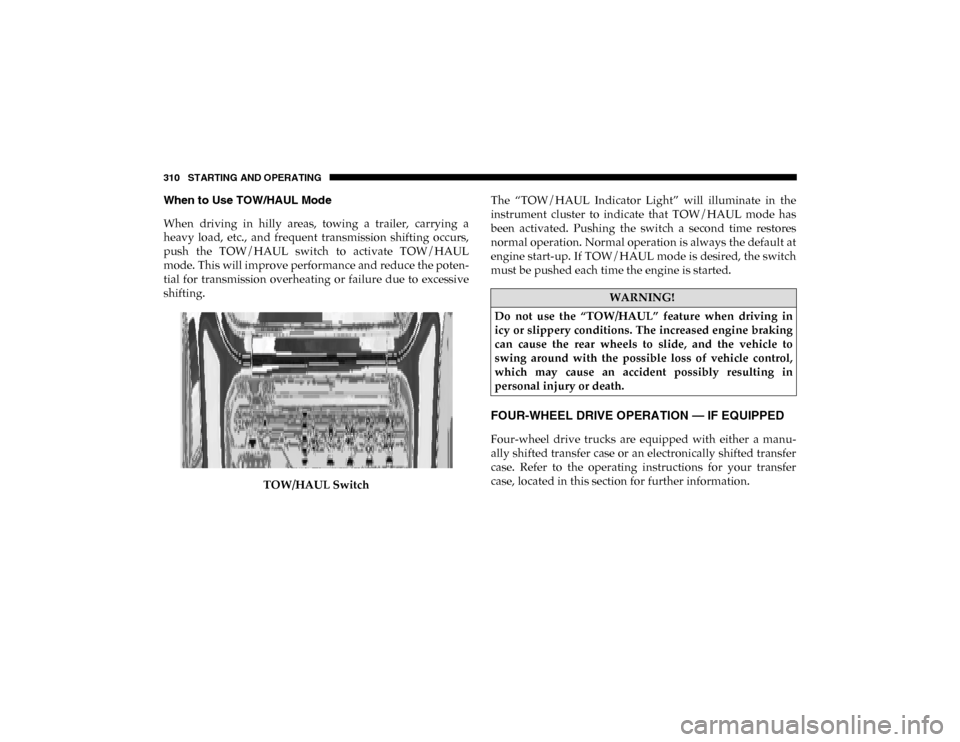
push the TOW/HAUL switch to activate TOW/HAUL
mode. This will improve performance and reduce the poten-
tial for transmission overheating or failure due to excessive
shifting.
TOW/HAUL Switch The “TOW/HAUL Indicator Light” will illuminate in the
instrument cluster to indicate that TOW/HAUL mode has
been activated. Pushing the switch a second time restores
normal operation. Normal operation is always the default at
engine start-up. If TOW/HAUL mode is desired, the switch
must be pushed each time the engine is started.
FOUR-WHEEL DRIVE OPERATION — IF EQUIPPED
Four-wheel drive trucks are equipped with either a manu-
ally shifted transfer case or an electronically shifted transfer
case. Refer to the operating instructions for your transfer
case, located in this section for further information.
WARNING!
Do not use the “TOW/HAUL” feature when driving in
icy or slippery conditions. The increased engine braking
can cause the rear wheels to slide, and the vehicle to
swing around with the possible loss of vehicle control,
which may cause an accident possibly resulting in
personal injury or death.
2020_DT_1500_OM_US.book Page 310