warning Ram 1500 2020 Service Manual
[x] Cancel search | Manufacturer: RAM, Model Year: 2020, Model line: 1500, Model: Ram 1500 2020Pages: 674, PDF Size: 32.69 MB
Page 138 of 674

136 GETTING TO KNOW YOUR VEHICLE
(Continued)
NOTE:
If you are installing a Toolbox, Ladder Rack or Headache
Rack at the front of the Pickup Box, you must use Mopar Box
Reinforcement Brackets that are available from an autho-
rized dealer.
You can carry wide building materials (sheets of plywood,
etc.) by building a raised load floor. Place lumber across the
box in the indentations provided above the wheel housings
and in the bulkhead dividers to form the floor.
There are stampings in the sheet metal on the inner side
bulkheads of the box in front of and behind both wheel hous-
ings. Place wooden boards across the box from side to side to
create separate load compartments in the pickup box.
There are four tie-down cleats bolted to the lower sides of the
pickup box that can sustain loads up to 1000 lbs (450 kg) total.
RAMBOX — IF EQUIPPED
The RamBox system is an integrated pickup box storage and
cargo management system consisting of three features:
• Integrated box side storage bins
• Cargo divider
• Bed rail tie-down system
WARNING!
• The pickup box is intended for load carrying purposes only, not for passengers, who should sit in seats and
use seat belts.
• Care should always be exercised when operating a vehicle with unrestrained cargo. Vehicle speeds may
need to be reduced. Severe turns or rough roads may
cause shifting or bouncing of the cargo that may result
in vehicle damage. If wide building materials are to be
frequently carried, the installation of a support is
recommended. This will restrain the cargo and transfer
the load to the pickup box floor.
• If you wish to carry more than 600 lbs (272 kg) of materialsuspended above the wheelhouse, supports must be
installed to transfer the weight of the load to the pickup
box floor or vehicle damage may result. The use of proper
supports will permit loading up to the rated payload.
• Unrestrained cargo may be thrown forward in an acci -
dent causing serious or fatal injury.
WARNING! (Continued)
2020_DT_1500_OM_US.book Page 136
Page 141 of 674

GETTING TO KNOW YOUR VEHICLE 139
Locking And Unlocking RamBox
Push and release the lock or unlock button on the key fob to
lock and unlock all doors, the tailgate and the RamBox (if
equipped). Refer to “Keys” in this chapter for further details.
To unlatch the storage bin manually, insert the emergency
key into the keyhole and turn clockwise. Always return the
key to the upright (vertical) position before removing it from
the keyhole.RamBox Safety Warning
Carefully follow these warnings to help prevent personal
injury or damage to your vehicle:
CAUTION!
• Ensure cargo bin lids are closed and latched before moving or driving vehicle.
• Loads applied to the top of the bin lid should be mini -
mized to prevent damage to the lid and latching/
hinging mechanisms.
• Damage to the RamBox bin may occur due to heavy/ sharp objects placed in bin that shift due to vehicle
motion. In order to minimize potential for damage,
secure all cargo to prevent movement and protect inside
surfaces of bin from heavy/sharp objects with appro -
priate padding.
WARNING!
• Always close the storage bin covers when your vehicle is unattended.
• Do not allow children to have access to the storage bins. Once in the storage bin, young children may not be able
to escape. If trapped in the storage bin, children can die
from suffocation or heat stroke.
• In an accident, serious injury could result if the storage bin covers are not properly latched.
• Do not drive the vehicle with the storage bin covers open.
• Keep the storage bin covers closed and latched while the vehicle is in motion.
• Do not use a storage bin latch as a tie down.2
2020_DT_1500_OM_US.book Page 139
Page 149 of 674
GETTING TO KNOW YOUR VEHICLE 147
NOTE:
When a cap or pickup camper is installed on a vehicle, an
alternate Center High-Mounted Stop Light (CHMSL) must
be provided.
EASY-OFF TAILGATE
To simplify mounting of a camper unit with an overhang, the
tailgate can be removed.
NOTE:
The electric connector at the bottom of the tailgate must be
disconnected prior to removing the tailgate.
Disconnecting The Rear Camera And Remote Keyless
Entry
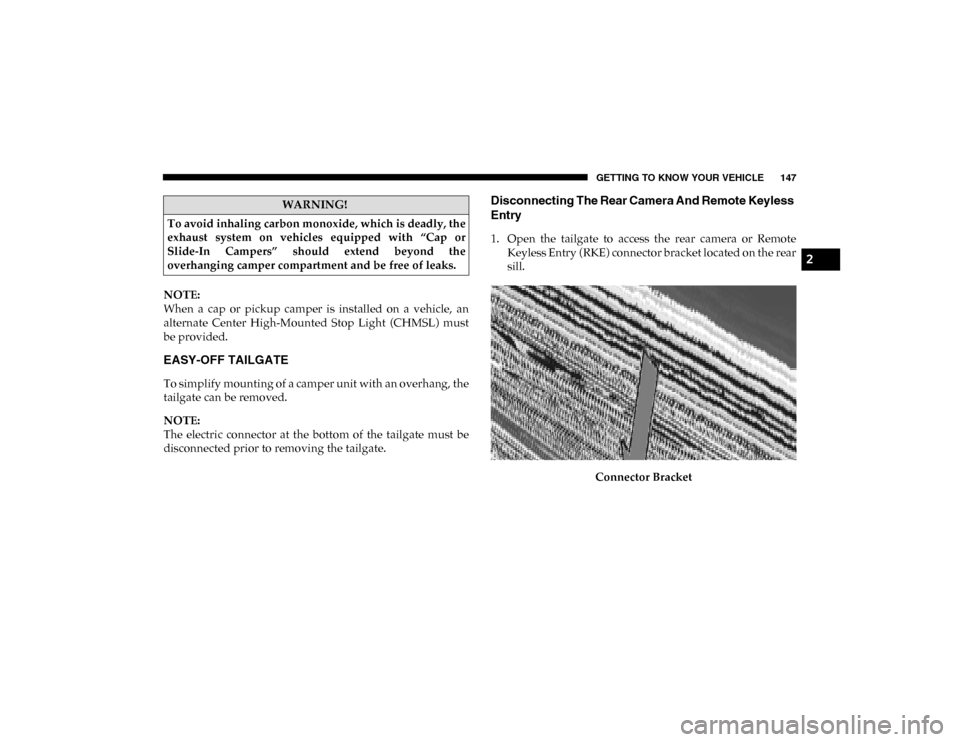
1. Open the tailgate to access the rear camera or RemoteKeyless Entry (RKE) connector bracket located on the rear
sill.
Connector Bracket
WARNING!
To avoid inhaling carbon monoxide, which is deadly, the
exhaust system on vehicles equipped with “Cap or
Slide-In Campers” should extend beyond the
overhanging camper compartment and be free of leaks.
2
2020_DT_1500_OM_US.book Page 147
Page 151 of 674
GETTING TO KNOW YOUR VEHICLE 149
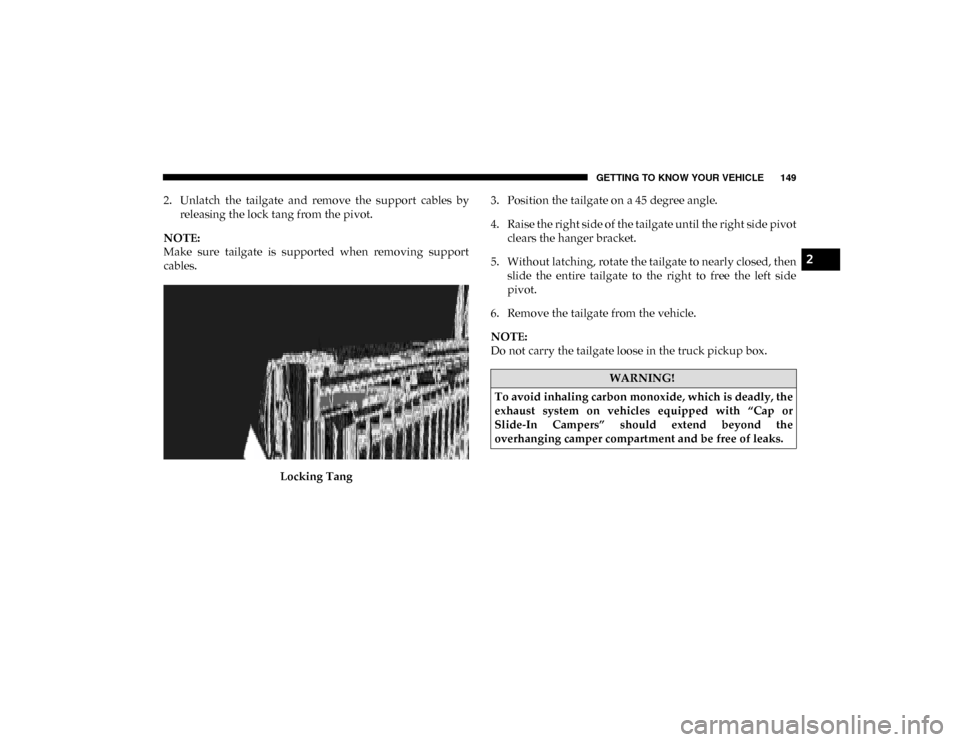
2. Unlatch the tailgate and remove the support cables byreleasing the lock tang from the pivot.
NOTE:
Make sure tailgate is supported when removing support
cables.
Locking Tang 3. Position the tailgate on a 45 degree angle.
4. Raise the right side of the tailgate until the right side pivot
clears the hanger bracket.
5. Without latching, rotate the tailgate to nearly closed, then slide the entire tailgate to the right to free the left side
pivot.
6. Remove the tailgate from the vehicle.
NOTE:
Do not carry the tailgate loose in the truck pickup box.
WARNING!
To avoid inhaling carbon monoxide, which is deadly, the
exhaust system on vehicles equipped with “Cap or
Slide-In Campers” should extend beyond the
overhanging camper compartment and be free of leaks.
2
2020_DT_1500_OM_US.book Page 149
Page 165 of 674

GETTING TO KNOW YOUR INSTRUMENT PANEL 163
7. Temperature Gauge• The pointer shows engine coolant temperature. Thepointer positioned within the normal range indicates
that the engine cooling system is operating satisfacto -
rily.
• The pointer will likely indicate a higher temperature when driving in hot weather, up mountain grades, or
when towing a trailer. It should not be allowed to
exceed the upper limits of the normal operating range.
WARNING!
A hot engine cooling system is dangerous. You or others
could be badly burned by steam or boiling coolant. You
may want to call an authorized dealer for service if your
vehicle overheats. Refer to “Cooling System Pressure
Cap” in “Servicing And Maintenance” for further
information if you decide to look under the hood.
CAUTION!
Driving with a hot engine cooling system could damage
your vehicle. If the temperature gauge reads “H,” pull
over and stop the vehicle. Idle the vehicle with the air
conditioner turned off until the pointer drops back into
the normal range. If the pointer remains on the “H,” turn
the engine off immediately and call an authorized dealer
for service.
3
2020_DT_1500_OM_US.book Page 163
Page 167 of 674
GETTING TO KNOW YOUR INSTRUMENT PANEL 165
3. Speedometer• Indicates vehicle speed.
4. Fuel Gauge
• The pointer shows the level of fuel in the fuel tankwhen the ignition is in the ON/RUN position.
• The fuel pump symbol points to the side of the vehicle where the fuel door is located.
5. Temperature Gauge
• The pointer shows engine coolant temperature. Thepointer positioned within the normal range indicates
that the engine cooling system is operating satisfacto -
rily.
• The pointer will likely indicate a higher temperature when driving in hot weather, up mountain grades, or
when towing a trailer. It should not be allowed to
exceed the upper limits of the normal operating range.WARNING!
A hot engine cooling system is dangerous. You or others
could be badly burned by steam or boiling coolant. You
may want to call an authorized dealer for service if your
vehicle overheats. Refer to “Cooling System Pressure
Cap” in “Servicing And Maintenance” for further
information if you decide to look under the hood.
CAUTION!
Driving with a hot engine cooling system could damage
your vehicle. If the temperature gauge reads “H,” pull
over and stop the vehicle. Idle the vehicle with the air
conditioner turned off until the pointer drops back into
the normal range. If the pointer remains on the “H,” turn
the engine off immediately and call an authorized dealer
for service.
3
2020_DT_1500_OM_US.book Page 165
Page 168 of 674
166 GETTING TO KNOW YOUR INSTRUMENT PANEL
INSTRUMENT CLUSTER DISPLAY
Your vehicle will be equipped with an instrument cluster
display, which offers useful information to the driver. With
the ignition in the STOP/OFF mode, opening/closing of a
door will activate the display for viewing, and display the
total miles, or kilometers, in the odometer. Your instrument
cluster display is designed to display important information
about your vehicle’s systems and features. Using a driver
interactive display located on the instrument panel, your
instrument cluster display can show you how systems are
working and give you warnings when they are not. The
steering wheel mounted controls allow you to scroll through
the main menus and submenus. You can access the specific
information you want and make selections and adjustments.
Instrument Cluster Display Controls
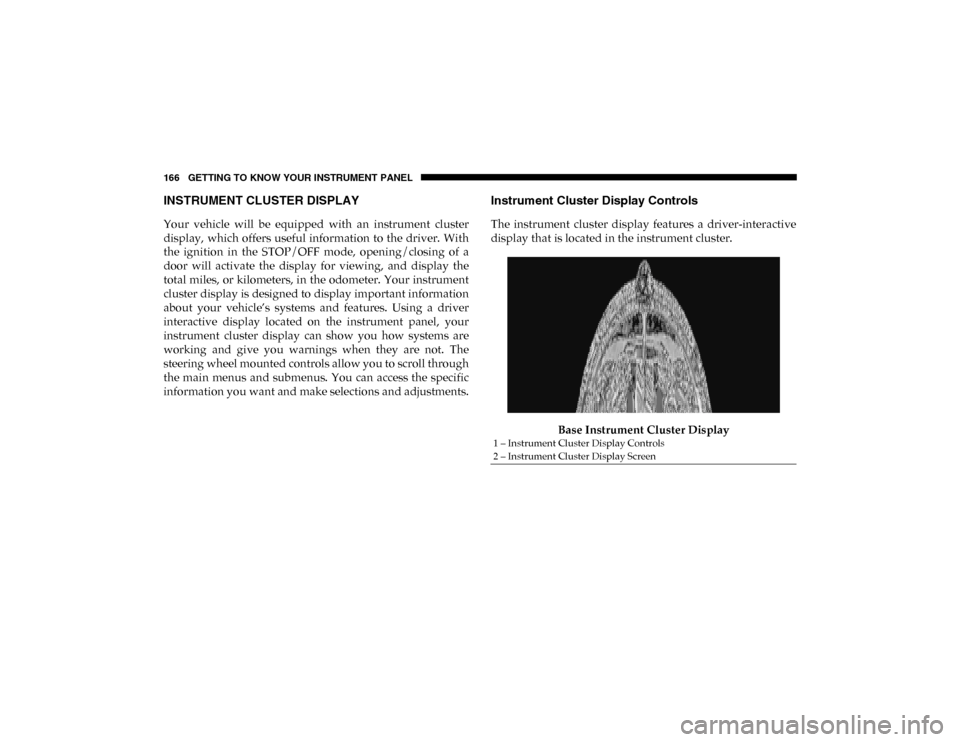
The instrument cluster display features a driver-interactive
display that is located in the instrument cluster.Base Instrument Cluster Display
1 – Instrument Cluster Display Controls
2 – Instrument Cluster Display Screen
2020_DT_1500_OM_US.book Page 166
Page 172 of 674

170 GETTING TO KNOW YOUR INSTRUMENT PANEL
Driver Assist — If Equipped
The Driver Assist menu displays the status of the ACC and
LaneSense systems.
Push and release the up or down arrow button until the
Driver Assist menu is displayed in the instrument cluster
display.
Adaptive Cruise Control (ACC) Feature
The instrument cluster display displays the current Adap -
tive Cruise Control (ACC) system settings. The information
displayed depends on ACC system status.
Push the Adaptive Cruise Control (ACC) on/off button
(located on the steering wheel) until one of the following
displays in the instrument cluster display:
Adaptive Cruise Control Off
When ACC is deactivated, the display will read “Adaptive
Cruise Control Off.”
Adaptive Cruise Control Ready
When ACC is activated but the vehicle speed setting has not
been selected, the display will read “Adaptive Cruise
Control Ready.” Push the SET + or the SET- button (located on the steering
wheel) and the following will display in the instrument
cluster display:
ACC SET
When ACC is set, the set speed will display in the instrument
cluster.
The ACC screen may display once again if any ACC activity
occurs, which may include any of the following:
• Distance Setting Change
• System Cancel
• Driver Override
• System Off
• ACC Proximity Warning
• ACC Unavailable Warning
For further information, refer to “Adaptive Cruise Control
(ACC) — If Equipped” in “Starting And Operating.”
2020_DT_1500_OM_US.book Page 170
Page 174 of 674

172 GETTING TO KNOW YOUR INSTRUMENT PANEL
Audio
Push and release the up or down arrow button until the
Audio Menu icon/title is highlighted in the instrument
cluster display. This menu will display the audio source
information, including the Song name, Artist name, and
audio source with an accompanying graphic.
Phone Call Status
When a call is incoming, a Phone Call Status pop-up will
display on the screen. The pop-up will remain until the
phone is answered or ignored.
NOTE:
The call status will temporarily replace the previous media
source information displayed on the screen. When the
pop-up is no longer displayed, the display will return to the
last used screen. Stored Messages
Push and release the
up or down arrow button until the
Messages Menu item is highlighted. This feature shows the
number of stored warning messages. Push and release the
right or left arrow buttons to cycle through stored messages.
Screen Setup
NOTE:
The Screen Setup feature can only be used while the vehicle
is in PARK (P).
Push and release the up or down arrow button until the
Screen Setup Menu Icon/Title is highlighted in the instru-
ment cluster display. Push and release the OK button to
enter the sub-menus and follow the prompts on the screen as
needed. The Screen Setup feature allows you to change what
information is displayed in the instrument cluster as well as
the location that information is displayed.
2020_DT_1500_OM_US.book Page 172
Page 179 of 674

GETTING TO KNOW YOUR INSTRUMENT PANEL 177
NOTE:
• The charging system is independent from load reduction.The charging system performs a diagnostic on the
charging system continuously.
• If the Battery Charge Warning Light is on it may indicate a problem with the charging system. Refer to “Battery
Charge Warning Light” in “Getting To Know Your Instru -
ment Panel” for further information.
The electrical loads that may be switched off (if equipped),
and vehicle functions which can be affected by load reduc -
tion:
• Heated Seats / Vented Seats / Heated Wheel
• Rear Defroster And Heated Mirrors
• HVAC System
• 115 Volts AC Power Inverter System
• Audio and Telematics System
Loss of the battery charge may indicate one or more of the
following conditions:
• The charging system cannot deliver enough electrical power to the vehicle system because the electrical loads are
larger than the capability of charging system. The charging
system is still functioning properly. • Turning on all possible vehicle electrical loads (e.g. HVAC
to max settings, exterior and interior lights, overloaded
power outlets +12 Volts, 115V AC, USB ports) during
certain driving conditions (city driving, towing, frequent
stopping).
• Installing options like additional lights, upfitter electrical accessories, audio systems, alarms and similar devices.
• Unusual driving cycles (short trips separated by long parking periods).
• The vehicle was parked for an extended period of time (weeks, months).
• The battery was recently replaced and was not charged completely.
• The battery was discharged by an electrical load left on when the vehicle was parked.
• The battery w as used for an extended period with t he engine not running to supply radio, lights, chargers,
+12 Volt portable appliances like vacuum cleaners,
gam e consoles and similar devices.
3
2020_DT_1500_OM_US.book Page 177