front Ram 1500 2020 Workshop Manual
[x] Cancel search | Manufacturer: RAM, Model Year: 2020, Model line: 1500, Model: Ram 1500 2020Pages: 674, PDF Size: 32.69 MB
Page 143 of 674

GETTING TO KNOW YOUR VEHICLE 141
To install the bed divider into the storage position, perform
the following:
1. Make sure the center handle is unlocked using the vehiclekey and rotate the center handle vertically to release the
divider side gates.
Center Handle And Lock 2. With the side gates open, position the divider fully
forward in the bed against the front panel.
Storage Position
1 — Center Handle Lock
2 — Handle
2
2020_DT_1500_OM_US.book Page 141
Page 144 of 674

142 GETTING TO KNOW YOUR VEHICLE
3. Rotate the side gates closed allowing the outboard ends tobe positioned in front of the cargo tie down loops.
Cargo Tie Down Loop 4. Rotate the center handle horizontally to secure the side
gates in the closed position.
Side Gates Closed
5. Lock the center handle using the vehicle key to secure the panel into place.
2020_DT_1500_OM_US.book Page 142
Page 152 of 674

150 GETTING TO KNOW YOUR VEHICLE
Locking Tailgate
The tailgate can be locked using the key fob lock button.
TRI-FOLD TONNEAU COVER — IF EQUIPPED
Your vehicle may be equipped with a Tri-Fold Tonneau
Cover which consists of different features:
• Easy Tri-Fold cover
• Tonneau fore aft locator
• Crossbar inside bed locator
• Front and rear clamps
• Stowage strap
• Locking capability
Tri-Fold Tonneau Cover Removal
To remove the Tonneau Cover follow the following steps:
1. Open the tailgate to access the rear pair of Tonneau Coverclamps located on the underside of the Cover (left and
right side).
Clamped Position
2020_DT_1500_OM_US.book Page 150
Page 156 of 674
154 GETTING TO KNOW YOUR VEHICLE
6. Once in the third panel position, repeat steps “1” and “2”on the front set of clamps.
NOTE:
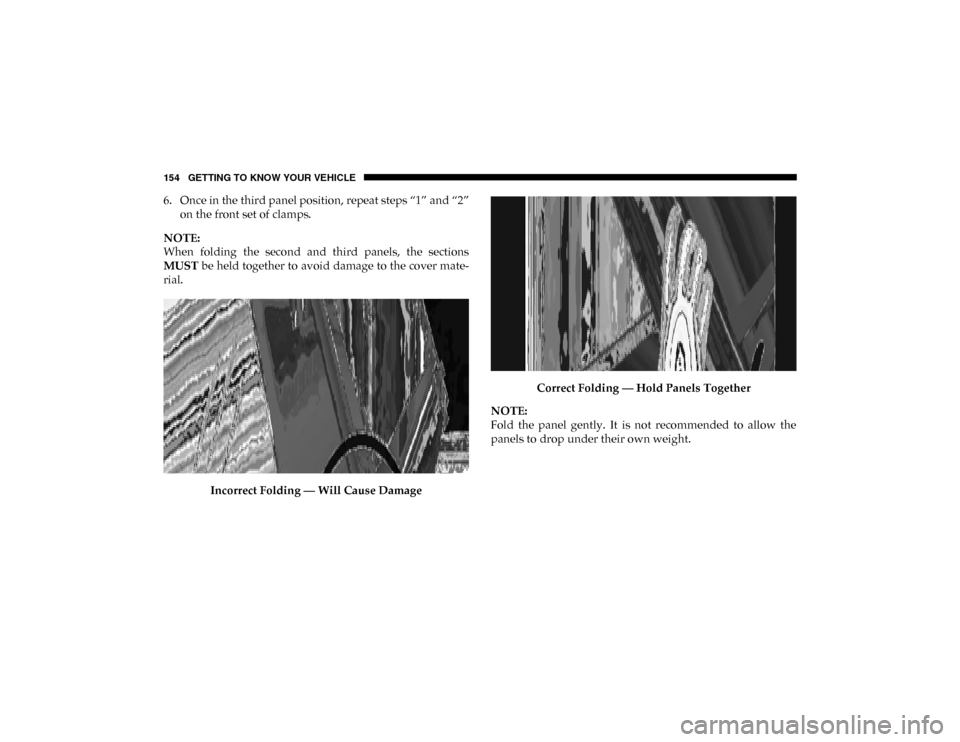
When folding the second and third panels, the sections
MUST be held together to avoid damage to the cover mate-
rial.
Incorrect Folding — Will Cause Damage Correct Folding — Hold Panels Together
NOTE:
Fold the panel gently. It is not recommended to allow the
panels to drop under their own weight.
2020_DT_1500_OM_US.book Page 154
Page 157 of 674

GETTING TO KNOW YOUR VEHICLE 155
7. Make sure to clip both stowage straps to prevent theTonneau Cover panels from unfolding.
Fully Folded Tonneau Cover
8. With two people, remove the cover. NOTE:
• Be sure the Tonneau Cover has been folded completely,
and the stowage straps are engaged, before removing.
• You can drive the vehicle with a fully folded Tonneau Cover. To do so, make sure both front latches and both
stowage straps are engaged. Damage to the Tonneau
Cover or vehicle might occur if the latches or stowage
straps are not engaged.
Tri-Fold Tonneau Cover Installation
To install the Tonneau Cover follow these steps:
1. Position the folded Tonneau Cover on the truck bed and push the cover forward against the front of the truck bed.
The Tonneau Cover centers itself when placed on the
vehicle.
1 — Stowage Strap
2 — Tonneau Cover Bumper And Seat
2
2020_DT_1500_OM_US.book Page 155
Page 181 of 674
GETTING TO KNOW YOUR INSTRUMENT PANEL 179
Red Warning Lights
— Seat Belt Reminder Warning Light
This warning light indicates when the driver or passenger
seat belt is unbuckled. When the ignition is first placed in the
ON/RUN or ACC/ON/RUN position and if the driver’s
seat belt is unbuckled, a chime will sound and the light will
turn on. When driving, if the driver or front passenger seat
belt remains unbuckled, the Seat Belt Reminder Light will
flash or remain on continuously and a chime will sound.
Refer to “Occupant Restraint Systems” in “Safety” for
further information.
— Air Bag Warning Light
This warning light will illuminate to indicate a fault with the
air bag, and will turn on for four to eight seconds as a bulb
check when the ignition is placed in the ON/RUN or ACC/
ON/RUN position. This light will illuminate with a single
chime when a fault with the air bag has been detected, it will
stay on until the fault is cleared. If the light is either not on
during startup, stays on, or turns on while driving, have the
system inspected at an authorized dealer as soon as possible. — Brake Warning Light
This warning light monitors various brake functions,
including brake fluid level and parking brake application. If
the brake light turns on it may indicate that the parking
brake is applied, that the brake fluid level is low, or that there
is a problem with the anti-lock brake system reservoir.
If the light remains on when the parking brake has been
disengaged, and the fluid level is at the full mark on the
master cylinder reservoir, it indicates a possible brake
hydraulic system malfunction or that a problem with the
Brake Booster has been detected by the Anti-Lock Brake
System (ABS) / Electronic Stability Control (ESC) system. In
this case, the light will remain on until the condition has been
corrected. If the problem is related to the brake booster, the
ABS pump will run when applying the brake, and a brake
pedal pulsation may be felt during each stop.
The dual brake system provides a reserve braking capacity in
the event of a failure to a portion of the hydraulic system. A
leak in either half of the dual brake system is indicated by the
Brake Warning Light, which will turn on when the brake
fluid level in the master cylinder has dropped below a spec -
ified level.
3
2020_DT_1500_OM_US.book Page 179
Page 192 of 674
190 GETTING TO KNOW YOUR INSTRUMENT PANEL
— Rear Axle Lock Indicator Light
This light indicates when the rear axle lock has been acti -
vated.
— 4WD Indicator Light — If Equipped
This light alerts the driver that the vehicle is in the
four-wheel drive mode, and the front and rear driveshafts
are mechanically locked together forcing the front and rear
wheels to rotate at the same speed.
— 4WD Low Indicator Light — If Equipped
This light alerts the driver that the vehicle is in the
four-wheel drive LOW mode. The front and rear driveshafts
are mechanically locked together forcing the front and rear
wheels to rotate at the same speed. Low range provides a
greater gear reduction ratio to provide increased torque at
the wheels.
Refer to “Four-Wheel Drive Operation — If Equipped” in
“Starting And Operating” for further information on
four-wheel drive operation and proper use. — 4WD High Indicator Light — If Equipped
This light alerts the driver that the vehicle is in the
four-wheel drive HIGH mode. The front and rear driveshafts
are mechanically locked together forcing the front and rear
wheels to rotate at the same speed.
— NEUTRAL Indicator Light — If Equipped
This light alerts the driver that the 4WD power transfer case
is in the NEUTRAL mode and the front and rear driveshafts
are disengaged from the powertrain.
— Diesel Particulate Filter (DPF) Cleaning In Progress
Indicator Light — Diesel Versions With DPF Only
The symbol switches on constantly to indicate that the DPF
system needs to eliminate the trapped pollutants (particu-
late) through the regeneration process. The symbol does not
switch on during every DPF regeneration, but only when
driving conditions require that the driver is notified. To turn
off the symbol, keep the vehicle in motion until the regener -
ation process is over. On average, the process lasts
15 minutes.
2020_DT_1500_OM_US.book Page 190
Page 194 of 674
192 GETTING TO KNOW YOUR INSTRUMENT PANEL
Refer to “Starting The Engine” in “Starting And Operating”
for further information.
NOTE:
The “Wait To Start” telltale may not illuminate if the intake
manifold temperature is warm enough.
Green Indicator Lights
— Adaptive Cruise Control (ACC) Set With Target
Light — If Equipped
This will display when the ACC is set and a target vehicle is
detected.
Refer to “Adaptive Cruise Control (ACC) — If Equipped” in
“Starting And Operating” for further information.
— Adaptive Cruise Control (ACC) Set With No Target
Detected Indicator Light — If Equipped
This light will turn on when the Adaptive Cruise Control is
SET and there is no target vehicle detected.
Refer to “Adaptive Cruise Control (ACC) — If Equipped” in
“Starting And Operating” for further information. — ECO Mode Indicator Light
This light will turn on when ECO Mode is active.
— Park/Headlight On Indicator Light
This indicator light will illuminate when the park lights or
headlights are turned on.
— LaneSense Indicator Light — If Equipped
The LaneSense indicator light illuminates solid green when
both lane markings have been detected and the system is
“armed” and ready to provide visual and torque warnings if
an unintentional lane departure occurs.
Refer to “LaneSense — If Equipped” in “Starting And Oper -
ating” for further information.
— Front Fog Indicator Light — If Equipped
This indicator light will illuminate when the front fog lights
are on.
2020_DT_1500_OM_US.book Page 192
Page 195 of 674
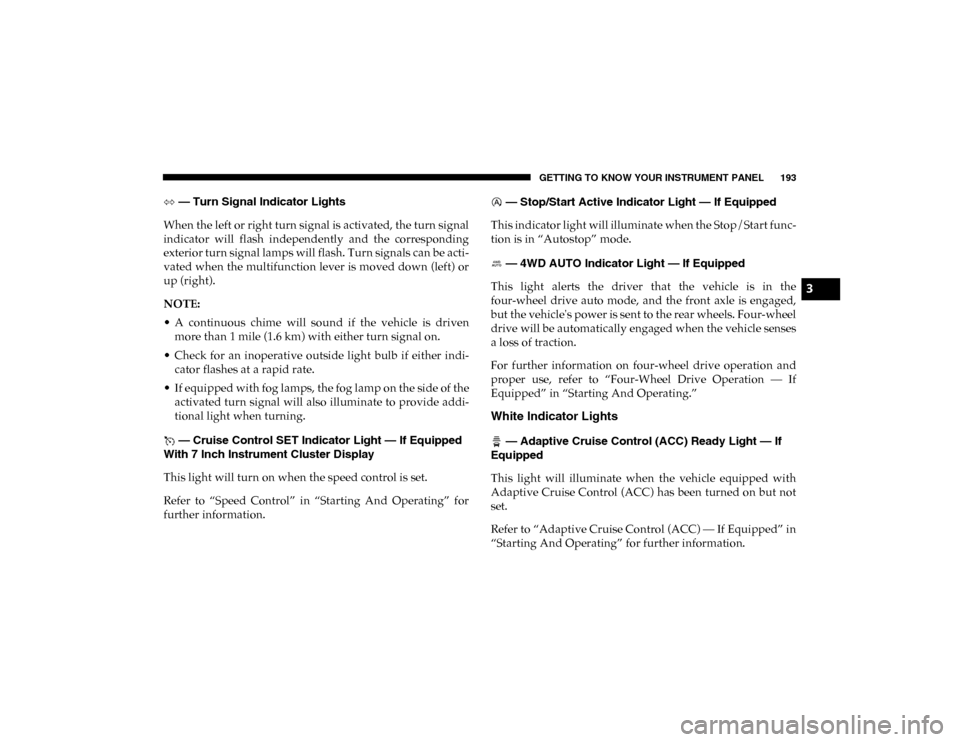
GETTING TO KNOW YOUR INSTRUMENT PANEL 193
— Turn Signal Indicator Lights
When the left or right turn signal is activated, the turn signal
indicator will flash independently and the corresponding
exterior turn signal lamps will flash. Turn signals can be acti -
vated when the multifunction lever is moved down (left) or
up (right).
NOTE:
• A continuous chime will sound if the vehicle is driven more than 1 mile (1.6 km) with either turn signal on.
• Check for an inoperative outside light bulb if either indi -
cator flashes at a rapid rate.
• If equipped with fog lamps, the fog lamp on the side of the activated turn signal will also illuminate to provide addi -
tional light when turning.
— Cruise Control SET Indicator Light — If Equipped
With 7 Inch Instrument Cluster Display
This light will turn on when the speed control is set.
Refer to “Speed Control” in “Starting And Operating” for
further information. — Stop/Start Active Indicator Light — If Equipped
This indicator light will illuminate when the Stop/Start func -
tion is in “Autostop” mode.
— 4WD AUTO Indicator Light — If Equipped
This light alerts the driver that the vehicle is in the
four-wheel drive auto mode, and the front axle is engaged,
but the vehicle's power is sent to the rear wheels. Four-wheel
drive will be automatically engaged when the vehicle senses
a loss of traction.
For further information on four-wheel drive operation and
proper use, refer to “Four-Wheel Drive Operation — If
Equipped” in “Starting And Operating.”
White Indicator Lights
— Adaptive Cruise Control (ACC) Ready Light — If
Equipped
This light will illuminate when the vehicle equipped with
Adaptive Cruise Control (ACC) has been turned on but not
set.
Refer to “Adaptive Cruise Control (ACC) — If Equipped” in
“Starting And Operating” for further information.
3
2020_DT_1500_OM_US.book Page 193
Page 196 of 674
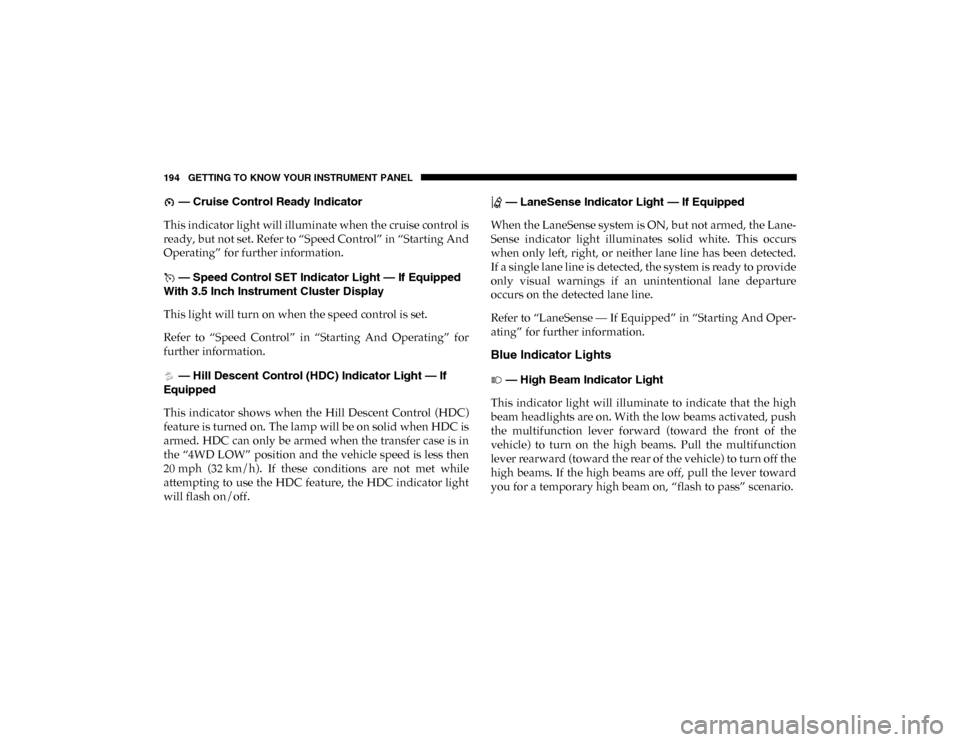
194 GETTING TO KNOW YOUR INSTRUMENT PANEL
— Cruise Control Ready Indicator
This indicator light will illuminate when the cruise control is
ready, but not set. Refer to “Speed Control” in “Starting And
Operating” for further information.
— Speed Control SET Indicator Light — If Equipped
With 3.5 Inch Instrument Cluster Display
This light will turn on when the speed control is set.
Refer to “Speed Control” in “Starting And Operating” for
further information.
— Hill Descent Control (HDC) Indicator Light — If
Equipped
This indicator shows when the Hill Descent Control (HDC)
feature is turned on. The lamp will be on solid when HDC is
armed. HDC can only be armed when the transfer case is in
the “4WD LOW” position and the vehicle speed is less then
20 mph (32 km/h). If these conditions are not met while
attempting to use the HDC feature, the HDC indicator light
will flash on/off. — LaneSense Indicator Light — If Equipped
When the LaneSense system is ON, but not armed, the Lane -
Sense indicator light illuminates solid white. This occurs
when only left, right, or neither lane line has been detected.
If a single lane line is detected, the system is ready to provide
only visual warnings if an unintentional lane departure
occurs on the detected lane line.
Refer to “LaneSense — If Equipped” in “Starting And Oper -
ating” for further information.
Blue Indicator Lights
— High Beam Indicator Light
This indicator light will illuminate to indicate that the high
beam headlights are on. With the low beams activated, push
the multifunction lever forward (toward the front of the
vehicle) to turn on the high beams. Pull the multifunction
lever rearward (toward the rear of the vehicle) to turn off the
high beams. If the high beams are off, pull the lever toward
you for a temporary high beam on, “flash to pass” scenario.
2020_DT_1500_OM_US.book Page 194