instrument Ram ProMaster 2020 User Guide
[x] Cancel search | Manufacturer: RAM, Model Year: 2020, Model line: ProMaster, Model: Ram ProMaster 2020Pages: 264, PDF Size: 10.11 MB
Page 32 of 264
30GETTING TO KNOW YOUR VEHICLE
Blower Control
Blower Control regulates the amount of air forced through the climate system. There are seven blower speeds available.
The blower speed increases as you turn the blower control knob clockwise from the lowest blower setting. The blower
speed decreases as you turn the blower control knob counterclockwise.
NOTE:
Depending on the configuration, your vehicle may be equipped with four blower speeds.
Mode Control
Turn the mode control knob to change the airflow distribution mode. The airflow distribution mode can be adjusted so air
comes from the instrument panel outlets, floor outlets, defrost outlets and demist outlets. The Mode settings are as
follows:
Panel Mode Panel Mode Air comes from the outlets in the instrument panel. Each of these outlets can be individually adjusted to direct the flow of
air. The air vanes of the center outlets and outboard outlets can be moved up and down or side to side to regulate airflow
direction. There is a shut off wheel located below the air vents to shut off or adjust the amount of airflow from these
outlets.
Icon Description
20_VF_OM_EN_US_t.book Page 30
Page 33 of 264

GETTING TO KNOW YOUR VEHICLE31
Bi-Level Mode Bi-Level Mode
Air comes from the instrument panel outlets and floor outlets. A slight amount of air is directed through the defrost and
side window demister outlets.
NOTE:
Bi-Level mode is designed under comfort conditions to provide cooler air out of the panel outlets and warmer air from the
floor outlets.
Floor Mode Floor Mode Air comes from the floor outlets. A slight amount of air is directed through the defrost and side window demister outlets.
Mix Mode Mix Mode Air is directed through the floor, defrost, and side window demister outlets. This setting works best in cold or snowy
conditions that require extra heat to the windshield. This setting is good for maintaining comfort while reducing moisture on
the windshield.
Icon Description
2
20_VF_OM_EN_US_t.book Page 31
Page 34 of 264
32GETTING TO KNOW YOUR VEHICLE
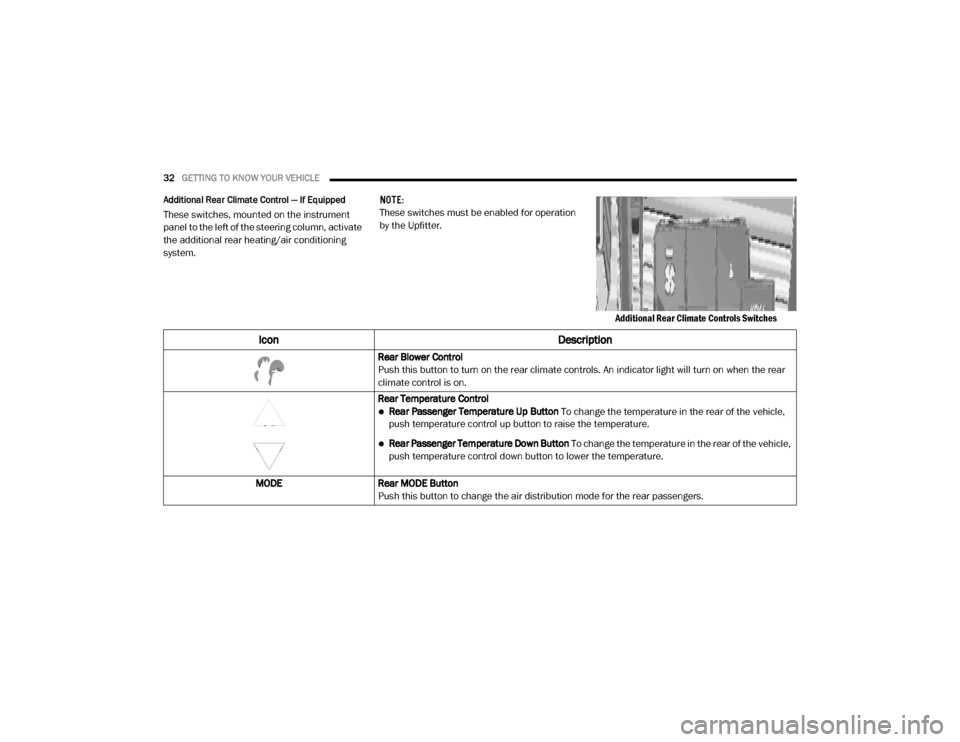
Additional Rear Climate Control — If Equipped
These switches, mounted on the instrument
panel to the left of the steering column, activate
the additional rear heating/air conditioning
system. NOTE:
These switches must be enabled for operation
by the Upfitter.
Additional Rear Climate Controls Switches
Icon Description
Rear Blower Control
Push this button to turn on the rear climate controls. An indicator light will turn on when the rear
climate control is on.
Rear Temperature Control
Rear Passenger Temperature Up Button To change the temperature in the rear of the vehicle,
push temperature control up button to raise the temperature.
Rear Passenger Temperature Down Button To change the temperature in the rear of the vehicle,
push temperature control down button to lower the temperature.
MODE Rear MODE Button
Push this button to change the air distribution mode for the rear passengers.
20_VF_OM_EN_US_t.book Page 32
Page 36 of 264
34GETTING TO KNOW YOUR VEHICLE
NOTE:
Recirculate without A/C should not be used for
long periods, as fogging may occur.Outside Air Intake
Make sure the air intake, located directly in
front of the windshield, is free of obstructions
such as leaves. Leaves collected in the air
intake may reduce airflow, and if they enter the
plenum, they could plug the water drains. In
winter months, make sure the air intake is clear
of ice, slush, and snow.
A/C Air Filter
The climate control system filters outside air
containing dust, pollen and some odors. Strong
odors cannot be totally filtered out. Refer to
“Dealer Service” in “Servicing and Mainte -
nance” for filter replacement instructions.
Operating Tips Chart
CAUTION!
Failure to follow these cautions can cause
damage to the heating elements:
Use care when washing the inside of the
rear window. Do not use abrasive window
cleaners on the interior surface of the
window. Use a soft cloth and a mild
washing solution, wiping parallel to the
heating elements. Labels can be peeled off
after soaking with warm water.
Do not use scrapers, sharp instruments, or
abrasive window cleaners on the interior
surface of the window.
Keep all objects a safe distance from the
window.WEATHER CONTROL
SETTINGS
Hot Weather And
Vehicle Interior Is Very
Hot Set the mode control
to , on, and
blower on high. Roll
down the windows for
a minute to flush out
the hot air. Adjust the
controls as needed to
achieve comfort.
Warm Weather
Turn on and set
the mode control to
the position.
Cool Sunny Operate in
position.
Cool & Humid
Conditions Set the mode control
to and turn on
to keep windows
clear.
Cold Weather Set the mode control to the position. If
windshield fogging
starts to occur, move
the control to the
position.
WEATHERCONTROL
SETTINGS
20_VF_OM_EN_US_t.book Page 34
Page 38 of 264
36GETTING TO KNOW YOUR VEHICLE
Window Bar Grates — If Equipped
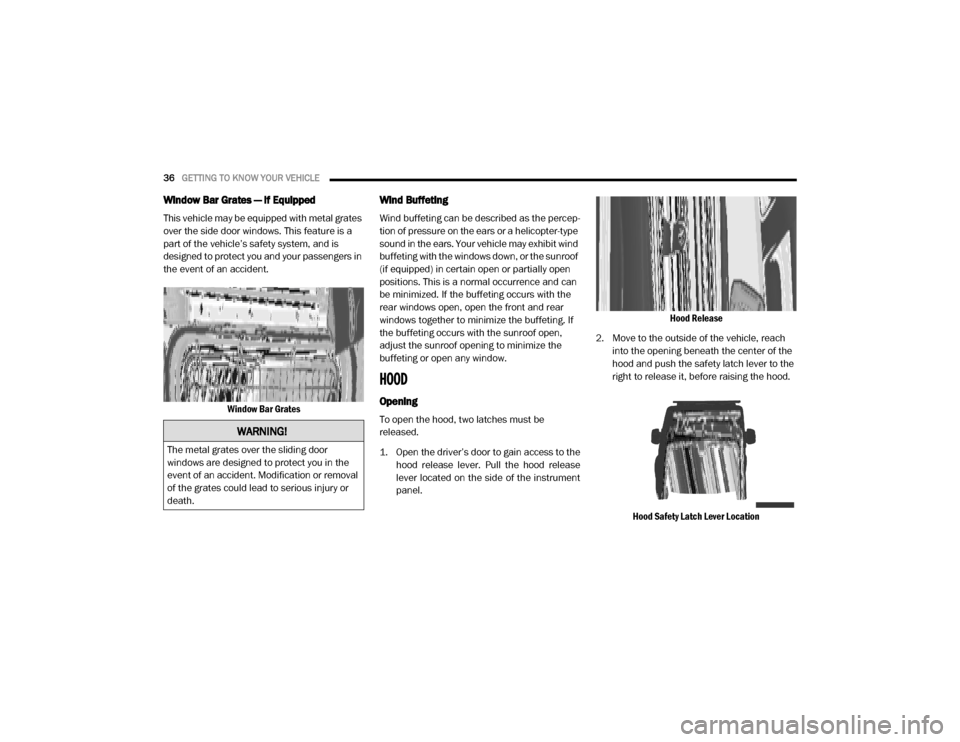
This vehicle may be equipped with metal grates
over the side door windows. This feature is a
part of the vehicle’s safety system, and is
designed to protect you and your passengers in
the event of an accident.
Window Bar Grates
Wind Buffeting
Wind buffeting can be described as the percep -
tion of pressure on the ears or a helicopter-type
sound in the ears. Your vehicle may exhibit wind
buffeting with the windows down, or the sunroof
(if equipped) in certain open or partially open
positions. This is a normal occurrence and can
be minimized. If the buffeting occurs with the
rear windows open, open the front and rear
windows together to minimize the buffeting. If
the buffeting occurs with the sunroof open,
adjust the sunroof opening to minimize the
buffeting or open any window.
HOOD
Opening
To open the hood, two latches must be
released.
1. Open the driver’s door to gain access to the hood release lever. Pull the hood release
lever located on the side of the instrument
panel. Hood Release
2. Move to the outside of the vehicle, reach into the opening beneath the center of the
hood and push the safety latch lever to the
right to release it, before raising the hood.
Hood Safety Latch Lever Location
WARNING!
The metal grates over the sliding door
windows are designed to protect you in the
event of an accident. Modification or removal
of the grates could lead to serious injury or
death.
20_VF_OM_EN_US_t.book Page 36
Page 39 of 264

GETTING TO KNOW YOUR VEHICLE37
3. Raise the hood and place the hood prop rod
in hood slot to secure the hood in the open
position.
Hood Prop Rod Slot
ClosingCARGO AREA FEATURES
The cargo area may be equipped with different
options such as optional side panels, rear seats
and an optional floor.
INTERNAL EQUIPMENT
Storage
Glove Compartments
The glove compartment is located on the
passenger side of the instrument panel and
features both an upper and lower storage area. Glove Compartments
Front Door Storage — If Equipped
Storage areas and bottle holders are located in
both the front door trim panels.
Front Door Storage
WARNING!
Be sure the hood is fully latched before
driving your vehicle. If the hood is not fully
latched, it could open when the vehicle is in
motion and block your vision. Failure to follow
this warning could result in serious injury or
death.
CAUTION!
To prevent possible damage:
Before closing hood, make sure the hood
prop rod is fully seated into its storage
retaining clips.
Do not slam the hood to close it. Use a firm
downward push at the center front edge of
the hood to ensure that both latches
engage. Never drive your vehicle unless the
hood is fully closed, with both latches
engaged.
1 — Upper Glove Compartment
2 — Lower Glove Compartment
2
20_VF_OM_EN_US_t.book Page 37
Page 40 of 264
38GETTING TO KNOW YOUR VEHICLE
Dash Storage
The dash storage is located on the right side of
the instrument panel.
Dash Storage
Dashboard Clipboard
Located on top of the dashboard is a clipboard
and two storage bins on each side of the clip -
board. Clipboard And Storage Bins
Underseat Storage Tray (Driver Side Only) — If
Equipped
A storage tray is located under the driver’s seat.
To remove the tray, lift up on the tray to with -
draw it from the hooks on the support base,
then slide the tray out from under the seat.
Underseat Storage TrayCupholders
The cupholders for the driver’s and passenger’s
area are located near the floor just under the
center stack storage compartment. There are
cupholders located in each door panel as well
as one single cupholder located to the right of
the manual climate controls. Cupholders
20_VF_OM_EN_US_t.book Page 38
Page 41 of 264
GETTING TO KNOW YOUR VEHICLE39
Power Outlets
Passenger Compartment Power Outlet
The power outlet is located on the instrument
panel passenger compartment near the cup
holder. It only operates with the ignition key at
MAR (ACC/ON/RUN).
Passenger Compartment Power Outlet Load Compartment Power Outlet — If Equipped
The load compartment power outlet is located
in rear cargo compartment. The outlet can be is
used for powering 12 Volt adaptive accessories
and recharging communications devices.
Load Compartment Power Outlet
NOTE:
Do not connect devices with power higher than
180 W to the socket. Do not damage the socket
by using unsuitable adaptors. Power Outlet Fuses — Under Hood
1 — F14 Fuse 20 Amp Yellow Front Power Outlet
2 — F09 Fuse 15 Amp Blue Rear Power Outlet
WARNING!
To avoid serious injury or death:
Only devices designed for use in this type of
outlet should be inserted into any 12 Volt
outlet.
Do not touch with wet hands.
Close the lid when not in use and while
driving the vehicle.
If this outlet is mishandled, it may cause an
electric shock and failure.
2
20_VF_OM_EN_US_t.book Page 39
Page 42 of 264
40GETTING TO KNOW YOUR VEHICLE
Auxiliary Switches — If Equipped
Your vehicle may be equipped with two auxiliary
switches located on the instrument panel to the
left of the steering column which can be used to
power various electronic devices. Connections
to the switches are found in the right central
pillar fuse panel at the base of the passenger
side B-pillar.
Auxiliary Upfitter Switches Auxiliary Switch 1 is configured to constant
battery feed, while Auxiliary Switch 2 is config
-
ured to ignition feed.
For further information on using the auxiliary
switches, please refer to the Ram Body Builders
Guide by accessing www.rambodybuilder.com
and choosing the appropriate links.CAUTION!
Many accessories that can be plugged in
draw power from the vehicle's battery, even
when not in use (i.e., cellular phones, etc.).
Eventually, if plugged in long enough, the
vehicle's battery will discharge sufficiently
to degrade battery life and/or prevent the
engine from starting.
Accessories that draw higher power (i.e.,
coolers, vacuum cleaners, lights, etc.) will
degrade the battery even more quickly.
Only use these intermittently and with
greater caution.
After the use of high power draw accesso -
ries, or long periods of the vehicle not being
started (with accessories still plugged in),
the vehicle must be driven a sufficient
length of time to allow the generator to
recharge the vehicle's battery.
20_VF_OM_EN_US_t.book Page 40
Page 43 of 264

41
GETTING TO KNOW YOUR INSTRUMENT PANEL
INSTRUMENT CLUSTER
Instrument Cluster
3
20_VF_OM_EN_US_t.book Page 41