key Ram ProMaster City 2015 Owner's Guide
[x] Cancel search | Manufacturer: RAM, Model Year: 2015, Model line: ProMaster City, Model: Ram ProMaster City 2015Pages: 414, PDF Size: 2.86 MB
Page 105 of 414
NOTE:
•This features is allowed only with ignition key at MAR
(ACC/ON/RUN) position.
• Once a heat setting is selected, heat will be felt within
two to five minutes.
WARNING!
• Persons who are unable to feel pain to the skin
because of advanced age, chronic illness, diabetes,
spinal cord injury, medication, alcohol use, exhaus-
tion or other physical condition must exercise care
when using the seat heater. It may cause burns
even at low temperatures, especially if used for
long periods of time.
• Do not place anything on the seat or seatback that
insulates against heat, such as a blanket or cushion.
(Continued)
WARNING! (Continued)
This may cause the seat heater to overheat. Sitting
in a seat that has been overheated could cause
serious burns due to the increased surface tempera-
ture of the seat.
Head Restraints
Head restraints are designed to reduce the risk of injury
by restricting head movement in the event of a rear
impact. Head restraints should be adjusted so that the top
of the head restraint is located above the top of your ear.
WARNING!
The head restraints for all occupants must be prop-
erly installed and adjusted prior to operating the
vehicle or occupying a seat. Head restraints should
(Continued)
3
UNDERSTANDING THE FEATURES OF YOUR VEHICLE 103
Page 114 of 414
Parking Lights
To turn on the parking lights, remove the key
or turn the ignition to OFF/LOCK position and
turn on the headlights.
Turn Signals
Move the multifunction lever up or down and the arrows
on each side of the instrument cluster flash to show
proper operation of the front and rear turn signal lights.
NOTE:If either light remains on and does not flash, or
there is a very fast flash rate, check for a defective outside
light bulb. If an indicator fails to light when the lever is
moved, it would suggest that the indicator bulb is
defective.
Lane Change Assist
Tap the lever up or down once, without moving beyond
the detent, and the turn signal (right or left) will flash five
times then automatically turn off.
Follow Me Home/Headlight Delay
When this feature is selected the driver can choose to
have the headlights remain on for a preset period of time.
Activation
Remove the key or turn the ignition to the OFF/LOCK
position, and pull the multifunction lever toward the
steering wheel, within two minutes. Each time the lever
is pulled, the activation of the lights will be extended by
30 seconds. The activation of the lights can be extended to
a maximum of 210 seconds.
112 UNDERSTANDING THE FEATURES OF YOUR VEHICLE
Page 131 of 414
PARKVIEW® REAR BACK UP CAMERA — IF
EQUIPPED
Your vehicle may be equipped with the ParkView® Rear
Back Up Camera that allows you to see an on-screen
image of the rear surroundings of your vehicle whenever
the shift lever is put into REVERSE. The image will be
displayed on the touchscreen display along with a cau-
tion note to “check entire surroundings” across the top of
the screen. After five seconds this note will disappear.
The ParkView® camera is located on the rear of the
vehicle above the rear License plate.
When the vehicle is shifted out of REVERSE or when the
Camera Delay is turned OFF on the rear camera settings
menu, the rear camera mode is exited and the navigation
or audio screen appears again.
When the transmission is shifted out of REVERSE, with
the delay camera activated ON in the menu screen, thecamera image will continue to be displayed up to 10
seconds after placing the vehicle in the reverse position,
unless the speed of the vehicle is not greater than 8 mph
(13 km/h), the transmission is in PARK position or the
ignition key is in the OFF position.
When the vehicle is in reverse, there is a provided
touchscreen display to turn the camera image off. The
display of the camera image after switching off the
touchscreen display can be enabled or disabled through
the rear camera settings menu.
When displayed, static grid lines will illustrate the width
of the vehicle and will show separate zones that will help
indicate the distance to the rear of the vehicle. The
following table shows the approximate distances for each
zone:
3
UNDERSTANDING THE FEATURES OF YOUR VEHICLE 129
Page 133 of 414
NOTE:If snow, ice, mud, or any foreign substance
builds up on the camera lens, clean the lens, rinse with
water, and dry with a soft cloth. Do not cover the lens.
POWER OUTLETS
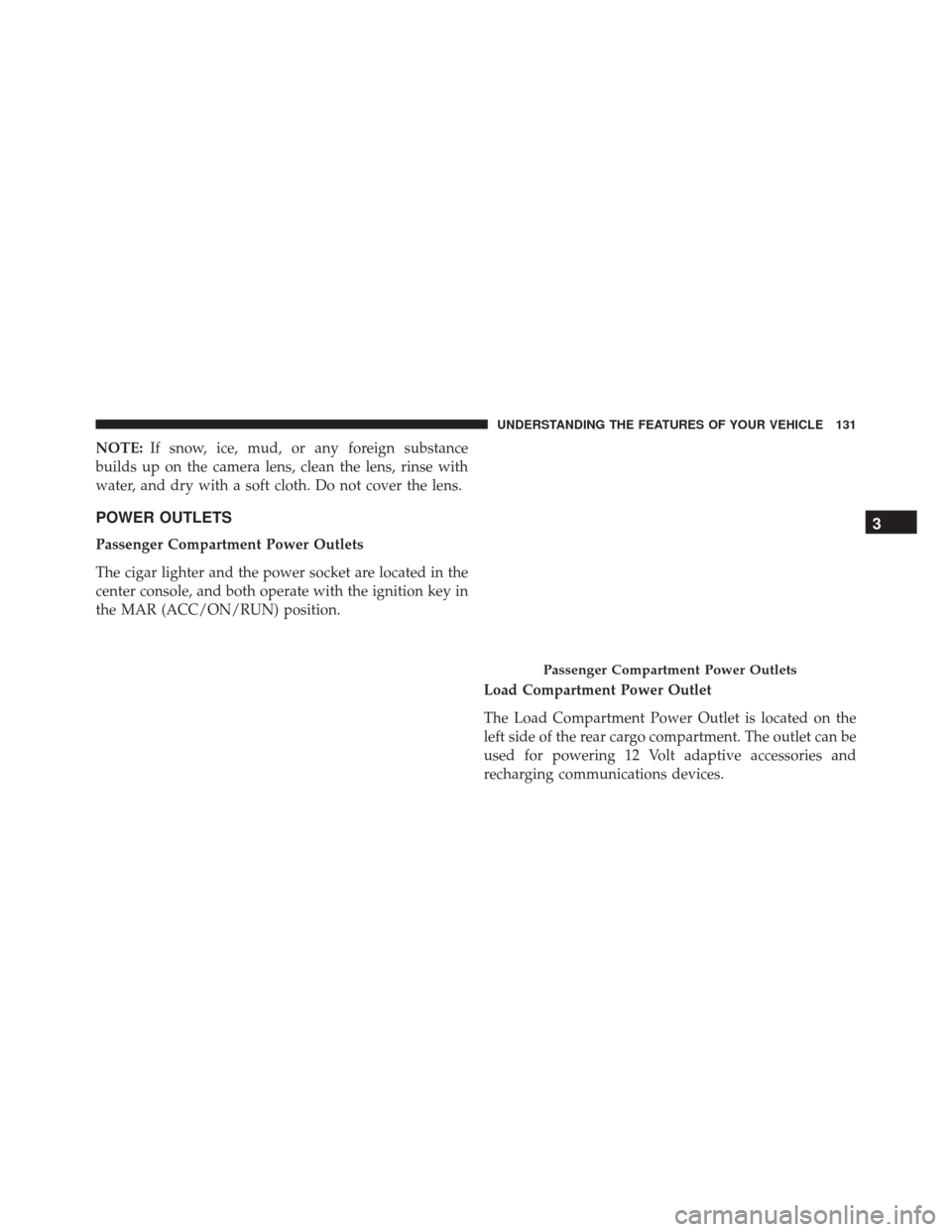
Passenger Compartment Power Outlets
The cigar lighter and the power socket are located in the
center console, and both operate with the ignition key in
the MAR (ACC/ON/RUN) position.
Load Compartment Power Outlet
The Load Compartment Power Outlet is located on the
left side of the rear cargo compartment. The outlet can be
used for powering 12 Volt adaptive accessories and
recharging communications devices.
Passenger Compartment Power Outlets
3
UNDERSTANDING THE FEATURES OF YOUR VEHICLE 131
Page 136 of 414
CAUTION!
•Many accessories that can be plugged in draw
power from the vehicle’s battery, even when not in
use (i.e., cellular phones, etc.). Eventually, if
plugged in long enough, the vehicle’s battery will
discharge sufficiently to degrade battery life and/or
prevent the engine from starting.
• Accessories that draw higher power (i.e., coolers,
vacuum cleaners, lights, etc.) will degrade the bat-
tery even more quickly. Only use these intermit-
tently and with greater caution.
• After the use of high power draw accessories, or
long periods of the vehicle not being started (with
accessories still plugged in), the vehicle must be
driven a sufficient length of time to allow the
generator to recharge the vehicle’s battery.
CIGAR LIGHTER AND ASH RECEIVER — IF
EQUIPPED
A removable ash receiver and cigar lighter are available.
Push the cigar lighter button to activate the cigar lighter
when the ignition key is in the MAR position.
After a few seconds the button returns to its initial
position and the cigar lighter is ready for use.
NOTE: Always check that the cigar lighter has turned
itself off.
WARNING!
The cigar lighter becomes very hot. Handle it care-
fully and make sure children don’t touch it: risk of
fire and/or burning.
134 UNDERSTANDING THE FEATURES OF YOUR VEHICLE
Page 137 of 414
CUPHOLDER
A cupholder is located in the front and rear of the center
console.
STORAGE
Glove Compartment
The glove compartment is located on the passenger side
of the instrument panel. Pull on the release handle to
open the glove compartment.
NOTE:The glove compartment handle is equipped with
a lock. To lock the glove compartment, remove the
emergency key from the key fob, insert emergency key
into glove compartment handle lock cylinder and turn
the key to the lock position and remove the key. Use the
reverse sequence to unlock the glove compartment.
Glove Compartment Release Handle
3
UNDERSTANDING THE FEATURES OF YOUR VEHICLE 135
Page 152 of 414
to switch the headlights to high beam. Pull the lever a
second time to switch the headlights back to low beam.
NOTE:If the driver’s door is open, and the headlights or
park lights are left on, the high beam indicator light will
remain illuminated and a chime will sound until lights
have been turned to the off position.
12. Glow Plug Light — If Equipped
If this icon blinks, it indicates that the engine
cranking is inhibited in order to prevent possible
engine damage while starting at low temperatures.
13. Engine Oil Level Warning Light
This warning light appears on the panel when the
engine oil level falls below the minimum recom-
mended value. Restore the correct engine oil level
or contact your authorized dealer for service.
14. Electronic Throttle Control (ETC) Light
This light informs you of a problem with the
Electronic Throttle Control (ETC) system. The
light will come on when the ignition is first
turned ON and remain on briefly as a bulb
check. If the light does not come on during starting, have
the system checked by an authorized dealer.
If a problem is detected, the light will come on while the
engine is running. Cycle the ignition key when the
vehicle has completely stopped and the gear selector is
placed in the 1st position. The light should turn off.
If the light remains lit with the engine running, your
vehicle will usually be drivable. However, see an autho-
rized dealer for service as soon as possible. If the light is
flashing when the engine is running, immediate service is
required. You may experience reduced performance, an
elevated/rough idle or engine stall and your vehicle may
require towing.
150 UNDERSTANDING YOUR INSTRUMENT PANEL
Page 155 of 414
CAUTION!
The TPMS has been optimized for the original
equipment tires and wheels. TPMS pressures and
warning have been established for the tire size
equipped on your vehicle. Undesirable system opera-
tion or sensor damage may result when using re-
placement equipment that is not of the same size,
type, and/or style. Aftermarket wheels can cause
sensor damage. Using aftermarket tire sealants may
cause the Tire Pressure Monitoring System (TPMS)
sensor to become inoperable. After using an after-
market tire sealant it is recommended that you take
your vehicle to an authorized dealership to have your
sensor function checked.NOTE:
The TPMS telltale is also accompanied by a “Low
Tire” message in the Electronic Vehicle Information Cen-
ter (EVIC). For further information refer to “Tire Pressure
Monitoring System (TPMS) in “Starting And Operating.”
19. Vehicle Security Light
If during starting, the key code is not correctly
recognized, the Vehicle Security Light comes
on in the instrument panel. In this case, turn
the key to OFF and then to ON/RUN; if it is
still locked, try again with the other keys that come with
the vehicle. Contact an authorized dealer if you still
cannot start the engine.
If, with the engine running, the warning light flashes, this
means that the system is running a self-test (for example,
a voltage drop).
4
UNDERSTANDING YOUR INSTRUMENT PANEL 153
Page 176 of 414
“No.” The button will highlight indicating that the set-
ting has been selected. Press the back arrow/Done button
on the touchscreen to return to the previous menu.
•Flash Lights With Lock
When this feature is selected, the exterior lights will flash
when the doors are locked with the Remote Keyless
Entry (RKE) transmitter. To make your selection, press
the “Flash Headlights With Lock” button on the touch-
screen, then choose “Yes” or “No.” The button will
highlight indicating that the setting has been selected.
Press the back arrow/Done button on the touchscreen to
return to the previous menu.
• Sound Horn With Remote Lock
When this feature is selected, the horn will sound when
the door locks are activated. To make your selection,
press the “Sound Horn With Remote Lock” button on the
touchscreen, then choose “Yes” or “No.” The button will highlight indicating that the setting has been selected.
Press the back arrow/Done button on the touchscreen to
return to the previous menu.
Audio
After pressing the Audio button on the touchscreen the
following settings will be available:
•
Balance
This feature allows you to adjust the Balance settings.
Press and drag the speaker icon, use the arrows to adjust,
or tap the speaker icon to readjust to the center.
• Equalizer
This feature allows you to adjust the Bass, Mid and Treble
settings. Adjust the settings with the “–” or “+” arrow
buttons on the touchscreen or by selecting any point on
the scale between the Up and Down arrow buttons on the
touchscreen. Then press the back arrow/Done button on
the touchscreen.
174 UNDERSTANDING YOUR INSTRUMENT PANEL
Page 188 of 414
Uconnect® VOICE RECOGNITION QUICK TIPS
Introducing Uconnect®
Start using Uconnect® Voice Recognition with these
helpful quick tips. It provides the key Voice Commands
and tips you need to know to control your Uconnect® 5.0
system.
Key Features:
•5.0” Full Color Touchscreen Display
• Bluetooth® With Integrated Voice Control
• GPS Navigation (If Equipped)
Get Started
All you need to control your Uconnect® system with
your voice are the buttons on your steering wheel.
Uconnect® 5.0/5.0N
186 UNDERSTANDING YOUR INSTRUMENT PANEL