Air Ram ProMaster City 2018 Repair Manual
[x] Cancel search | Manufacturer: RAM, Model Year: 2018, Model line: ProMaster City, Model: Ram ProMaster City 2018Pages: 180, PDF Size: 7.52 MB
Page 159 of 180
Helpful Tips And Common
Questions To Improve Bluetooth
Performance With Your Uconnect
System
Mobile Phone won’t reconnect to system after
pairing:
• Set mobile phone to auto-connect ortrusted device in mobile phone Bluetooth
settings (Blackberry devices).
• Perform a factory reset on your mobile phone. Refer to your mobile phone manu-
facturer or cellular provider for instruc-
tions.
• Many mobile phones do not automatically reconnect after being restarted (hard re-
boot). Your mobile phone can still be con-
nected manually. Close all applications that
may be operating (refer to mobile phone
manufacturer’s instructions), and follow
“Pairing (Wirelessly Connecting) Your Mo-
bile Phone To The Uconnect System”. Mobile Phone won’t pair to system:
• Perform a hard reset in the mobile phone by
removing the battery (if removable — see
your mobile phone’s owner manual).
• Delete pairing history in mobile phone and Uconnect system; usually found in phone’s
Bluetooth connection settings.
• Verify you are selecting “Uconnect” in the discovered Bluetooth devices on your mo-
bile phone.
• If your vehicle system generates a pin code the default is 0000.
Mobile Phonebook didn’t download:
• Check “Do not ask again,” then accept the “phonebook download” request on your
mobile phone.
Can’t make a conference call:
• CDMA (Code-Division Multiple Access) car- riers do not support conference calling.
Refer to your mobile phone user’s manual
for further information. Making calls while connected to AUX:
• Plugging in your mobile phone to AUX while
connected to Bluetooth will disable Hands-
Free Calling. Do not make calls while your
mobile phone is plugged into the AUX jack.Regulatory And Safety Information
USA/CANADA
Exposure to Radio Frequency Radiation
The radiated output power of the internal
wireless radio is far below the FCC and IC
radio frequency exposure limits. Neverthe-
less, the wireless radio will be used in such a
manner that the radio is 20 cm or further
from the human body.
The internal wireless radio operates within
guidelines found in radio frequency safety
standards and recommendations, which re-
flect the consensus of the scientific commu-
nity. The radio manufacturer believes the
internal wireless radio is safe for use by
consumers. The level of energy emitted is far
less than the electromagnetic energy emitted
by wireless devices such as mobile phones.
However, the use of wireless radios may be
restricted in some situations or environ-
157
Page 160 of 180
ments, such as aboard airplanes. If you are
unsure of restrictions, you are encouraged to
ask for authorization before turning on the
wireless radio.
This device complies with Part 15 of the FCC
Rules and with Industry Canada license-
exempt RSS standard(s). Operation is sub-
ject to the following two conditions:
1. This device may not cause harmfulinterference.
2. This device must accept any interference received, including interference that may
cause undesired operation.
NOTE:
Changes or modifications not expressly ap-
proved by the party responsible for compli-
ance could void the user’s authority to oper-
ate the equipment. NOTE:
• This equipment has been tested and found
to comply with the limits for a Class B
digital device, pursuant to Part 15 of the
FCC Rules. These limits are designed to
provide reasonable protection against
harmful interference in a residential instal-
lation. This equipment generates, uses and
can radiate radio frequency energy and, if
not installed and used in accordance with
the instructions, may cause harmful inter-
ference to radio communications. However,
there is no guarantee that interference will
not occur in a particular installation.
• If this equipment does cause harmful inter- ference to radio or television reception,
which can be determined by turning the
equipment off and on, the user is encour-
aged to try to correct the interference by
one or more of the following measures:
1. Increase the separation between the equipment and receiver.
2. Consult the dealer or an experienced radio technician for help.UCONNECT VOICE RECOGNITION
QUICK TIPS
Introducing Uconnect
Start using Uconnect Voice Recognition with
these helpful quick tips. It provides the key
Voice Commands and tips you need to know
to control your Uconnect system.
Key Features:
• Five-inch Color Touchscreen Display withAM/FM/USB/Bluetooth
• Bluetooth with integrated voice control
• GPS navigation (if equipped)
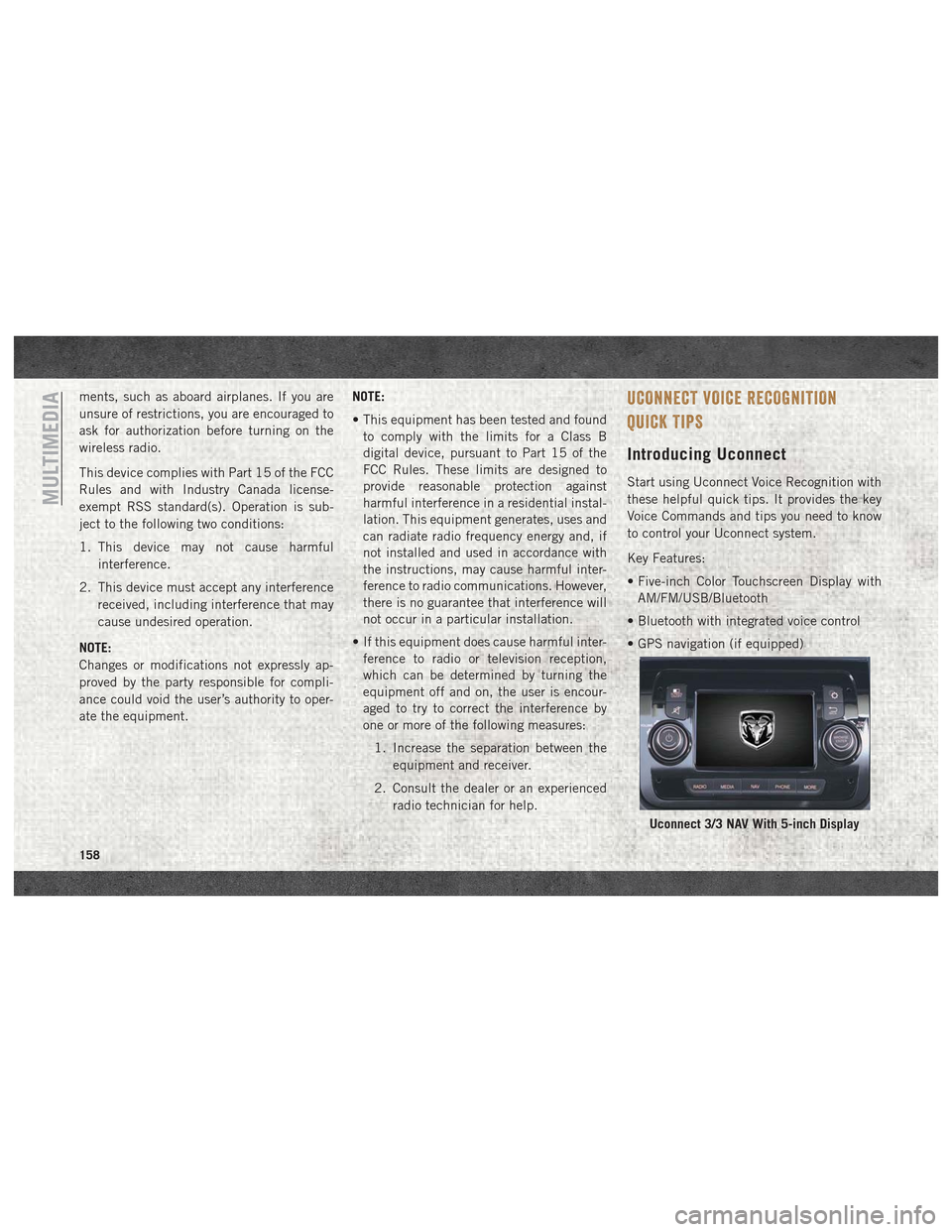
Uconnect 3/3 NAV With 5-inch Display
MULTIMEDIA
158
Page 161 of 180
Get Started
1. VisitUconnectPhone.com to check mobile
device and feature compatibility and to
find phone pairing instructions.
2. Reduce background noise. Wind and pas- senger conversations are examples of
noise that may impact recognition.
3. Speak clearly at a normal pace and vol- ume while facing straight ahead. The mi-
crophone is positioned on the rearview
mirror and aimed at the driver.
4. Each time you give a Voice Command, you must first push either the VR or Phone
button (if enabled), wait until afterthe
beep, then say your Voice Command.
5. You can interrupt the help message or system prompts by pushing the VR or
Phone button and saying a Voice Com-
mand from current category.
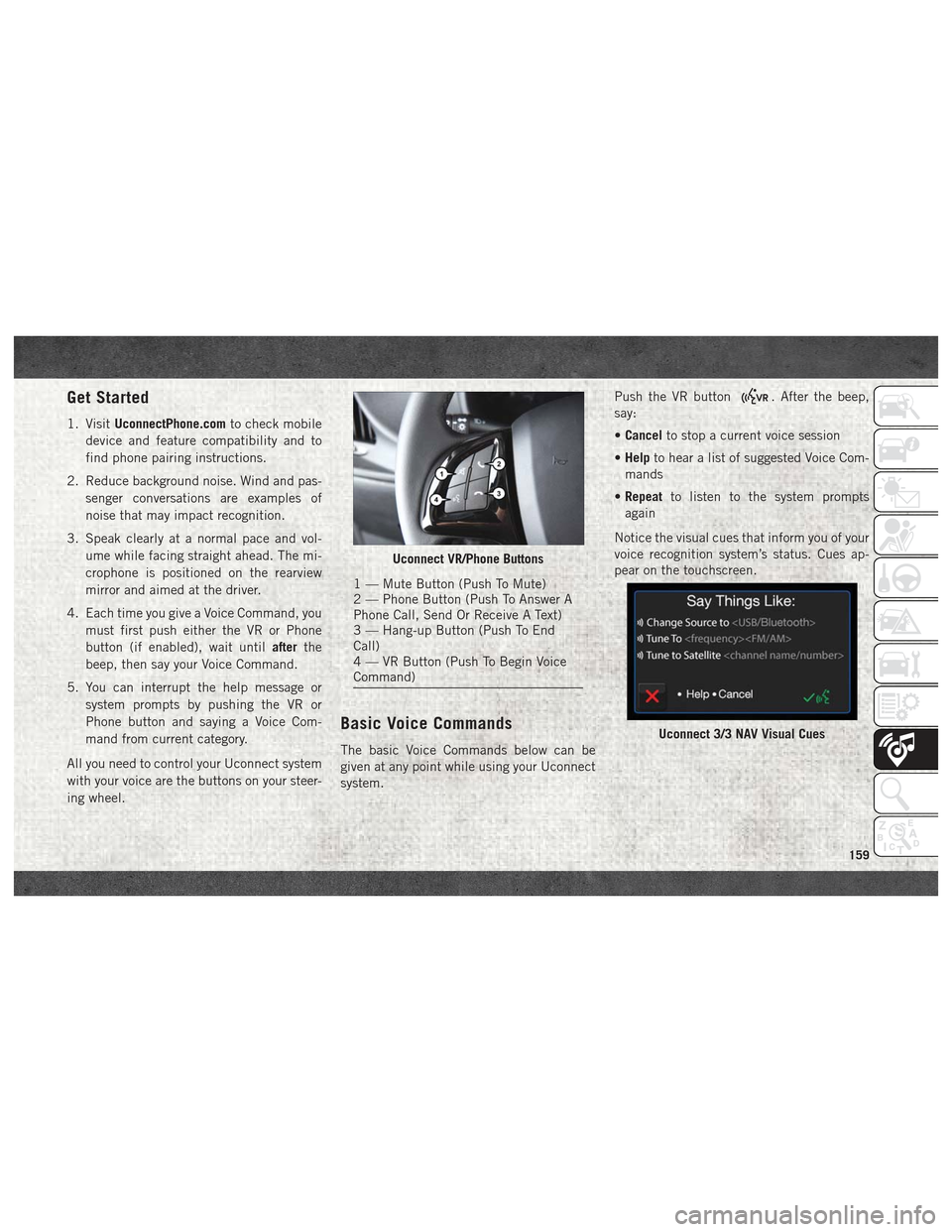
All you need to control your Uconnect system
with your voice are the buttons on your steer-
ing wheel.
Basic Voice Commands
The basic Voice Commands below can be
given at any point while using your Uconnect
system. Push the VR button
. After the beep,
say:
• Cancel to stop a current voice session
• Help to hear a list of suggested Voice Com-
mands
• Repeat to listen to the system prompts
again
Notice the visual cues that inform you of your
voice recognition system’s status. Cues ap-
pear on the touchscreen.
Uconnect VR/Phone Buttons
1 — Mute Button (Push To Mute)
2 — Phone Button (Push To Answer A
Phone Call, Send Or Receive A Text)
3 — Hang-up Button (Push To End
Call)
4 — VR Button (Push To Begin Voice
Command)
Uconnect 3/3 NAV Visual Cues
159
Page 163 of 180
Visit UconnectPhone.com to check mobile
device and feature compatibility and to find
phone pairing instructions.
Push the Phone VR button
or Phone
button
(if enabled). After the beep, say
one of the following commands:
• “Call” John Smith
• “Dial” 123-456-7890 and follow the sys-
tem prompts
• “Redial” (call previous outgoing phone
number)
• “Call back” (call previous incoming phone
number)
TIP: When providing a Voice Command, push
the VR button
or Phone button(if
enabled) and say “Call”, then pronounce the
name exactly as it appears in your phone
book. When a contact has multiple phone
numbers, you can say “CallJohn Smith
work”.
Voice Text Reply
Uconnect will announce incomingtext mes-
sages. Push the VR button
or Phone
button
(if enabled) and say “Listen.”
(Must have compatible mobile phone paired
to Uconnect system.)
1. Once an incoming text message is read to you, push the VR button
or Phone
button
(if enabled). After the beep,
say: “Reply”
2. Listen to the Uconnect prompts. After the beep, repeat one of the pre-defined mes-
sages and follow the system prompts. TIP:
Your mobile phone must have the full
implementation of the Message Access Pro-
file (MAP) to take advantage of this feature.
For details about MAP, visit
UconnectPhone.com. Apple iPhone iOS6 or
later supports reading incomingtext mes-
sages only.
PRE-DEFINED VOICE TEXT REPLY RESPONSES
Yes. Stuck in
traffic. See you later.
No. Start without
me. I’ll be late.
Okay. Where are
you? I will be 5
45, 60> min- utes late.
Call me.
Are you there
yet?
I’ll call you later. I need direc-
tions. Seeyouin5
I’m on my
way. Can’t talk
right now.
I’m lost. Thanks.
NOTE:
Only use the numbering listed, otherwise the
system does not transpose the message.
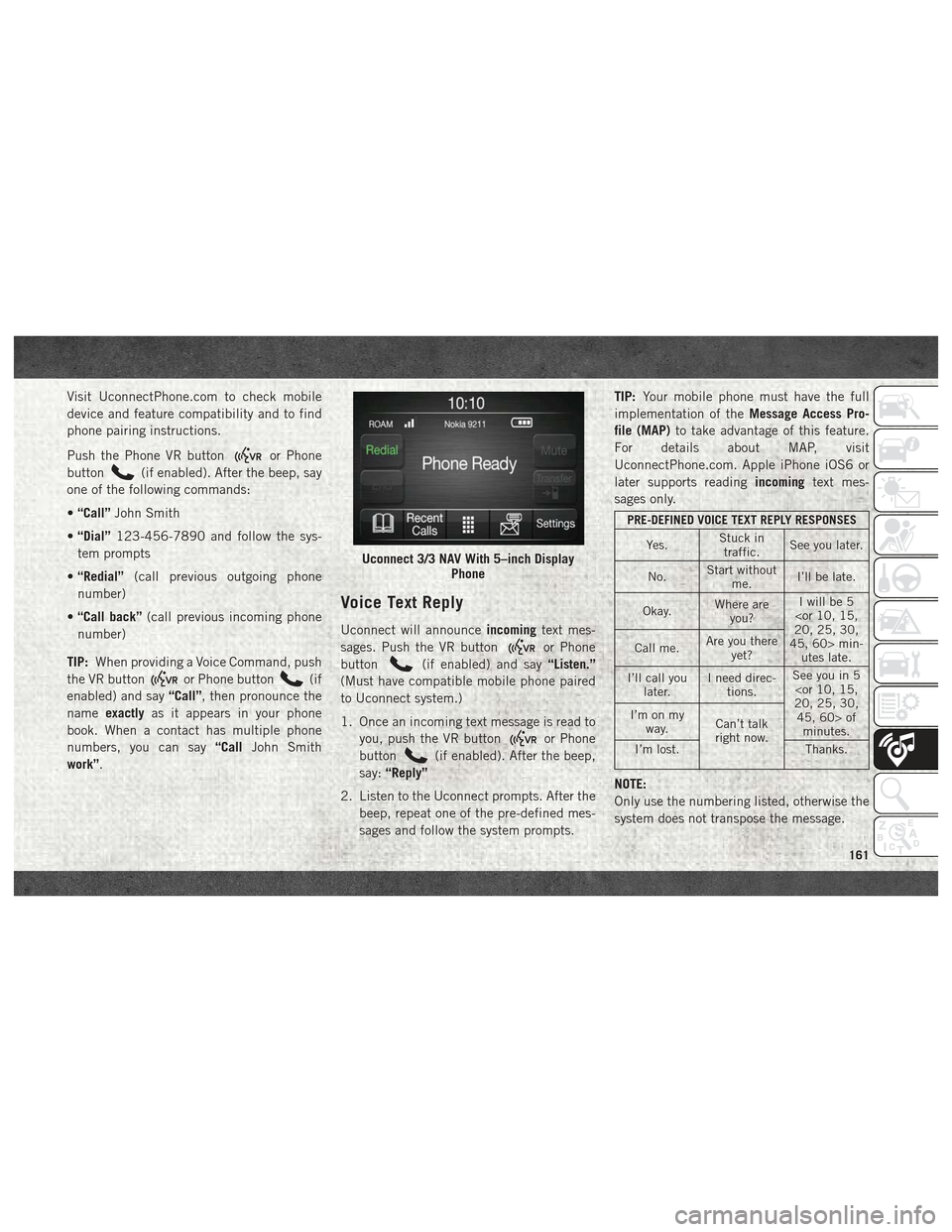
Uconnect 3/3 NAV With 5–inch Display
Phone
161
Page 165 of 180

CUSTOMER ASSISTANCE
IF YOU NEED ASSISTANCE........164
FCA US LLC Customer Center .......164
FCA Canada Inc. Customer Center . . . .164
In Mexico Contact ..............164
Puerto Rico And U.S. Virgin Islands . . .164 Customer Assistance For The Hearing
Or Speech Impaired (TDD/TTY)
......165
Service Contract ..............165
REPORTING SAFETY DEFECTS ......166
In The 50 United States And
Washington, D.C...............166
In Canada ...................166
PUBLICATION ORDER FORMS ......166
CUSTOMER ASSISTANCE
163
Page 167 of 180

Customer Assistance For The
Hearing Or Speech Impaired
(TDD/TTY)
To assist customers who have hearing diffi-
culties, the manufacturer has installed spe-
cial TDD (Telecommunication Devices for the
Deaf) equipment at its customer center. Any
hearing or speech impaired customer, who
has access to a TDD or a conventional tele-
typewriter (TTY) in the United States, can
communicate with the manufacturer by dial-
ing 1-800-380-CHRY.
Canadian residents with hearing difficulties
that require assistance can use the special
needs relay service offered by Bell Canada.
For TTY teletypewriter users, dial 711 and for
Voice callers, dial 1-800-855-0511 to con-
nect with a Bell Relay Service operator.
Service Contract
You may have purchased a service contract
for a vehicle to help protect you from the high
cost of unexpected repairs after the manufac-
turer's New Vehicle Limited Warranty expires.The manufacturer stands behind only the
manufacturer's service contracts. If you pur-
chased a manufacturer's service contract,
you will receive Plan Provisions and an Owner
Identification Card in the mail within three
weeks of the vehicle delivery date. If you have
any questions about the service contract, call
the manufacturer's Service Contract National
Customer Hotline at 1-800-521-9922 (Ca-
nadian residents, call (800) 465-2001 Eng-
lish / (800) 387-9983 French).
The manufacturer will not stand behind any
service contract that is not the manufactur-
er's service contract. It is not responsible for
any service contract other than the manufac-
turer's service contract. If you purchased a
service contract that is not a manufacturer's
service contract, and you require service after
the manufacturer's New Vehicle Limited War-
ranty expires, please refer to the contract
documents, and contact the person listed in
those documents.
We appreciate that you have made a major
investment when you purchased the vehicle.
An authorized dealer has also made a majorinvestment in facilities, tools, and training to
assure that you are absolutely delighted with
the ownership experience. You will be
pleased with their sincere efforts to resolve
any warranty issues or related concerns.
WARNING!
Engine exhaust (internal combustion en-
gines only), some of its constituents, and
certain vehicle components contain, or
emit, chemicals known to the State of
California to cause cancer and birth de-
fects, or other reproductive harm. In addi-
tion, certain fluids contained in vehicles
and certain products of component wear
contain, or emit, chemicals known to the
State of California to cause cancer and
birth defects, or other reproductive harm.
165
Page 169 of 180
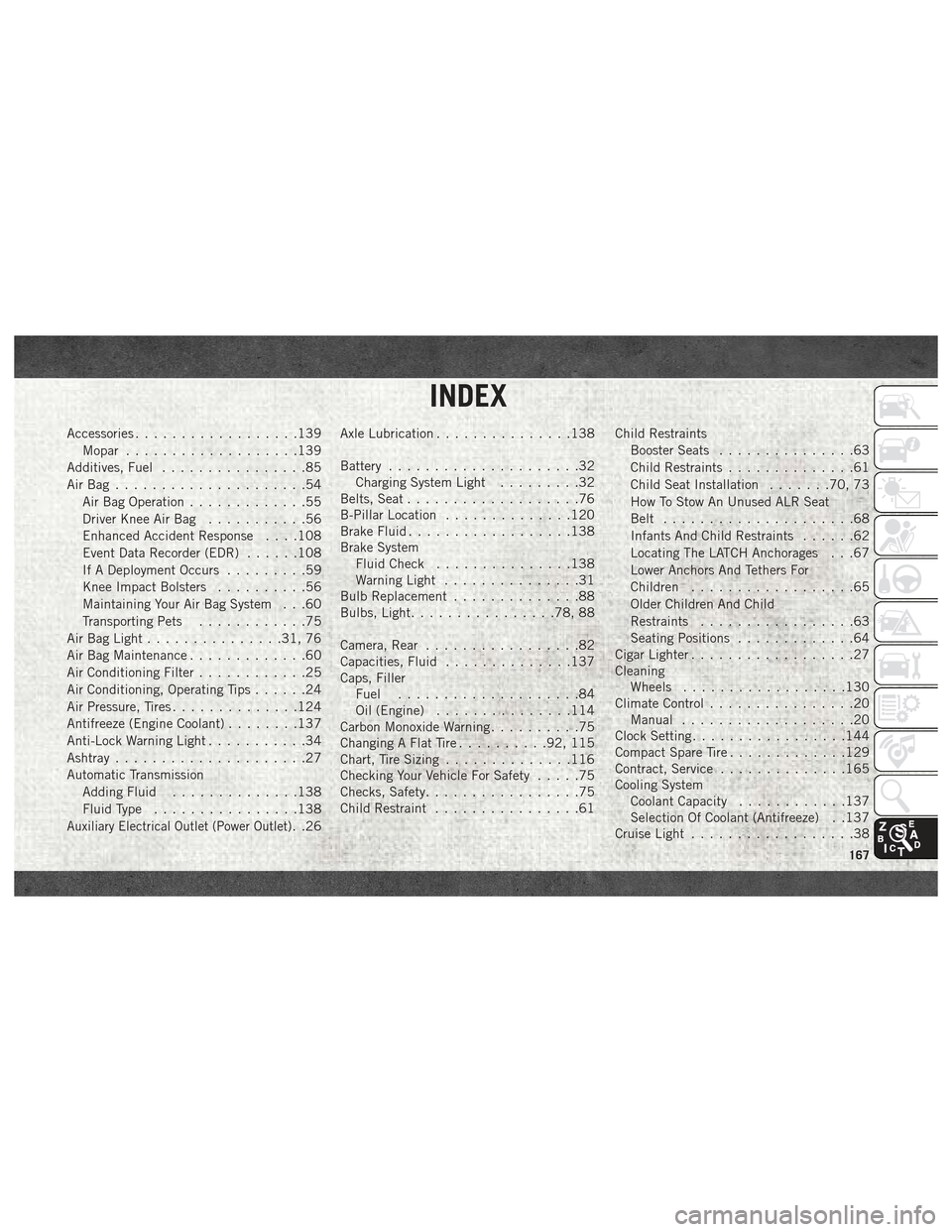
Accessories..................139
Mopar ...................139
Additives, Fuel ................85
AirBag .....................54 Air Bag Operation .............55
Driver Knee Air Bag ...........56
Enhanced Accident Response . . . .108
Event Data Recorder (EDR) ......108
If A Deployment Occurs .........59
Knee Impact Bolsters ..........56
Maintaining Your Air Bag System . . .60
Transporting Pets ............75
Air Bag Light ...............31, 76
Air Bag Maintenance .............60
Air Conditioning Filter ............25
Air Conditioning, Operating Tips ......24
Air Pressure, Tires ..............124
Antifreeze (Engine Coolant) ........137
Anti-Lock Warning Light ...........34
Ashtray .....................27
Automatic Transmission Adding Fluid ..............138
Fluid Type ................138
Auxiliary Electrical Outlet (Power Outlet). .26Axle Lubrication
...............138
Battery .....................32
Charging System Light .........32
Belts, Seat ...................76
B-Pillar Location ..............120
Brake Fluid ..................138
Brake System Fluid Check ...............138
Warning Light ...............31
Bulb Replacement ..............88
Bulbs, Light ................78, 88
Camera, Rear .................82
Capacities, Fluid ..............137
Caps, Filler Fuel ....................84
Oil (Engine) ...............114
Carbon Monoxide Warning ..........75
Changing A Flat Tire ..........92, 115
Chart, Tire Sizing ..............116
Checking Your Vehicle For Safety .....75
Checks, Safety .................75
Child Restraint ................61 Child Restraints
Booster Seats ...............63
Child Restraints ..............61
Child Seat Installation .......70, 73
How To Stow An Unused ALR Seat
Belt .....................68
Infants And Child Restraints ......62
Locating The LATCH Anchorages . . .67
Lower Anchors And Tethers For
Children ..................65
Older Children And Child
Restraints .................63
Seating Positions .............64
Cigar Lighter ..................27
Cleaning Wheels ..................130
Climate Control ................20
Manual ...................20
Clock Setting .................144
Compact Spare Tire .............129
Contract, Service ..............165
Cooling System Coolant Capacity ............137
Selection Of Coolant (Antifreeze) . .137
Cruise Light ..................38
INDEX
167
Page 170 of 180
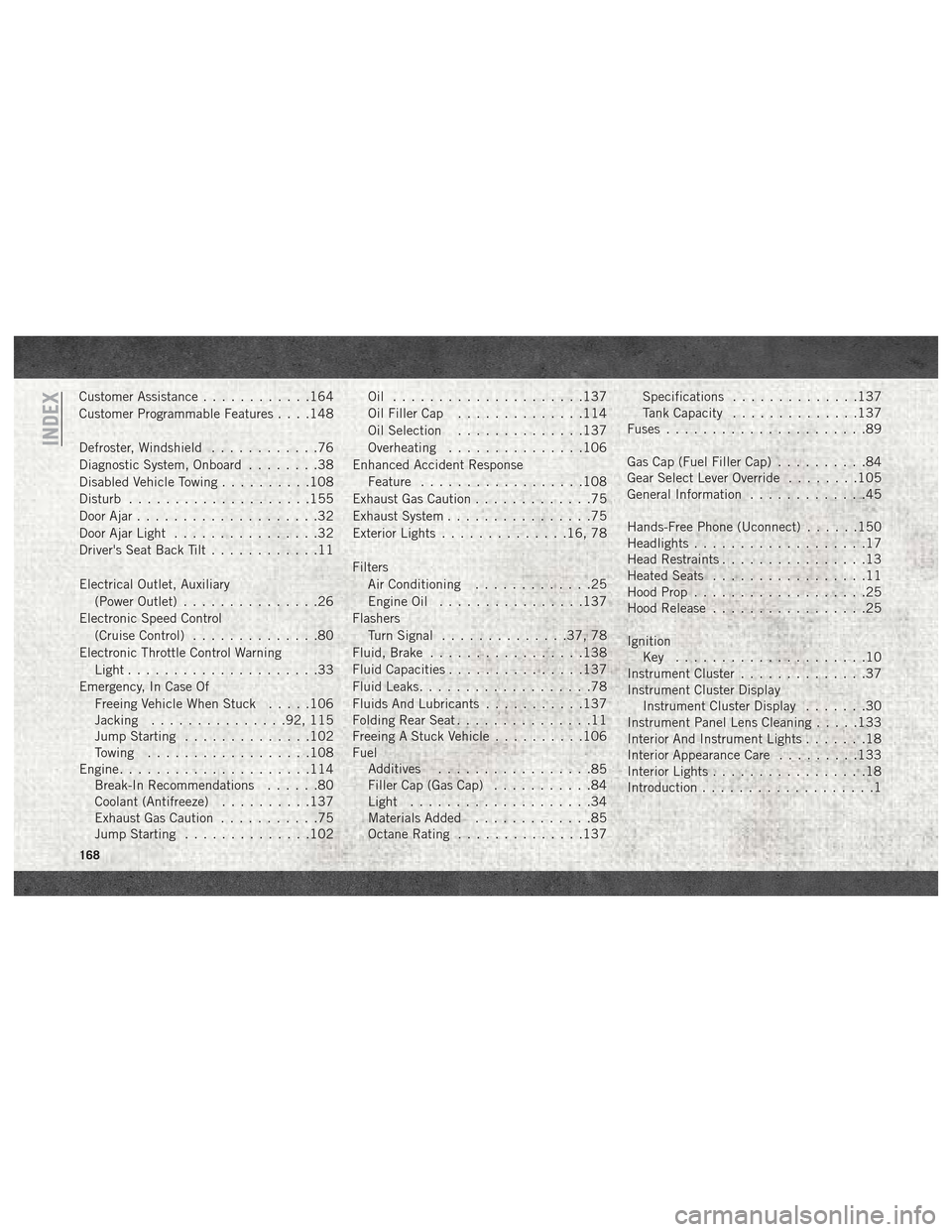
Customer Assistance............164
Customer Programmable Features . . . .148
Defroster, Windshield ............76
Diagnostic System, Onboard ........38
Disabled Vehicle Towing ..........108
Disturb ....................155
Door Ajar ....................32
Door Ajar Light ................32
Driver's Seat Back Tilt ............11
Electrical Outlet, Auxiliary (Power Outlet) ...............26
Electronic Speed Control (Cruise Control) ..............80
Electronic Throttle Control Warning Light .....................33
Emergency, In Case Of Freeing Vehicle When Stuck .....106
Jacking ...............92, 115
Jump Starting ..............102
Towing ..................108
Engine .....................114
Break-In Recommendations ......80
Coolant (Antifreeze) ..........137
Exhaust Gas Caution ...........75
Jump Starting ..............102 Oil .....................137
Oil Filler Cap
..............114
Oil Selection ..............137
Overheating ...............106
Enhanced Accident Response Feature ..................108
Exhaust Gas Caution .............75
Exhaust System ................75
Exterior Lights ..............16, 78
Filters Air Conditioning .............25
Engine Oil ................137
Flashers Turn Signal ..............37, 78
Fluid, Brake .................138
Fluid Capacities ...............137
Fluid Leaks ...................78
Fluids And Lubricants ...........137
Folding Rear Seat ...............11
Freeing A Stuck Vehicle ..........106
Fuel Additives .................
85
Filler Cap (Gas Cap) ...........84
Light ....................34
Materials Added .............85
Octane Rating ..............137 Specifications
..............137
Tank Capacity ..............137
Fuses ......................89
Gas Cap (Fuel Filler Cap) ..........84
Gear Select Lever Override ........105
General Information .............45
Hands-Free Phone (Uconnect) ......150
Headlights ...................17
Head Restraints ................13
Heated Seats .................11
Hood Prop ...................25
Hood Release .................25
Ignition Key .....................10
Instrument Cluster ..............37
Instrument Cluster Display Instrument Cluster Display .......30
Instrument Panel Lens Cleaning .....133
Interior And Instrument Lights .......18
Interior Appearance Care .........133
Interior Lights .................18
Introduction ...................1
INDEX
168
Page 171 of 180
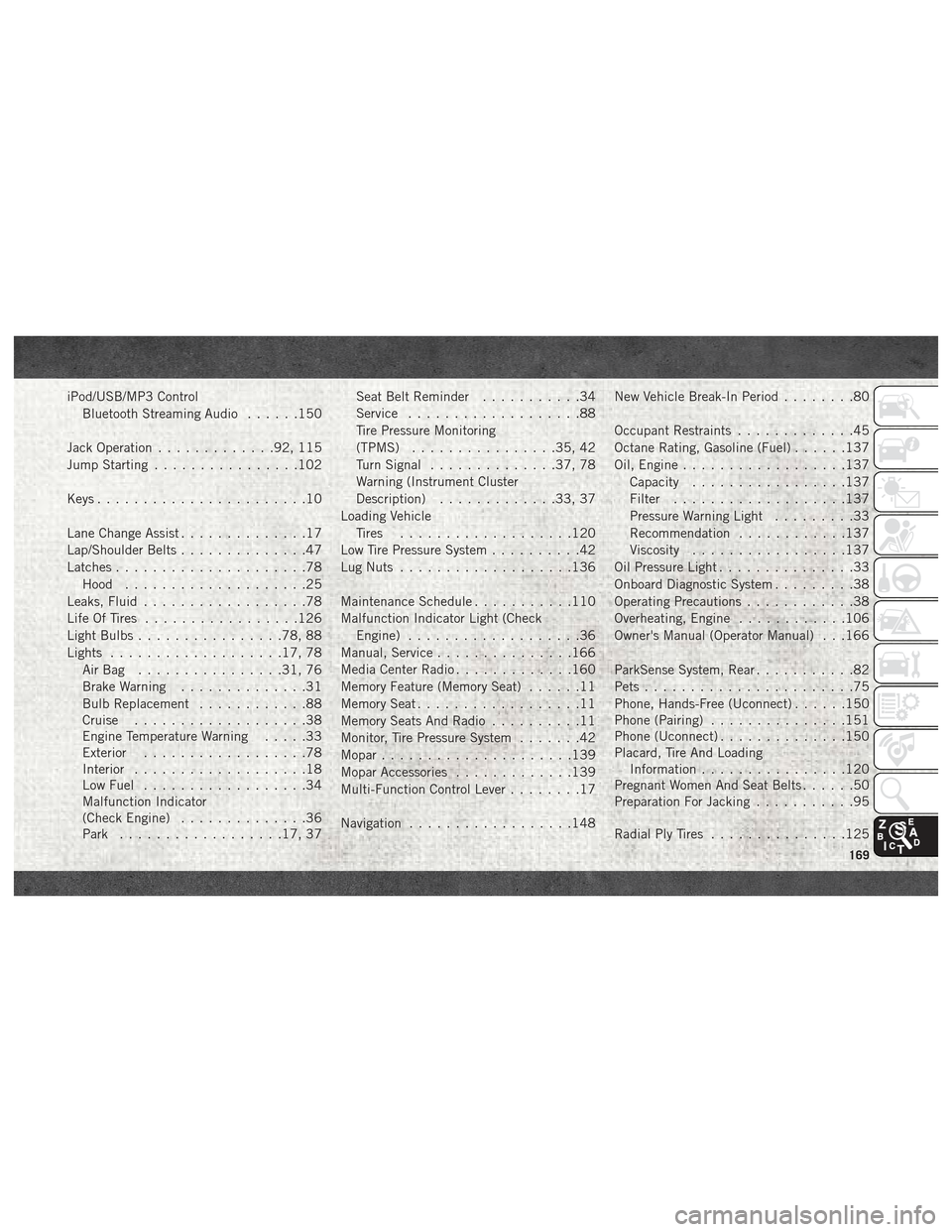
iPod/USB/MP3 ControlBluetooth Streaming Audio ......150
Jack Operation .............92, 115
Jump Starting ................102
Keys .......................10
Lane Change Assist ..............17
Lap/Shoulder Belts ..............47
Latches .....................78
Hood ....................25
Leaks, Fluid ..................78
Life Of Tires .................126
Light Bulbs ................78, 88
Lights ...................17, 78
AirBag ................31, 76
Brake Warning ..............31
Bulb Replacement ............88
Cruise ...................38
Engine Temperature Warning .....33
Exterior ..................78
Interior ...................18
Low Fuel ..................34
Malfunction Indicator
(Check Engine) ..............36
Park ..................17, 37 Seat Belt Reminder
...........34
Service ...................88
Tire Pressure Monitoring
(TPMS) ................35, 42
Turn Signal ..............37, 78
Warning (Instrument Cluster
Description) .............33, 37
Loading Vehicle Tires ...................120
Low Tire Pressure System ..........42
Lug Nuts ...................136
Maintenance Schedule ...........110
Malfunction Indicator Light (Check Engine) ...................36
Manual, Service ...............166
Media Center Radio .............160
Memory Feature (Memory Seat) ......11
Memory Seat ..................11
Memory Seats And Radio ..........11
Monitor, Tire Pressure System .......42
Mopar .....................139
Mopar Accessories .............139
Multi-Function Control Lever ........17
Navigation ..................148 New
Vehicle Break-In Period
........80
Occupant Restraints .............45
Octane Rating, Gasoline (Fuel) ......137
Oil, Engine ..................137
Capacity .................137
Filter ...................137
Pressure Warning Light .........33
Recommendation ............137
Viscosity .................137
Oil Pressure Light ...............33
Onboard Diagnostic System .........38
Operating Precautions ............38
Overheating, Engine ............106
Owner's Manual (Operator Manual) . . .166
ParkSense System, Rear ...........82
Pets .......................75
Phone, Hands-Free (Uconnect) ......150
Phone (Pairing) ...............151
Phone (Uconnect) ..............150
Placard, Tire And Loading Information ................120
Pregnant Women And Seat Belts ......50
Preparation For Jacking ...........95
Radial Ply Tires ...............125
169
Page 173 of 180
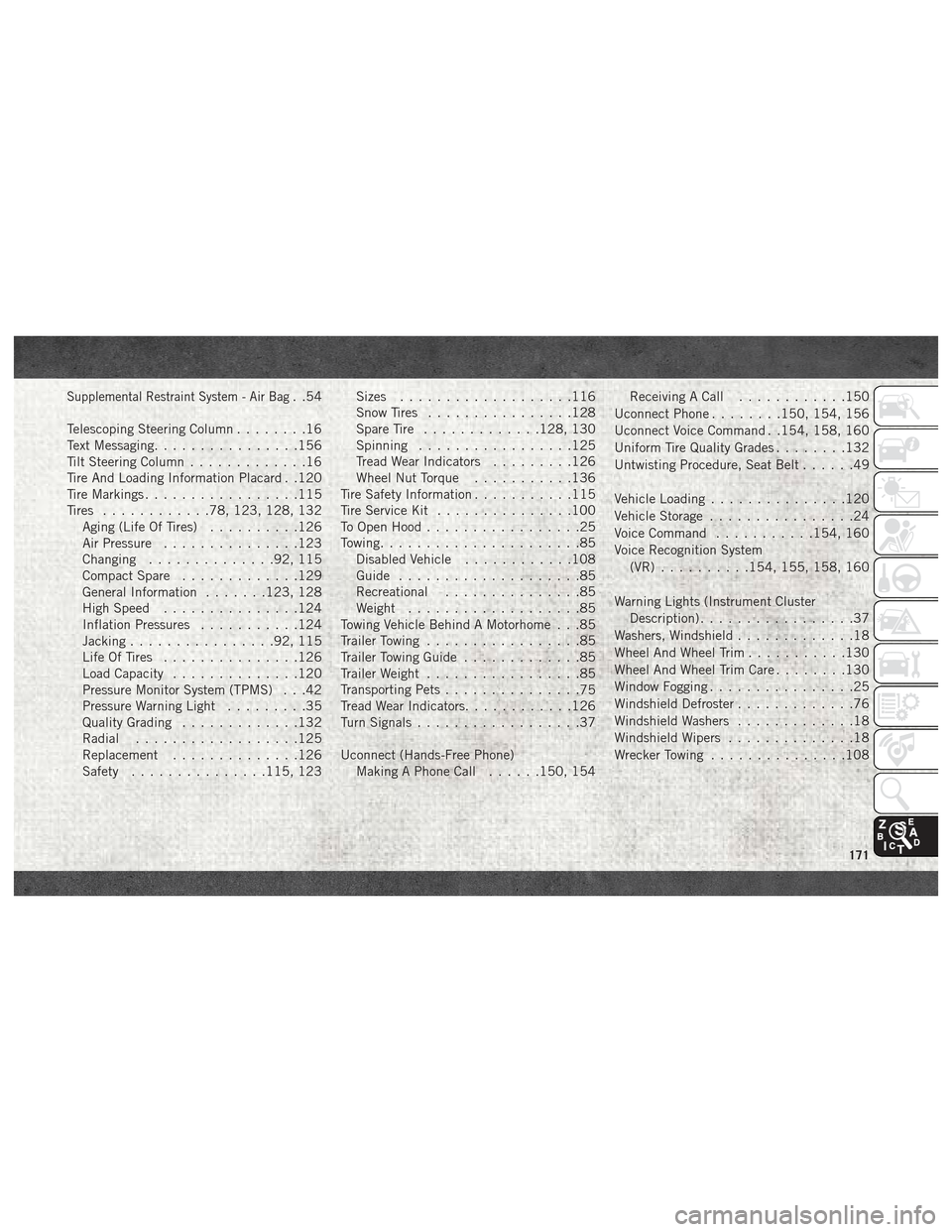
Supplemental Restraint System - Air Bag. .54
Telescoping Steering Column ........16
Text Messaging ................156
Tilt Steering Column .............16
Tire And Loading Information Placard . .120
Tire Markings .................115
Tires ............78, 123, 128, 132
Aging (Life Of Tires) ..........126
Air Pressure ...............123
Changing ..............92, 115
Compact Spare .............129
General Information .......123, 128
High Speed ...............124
Inflation Pressures ...........124
Jacking ................92, 115
Life Of Tires ...............126
Load Capacity ..............120
Pressure Monitor System (TPMS) . . .42
Pressure Warning Light .........35
Quality Grading .............132
Radial ..................125
Replacement ..............126
Safety ...............115, 123 Sizes
...................116
Snow Tires ................128
Spare Tire .............128, 130
Spinning .................125
Tread Wear Indicators .........126
Wheel Nut Torque ...........136
Tire Safety Information ...........115
Tire Service Kit ...............100
To Open Hood .................25
Towing ......................85
Disabled Vehicle ............108
Guide ....................85
Recreational ...............85
Weight ...................85
Towing Vehicle Behind A Motorhome . . .85
Trailer Towing .................85
Trailer Towing Guide .............85
Trailer Weight .................85
Transporting Pets ...............
75
Tread Wear Indicators ............126
Turn Signals ..................37
Uconnect (Hands-Free Phone) Making A Phone Call ......150, 154 Receiving A Call
............150
Uconnect Phone ........150, 154, 156
Uconnect Voice Command . .154, 158, 160
Uniform Tire Quality Grades ........132
Untwisting Procedure, Seat Belt ......49
Vehicle Loading ...............120
Vehicle Storage ................24
Voice Command ...........154, 160
Voice Recognition System (VR) ..........154, 155, 158, 160
Warning Lights (Instrument Cluster Description) .................37
Washers, Windshield .............18
Wheel And Wheel Trim ...........130
Wheel And Wheel Trim Care ........130
Window Fogging ................25
Windshield Defroster .............76
Windshield Washers .............18
Windshield Wipers ..............18
Wrecker Towing ...............108
171