lights Ram ProMaster City 2020 Owner's Guide
[x] Cancel search | Manufacturer: RAM, Model Year: 2020, Model line: ProMaster City, Model: Ram ProMaster City 2020Pages: 350, PDF Size: 13.27 MB
Page 96 of 350
GETTING TO KNOW YOUR INSTRUMENT PANEL 93
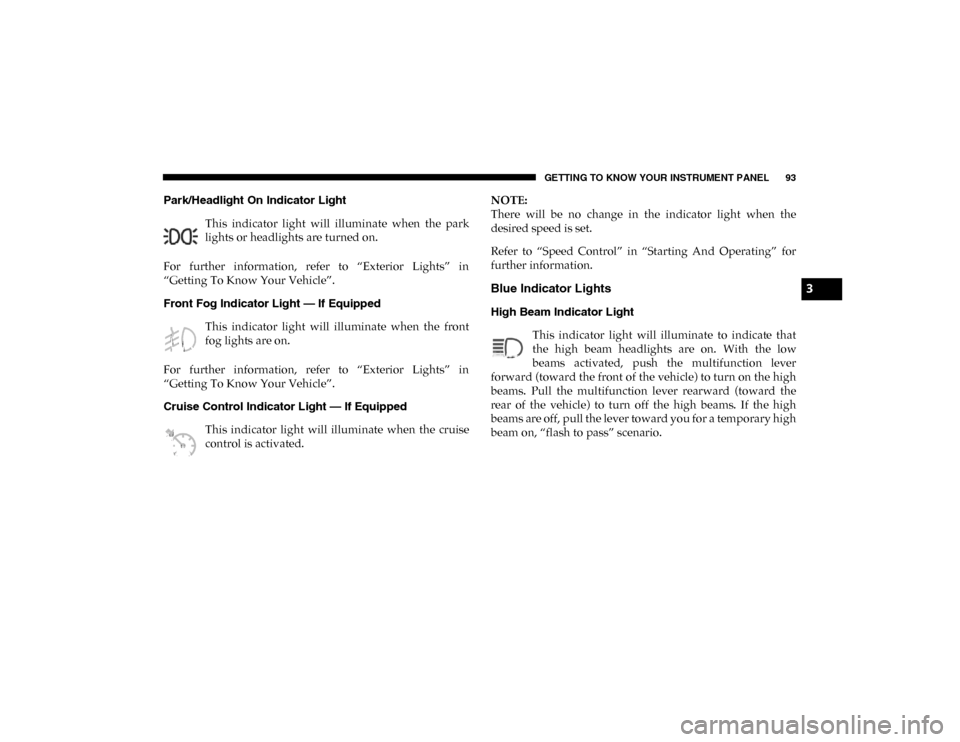
Park/Headlight On Indicator Light This indicator light will illuminate when the park
lights or headlights are turned on.
For further information, refer to “Exterior Lights” in
“Getting To Know Your Vehicle”.
Front Fog Indicator Light — If Equipped This indicator light will illuminate when the front
fog lights are on.
For further information, refer to “Exterior Lights” in
“Getting To Know Your Vehicle”.
Cruise Control Indicator Light — If Equipped This indicator light will illuminate when the cruise
control is activated. NOTE:
There will be no change in the indicator light when the
desired speed is set.
Refer to “Speed Control” in “Starting And Operating” for
further information.
Blue Indicator Lights
High Beam Indicator Light
This indicator light will illuminate to indicate that
the high beam headlights are on. With the low
beams activated, push the multifunction lever
forward (toward the front of the vehicle) to turn on the high
beams. Pull the multifunction lever rearward (toward the
rear of the vehicle) to turn off the high beams. If the high
beams are off, pull the lever toward you for a temporary high
beam on, “flash to pass” scenario.
3
2020_RAM_PROMASTER_CITY_OM_USA=GUID-7B6A7FCA-79B0-423F-95C5-ED2A949C3D13=1=en=.book Page 93
Page 127 of 350

124 SAFETY
Front Air Bag Operation
Front Air Bags are designed to provide additional protection
by supplementing the seat belts. Front air bags are not
expected to reduce the risk of injury in rear, side, or rollover
collisions. The front air bags will not deploy in all frontal
collisions, including some that may produce substantial
vehicle damage — for example, some pole collisions, truck
underrides, and angle offset collisions.
On the other hand, depending on the type and location of
impact, front air bags may deploy in crashes with little
vehicle front-end damage but that produce a severe initial
deceleration.
Because air bag sensors measure vehicle deceleration over
time, vehicle speed and damage by themselves are not good
indicators of whether or not an air bag should have
deployed.
Seat belts are necessary for your protection in all collisions,
and also are needed to help keep you in position, away from
an inflating air bag.When the ORC detects a collision requiring the front air bags,
it signals the inflator units. A large quantity of non-toxic gas
is generated to inflate the front air bags.
The steering wheel hub trim cover and the upper passenger
side of the instrument panel separate and fold out of the way
as the air bags inflate to their full size. The front air bags fully
inflate in less time than it takes to blink your eyes. The front
air bags then quickly deflate while helping to restrain the
driver and front passenger.
Knee Impact Bolsters
The Knee Impact Bolsters help protect the knees of the driver
and front passenger, and position the front occupants for
improved interaction with the front air bags.
WARNING!
• Do not drill, cut, or tamper with the knee impact bolsters in any way.
• Do not mount any accessories to the knee impact bolsters such as alarm lights, stereos, citizen band
radios, etc.
2020_RAM_PROMASTER_CITY_OM_USA=GUID-7B6A7FCA-79B0-423F-95C5-ED2A949C3D13=1=en=.book Page 124
Page 134 of 350
SAFETY 131
Enhanced Accident Response System
In the event of an impact, if the communication network
remains intact, and the power remains intact, depending on
the nature of the event, the ORC will determine whether to
have the Enhanced Accident Response System perform the
following functions:
• Cut off fuel to the engine (if equipped)
• Cut off battery power to the electric motor (if equipped)
• Flash hazard lights as long as the battery has power
• Turn on the interior lights, which remain on as long as thebattery has power or for 15 minutes from the intervention
of the Enhanced Accident Response System
• Unlock the power door locks
Your vehicle may also be designed to perform any of these
other functions in response to the Enhanced Accident
Response System:
• Turn off the Fuel Filter Heater, Turn off the HVAC Blower Motor, Close the HVAC Circulation Door • Cut off battery power to the:
• Engine
• Electric Motor (if equipped)
• Electric Power Steering
• Brake booster
• Automatic transmission gear selector
• Horn
• Front wiper
NOTE:
After an accident, remember to cycle the ignition to the STOP
(OFF/LOCK) position and remove the key from the ignition
switch to avoid draining the battery. Carefully check the
vehicle for fuel leaks in the engine compartment and on the
ground near the engine compartment and fuel tank before
resetting the system and starting the engine. If there are no
fuel leaks or damage to the vehicle electrical devices (e.g.
headlights) after an accident, reset the system by following
the procedure described below. If you have any doubt,
contact an authorized dealer.
4
2020_RAM_PROMASTER_CITY_OM_USA=GUID-7B6A7FCA-79B0-423F-95C5-ED2A949C3D13=1=en=.book Page 131
Page 159 of 350

156 SAFETY
Periodic Safety Checks You Should Make Outside
The Vehicle
Tires
Examine tires for excessive tread wear and uneven wear
patterns. Check for stones, nails, glass, or other objects
lodged in the tread or sidewall. Inspect the tread for cuts and
cracks. Inspect sidewalls for cuts, cracks, and bulges. Check
the wheel bolts for tightness. Check the tires (including
spare) for proper cold inflation pressure.
Lights
Have someone observe the operation of brake lights and
exterior lights while you work the controls. Check turn signal
and high beam indicator lights on the instrument panel.
Door Latches
Check for proper closing, latching, and locking.
Fluid Leaks
Check area under the vehicle after overnight parking for
fuel, coolant, oil, or other fluid leaks. Also, if gasoline fumes
are detected or if fuel, or brake fluid leaks are suspected, the
cause should be located and corrected immediately.
• NEVER place any objects under the floor mat (e.g.,
towels, keys, etc.). These objects could change the posi -
tion of the floor mat and may cause interference with
the accelerator, brake, or clutch pedals.
• If the vehicle carpet has been removed and re-installed, always properly attach carpet to the floor and check the
floor mat fasteners are secure to the vehicle carpet.
Fully depress each pedal to check for interference with
the accelerator, brake, or clutch pedals then re-install
the floor mats.
• It is recommended to only use mild soap and water to clean your floor mats. After cleaning, always check
your floor mat has been properly installed and is
secured to your vehicle using the floor mat fasteners by
lightly pulling mat.
WARNING! (Continued)
2020_RAM_PROMASTER_CITY_OM_USA=GUID-7B6A7FCA-79B0-423F-95C5-ED2A949C3D13=1=en=.book Page 156
Page 180 of 350

STARTING AND OPERATING 177
While audible signals are emitted, the audio system is
muted.
The audible signal is turned off immediately if the distance
increases. The tone cycle remains constant if the distance
measured by the inner sensors is constant. If this condition occurs
for the external sensors, the signal is turned off after three seconds
(stopping warnings during maneuvers parallel to walls).
ParkSense Rear Park Assist Failure Indications
A malfunction of the ParkSense sensors or system is indi
-
cated, during REVERSE gear engagement, by the instrument
panel warning icon.
The warning icon is illuminated and a message is
displayed on the instrument cluster display (if
equipped). Refer to “Warning Lights And
Messages” in “Getting To Know Your Instrument Panel” for
further information.
The sensors and wiring are tested continuously when the
ignition is in the MAR (ACC/ON/RUN) position. Failures are
indicated immediately if they occur when the system is on.
Even if the system is able to identify that a specific sensor is
in failure condition, the instrument cluster display shall
indicate that the ParkSense system is unavailable, without
reference to the sensor in failure condition. If even a single
sensor fails, the entire system must be disabled. The system
is turned off automatically.
Audible And Visual Signals Supplied By The Park
Assist System
SIGNAL MEANING INDICATION
Obstacle
Distance An obstacle
is present
within the sensors' field of view Audible signal
(dashboard
loudspeaker)
• Sound pulses emitted at a rate
that increases as the distance
decreases
• Emits continuous tone at
12 inches (30 cm)
• Adjustable volume level
programmable through personal
settings in the instrument cluster
display. Refer to “Instrument
Cluster Display” in “Getting To
Know Your Instrument Panel” for
further information.
Failure Sensor or
system
failures Visual Signal
(instrument panel)
• Icon appears on display
• Message is displayed on
instrument cluster display (if
equipped)
5
2020_RAM_PROMASTER_CITY_OM_USA=GUID-7B6A7FCA-79B0-423F-95C5-ED2A949C3D13=1=en=.book Page 177
Page 195 of 350
192 STARTING AND OPERATING
Towing Requirements — Trailer Lights And Wiring
Whenever you pull a trailer, regardless of the trailer size,
stoplights and turn signals on the trailer are required for
motoring safety.
The Trailer Tow Package may include a four- and seven-pin
wiring harness. Use a factory approved trailer harness and
connector.
NOTE:
Do not cut or splice wiring into the vehicle’s wiring harness.
The electrical connections are all complete to the vehicle but
you must mate the harness to a trailer connector. Refer to the
following illustrations.NOTE:
• Disconnect trailer wiring connector from the vehicle
before launching a boat (or any other device plugged into
vehicle’s electrical connect) into water.
• Be sure to reconnect once clear from water area.
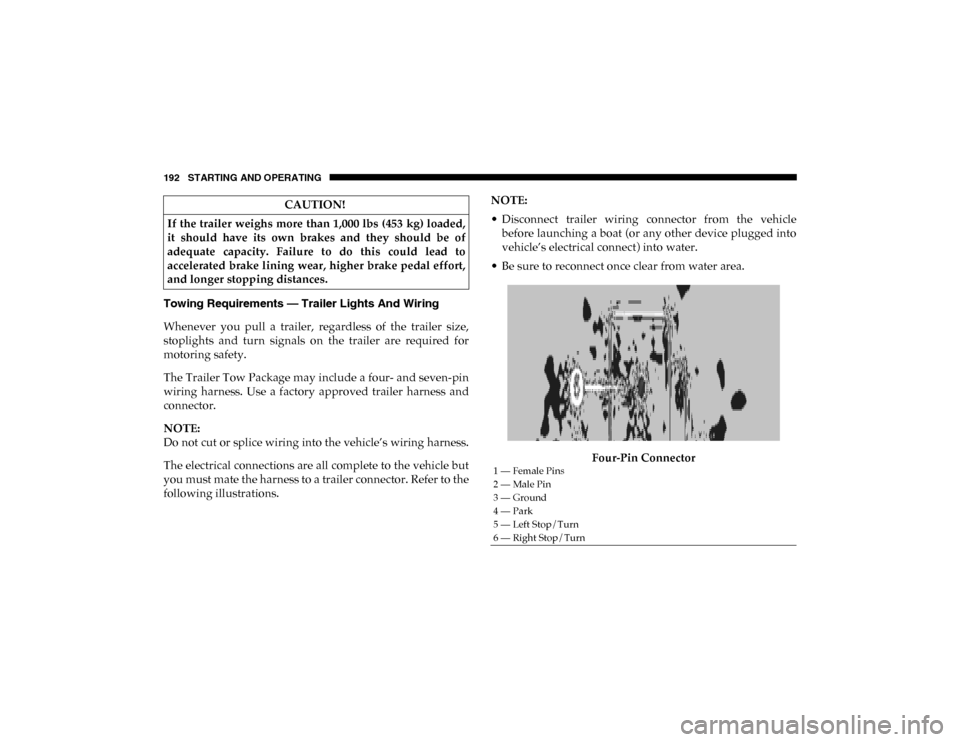
Four-Pin Connector
CAUTION!
If the trailer weighs more than 1,000 lbs (453 kg) loaded,
it should have its own brakes and they should be of
adequate capacity. Failure to do this could lead to
accelerated brake lining wear, higher brake pedal effort,
and longer stopping distances.
1 — Female Pins
2 — Male Pin
3 — Ground
4 — Park
5 — Left Stop/Turn
6 — Right Stop/Turn
2020_RAM_PROMASTER_CITY_OM_USA=GUID-7B6A7FCA-79B0-423F-95C5-ED2A949C3D13=1=en=.book Page 192
Page 205 of 350

202 IN CASE OF EMERGENCY
3. Install the bulb into socket.
4. Rotate the bulb/socket clockwise into the lamp locking itin place.
5. Reinstall the plastic cap.
Parking And Daytime Running Lights
To change the bulb, proceed as follows:
1. Remove the cap from the back of the outer lower head -
lamp housing.
2. Rotate the bulb counterclockwise and remove.
3. Install the bulb into socket, and rotate bulb/socket clock -
wise into lamp locking it in place.
4. Reinstall the plastic cap.
Front/Rear Side Marker Lamps
To change the bulb, proceed as follows:
The front/rear side marker lamps are LED and not serviced
separately. See an authorized dealer for replacement of these
lights. Rear Tail, Stop, Backup And Turn Signal Lamps
The rear light clusters contain taillight, brake light, direction
indicator and reverse/rear fog light bulbs. To access the light
clusters, proceed as follows:
1. Open the rear doors.
2. Remove the screws and remove the tail lamp assembly.
3. Remove the screws and separate the backplate from the
lamp housing.
4. Remove the tail, stop, or turn signal bulbs by pushing them slightly and turning counterclockwise.
5. Remove the backup lamp bulb by pulling straight out.
6. Replace lamps as required and reinstall lamp.
The bulbs are arranged inside the light cluster as follows:
2020_RAM_PROMASTER_CITY_OM_USA=GUID-7B6A7FCA-79B0-423F-95C5-ED2A949C3D13=1=en=.book Page 202
Page 206 of 350
IN CASE OF EMERGENCY 203
Third Brake Light (Center Mount)
To change the bulb, proceed as follows:
1. For versions with tailgate, loosen the two fasteningscrews and extract the cluster.
2. For versions with swing doors, remove rubber plugs, remove retaining tabs and extract the cluster.
3. For versions with high roof and swing doors, remove the pressure-fit plastic guard and rubber cap using a screw -
driver, release the retaining tags as shown in the figure
and remove the unit.
4. Remove the appropriate tabs and remove the bulb holder.
5. Remove the snap-fitted bulb and replace it.
License Plate Lights
Proceed as follows to replace the bulbs:
1. Disengage the holding tabs and remove the lens by lifting to the left.
2. Remove the bulbs by releasing them from the side contacts; insert the new bulbs and make sure they are
correctly clamped between these contacts.Replacing Interior Bulbs
Dome Lamp With Spot Lights
To change the bulbs, proceed as follows:
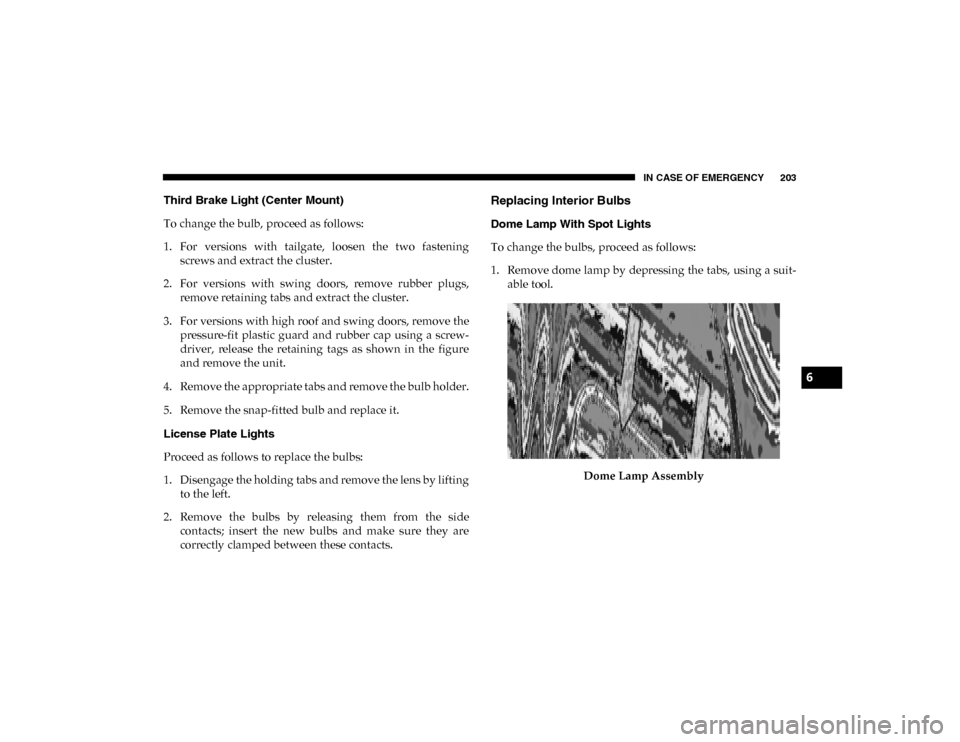
1. Remove dome lamp by depressing the tabs, using a suit -
able tool.
Dome Lamp Assembly
6
2020_RAM_PROMASTER_CITY_OM_USA=GUID-7B6A7FCA-79B0-423F-95C5-ED2A949C3D13=1=en=.book Page 203
Page 244 of 350

241
SERVICING AND MAINTENANCE
SCHEDULED SERVICING
Your vehicle is equipped with an automatic oil change indicator
system. The oil change indicator system will remind you that it is
time to take your vehicle in for scheduled maintenance.
Based on engine operation conditions, the oil change indi-
cator message will illuminate. This means that service is
required for your vehicle. Operating conditions such as
frequent short-trips, trailer tow, extended engine idle time,
extremely hot or cold ambient temperatures will influence
when the “Oil Change Required” message is displayed.
Severe Operating Conditions can cause the change oil
message to illuminate as early as 3,500 miles (5,600 km) since
last reset. Have your vehicle serviced as soon as possible,
within the next 500 miles (805 km).
Your authorized dealer will reset the oil change indicator message
after completing the scheduled oil change. If a scheduled oil change
is performed by someone other than your authorized dealer, the
message can be reset by referring to the steps described under “Oil
Change Reset” in “Instrument Cluster Display” in “Getting To
Know Your Instrument Panel” for further information.
NOTE:
Under no circumstances should oil change intervals exceed
10,000 miles (16,000 km), 350 hours of engine run time or
12 months, whichever comes first. The 350 hours of engine run
or idle time is generally only a concern for fleet customers.
Severe Duty All Models
Change Engine Oil at 4,000 miles (6,500 km) or 350 hours of engine
run time if the vehicle is operated in a dusty and off road environ -
ment or is operated predominantly at idle, or only very low engine
RPM. This type of vehicle use is considered Severe Duty.
Once A Month Or Before A Long Trip:
• Check engine oil level.
• Check windshield washer fluid level.
• Check tire pressure and look for unusual wear or damage. Rotate tires at the first sign of irregular wear, even if it
occurs before the oil indicator system turns on.
• Check the fluid levels of the coolant reservoir and brake master cylinder, fill as needed.
• Check function of all interior and exterior lights.
7
2020_RAM_PROMASTER_CITY_OM_USA=GUID-7B6A7FCA-79B0-423F-95C5-ED2A949C3D13=1=en=.book Page 241
Page 267 of 350
264 SERVICING AND MAINTENANCE
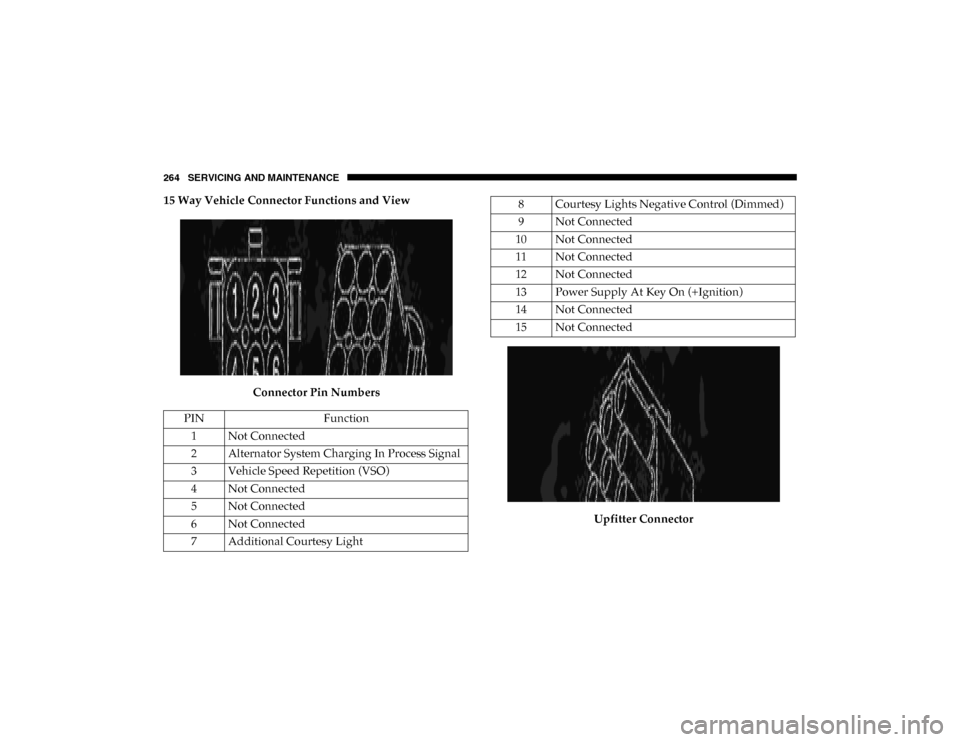
15 Way Vehicle Connector Functions and ViewConnector Pin Numbers Upfitter Connector
PIN
Function
1 Not Connected
2 Alternator System Charging In Process Signal
3 Vehicle Speed Repetition (VSO) 4 Not Connected
5 Not Connected
6 Not Connected
7 Additional Courtesy Light8 Courtesy Lights Negative Control (Dimmed)
9 Not Connected
10 Not Connected
11 Not Connected
12 Not Connected
13 Power Supply At Key On (+Ignition) 14 Not Connected
15 Not Connected
2020_RAM_PROMASTER_CITY_OM_USA=GUID-7B6A7FCA-79B0-423F-95C5-ED2A949C3D13=1=en=.book Page 264