display SAAB 9-5 2005 User Guide
[x] Cancel search | Manufacturer: SAAB, Model Year: 2005, Model line: 9-5, Model: SAAB 9-5 2005Pages: 276, PDF Size: 16.72 MB
Page 62 of 276
60 Instruments and controls Check fuse 1 (radiator fan) in the fuse panel
under the hood, see page 215.
If the needle repeatedly enters the red zone,
stop the car as soon as it is safe to do so and
check the coolant level by looking at the
level visible through the plastic tank – do not
remove the cap.
If the coolant level falls below the MIN mark,
the Saab Information Display (SID) will dis-
play the message
”Coolant level low.
Refill.”.
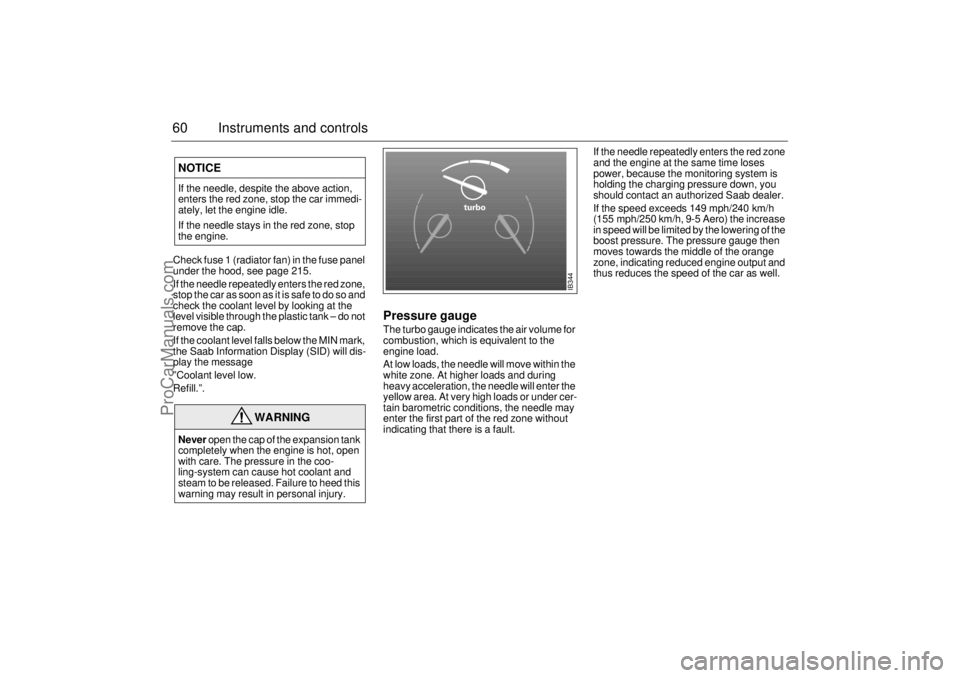
Pressure gaugeThe turbo gauge indicates the air volume for
combustion, which is equivalent to the
engine load.
At low loads, the needle will move within the
white zone. At higher loads and during
heavy acceleration, the needle will enter the
yellow area. At very high loads or under cer-
tain barometric conditions, the needle may
enter the first part of the red zone without
indicating that there is a fault.If the needle repeatedly enters the red zone
and the engine at the same time loses
power, because the monitoring system is
holding the charging pressure down, you
should contact an authorized Saab dealer.
If the speed exceeds 149 mph/240 km/h
(155 mph/250 km/h, 9-5 Aero) the increase
in speed will be limited by the lowering of the
boost pressure. The pressure gauge then
moves towards the middle of the orange
zone, indicating reduced engine output and
thus reduces the speed of the car as well.
NOTICEIf the needle, despite the above action,
enters the red zone, stop the car immedi-
ately, let the engine idle.
If the needle stays in the red zone, stop
the engine.
WARNING
Never open the cap of the expansion tank
completely when the engine is hot, open
with care. The pressure in the coo-
ling-system can cause hot coolant and
steam to be released. Failure to heed this
warning may result in personal injury.
IB344
ProCarManuals.com
Page 63 of 276
61 Instruments and controls
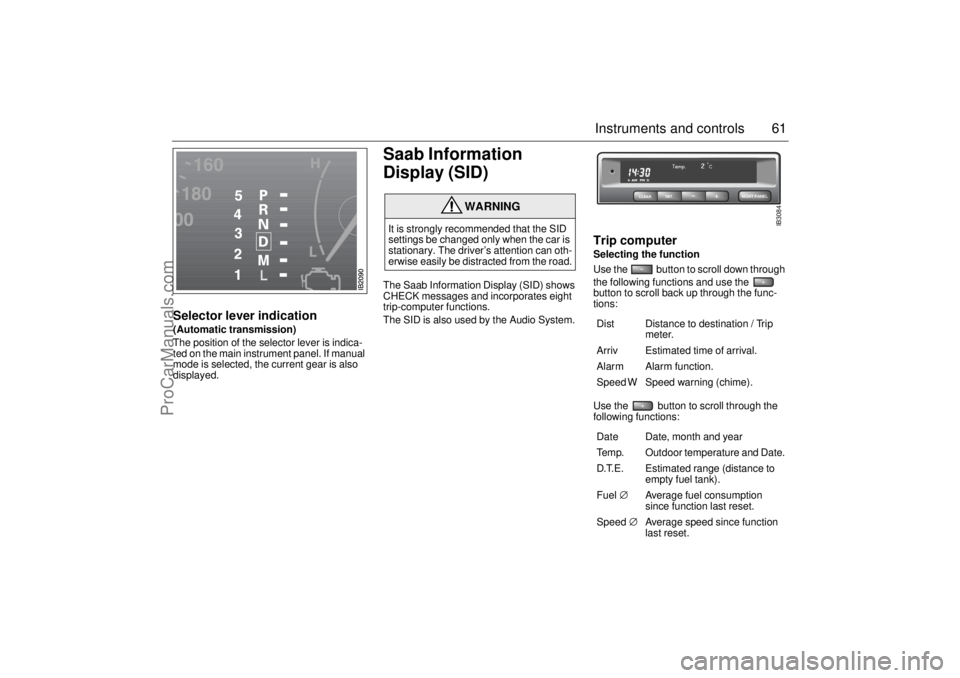
Selector lever indication(Automatic transmission)
The position of the selector lever is indica-
ted on the main instrument panel. If manual
mode is selected, the current gear is also
displayed.
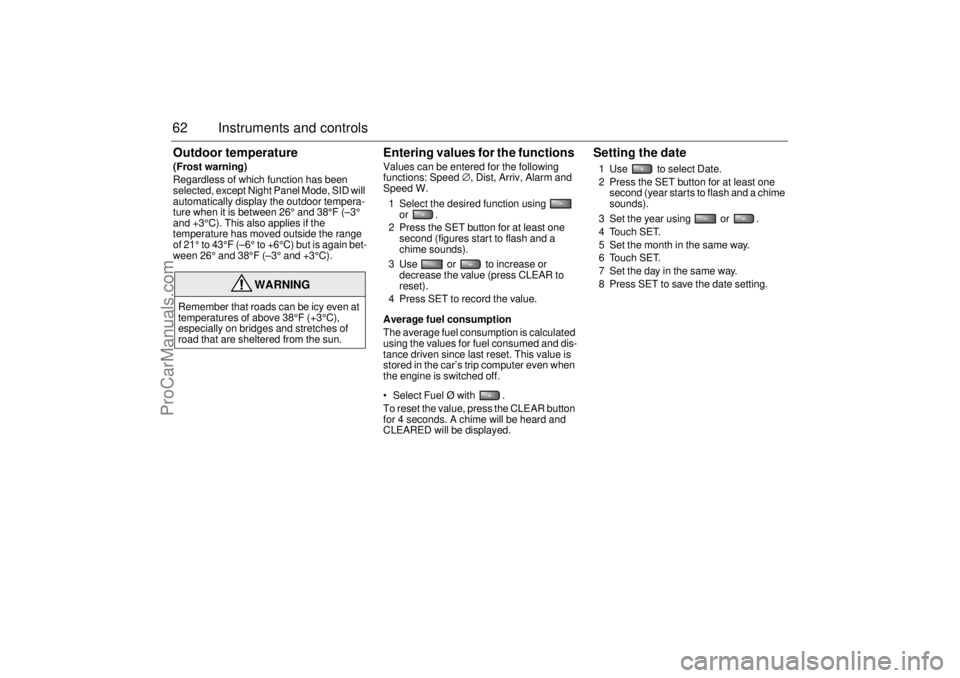
Saab Information
Display (SID) The Saab Information Display (SID) shows
CHECK messages and incorporates eight
trip-computer functions.
The SID is also used by the Audio System.
Trip computerSelecting the function
Use the button to scroll down through
the following functions and use the
button to scroll back up through the func-
tions: Use the button to scroll through the
following functions:
WARNING
It is strongly recommended that the SID
settings be changed only when the car is
stationary. The driver’s attention can oth-
erwise easily be distracted from the road.
Dist Distance to destination / Trip
meter.
Arriv Estimated time of arrival.
Alarm Alarm function.
Speed W Speed warning (chime).
Date Date, month and year
Temp. Outdoor temperature and Date.
D.T.E. Estimated range (distance to
empty fuel tank).
Fuel∅ Average fuel consumption
since function last reset.
Speed∅ Average speed since function
last reset.
CLEARSET
NIGHT PANEL
IB3084
ProCarManuals.com
Page 64 of 276
62 Instruments and controlsOutdoor temperature(Frost warning)
Regardless of which function has been
selected, except Night Panel Mode, SID will
automatically display the outdoor tempera-
ture when it is between 26° and 38°F (–3°
and +3°C). This also applies if the
temperature has moved outside the range
of 21° to 43°F (–6° to +6°C) but is again bet-
ween 26° and 38°F (–3° and +3°C).
Entering values for the functions Values can be entered for the following
functions: Speed∅, Dist, Arriv, Alarm and
Speed W.
1 Select the desired function using
or .
2 Press the SET button for at least one
second (figures start to flash and a
chime sounds).
3 Use or to increase or
decrease the value (press CLEAR to
reset).
4 Press SET to record the value.
Average fuel consumption
The average fuel consumption is calculated
using the values for fuel consumed and dis-
tance driven since last reset. This value is
stored in the car’s trip computer even when
the engine is switched off.
Select Fuel Ø with .
To reset the value, press the CLEAR button
for 4 seconds. A chime will be heard and
CLEARED will be displayed.
Setting the date1 Use to select Date.
2 Press the SET button for at least one
second (year starts to flash and a chime
sounds).
3 Set the year using or .
4 Touch SET.
5 Set the month in the same way.
6 Touch SET.
7 Set the day in the same way.
8 Press SET to save the date setting.
WARNING
Remember that roads can be icy even at
temperatures of above 38°F (+3°C),
especially on bridges and stretches of
road that are sheltered from the sun.
ProCarManuals.com
Page 65 of 276

63 Instruments and controls
Turning the Alarm and Speed
warning on or off 1 Select the Alarm or Speed-warning
function.
2 Press SET to turn on the function.
Press CLEAR to turn off the function.
When either function is on, Alarm/Speed W
respectively will be visible on the display. An
asterisk
* will be visible on the right of the
display when either function is selected.
The Alarm and Speed-warning settings will
not be cancelled when the engine is swit-
ched off.
When the Alarm has been set to come on at
a specified time, it will only be activated
once – it will not come on at the same time
every day. Press SET to turn it on again.
The Alarm will continue to beep for one
minute if not switched off.
Calculation of arrival time and
average speed The settings must be made before the jour-
ney is started.
Calculation of arrival time:
1 Select Dist using the button.
2 Set the destination distance.
3 Press SET.
When Arriv. is selected during the journey,
the arrival time based on the average speed
over the past 20 minutes will be displayed.
The trip computer will include any stops in
the calculation of the estimated time of
arrival.
Press Dist and the distance remaining to the
destination will be displayed in the same
way.
After the distance to destination has
decreased to zero, the Dist will function as
a trip meter (see ”Using Dist as a trip
meter”). The starting value for the trip meter
will be the last distance set in the Dist
function.
Example: The Dist setting was 100 miles.
Once 100 miles (160 km) has been cove-
red, the Dist will start to function as a trip
meter, starting at the initial setting of
100 miles (160 km). Using Dist as a trip meter
If no value has been set for the Dist function,
Dist will now function as a trip meter (indica-
ted by an arrow on the far right of the dis-
play).
Press CLEAR to reset the trip meter.
Under 1000 miles the distance will be
shown in increments of 0.1 miles,
there-after, the reading will change in incre-
ments of 1.0 mile.
Metric units: for just under a kilometer, the
distance will be shown in increments of
10 meters, there-after, the reading will
change in increments of 100 meters.
When Dist is functioning as a trip meter, the
Arriv function will display the current time.
ProCarManuals.com
Page 66 of 276

64 Instruments and controlsTo calculate the arrival time if a specified
average speed is maintained
1 Select Dist using the button.
2 Set the distance to be covered.
3 Press to select Speed Ø.
4 Set the average speed you intend to
drive.
5 Press SET to display the estimated arri-
val time.
At the beginning of a journey, the Speed Ø
and Arriv functions will display current
values. If values are set during the journey,
the new values will be displayed after a
delay of about 10 seconds.
Calculating the requisite average speed:
1 Press to select Dist.
2 Set the distance to be covered.
3 Press to select Arriv.
4 Set the desired arrival time.
5 Press SET to display the average speed
you need to maintain to arrive at the
desired time.
At the beginning of a journey, the Speed Ø
and Arriv functions will display current
values. If values are set during the journey,
the new values will be displayed after a
delay of about 10 seconds.Resetting values
To reset the values, press CLEAR for at
least four seconds.
The following functions will be reset
simultaneously:
Estimated range on remaining fuel
(function based on a fuel consumption of
28 mpg).
Average fuel consumption.
Average speed.
Arrival time (function based on current
speed).
Programmed values for Dist, Alarm and
Speed W will not be reset (see the respec-
tive function).
CHECK messages When the engine is started, CHECKING will
appear on the display for about four
seconds, while the SID checks are being
performed.
When a CHECK message is generated
while the car is being driven, a chime will
sound, INFO DISPL will illuminate on the
main instrument panel, and the message
will appear on the SID. The number of mes-
sages that can be displayed by the SID
varies with the specification of the car.
If more than one CHECK message has
been generated, the
+ symbol will appear to
the left of the text on the display. The mes-
sages appear in order of priority.
If a new fault occurs while another message
is being displayed, the message relating to
the new one will appear for 10 seconds,
after which the display will return to the ear-
lier one.
Press CLEAR once to acknowledge a mes-
sage, whereupon it will be cleared from the
display. It will not be displayed again before
the ignition has been switched off and then
on again.
ProCarManuals.com
Page 67 of 276

65 Instruments and controls
The following messages may be displayed: 1) This message will be displayed approximately
600 miles (1,000 km) before the next scheduled
service is due, or when 365 days have elapsed
since the last service. The message should be
cleared at the time of that service (see the Saab
Warranties & Service Record Booklet).
This message can also be deleted by first briefly
pressing the CLEAR button, then depressing it a
second time for at least eight seconds until
”SERVICE” appears on the display and a chime
sounds. The message can only be deleted when
it is shown on the SID.
Night panelTo improve night-driving conditions inside
the car, the Night Panel mode can be selec-
ted. In this mode, the amount of information
displayed is reduced, and only the most
important instruments and displays will be
illuminated.
When the Night Panel button is pressed,
only the speedometer will be illuminated (up
to the 87-mph or 140-km/h graduation), all
the other instruments illumination being ext-
inguished and their needles moved to zero.
Both the SID and the ACC displays will be
extinguished and the backlighting for swit-
ches and other controls will be dimmed.
Note: All indicator and warning lights,
together with the display of CHECK messa-
ges, will operate as normal, except ”Out-
door temperature”, see page 62.The following conditions will wake up the
respective displays in the Night-Panel
mode:
Setting of the Audio system, SID or ACC
(display comes on for ten seconds).
CHECK message generated in the SID.
High engine revs cause the rev counter to
be illuminated until the engine speed has
fallen again.
If the quantity of fuel remaining falls below
4 gallons (15 liters), the fuel gauge will be
illuminated.
If the engine temperature rises above nor-
mal, the temperature gauge will be illumi-
nated.
If the speed of the car exceeds 84 mph
(135 km/h), the entire speedometer will
be illuminated.
In cars with automatic transmission, if the
selector lever is moved from D to position
M or L, the selector indication on the main
instrument panel will be illuminated.
To restore the displays and lighting to the
normal mode, press the Night-Panel button. Message See
page
Fog light failure. 198
Rear light failure. 203
Brake light failure. 203
Washer fluid level low.
Refill. 196
Coolant level low.
Refill. 188
Remote control battery
low. Replace battery. 41
Key not accepted.
Contact service. 48
Theft protection failure.
Contact service. 48
Gearbox too hot.
Make a safe stop. 146
Time for ser vice.
1)
246
ProCarManuals.com
Page 68 of 276
66 Instruments and controlsUnits and language versionsThe SID has four sets of units:
CHECK messages can be displayed in six
language options: English, Swedish,
German, French, Italian and Spanish.
Selecting units and language
1 Press CLEAR and SET simultaneously
for four seconds until a chime sounds.
2 Press or to select the requi-
red units.
3 Touch SET.
4 Press or to select the requi-
red language.
5 Touch SET.
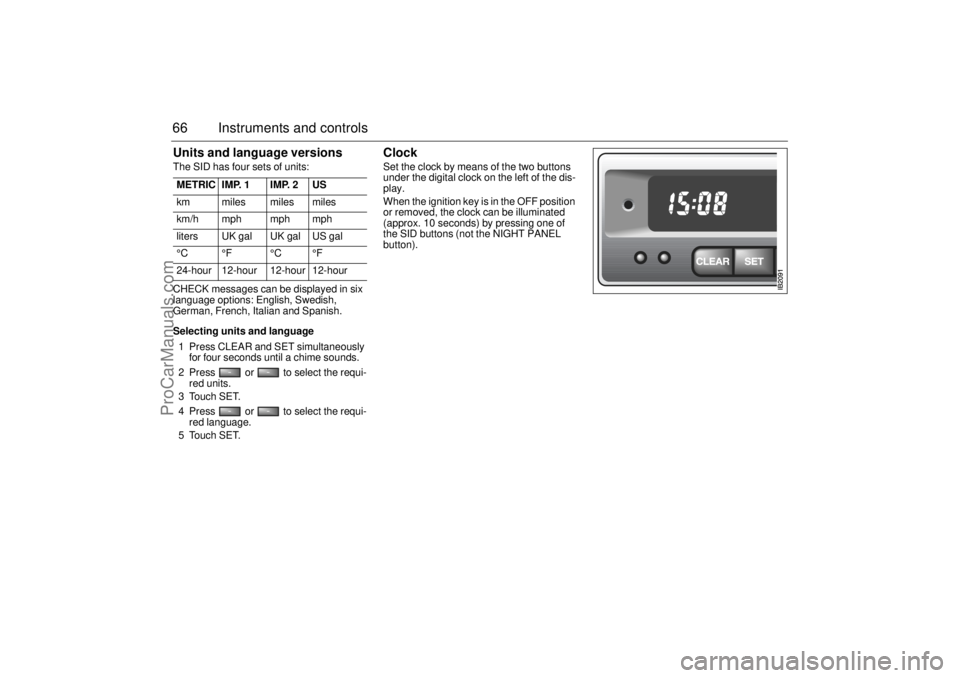
Clock Set the clock by means of the two buttons
under the digital clock on the left of the dis-
play.
When the ignition key is in the OFF position
or removed, the clock can be illuminated
(approx. 10 seconds) by pressing one of
the SID buttons (not the NIGHT PANEL
button). METRIC IMP. 1 IMP. 2 US
km miles miles miles
km/h mph mph mph
liters UK gal UK gal US gal
°C °F °C °F
24-hour 12-hour 12-hour 12-hour
ProCarManuals.com
Page 77 of 276
75 Instruments and controls
Temperature control The cabin is divided into two temperature
zones:
• The driver’s zone
The passenger zone (front and rear
seats)
The desired temperature can be set bet-
ween 58 and 82°F (15 and 27°C). In addi-
tion, there are also HI and LO settings (see
below). The HI and LO settings for the pas-
senger zone can only be selected if they are
also selected for the driver’s zone.
The displayed temperature is not the abso-
lute temperature but corresponds to the
comfort level normally experienced at that
temperature after allowance has been
made for the air flow, relative humidity, solar
radiation, etc., currently prevailing inside
the car.
The most usual temperature setting is
64–76°F (18–24°C), depending on perso-
nal preference and what clothing is worn.
To allow the system time to adjust, chan-
ges in the temperature setting can only be
made in steps of 2°F (1°C).
Once the desired climate has been achie-
ved, the rear center vents can be closed
to prevent warm air being distributed at
face height.
Settings when HI
selected:
Maximum heat
Air distribution to windshield and floor
Recirculation OFF (even if manually
selected before)
Fan: high speed
Settings shown on ACC display
Settings when LO
selected:
Maximum cooling (A/C compressor will
run even if ECON manually selected
before)
Air distribution through panel vents
Fan: maximum speed
Recirculation ON
Settings shown on ACC display
IB369
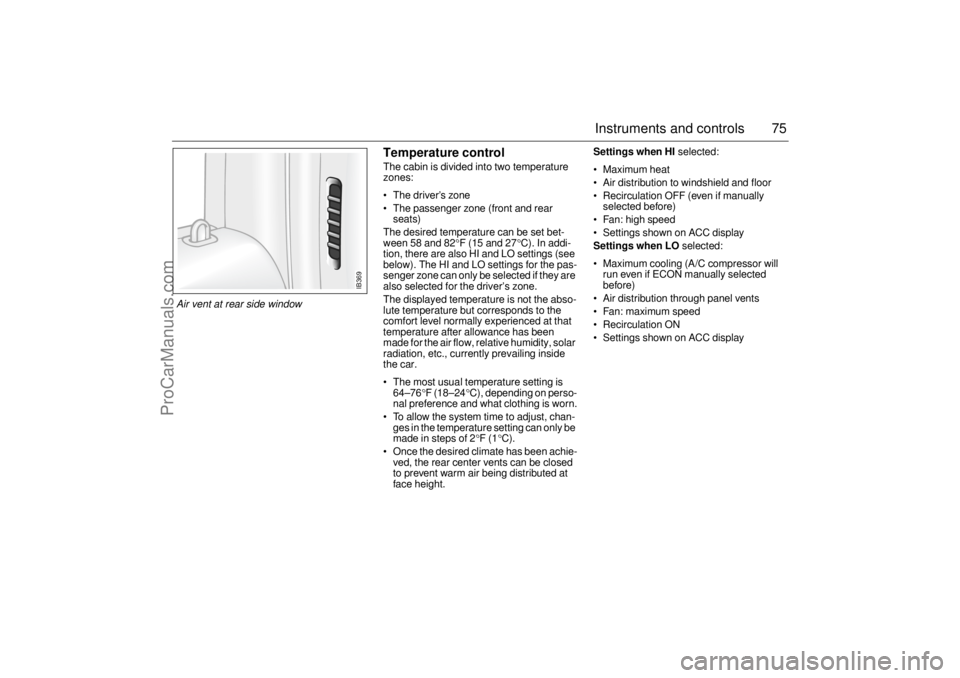
Air vent at rear side window
ProCarManuals.com
Page 78 of 276

76 Instruments and controlsFunctionsPressing AUTO will cancel all manual settings.
If a manual function is selected, it will be locked in but other functions
will be controlled automatically.
The selected temperature is always maintained automatically.
Temperature, air distribution, fan speed and
recirculation will all be controlled automatically.
In falling temperatures the A/C compressor is
switched off at 32°F (0°C).
In rising temperatures the A/C compressor is
switched on at 41°F (+5°C).
If at the start the outside air temperature is 32–41°F
(0 – +5°C), the A/C compressor is switched off.
Pressing AUTO once will cancel all previous
manual selections.
Pressing AUTO a second time will result in all the
automatically selected settings being displayed. When the engine is started, the A/C system is in
AUTO mode, apart from any currently set program,
see page 79 and 80).
IB370
A/C compressor OFF.
No cooling of inlet air. Temperature, air distribution
and fan speed still under automatic control.
ACC system OFF.
Fa n OF F.
A/C compressor OFF.
War m air OFF.
Air-distribution selections locked in current settings.
Recirculation can be selected manually.
Pressing the AUTO button will put the system into
automatic mode.
Pressing the OFF button again will result in the sys-
tem reverting to any previous manual settings.
IB371IB372
ProCarManuals.com
Page 79 of 276

77 Instruments and controls
The rear-window and door-mirror heating is
controlled manually. Switch off the heating as soon as the rear window
is clear, to avoid imposing a heavy load on the bat-
tery longer than necessary. Note, however, that the
heating will go off automatically after 2–10 minutes
(depending on the outdoor temperature) or sooner
if the voltage in the electrical system falls below
10 V
.
The ACC system can be programmed to switch on
the heating automatically when the outdoor temper-
ature is below 41°F (+5
°C) and the temperature
inside the car is below 50°F (+10
°C) (see ”Program-
ming I and II”, on pages 79 and 80).
Recirculation is selected automatically for effective
cooling, but it can also be switched on/off manually.
Although recirculation does not substantially affect
the air quality, it is useful to prevent unpleasant
smells or fumes being drawn into the car from
outside.
IB373IB374
To increase the fan speed in steps.
If, after being off, the ignition is switched on but the
engine is not started, the fan will run at low speed
until the engine is running.
To decrease the fan speed in steps.
If the fan is set to 0, the A/C compressor will cut out
and ECON will appear on the display.
If, after being off, the ignition is switched on but the
engine is not started, the fan will run at low speed
until the engine is running.
IB375IB376
ProCarManuals.com