clutch Seat Altea 2015 User Guide
[x] Cancel search | Manufacturer: SEAT, Model Year: 2015, Model line: Altea, Model: Seat Altea 2015Pages: 236, PDF Size: 4.23 MB
Page 141 of 236
Driver assistance systems
● The windscreen de-mist function is turned
on.
● The temperature of the passenger compart-
ment exceeds comfort limits (button A/C
11 ›››
Fig. 120 should be selected).
● If in an inc
rease in airflow 10
››› Fig. 120 is
r equir
ed for more than three presses.
● Temperature setting HI or LO is selected.
● The engine coolant temperature is insuffi-
cient.
● The alternator is faulty, for example the V-
belt has ruptured.
● If any of the conditions described in the
previous section are not fulfilled. WARNING
Never allow the vehicle to move with the en-
gine off for any reason. You could lose control
of your vehicle. This could cause an accident
and serious injury.
● Power steering does not work when the en-
gine is not running. That is why it is much
more difficult to turn the steering wheel.
● Turn off the Start-Stop system when driving
through water (fording streams, etc.). Note
● For vehicles with the Start-Stop function
and a manual gearbox, when the engine is
started, the clutch must be pressed. ●
When the conditions for the Start-Stop
function are not fulfilled, the instrument pan-
el displays the Start-Stop indicator dimmed.
● If the steering wheel is turned more than
270°, Stop will not function; however, the an-
gle of steering wheel turn does not affect
starting the vehicle. Activating and deactivating the Start-
Stop function
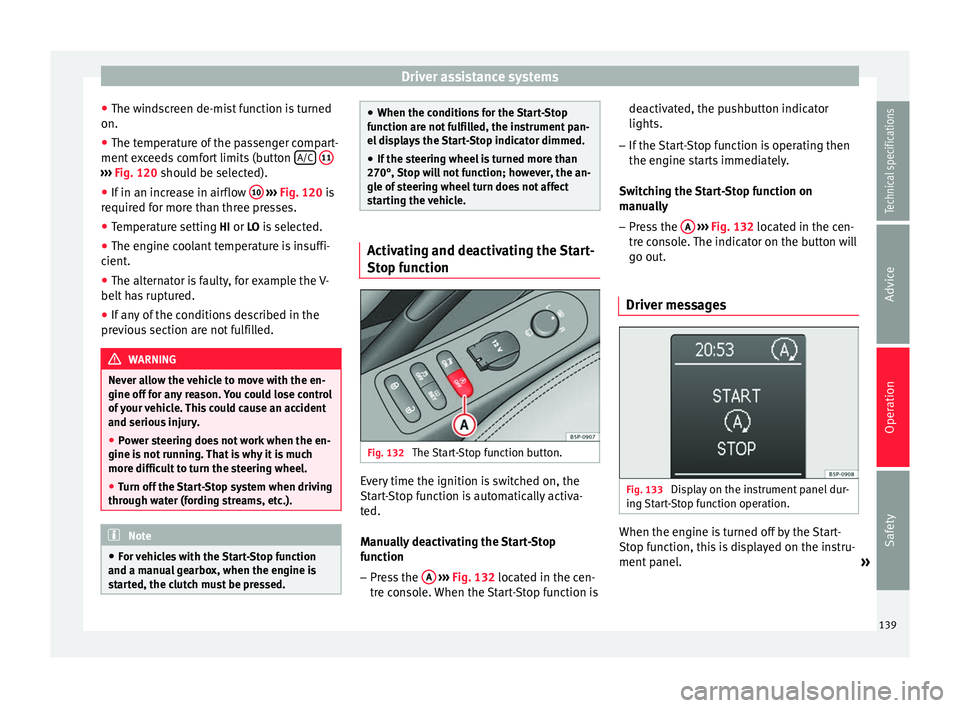
Fig. 132
The Start-Stop function button. Every time the ignition is switched on, the
Start-Stop function is automatically activa-
ted.
Manually deactivating the Start-Stop
function
– Press the A
››› Fig. 132 located in the cen-
tre console. When the Start-Stop function is deactivated, the pushbutton indicator
lights.
– If the Start-Stop function is operating then
the engine starts immediately.
Switching the Start-Stop function on
manually – Press the A
››› Fig. 132 located in the cen-
tre console. The indicator on the button will
go out.
Driver messages Fig. 133
Display on the instrument panel dur-
ing Start-Stop function operation. When the engine is turned off by the Start-
Stop function, this is displayed on the instru-
ment panel.
»
139Technical specifications
Advice
Operation
Safety
Page 145 of 236
Driver assistance systems
also be switched off fully when the 1st gear
i s
engaged.*
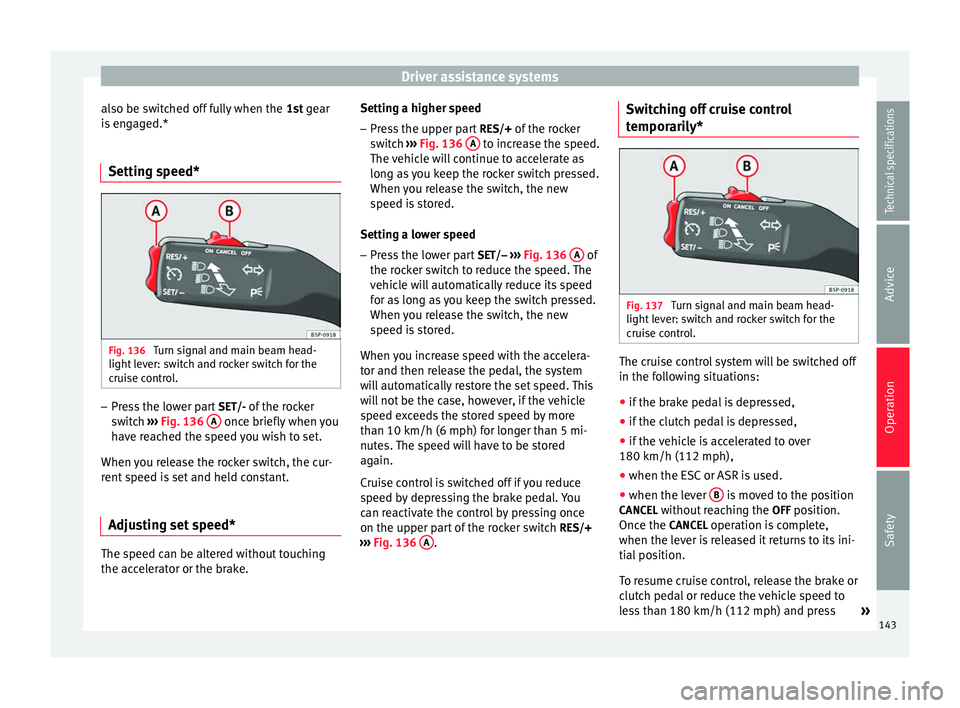
Setting speed* Fig. 136
Turn signal and main beam head-
light lever: switch and rocker switch for the
cruise control. –
Press the lower part SET/- of the rocker
switch ››› Fig. 136 A once briefly when you
have reached the speed you wish to set.
When you release the rocker switch, the cur-
rent speed is set and held constant.
Adjusting set speed* The speed can be altered without touching
the accelerator or the brake. Setting a higher speed
– Press the upper part RES/+ of the rocker
switch ››› Fig. 136 A to increase the speed.
The vehicle will continue to accelerate as
long as you keep the rocker switch pressed.
When you release the switch, the new
speed is stored.
Setting a lower speed – Press the lower part SET/– ››› Fig. 136 A of
the rocker switch to reduce the speed. The
vehicle will automatically reduce its speed
for as long as you keep the switch pressed.
When you release the switch, the new
speed is stored.
When you increase speed with the accelera-
tor and then release the pedal, the system
will automatically restore the set speed. This
will not be the case, however, if the vehicle
speed exceeds the stored speed by more
than 10 km/h (6 mph) for longer than 5 mi-
nutes. The speed will have to be stored
again.
Cruise control is switched off if you reduce
speed by depressing the brake pedal. You
can reactivate the control by pressing once
on the upper part of the rocker switch RES/+
››› Fig. 136 A .Switching off cruise control
temporarily*
Fig. 137
Turn signal and main beam head-
light lever: switch and rocker switch for the
cruise control. The cruise control system will be switched off
in the following situations:
● if the brake pedal is depressed,
● if the clutch pedal is depressed,
● if the vehicle is accelerated to over
180 km/h (112 mph),
● when the ESC or ASR is used.
● when the lever B is moved to the position
CANCEL without reaching the OFF position.
Once the CANCEL operation is complete,
when the lever is released it returns to its ini-
tial position.
To resume cruise control, release the brake or
clutch pedal or reduce the vehicle speed to
less than 180 km/h (112 mph) and press »
143
Technical specifications
Advice
Operation
Safety
Page 193 of 236
Emergencies
after the battery has thawed, battery acid
could leak and cause chemical burns. If a bat-
tery freezes, it should be replaced.
●
Keep sparks, flames and lighted cigarettes
away from batteries, danger of explosion.
Failure to comply could result in an explo-
sion.
● Observe the instructions provided by the
manufacturer of the jump leads.
● Do not connect the negative cable from the
other vehicle directly to the negative terminal
of the flat battery. The gas emitted from the
battery could be ignited by sparks. Danger of
explosion.
● Do not attach the negative cable from the
other vehicle to parts of the fuel system or to
the brake line.
● The non-insulated parts of the battery
clamps must not be allowed to touch. The
jump lead attached to the positive battery
terminal must not touch metal parts of the ve-
hicle, this can cause a short circuit.
● Position the leads in such a way that they
cannot come into contact with any moving
parts in the engine compartment.
● Do not lean on the batteries. This could re-
sult in chemical burns. Note
The vehicles must not touch each other, oth-
erwise electricity could flow as soon as the
positive terminals are connected. Towing and tow-starting
Tow-starting We recommend that you do
not tow-start your
v ehic
le. Jump-starting is preferable
››› page 189.
How
ever, if your vehicle has to be tow-
started:
– Engage 2 nd
or 3 rd
gear.
– Keep the clutch pressed down.
– Switch the ignition on.
– Once both vehicles are moving, release the
clutch.
– As soon as the engine starts, press the
clutch and move the gear lever into neutral.
This helps to prevent driving into the tow-
ing vehicle. WARNING
The risk of accidents is high when tow-start-
ing. The vehicle being towed can easily col-
lide with the towing vehicle. CAUTION
When tow-starting, fuel could enter the cata-
lytic converter and damage it. General notes
Please observe the following points if you
use a tow rope:
Notes for the driver of the towing vehicle
– Drive slowly at first until the tow rope is
taut. Then accelerate gradually.
– Begin and change gears cautiously. If you
are driving an automatic vehicle, accelerate
gently.
– Remember that the brake servo and power
steering are not working in the vehicle you
are towing. Brake sooner than normal and
pressing the pedal gently.
Notes for the driver of the towed vehicle
– Ensure that the tow rope remains taut at all
times when towing.
Tow rope or tow bar
It is easier and safer for the vehicle to be tow-
ed using a tow bar. You should only use a
tow-rope if you do not have a tow-bar.
A tow rope should be slightly elastic to re-
duce the loading on both vehicles. It is advis-
able to use a tow rope made of synthetic fi-
bre or similarly elastic material.
Attach the tow rope or the tow bar only to the
towline anchorages provided or a towing
bracket. »
191Technical specifications
Advice
Operation
Safety