Seat Arona 2020 User Guide
Arona 2020
Seat
Seat
https://www.carmanualsonline.info/img/39/28899/w960_28899-0.png
Seat Arona 2020 User Guide
Page 154 of 372
Infotainment System
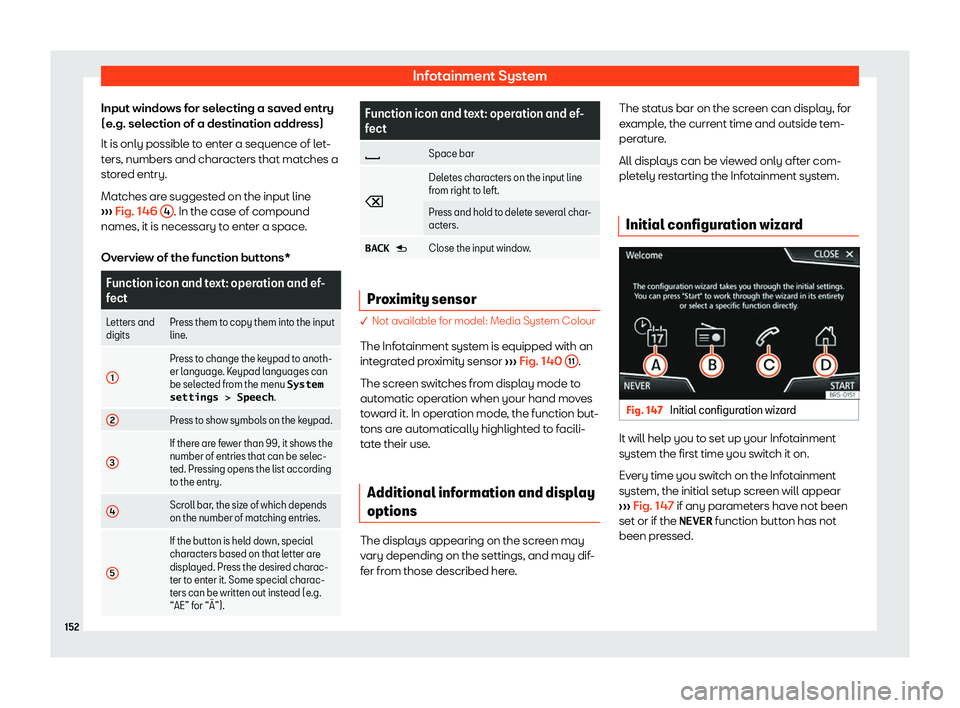
Input windows for selecting a saved entry
(e .g. sel
ection of a destination addr ess)
It is only possibl e t
o enter a sequence of let-
ters, numbers and characters that matches a
stored entry.
Matches are suggested on the input line
Page 155 of 372
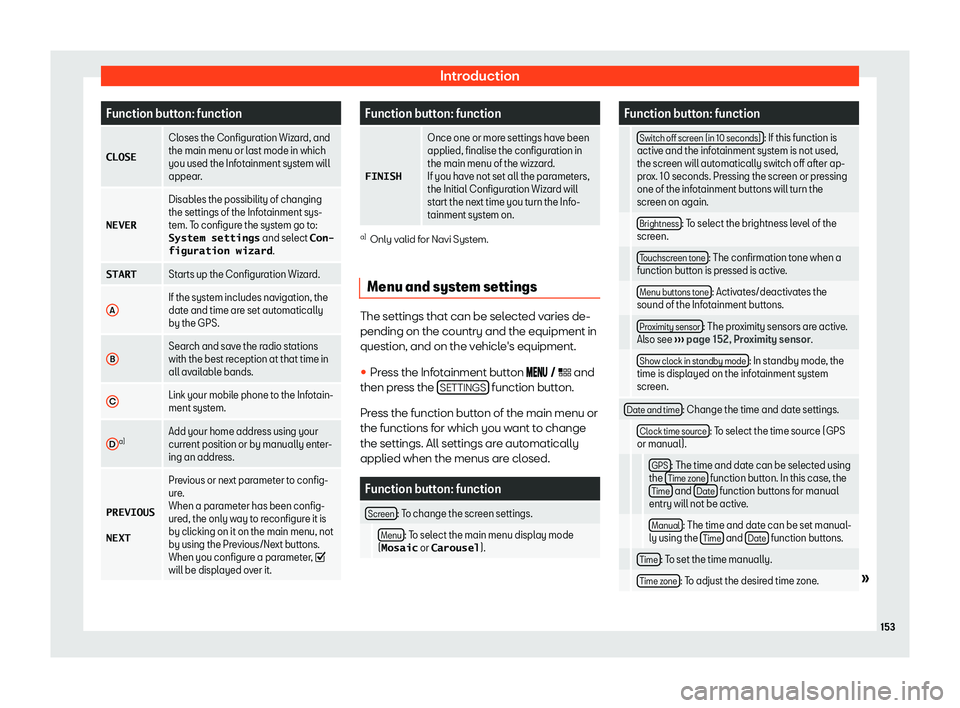
Introduction
Function button: function
CLOSE Closes the Configuration Wizard, and
the main menu or last mode in which
you used the Infotainment syst em will
appear
.
NEVER Disables the possibility of changing
the settings of the Infotainment sys-
tem. T
o configur
e the system go to:
System settings and select Con-
figuration wizard .
START Starts up the Configuration Wizard.
A If the system includes navigation, the
date and time are set automatically
by the GPS.
B Search and save the radio stations
with the best reception at that time in
all availabl
e bands.
C Link your mobile phone to the Infotain-
ment system.
D a)
Add your home address using your
current position or by manually enter-
ing an addr
ess.
PREVIOUS
NEXT Pr
evious or next parameter to config-
ure.
When a parameter has been config-
ur
ed, the only way to reconfigure it is
by clicking on it on the main menu, not
by using the Previous/Next buttons.
When you configure a parameter,
will be displayed over it. Function button: function
FINISH Once one or more settings have been
applied, finalise the configuration in
the main menu of the wizzard.
If you hav
e not set all the par
ameters,
the Initial Configuration Wizard will
start the next time you turn the Info-
tainment system on. a)
Only valid for Navi System.
Menu and system settings The settings that can be selected varies de-
pending on the country and the equipment in
question, and on the v
ehicl
e
Page 156 of 372
Infotainment System
Function button: function
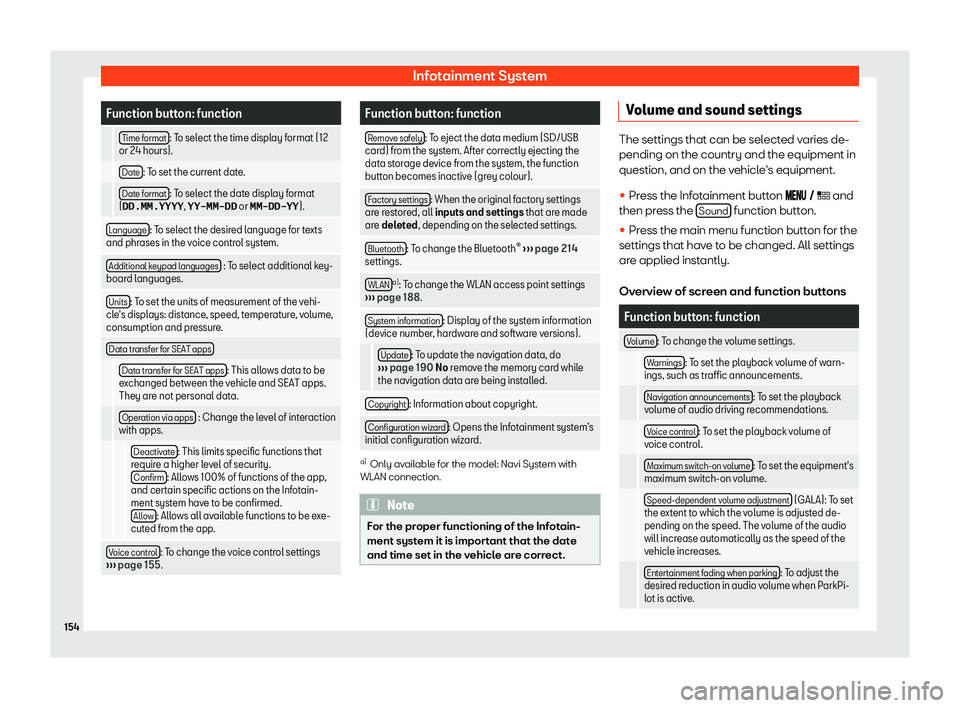
Time format : To select the time display format (12
or 24 hours).
Date : To set the current date.
Date format : To select the date display format
(DD.MM.YYYY , YY-MM-DD or MM-DD-YY ).
Language : To select the desired language for texts
and phrases in the voice control syst em.
Additional k
eypad languages : To select additional key-
board languages.
Units : To set the units of measurement of the vehi-
cle
Page 158 of 372
Page 159 of 372
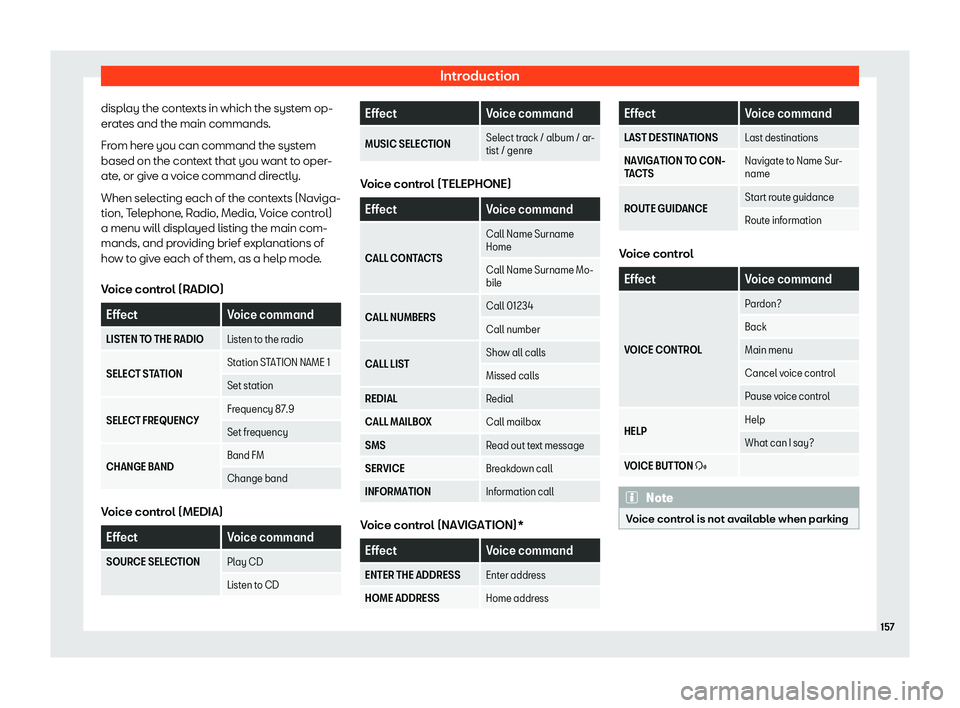
Introduction
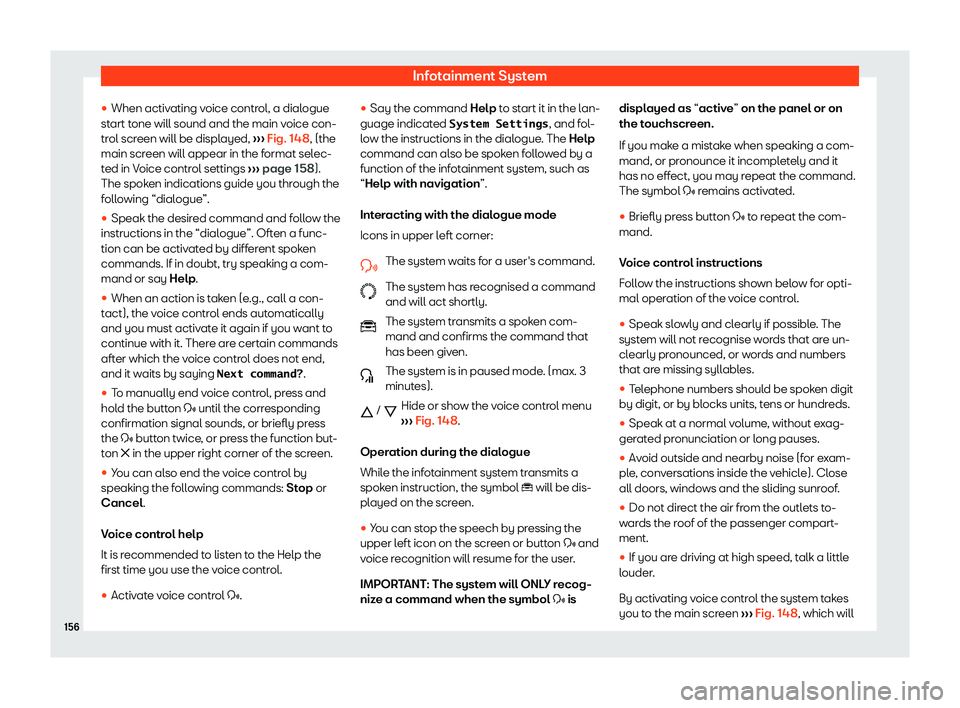
display the contexts in which the system op-
er at
es and the main commands.
Fr om her
e you can command the syst
em
based on the context that you want to oper-
ate, or give a voice command directly.
When selecting each of the contexts (Naviga-
tion, Telephone, Radio, Media, Voice control)
a menu will displayed listing the main com-
mands, and providing brief explanations of
how to give each of them, as a help mode.
Voice control (RADIO) Effect
Voice command
LISTEN TO THE RADIO Listen to the radio
SELECT STATION Station STATION NAME 1
Set station
SELECT FREQUENCY Frequency 87.9
Set frequency
CHANGE BAND Band FM
Change bandVoice control (MEDIA)
Effect
Voice command
SOURCE SELECTION Play CD
Listen to CD Effect
Voice command
MUSIC SELECTION Select track / album / ar-
tist / genre Voice control (TELEPHONE)
Effect
Voice command
CALL CONTACTS Call Name Surname
Home
Call Name Surname Mo-
bile
CALL NUMBERS Call 01234
Call number
CALL LIST Show all call
s
Missed call
s
REDIAL Redial
CALL MAILBOX Call mailbox
SMS Read out text message
SERVICE Breakdown call
INFORMATION Information call Voice control (NAVIGATION)*
Effect
Voice command
ENTER THE ADDRESS Enter address
HOME ADDRESS Home address Effect
Voice command
LAST DESTINATIONS Last destinations
NAVIGATION TO CON-
TACTS Navigate t
o Name Sur-
name
ROUTE GUIDANCE Start route guidance
Route information Voice control
Effect
Voice command
VOICE CONTROL Pardon?
Back
Main menu
Cancel voice control
Pause voice control
HELP Help
What can I say?
VOICE BUTTON
Page 160 of 372
Infotainment System
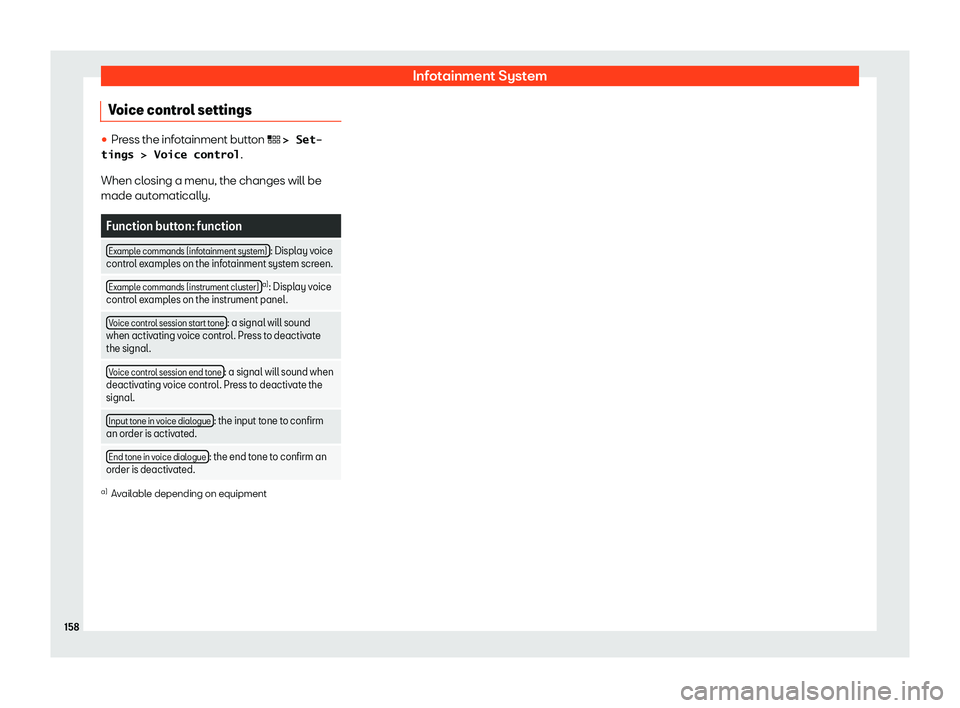
Voice control settings �
Page 161 of 372
Connectivity
Connectivity Dat a tr
ansf er
Intr oduction This communication can allow data to be
read and/or written.
From the menu
SETTINGS > Data trans-
fer for SEAT apps , ther
e is a checkbox to
activate/deactivate the function and a drop-
down menu called Operation via apps
which controls the level of interaction be-
tween the apps and the system.
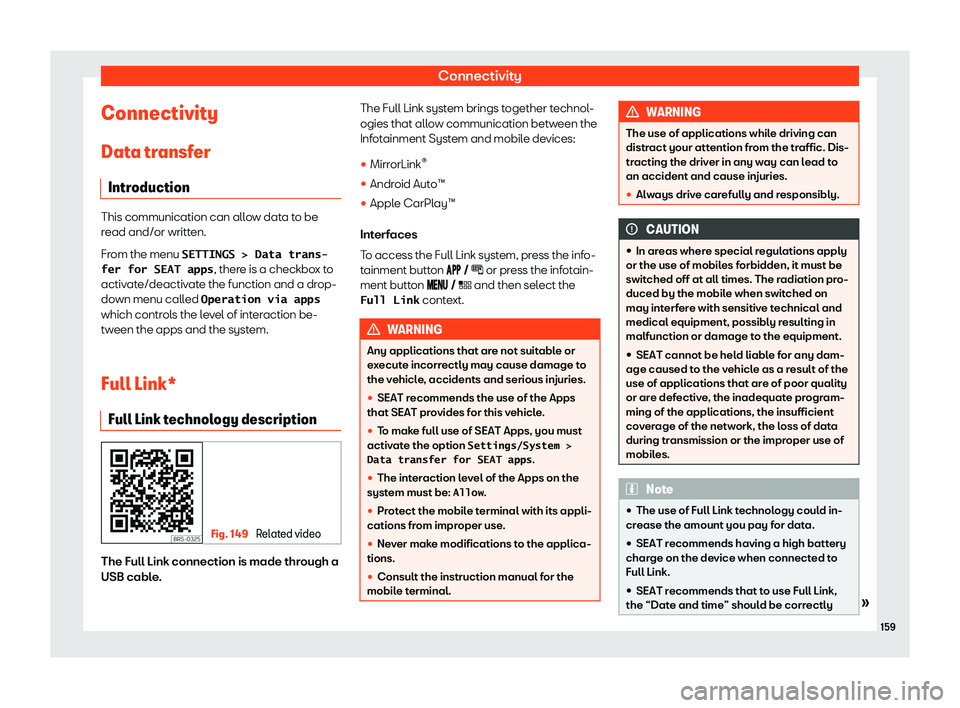
Full Link* Full Link technology description Fig. 149
Related video The Full Link connection is made through a
USB cabl
e
. The Full Link syst
em brings t
ogether t
echnol-
ogies that allow communication between the
Infot
ainment System and mobile devices:
�
Page 162 of 372
Infotainment System
configured. Select Settings/System >
Time and date .
�
Page 164 of 372
Infotainment System
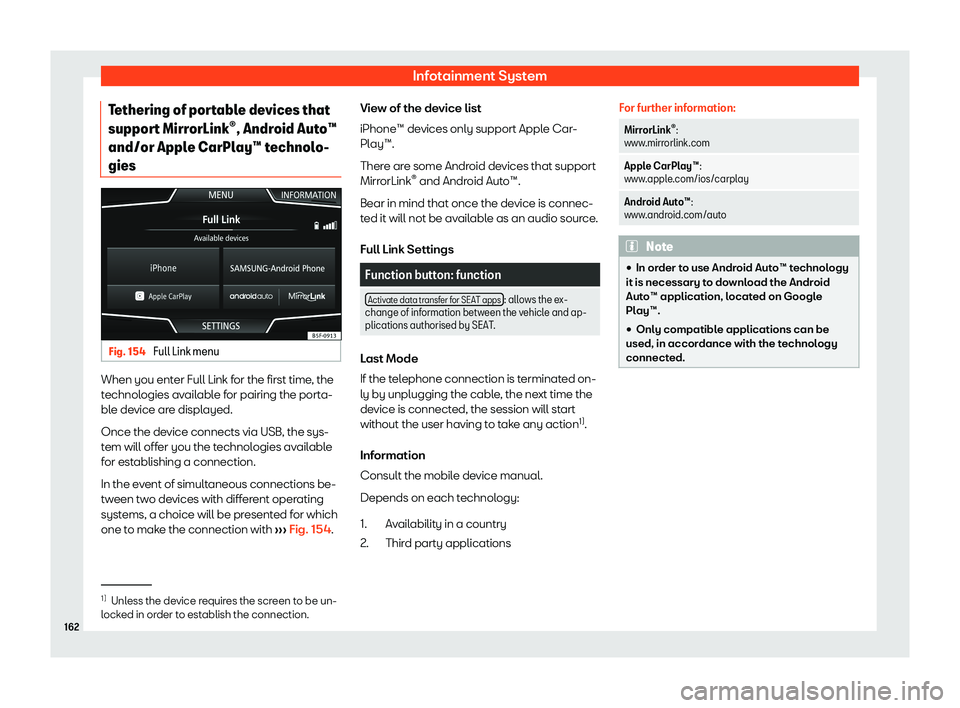
Tethering of portable devices that
suppor t Mirr
orLink
Page 166 of 372
Infotainment System
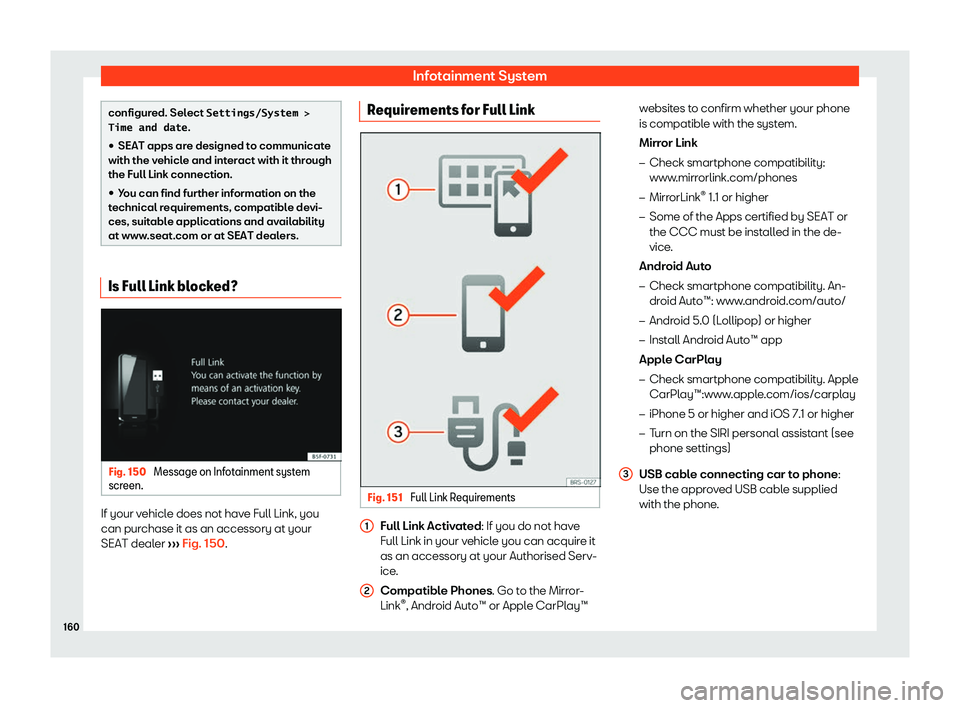
Requirements
In or der t
o use Appl e CarPl
ay