Info system Seat Arona 2020 Owner's Guide

Seat Arona 2020 Owner's Guide Arona 2020 Seat Seat https://www.carmanualsonline.info/img/39/28899/w960_28899-0.png Seat Arona 2020 Owner's Guide

Page 168 of 372
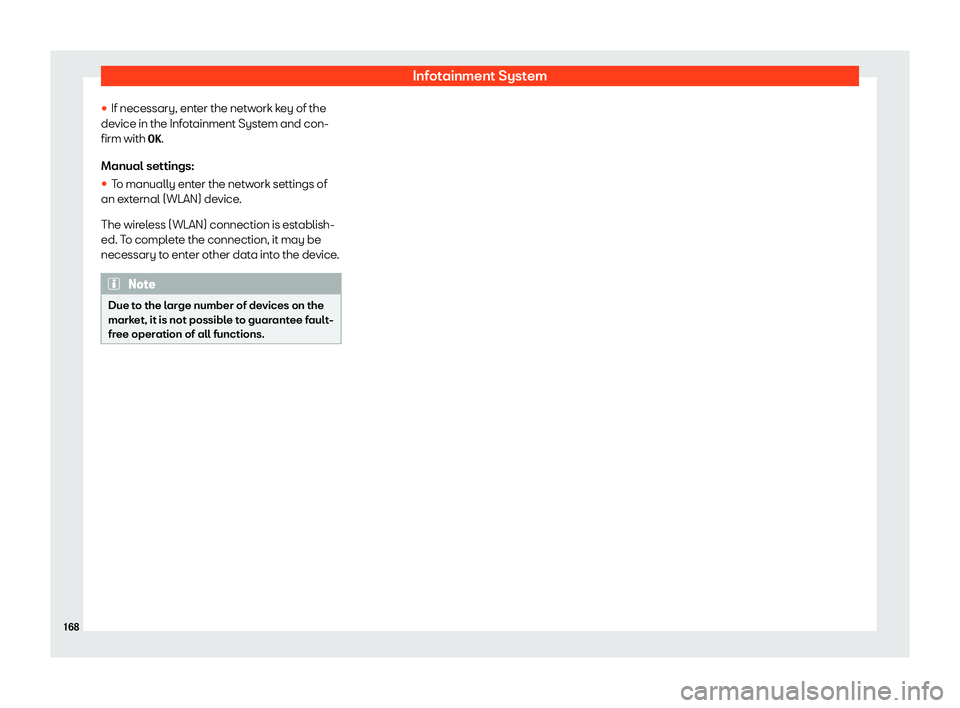
Seat Arona 2020 Owners Guide Infotainment System
The functions are operated by means of a
T abl
et or partially by a mobil e phone
.
Oper
ating requirements:


Page 170 of 372

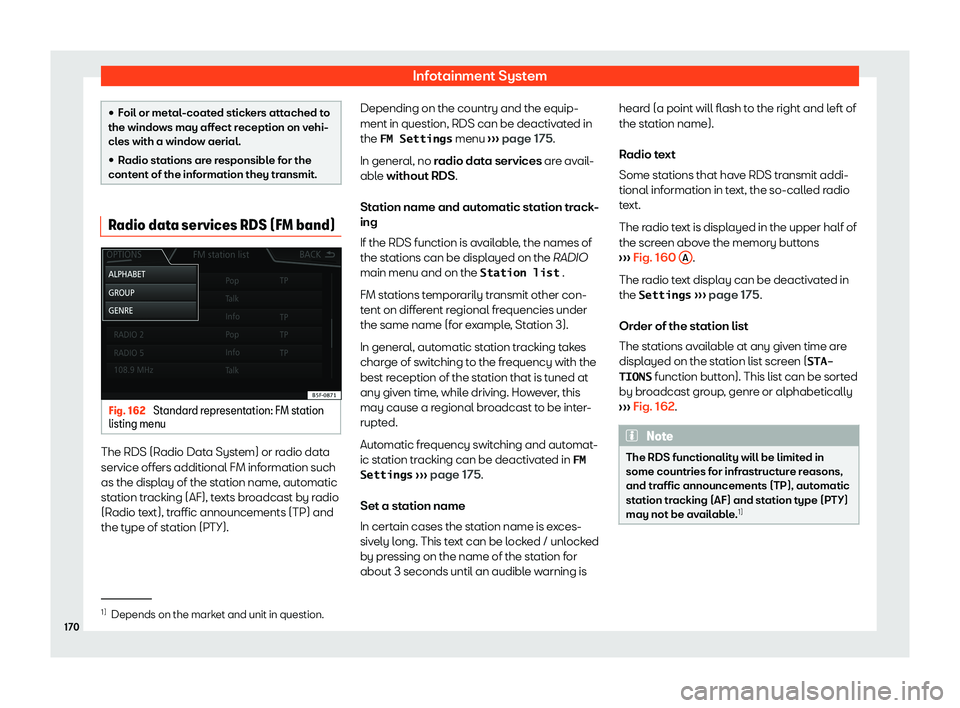
Seat Arona 2020 Owners Guide Infotainment System


Page 172 of 372

Seat Arona 2020 Owners Guide Infotainment System


Page 174 of 372

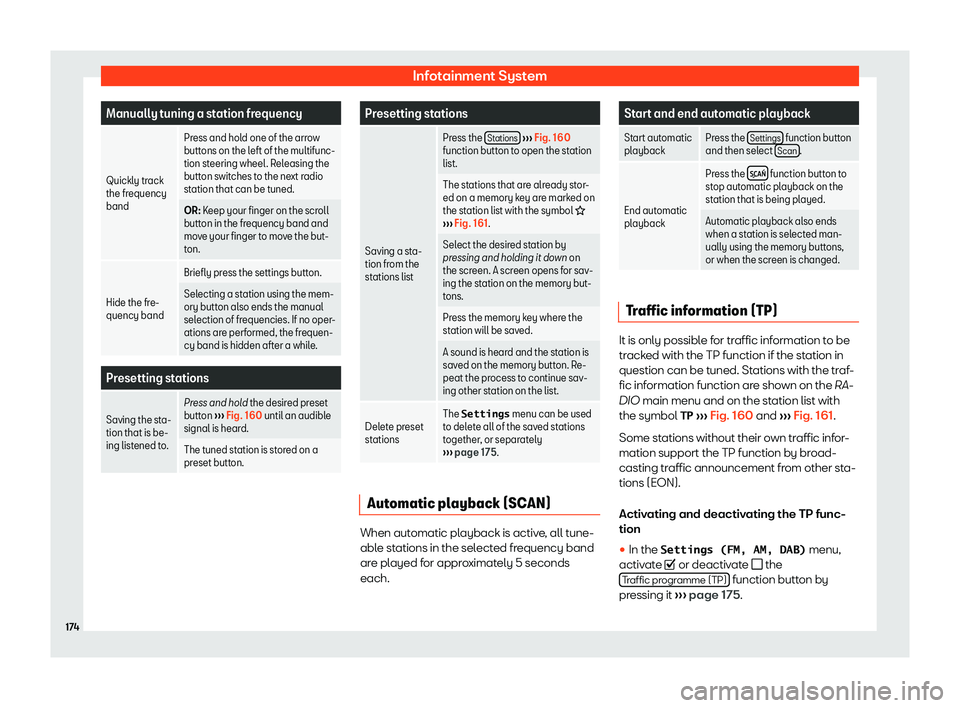
Seat Arona 2020 Owners Guide Infotainment System
broadcast the same station identification, or
t o signal the other corr
esponding FM station
thr ough D
AB. When the corresponding FM
station has been found, “FM” is displayed

Page 176 of 372

Seat Arona 2020 Owners Guide Infotainment System
Manually tuning a station frequency
Quickly track
the fr equency
band Pr
ess and hol
d one of the arr o w
buttons on the left of the multifunc-
tion steering wheel . R

eleasing th

Page 178 of 372

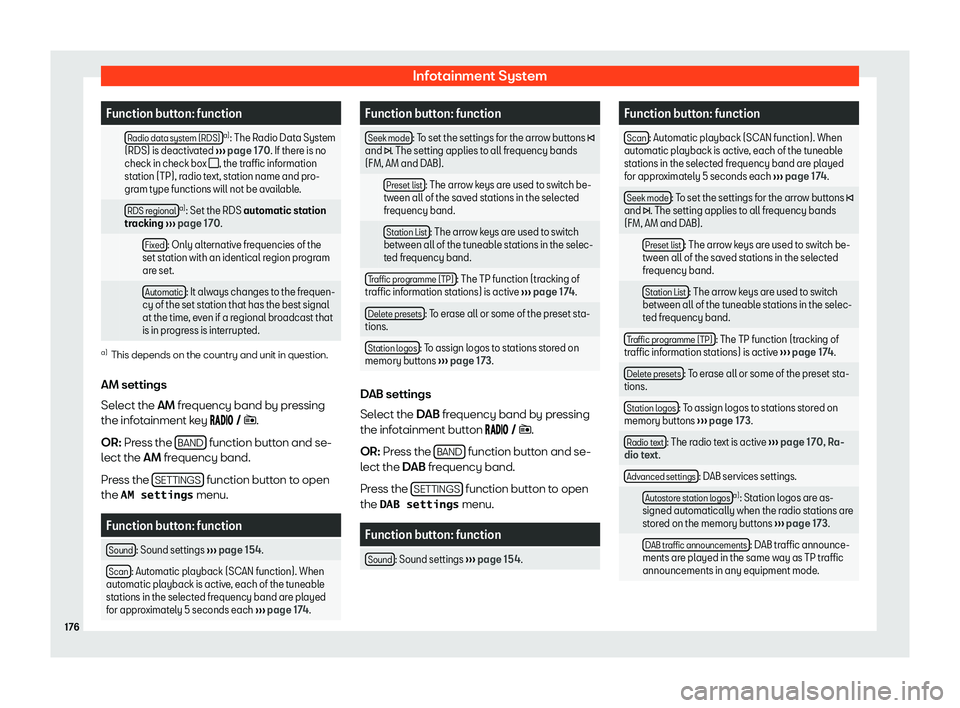
Seat Arona 2020 Owners Guide Infotainment System
Function button: function
  Radio data system (RDS) a)
: The Radio Data System
(RDS) is deactiv at
ed

Page 179 of 372

Seat Arona 2020 Owners Guide Operating modes
Function button: function
  Other DAB announcements : DAB announcements
(news, sports information, weather , w
arnings,
etc.) are played while the DAB Radio mode is ac-
tive.
  DAB - D

Page 180 of 372

Seat Arona 2020 Owners Guide Infotainment System
Valid for the model: Media System Plus/Navi System Data media
Requirements for playing audio files
�I  Optical discs:

Page 182 of 372

Seat Arona 2020 Owners Guide Infotainment System
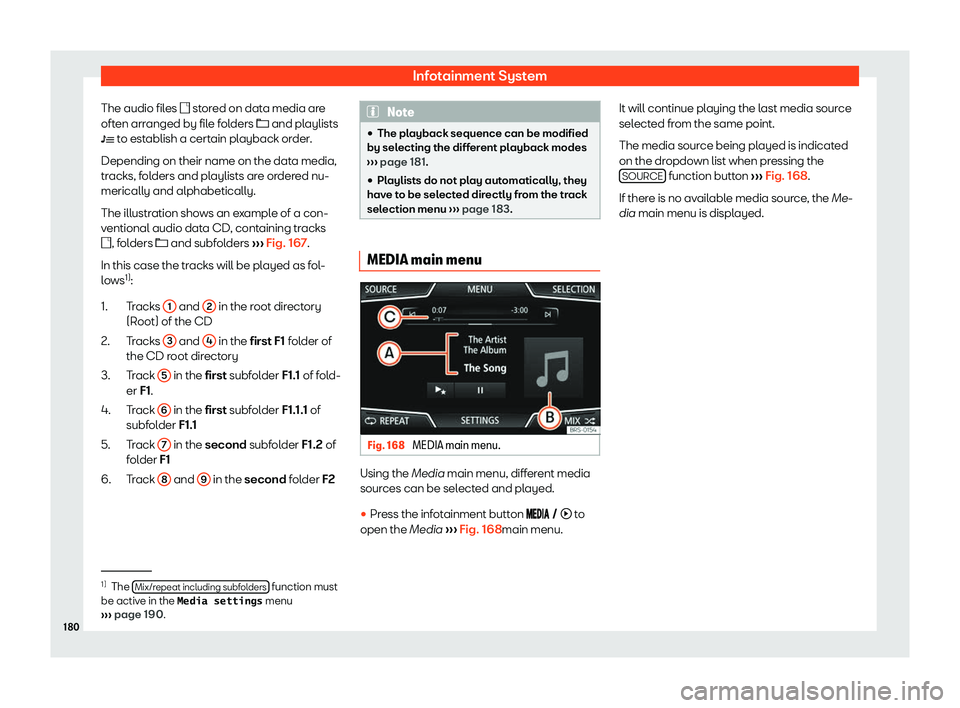
The audio files � st or
ed on dat a media ar
e
oft en arranged by file folders � and playlists
�

Page 184 of 372

Seat Arona 2020 Owners Guide Infotainment System
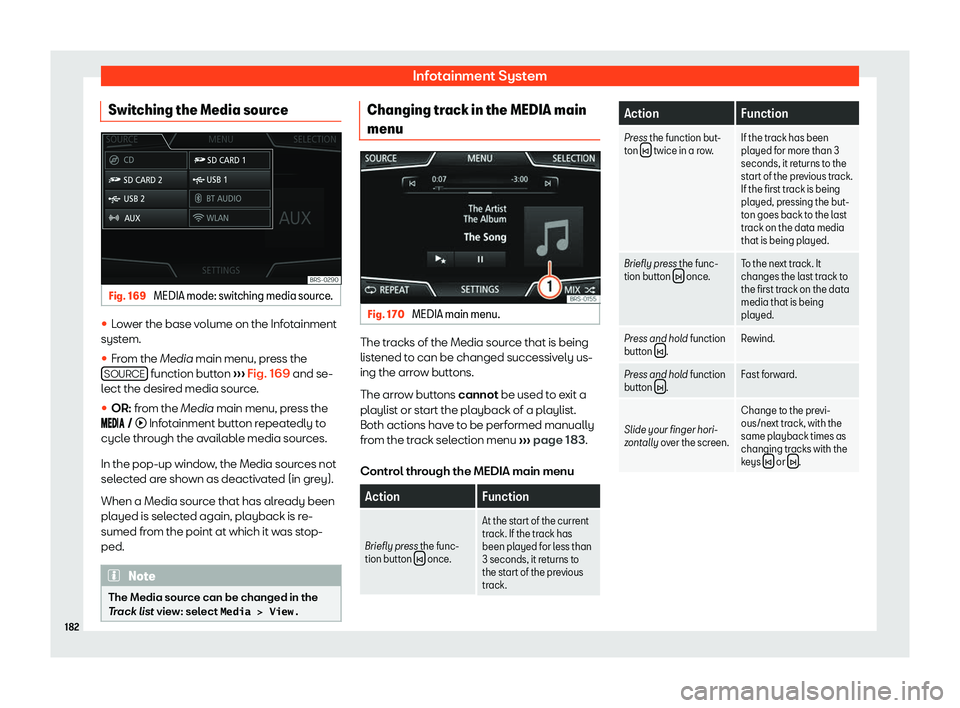
Switching the Media source Fig. 169 
MEDIA mode: switching media source.