CD player Seat Toledo 2007 REAR SEAT ENTERTAINMENT
[x] Cancel search | Manufacturer: SEAT, Model Year: 2007, Model line: Toledo, Model: Seat Toledo 2007Pages: 9, PDF Size: 0.44 MB
Page 5 of 9
Rear Seat Entertainment3
Rear Seat EntertainmentControls and equipmentIntroductionRear Seat Entertainment offers many possibilities for enter-
taining passengers in the rear seats.External devices such as DiVX and iPod vídeo® players , game consoles, etc.
may be connected to the RSE , and used to listen to music, watch films or play
video games. The RSE will only work when the ignition i s switched on.
The roof screen is compatible with CVBS video i nputs in the following
formats: PAL, SECAM or NTSC.
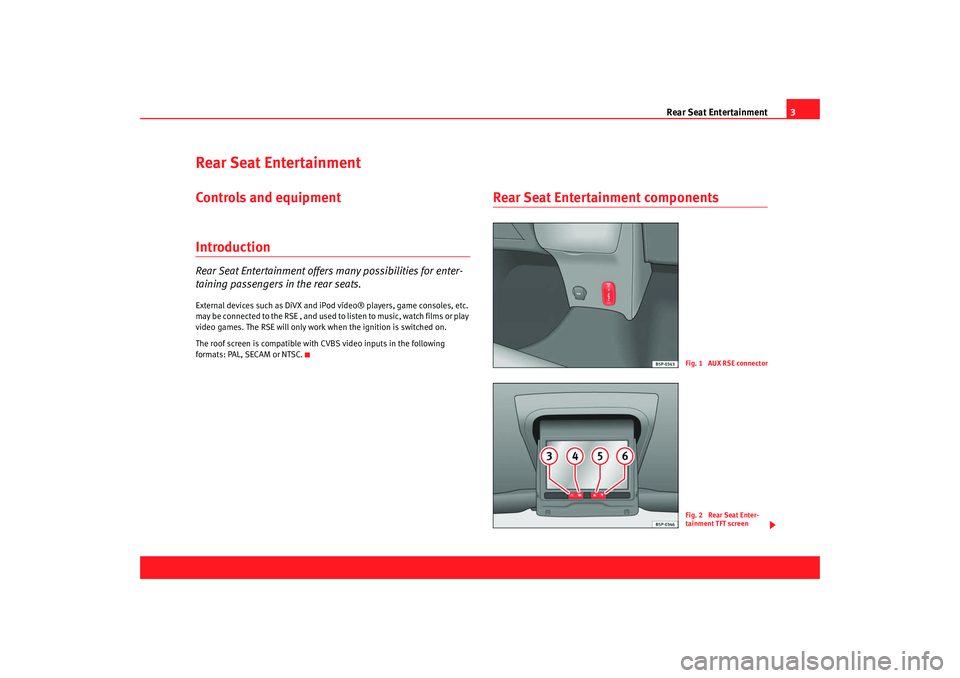
Rear Seat Entertainment components
Fig. 1 AUX RSE connecto
r
Fig. 2 Rear Seat Enter-
tainment TFT screen
Rear Seat_ing Seite 3 Mittwoch, 14. März 2007 1 :19 13
Page 6 of 9
Rear Seat Entertainment
4The system is made up of the following components:
- Triple RDC connector (audio and video) ⇒page 3, fig. 1.
- Roof screen ⇒page 3, fig. 2 .
WARNING
•
The Rear Seat Entertainment system must not be exposed to liquids or
humidity. Otherwise, a short circuit may occur c reating a fire risk.
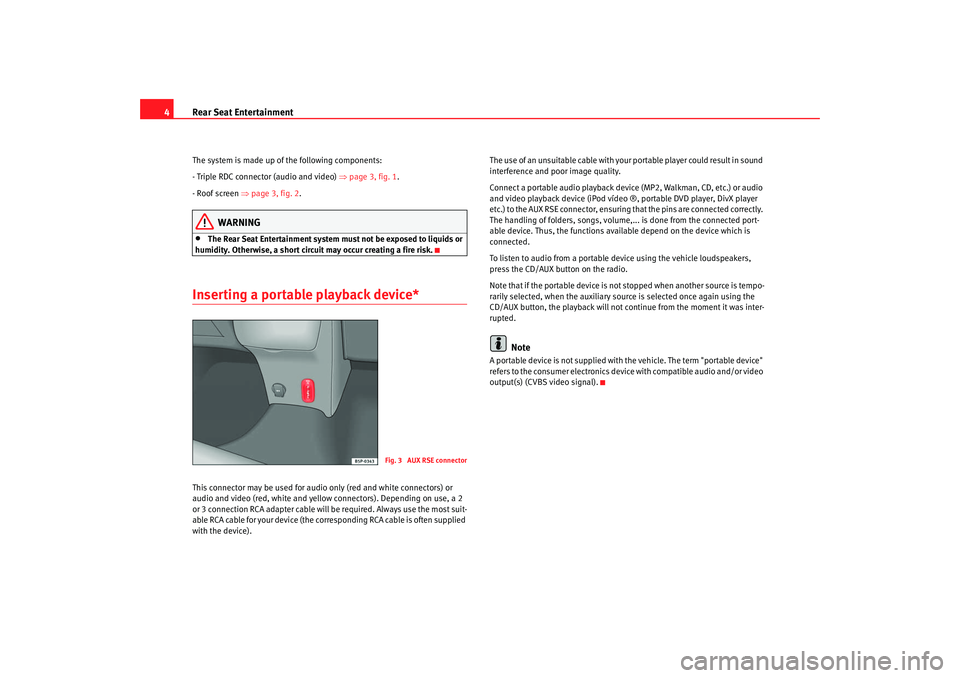
Inserting a portable playback device*This connector may be used for audio only (red and wh ite connectors) or
audio and video (red, white and yellow connectors). Depe nding on use, a 2
or 3 connection RCA adapter cable will be required. Alw ays use the most suit-
able RCA cable for your device (the corresponding RCA cable is often supplied
with the device). The use of an unsuitable cable with your portable
player could result in sound
interference and poor image quality.
Connect a portable audio playback device (MP2, Walkm an, CD, etc.) or audio
and video playback device (iPod vídeo ®, portable DVD play er, DivX player
etc.) to the AUX RSE connector, ensuring that the pins are c onnected correctly.
The handling of folders, songs, volume,... is done from the c onnected port-
able device. Thus, the functions available depend on the device which is
connected.
To listen to audio from a portable device using t he vehicle loudspeakers,
press the CD/AUX button on the radio.
Note that if the portable device is not stopped when anot her source is tempo-
rarily selected, when the auxiliary source is selected once ag ain using the
CD/AUX button, the playback will not continue from the moment it was inter-
rupted.
Note
A portable device is not supplied with the vehicle. The t erm "portable device"
refers to the consumer electronics devi ce with compatible audio and/or video
output(s) (CVBS video signal).
Fig. 3 AUX RSE connecto
r
Rear Seat_ing Seite 4 Mittwoch, 14. März 2007 1 :19 13