change time SUZUKI IGNIS 2020 Owner's Manual
[x] Cancel search | Manufacturer: SUZUKI, Model Year: 2020, Model line: IGNIS, Model: SUZUKI IGNIS 2020Pages: 505, PDF Size: 8.36 MB
Page 122 of 505
2-99BEFORE DRIVING
75RM4-01E
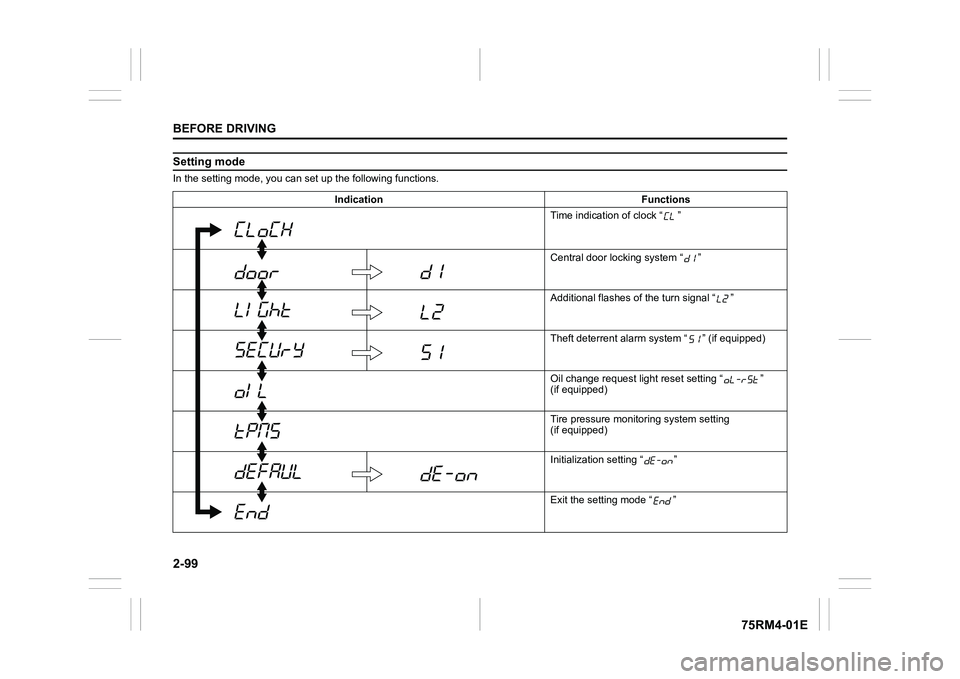
Setting modeIn the setting mode, you can set up the following functions.
Indication Functions Time indication of clock “ ”
Central door locking system “ ”
Additional flashes of the turn signal “ ”
Theft deterrent alarm system “ ” (if equipped)
Oil change request lig ht reset setting “ ”
(if equipped)
Tire pressure monito ring system setting
(if equipped)
Initialization setting “ ”
Exit the setting mode “ ”
Page 123 of 505
2-100
BEFORE DRIVING
75RM4-01E
NOTE:
Depending on vehicle’s specifications,
some items may not be displayed.
How to operate the setting mode:
1) When the ignition switch is in “ON”
position and the vehicle is stationary,
push the trip meter selector knob (1) to
switch the information display indication
(C) to the odometer.
2) Push and hold the indicator selector knob (2) until the display shows
“”.
3) Turn and/or push the indicator selector knob (2) to select a function that you
want to set up according to the above
chart.
4) Turn and/or push the indicator selector knob (2) to register settings of the fol-
lowing functions. Time indication of clock “ ”
• : 12-hour format (default set-
ting)
• : 24-hour format
Central door locking system “ ”
• : Unlock all doors by turning the key once
• : Unlock all doors by turning
the key twice (default setting)
Additional flashes of the turn signal
“”
• : Turn signal flashes three times after the turn signal
lever is returned (default set-
ting)
• : Disable the additional flashes of turn signal
Theft deterrent alarm system “ ”
(if equipped)
• : Enable the theft deterrent alarm system (default setting)
• : Disable the theft deterrent alarm system
Oil change request light reset setting
“ ” (if equipped)
• : Reset of the oil life monitoring system Tire pressure monitoring system set-
ting (if equipped)
• : Unladen Mode (default set-
ting)
• : Laden Mode
Refer to “Tire pressure monitoring system
(TPMS)” in the “OPERATING YOUR VEHI-
CLE” section for details.
Initialization setting “ ”
• : Initialize all settings
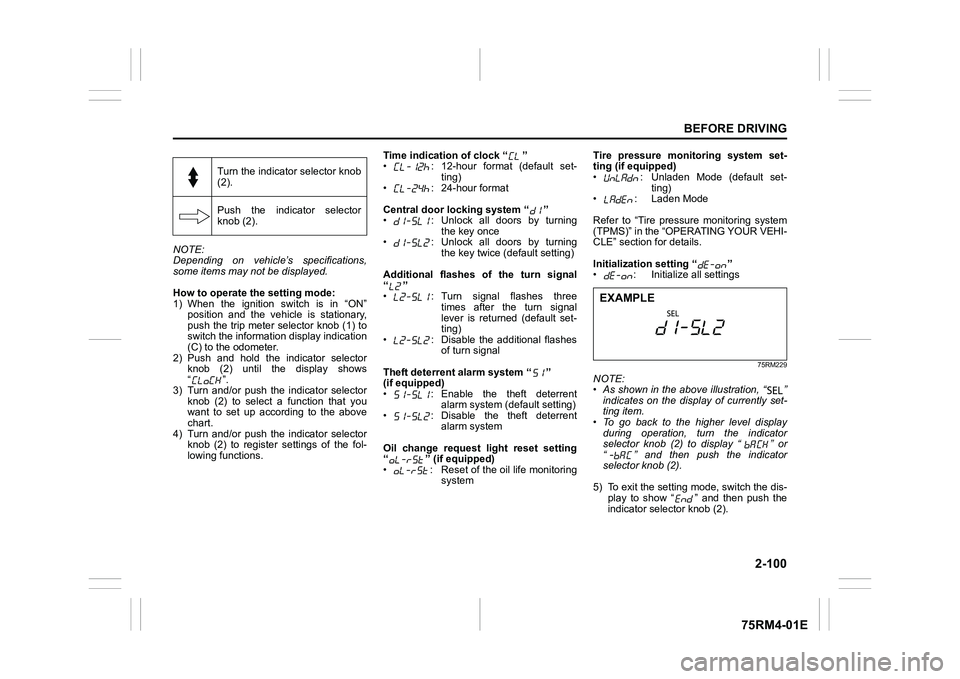
75RM229
NOTE:
• As shown in the above illustration, “ ”
indicates on the disp lay of currently set-
ting item.
• To go back to the higher level display
during operation, turn the indicator
selector knob (2) to display “ ” or
“ ” and then push the indicator
selector knob (2).
5) To exit the setting mode, switch the dis- play to show “ ” and then push the
indicator selector knob (2).
Turn the indicator selector knob
(2).
Push the indicator selector
knob (2).EXAMPLE
Page 126 of 505
2-103BEFORE DRIVING
75RM4-01E
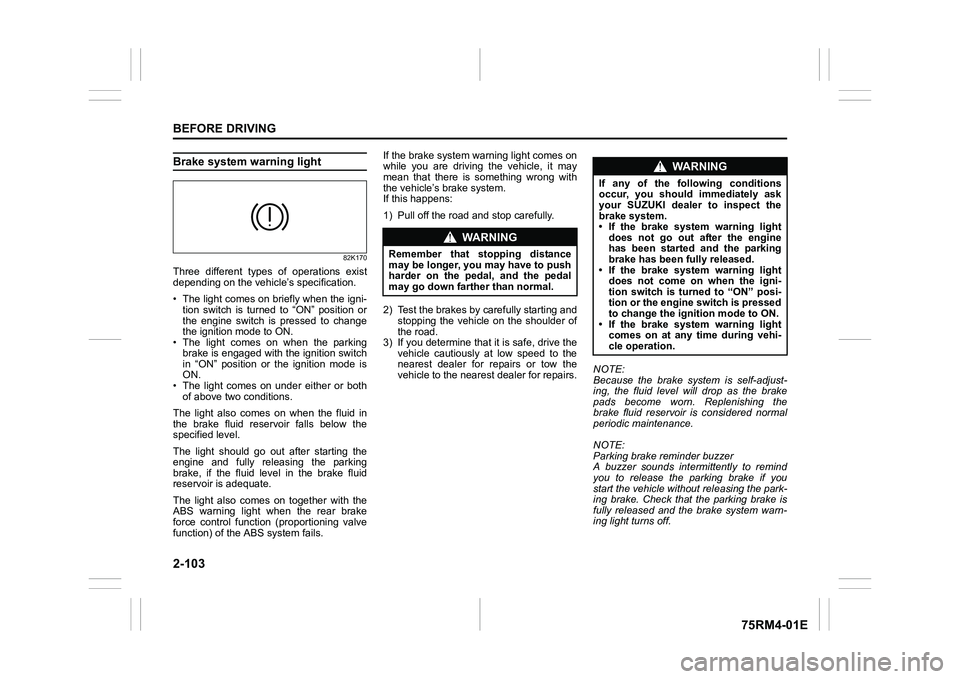
Brake system warning light
82K170
Three different types of operations exist
depending on the vehicle’s specification.
• The light comes on briefly when the igni- tion switch is turned to “ON” position or
the engine switch is pressed to change
the ignition mode to ON.
• The light comes on when the parking
brake is engaged with the ignition switch
in “ON” position or the ignition mode is
ON.
• The light comes on under either or both of above two conditions.
The light also comes on when the fluid in
the brake fluid reservoir falls below the
specified level.
The light should go out after starting the
engine and fully releasing the parking
brake, if the fluid level in the brake fluid
reservoir is adequate.
The light also comes on together with the
ABS warning light when the rear brake
force control function (proportioning valve
function) of the ABS system fails. If the brake system warning light comes on
while you are driving the vehicle, it may
mean that there is something wrong with
the vehicle’s brake system.
If this happens:
1) Pull off the road and stop carefully.
2) Test the brakes by carefully starting and
stopping the vehicle on the shoulder of
the road.
3) If you determine that it is safe, drive the
vehicle cautiously at low speed to the
nearest dealer for repairs or tow the
vehicle to the nearest dealer for repairs. NOTE:
Because the brake system is self-adjust-
ing, the fluid level will drop as the brake
pads become worn. Replenishing the
brake fluid reservoir is considered normal
periodic maintenance.
NOTE:
Parking brake reminder buzzer
A buzzer sounds intermittently to remind
you to release the parking brake if you
start the vehicle without releasing the park-
ing brake. Check that the parking brake is
fully released and the brake system warn-
ing light turns off.
WA R N I N G
Remember that stopping distance
may be longer, you may have to push
harder on the pedal, and the pedal
may go down farther than normal.
WA R N I N G
If any of the following conditions
occur, you should immediately ask
your SUZUKI dealer to inspect the
brake system.
• If the brake system warning light
does not go out after the engine
has been started and the parking
brake has been fully released.
• If the brake system warning light does not come on when the igni-
tion switch is turned to “ON” posi-
tion or the engine switch is pressed
to change the ignition mode to ON.
• If the brake system warning light comes on at any time during vehi-
cle operation.
Page 127 of 505
2-104
BEFORE DRIVING
75RM4-01E
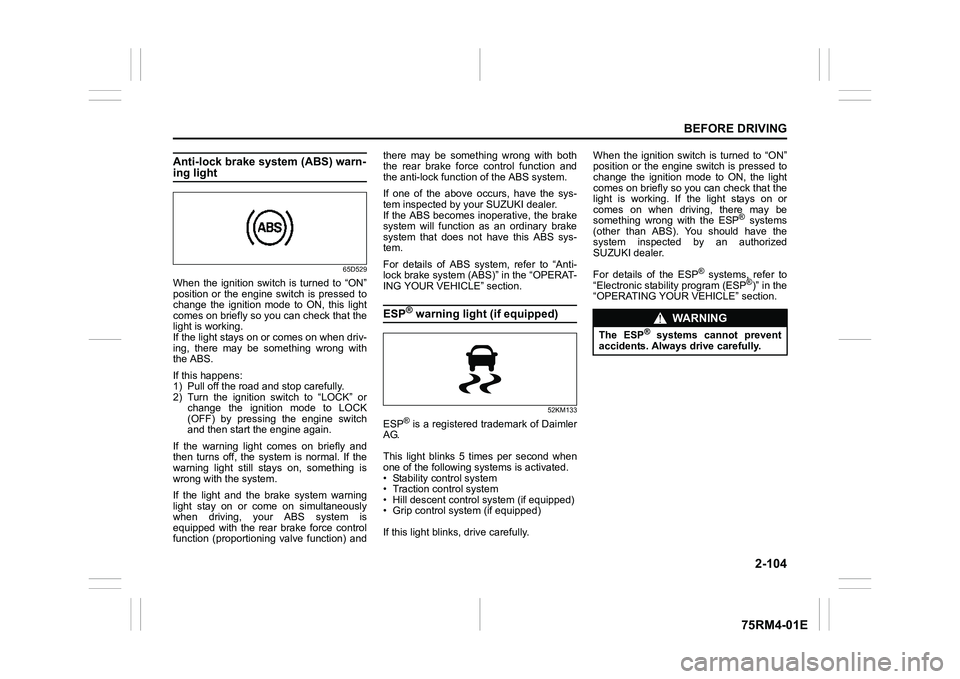
Anti-lock brake system (ABS) warn-ing light
65D529
When the ignition switch is turned to “ON”
position or the engine switch is pressed to
change the ignition mode to ON, this light
comes on briefly so you can check that the
light is working.
If the light stays on or comes on when driv-
ing, there may be something wrong with
the ABS.
If this happens:
1) Pull off the road and stop carefully.
2) Turn the ignition switch to “LOCK” orchange the ignition mode to LOCK
(OFF) by pressing the engine switch
and then start the engine again.
If the warning light comes on briefly and
then turns off, the system is normal. If the
warning light still stays on, something is
wrong with the system.
If the light and the brake system warning
light stay on or come on simultaneously
when driving, your ABS system is
equipped with the rear brake force control
function (proportioning valve function) and there may be something wrong with both
the rear brake force control function and
the anti-lock functi
on of the ABS system.
If one of the above occurs, have the sys-
tem inspected by your SUZUKI dealer.
If the ABS becomes inope rative, the brake
system will function as an ordinary brake
system that does not have this ABS sys-
tem.
For details of ABS system, refer to “Anti-
lock brake system (ABS)” in the “OPERAT-
ING YOUR VEHICLE” section.
ESP
® warning light (if equipped)
52KM133
ESP
® is a registered trademark of Daimler
AG.
This light blinks 5 times per second when
one of the following sy stems is activated.
• Stability control system
• Traction control system
• Hill descent control system (if equipped)
• Grip control system (if equipped)
If this light blinks, drive carefully. When the ignition switch is turned to “ON”
position or the engine switch is pressed to
change the ignition mode to ON, the light
comes on briefly so you can check that the
light is working. If the light stays on or
comes on when driving, there may be
something wrong with the ESP
® systems
(other than ABS). You should have the
system inspected by an authorized
SUZUKI dealer.
For details of the ESP
® systems, refer to
“Electronic stability program (ESP
®)” in the
“OPERATING YOUR VEHICLE” section.
WA R N I N G
The ESP
® systems cannot prevent
accidents. Always drive carefully.
Page 131 of 505
2-108
BEFORE DRIVING
75RM4-01E
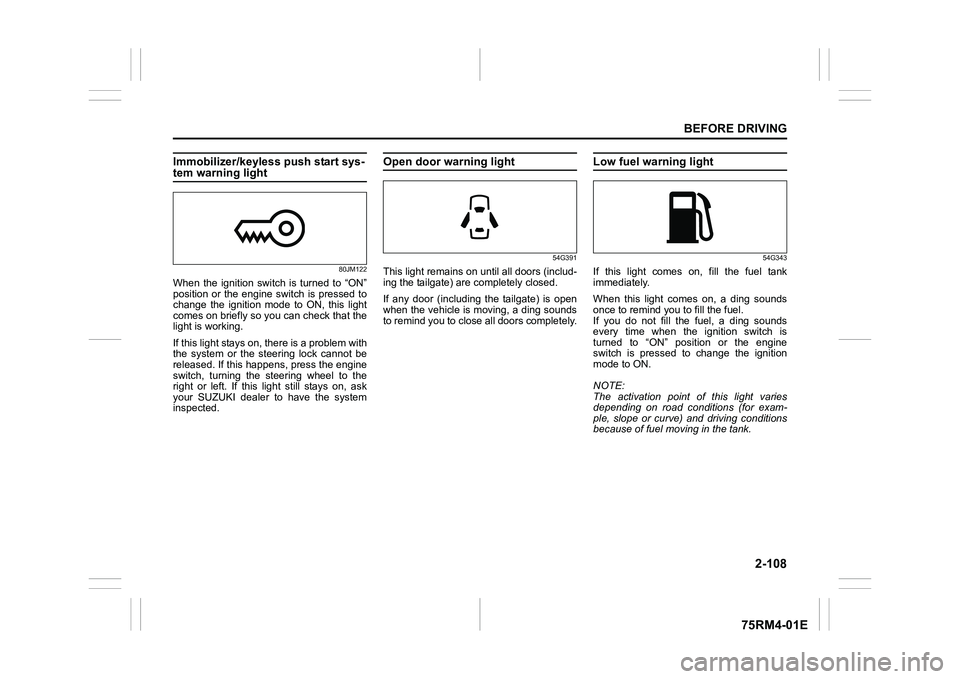
Immobilizer/keyless push start sys-tem warning light
80JM122
When the ignition switch is turned to “ON”
position or the engine switch is pressed to
change the ignition mode to ON, this light
comes on briefly so you can check that the
light is working.
If this light stays on, there is a problem with
the system or the steering lock cannot be
released. If this happens, press the engine
switch, turning the steering wheel to the
right or left. If this light still stays on, ask
your SUZUKI dealer to have the system
inspected.
Open door warning light
54G391
This light remains on until all doors (includ-
ing the tailgate) are completely closed.
If any door (including the tailgate) is open
when the vehicle is moving, a ding sounds
to remind you to close all doors completely.
Low fuel warning light
54G343
If this light comes on, fill the fuel tank
immediately.
When this light comes on, a ding sounds
once to remind you to fill the fuel.
If you do not fill the fuel, a ding sounds
every time when the ignition switch is
turned to “ON” position or the engine
switch is pressed to change the ignition
mode to ON.
NOTE:
The activation point of this light varies
depending on road conditions (for exam-
ple, slope or curve) and driving conditions
because of fuel moving in the tank.
Page 136 of 505
2-113BEFORE DRIVING
75RM4-01E
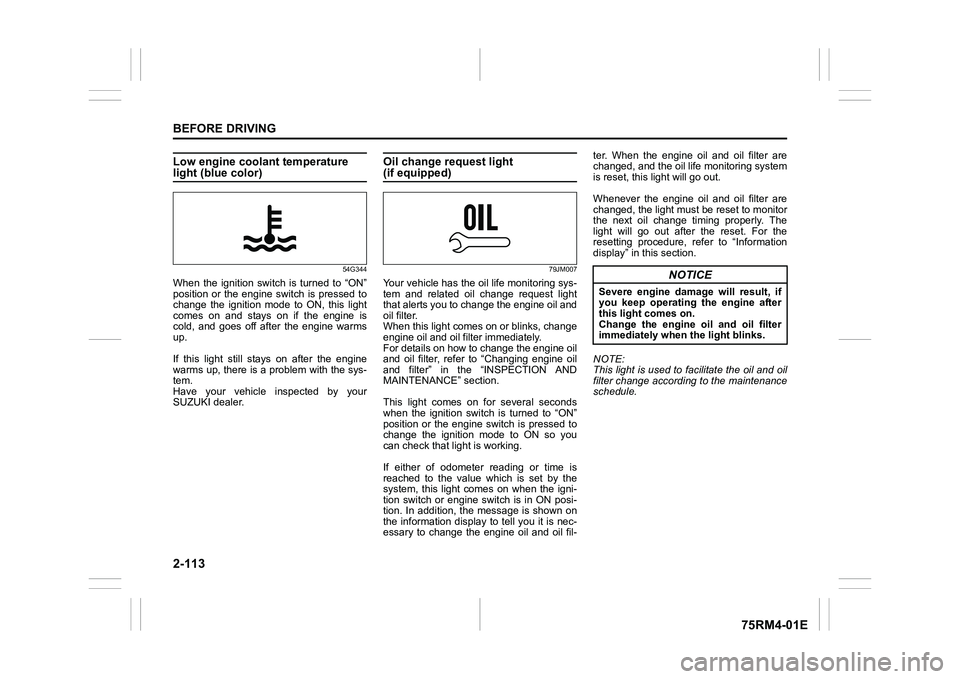
Low engine coolant temperature light (blue color)
54G344
When the ignition switch is turned to “ON”
position or the engine switch is pressed to
change the ignition mode to ON, this light
comes on and stays on if the engine is
cold, and goes off after the engine warms
up.
If this light still stays on after the engine
warms up, there is a problem with the sys-
tem.
Have your vehicle inspected by your
SUZUKI dealer.
Oil change request light(if equipped)
79JM007
Your vehicle has the oil life monitoring sys-
tem and related oil change request light
that alerts you to change the engine oil and
oil filter.
When this light comes on or blinks, change
engine oil and oil filter immediately.
For details on how to change the engine oil
and oil filter, refer to “Changing engine oil
and filter” in the “INSPECTION AND
MAINTENANCE” section.
This light comes on for several seconds
when the ignition switch is turned to “ON”
position or the engine switch is pressed to
change the ignition mode to ON so you
can check that light is working.
If either of odometer reading or time is
reached to the value which is set by the
system, this light comes on when the igni-
tion switch or engine switch is in ON posi-
tion. In addition, the message is shown on
the information display to tell you it is nec-
essary to change the engine oil and oil fil-ter. When the engine oil and oil filter are
changed, and the oil life monitoring system
is reset, this light will go out.
Whenever the engine oil and oil filter are
changed, the light must be reset to monitor
the next oil change timing properly. The
light will go out after the reset. For the
resetting procedure, r
efer to “Information
display” in this section.
NOTE:
This light is used to facilitate the oil and oil
filter change according to the maintenance
schedule.
NOTICE
Severe engine damage will result, if
you keep operating the engine after
this light comes on.
Change the engine oil and oil filter
immediately when the light blinks.
Page 137 of 505
2-114
BEFORE DRIVING
75RM4-01E
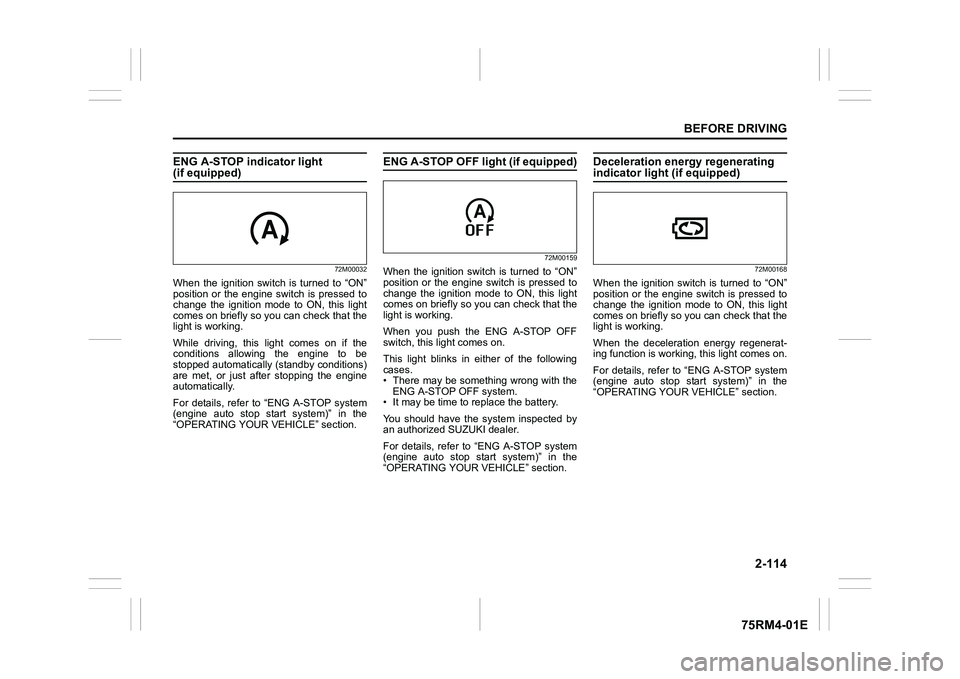
ENG A-STOP indicator light (if equipped)
72M00032
When the ignition switch is turned to “ON”
position or the engine switch is pressed to
change the ignition mode to ON, this light
comes on briefly so you can check that the
light is working.
While driving, this light comes on if the
conditions allowing the engine to be
stopped automatically (standby conditions)
are met, or just after stopping the engine
automatically.
For details, refer to “ENG A-STOP system
(engine auto stop start system)” in the
“OPERATING YOUR VEHICLE” section.
ENG A-STOP OFF light (if equipped)
72M00159
When the ignition switch is turned to “ON”
position or the engine switch is pressed to
change the ignition mode to ON, this light
comes on briefly so you can check that the
light is working.
When you push the ENG A-STOP OFF
switch, this light comes on.
This light blinks in either of the following
cases.
• There may be something wrong with theENG A-STOP OFF system.
• It may be time to replace the battery.
You should have the system inspected by
an authorized SUZUKI dealer.
For details, refer to “ENG A-STOP system
(engine auto stop start system)” in the
“OPERATING YOUR VEHICLE” section.
Deceleration energy regenerating indicator light (if equipped)
72M00168
When the ignition switch is turned to “ON”
position or the engine switch is pressed to
change the ignition mode to ON, this light
comes on briefly so you can check that the
light is working.
When the deceleration energy regenerat-
ing function is worki ng, this light comes on.
For details, refer to “ENG A-STOP system
(engine auto stop start system)” in the
“OPERATING YOUR VEHICLE” section.
Page 141 of 505
2-118
BEFORE DRIVING
75RM4-01E
Light reminder buzzerThe interior buzzer continuously beeps if
you open the driver’s door without turning
off the headlights and position lights. This
function is triggered under the following
condition:
The headlights and/or position lights are
on even after the ignition switch is turned
off, or the engine switch is pressed to
change the ignition mode to LOCK (OFF).
The buzzer stops sounding when you turn
off the headlights and position lights.
NOTE:
A message is indicated on the information
display in the instrument cluster with
tachometer while the buzzer is sounding.Daytime running light (D.R.L.) sys-tem (if equipped)When the engine is started, this system
turns on the daytime running lights.
Conditions for D.R.L. system operation
1) The engine is running.
2) Headlights and front fog light (if equipped) are off.
NOTE:
Brightness of the daytime running lights is
different from the bri ghtness of the position
lights, but it is not a malfunction.
Guide me light (if equipped)To home function
This function turns on the front position
lights and the headlights in the low beam
setting for about 10 seconds after the igni-
tion switch is turned to “LOCK” position or
the engine switch is pressed to change the
ignition mode to LOCK (OFF).
To set the function:
1) Turn the lighting switch to “AUTO” posi- tion
2) Turn the ignition switch to “LOCK” posi- tion or press the engine switch to
change the ignition mode to LOCK
(OFF).
3) Pull the lighting control lever toward you once and open the driver’s side
door within 60 seconds. Or pull the
lighting control lever toward you once
while the driver’s side door is open.
To cancel the function:
Perform any of the following operations.
• Pull the lighting control lever toward you once.
• Insert the key into the ignition switch or
change the ignition mode to ACC or ON
by pressing the engine switch.
• Turn the lighting switch to any other
position than “AUTO” position. NOTE:
• When the “To home” is functioning, the
front fog lights, rear fog lights and the
headlights (high beam) are not turned
on.
• Lighting time of the “To home” function
can be changed on the information dis-
play. Refer to “Information display” in this
section.
To car function
If UNLOCK button of the keyless push start
system remote controller or the keyless
entry system transmitter is pressed while
the lighting switch is positioned in “AUTO”,
the front position lights and the headlights
in the low beam are turned on for 10 sec-
onds.
This function will operate only when it is
dark outside the vehicle.
To cancel the function:
Perform any of the following operations.
• Lock the doors by using the keyless push start system rem ote controller, the
request switch or the keyless entry sys-
tem transmitter, or insert the key into the
driver’s door lock.
• Insert the key into the ignition switch or
change the ignition mode to ACC or ON
by pressing the engine switch.
• Turn the lighting switch to any other
position than “AUTO” position.
Page 142 of 505
2-119BEFORE DRIVING
75RM4-01E
NOTE:
• When the “To car” is functioning, thefront fog lights, rear fog lights and the
headlights (high beam) are not turned
on.
• Lighting time of the “To car” function can
be changed on the information display.
Refer to “Information display” in this sec-
tion.
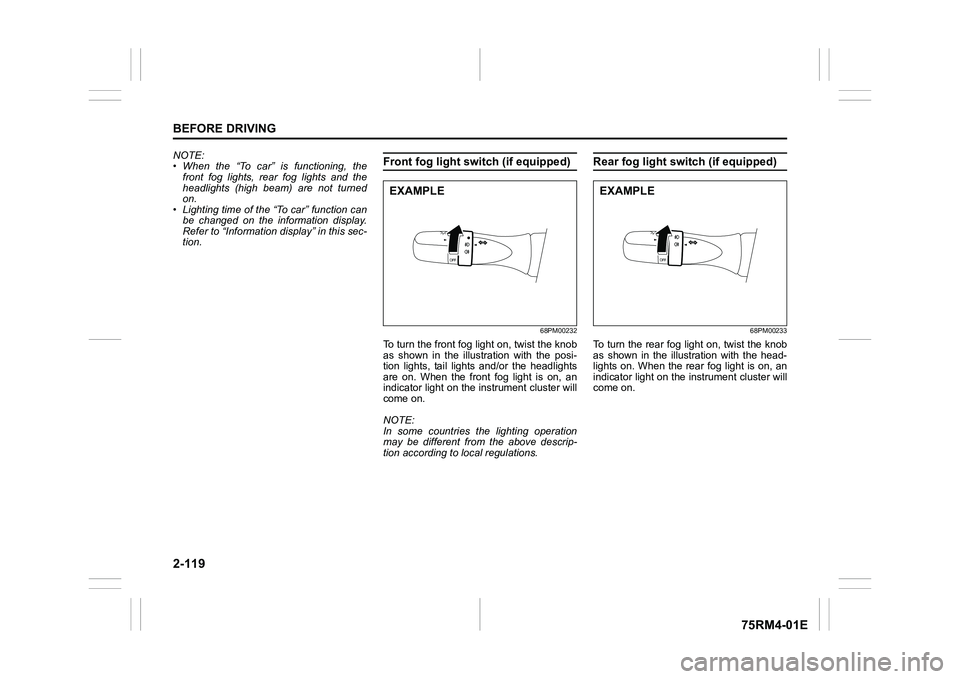
Front fog light swi tch (if equipped)
68PM00232
To turn the front fog light on, twist the knob
as shown in the illustration with the posi-
tion lights, tail lights and/or the headlights
are on. When the front fog light is on, an
indicator light on the in strument cluster will
come on.
NOTE:
In some countries the lighting operation
may be different from the above descrip-
tion according to local regulations.
Rear fog light switch (if equipped)
68PM00233
To turn the rear fog light on, twist the knob
as shown in the illustration with the head-
lights on. When the rear fog light is on, an
indicator light on the in strument cluster will
come on.
EXAMPLE
EXAMPLE
Page 147 of 505

2-124
BEFORE DRIVING
75RM4-01E
Turn signal operationWith the ignition switch in “ON” position or
the ignition mode ON, move the lever
upward or downward to activate the right
or left turn signals.
Normal turn signal
68PM00234
Move the lever all the way upward or
downward to signal. When the turn is com-
pleted, the signal will cancel and the lever
will return to its normal position.Lane change signal
68PM00235
Move the lever partway upward or down-
ward to turn right or left and hold the lever
in the moved position.
• The turn signal and its indicator flash
while the lever is held at the moved posi-
tion.
The turn signal and its indicator flash 3
times even if you return the lever immedi-
ately after moving it.
NOTE:
The turn signal and its indicator can be set
whether they flash 3 times after the turn
signal lever is returned via the information
display. Refer to “Information display” in
this section. NOTE:
You can customize the setting for the num-
ber of flashing times of the turn signal and
its indicator (1 to 4 times). Please ask an
authorized SUZUKI dealer for the customi-
zation.
EXAMPLE
EXAMPLE