reset TESLA MODEL S 2014 (North America) User Guide
[x] Cancel search | Manufacturer: TESLA, Model Year: 2014, Model line: MODEL S, Model: TESLA MODEL S 2014Pages: 159, PDF Size: 6.14 MB
Page 106 of 159
To reset TPMS sensors:
1. Inflate all tires to their recommend
pressures, as indicated on the Tire and
Loading Information label located on the
driver’s door pillar.
2. Get ready to drive for ten minutes, then,
on the Model S touchscreen, touch
Controls > Settings > Vehicle > Tire
Pressure Monitor > Reset Sensors .
3. Follow the onscreen instructions.
Replacing a Tire Sensor
If the Tire Pressure warning indicator displays
frequently, contact Tesla to determine if a tire
sensor needs to be replaced. Tire sensors
must be replaced by a Tesla service technician
who can perform a brief setup procedure. If a
non-Tesla service center repairs or replaces a
tire, the tire sensor will not work until Tesla
performs the setup procedure.
TPMS Malfunction
Model S has also been equipped with a TPMS
malfunction indicator to indicate when the
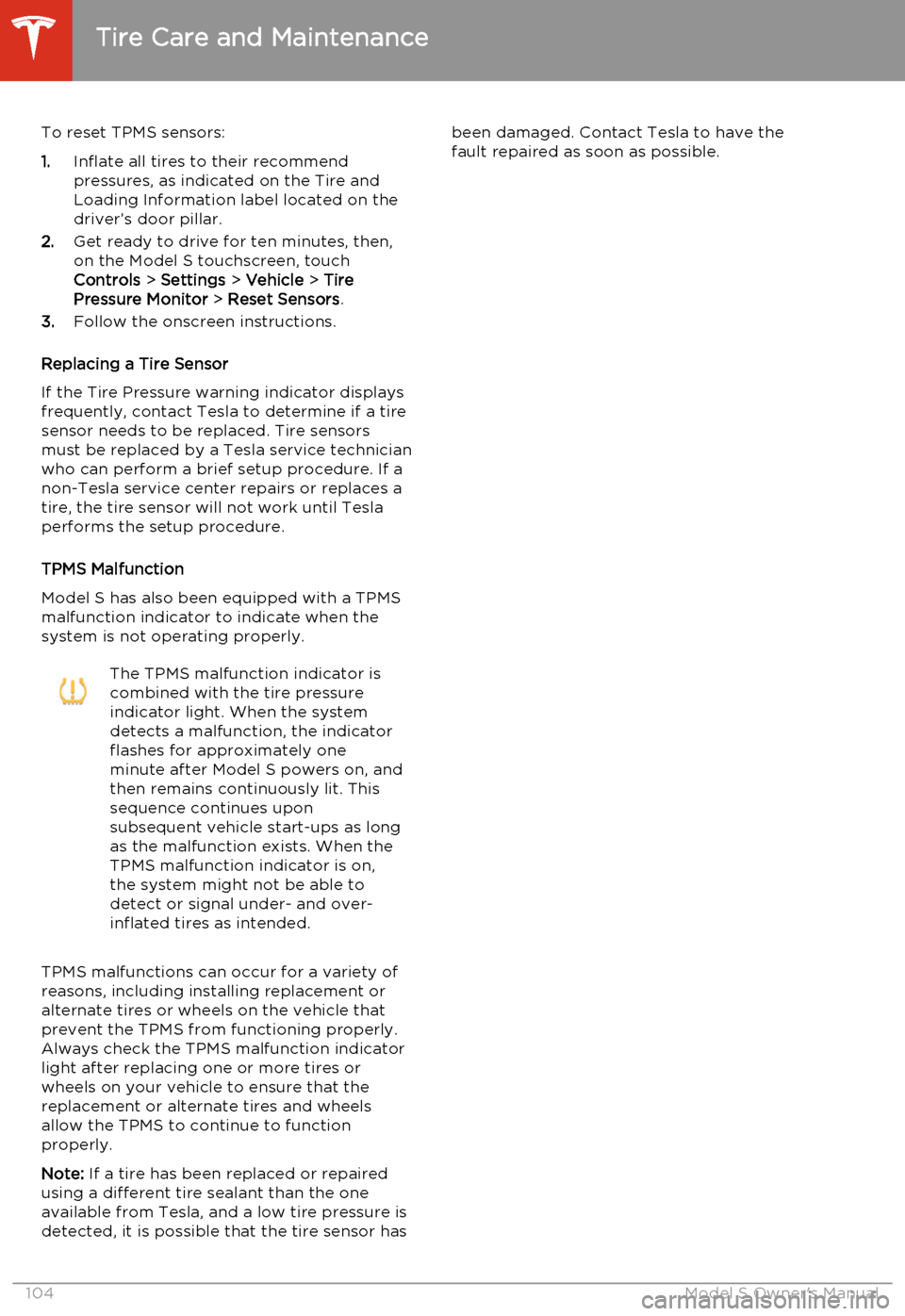
system is not operating properly.The TPMS malfunction indicator is
combined with the tire pressure
indicator light. When the system
detects a malfunction, the indicator
flashes for approximately one
minute after Model S powers on, and
then remains continuously lit. This
sequence continues upon
subsequent vehicle start-ups as long
as the malfunction exists. When the
TPMS malfunction indicator is on,
the system might not be able to
detect or signal under- and over-
inflated tires as intended.
TPMS malfunctions can occur for a variety of
reasons, including installing replacement oralternate tires or wheels on the vehicle thatprevent the TPMS from functioning properly.Always check the TPMS malfunction indicator
light after replacing one or more tires or
wheels on your vehicle to ensure that the replacement or alternate tires and wheels
allow the TPMS to continue to function
properly.
Note: If a tire has been replaced or repaired
using a different tire sealant than the one
available from Tesla, and a low tire pressure is
detected, it is possible that the tire sensor has
been damaged. Contact Tesla to have the
fault repaired as soon as possible.
Tire Care and Maintenance
104Model S Owner's Manual
Page 156 of 159
interiorcleaning 110
lights 46
overview 2
temperature control 72
Internet radio 77
intrusion detection 86
J
J1772 93
Jack mode 76
jacking Model S 124
K
keyFCC and IC certifications 149
how to use 4
key not inside 40
ordering extras 5
replacing battery 5
keyless entry
4
L
labelTire and Loading Information 127
vehicle certification 128
lane change flash 49
lane departure warning 53
LATCH child seats, installing 25
liftgateadjust opening height 10
opening 10
lifting Model S 124
lightscornering lights 48
hazard warning 49
headlights after exit 48
turn signals 49
load limits 127
location-based suspension 75
lock/unlock status 42
locking and unlocking doors 4
lumbar support 17
M
maintenancebrake fluid, checking 115
cleaning 109
daily and monthly checks 99
fluid replacement intervals 99
panel, removing 114
replacing fuses 117
replacing wiper blades 112
service intervals 99
tires 100
washer fluid, topping up 116
washer jets, cleaning 112
maps 81
mats 111
media 77
mileage upon delivery 147
mirrors 39
mobile app 91Mobile Connectordescription 93
using 95
modifications 125
motor specifications 132
N navigation 81
NCC certifications 149
Neutral gear 41
NHTSA, contacting 148
O occupancy sensor 33
odometeron instrument panel 42
resetting trip odometer 56
overhang dimensions 130
Owner Information, about 145, 146
P Park Assist 54
Park gear 41
parking brake 59
parts replacement 125
passenger detection 33
passenger front airbag 33
phone
Index
154Model S Owner's Manual