light TESLA MODEL S 2014 (North America) Repair Manual
[x] Cancel search | Manufacturer: TESLA, Model Year: 2014, Model line: MODEL S, Model: TESLA MODEL S 2014Pages: 159, PDF Size: 6.14 MB
Page 124 of 159
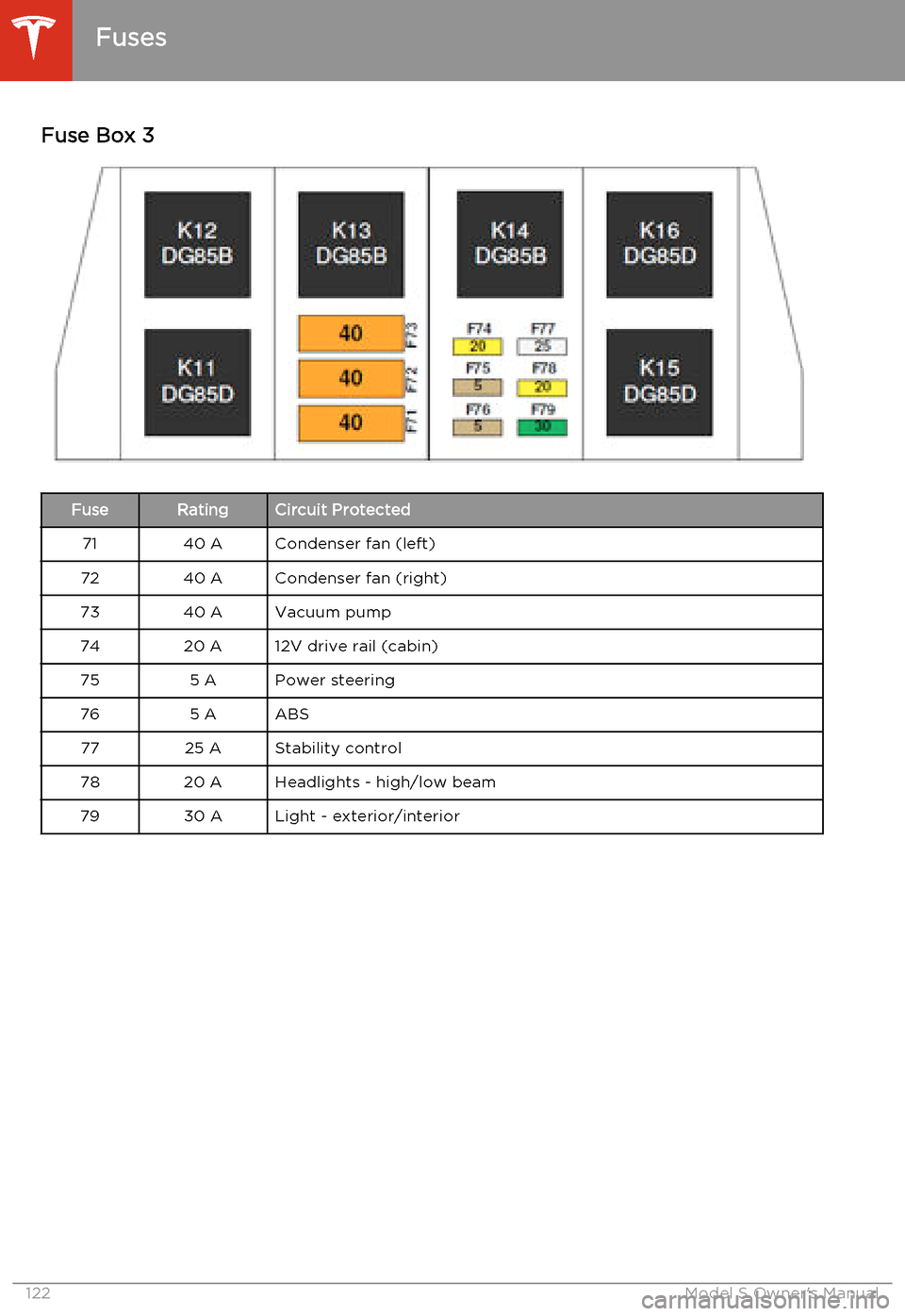
Fuse Box 3FuseRatingCircuit Protected7140 ACondenser fan (left)7240 ACondenser fan (right)7340 AVacuum pump7420 A12V drive rail (cabin)755 APower steering765 AABS7725 AStability control7820 AHeadlights - high/low beam7930 ALight - exterior/interior
Fuses
122Model S Owner's Manual
Page 126 of 159
Jacking Procedure
Follow the steps below to lift Model S. Ensure that any non-Tesla repair facility is aware of
these lifting points.
1. Position Model S centrally between the lift
posts.
2. If your Model S is equipped with Smart Air
Suspension, it automatically self-levels,even when power is off. Use thetouchscreen to set the suspension as
follows:
• Touch Controls > Driving .
• Press the brake pedal, then touch Very High to maximize the height of
the suspension.
• Touch Jack to disable self-leveling.When Jack mode is active,
Model S displays this indicator
light on the instrument panel,
along with a message telling
you that active suspension is
disabled.
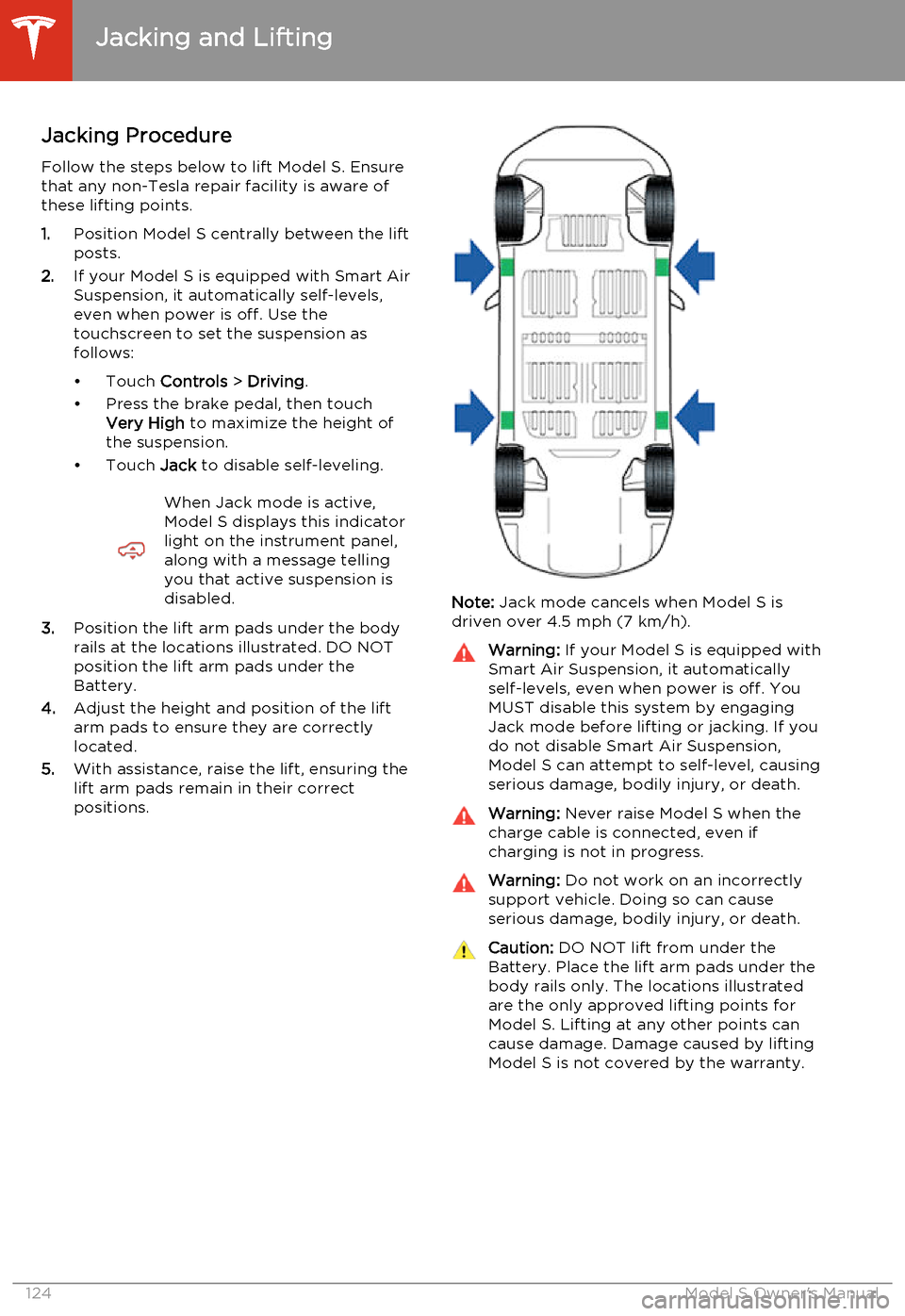
3. Position the lift arm pads under the body
rails at the locations illustrated. DO NOT
position the lift arm pads under the
Battery.
4. Adjust the height and position of the lift
arm pads to ensure they are correctly
located.
5. With assistance, raise the lift, ensuring the
lift arm pads remain in their correct
positions.
Note: Jack mode cancels when Model S is
driven over 4.5 mph (7 km/h).
Warning: If your Model S is equipped with
Smart Air Suspension, it automatically
self-levels, even when power is off. You
MUST disable this system by engaging
Jack mode before lifting or jacking. If you do not disable Smart Air Suspension,
Model S can attempt to self-level, causing serious damage, bodily injury, or death.Warning: Never raise Model S when the
charge cable is connected, even if
charging is not in progress.Warning: Do not work on an incorrectly
support vehicle. Doing so can cause
serious damage, bodily injury, or death.Caution: DO NOT lift from under the
Battery. Place the lift arm pads under the body rails only. The locations illustratedare the only approved lifting points forModel S. Lifting at any other points can
cause damage. Damage caused by lifting Model S is not covered by the warranty.
Jacking and Lifting
124Model S Owner's Manual
Page 144 of 159
Use a Flatbed Only
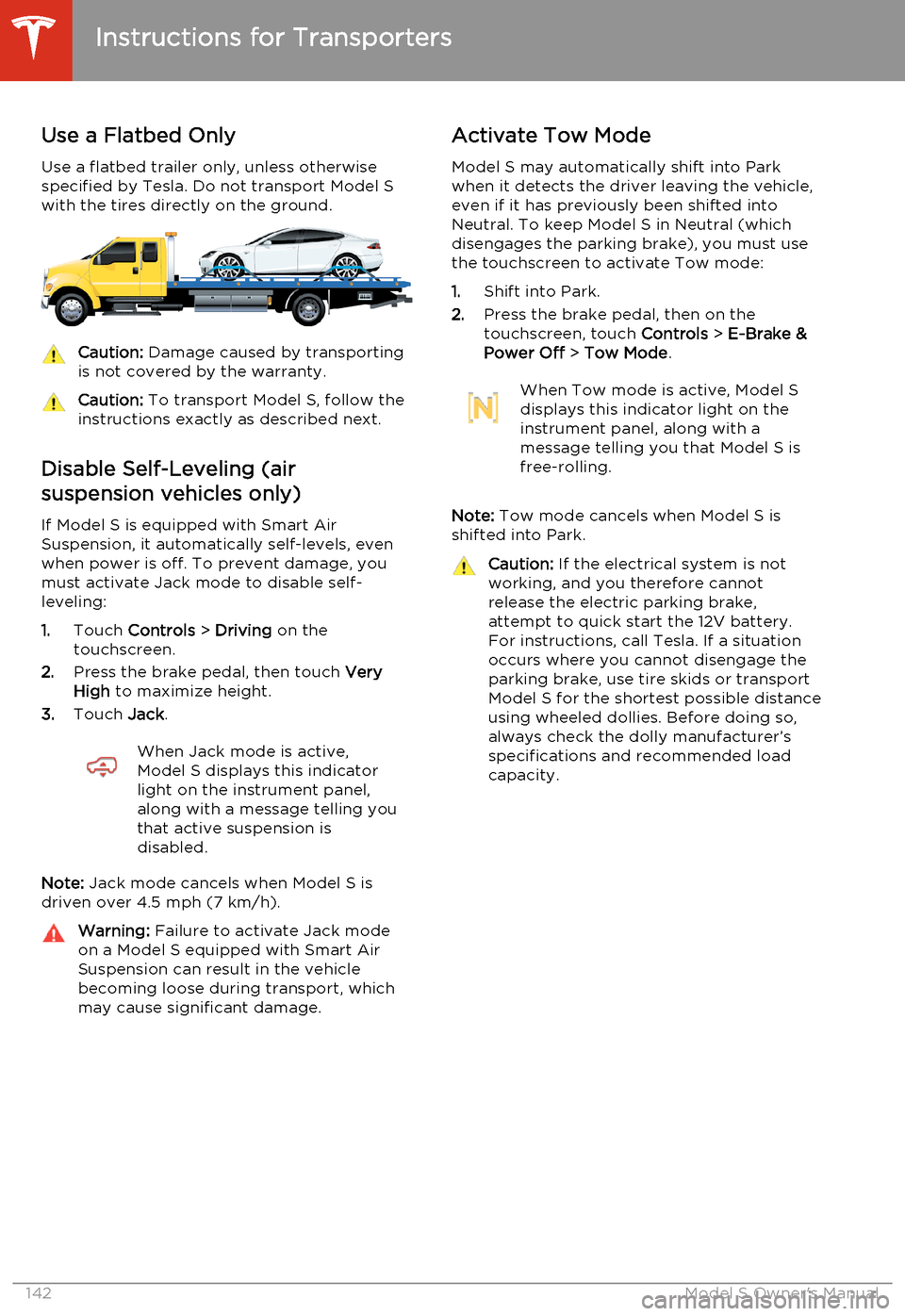
Use a flatbed trailer only, unless otherwise
specified by Tesla. Do not transport Model S with the tires directly on the ground.Caution: Damage caused by transporting
is not covered by the warranty.Caution: To transport Model S, follow the
instructions exactly as described next.
Disable Self-Leveling (air
suspension vehicles only)
If Model S is equipped with Smart Air
Suspension, it automatically self-levels, even when power is off. To prevent damage, you
must activate Jack mode to disable self- leveling:
1. Touch Controls > Driving on the
touchscreen.
2. Press the brake pedal, then touch Very
High to maximize height.
3. Touch Jack.
When Jack mode is active,
Model S displays this indicator
light on the instrument panel,
along with a message telling you
that active suspension is
disabled.
Note: Jack mode cancels when Model S is
driven over 4.5 mph (7 km/h).
Warning: Failure to activate Jack mode
on a Model S equipped with Smart Air
Suspension can result in the vehicle becoming loose during transport, which
may cause significant damage.Activate Tow Mode
Model S may automatically shift into Park
when it detects the driver leaving the vehicle, even if it has previously been shifted into
Neutral. To keep Model S in Neutral (which disengages the parking brake), you must use
the touchscreen to activate Tow mode:
1. Shift into Park.
2. Press the brake pedal, then on the
touchscreen, touch Controls > E-Brake &
Power Off > Tow Mode .When Tow mode is active, Model S
displays this indicator light on the
instrument panel, along with a
message telling you that Model S is
free-rolling.
Note: Tow mode cancels when Model S is
shifted into Park.
Caution: If the electrical system is not
working, and you therefore cannot
release the electric parking brake,
attempt to quick start the 12V battery.
For instructions, call Tesla. If a situation
occurs where you cannot disengage the
parking brake, use tire skids or transport
Model S for the shortest possible distance
using wheeled dollies. Before doing so,
always check the dolly manufacturer’s specifications and recommended load
capacity.
Instructions for Transporters
142Model S Owner's Manual
Page 147 of 159
Illustrations
Illustrations are provided for demonstration
purposes only. Depending on vehicle options,
software version, region of purchase, and
specific vehicle settings, your Model S may
appear slightly different.
Although the owner information is applicable
to both right-hand drive and and left-hand
drive vehicles, many illustrations show only
left-hand drive vehicles. However, the
essential information that the illustrations are
providing is correct.
Errors or Inaccuracies
All specifications and descriptions are known
to be accurate at time of publishing. However, because continuous improvement is a goal atTesla, we reserve the right to make product
modifications at any time. To communicate any inaccuracies or omissions, or to provide
general feedback or suggestions regarding
the quality of this owner information, send an
email to:
[email protected]
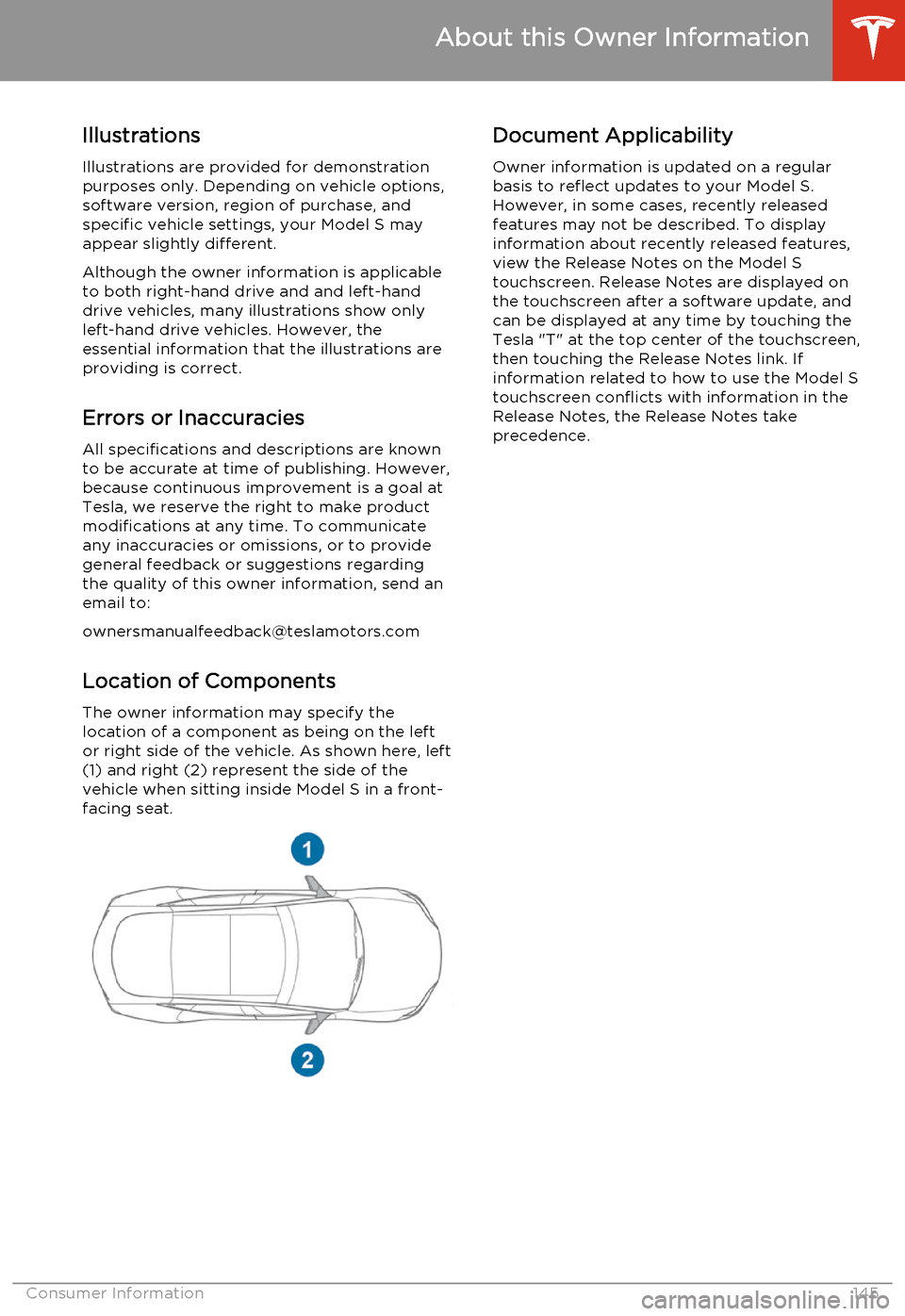
Location of ComponentsThe owner information may specify the
location of a component as being on the left
or right side of the vehicle. As shown here, left
(1) and right (2) represent the side of the vehicle when sitting inside Model S in a front-
facing seat.Document Applicability
Owner information is updated on a regular
basis to reflect updates to your Model S. However, in some cases, recently releasedfeatures may not be described. To displayinformation about recently released features,
view the Release Notes on the Model S
touchscreen. Release Notes are displayed on
the touchscreen after a software update, and
can be displayed at any time by touching the
Tesla "T" at the top center of the touchscreen,
then touching the Release Notes link. If information related to how to use the Model S
touchscreen conflicts with information in the
Release Notes, the Release Notes take
precedence.
About this Owner Information
Consumer Information145
Page 154 of 159
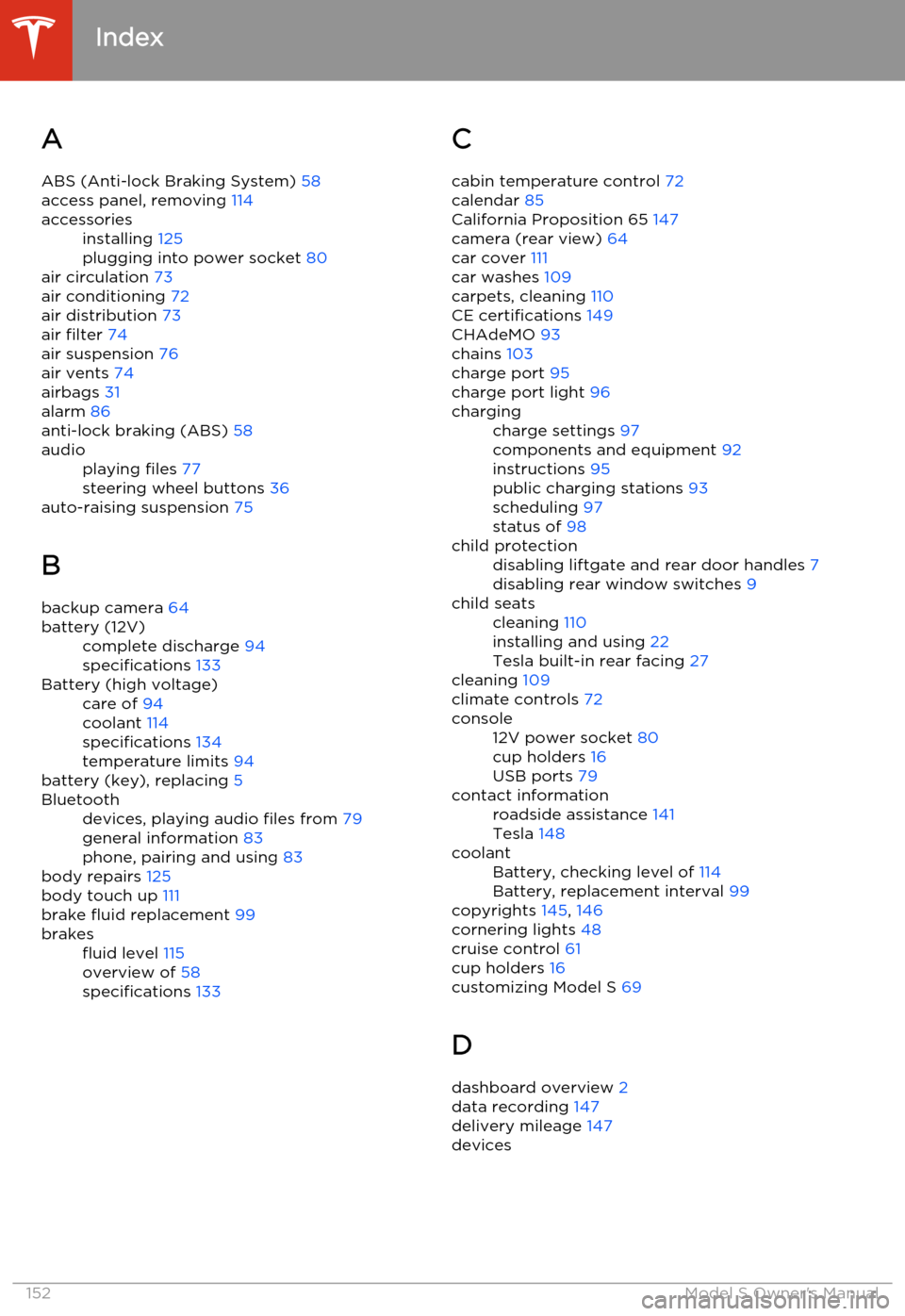
AABS (Anti-lock Braking System) 58
access panel, removing 114accessoriesinstalling 125
plugging into power socket 80
air circulation 73
air conditioning 72
air distribution 73
air filter 74
air suspension 76
air vents 74
airbags 31
alarm 86
anti-lock braking (ABS) 58
audioplaying files 77
steering wheel buttons 36
auto-raising suspension 75
B backup camera 64
battery (12V)complete discharge 94
specifications 133Battery (high voltage)care of 94
coolant 114
specifications 134
temperature limits 94
battery (key), replacing 5
Bluetoothdevices, playing audio files from 79
general information 83
phone, pairing and using 83
body repairs 125
body touch up 111
brake fluid replacement 99
brakesfluid level 115
overview of 58
specifications 133C
cabin temperature control 72
calendar 85
California Proposition 65 147
camera (rear view) 64
car cover 111
car washes 109
carpets, cleaning 110
CE certifications 149
CHAdeMO 93
chains 103
charge port 95
charge port light 96chargingcharge settings 97
components and equipment 92
instructions 95
public charging stations 93
scheduling 97
status of 98child protectiondisabling liftgate and rear door handles 7
disabling rear window switches 9child seatscleaning 110
installing and using 22
Tesla built-in rear facing 27
cleaning 109
climate controls 72
console12V power socket 80
cup holders 16
USB ports 79contact informationroadside assistance 141
Tesla 148coolantBattery, checking level of 114
Battery, replacement interval 99
copyrights 145, 146
cornering lights 48
cruise control 61
cup holders 16
customizing Model S 69
D
dashboard overview 2
data recording 147
delivery mileage 147
devices
Index
152Model S Owner's Manual
Page 155 of 159
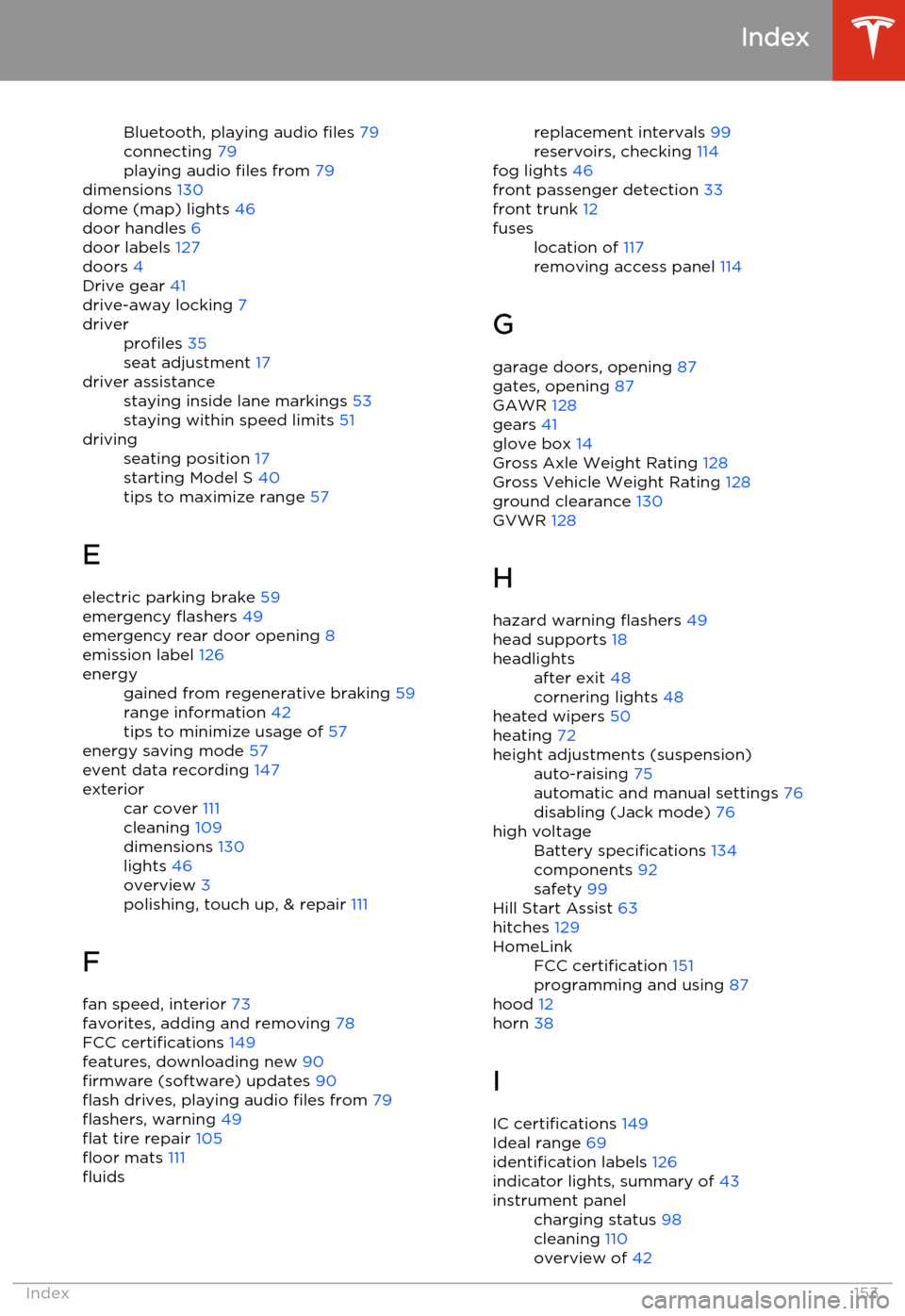
Bluetooth, playing audio files 79
connecting 79
playing audio files from 79
dimensions 130
dome (map) lights 46
door handles 6
door labels 127
doors 4
Drive gear 41
drive-away locking 7driverprofiles 35
seat adjustment 17driver assistancestaying inside lane markings 53
staying within speed limits 51drivingseating position 17
starting Model S 40
tips to maximize range 57
E
electric parking brake 59
emergency flashers 49
emergency rear door opening 8
emission label 126
energygained from regenerative braking 59
range information 42
tips to minimize usage of 57
energy saving mode 57
event data recording 147
exteriorcar cover 111
cleaning 109
dimensions 130
lights 46
overview 3
polishing, touch up, & repair 111
F
fan speed, interior 73
favorites, adding and removing 78
FCC certifications 149
features, downloading new 90
firmware (software) updates 90
flash drives, playing audio files from 79
flashers, warning 49
flat tire repair 105
floor mats 111
fluidsreplacement intervals 99
reservoirs, checking 114
fog lights 46
front passenger detection 33
front trunk 12fuseslocation of 117
removing access panel 114
G
garage doors, opening 87
gates, opening 87
GAWR 128
gears 41
glove box 14
Gross Axle Weight Rating 128
Gross Vehicle Weight Rating 128
ground clearance 130
GVWR 128
H
hazard warning flashers 49
head supports 18
headlightsafter exit 48
cornering lights 48
heated wipers 50
heating 72
height adjustments (suspension)auto-raising 75
automatic and manual settings 76
disabling (Jack mode) 76high voltageBattery specifications 134
components 92
safety 99
Hill Start Assist 63
hitches 129
HomeLinkFCC certification 151
programming and using 87
hood 12
horn 38
I
IC certifications 149
Ideal range 69
identification labels 126
indicator lights, summary of 43
instrument panelcharging status 98
cleaning 110
overview of 42
Index
Index153
Page 156 of 159
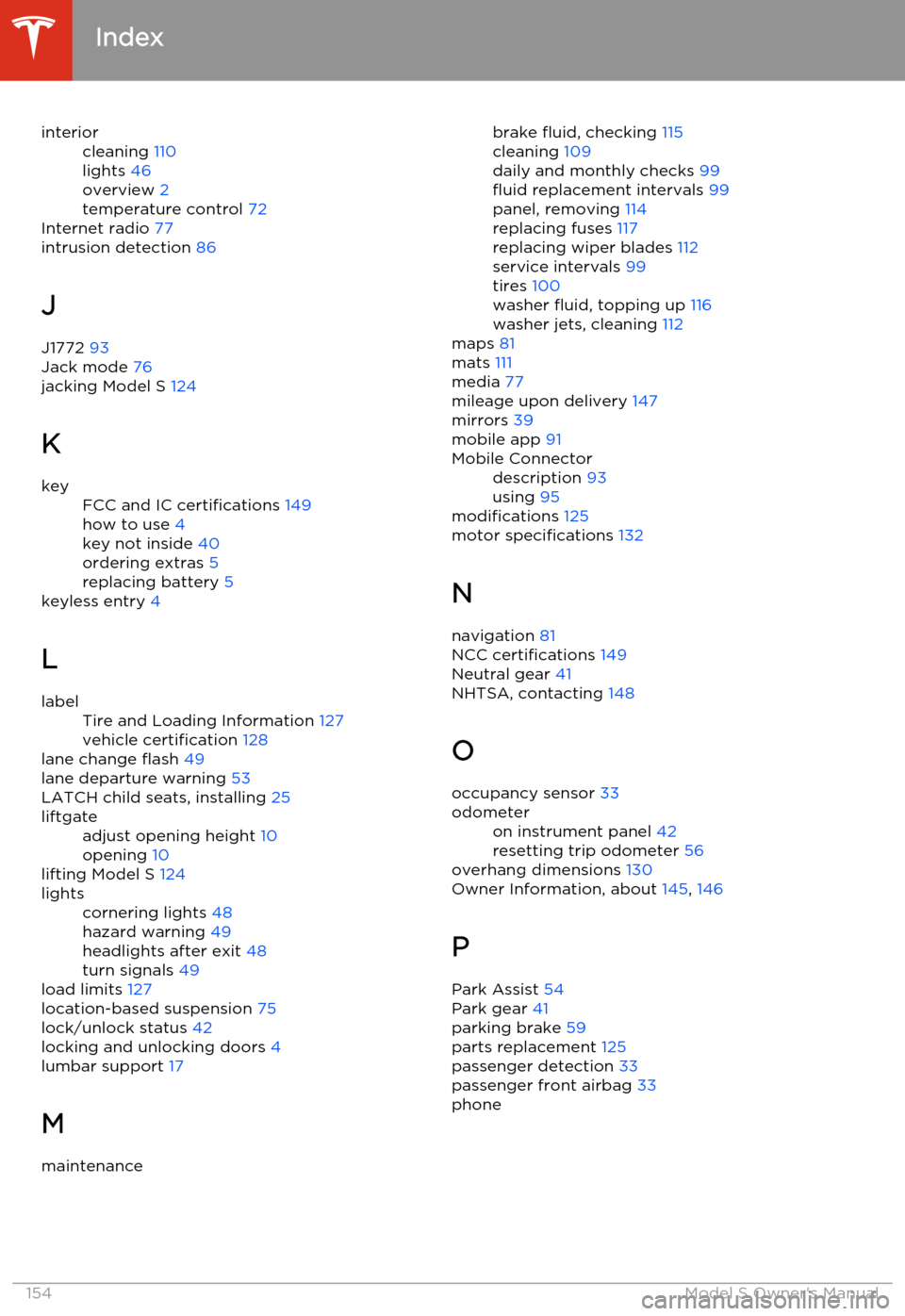
interiorcleaning 110
lights 46
overview 2
temperature control 72
Internet radio 77
intrusion detection 86
J
J1772 93
Jack mode 76
jacking Model S 124
K
keyFCC and IC certifications 149
how to use 4
key not inside 40
ordering extras 5
replacing battery 5
keyless entry
4
L
labelTire and Loading Information 127
vehicle certification 128
lane change flash 49
lane departure warning 53
LATCH child seats, installing 25
liftgateadjust opening height 10
opening 10
lifting Model S 124
lightscornering lights 48
hazard warning 49
headlights after exit 48
turn signals 49
load limits 127
location-based suspension 75
lock/unlock status 42
locking and unlocking doors 4
lumbar support 17
M
maintenancebrake fluid, checking 115
cleaning 109
daily and monthly checks 99
fluid replacement intervals 99
panel, removing 114
replacing fuses 117
replacing wiper blades 112
service intervals 99
tires 100
washer fluid, topping up 116
washer jets, cleaning 112
maps 81
mats 111
media 77
mileage upon delivery 147
mirrors 39
mobile app 91Mobile Connectordescription 93
using 95
modifications 125
motor specifications 132
N navigation 81
NCC certifications 149
Neutral gear 41
NHTSA, contacting 148
O occupancy sensor 33
odometeron instrument panel 42
resetting trip odometer 56
overhang dimensions 130
Owner Information, about 145, 146
P Park Assist 54
Park gear 41
parking brake 59
parts replacement 125
passenger detection 33
passenger front airbag 33
phone
Index
154Model S Owner's Manual
Page 158 of 159
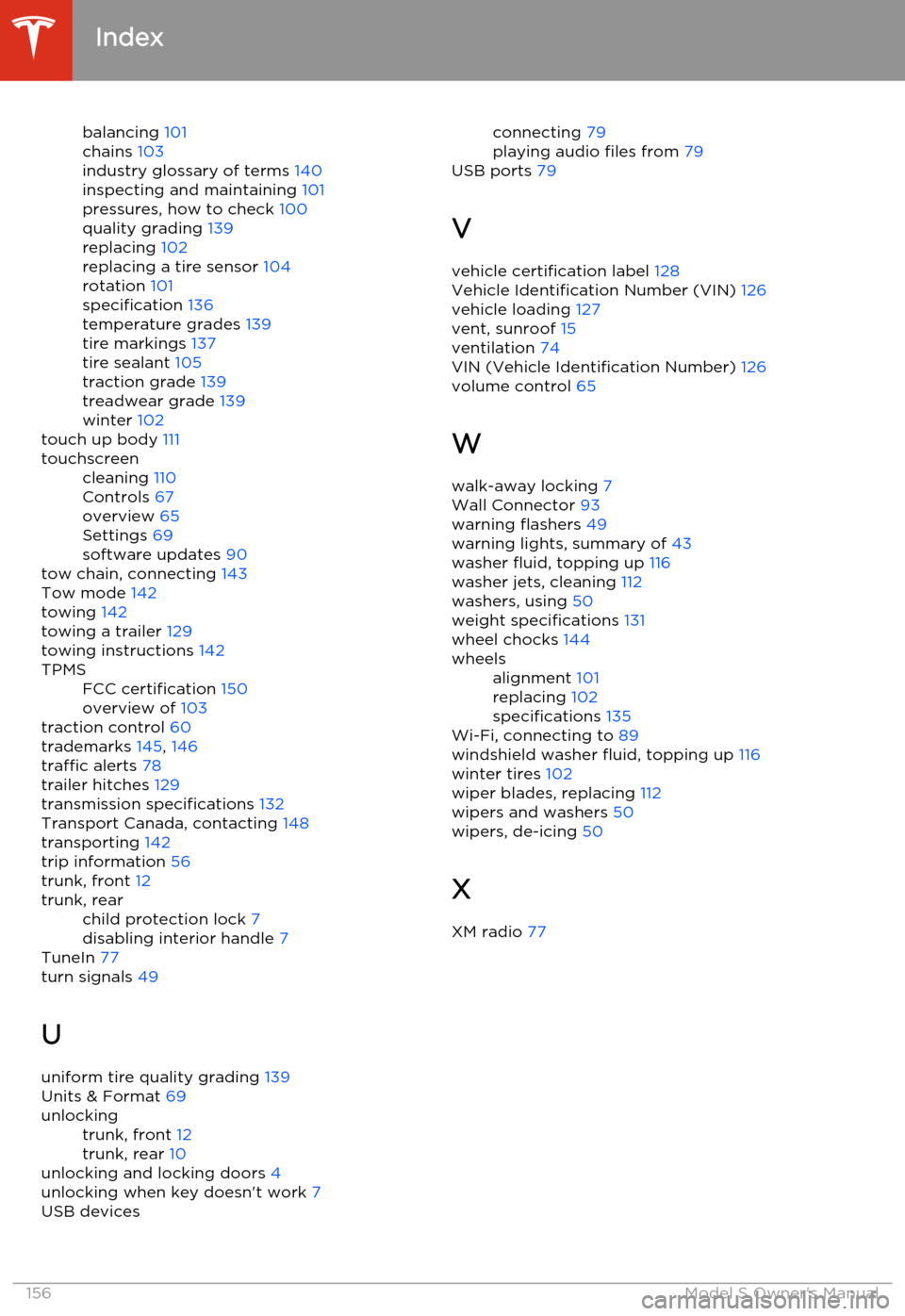
balancing 101
chains 103
industry glossary of terms 140
inspecting and maintaining 101
pressures, how to check 100
quality grading 139
replacing 102
replacing a tire sensor 104
rotation 101
specification 136
temperature grades 139
tire markings 137
tire sealant 105
traction grade 139
treadwear grade 139
winter 102
touch up body 111touchscreencleaning 110
Controls 67
overview 65
Settings 69
software updates 90
tow chain, connecting
143
Tow mode 142
towing 142
towing a trailer 129
towing instructions 142
TPMSFCC certification 150
overview of 103
traction control 60
trademarks 145, 146
traffic alerts 78
trailer hitches 129
transmission specifications 132
Transport Canada, contacting 148
transporting 142
trip information 56
trunk, front 12
trunk, rearchild protection lock 7
disabling interior handle 7
TuneIn 77
turn signals 49
U uniform tire quality grading 139
Units & Format 69
unlockingtrunk, front 12
trunk, rear 10
unlocking and locking doors 4
unlocking when key doesn't work 7
USB devicesconnecting 79
playing audio files from 79
USB ports 79
V
vehicle certification label 128
Vehicle Identification Number (VIN) 126
vehicle loading 127
vent, sunroof 15
ventilation 74
VIN (Vehicle Identification Number) 126
volume control 65
W walk-away locking 7
Wall Connector 93
warning flashers 49
warning lights, summary of 43
washer fluid, topping up 116
washer jets, cleaning 112
washers, using 50
weight specifications 131
wheel chocks 144wheelsalignment 101
replacing 102
specifications 135
Wi-Fi, connecting to 89
windshield washer fluid, topping up 116
winter tires 102
wiper blades, replacing 112
wipers and washers 50
wipers, de-icing 50
X
XM radio 77
Index
156Model S Owner's Manual