phone TESLA MODEL S 2023 User Guide
[x] Cancel search | Manufacturer: TESLA, Model Year: 2023, Model line: MODEL S, Model: TESLA MODEL S 2023Pages: 276, PDF Size: 7.88 MB
Page 46 of 276
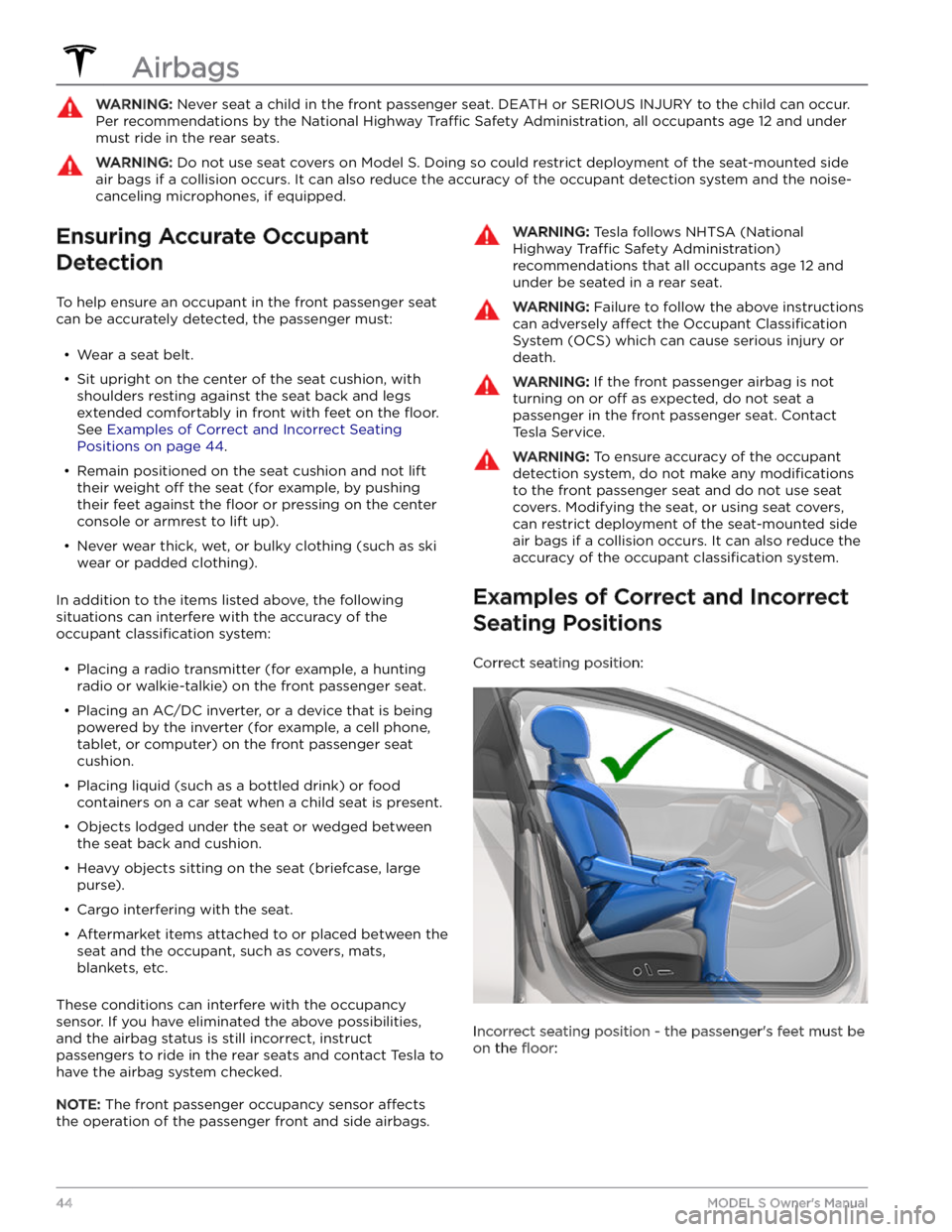
WARNING: Never seat a child in the front passenger seat. DEATH or SERIOUS INJURY to the child can occur.
Per recommendations by the National Highway Traffic Safety Administration, all occupants age 12 and under
must ride in the rear seats.
WARNING: Do not use seat covers on Model S. Doing so could restrict deployment of the seat-mounted side
air bags if a collision occurs. It can also reduce the accuracy of the occupant detection system and the noise-
canceling microphones, if equipped.
Ensuring Accurate Occupant
Detection
To help ensure an occupant in the front passenger seat can be accurately detected, the passenger must:
Page 48 of 276

WARNING: Front seat occupants should not place
their arms over the airbag module, as an inflating
airbag can cause fractures or other injuries.
WARNING: Do not use seat covers on Model S.
Doing so could restrict deployment of the seat-
mounted side air bags if a collision occurs. It can
also reduce the accuracy of the occupant
detection system and the noise-canceling
microphones, if equipped.
WARNING: Airbags inflate with considerable
speed and force, which can cause injury. To limit
injuries, ensure that occupants are wearing seat
belts and are correctly seated, with the seat
positioned as far back as possible. The National
Highway Traffic Safety Administration (NHTSA)
recommends a minimum distance of 10" (25 cm)
between an occupant
Page 107 of 276
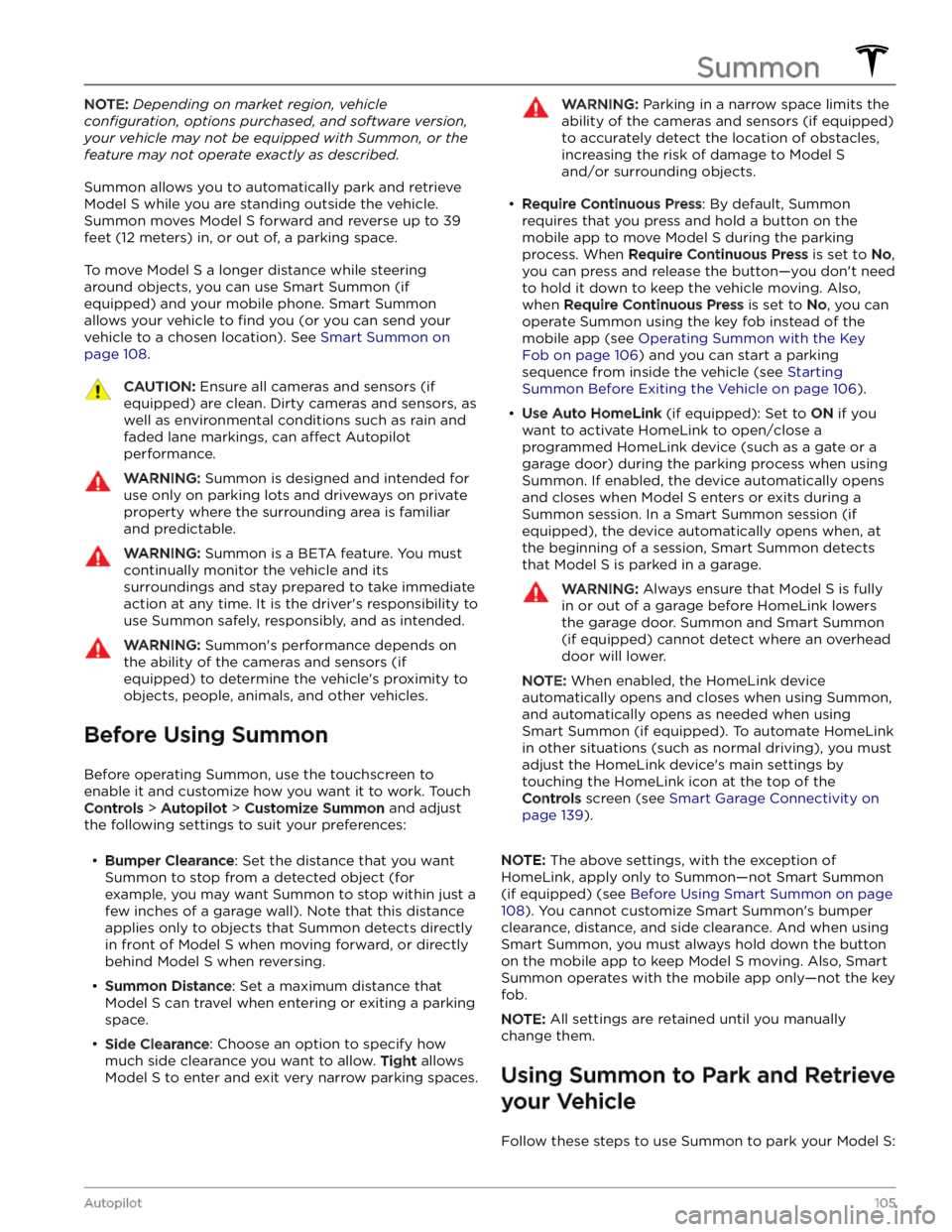
NOTE: Depending on market region, vehicle
configuration, options purchased, and software version,
your vehicle may not be equipped with Summon, or the
feature may not operate exactly as described.
Summon allows you to automatically park and retrieve
Model S while you are standing outside the vehicle.
Summon moves
Model S forward and reverse up to 39
feet (12 meters) in, or out of, a parking space.
To move Model S a longer distance while steering
around objects, you can use Smart Summon
(if
equipped) and your mobile phone. Smart Summon
allows your vehicle to
find you (or you can send your
vehicle to a chosen location). See
Smart Summon on
page 108.
CAUTION: Ensure all cameras and sensors (if
equipped) are clean. Dirty cameras and sensors, as
well as environmental conditions such as rain and
faded lane markings, can affect Autopilot
performance.
WARNING: Summon is designed and intended for
use only on parking lots and driveways on private
property where the surrounding area is familiar
and predictable.
WARNING: Summon is a BETA feature. You must
continually monitor the vehicle and its
surroundings and stay prepared to take immediate
action at any time. It is the driver
Page 110 of 276

NOTE: Depending on market region, vehicle
configuration, options purchased, and software version,
your vehicle may not be equipped with Smart Summon,
or the feature may not operate exactly as described.
Smart Summon is designed to allow you to move
Model S to your location (using your phone
Page 129 of 276
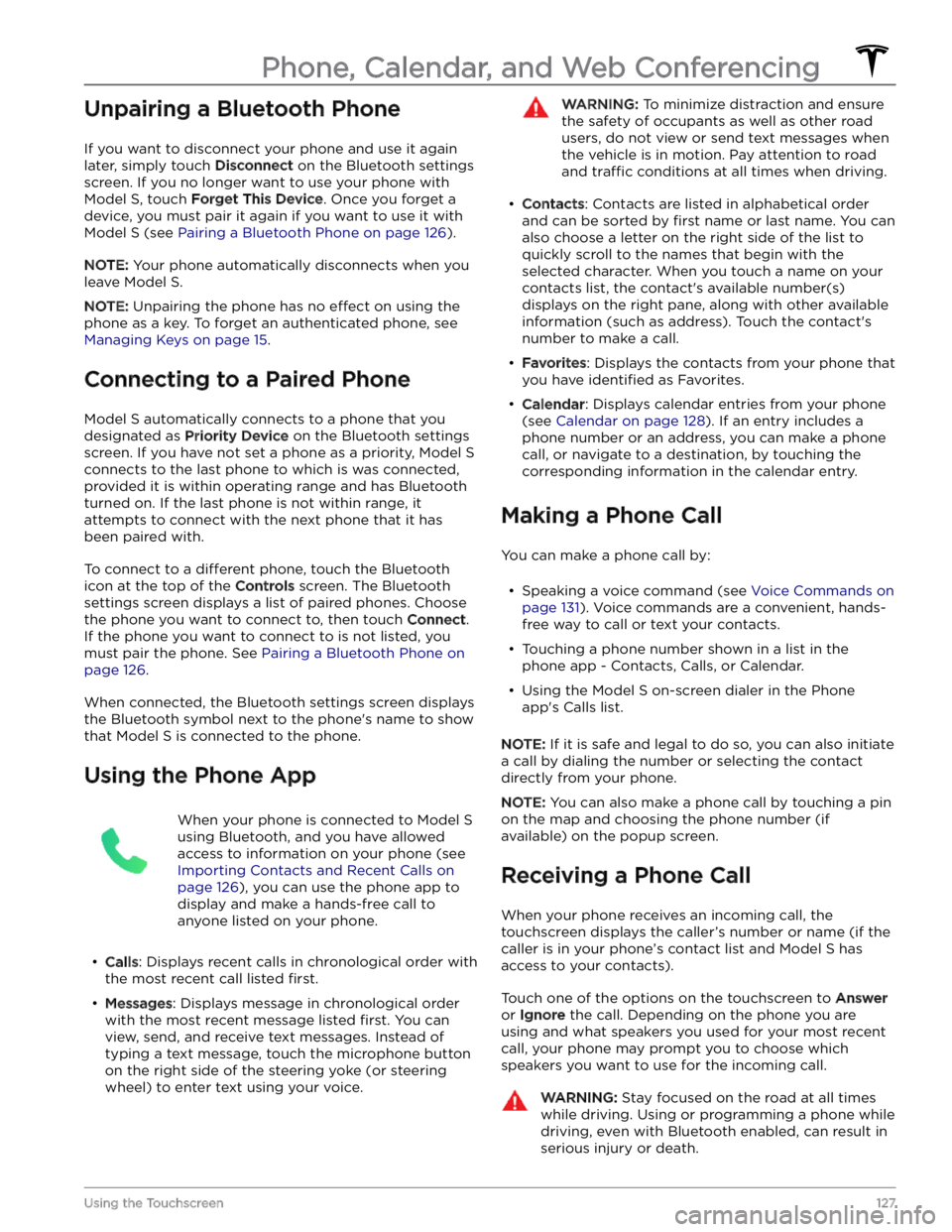
Unpairing a Bluetooth Phone
If you want to disconnect your phone and use it again
later, simply touch
Disconnect on the Bluetooth settings
screen. If you no longer want to use your phone with
Model S, touch Forget This Device. Once you forget a
device, you must pair it again if you want to use it with
Model S (see Pairing a Bluetooth Phone on page 126).
NOTE: Your phone automatically disconnects when you
leave
Model S.
NOTE: Unpairing the phone has no effect on using the
phone as a key. To forget an authenticated phone, see
Managing Keys on page 15.
Connecting to a Paired Phone
Model S automatically connects to a phone that you
designated as
Priority Device on the Bluetooth settings
screen. If you have not set a phone as a priority,
Model S
connects to the last phone to which is was connected, provided it is within operating range and has Bluetooth
turned on. If the last phone is not within range, it attempts to connect with the next phone that it has
been paired with.
To connect to a different phone, touch the Bluetooth
icon at the top of the
Controls screen. The Bluetooth
settings screen displays a list of paired phones. Choose
the phone you want to connect to, then touch
Connect.
If the phone you want to connect to is not listed, you
must pair the phone. See
Pairing a Bluetooth Phone on
page 126.
When connected, the Bluetooth settings screen displays the Bluetooth symbol next to the phone
Page 130 of 276
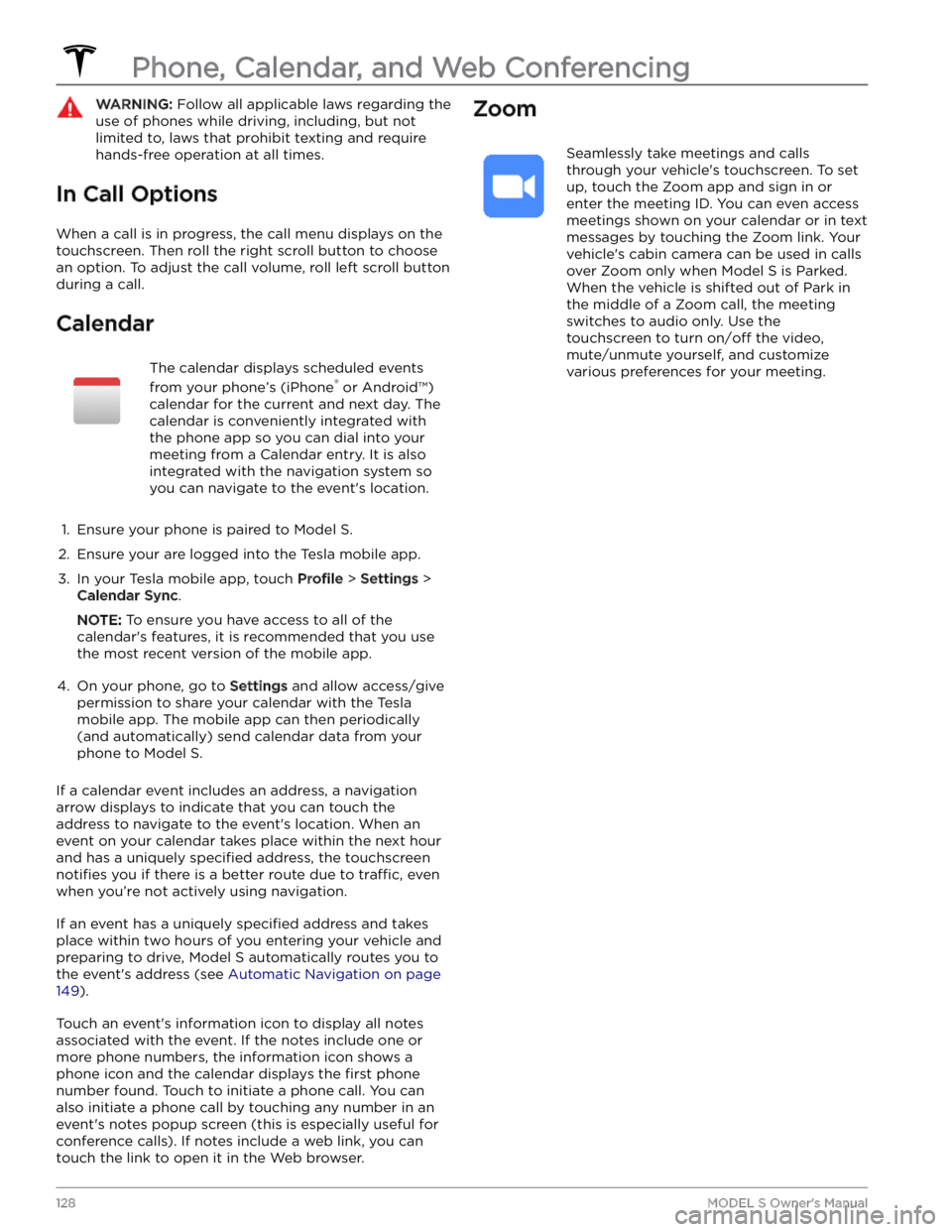
WARNING: Follow all applicable laws regarding the
use of phones while driving, including, but not
limited to, laws that prohibit texting and require
hands-free operation at all times.
In Call Options
When a call is in progress, the call menu displays on the touchscreen. Then roll the right scroll button to choose an option. To adjust the call volume, roll left scroll button during a call.
Calendar
The calendar displays scheduled events
from your phone
Page 134 of 276

If you have defined a navigation address for your home
or work locations, you can use a voice command to navigate there by saying
"Navigate home" or "Take me
to work".
Contacts
To call or text a contact on your Bluetooth-connected phone (see
Phone, Calendar, and Web Conferencing on
page 126), say:
Page 147 of 276

The Tesla mobile app allows you to communicate with
Model S remotely using your iPhone
Page 151 of 276
While navigating, the map tracks your location and
displays the current leg of your trip. You can display the
entire route at any time by swiping down to expand the
turn-by-turn direction list or touching the route overview
icon.
To stop navigating, touch Cancel, located in the bottom
corner of the turn-by-turn direction list.
If Navigate on Autopilot (if available in
your market region) is enabled, you can
turn it on for the navigation route by
touching
Navigate on Autopilot in the
turn-by-turn direction list (when the
feature is active, the icon is blue).
Navigate
on Autopilot is a full self-driving (Beta)
feature that automatically changes lanes
and steers
Model S on controlled-access
roads (like highways and freeways), along a navigation route. For details, see
Navigate
on Autopilot on page 93.
Selecting an Alternate Route
Depending on market region and vehicle configuration,
this feature may not be available on your vehicle. Your
vehicle must be equipped with Premium Connectivity.
After you have entered a destination with one stop, the
map displays up to three alternate routes. This allows you to easily compare total travel time and
traffic
information for each route. If you do not select a
preferred route within the timeout period, the fastest route is automatically selected.
Adding Stops to a Route
After you have entered a destination, you can edit your
route by adding, deleting or reordering stops. Touch the three dots at the bottom of the turn-by-turn direction
list to view options to edit your route.
Add Stop allows you to add a stop by
searching for a location or adding a Home,
Recent or Favorite destination. You can
also add a stop by touching any pin on the map and selecting
Add from the popup.
Edit Stop allows you to set up a complex
trip by adding or deleting stops on your route. Drag and drop stops by touching the equal sign to reorder your trip.
Automatic Navigation
NOTE: Automatic Navigation may not be available in all
market regions and on all vehicle configurations.
Automatic Navigation can predict a destination when
you get in your vehicle. When your phone
Page 157 of 276

USB Connected Flash Drives
Insert a flash drive into a front USB port (see USB Ports
on page 25). Touch Media Player > USB, and then touch
the name of the folder that contains the song you want to play. After you display the contents of a folder on the USB connected
flash drive, you can touch any song in
the list to play it. Or use the previous and next arrows in
Media Player to scroll through your songs. You can also
scroll to next/previous songs using the left scroll button on the
steering yoke (or steering wheel).
NOTE: To play media from a USB connection, Model S
recognizes flash drives only. To play media from other
types of devices (such as an iPod), you must connect the device using Bluetooth.
NOTE: Media Player supports USB flash drives with
exFAT formatting (NTFS is not currently supported).
NOTE: Use a USB port located at the front of the center
console. The USB connections at the rear of the console are for charging only.
Bluetooth Connected Devices
If you have a Bluetooth-capable device such as a phone that is paired and connected to
Model S (see Pairing a
Bluetooth Phone on page 126), you can play audio files
stored on it. Choose Media Player