audio TOYOTA 4RUNNER 2022 User Guide
[x] Cancel search | Manufacturer: TOYOTA, Model Year: 2022, Model line: 4RUNNER, Model: TOYOTA 4RUNNER 2022Pages: 616, PDF Size: 12.01 MB
Page 298 of 616

2984-5. Using the driving support systems
4RUNNER (U)
■Outside rear view mirror indicator visibility
In strong sunlight, the outside rear view mirror indicator may be difficult to
see.
■ Hearing the RCTA buzzer
The RCTA buzzer may be difficult to hear over loud noises, such as if the
audio system volume is high.
■ When “RCTA Unavailable” is shown on the multi-information displ ay
Water, snow, mud, etc., may be attached to the rear bumper around the sen-
sors ( P. 283). Removing the water, snow, mud, etc., from the vicinity of the
sensor area should return it to normal. Also, the sensor may no t function nor-
mally when used in extremely hot or cold weather.
■ When “RCTA Malfunction Visit Your Dealer” is shown on the multi -infor-
mation display
There may be a sensor malfunction or misaligned. Have the vehicle
inspected by your Toyota dealer.
■ Radar sensors
P. 283
■ Customization
Some functions can be customized. ( P. 566)
Page 410 of 616
4106-1. Maintenance and care
4RUNNER (U)
NOTICE
■Cleaning detergents
● Do not use the following types of detergent, as they may discolor the vehi-
cle interior or cause streaks or damage to painted surfaces:
• Non-seat portions: Organic substances such as benzene or gasoline,
alkaline or acidic solutions, dye, and bleach
• Seats: Alkaline or acidic solutions, such as thinner, benzene, and alco-
hol
● Do not use polish wax or polish cleaner. The instrument panel’s or other
interior part’s painted surface may be damaged.
■ Preventing damage to leather surfaces
Observe the following precautions to avoid damage to and deterioration of
leather surfaces:
● Remove any dust or dirt from leather surfaces immediately.
● Do not expose the vehicle to direct sunlight for extended periods of time.
Park the vehicle in the shade, especially during summer.
● Do not place items made of vinyl, plastic, or containing wax on the uphol-
stery, as they may stick to the leather surface if the vehicle interior heats
up significantly.
■ Water on the floor
Do not wash the vehicle floor with water.
Vehicle systems such as the audio system may be damaged if water comes
into contact with electrical components such as the audio system above or
under the floor of the vehicle. Water may also cause the body to rust.
■ When cleaning the inside of the windshield
Do not allow glass cleaner to contact the lens. Also, do not touch the lens.
(P. 244)
■ Cleaning the inside of the rear quarter windows and back window
● Do not use glass cleaner to clean the rear quarter windows and back win-
dow, as this may cause damage to the rear window defogger heate r wires
or antenna. Use a cloth dampened with lukewarm water to gently wipe the
window clean. Wipe the window i n strokes running parallel to the heater
wires or antenna.
● Be careful not to scratch or damage the heater wires or antenna .
Page 501 of 616
5017-2. Steps to take in an emergency
7
When trouble arises
4RUNNER (U)■
If “Oil Maintenance Required” is displayed (U.S.A. only)
Indicates that all maintenance is required to correspond to the driven distance
on the maintenance schedule
*.
Comes on approximately 5000 miles (8000 km) after the message has been
reset.
(The indicator will not work properly unless the message has been reset.)
Perform the necessary maintenance. Please reset the message after the
maintenance is performed. ( P. 412)
*: Refer to the separate “Scheduled Maintenance Guide” or “Owner’s Manual
Supplement” for the maintenance interval applicable to your vehicle.
■ If “Visit Your Dealer” is shown
The system or part shown on the multi-information display is ma lfunctioning.
Have the vehicle inspected by your Toyota dealer immediately.
■ Warning buzzer
In some cases, the buzzer may not be heard due to being in a no isy location
or audio sound.
NOTICE
■ While the engine oil level warning is displayed
Continued engine operation with low engine oil will damage the engine.
Page 525 of 616
5257-2. Steps to take in an emergency
7
When trouble arises
4RUNNER (U)
■Starting the engine when t he battery is discharged
The engine cannot be started by push-starting.
■ To prevent battery discharge
●Turn off the headlights and the audio system while the engine is off.
● Turn off any unnecessary electrical components when the vehicle is running
at a low speed for an extended period, such as in heavy traffic .
■ Charging the battery
The electricity stored in the battery will discharge gradually even when the
vehicle is not in use, due to natural discharge and the draining effects of cer-
tain electrical appliances. If the vehicle is left for a long t ime, the battery may
discharge, and the engine may be unable to start. (The battery recharges
automatically during driving.)
■ When recharging or replacing the battery
●Vehicles with a smart key system: In some cases, it may not be possible to
unlock the doors using the smart key system when the battery is dis-
charged. Use the wireless remote control or the mechanical key to lock or
unlock the doors.
● The engine may not start on the first attempt after the battery has recharged
but will start normally after the second attempt. This is not a malfunction.
● Vehicles with a smart key system: The engine switch mode is memorized by
the vehicle. When the battery is reconnected, the system will r eturn to the
mode it was in before the battery was discharged. Before disconnecting the
battery, turn the engine switch off.
If you are unsure what mode the engine switch was in before the battery dis-
charged, be especially careful when reconnecting the battery.
● Make sure that the key is not inside the vehicle when rechargin g or replac-
ing the battery. The key may be locked in the vehicle if the al arm is acti-
vated. ( P. 81)
Page 557 of 616
557
8
Vehicle specifications
4RUNNER (U)
8-2. Customization
When customizing vehicle features, ensure that the vehicle is parked
in a safe place with the shift le ver in P and the parking brake set.
■Changing by using the multi-information display
Use the meter control switches to select on the multi-infor-
mation display.
Choose the desired item usi ng or , and then press .
Select the desired setting by operating or , and then
press .
To stop the selection, press to return to the previous screen.
■
Changing on the audio system screen
Press the “MENU” button.
Select “Setup” on the “Menu” screen.
Select “General” or “Vehicle” on the “Setup” screen.
Various setting can be changed. Refer to the list of settings t hat can
be changed for details.
Customizable features
Your vehicle includes a variety of electronic features that can be
personalized to suit your preferences. The settings of these fe a-
tures can be changed by using the steering wheel switches, nav-
igation system, multimedia syste m or at your Toyota dealer.
It is also possible to customize certain vehicle features yours elf
using the multi-information display.
Customizing vehicle features
1
2
3
1
2
3
Page 585 of 616

585
Index
4RUNNER (U)What to do if...
(Troubleshooting) .................... 586
Alphabetical index ..................... 591
For details of equipment relat ed to the audio/navigation
system, refer to the “NAVIGATION AND MULTIMEDIA
SYSTEM OWNER’S MANUAL”.
Page 591 of 616
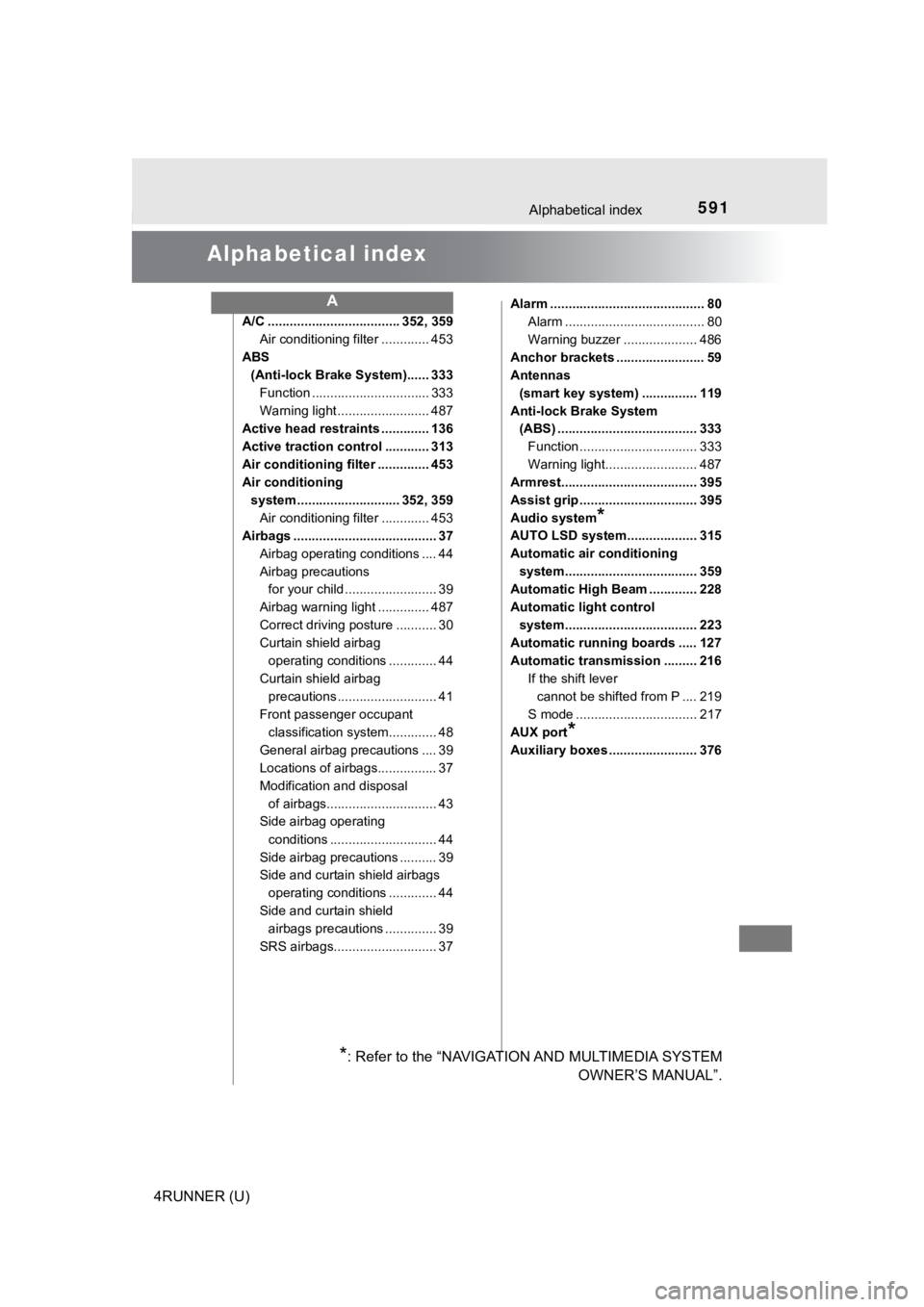
591
4RUNNER (U)
Alphabetical index
Alphabetical index
A/C .................................... 352, 359Air conditioning filter ............. 453
ABS (Anti-lock Brake System)...... 333
Function ................................ 333
Warning light ......................... 487
Active head restraints ............. 136
Active traction control ............ 313
Air conditioning filter .............. 453
Air conditioning
system ............................ 352, 359 Air conditioning filter ............. 453
Airbags ....................................... 37
Airbag operating conditions .... 44
Airbag precautions for your child ......................... 39
Airbag warning light .............. 487
Correct driving posture ........... 30
Curtain shield airbag operating conditions ............. 44
Curtain shield airbag precautions ........................... 41
Front passenger occupant classification syst em............. 48
General airbag precautions .... 39
Locations of airbags................ 37
Modification and disposal of airbags.............................. 43
Side airbag operating
conditions ............................. 44
Side airbag precautions .......... 39
Side and curtain shield airbags operating conditions ............. 44
Side and curtain shield airbags precautions .............. 39
SRS airbags............................ 37 Alarm .......................................... 80
Alarm ...................................... 80
Warning buzzer .................... 486
Anchor brackets ........................ 59
Antennas (smart key system) ............... 119
Anti-lock Brake System (ABS) ...................................... 333
Function ................................ 333
Warning light......................... 487
Armrest..................................... 395
Assist grip ................................ 395
Audio system
*
AUTO LSD system................... 315
Automatic air conditioning
system.................................... 359
Automatic High Beam ............. 228
Automatic light control
system.................................... 223
Automatic running boards ..... 127
Automatic transmission ......... 216
If the shift lever cannot be shifted from P .... 219
S mode ................................. 217
AUX port
*
Auxiliary boxes ........................ 376
A
*: Refer to the “NAVIGATION AND MULTIMEDIA SYSTEM OWNER’S MANUAL”.