Time TOYOTA AURIS 2011 (in English) Service Manual
[x] Cancel search | Manufacturer: TOYOTA, Model Year: 2011, Model line: AURIS, Model: TOYOTA AURIS 2011Pages: 524, PDF Size: 25.6 MB
Page 293 of 524
293 3-2. Using the audio system
3
Interior features
UK_AURIS_HV_EE
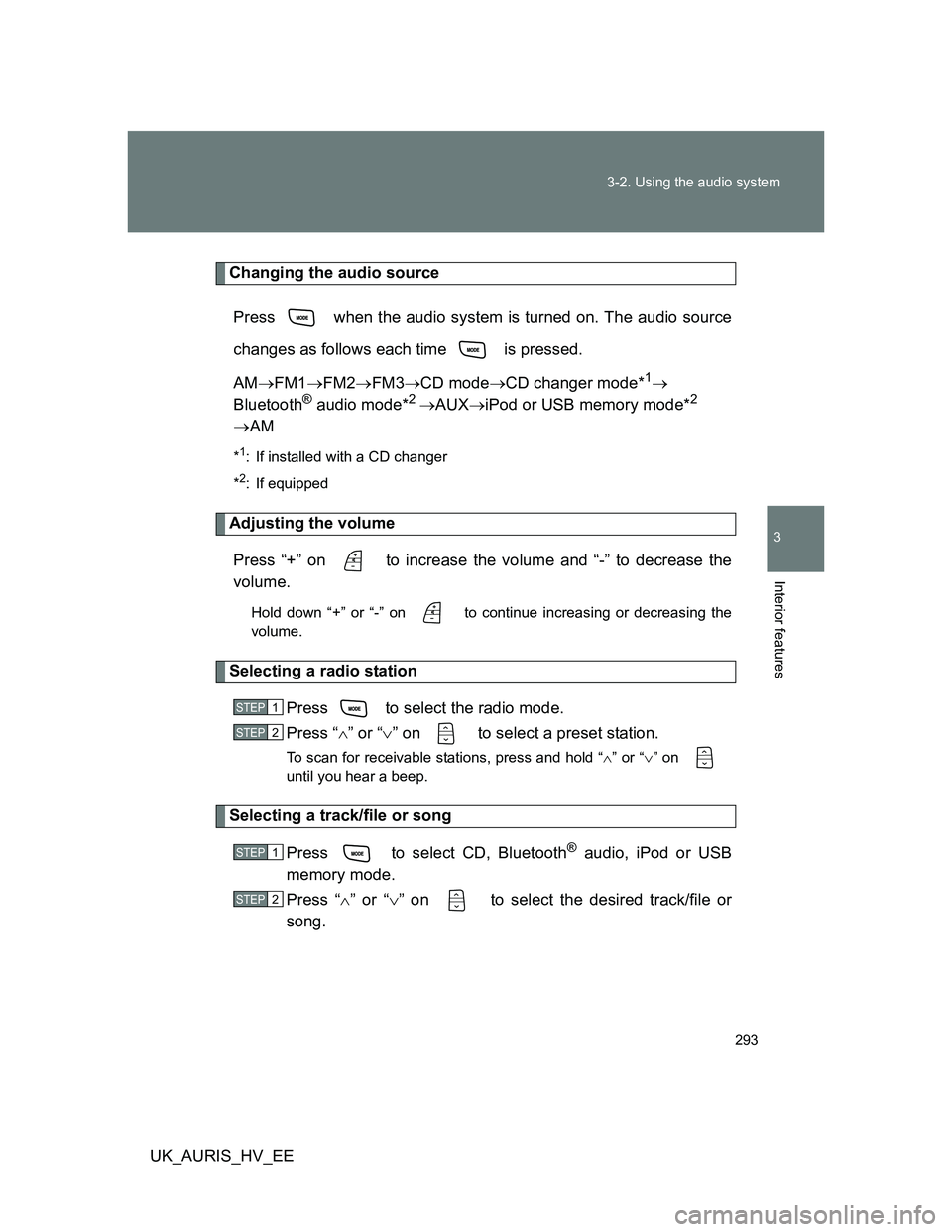
Changing the audio source
Press when the audio system is turned on. The audio source
changes as follows each time is pressed.
AMFM1FM2FM3CD modeCD changer mode*
1
Bluetooth® audio mode*2 AUXiPod or USB memory mode*2
AM
*1: If installed with a CD changer
*
2: If equipped
Adjusting the volume
Press “+” on to increase the volume and “-” to decrease the
volume.
Hold down “+” or “-” on to continue increasing or decreasing the
volume.
Selecting a radio station
Press to select the radio mode.
Press “” or “” on to select a preset station.
To scan for receivable stations, press and hold “” or “” on
until you hear a beep.
Selecting a track/file or song
Press to select CD, Bluetooth
® audio, iPod or USB
memory mode.
Press “” or “” on to select the desired track/file or
song.
STEP1
STEP2
STEP1
STEP2
Page 299 of 524
299
3-3. Using the Bluetooth® audio system
3
Interior features
UK_AURIS_HV_EE
Using the Bluetooth® audio system
: If equipped
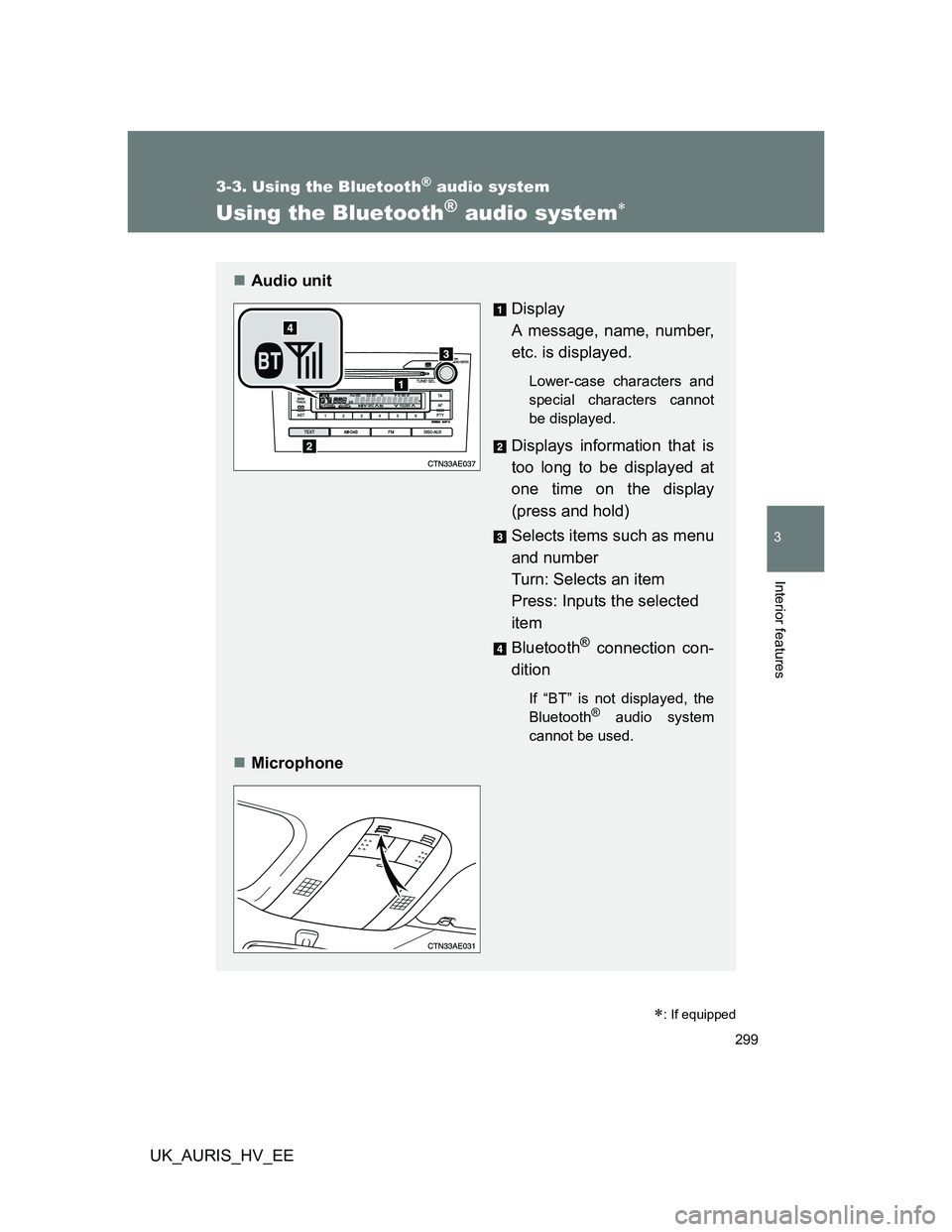
Audio unit
Display
A message, name, number,
etc. is displayed.
Lower-case characters and
special characters cannot
be displayed.
Displays information that is
too long to be displayed at
one time on the display
(press and hold)
Selects items such as menu
and number
Turn: Selects an item
Press: Inputs the selected
item
Bluetooth
® connection con-
dition
If “BT” is not displayed, the
Bluetooth® audio system
cannot be used.
Microphone
Page 300 of 524
300 3-3. Using the Bluetooth
® audio system
UK_AURIS_HV_EE
Using the Bluetooth® audio system for the first time
Before using the Bluetooth
® audio system, it is necessary to register
a Bluetooth® enabled portable player in the system. Follow the proce-
dure below to register (pair) a portable player:
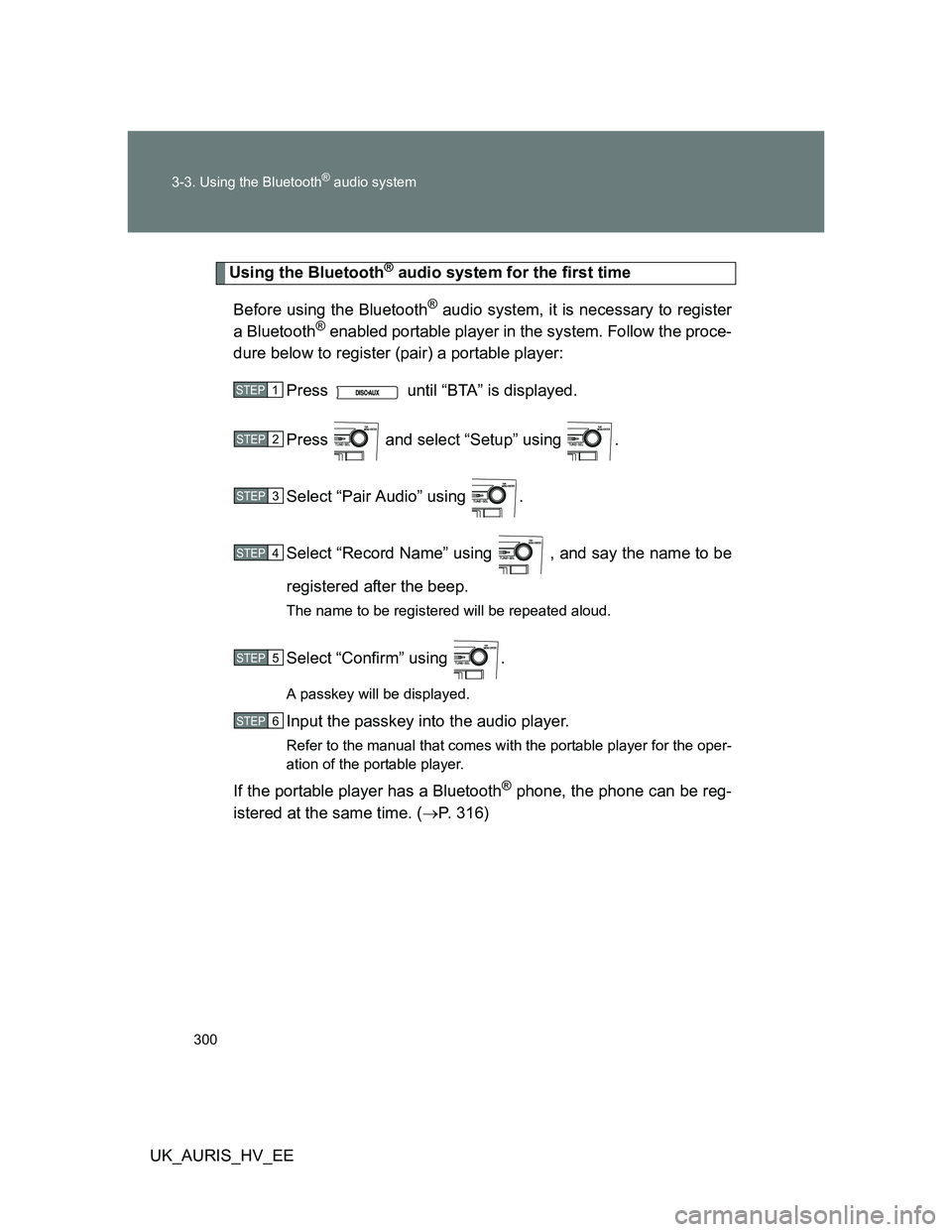
Press until “BTA” is displayed.
Press and select “Setup” using .
Select “Pair Audio” using .
Select “Record Name” using , and say the name to be
registered after the beep.
The name to be registered will be repeated aloud.
Select “Confirm” using .
A passkey will be displayed.
Input the passkey into the audio player.
Refer to the manual that comes with the portable player for the oper-
ation of the portable player.
If the portable player has a Bluetooth® phone, the phone can be reg-
istered at the same time. (P. 316)
STEP1
STEP2
STEP3
STEP4
STEP5
STEP6
Page 303 of 524
303 3-3. Using the Bluetooth
® audio system
3
Interior features
UK_AURIS_HV_EE
Fast-forwarding and reversing tracks
To fast-forward or reverse, press and hold “
” or “” on .
Switching the display
Press .
Each time is pressed, the display changes in the following
order: Track title Track title/Artist name Track title/Album name
Track title/Elapsed time
Using the steering wheel audio switches
P. 292
Bluetooth® audio system functions
Depending on the portable player that is connected to the system, certain
functions may not be available.
Error messages
“BT AUDIO ERROR”: This indicates a problem in the system.
Page 307 of 524
307 3-3. Using the Bluetooth
® audio system
3
Interior features
UK_AURIS_HV_EE
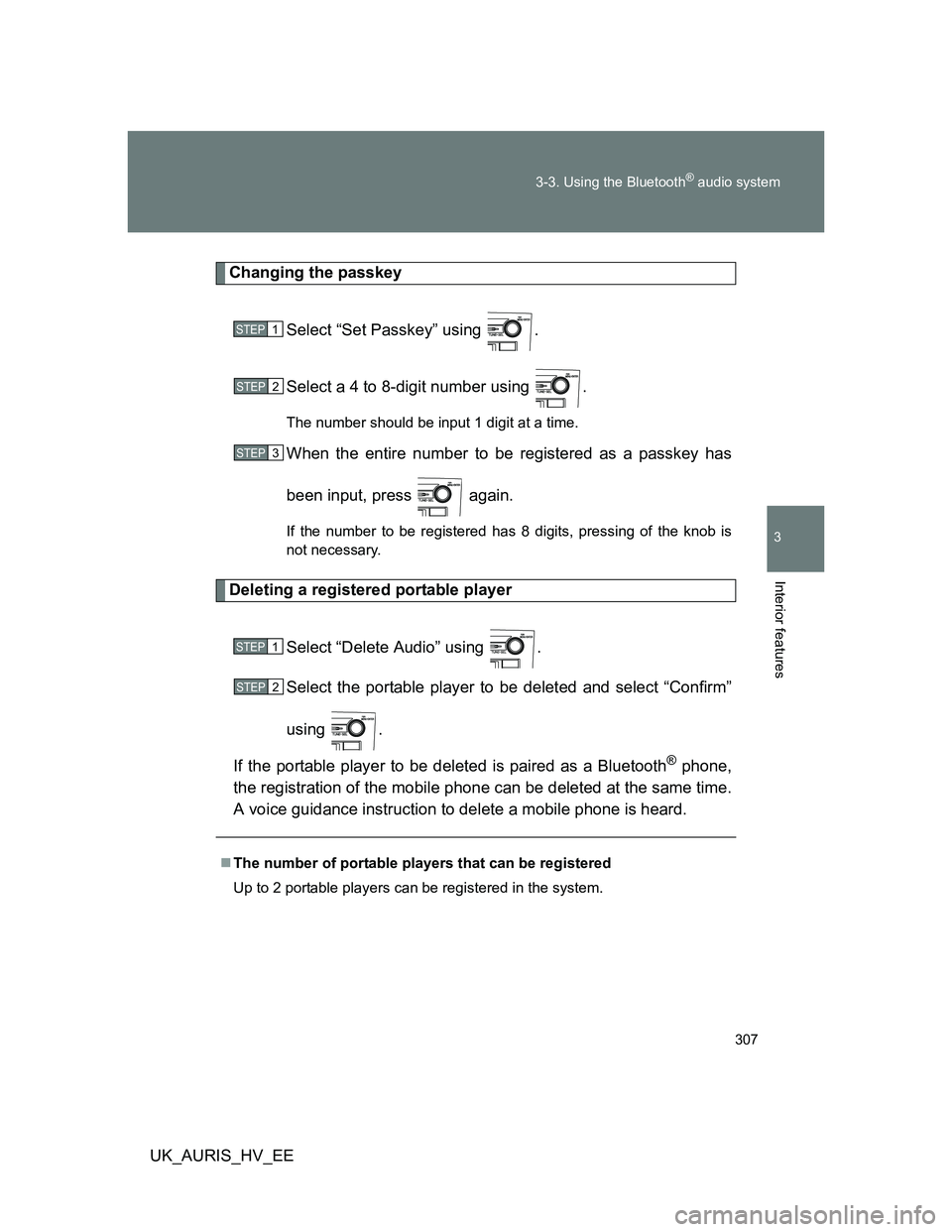
Changing the passkey
Select “Set Passkey” using .
Select a 4 to 8-digit number using .
The number should be input 1 digit at a time.
When the entire number to be registered as a passkey has
been input, press again.
If the number to be registered has 8 digits, pressing of the knob is
not necessary.
Deleting a registered portable player
Select “Delete Audio” using .
Select the portable player to be deleted and select “Confirm”
using .
If the portable player to be deleted is paired as a Bluetooth
® phone,
the registration of the mobile phone can be deleted at the same time.
A voice guidance instruction to delete a mobile phone is heard.
The number of portable players that can be registered
Up to 2 portable players can be registered in the system.
STEP1
STEP2
STEP3
STEP1
STEP2
Page 310 of 524
310 3-4. Using the hands-free phone system (for cellular phone)
UK_AURIS_HV_EE
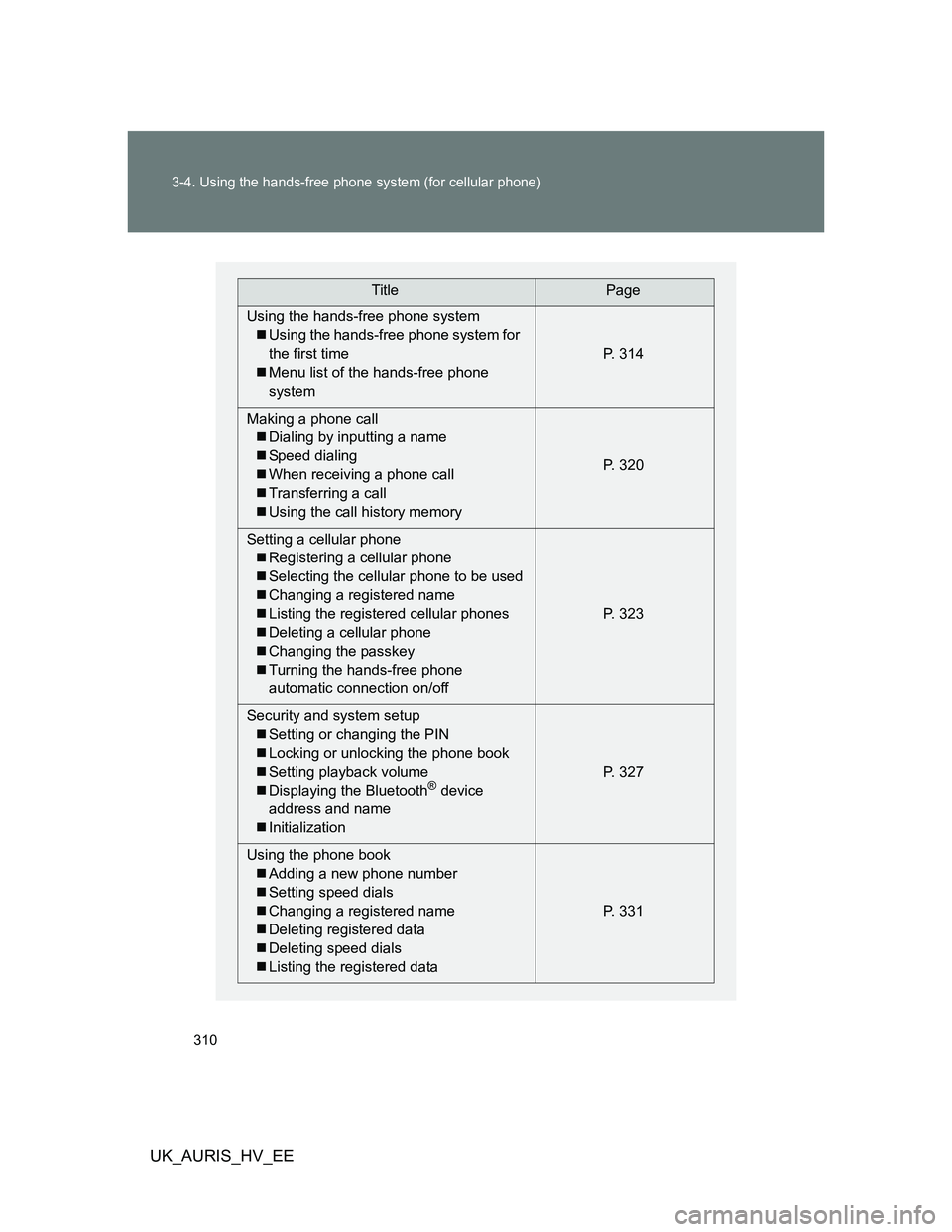
TitlePage
Using the hands-free phone system
Using the hands-free phone system for
the first time
Menu list of the hands-free phone
systemP. 314
Making a phone call
Dialing by inputting a name
Speed dialing
When receiving a phone call
Transferring a call
Using the call history memoryP. 320
Setting a cellular phone
Registering a cellular phone
Selecting the cellular phone to be used
Changing a registered name
Listing the registered cellular phones
Deleting a cellular phone
Changing the passkey
Turning the hands-free phone
automatic connection on/offP. 323
Security and system setup
Setting or changing the PIN
Locking or unlocking the phone book
Setting playback volume
Displaying the Bluetooth
® device
address and name
InitializationP. 327
Using the phone book
Adding a new phone number
Setting speed dials
Changing a registered name
Deleting registered data
Deleting speed dials
Listing the registered dataP. 331
Page 314 of 524
314
3-4. Using the hands-free phone system (for cellular phone)
UK_AURIS_HV_EE
Using the hands-free phone system (for cellular phone)
: If equipped
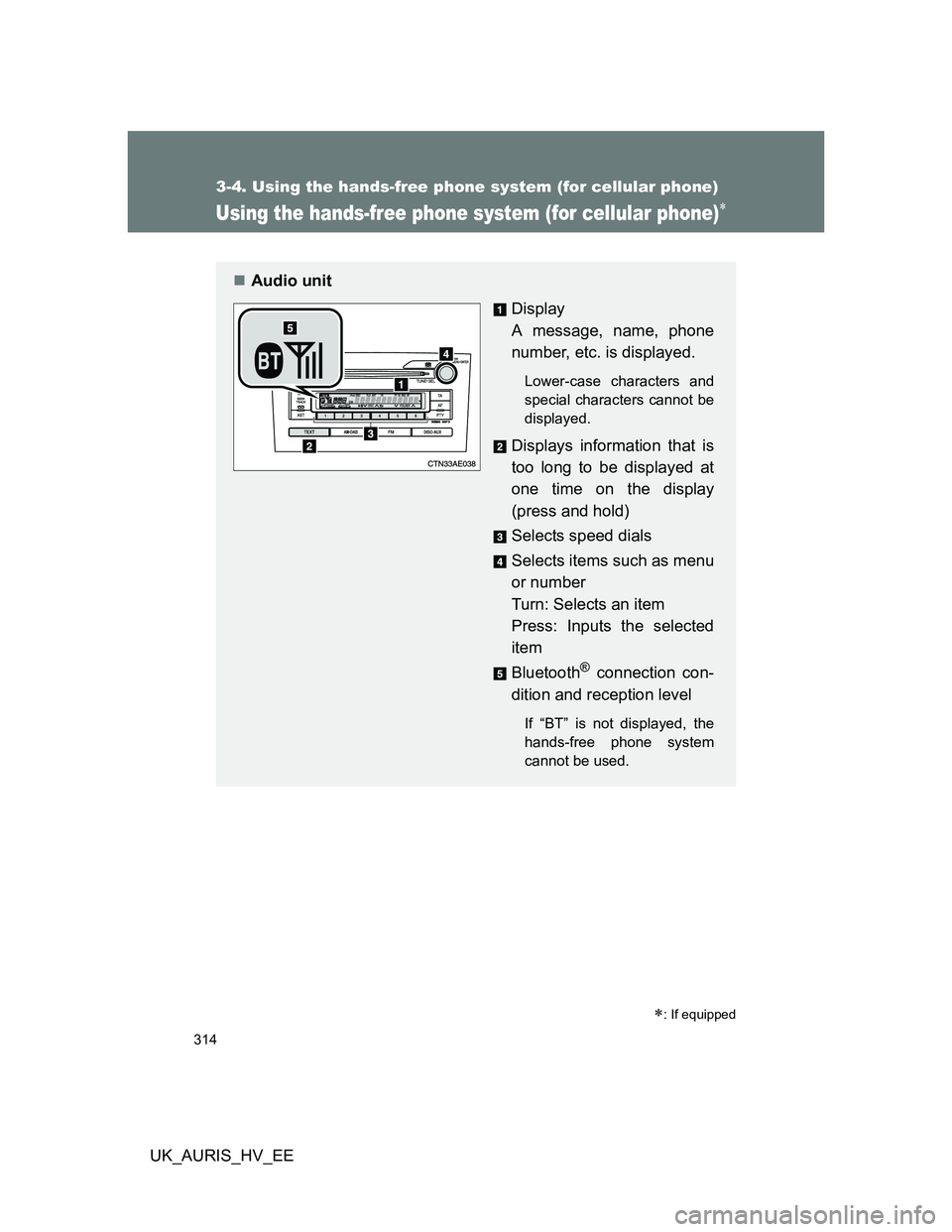
Audio unit
Display
A message, name, phone
number, etc. is displayed.
Lower-case characters and
special characters cannot be
displayed.
Displays information that is
too long to be displayed at
one time on the display
(press and hold)
Selects speed dials
Selects items such as menu
or number
Turn: Selects an item
Press: Inputs the selected
item
Bluetooth
® connection con-
dition and reception level
If “BT” is not displayed, the
hands-free phone system
cannot be used.
Page 316 of 524
316 3-4. Using the hands-free phone system (for cellular phone)
UK_AURIS_HV_EE
Using the hands-free phone system for the first time
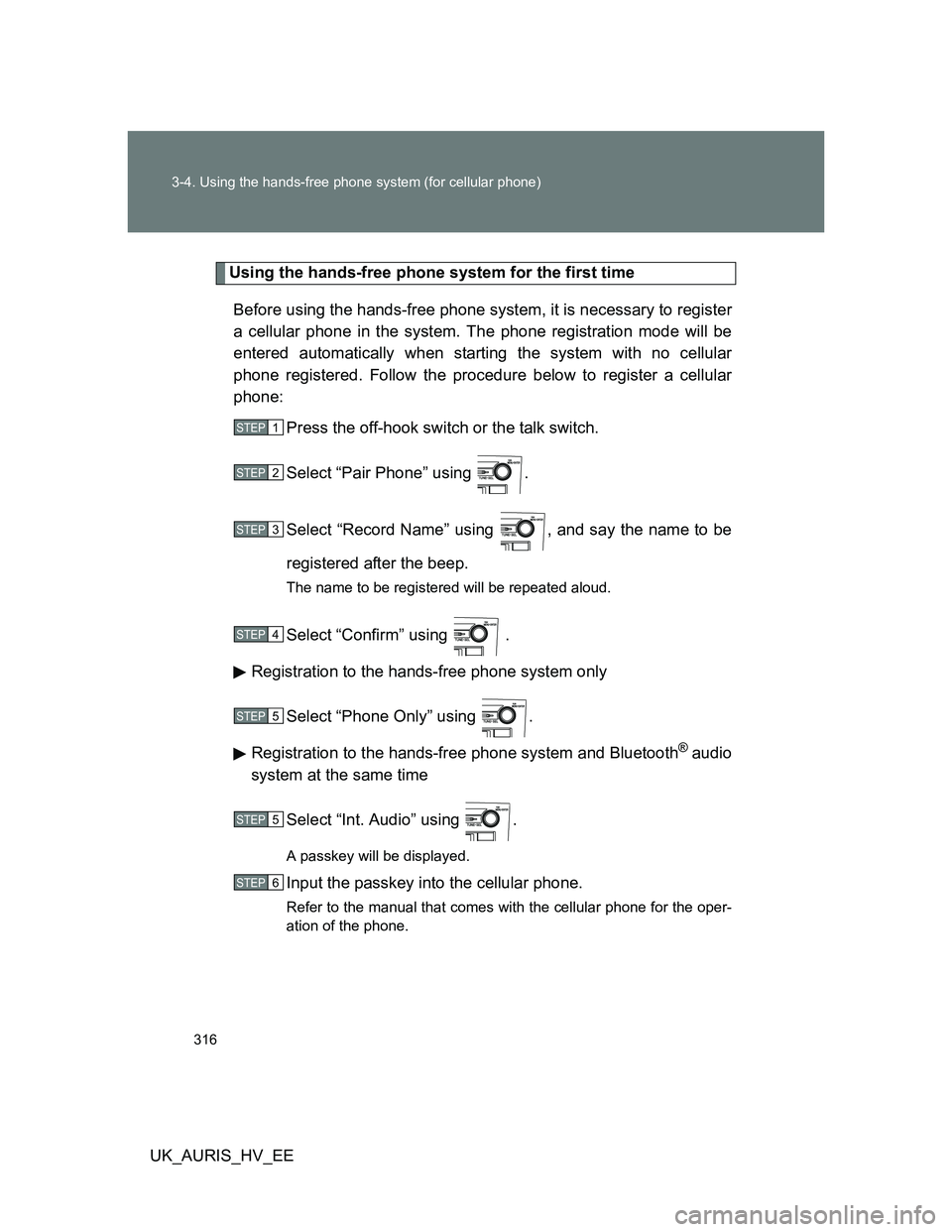
Before using the hands-free phone system, it is necessary to register
a cellular phone in the system. The phone registration mode will be
entered automatically when starting the system with no cellular
phone registered. Follow the procedure below to register a cellular
phone:
Press the off-hook switch or the talk switch.
Select “Pair Phone” using .
Select “Record Name” using , and say the name to be
registered after the beep.
The name to be registered will be repeated aloud.
Select “Confirm” using .
Registration to the hands-free phone system only
Select “Phone Only” using .
Registration to the hands-free phone system and Bluetooth
® audio
system at the same time
Select “Int. Audio” using .
A passkey will be displayed.
Input the passkey into the cellular phone.
Refer to the manual that comes with the cellular phone for the oper-
ation of the phone.
STEP1
STEP2
STEP3
STEP4
STEP5
STEP5
STEP6
Page 325 of 524
325 3-4. Using the hands-free phone system (for cellular phone)
3
Interior features
UK_AURIS_HV_EE
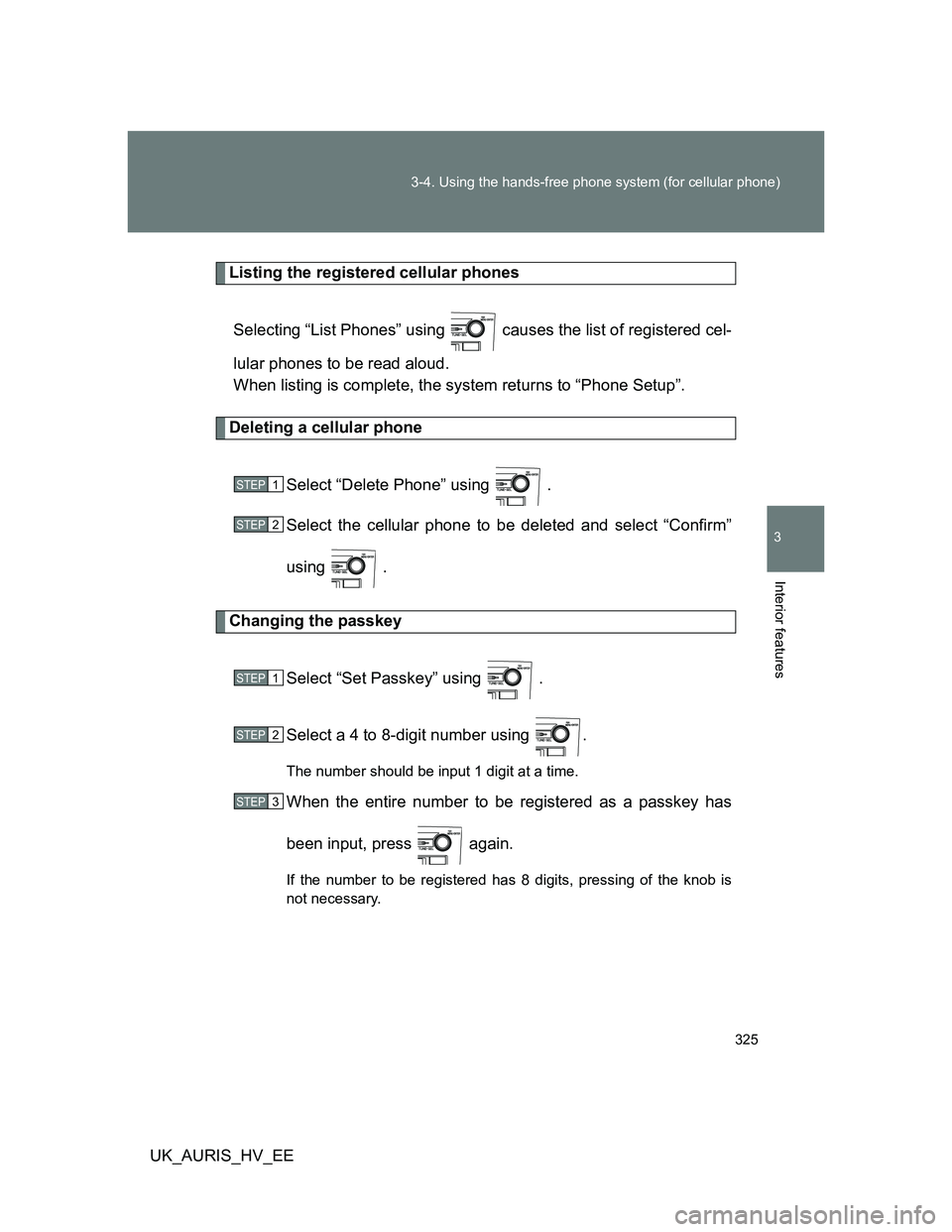
Listing the registered cellular phones
Selecting “List Phones” using causes the list of registered cel-
lular phones to be read aloud.
When listing is complete, the system returns to “Phone Setup”.
Deleting a cellular phone
Select “Delete Phone” using .
Select the cellular phone to be deleted and select “Confirm”
using .
Changing the passkey
Select “Set Passkey” using .
Select a 4 to 8-digit number using .
The number should be input 1 digit at a time.
When the entire number to be registered as a passkey has
been input, press again.
If the number to be registered has 8 digits, pressing of the knob is
not necessary.
STEP1
STEP2
STEP1
STEP2
STEP3
Page 327 of 524
327
3-4. Using the hands-free phone system (for cellular phone)
3
Interior features
UK_AURIS_HV_EE
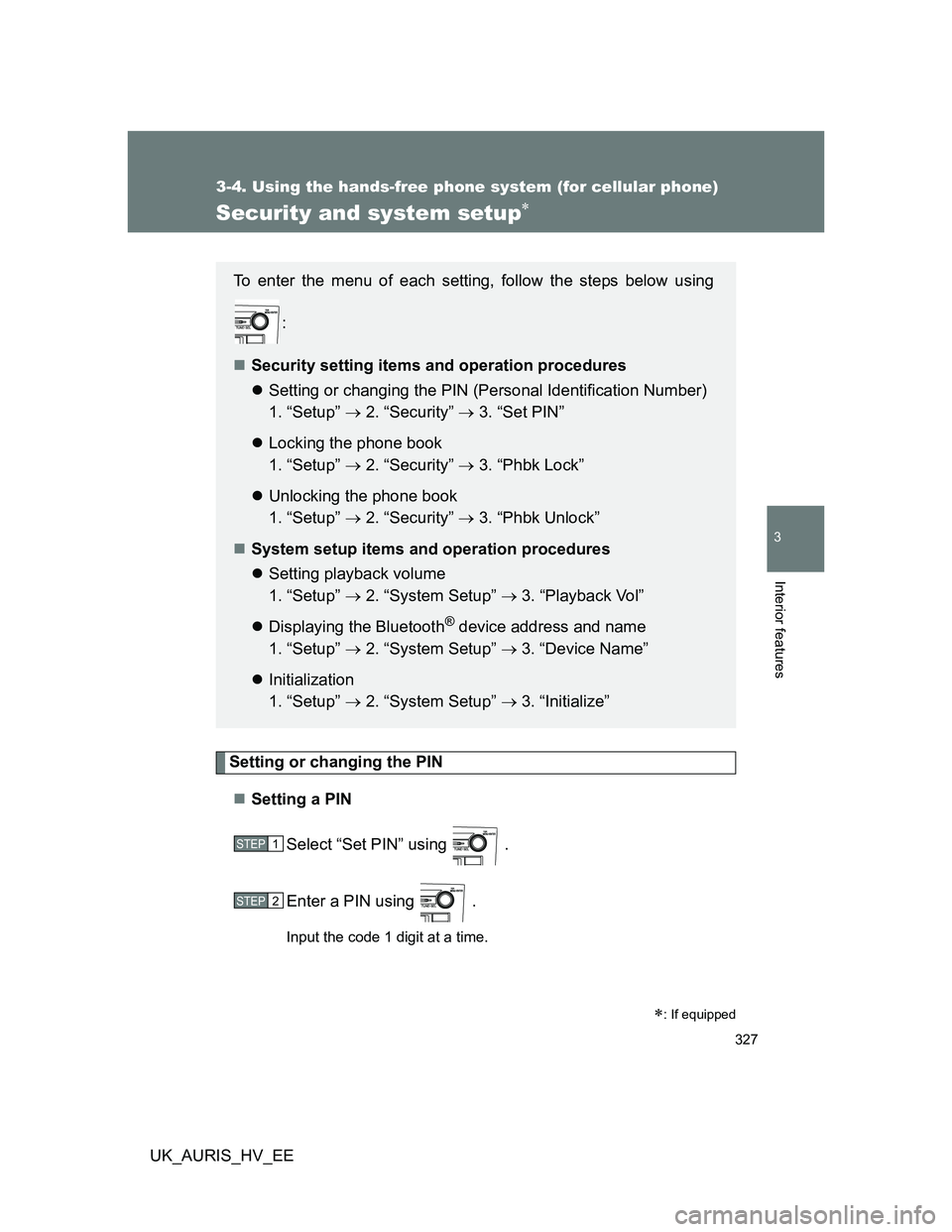
Security and system setup
Setting or changing the PIN
Setting a PIN
Select “Set PIN” using .
Enter a PIN using .
Input the code 1 digit at a time.
: If equipped
To enter the menu of each setting, follow the steps below using
:
Security setting items and operation procedures
Setting or changing the PIN (Personal Identification Number)
1. “Setup” 2. “Security” 3. “Set PIN”
Locking the phone book
1. “Setup” 2. “Security” 3. “Phbk Lock”
Unlocking the phone book
1. “Setup” 2. “Security” 3. “Phbk Unlock”
System setup items and operation procedures
Setting playback volume
1. “Setup” 2. “System Setup” 3. “Playback Vol”
Displaying the Bluetooth
® device address and name
1. “Setup” 2. “System Setup” 3. “Device Name”
Initialization
1. “Setup” 2. “System Setup” 3. “Initialize”
STEP1
STEP2