TOYOTA AVENSIS 2012 Owner's Manual
AVENSIS 2012
TOYOTA
TOYOTA
https://www.carmanualsonline.info/img/14/59673/w960_59673-0.png
TOYOTA AVENSIS 2012 Owner's Manual
Page 48 of 772
48 1-2. Opening, closing and locking the doors
AVENSIS_EE (OM20B44E)
It may not be possible to lock the doors if the sensor area is covered by
mud, ice, snow etc. In this event, try locking again after cleaning the
area, or lock by touching the sensor area on the underside of the door
handle.
Gripping the door handle when wearing a glove may not unlock or lock
the door.
If the wireless remote control is used to lock the doors when the elec-
tronic key is near the vehicle, there is a possibility that the door may not
be unlocked by the smart entry & start system. (Use the wireless remote
control to unlock the doors.)
A sudden approach to the effective range or door handle operation may
prevent the doors from being unlocked. In this case, return the door han-
dle to the original position and check that the doors unlock before pulling
the door handle again.
When the vehicle is not driven for extended periods
To prevent theft of the vehicle, do not leave the electronic key within 2 m (6
ft.) of the vehicle.
Security feature
If a door is not opened within approximately 30 seconds after the vehicle is
unlocked, the security feature automatically locks the vehicle again.
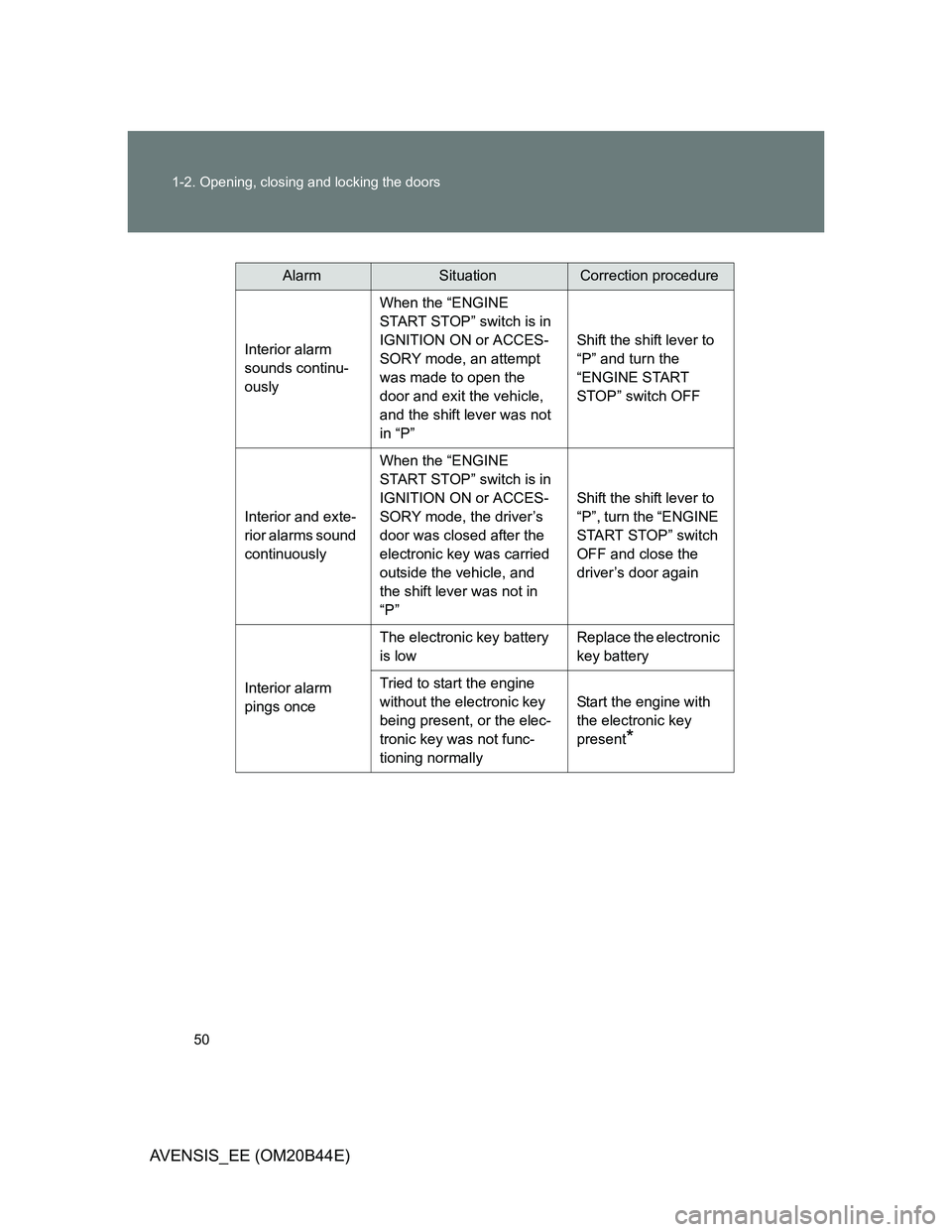
Alarms and warning indicators
A combination of exterior and interior alarms are used to prevent theft of the
vehicle and unforeseeable accidents resulting from erroneous operation.
Take appropriate measures according to the warning message shown on the
multi-information display. (P. 624)
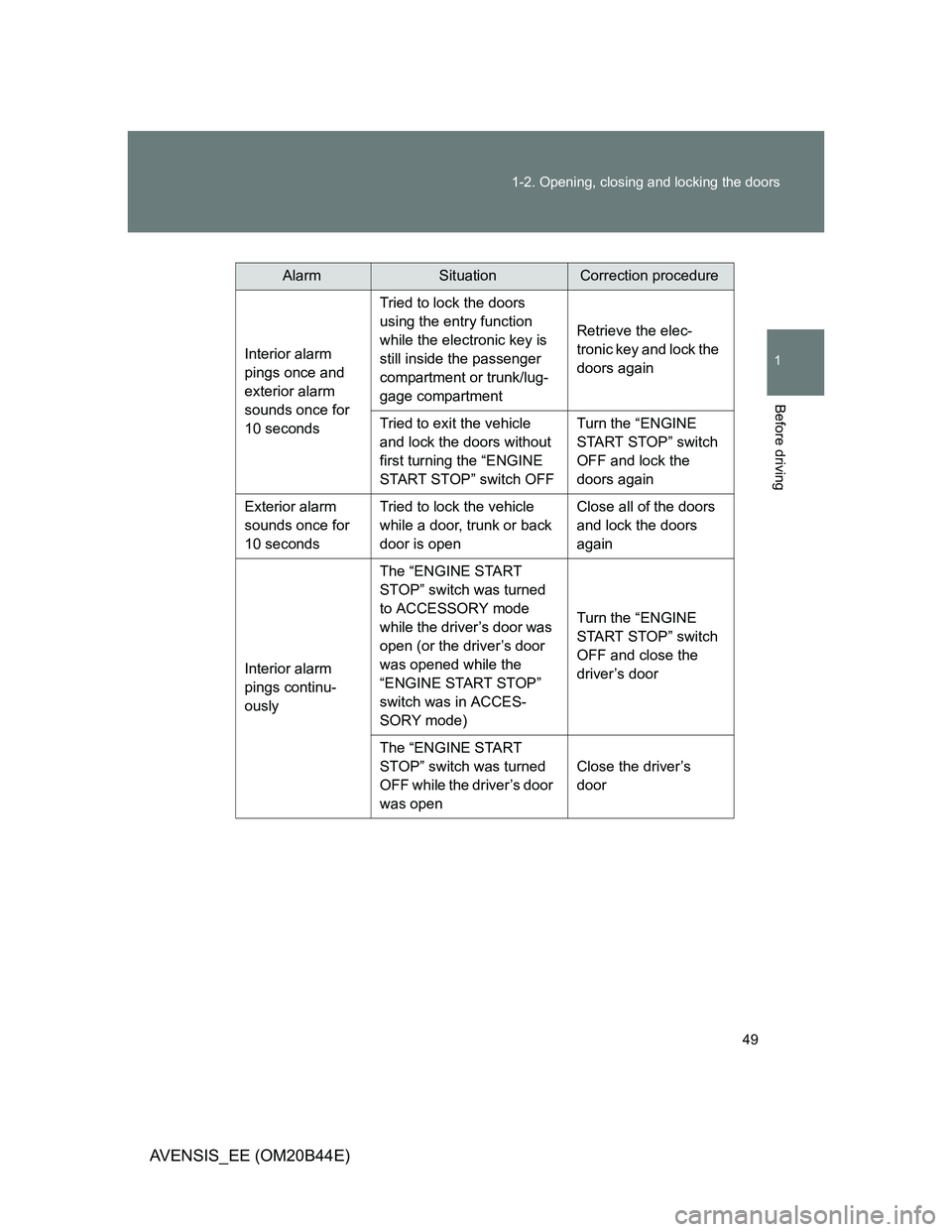
The following table describes circumstances and correction procedures
when only alarms are sounded.
Page 49 of 772
49 1-2. Opening, closing and locking the doors
1
Before driving
AVENSIS_EE (OM20B44E)
AlarmSituationCorrection procedure
Interior alarm
pings once and
exterior alarm
sounds once for
10 secondsTried to lock the doors
using the entry function
while the electronic key is
still inside the passenger
compartment or trunk/lug-
gage compartmentRetrieve the elec-
tronic key and lock the
doors again
Tried to exit the vehicle
and lock the doors without
first turning the “ENGINE
START STOP” switch OFFTurn the “ENGINE
START STOP” switch
OFF and lock the
doors again
Exterior alarm
sounds once for
10 secondsTried to lock the vehicle
while a door, trunk or back
door is openClose all of the doors
and lock the doors
again
Interior alarm
pings continu-
ouslyThe “ENGINE START
STOP” switch was turned
to ACCESSORY mode
while the driver’s door was
open (or the driver’s door
was opened while the
“ENGINE START STOP”
switch was in ACCES-
SORY mode)Turn the “ENGINE
START STOP” switch
OFF and close the
driver’s door
The “ENGINE START
STOP” switch was turned
OFF while the driver’s door
was openClose the driver’s
door
Page 50 of 772
50 1-2. Opening, closing and locking the doors
AVENSIS_EE (OM20B44E)
AlarmSituationCorrection procedure
Interior alarm
sounds continu-
ouslyWhen the “ENGINE
START STOP” switch is in
IGNITION ON or ACCES-
SORY mode, an attempt
was made to open the
door and exit the vehicle,
and the shift lever was not
in “P”Shift the shift lever to
“P” and turn the
“ENGINE START
STOP” switch OFF
Interior and exte-
rior alarms sound
continuouslyWhen the “ENGINE
START STOP” switch is in
IGNITION ON or ACCES-
SORY mode, the driver’s
door was closed after the
electronic key was carried
outside the vehicle, and
the shift lever was not in
“P”Shift the shift lever to
“P”, turn the “ENGINE
START STOP” switch
OFF and close the
driver’s door again
Interior alarm
pings onceThe electronic key battery
is lowReplace the electronic
key battery
Tried to start the engine
without the electronic key
being present, or the elec-
tronic key was not func-
tioning normallyStart the engine with
the electronic key
present
*
Page 51 of 772
51 1-2. Opening, closing and locking the doors
1
Before driving
AVENSIS_EE (OM20B44E)
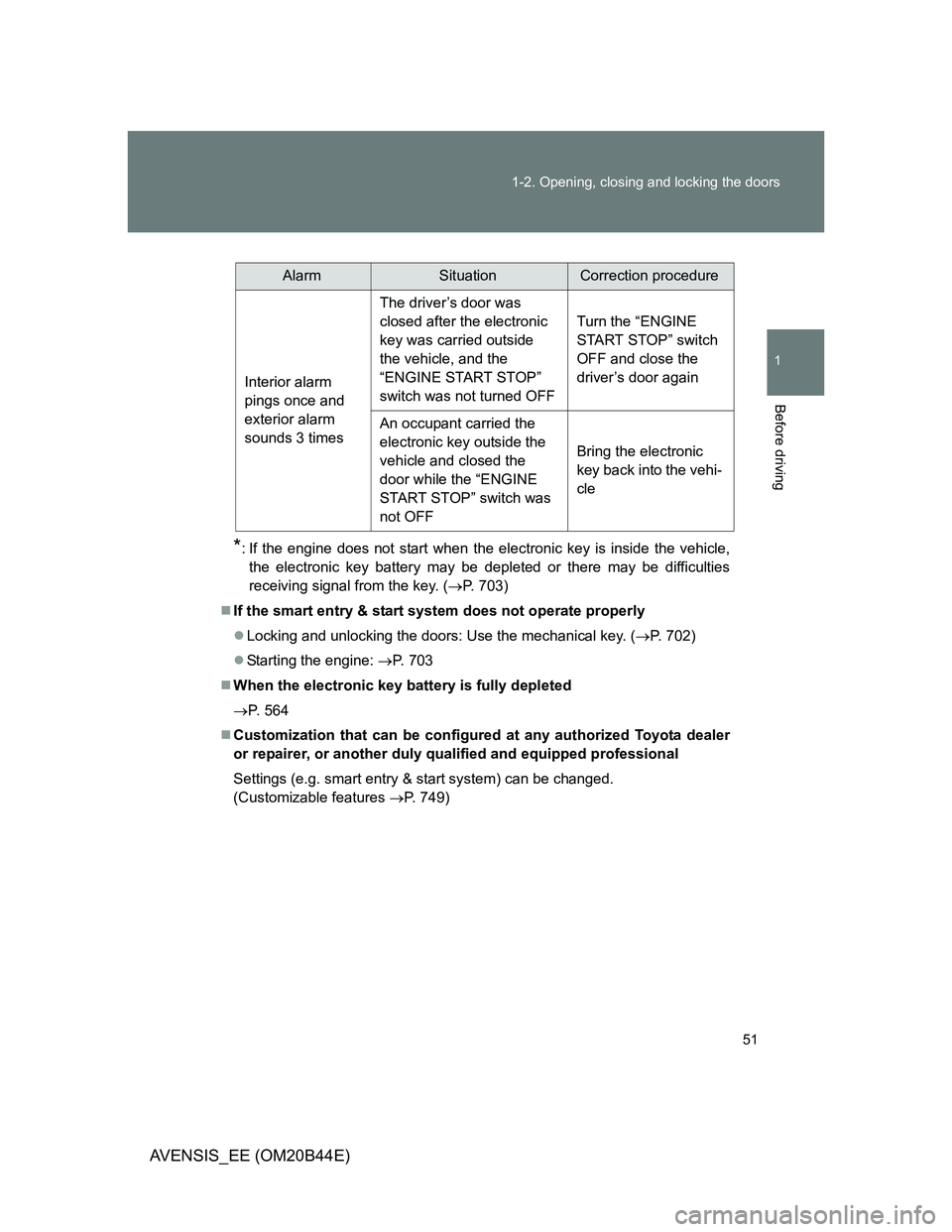
*: If the engine does not start when the electronic key is inside the vehicle,
the electronic key battery may be depleted or there may be difficulties
receiving signal from the key. (P. 703)
If the smart entry & start system does not operate properly
Locking and unlocking the doors: Use the mechanical key. (P. 702)
Starting the engine: P. 703
When the electronic key battery is fully depleted
P. 564
Customization that can be configured at any authorized Toyota dealer
or repairer, or another duly qualified and equipped professional
Settings (e.g. smart entry & start system) can be changed.
(Customizable features P. 749)
AlarmSituationCorrection procedure
Interior alarm
pings once and
exterior alarm
sounds 3 timesThe driver’s door was
closed after the electronic
key was carried outside
the vehicle, and the
“ENGINE START STOP”
switch was not turned OFFTurn the “ENGINE
START STOP” switch
OFF and close the
driver’s door again
An occupant carried the
electronic key outside the
vehicle and closed the
door while the “ENGINE
START STOP” switch was
not OFFBring the electronic
key back into the vehi-
cle
Page 52 of 772
52 1-2. Opening, closing and locking the doors
AVENSIS_EE (OM20B44E)
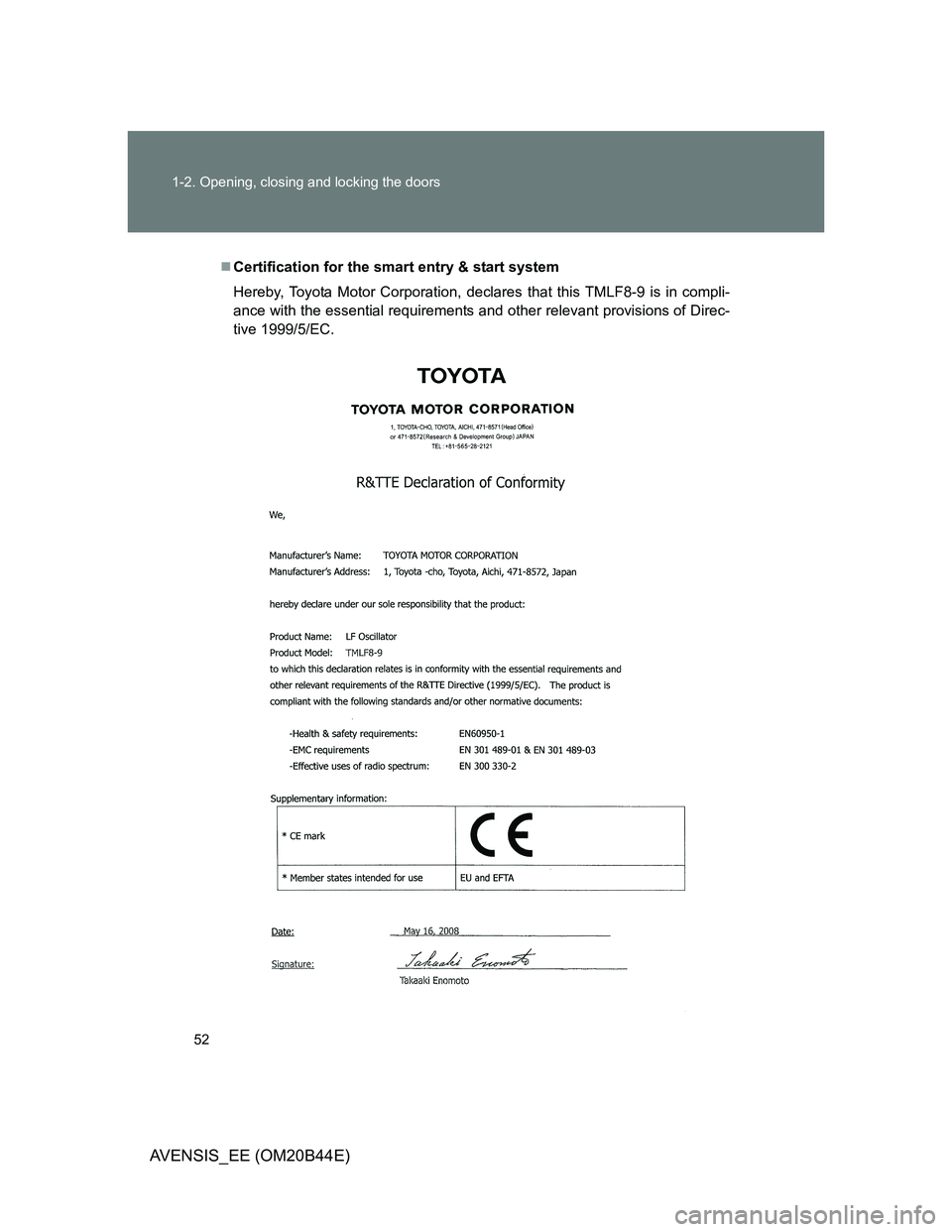
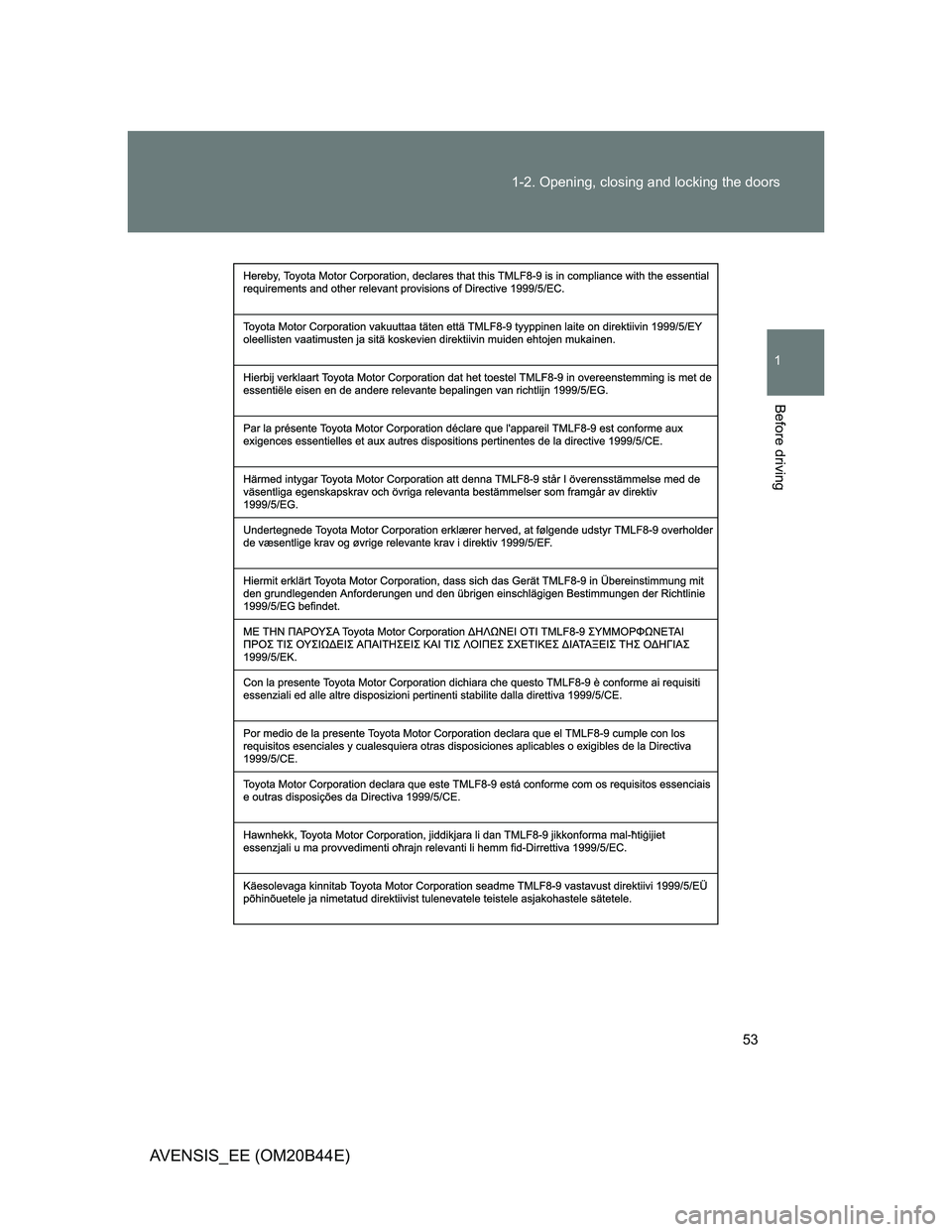
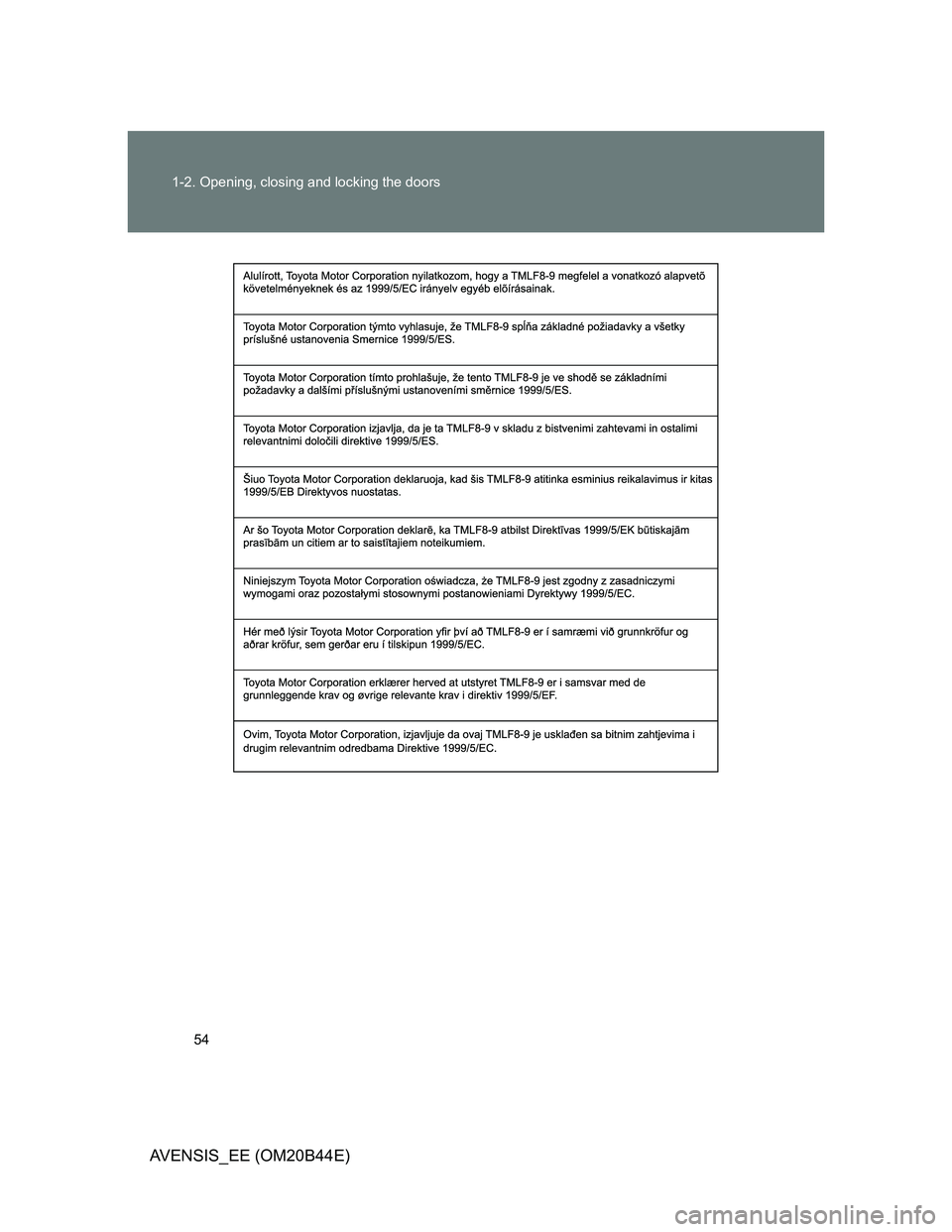
Certification for the smart entry & start system
Hereby, Toyota Motor Corporation, declares that this TMLF8-9 is in compli-
ance with the essential requirements and other relevant provisions of Direc-
tive 1999/5/EC.
Page 53 of 772
53 1-2. Opening, closing and locking the doors
1
Before driving
AVENSIS_EE (OM20B44E)
Page 54 of 772
54 1-2. Opening, closing and locking the doors
AVENSIS_EE (OM20B44E)
Page 55 of 772
55 1-2. Opening, closing and locking the doors
1
Before driving
AVENSIS_EE (OM20B44E)
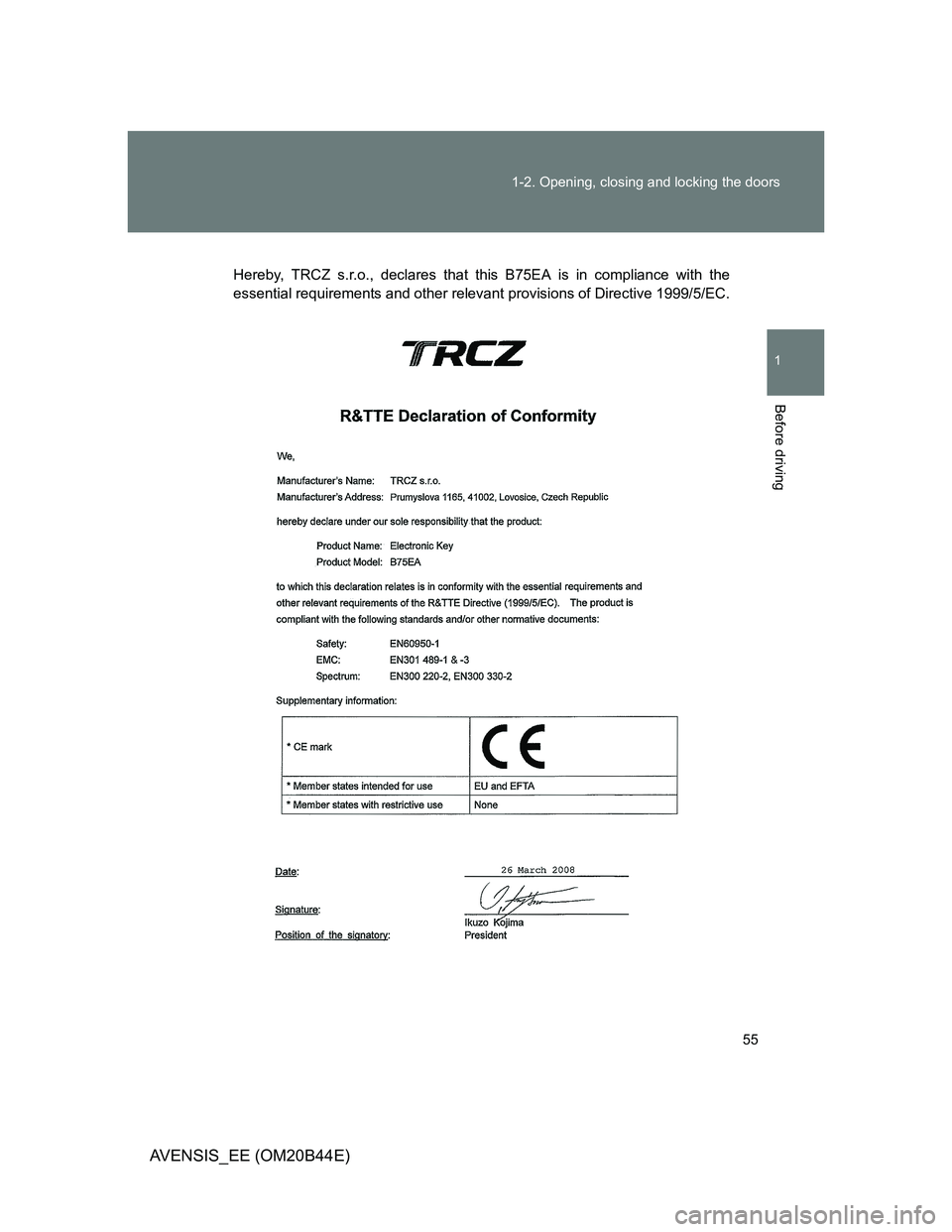
Hereby, TRCZ s.r.o., declares that this B75EA is in compliance with the
essential requirements and other relevant provisions of Directive 1999/5/EC.
Page 56 of 772
56 1-2. Opening, closing and locking the doors
AVENSIS_EE (OM20B44E)
Page 57 of 772
57 1-2. Opening, closing and locking the doors
1
Before driving
AVENSIS_EE (OM20B44E)