lock TOYOTA AVENSIS 2012 Manual Online
[x] Cancel search | Manufacturer: TOYOTA, Model Year: 2012, Model line: AVENSIS, Model: TOYOTA AVENSIS 2012Pages: 772, PDF Size: 34.43 MB
Page 125 of 772
125
1
Before driving
AVENSIS_EE (OM20B44E)
1-4. Opening and closing the windows
Power windows
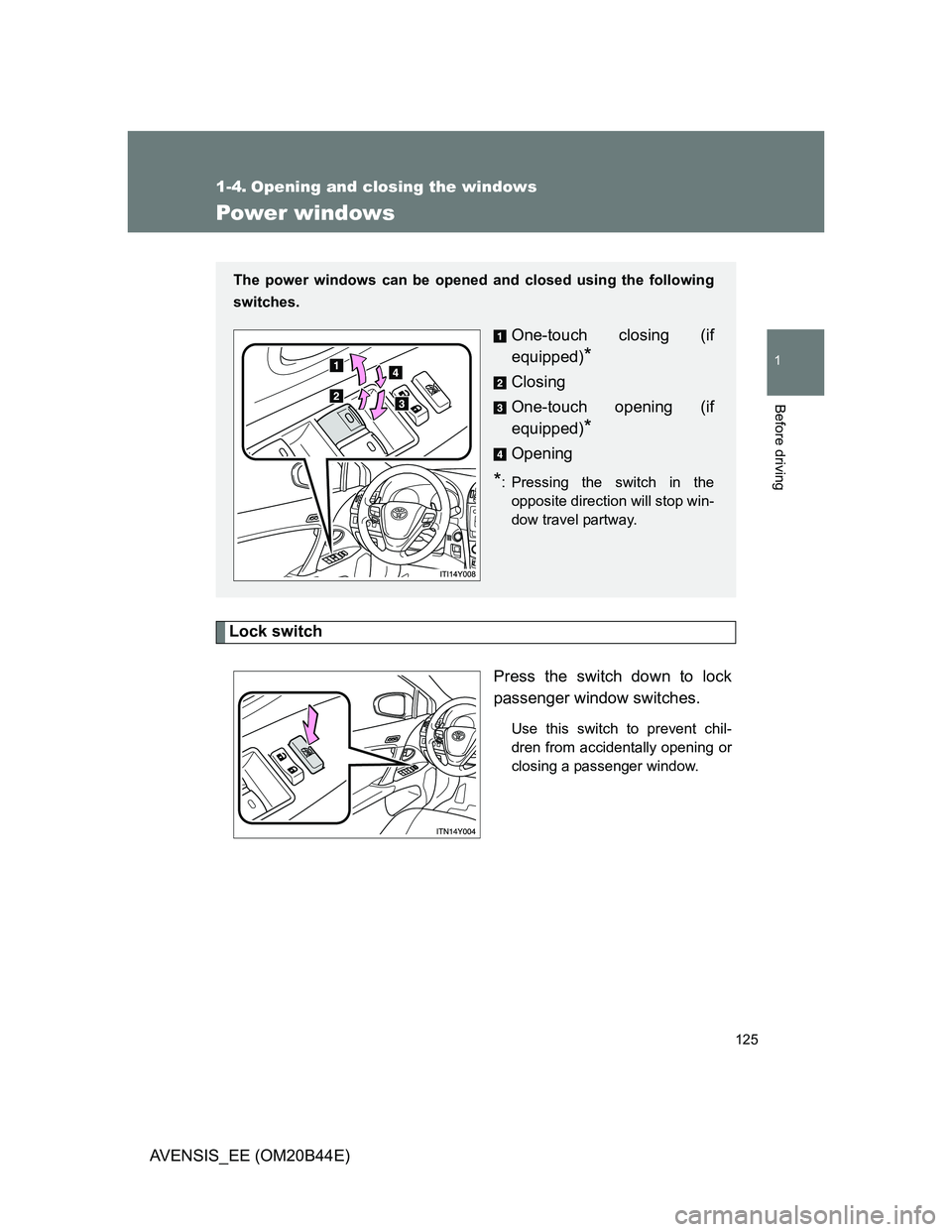
Lock switch
Press the switch down to lock
passenger window switches.
Use this switch to prevent chil-
dren from accidentally opening or
closing a passenger window.
The power windows can be opened and closed using the following
switches.
One-touch closing (if
equipped)
*
Closing
One-touch opening (if
equipped)
*
Opening
*: Pressing the switch in the
opposite direction will stop win-
dow travel partway.
Page 126 of 772
126 1-4. Opening and closing the windows
AVENSIS_EE (OM20B44E)
The power windows can be operated when
Vehicles with smart entry & start system
The “ENGINE START STOP” switch is in IGNITION ON mode.
Vehicles without smart entry & start system
The engine switch is in the “ON” position.
Retained accessory power
Vehicles with smart entry & start system
The power windows can be operated for approximately 45 seconds even
after the “ENGINE START STOP” switch is turned to ACCESSORY mode
or turned OFF. They cannot, however, be operated once either front door
is opened.
Vehicles without smart entry & start system
The power windows can be operated for approximately 45 seconds even
after the engine switch is turned to the “ACC” or “LOCK” position. They
cannot, however, be operated once either front door is opened.
Jam protection function
If an object becomes caught between the window and the window frame,
window travel is stopped and the window is opened slightly.
Page 129 of 772
129
1
Before driving
AVENSIS_EE (OM20B44E)
1-5. Refueling
Opening the fuel tank cap
Perform the following steps to open the fuel tank cap.
Before refueling the vehicle
Vehicles with smart entry & start system
Turn the “ENGINE START STOP” switch OFF and ensure that
all the doors and windows are closed.
Vehicles without smart entry & start system
Turn the engine switch to the “LOCK” position and ensure that
all the doors and windows are closed.
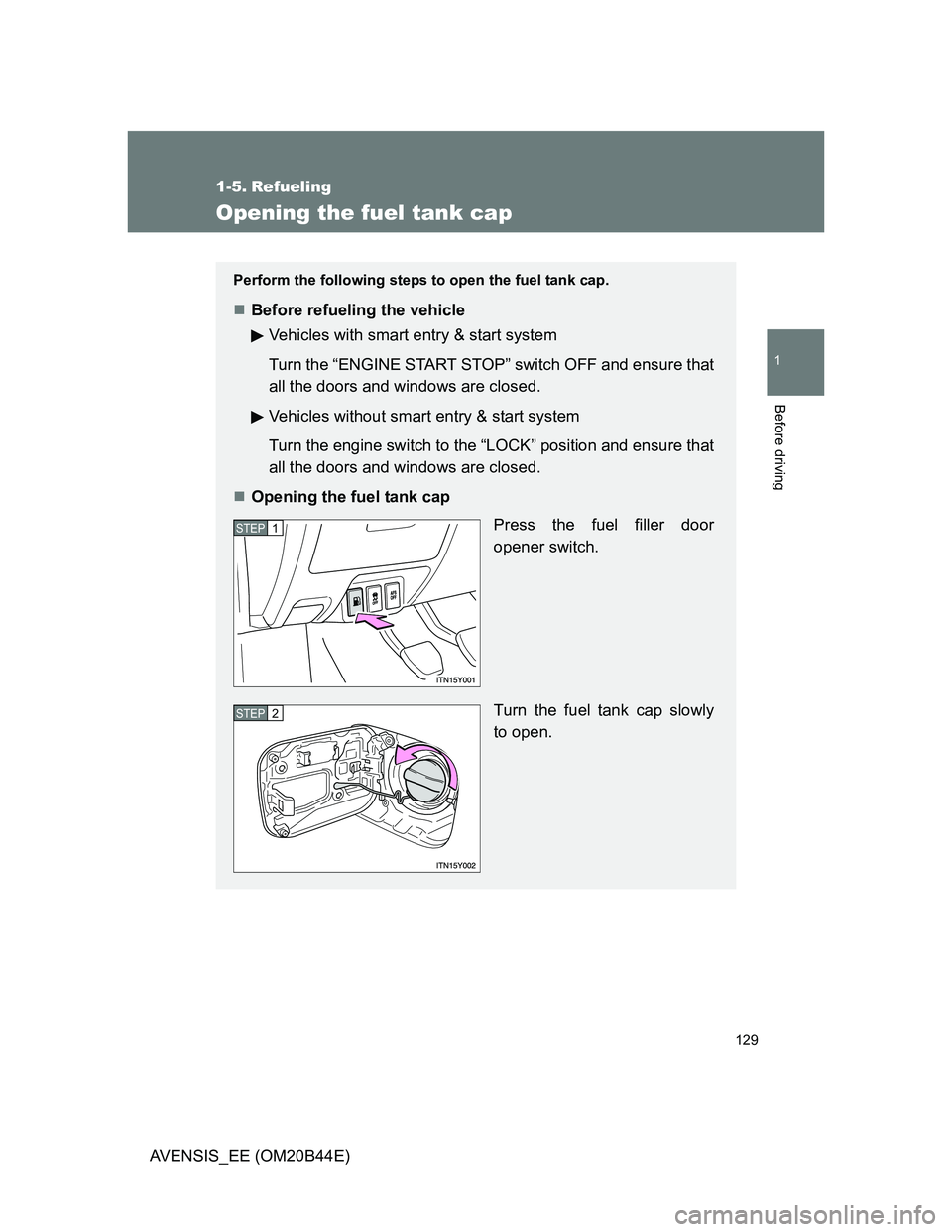
Opening the fuel tank cap
Press the fuel filler door
opener switch.
Turn the fuel tank cap slowly
to open.
STEP1
STEP2
Page 144 of 772
144
1-6. Theft deterrent system
AVENSIS_EE (OM20B44E)
Double locking system
Setting the system
Vehicles with smart entry & start system
Turn the “ENGINE START STOP” switch OFF, have all the passen-
gers exit the vehicle and ensure that all the doors are closed.
Using the smart entry & start system:
Touch the sensor area on the outside door handle twice within 5
seconds.
Using the wireless remote control:
Press the
button twice within 5 seconds.
Vehicles without smart entry & start system
Turn the engine switch to the “LOCK” position, have all passengers
exit the vehicle and ensure that all the doors are closed.
Using the wireless remote control:
Press the button twice within 5 seconds.
: If equipped
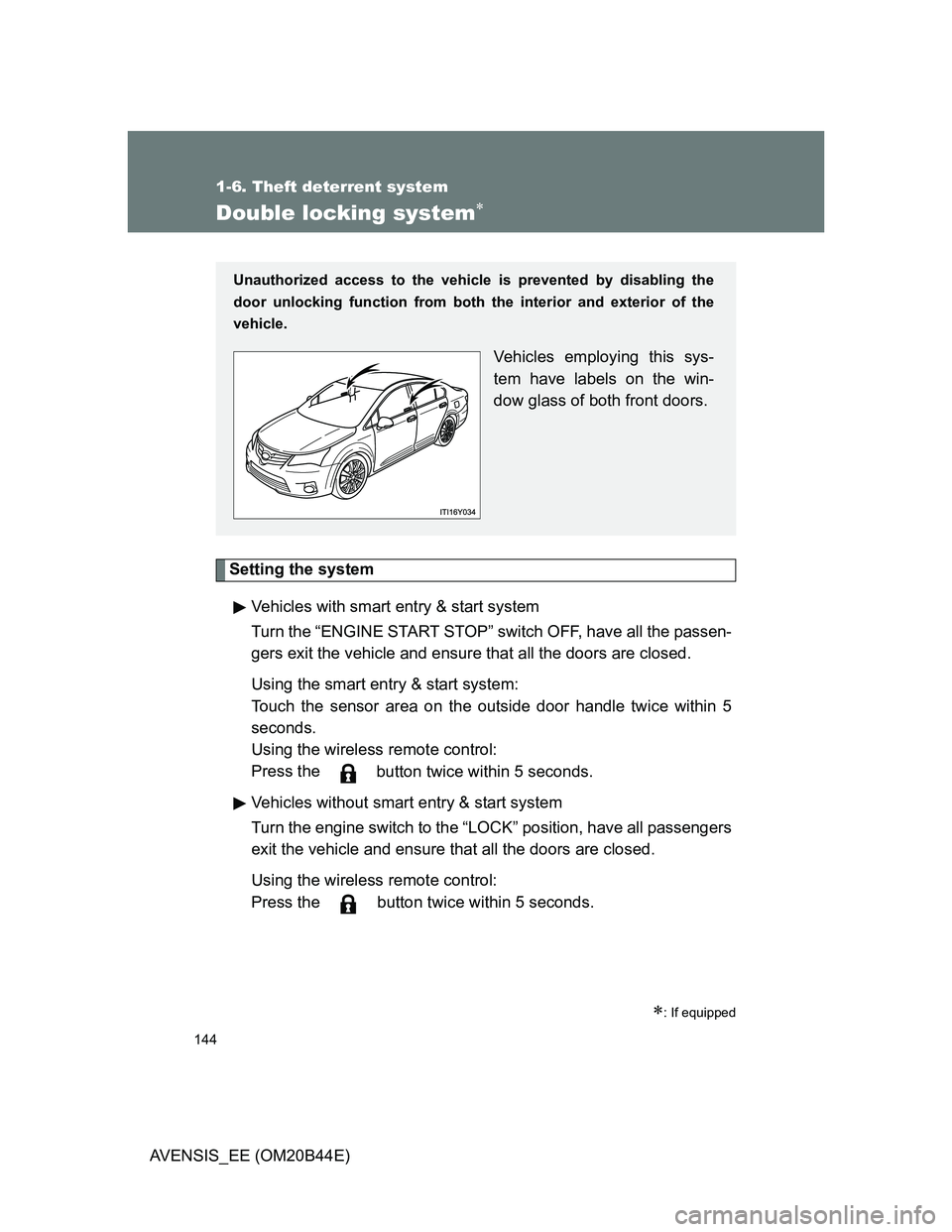
Unauthorized access to the vehicle is prevented by disabling the
door unlocking function from both the interior and exterior of the
vehicle.
Vehicles employing this sys-
tem have labels on the win-
dow glass of both front doors.
Page 145 of 772
145 1-6. Theft deterrent system
1
Before driving
AVENSIS_EE (OM20B44E)
Canceling the system
Using the smart entry & start system (if equipped):
Hold the outside door handle on the driver side.
Using the wireless remote control:
Press the
button.
CAUTION
Double locking system precaution
Never activate the double locking system when there are people in the vehi-
cle, because all the doors cannot be opened from inside the vehicle.
Page 146 of 772
146
1-6. Theft deterrent system
AVENSIS_EE (OM20B44E)
Alarm
: If equipped
The system sounds the alarm and flashes lights when forcible entry
is detected.
Triggering of the alarm
The alarm is triggered in the following situations when the alarm
is being set:
A locked door is unlocked or opened in any way other than by
using the smart entry & start system or the wireless remote
control. (The doors will lock again automatically.)
The hood is opened.
If equipped, the intrusion sensor detects something moving
inside the vehicle. (An intruder gets in the vehicle.)
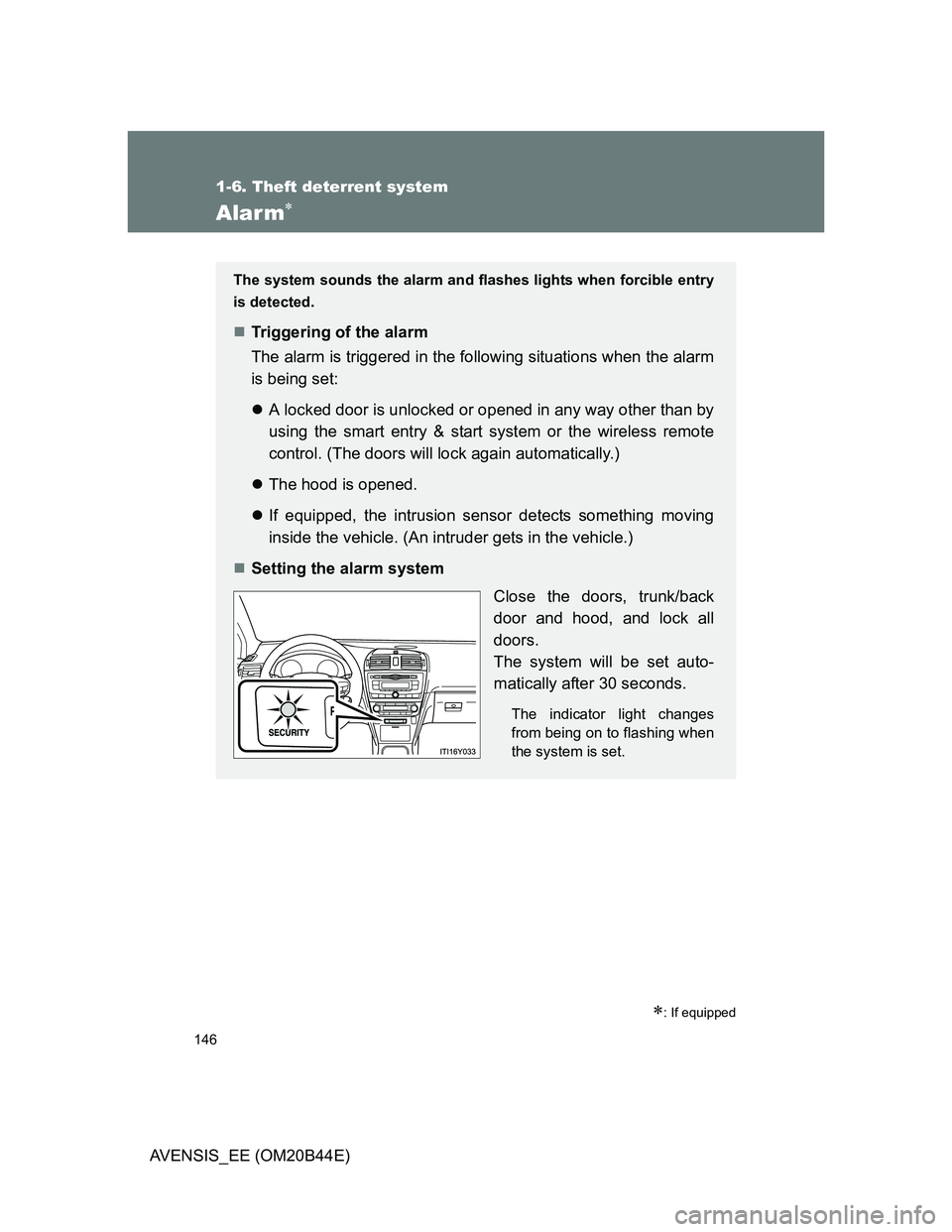
Setting the alarm system
Close the doors, trunk/back
door and hood, and lock all
doors.
The system will be set auto-
matically after 30 seconds.
The indicator light changes
from being on to flashing when
the system is set.
Page 147 of 772
147 1-6. Theft deterrent system
1
Before driving
AVENSIS_EE (OM20B44E)
Intrusion sensor (if equipped)
The intrusion sensor detects an intruder or movement in the vehicle.
The intrusion sensor can be canceled using the cancel switch.
This system is designed to deter and prevent vehicle theft but does
not guarantee absolute security against all intrusions.
Deactivating or stopping the alarm
Do one of the following to deactivate or stop the alarm.
Unlock the doors, trunk or back door using the smart entry &
start system or the wireless remote control.
Start the engine. (The alarm will be deactivated or stopped
after a few seconds.)
Page 148 of 772
148 1-6. Theft deterrent system
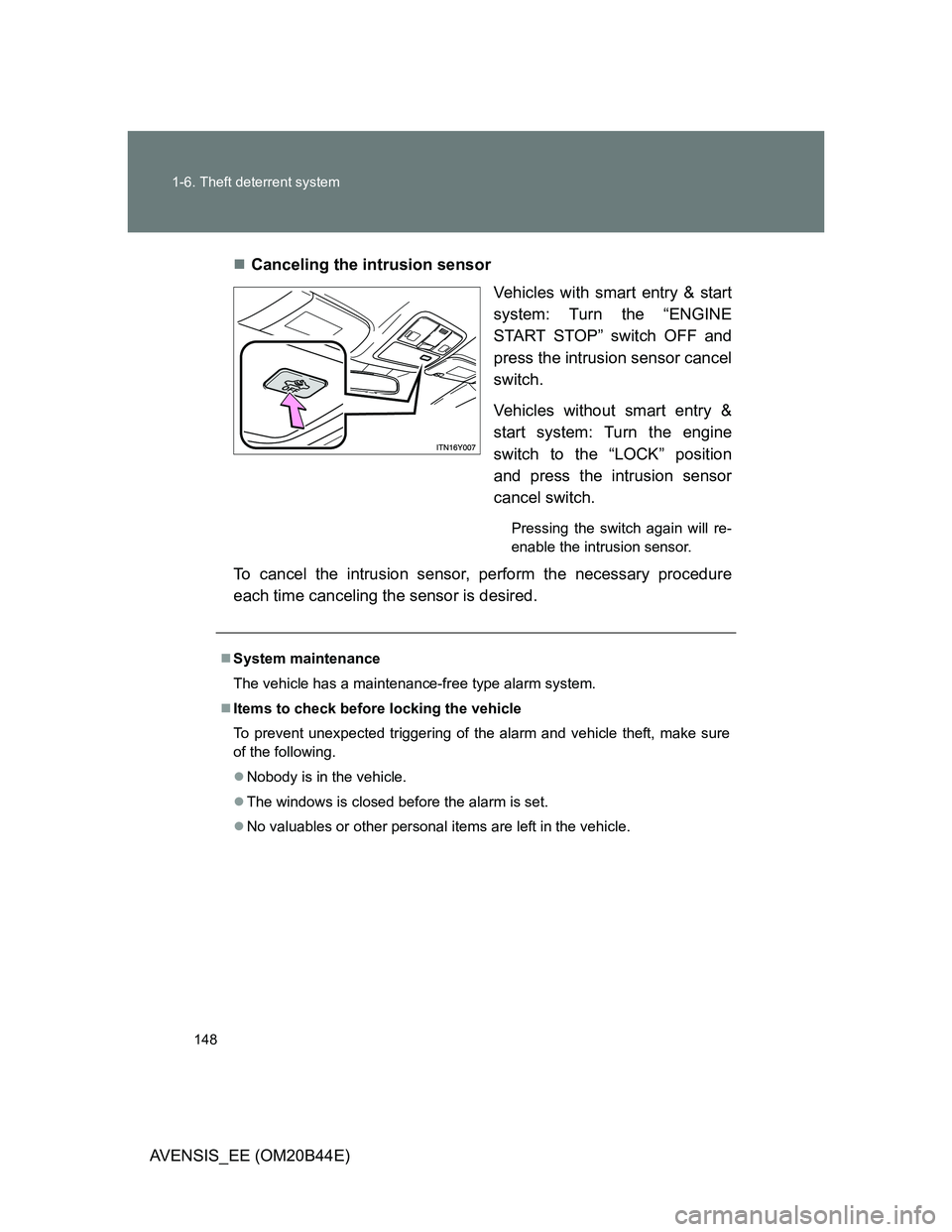
AVENSIS_EE (OM20B44E)Canceling the intrusion sensor
Vehicles with smart entry & start
system: Turn the “ENGINE
START STOP” switch OFF and
press the intrusion sensor cancel
switch.
Vehicles without smart entry &
start system: Turn the engine
switch to the “LOCK” position
and press the intrusion sensor
cancel switch.
Pressing the switch again will re-
enable the intrusion sensor.
To cancel the intrusion sensor, perform the necessary procedure
each time canceling the sensor is desired.
System maintenance
The vehicle has a maintenance-free type alarm system.
Items to check before locking the vehicle
To prevent unexpected triggering of the alarm and vehicle theft, make sure
of the following.
Nobody is in the vehicle.
The windows is closed before the alarm is set.
No valuables or other personal items are left in the vehicle.
Page 149 of 772
149 1-6. Theft deterrent system
1
Before driving
AVENSIS_EE (OM20B44E)
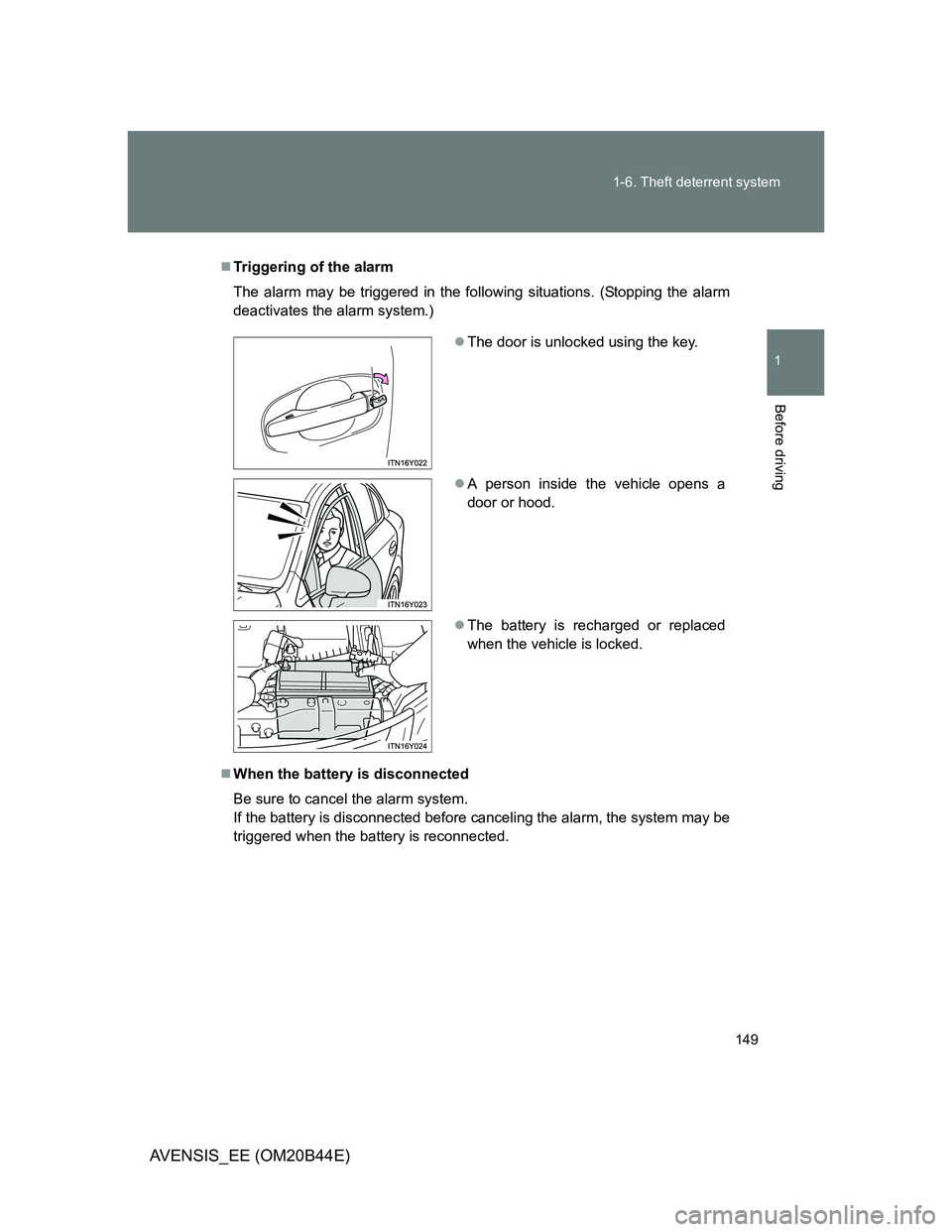
Triggering of the alarm
The alarm may be triggered in the following situations. (Stopping the alarm
deactivates the alarm system.)
When the battery is disconnected
Be sure to cancel the alarm system.
If the battery is disconnected before canceling the alarm, the system may be
triggered when the battery is reconnected.
The door is unlocked using the key.
A person inside the vehicle opens a
door or hood.
The battery is recharged or replaced
when the vehicle is locked.
Page 150 of 772
150 1-6. Theft deterrent system
AVENSIS_EE (OM20B44E)
Alarm-operated door lock
When the alarm is operating, the doors are locked automatically to pre-
vent intruders.
Do not leave the key inside the vehicle when the alarm is operating, and
make sure the key is not inside the vehicle when recharging or replacing
the battery.
Canceling and automatic re-enabling of the intrusion sensor
The alarm will still be set even when the intrusion sensor is canceled.
Vehicles with smart entry & start system: After the intrusion sensor is
canceled, pressing the “ENGINE START STOP” switch or unlocking the
doors using the smart entry & start system or wireless remote control will
re-enable the intrusion sensor.
Vehicles without smart entry & start system: After the intrusion sensor is
canceled, turn the engine switch to the “LOCK” position or unlocking the
doors using the wireless remote control will re-enable the intrusion sensor.
The intrusion sensor will automatically be re-enabled when the alarm
system is deactivated.
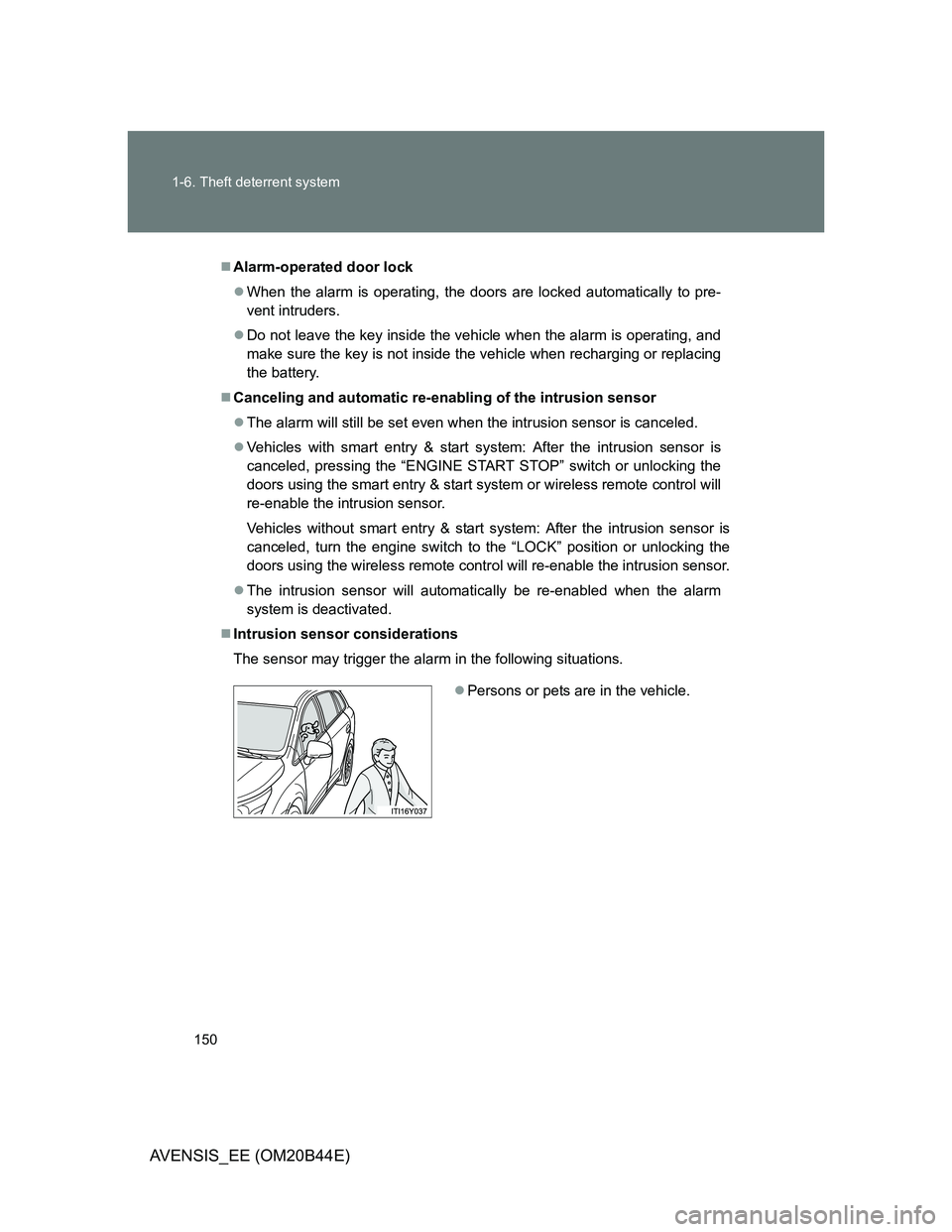
Intrusion sensor considerations
The sensor may trigger the alarm in the following situations.
Persons or pets are in the vehicle.