steering TOYOTA AVENSIS 2015 Repair Manual
[x] Cancel search | Manufacturer: TOYOTA, Model Year: 2015, Model line: AVENSIS, Model: TOYOTA AVENSIS 2015Pages: 648, PDF Size: 39.64 MB
Page 558 of 648
5588-2. Steps to take in an emergency
AVENSIS_OM_OM20C20E_(EE)
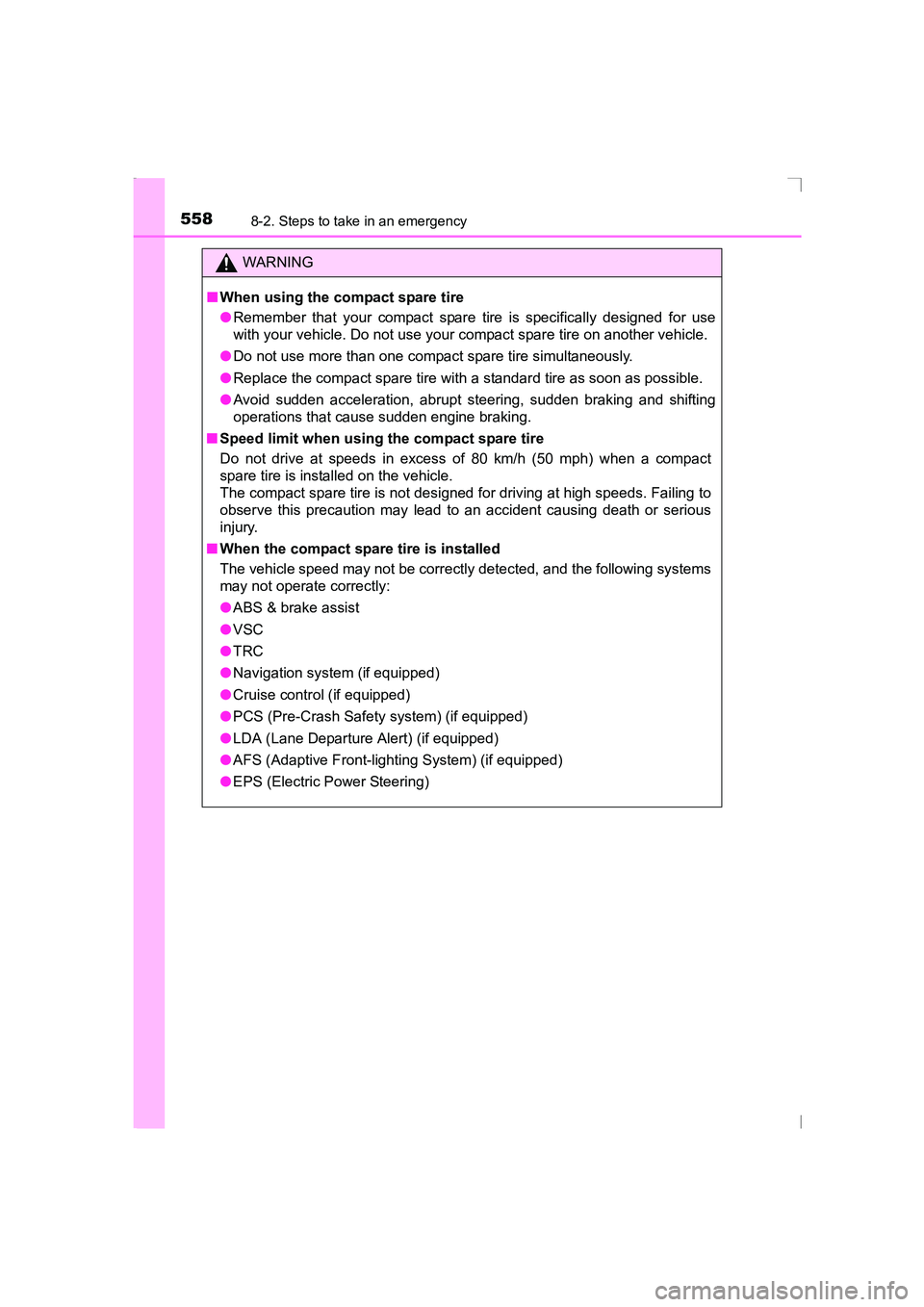
WARNING
■ When using the compact spare tire
●Remember that your compact spare tire is specifically designed for use
with your vehicle. Do not use your compact spare tire on another vehicle.
● Do not use more than one compact spare tire simultaneously.
● Replace the compact spare tire with a standard tire as soon as possible.
● Avoid sudden acceleration, abrupt steering, sudden braking and shifting
operations that cause sudden engine braking.
■ Speed limit when using the compact spare tire
Do not drive at speeds in excess of 80 km/h (50 mph) when a compact
spare tire is installed on the vehicle.
The compact spare tire is not designed for driving at high speeds. Failing to
observe this precaution may lead to an accident causing death or serious
injury.
■ When the compact spare tire is installed
The vehicle speed may not be correctly detected, and the following systems
may not operate correctly:
●ABS & brake assist
● VSC
● TRC
● Navigation system (if equipped)
● Cruise control (if equipped)
● PCS (Pre-Crash Safety system) (if equipped)
● LDA (Lane Departure Alert) (if equipped)
● AFS (Adaptive Front-lighting System) (if equipped)
● EPS (Electric Power Steering)
AVENSIS_OM_OM20C20E_(EE).book Page 558 Thursday, January 29, 2015 1:47 PM
Page 573 of 648
5738-2. Steps to take in an emergency
AVENSIS_OM_OM20C20E_(EE)
8
When trouble arises
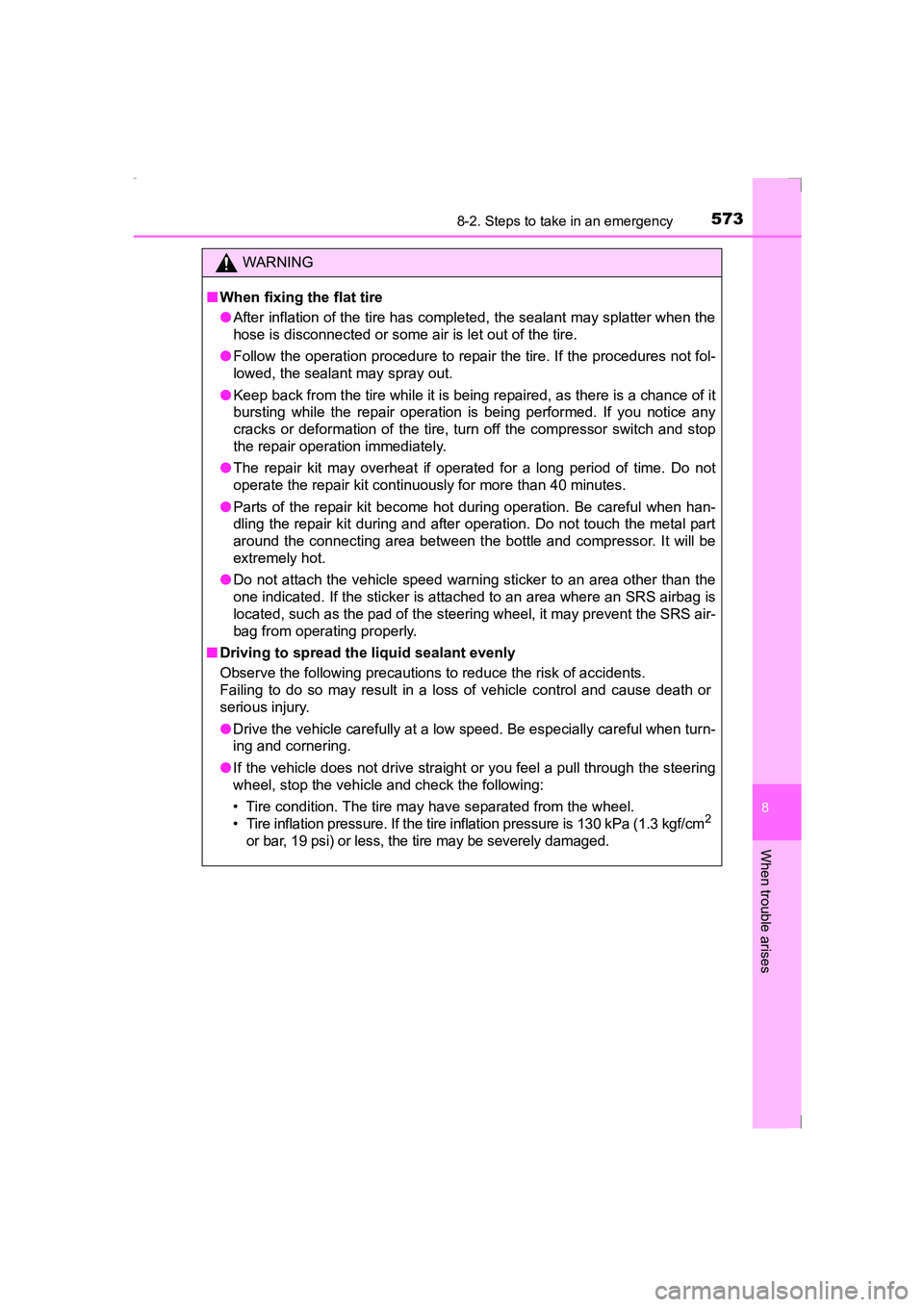
WARNING
■ When fixing the flat tire
●After inflation of the tire has completed, the sealant may splatter when the
hose is disconnected or some air is let out of the tire.
● Follow the operation procedure to repair the tire. If the procedures not fol-
lowed, the sealant may spray out.
● Keep back from the tire while it is being repaired, as there is a chance of it
bursting while the repair operation is being performed. If you notice any
cracks or deformation of the tire, turn off the compressor switch and stop
the repair operation immediately.
● The repair kit may overheat if operated for a long period of time. Do not
operate the repair kit continuously for more than 40 minutes.
● Parts of the repair kit become hot during operation. Be careful when han-
dling the repair kit during and after operation. Do not touch the metal part
around the connecting area between the bottle and compressor. It will be
extremely hot.
● Do not attach the vehicle speed warning sticker to an area other than the
one indicated. If the sticker is attached to an area where an SRS airbag is
located, such as the pad of the steering wheel, it may prevent the SRS air-
bag from operating properly.
■ Driving to spread the liquid sealant evenly
Observe the following precautions to reduce the risk of accidents.
Failing to do so may result in a loss of vehicle control and cause death or
serious injury.
●Drive the vehicle carefully at a low speed. Be especially careful when turn-
ing and cornering.
● If the vehicle does not drive straight or you feel a pull through the steering
wheel, stop the vehicle and check the following:
• Tire condition. The tire may have separated from the wheel.
• Tire inflation pressure. If the tire inflation pressure is 130 kPa (1.3 kgf/cm
2
or bar, 19 psi) or less, the tire may be severely damaged.
AVENSIS_OM_OM20C20E_(EE).book Page 573 Thursday, January 29, 2015 1:47 PM
Page 576 of 648
5768-2. Steps to take in an emergency
AVENSIS_OM_OM20C20E_(EE)
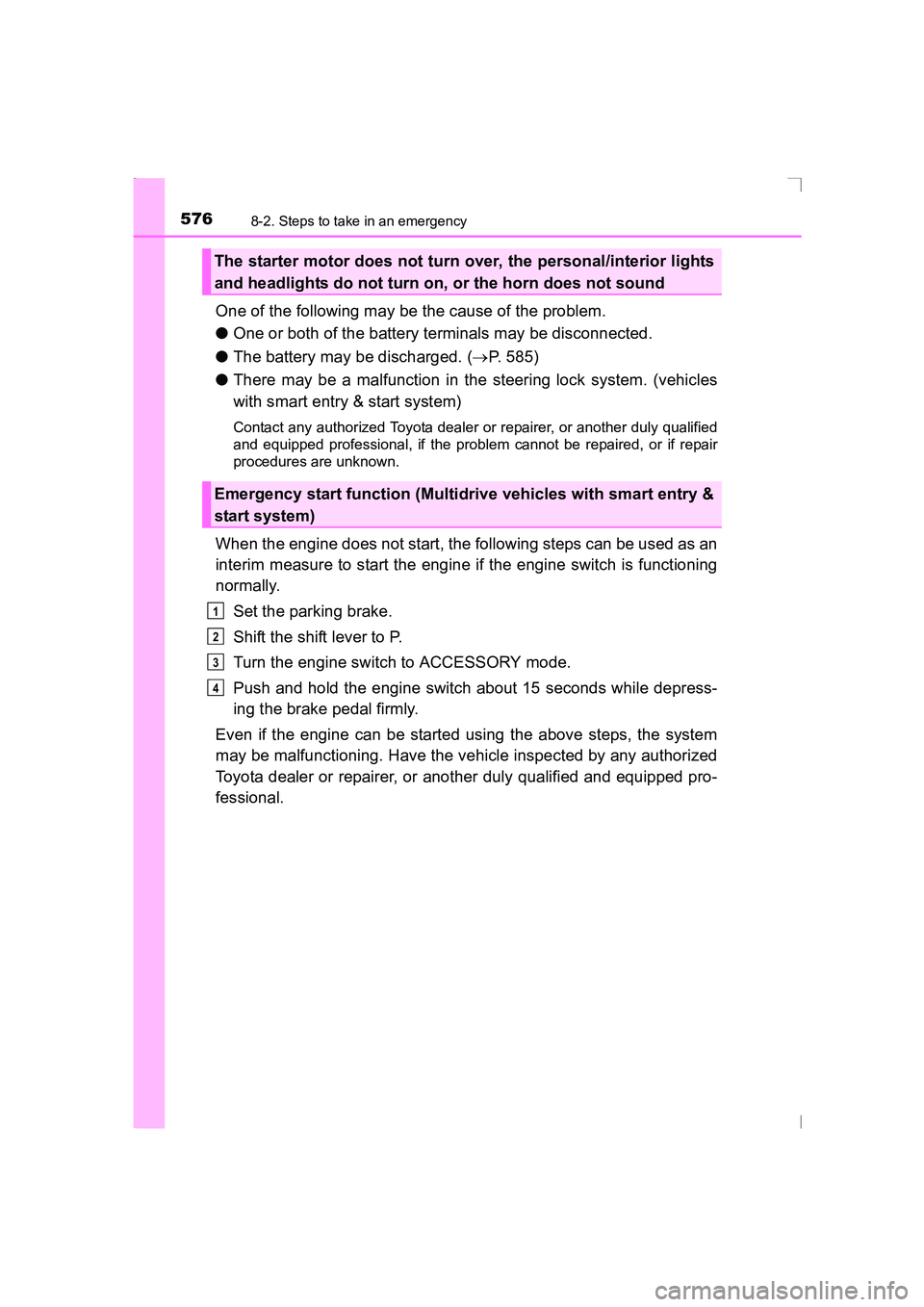
One of the following may be the cause of the problem.
●One or both of the battery terminals may be disconnected.
● The battery may be discharged. ( →P. 585)
● There may be a malfunction in the steering lock system. (vehicles
with smart entry & start system)
Contact any authorized Toyota dealer or repairer, or another duly qualified
and equipped professional, if the problem cannot be repaired, or if repair
procedures are unknown.
When the engine does not start, the following steps can be used as an
interim measure to start the engine if the engine switch is functioning
normally.
Set the parking brake.
Shift the shift lever to P.
Turn the engine switch to ACCESSORY mode.
Push and hold the engine switch about 15 seconds while depress-
ing the brake pedal firmly.
Even if the engine can be started using the above steps, the system
may be malfunctioning. Have the vehicle inspected by any authorized
Toyota dealer or repairer, or another duly qualified and equipped pro-
fessional.
The starter motor does not turn over, the personal/interior lights
and headlights do not turn on, or the horn does not sound
Emergency start function (Multidrive vehicles with smart entry &
start system)
1
2
3
4
AVENSIS_OM_OM20C20E_(EE).book Page 576 Thursday, January 29, 2015 1:47 PM
Page 612 of 648
6129-1. Specifications
AVENSIS_OM_OM20C20E_(EE)
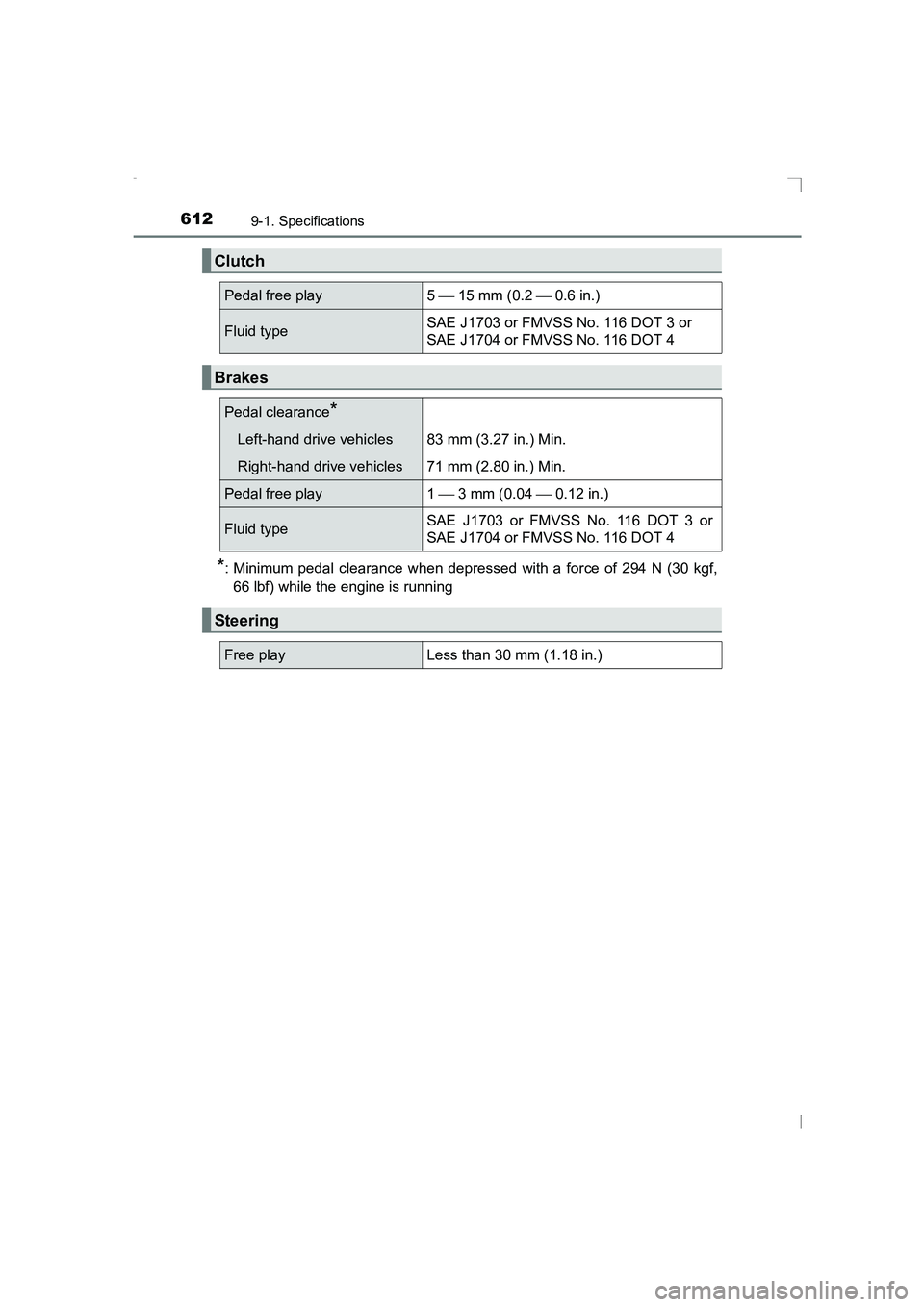
*: Minimum pedal clearance when depressed with a force of 294 N (30 kgf,66 lbf) while the engine is running
Clutch
Pedal free play5 15 mm (0.2 0.6 in.)
Fluid typeSAE J1703 or FMVSS No. 116 DOT 3 or
SAE J1704 or FMVSS No. 116 DOT 4
Brakes
Pedal clearance*
Left-hand drive vehicles 83 mm (3.27 in.) Min.
Right-hand drive vehicles 71 mm (2.80 in.) Min.
Pedal free play 1 3 mm (0.04 0.12 in.)
Fluid type SAE J1703 or FMVSS No. 116 DOT 3 or
SAE J1704 or FMVSS No. 116 DOT 4
Steering
Free playLess than 30 mm (1.18 in.)
AVENSIS_OM_OM20C20E_(EE).book Page 612 Thursday, January 29,
2015 1:47 PM
Page 631 of 648
631What to do if... (Troubleshooting)
AVENSIS_OM_OM20C20E_(EE)
●Vehicles with Multidrive
Is the shift lever in P? (→P. 209)
●Vehicles with manual transmission
Do you turn the key with the clutch pedal depressed firmly? ( →P. 209)
●Is the battery discharged? ( →P. 585)
●Vehicles with Multidrive
Did you press the engine switch while firmly depressing the brake pedal?
(→ P. 212)
●Vehicles with manual transmission
Did you press the engine switch while firmly depressing the clutch pedal?
(→ P. 212)
●Vehicles with Multidrive
Is the shift lever in P? ( →P. 212)
●Is the electronic key anywhere detectable inside the vehicle? ( →P. 149)
●Is the steering wheel unlocked? ( →P. 216)
●Is the electronic key battery weak or depleted?
In this case, the engine can be started in a temporary way. ( →P. 582)
●Is the battery discharged? ( →P. 585)
●Vehicles without smart entry & start system
Is the engine switch in the “ON” position?
If you cannot release the shift lever by depressing the brake pedal with the
engine switch in the “ON” position. ( →P. 577)
●Vehicles with smart entry & start system
Is the engine switch in IGNITION ON mode?
If you cannot release the shift lever by depressing the brake pedal with the
engine switch in IGNITION ON mode. ( →P. 577)
If you think something is wrong
The engine does not start
(vehicles without smart entry & start system)
The engine does not start
(vehicles with smart entry & start system)
The shift lever cannot be shifted from P even if you depress
the brake pedal (vehicles with Multidrive)
AVENSIS_OM_OM20C20E_(EE).book Page 631 Thursday, January 29, 2015 1:47 PM
Page 632 of 648
632What to do if... (Troubleshooting)
AVENSIS_OM_OM20C20E_(EE)
●Vehicles without smart entry & start system
It is locked to prevent theft of the vehicle if the key is removed from the
engine switch. (→P. 210)
●Vehicles with smart entry & start system
It is locked automatically to prevent theft of the vehicle. ( →P. 216)
●Is the window lock switch pressed?
The power window except for the one at the driver’s seat cannot be oper-
ated if the window lock switch is pressed. ( →P. 182)
●The auto power off function will be operated if the vehicle is left in ACCES-
SORY or IGNITION ON mode (the engine is not operating) for a period of
time. ( →P. 216)
●The seat belt reminder light is flashing
Are the driver and the front passenger wearing the seat belts? ( →P. 522)
●The brake system warning light is on
Is the parking brake released? ( →P. 229)
Depending on the situation, other types of warning buzzer may also sound.
( → P. 520, 527)
The steering wheel cannot be turned after the engine is
stopped
The windows do not open or close by operating the power
window switches
The engine switch is turned off automatically
(vehicles with smart entry & start system)
A warning buzzer sounds during driving
AVENSIS_OM_OM20C20E_(EE).book Page 632 Thursday, January 29, 2015 1:47 PM
Page 635 of 648
635Alphabetical index
AVENSIS_OM_OM20C20E_(EE)
Audio system*......................... 308
Antenna................................. 320
Audio input ............................ 349
AUX port ............................... 349
Bluetooth
® audio ................... 364
CD player .............................. 321
iPod....................................... 332
MP3/WMA disc ..................... 321
Optimal use........................... 313
Portable music player ........... 312
Radio..................................... 315
Steering wheel audio switch.................................. 311
USB memory......................... 341
Audio system (with navigation system)
*
Automatic air conditioning system
Air conditioning filter.............. 480
Automatic air conditioning system ................................ 388
Automatic headlight leveling system...................... 239
Automatic High Beam ............. 269
Automatic light control
system .................................... 237
AUX port
*................................. 312
Auxiliary box ............................ 411
Back door ................................. 143 Wireless remote control key ...................................... 121
Back-up lights Replacing light bulbs ..... 498, 499
Wattage................................. 615 Battery
Battery checking ................... 453
If the battery is discharged.... 585
Preparing and checking before winter....................... 303
Bluetooth
®*............................. 374
Audio system ........................ 364
Hands-free system (for cellular phone) ............. 350
Registering/removing a Bluetooth
® device............... 357
Selecting a Bluetooth®
device ................................. 358
Wireless communication ....... 350
Bluetooth
® audio*................... 364
Bluetooth® phone*
(audio system) ....................... 350 Deleting the call history......... 361
Making a call ......................... 368
Managing speed dials ........... 361
Managing the contacts.......... 362
Phone settings ...................... 358
Receiving a call..................... 370
Speaking on the phone ......... 371
Bottle holders .......................... 405
Brake Fluid ...................................... 612
Parking brake........................ 229
Warning light ................. 520, 521
Warning message ................. 527
Brake assist ............................. 297
Break-in tips ............................. 189
Brightness control Instrument light control......................... 106, 114
B
*: For vehicles with navigation system or multimedia system, refer to
“Navigation and multimedia system Owner’s manual”.
AVENSIS_OM_OM20C20E_(EE).book Page 635 Thursday, January 29, 2015 1:47 PM
Page 637 of 648
637Alphabetical index
AVENSIS_OM_OM20C20E_(EE)
DisplayDrive information ........... 108, 112
Fuel consumption information.......................... 117
LDA (Lane Departure
Alert) ................................... 264
Multi-information display ........................ 108, 111
Trip information ..................... 117
Warning message ................. 527
Do-it-yourself maintenance .... 436
Door courtesy lights ................ 399 Wattage................................. 615
Doors Automatic door locking and unlocking system ................ 136
Back door .............................. 143
Door glasses ......................... 182
Door lock ............................... 132
Outside rear view mirrors ...... 179
Rear door child-protectors .... 136
Side doors ............................. 132
Double locking system.............. 87
Drive information ............. 108, 112
Driver’s seat belt reminder light ........................ 522
Driving Break-in tips .......................... 189
Correct posture ....................... 32
Driving in the rain .................. 188
Driving mode select switch ... 220
Procedures............................ 186
Winter driving tips ................. 303
Driving position memory ........ 170 Driving position memory ....... 170
Memory recall function .......... 171 Electric power steering
Function ................................ 297
Warning light ......................... 521
Warning message ................. 531
Electronic key Battery-saving function ......... 152
If the electronic key does not operate properly ................. 582
Replacing the battery ............ 482
Emergency brake signal ......... 298
Emergency flashers ................ 508
Emergency, in case of If a warning buzzer sounds................................ 520
If a warning light turns on...... 520
If a warning message is
displayed ............................ 527
If the electronic key does not operate properly ................. 582
If the engine will not start ...... 575
If the parking brake cannot be released......................... 578
If the shift lever cannot be shifted from “P”................... 577
If the vehicle battery is discharged .......................... 585
If you have a flat
tire ............................. 544, 560
If you lose your keys ..... 122, 131
If you think something is wrong.................................. 518
If your vehicle becomes stuck ................................... 593
If your vehicle has to be stopped in an emergency................. 509
If your vehicle needs to be towed.................................. 511
If your vehicle overheats ....... 590E
*: For vehicles with navigation system or multimedia system, refer to
“Navigation and multimedia system Owner’s manual”.
AVENSIS_OM_OM20C20E_(EE).book Page 637 Thursday, January 29, 2015 1:47 PM
Page 638 of 648
638Alphabetical index
AVENSIS_OM_OM20C20E_(EE)
Emergency tire puncture repair kit ................................. 560
Engine “ACC” position....................... 210
Accessory mode ................... 215
Before stopping the engine (diesel engine) .................... 189
Compartment ........................ 443
Engine switch ................ 209, 212
Hood ..................................... 440
How to start the engine......................... 209, 212
Identification number............. 598
Idling time.............................. 189
If the engine will not start ...... 575
If your vehicle has to be stopped in an emergency ... 509
Ignition switch
(engine switch) ........... 209, 212
Overheating .......................... 590
Engine compartment cover ....................................... 445
Engine coolant Capacity ................................ 608
Checking ............................... 451
Preparing and checking
before winter....................... 303
Engine coolant temperature gauge ...................................... 106
Engine immobilizer system ...... 78
Engine oil
Capacity ................................ 602
Checking ............................... 446
Oil pressure warning message ............................. 527
Preparing and checking
before winter....................... 303 Engine oil maintenance
data ......................................... 449
Engine switch .................. 209, 212 Auto power off function ......... 216
Changing the engine switch mode .................................. 215
Changing the engine switch position .................... 210
If your vehicle has to be stopped in an emergency ... 509
Starting the engine........ 209, 212
Engine switch light
(ignition switch)..................... 399
EPS (Electronic Power Steering) Function ................................ 297
Warning light ......................... 521
Warning message ................. 531
First-aid kit storage belt .......... 408
Flat tire.............................. 544, 560
Floor mat .................................... 30
Fluid Brake .................................... 612
Clutch.................................... 612
Multidrive .............................. 610
Steering ................................ 612
Transmission ........................ 610
Washer ................................. 456
Fog lights Replacing light bulbs..... 494, 504
Switch ................................... 240
Wattage ................................ 615
Follow me home system ......... 236
Front fog lights Replacing light bulbs............. 494
Switch ................................... 240
Wattage ................................ 615
F
AVENSIS_OM_OM20C20E_(EE).book Page 638 Thursday, January 29, 2015 1:47 PM
Page 641 of 648
641Alphabetical index
AVENSIS_OM_OM20C20E_(EE)
Language (multi-information display) ................................... 621
LDA (Lane Departure Alert) .... 263
Lever Auxiliary catch lever .............. 440
Hood lock release lever ........ 440
Shift lever ...................... 219, 225
Turn signal lever ................... 228
Wiper lever .................... 242, 246
License plate lights Light switch ........................... 232
Replacing light bulbs ............. 502
Wattage................................. 615
Light Automatic High Beam
system ................................ 269
Door courtesy lights .............. 399
Engine switch light ................ 399
Fog light switch ..................... 240
Follow me home system ....... 236
Headlight switch .................... 232
Illuminated entry system ....... 401
Interior lights ......................... 400
Interior light list ...................... 399
Luggage compartment light ..................................... 144
Personal lights ...................... 400
Replacing light bulbs ............. 490
Trunk light ............................ 140
Turn signal lever ................... 228
Vanity lights........................... 417
Wattage................................. 615
Light bulbs
Replacing .............................. 490
Wattage................................. 615 Lock steering column ..... 210, 216
Luggage compartment
Auxiliary box ......................... 411
Cargo hooks ......................... 410
Extending a space ................ 420
Luggage cover ...................... 412
Separation net ...................... 414
Luggage cover ......................... 412
Maintenance Do-it-yourself maintenance ... 436
Maintenance data ................. 596
Maintenance requirements ... 433
Malfunction indicator lamp ..... 520
Manual air conditioning
system .................................... 382
Manual headlight leveling dial .......................................... 235
Manual transmission ............... 225
Meter Indicators ................................ 98
Instrument cluster light control......................... 106, 114
Meters ................................... 104
Multi-information display ........................ 108, 111
Warning lights ....................... 520
Warning messages ............... 527
Microphone .............................. 353
Mirrors Inside rear view mirror .......... 176
Outside rear view mirror defoggers ................... 384, 391
Outside rear view mirrors...... 179
Vanity mirrors........................ 417
L
M
*: For vehicles with navigation system or multimedia system, refer to
“Navigation and multimedia system Owner’s manual”.
AVENSIS_OM_OM20C20E_(EE).book Page 641 Thursday, January 29, 2015 1:47 PM