audio TOYOTA AYGO 2012 (in English) Service Manual
[x] Cancel search | Manufacturer: TOYOTA, Model Year: 2012, Model line: AYGO, Model: TOYOTA AYGO 2012Pages: 368, PDF Size: 16.94 MB
Page 213 of 368
213
3-3. Using the audio system (Type B)
3
Interior features
AYGO_WE_99E96E
Using the Bluetooth® audio streaming
: If equipped
Bluetooth® audio streaming functions
The Bluetooth
® audio streaming function is depending on the compatibil-
ity of the telephone.
In certain cases, playing of the audio files must be initiated from the tele-
phone.
The audio quality depends on the quality of the transmission from the
telephone.
CAUTION
Caution while driving
Do not connect Bluetooth
® audio streaming or operate the controls.
NOTICE
To prevent damage
Do not leave the telephone in the vehicle. The temperature inside the vehi-
cle may become high, resulting in damage to the telephone.
Bluetooth® audio streaming allows music files on a telephone to be
heard via the vehicle’s speakers.
Press the “SRC/ ” button repeatedly until Bluetooth
® audio mode
is displayed.
The telephone must support the appropriate Bluetooth
® profiles
(A2DP/AVRCP).
Pairing a telephone/ first connection
P. 215
Page 214 of 368
214
3-3. Using the audio system (Type B)
AYGO_WE_99E96E
Using the telephone
: If equipped
Bluetooth® audio streaming
P. 213
Bluetooth
® hands-free phone system
The hands-free system is a function that allows you to use your
telephone without touching it.
This system supports Bluetooth
®. Bluetooth® is a wireless data
system that allows the telephone to wirelessly connect to the
hands-free system and make/receive calls.
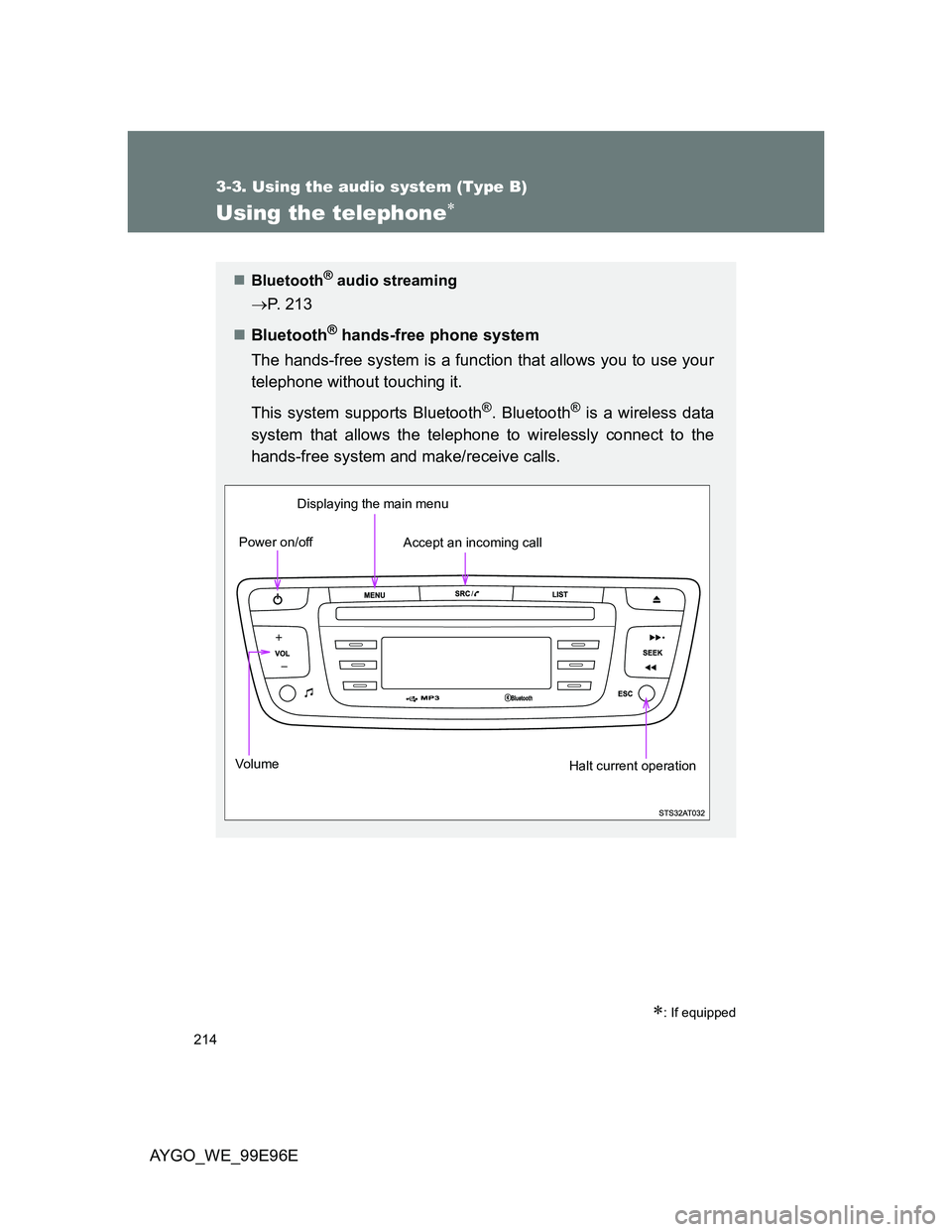
Vo lu m eDisplaying the main menu
Power on/off
Accept an incoming call
Halt current operation
Page 215 of 368
215 3-3. Using the audio system (Type B)
3
Interior features
AYGO_WE_99E96E
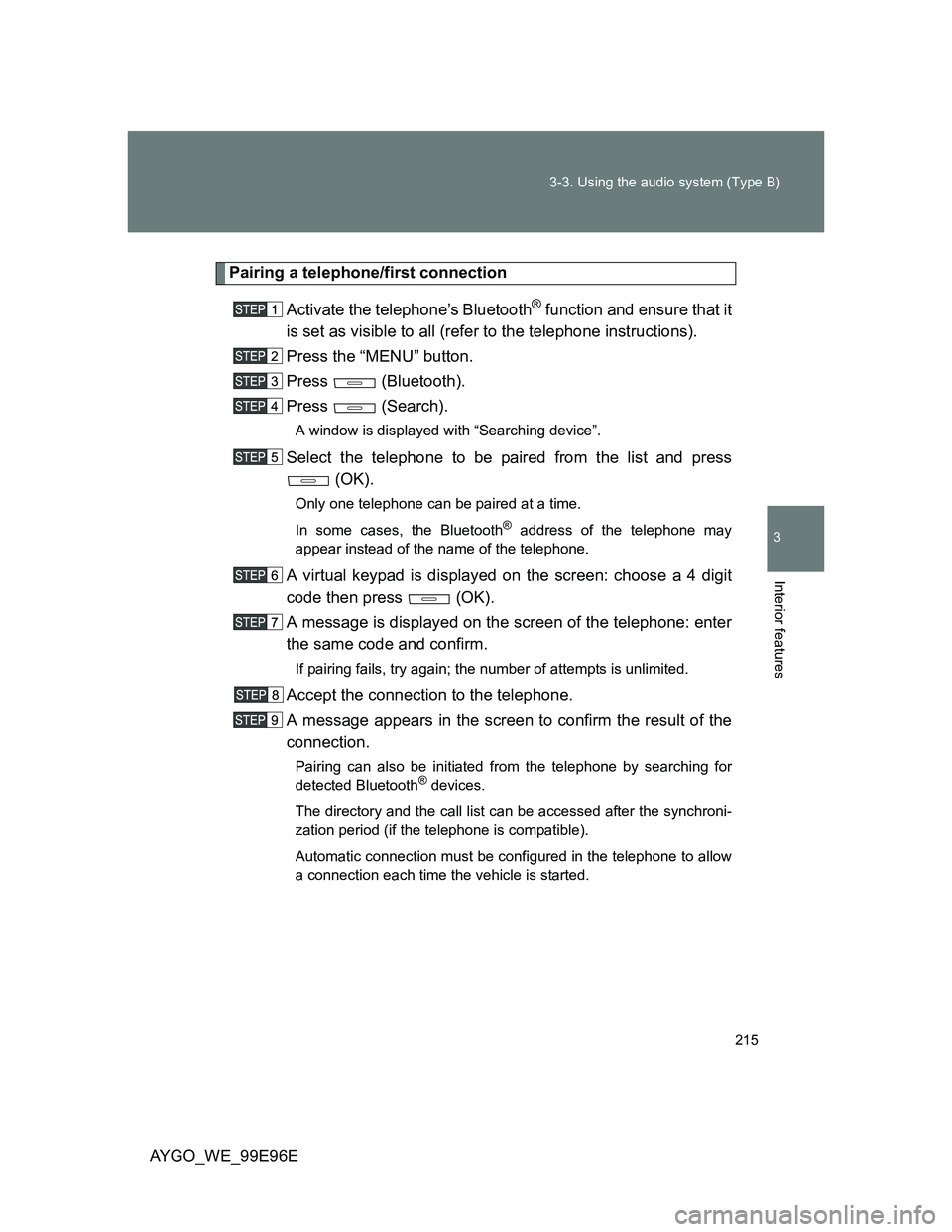
Pairing a telephone/first connection
Activate the telephone’s Bluetooth
® function and ensure that it
is set as visible to all (refer to the telephone instructions).
Press the “MENU” button.
Press (Bluetooth).
Press (Search).
A window is displayed with “Searching device”.
Select the telephone to be paired from the list and press
(OK).
Only one telephone can be paired at a time.
In some cases, the Bluetooth
® address of the telephone may
appear instead of the name of the telephone.
A virtual keypad is displayed on the screen: choose a 4 digit
code then press (OK).
A message is displayed on the screen of the telephone: enter
the same code and confirm.
If pairing fails, try again; the number of attempts is unlimited.
Accept the connection to the telephone.
A message appears in the screen to confirm the result of the
connection.
Pairing can also be initiated from the telephone by searching for
detected Bluetooth® devices.
The directory and the call list can be accessed after the synchroni-
zation period (if the telephone is compatible).
Automatic connection must be configured in the telephone to allow
a connection each time the vehicle is started.
Page 216 of 368
216 3-3. Using the audio system (Type B)
AYGO_WE_99E96E
Managing connections
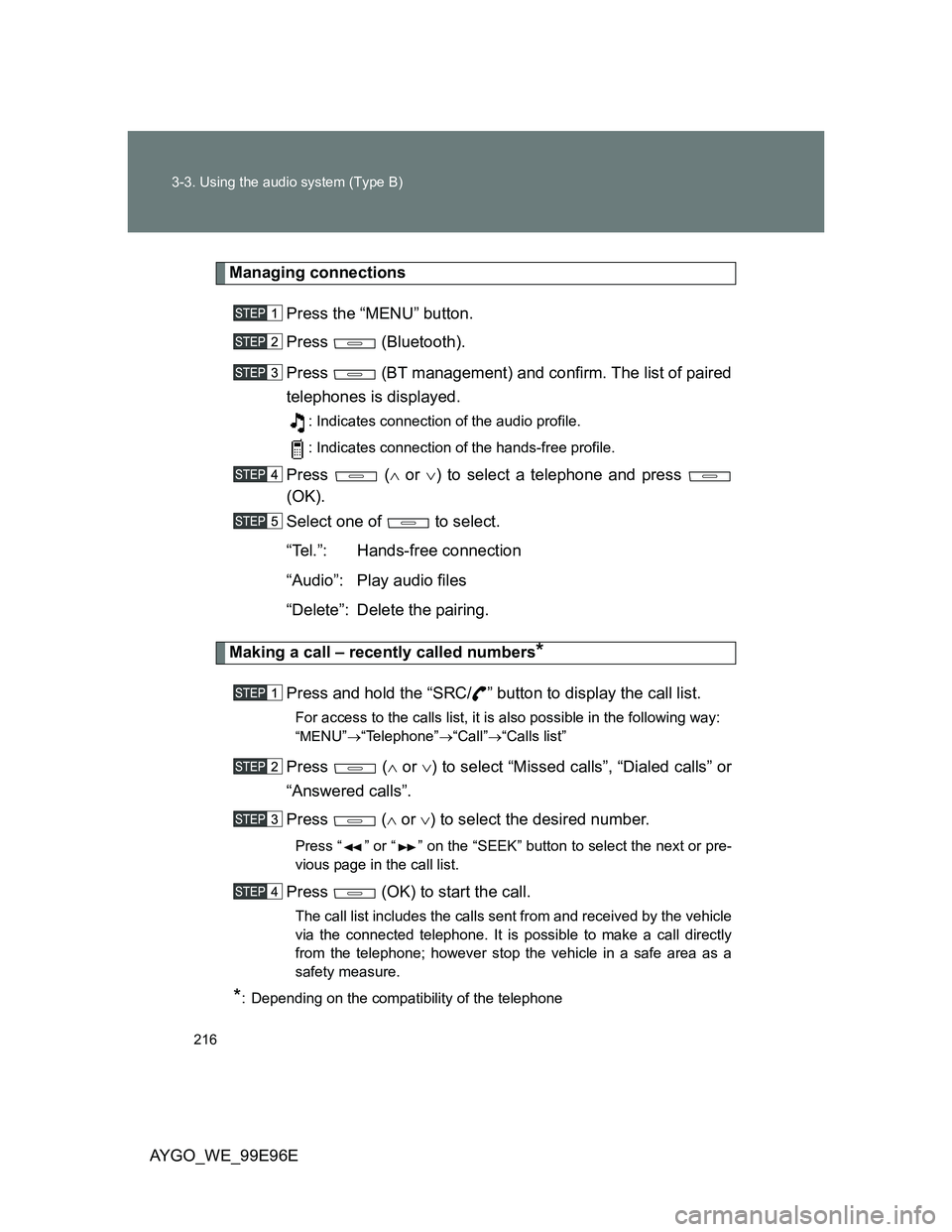
Press the “MENU” button.
Press (Bluetooth).
Press (BT management) and confirm. The list of paired
telephones is displayed.
: Indicates connection of the audio profile.
: Indicates connection of the hands-free profile.
Press ( or ) to select a telephone and press
(OK).
Select one of to select.
“Tel.”: Hands-free connection
“Audio”: Play audio files
“Delete”: Delete the pairing.
Making a call – recently called numbers*
Press and hold the “SRC/ ” button to display the call list.
For access to the calls list, it is also possible in the following way:
“MENU”“Telephone”“Call”“Calls list”
Press ( or ) to select “Missed calls”, “Dialed calls” or
“Answered calls”.
Press ( or ) to select the desired number.
Press “ ” or “ ” on the “SEEK” button to select the next or pre-
vious page in the call list.
Press (OK) to start the call.
The call list includes the calls sent from and received by the vehicle
via the connected telephone. It is possible to make a call directly
from the telephone; however stop the vehicle in a safe area as a
safety measure.
*: Depending on the compatibility of the telephone
Page 217 of 368
217 3-3. Using the audio system (Type B)
3
Interior features
AYGO_WE_99E96E
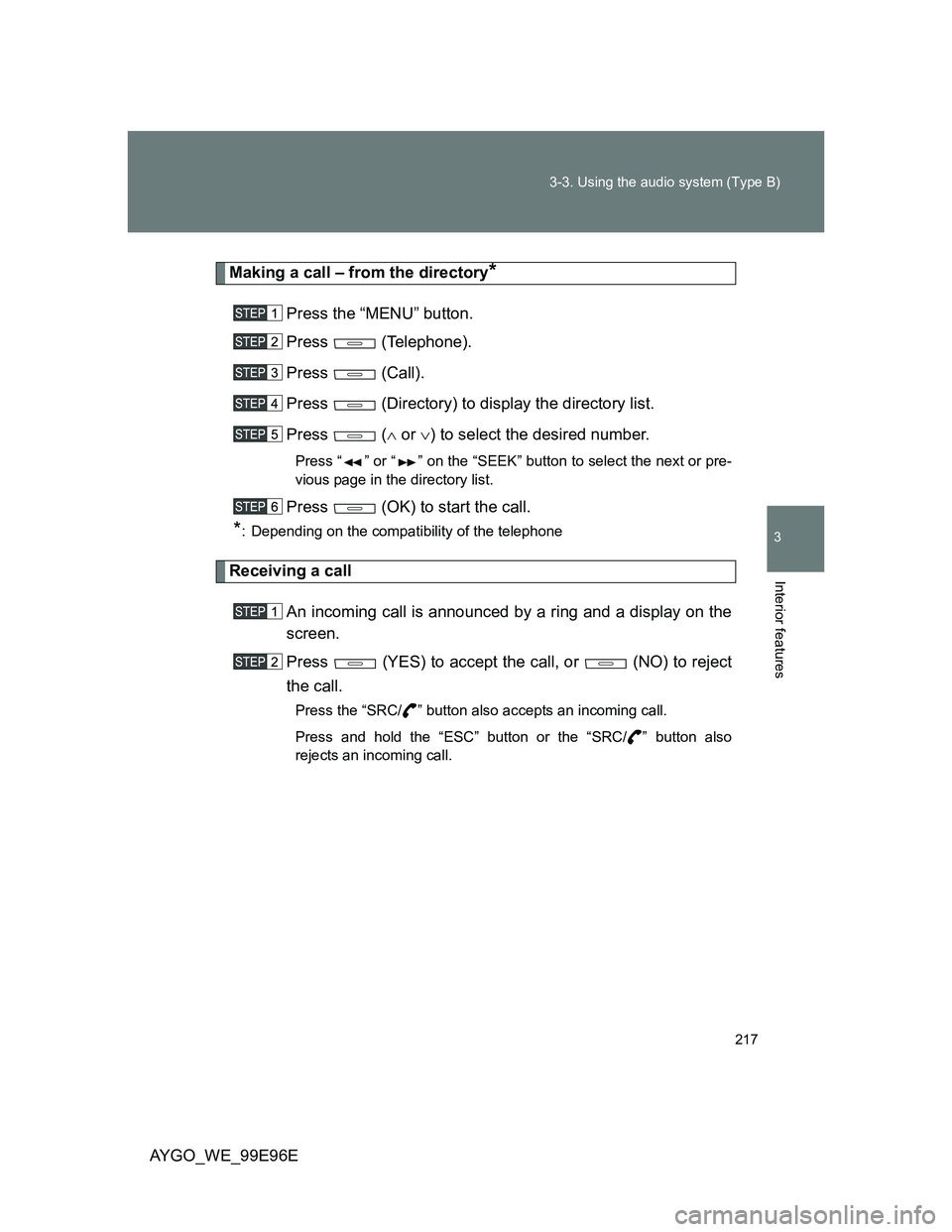
Making a call – from the directory*
Press the “MENU” button.
Press (Telephone).
Press (Call).
Press (Directory) to display the directory list.
Press ( or ) to select the desired number.
Press “ ” or “ ” on the “SEEK” button to select the next or pre-
vious page in the directory list.
Press (OK) to start the call.
*: Depending on the compatibility of the telephone
Receiving a call
An incoming call is announced by a ring and a display on the
screen.
Press (YES) to accept the call, or (NO) to reject
the call.
Press the “SRC/ ” button also accepts an incoming call.
Press and hold the “ESC” button or the “SRC/ ” button also
rejects an incoming call.
Page 218 of 368
218 3-3. Using the audio system (Type B)
AYGO_WE_99E96E
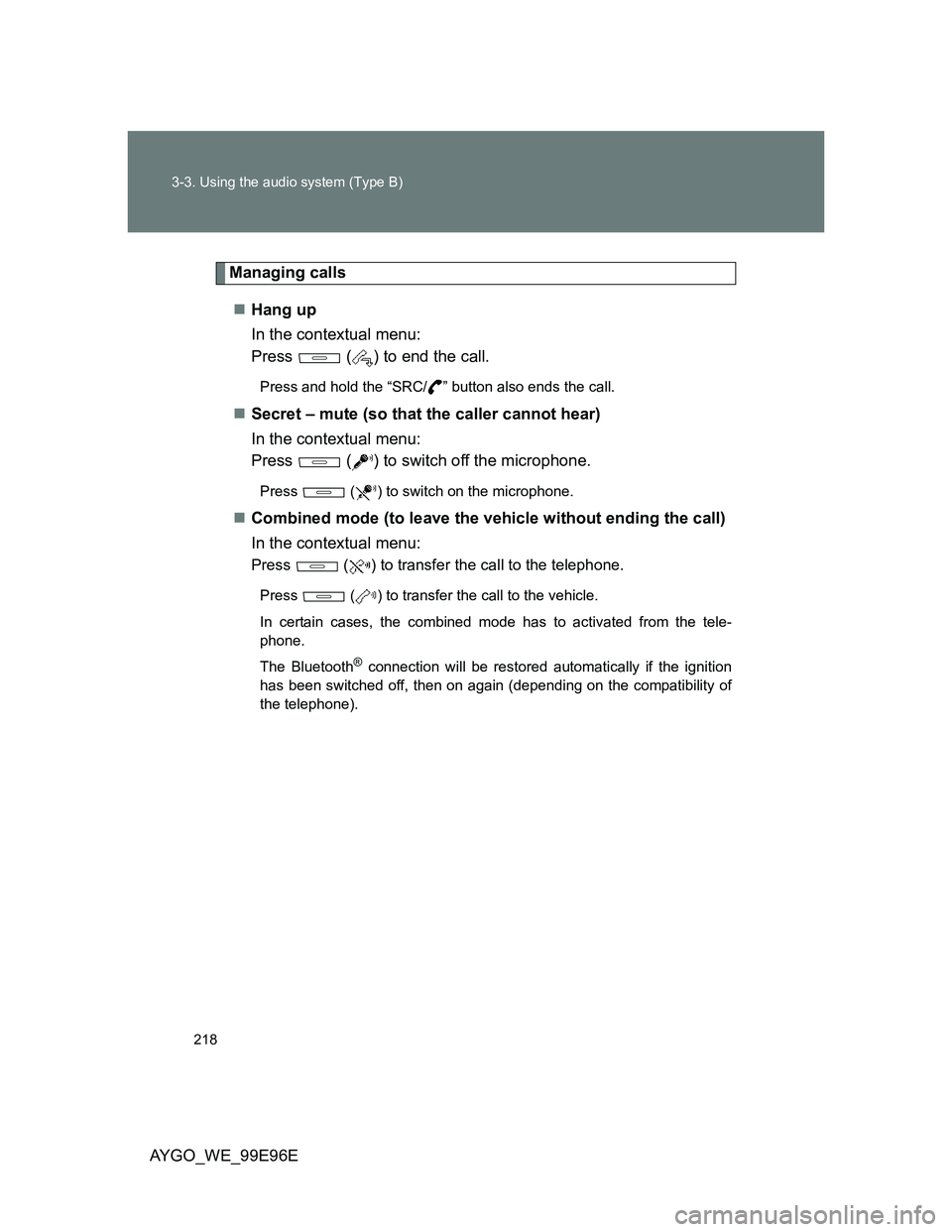
Managing calls
Hang up
In the contextual menu:
Press ( ) to end the call.
Press and hold the “SRC/ ” button also ends the call.
Secret – mute (so that the caller cannot hear)
In the contextual menu:
Press ( ) to switch off the microphone.
Press ( ) to switch on the microphone.
Combined mode (to leave the vehicle without ending the call)
In the contextual menu:
Press ( ) to transfer the call to the telephone.
Press ( ) to transfer the call to the vehicle.
In certain cases, the combined mode has to activated from the tele-
phone.
The Bluetooth
® connection will be restored automatically if the ignition
has been switched off, then on again (depending on the compatibility of
the telephone).
Page 219 of 368
219 3-3. Using the audio system (Type B)
3
Interior features
AYGO_WE_99E96E
Pairing a telephone
The services offered depend on the network, the SIM card and the com-
patibility of the Bluetooth® telephone used. Consult your telephone’s
manual and your operator to find out which services are available to you.
For safety reasons and because they require prolonged attention on the
part of the driver, the operations for pairing of the Bluetooth
® mobile tele-
phone with the Bluetooth® hands-free system of your audio system must
be carried out with the vehicle stationary and the ignition on.
Visit www.toyota-europe.com for more information (compatibility, more
help, ...).
It is not possible to pair more that 5 telephones. If 5 telephones are
already paired, a registered telephone needs to be deleted. (P. 216)
Pairing can also be initiated from the telephone by searching for detected
Bluetooth
® devices.
The directory and the calls list can be accessed after the synchronization
period (if the telephone is compatible). Automatic connection must be
configured in the telephone to allow the connection each time the vehicle
is started.
The telephone connection automatically includes hands-free operation
and audio streaming.
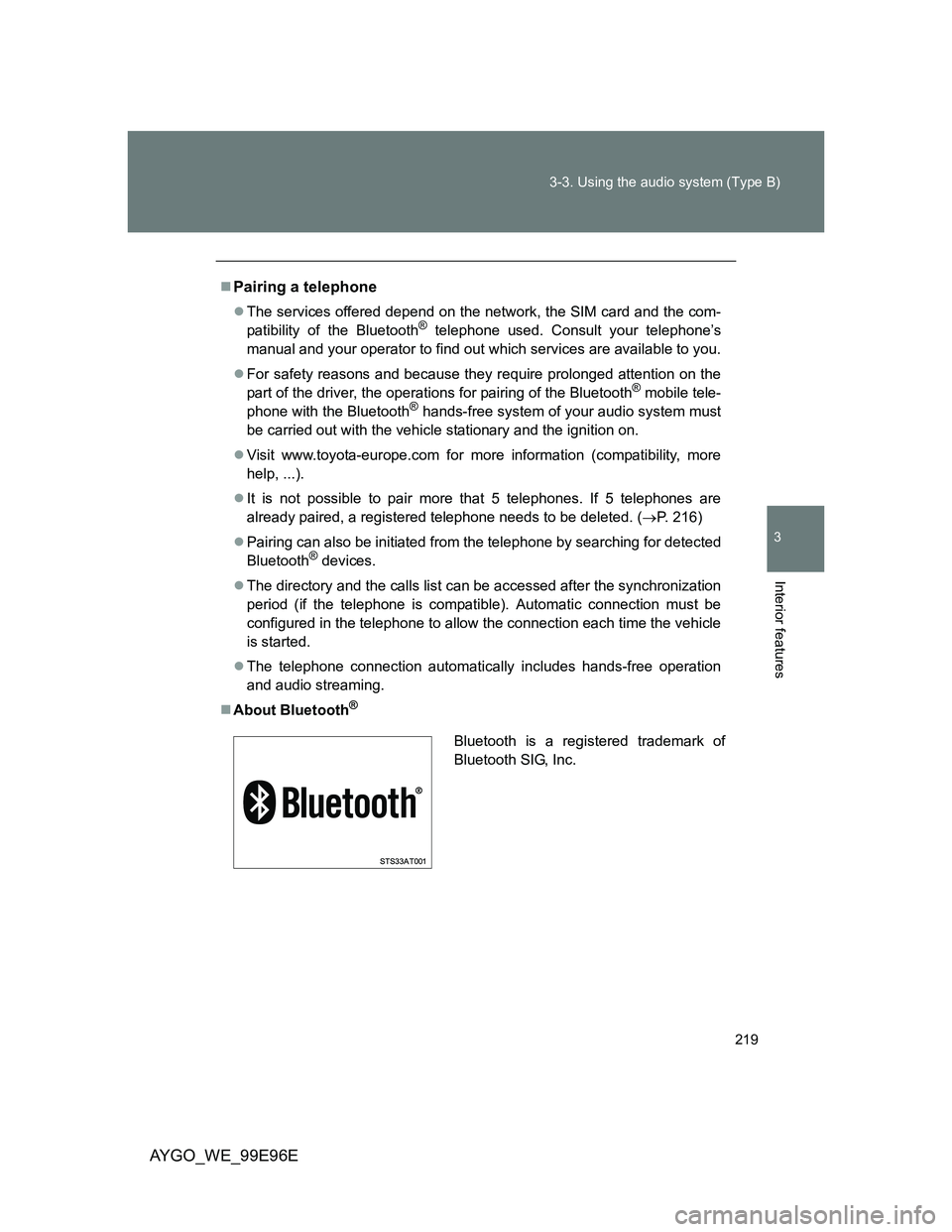
About Bluetooth
®
Bluetooth is a registered trademark of
Bluetooth SIG, Inc.
Page 220 of 368
220 3-3. Using the audio system (Type B)
AYGO_WE_99E96E
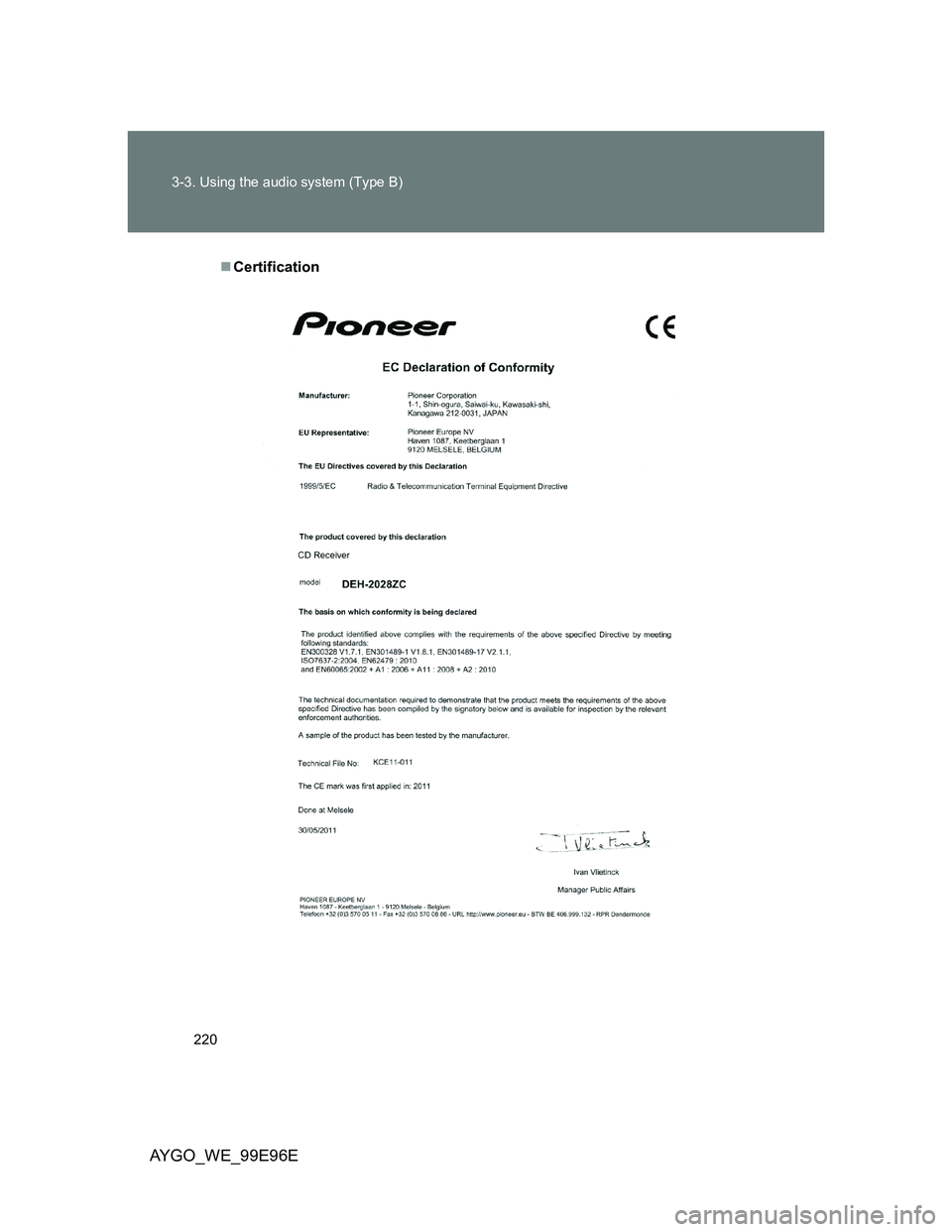
Certification
Page 221 of 368
221
3-3. Using the audio system (Type B)
3
Interior features
AYGO_WE_99E96E
Audio settings
Adjusting equalizer
Press the button repeatedly until equalizer mode is dis-
played.
Press (< or >) to select type of equalizer (classical,
jazz, rock etc.).
When selected “User”, adjust the bass and treble audio level manu-
ally by pressing (+ or -).
The audio settings are different and independent for each sound
source.
Adjusting sound distribution
Press the button repeatedly until sound distribution mode
is displayed.
Press (+ or -) to adjust the left/right balance.
: If equipped
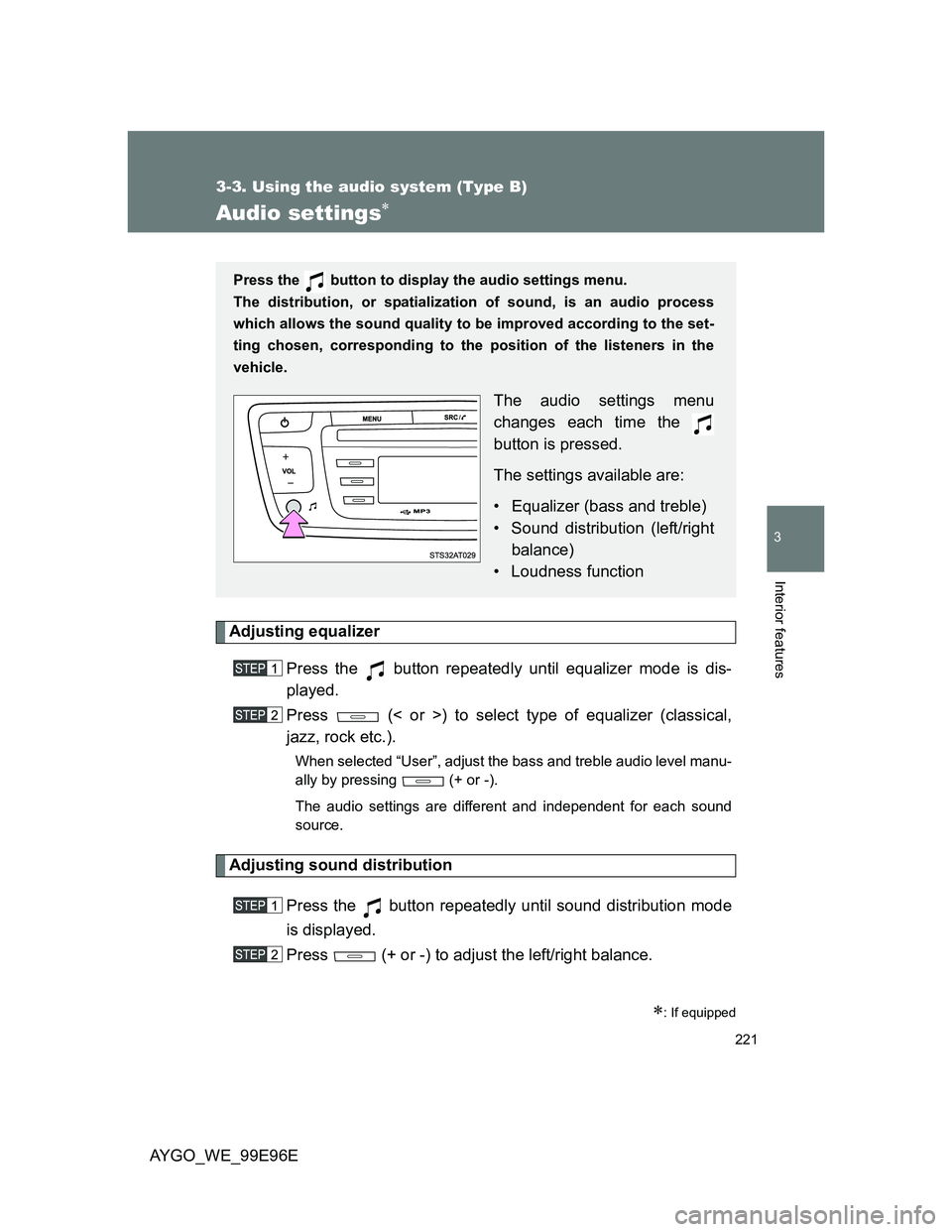
Press the button to display the audio settings menu.
The distribution, or spatialization of sound, is an audio process
which allows the sound quality to be improved according to the set-
ting chosen, corresponding to the position of the listeners in the
vehicle.
The audio settings menu
changes each time the
button is pressed.
The settings available are:
• Equalizer (bass and treble)
• Sound distribution (left/right
balance)
• Loudness function
Page 222 of 368
222 3-3. Using the audio system (Type B)
AYGO_WE_99E96E
Loudness function
Press the button repeatedly until loudness mode is dis-
played.
Press (Loudness) to activate or deactivate the loud-
ness function.