fuel TOYOTA CAMRY 2012 XV50 / 9.G Owner's Manual
[x] Cancel search | Manufacturer: TOYOTA, Model Year: 2012, Model line: CAMRY, Model: TOYOTA CAMRY 2012 XV50 / 9.GPages: 532, PDF Size: 6.44 MB
Page 176 of 532
176 2-2. Instrument cluster
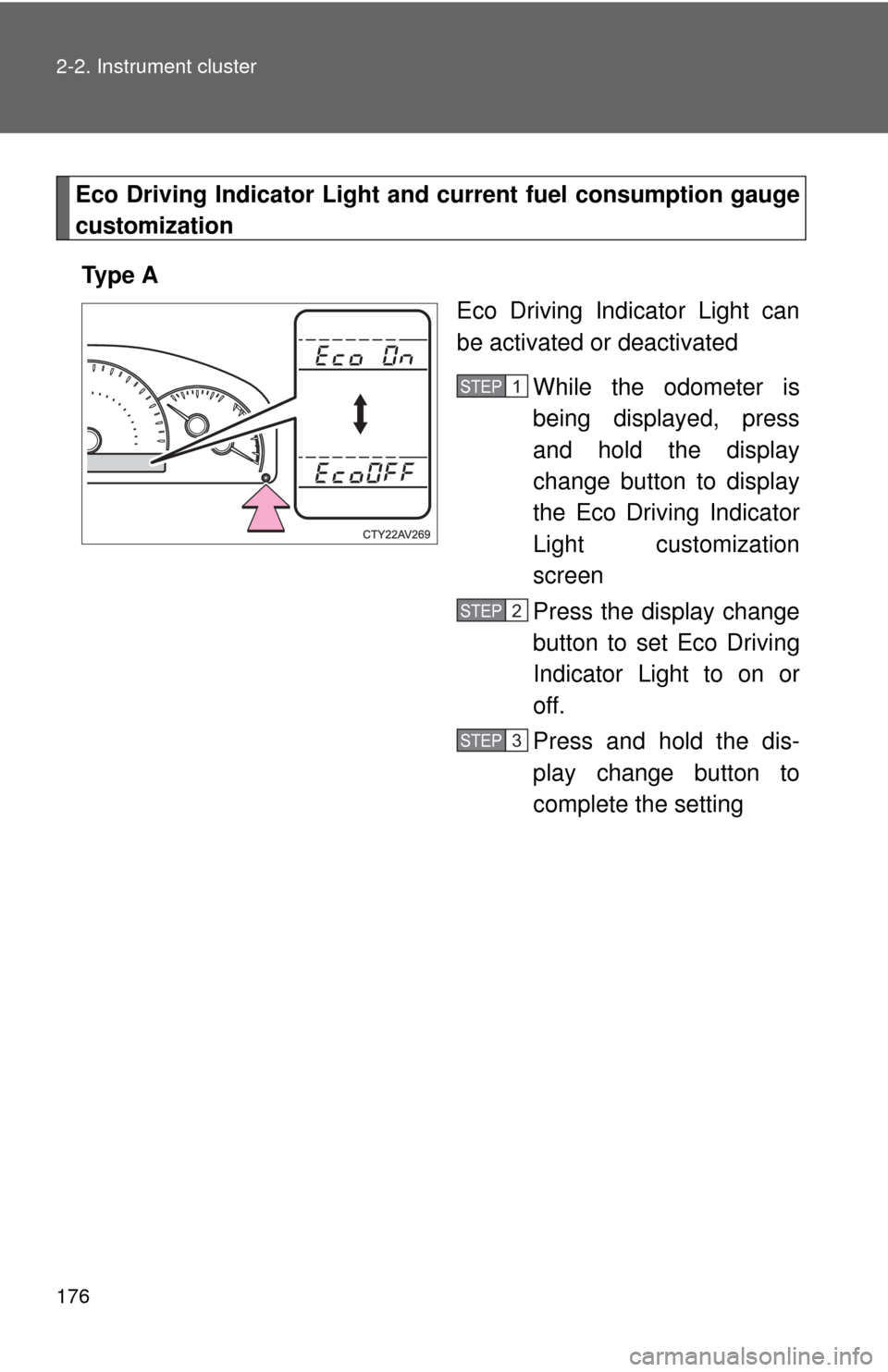
Eco Driving Indicator Light and current fuel consumption gauge
customization
Ty p e A Eco Driving Indicator Light can
be activated or deactivated
While the odometer is
being displayed, press
and hold the display
change button to display
the Eco Driving Indicator
Light customization
screen
Press the display change
button to set Eco Driving
Indicator Light to on or
off.
Press and hold the dis-
play change button to
complete the setting
STEP1
STEP2
STEP3
Page 177 of 532
177
2-2. Instrument cluster
2
When driving
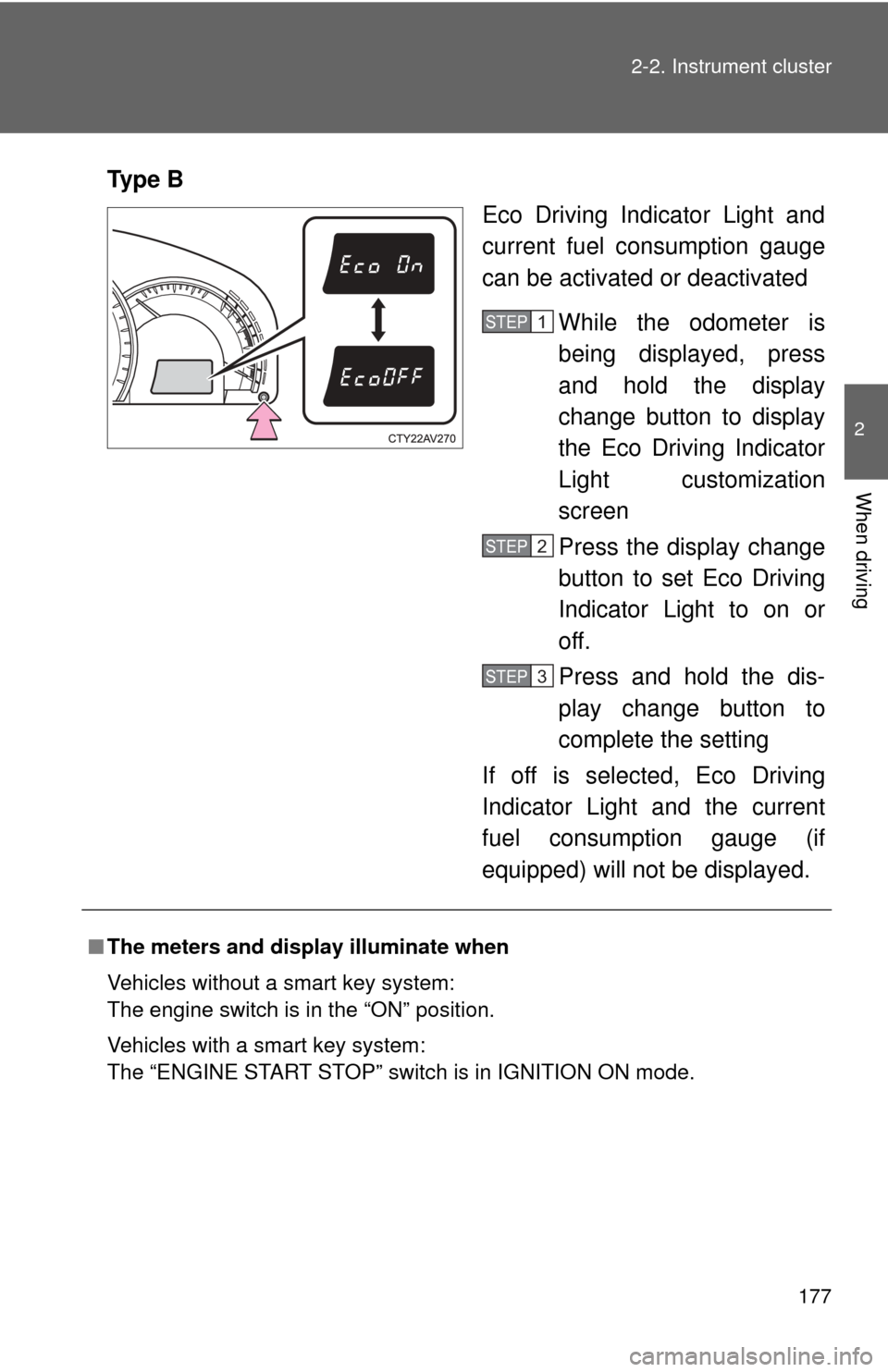
Ty p e B
Eco Driving Indicator Light and
current fuel consumption gauge
can be activated or deactivated
While the odometer is
being displayed, press
and hold the display
change button to display
the Eco Driving Indicator
Light customization
screen
Press the display change
button to set Eco Driving
Indicator Light to on or
off.
Press and hold the dis-
play change button to
complete the setting
If off is selected, Eco Driving
Indicator Light and the current
fuel consumption gauge (if
equipped) will not be displayed.
STEP1
STEP2
STEP3
■ The meters and display illuminate when
Vehicles without a smart key system:
The engine switch is in the “ON” position.
Vehicles with a smart key system:
The “ENGINE START STOP” switch is in IGNITION ON mode.
Page 178 of 532
178 2-2. Instrument cluster
■The brightness of the instrument panel lights
When the tail lights are turned on, the meter’s brightness will be reduced
slightly unless the meter brightness level adjustment is set to the brightest
setting.
On some models: If the tail lights are turned on when the surroundings are
dark, the meter’s brightness will reduce slightly. However, when the sur-
roundings are bright, such as during the daytime, the meter’s brightness will
not be reduced even if the tail lights are turned on.
■ Fuel gauge and odometer/trip meter display remain on mode
Vehicles without a smart key system:
After the engine switch has been turned off, the fuel gauge and odometer/
trip meter display remain on for 10 minutes, enabling the fuel gauge and
odometer/trip meter values to be checked again without having to turn the
engine switch to the “ON” position.
When confirming the gauges and meters, turn the headlight switch to the
position. Press the display change button to change between the
odometer and trip meter displays.
Vehicles with a smart key system:
After the “ENGINE START STOP” switch has been turned off, the fuel gauge
and odometer/trip meter display remain on for 10 minutes, enabling the fuel
gauge and odometer/trip meter values to be checked again without having to
turn the “ENGINE START STOP” switch to IGNITION ON mode.
When confirming the gauges and meters, turn the headlight switch to the
position. Press the display change button to change between the
odometer and trip meter displays.
NOTICE
■ To prevent damage to the engine and its components
●Do not let the indicator needle of the tachometer enter the red zone, which
indicates the maximum engine speed.
● The engine may be overheating if the rightmost segment of the engine
coolant temperature display is flashing. In this case, immediately stop the
vehicle in a safe place, and check the engine after it has cooled com-
pletely. (
P. 459)
Page 189 of 532
189
2-3. Operating the lights and wipers
2
When driving
■
Guide to dial settings
■Daytime running light system
●To make your vehicle more visible to other drivers, the headlights turn on
automatically (at a reduced intensity) whenever the engine is started and
the parking brake is released. Daytime running lights are not designed for
use at night.
U.S.A.: Daytime running lights can be turned off by operating the switch.
● Compared to turning on the headlights, the daytime running light system
offers greater durability and consumes less electricity, so it can help
improve fuel economy.
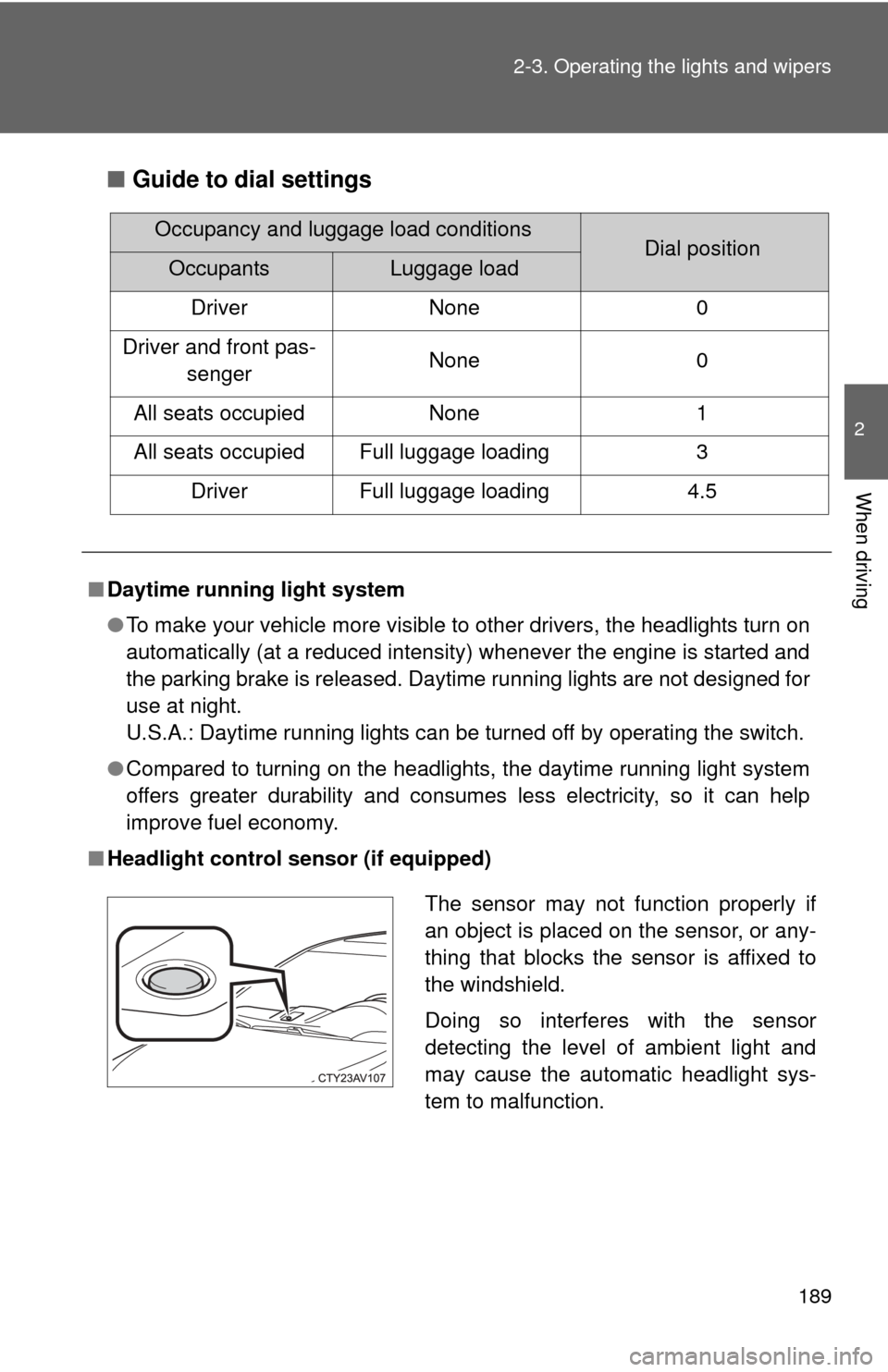
■ Headlight control sensor (if equipped)
Occupancy and luggage load conditionsDial positionOccupantsLuggage load
Driver None 0
Driver and front pas- senger None 0
All seats occupied None 1
All seats occupied Full luggage loading 3 Driver Full luggage loading 4.5
The sensor may not function properly if
an object is placed on the sensor, or any-
thing that blocks the sensor is affixed to
the windshield.
Doing so interferes with the sensor
detecting the level of ambient light and
may cause the automatic headlight sys-
tem to malfunction.
Page 213 of 532
213
2
When driving
2-5. Driving information
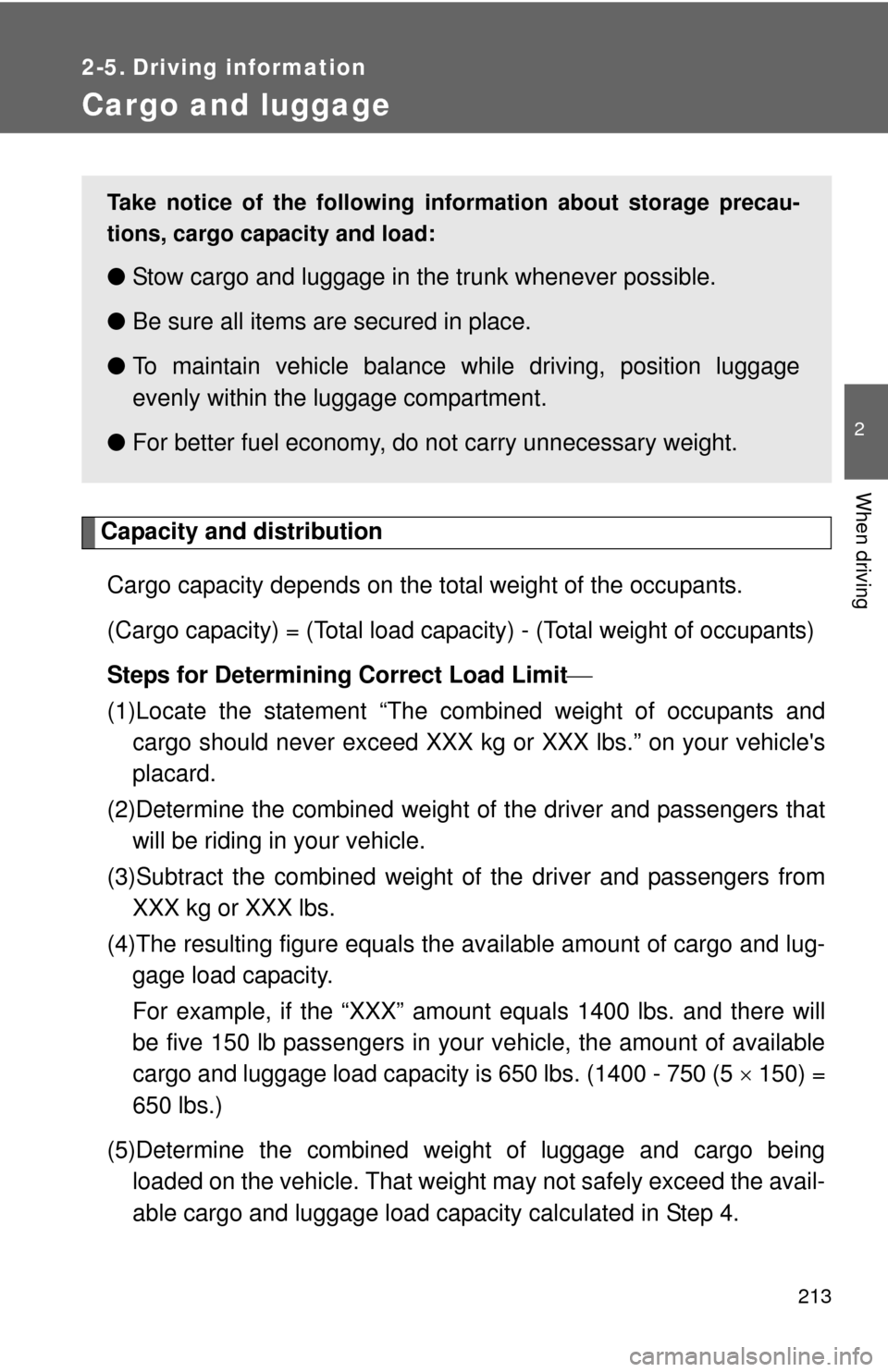
Cargo and luggage
Capacity and distributionCargo capacity depends on the total weight of the occupants.
(Cargo capacity) = (Total load capacity) - (Total weight of occupants)
Steps for Determining Correct Load Limit
(1)Locate the statement “The co mbined weight of occupants and
cargo should never exceed XXX kg or XXX lbs.” on your vehicle's
placard.
(2)Determine the combined weight of the driver and passengers that
will be riding in your vehicle.
(3)Subtract the combined weight of the driver and passengers from XXX kg or XXX lbs.
(4)The resulting figure equals the av ailable amount of cargo and lug-
gage load capacity.
For example, if the “XXX” amount equals 1400 lbs. and there will
be five 150 lb passengers in your vehicle, the amount of available
cargo and luggage load capacity is 650 lbs. (1400 - 750 (5 150) =
650 lbs.)
(5)Determine the combined weight of luggage and cargo being loaded on the vehicle. That weight may not safely exceed the avail-
able cargo and luggage load capacity calculated in Step 4.
Take notice of the following information about storage precau-
tions, cargo capacity and load:
● Stow cargo and luggage in the trunk whenever possible.
● Be sure all items are secured in place.
● To maintain vehicle balance while driving, position luggage
evenly within the luggage compartment.
● For better fuel economy, do no t carry unnecessary weight.
Page 330 of 532

330 3-5. Other interior features
■Stolen Vehicle Location
If your vehicle is stolen, Safety Connect can work with local author-
ities to assist them in locating and recovering the vehicle. After fil-
ing a police report, call the Safety Connect response center at 1-
800-331-4331 and follow the prompts for Safety Connect to initiate
this service.
In addition to assisting law enforc ement with recovery of a stolen
vehicle, Safety-Connect-equipped vehicle location data may, under
certain circumstances, be shared with third parties to locate your
vehicle. Further information is available at Toyota.com.
■ Emergency Assistance Button (“SOS”)
In the event of an emergency on the road, push the “SOS” button
to reach the Safety Connect response center. The answering
agent will determine your vehicl e’s location, assess the emer-
gency, and dispatch the necessary assistance required.
If you accidentally press the “SOS” button, tell the response-center agent
that you are not experiencing an emergency.
■ Enhanced Roadside Assistance
Enhanced Roadside Assistance adds GPS data to the already
included warranty-based Toyota roadside service.
Subscribers can press the “SOS” button to reach a Safety Connect
response-center agent, who can help with a wide range of needs,
such as: towing, flat tire, fuel deliv ery, etc. For a description of the
Enhanced Roadside Assistance se rvices and their limitations,
please see the Safety Connec t Terms and Conditions, which are
available at Toyota.com.
Page 334 of 532
334
4-1. Maintenance and care
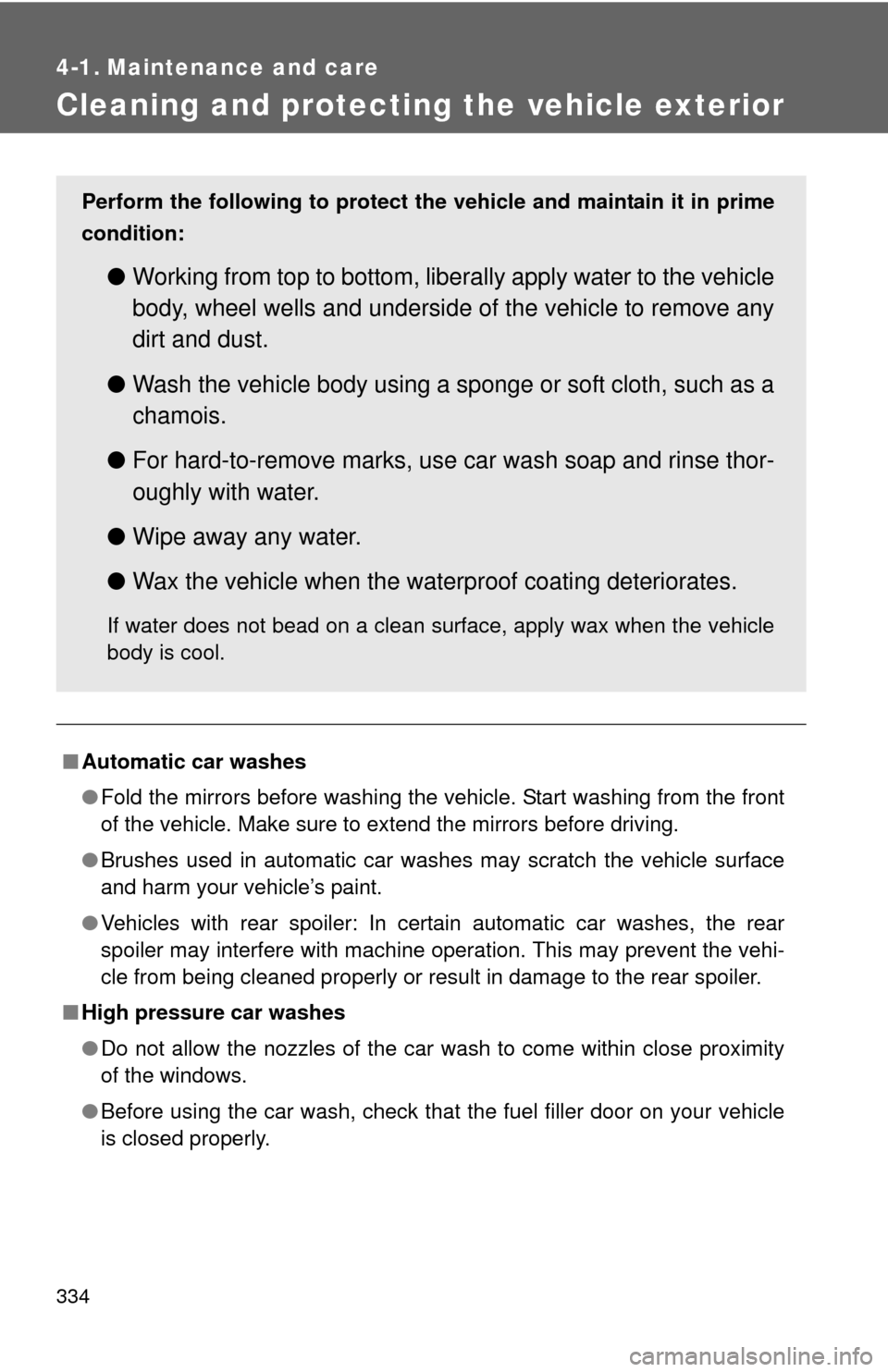
Cleaning and protecting the vehicle exterior
■Automatic car washes
●Fold the mirrors before washing the vehicle. Start washing from the front
of the vehicle. Make sure to extend the mirrors before driving.
● Brushes used in automatic car washes may scratch the vehicle surface
and harm your vehicle’s paint.
● Vehicles with rear spoiler: In certain automatic car washes, the rear
spoiler may interfere with machine operation. This may prevent the vehi-
cle from being cleaned properly or result in damage to the rear spoiler.
■ High pressure car washes
●Do not allow the nozzles of the car wash to come within close proximity
of the windows.
● Before using the car wash, check that the fuel filler door on your vehicle
is closed properly.
Perform the following to protect the vehicle and maintain it in prime
condition:
● Working from top to bottom, liber ally apply water to the vehicle
body, wheel wells and underside of the vehicle to remove any
dirt and dust.
● Wash the vehicle body using a sponge or soft cloth, such as a
chamois.
● For hard-to-remove marks, use car wash soap and rinse thor-
oughly with water.
● Wipe away any water.
● Wax the vehicle when the waterproof coating deteriorates.
If water does not bead on a clean surface, apply wax when the vehicle
body is cool.
Page 341 of 532
341
4-2. Maintenance
4
Maintenance and care
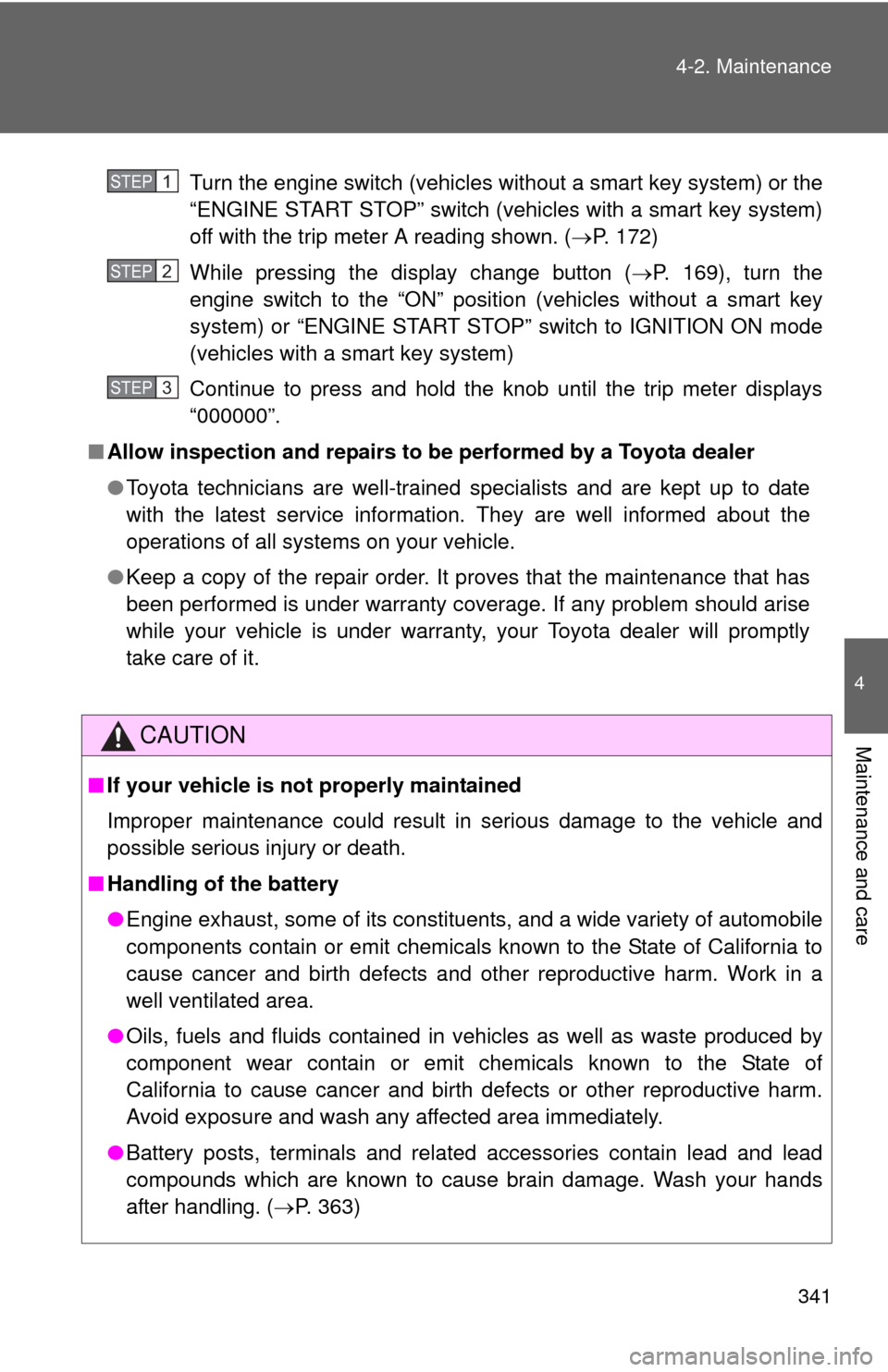
Turn the engine switch (vehicles without a smart key system) or the
“ENGINE START STOP” switch (vehicles with a smart key system)
off with the trip meter A reading shown. (
P. 172)
While pressing the display change button ( P. 169), turn the
engine switch to the “ON” position (vehicles without a smart key
system) or “ENGINE START STOP” switch to IGNITION ON mode
(vehicles with a smart key system)
Continue to press and hold the knob until the trip meter displays
“000000”.
■ Allow inspection and repairs to be performed by a Toyota dealer
● Toyota technicians are well-trained specialists and are kept up to date
with the latest service information. They are well informed about the
operations of all systems on your vehicle.
● Keep a copy of the repair order. It proves that the maintenance that has
been performed is under warranty coverage. If any problem should arise
while your vehicle is under warranty, your Toyota dealer will promptly
take care of it.
CAUTION
■If your vehicle is not properly maintained
Improper maintenance could result in serious damage to the vehicle and
possible serious injury or death.
■ Handling of the battery
●Engine exhaust, some of its constituents, and a wide variety of automobile
components contain or emit chemicals known to the State of California to
cause cancer and birth defects and other reproductive harm. Work in a
well ventilated area.
● Oils, fuels and fluids contained in vehicles as well as waste produced by
component wear contain or emit chemicals known to the State of
California to cause cancer and birth defects or other reproductive harm.
Avoid exposure and wash any affected area immediately.
● Battery posts, terminals and related accessories contain lead and lead
compounds which are known to cause brain damage. Wash your hands
after handling. ( P. 363)
STEP1
STEP2
STEP3
Page 346 of 532
346
4-2. Maintenance
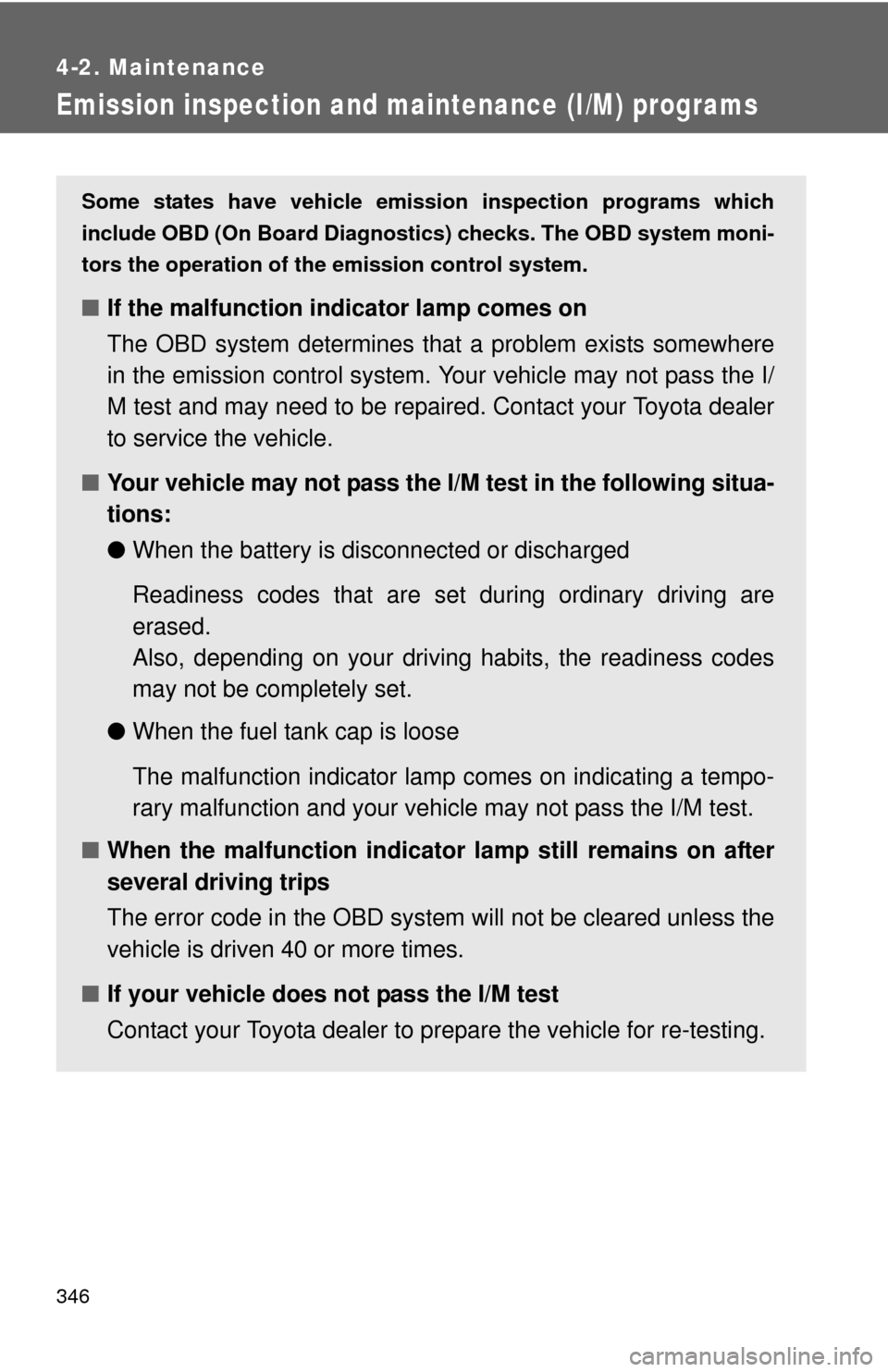
Emission inspection and maintenance (I/M) programs
Some states have vehicle emission inspection programs which
include OBD (On Board Diagnostics) checks. The OBD system moni-
tors the operation of th e emission control system.
■If the malfunction indicator lamp comes on
The OBD system determines that a problem exists somewhere
in the emission control system. Your vehicle may not pass the I/
M test and may need to be repaired. Contact your Toyota dealer
to service the vehicle.
■ Your vehicle may not pass the I/M test in the following situa-
tions:
●When the battery is disconnected or discharged
Readiness codes that are se t during ordinary driving are
erased.
Also, depending on your driving habits, the readiness codes
may not be completely set.
● When the fuel tank cap is loose
The malfunction indicator lamp comes on indicating a tempo-
rary malfunction and your vehi cle may not pass the I/M test.
■ When the malfunction indicator lamp still remains on after
several driving trips
The error code in the OBD system will not be cleared unless the
vehicle is driven 40 or more times.
■ If your vehicle does not pass the I/M test
Contact your Toyota dealer to prepare the vehicle for re-testing.
Page 349 of 532
349
4-3. Do-it-yourself maintenance
4
Maintenance and care
CAUTION
The engine compartment contains many mechanisms and fluids that may
move suddenly, become hot, or become electrically energized. To avoid death
or serious injury, observe the following precautions:
■
When working on the engine compartment:
●Keep hands, clothing and tools away from the moving fan and engine
drive belt.
● Be careful not to touch the engine, radiator, exhaust manifold, etc. right
after driving as they may be hot. Oil and other fluids may also be hot.
● Do not leave anything that may burn easily, such as paper or rags, in the
engine compartment.
● Do not smoke, cause sparks or expose an open flame to fuel or the bat-
tery. Fuel and battery fumes are flammable.
● Be extremely cautious when working on the battery. It contains poisonous
and corrosive sulfuric acid.
■ When working near the electric c ooling fans or radiator grille
Vehicles without a smart key system: Be sure the engine switch is off. With
the engine switch in the “ON” position, the electric cooling fans may auto-
matically start to run if the air conditioning is on and/or the coolant tempera-
ture is high. ( P. 361)
Vehicles with a smart key system: Be sure the “ENGINE START STOP”
switch is off. With the “ENGINE START STOP” switch in IGNITION ON
mode, the electric cooling fans may automatically start to run if the air condi-
tioning is on and/or the coolant temperature is high. ( P. 361)
■ Safety glasses
Wear safety glasses to prevent flying or falling material, fluid spray, etc. from
getting in your eyes.
NOTICE
■If you remove the air cleaner filter
Driving with the air cleaner filter removed may cause excessive engine wear
due to dirt in the air. Also, a backfire could cause a fire in the engine com-
partment.