display TOYOTA COROLLA 2015 11.G Manual PDF
[x] Cancel search | Manufacturer: TOYOTA, Model Year: 2015, Model line: COROLLA, Model: TOYOTA COROLLA 2015 11.GPages: 612, PDF Size: 8.48 MB
Page 261 of 612
2615-6. Using Bluetooth® devices
5
Audio system
COROLLA_TMMMS_TMMC_U (OM12F00U)
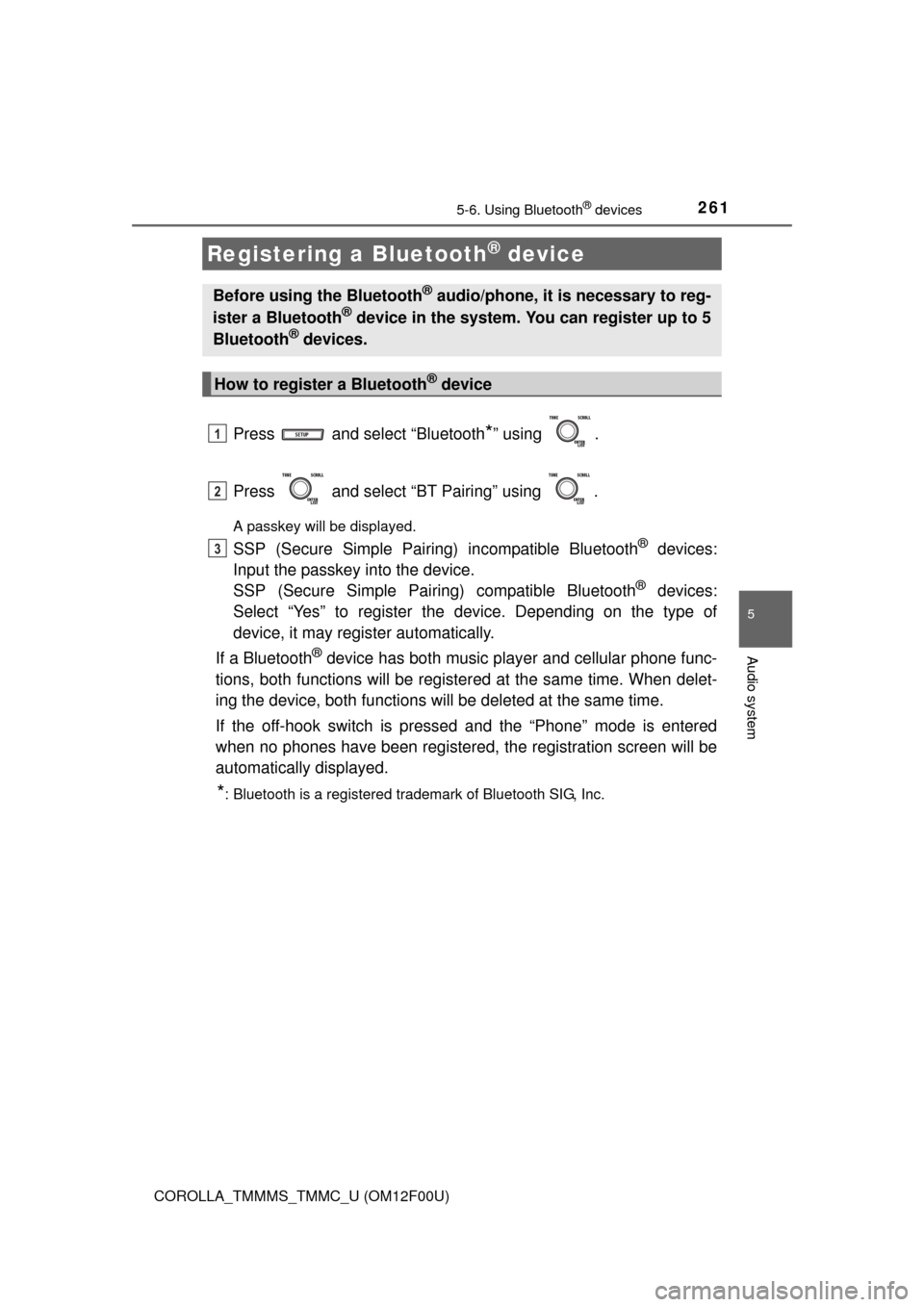
Press and select “Bluetooth*” using .
Press and select “BT Pairing” using .
A passkey will be displayed.
SSP (Secure Simple Pairing) incompatible Bluetooth® devices:
Input the passkey into the device.
SSP (Secure Simple Pairin g) compatible Bluetooth
® devices:
Select “Yes” to register the device. Depending on the type of
device, it may register automatically.
If a Bluetooth
® device has both music player and cellular phone func-
tions, both functions will be register ed at the same time. When delet-
ing the device, both functions will be deleted at the same time.
If the off-hook switch is pressed and the “Phone” mode is entered
when no phones have been registered, the registration screen will be
automatically displayed.
*: Bluetooth is a registered trademark of Bluetooth SIG, Inc.
Registering a Bluetooth® device
Before using the Bluetooth® audio/phone, it is necessary to reg-
ister a Bluetooth® device in the system. You can register up to 5
Bluetooth® devices.
How to register a Bluetooth® device
1
2
3
Page 262 of 612
262
COROLLA_TMMMS_TMMC_U (OM12F00U)
5-7. “SET UP” menu
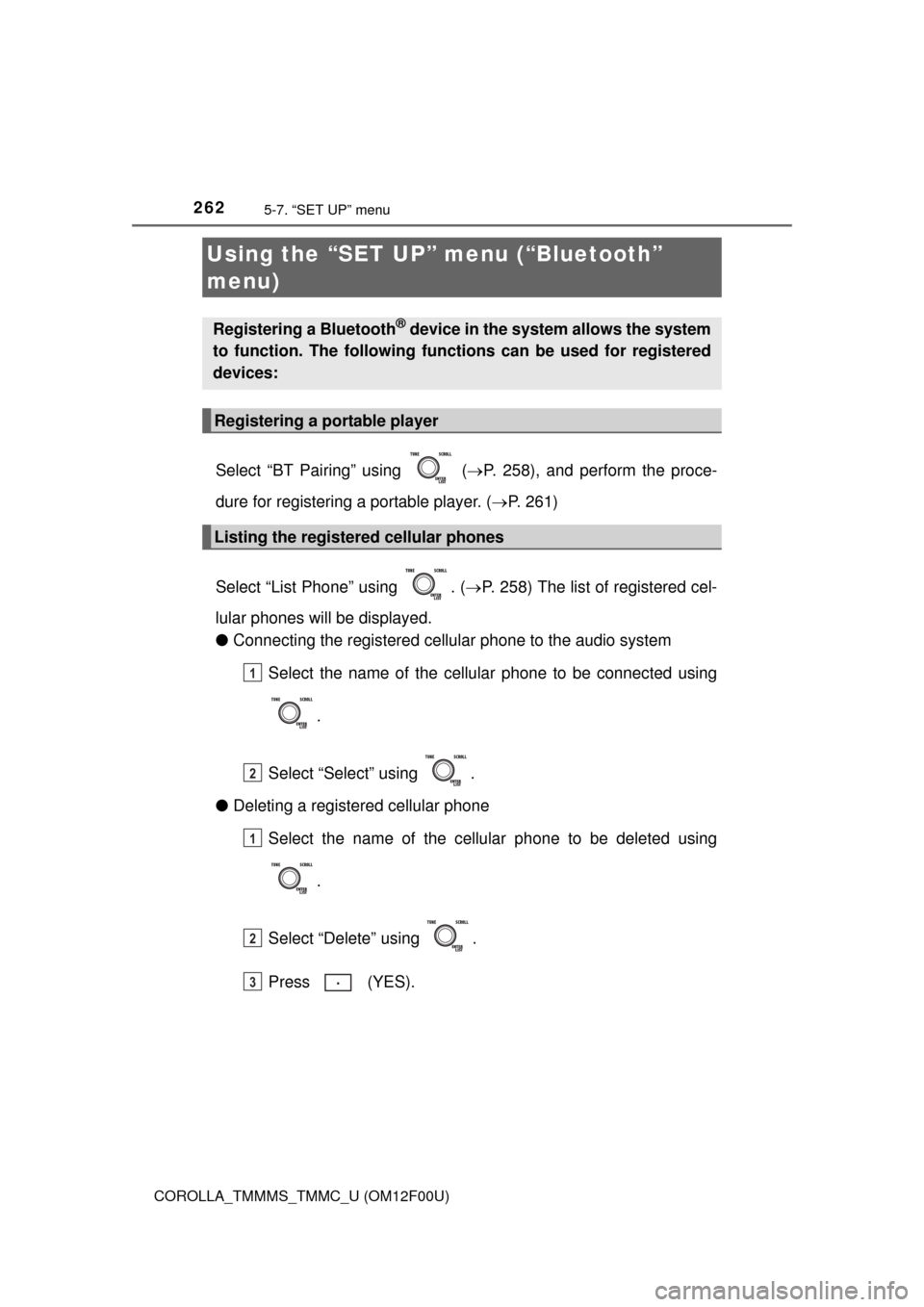
Select “BT Pairing” using ( P. 258), and perform the proce-
dure for registering a portable player. ( P. 261)
Select “List Phone” using . ( P. 258) The list of registered cel-
lular phones will be displayed.
● Connecting the registered cellular phone to the audio system
Select the name of the cellular phone to be connected using
.
Select “Select” using .
● Deleting a registered cellular phone
Select the name of the cellular phone to be deleted using
.
Select “Delete” using .
Press (YES).
Using the “SET UP” menu (“Bluetooth”
menu)
Registering a Bluetooth® device in the system allows the system
to function. The following functi ons can be used for registered
devices:
Registering a portable player
Listing the registered cellular phones
1
2
1
2
3
Page 263 of 612
2635-7. “SET UP” menu
5
Audio system
COROLLA_TMMMS_TMMC_U (OM12F00U)
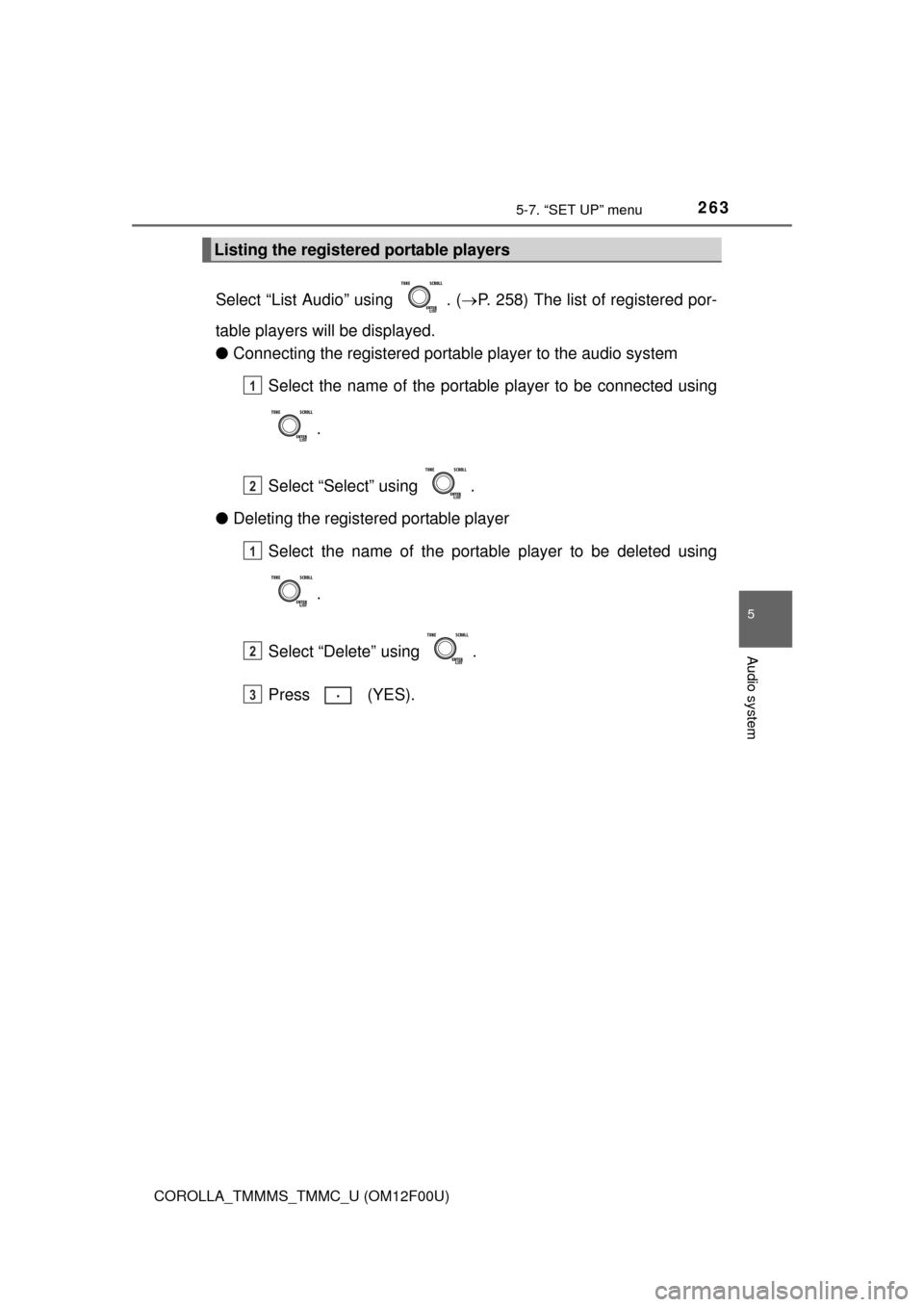
Select “List Audio” using . (P. 258) The list of registered por-
table players will be displayed.
● Connecting the registered portab le player to the audio system
Select the name of the portable player to be connected using
.
Select “Select” using .
● Deleting the registered portable player
Select the name of the portable player to be deleted using
.
Select “Delete” using .
Press (YES).
Listing the registered portable players
1
2
1
2
3
Page 265 of 612
2655-7. “SET UP” menu
5
Audio system
COROLLA_TMMMS_TMMC_U (OM12F00U)
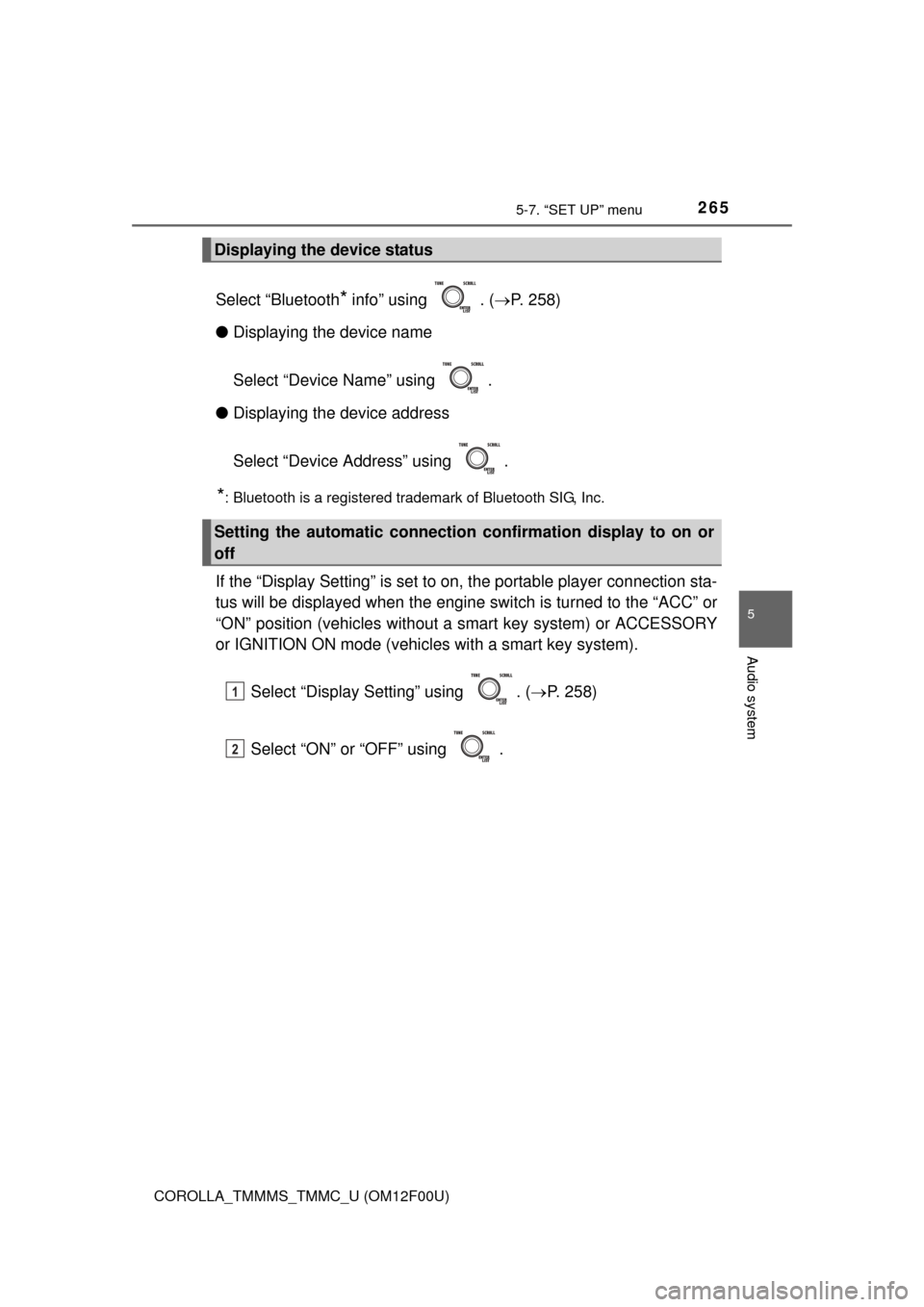
Select “Bluetooth* info” using . (P. 258)
● Displaying the device name
Select “Device Name” using .
● Displaying the device address
Select “Device Address” using .
*: Bluetooth is a registered trademark of Bluetooth SIG, Inc.
If the “Display Setting” is set to on, the portable player connection sta-
tus will be displayed when the engine sw itch is turned to the “ACC” or
“ON” position (vehicles without a smart key system) or ACCESSORY
or IGNITION ON mode (vehicl es with a smart key system).
Select “Display Setting” using . ( P. 258)
Select “ON” or “OFF” using .
Displaying the device status
Setting the automatic connection confirmation display to on or
off
1
2
Page 266 of 612
2665-7. “SET UP” menu
COROLLA_TMMMS_TMMC_U (OM12F00U)
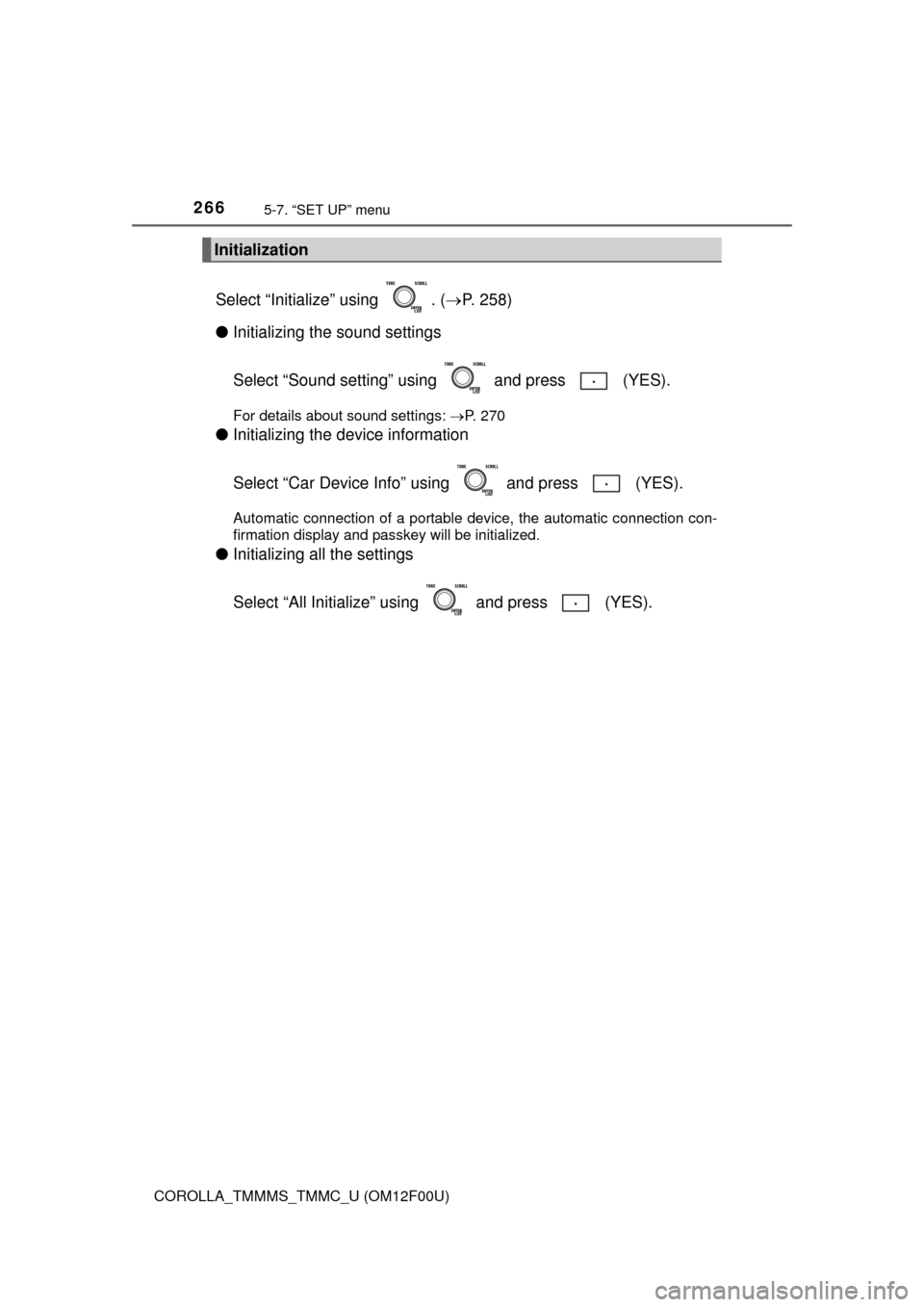
Select “Initialize” using . (P. 258)
● Initializing the sound settings
Select “Sound setting” using and press (YES).
For details about sound settings: P. 270
●Initializing the device information
Select “Car Device Info” using and press (YES).
Automatic connection of a portable device, the automatic connection con-
firmation display and passkey will be initialized.
●Initializing all the settings
Select “All Initialize” us ing and press (YES).
Initialization
Page 272 of 612
272
COROLLA_TMMMS_TMMC_U (OM12F00U)
5-8. Bluetooth® Audio
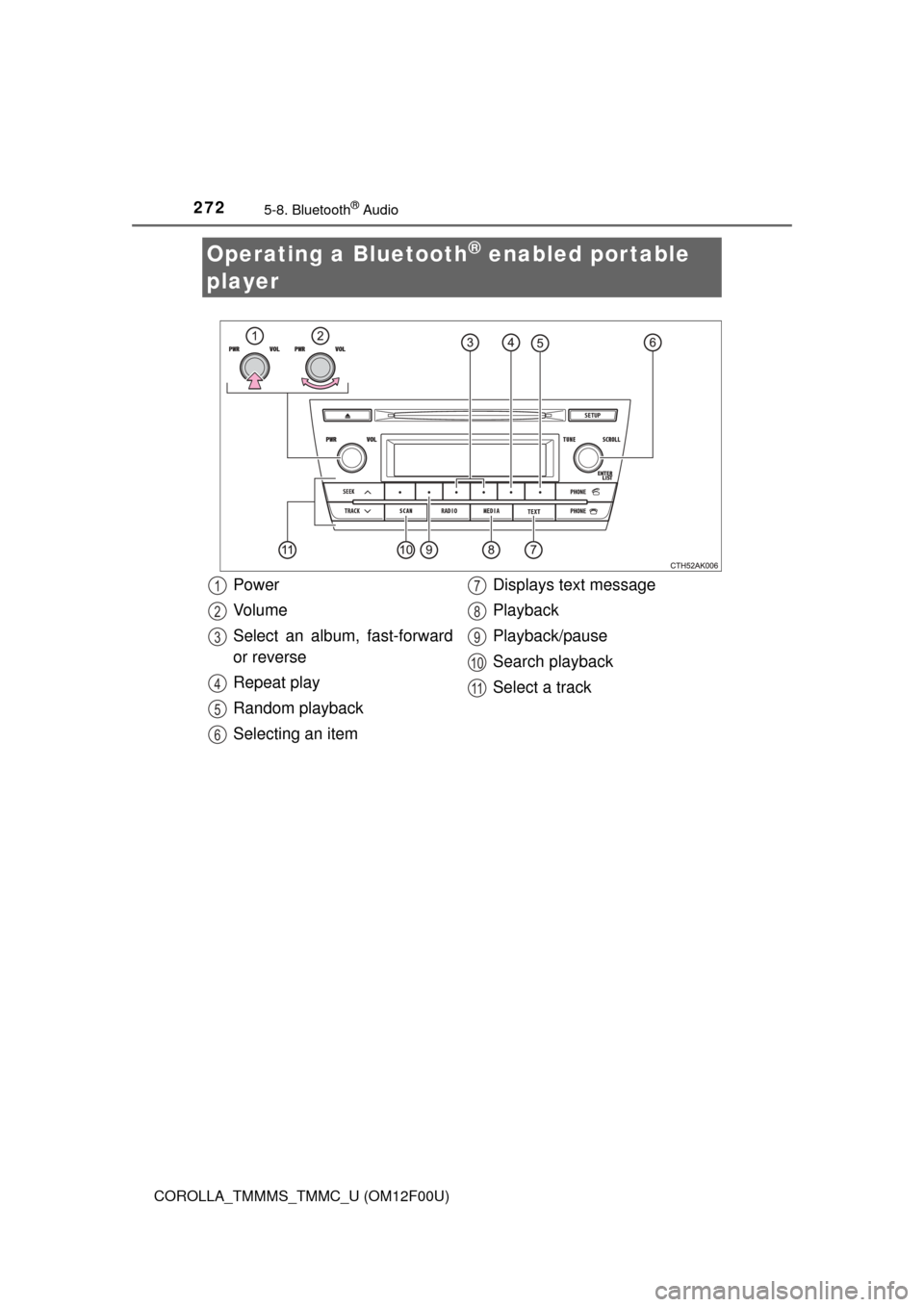
Operating a Bluetooth® enabled portable
player
Power
Vo l u m e
Select an album, fast-forward
or reverse
Repeat play
Random playback
Selecting an item Displays text message
Playback
Playback/pause
Search playback
Select a track1
2
3
4
5
6
7
8
9
10
11
Page 274 of 612
2745-8. Bluetooth® Audio
COROLLA_TMMMS_TMMC_U (OM12F00U)
Pressing (RPT) changes the repeat play mode in the following
order:
Track repeat Album repeat
* Off
*: Available except when RDM (random playback) is selected
Press .
Track title and artist name are displayed on the display.
To return to the previous display, press or (BACK).
■Bluetooth® audio system functions
Depending on the portable player that is connected to the system, certain
functions may not be available.
Repeat play
Switching the display
Page 283 of 612
283
5
Audio system
COROLLA_TMMMS_TMMC_U (OM12F00U)
5-11.Basic Operations (Multimedia system)
Multimedia system
: If equipped
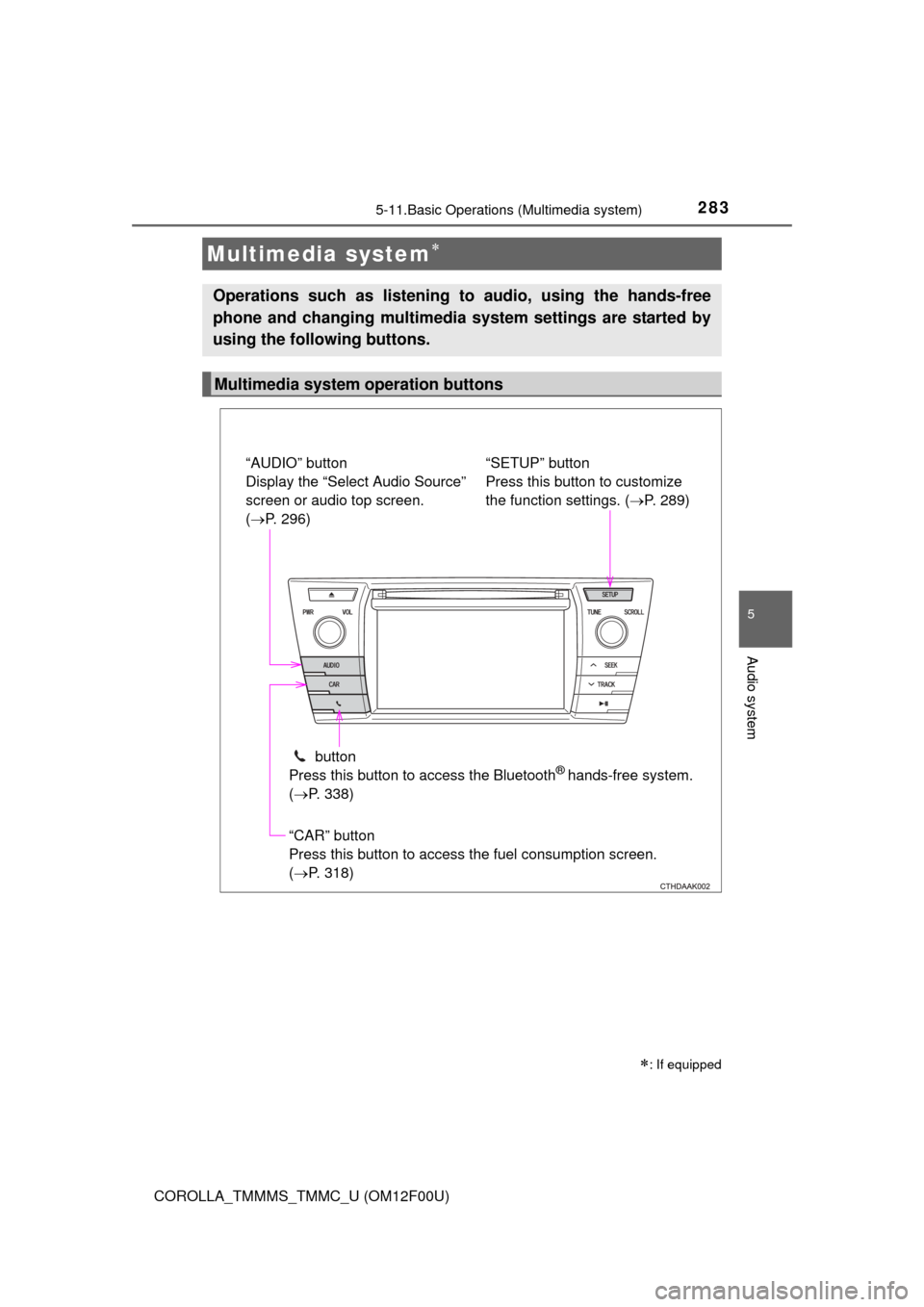
Operations such as listening to audio, using the hands-free
phone and changing multimedia system settings are started by
using the following buttons.
Multimedia system operation buttons
“AUDIO” button
Display the “Select Audio Source”
screen or audio top screen.
( P. 296)
button
Press this button to access the Bluetooth
® hands-free system.
( P. 338)
“CAR” button
Press this button to access the fuel consumption screen.
(P. 318) “SETUP” button
Press this button to customize
the function settings. (
P. 289)
Page 284 of 612
2845-11. Basic Operations (Multimedia system)
COROLLA_TMMMS_TMMC_U (OM12F00U)
By touching the screen with your finger, you can control the multime-
dia system, etc.
■Drag*
Touch the screen with your finger, and move the screen to the
desired position.
● Scrolling the lists
■Flick*
Touch the screen with your finger and quickly move the screen by
flicking your finger.
●Scrolling the main screen page
*: The above operations may not be performed on all screens.
■When using the touch screen
●If the screen is cold, the display may be dark, or the system may seem to be
operating slightly slower than normal.
● The screen may seem dark and hard to see when viewed through sun-
glasses. Change your angle of viewing, adjust the display on the “Display
Settings” screen ( P. 294) or remove your sunglasses.
● Flick operations may not be performed smoothly in high altitudes.
Operating the touch screen
NOTICE
■To avoid damaging the touch screen
● To prevent damaging the screen, lightly touch the screen buttons with your
finger.
● Do not use objects other than your finger to touch the screen.
● Wipe off fingerprints using a glass cleaning cloth. Do not use chemical
cleaners to clean the screen, as they may damage the touch screen.
Page 285 of 612
2855-11. Basic Operations (Multimedia system)
5
Audio system
COROLLA_TMMMS_TMMC_U (OM12F00U)
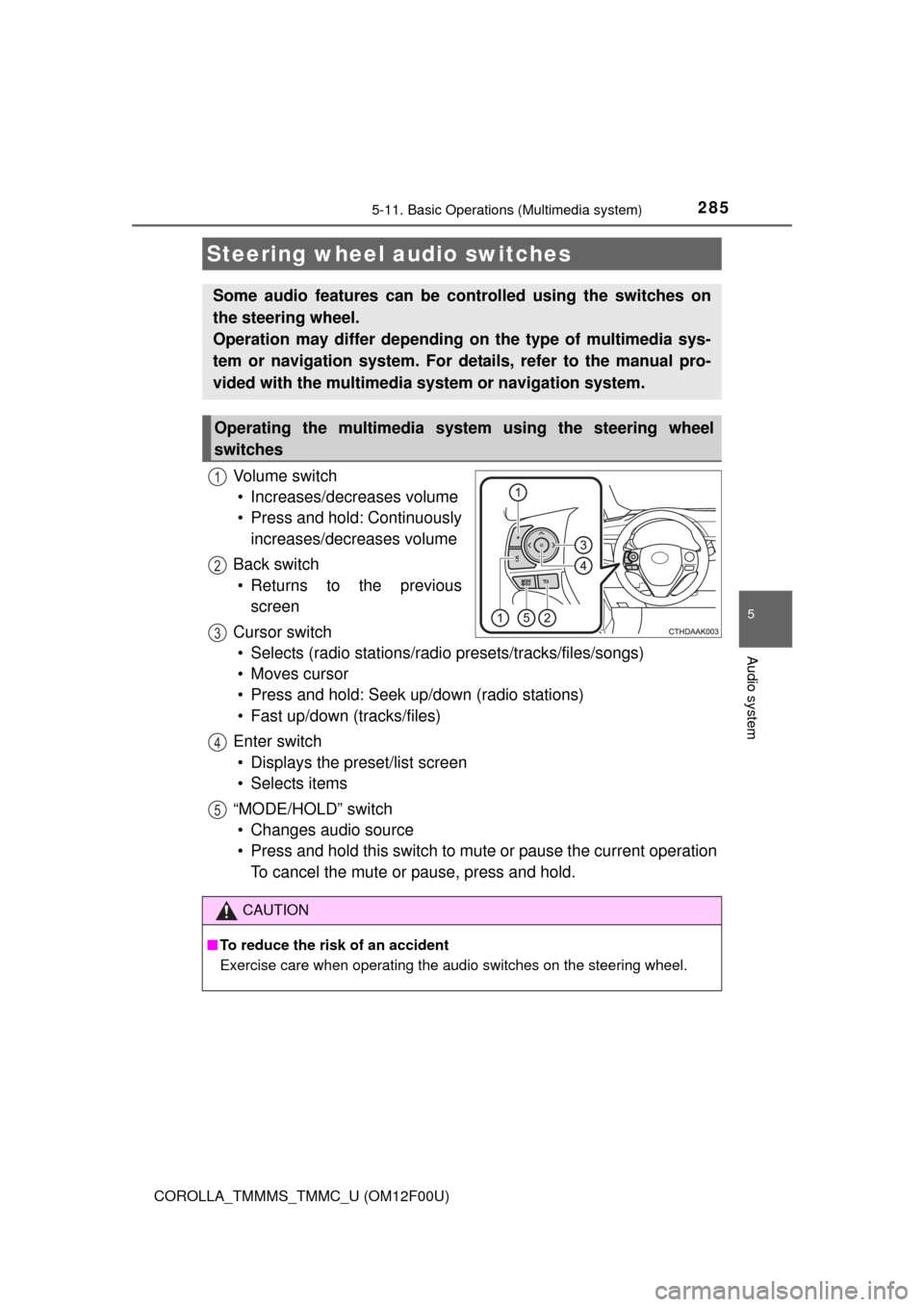
Vo l u m e s w i t c h• Increases/decreases volume
• Press and hold: Continuously increases/decreases volume
Back switch • Returns to the previous screen
Cursor switch • Selects (radio stations/radio presets/tracks/files/songs)
• Moves cursor
• Press and hold: Seek up/down (radio stations)
• Fast up/down (tracks/files)
Enter switch • Displays the preset/list screen
• Selects items
“MODE/HOLD” switch • Changes audio source
• Press and hold this switch to mute or pause the current operation To cancel the mute or pause, press and hold.
Steering wheel audio switches
Some audio features can be c ontrolled using the switches on
the steering wheel.
Operation may differ depending on the type of multimedia sys-
tem or navigation system. For de tails, refer to the manual pro-
vided with the multimedia system or navigation system.
Operating the multimedia system using the steering wheel
switches
1
12
3
4
5
CAUTION
■ To reduce the risk of an accident
Exercise care when operating the audio switches on the steering wheel.