key TOYOTA COROLLA 2016 11.G Manual PDF
[x] Cancel search | Manufacturer: TOYOTA, Model Year: 2016, Model line: COROLLA, Model: TOYOTA COROLLA 2016 11.GPages: 620, PDF Size: 9.12 MB
Page 197 of 620
1974-3. Operating the lights and wipers
4
Driving
COROLLA_TMMMS_TMMC_U (OM12J84U)
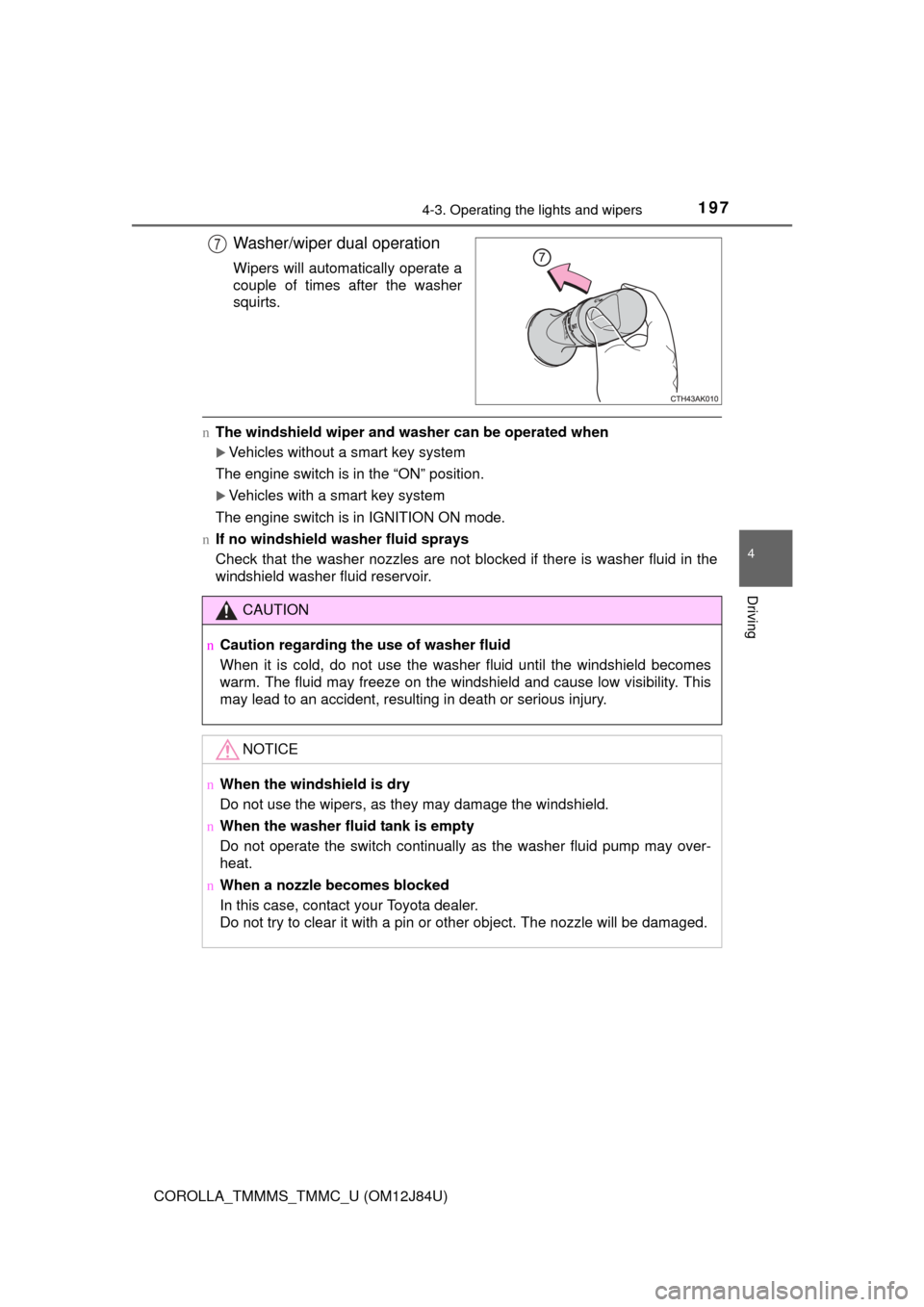
Washer/wiper dual operation
Wipers will automatically operate a
couple of times after the washer
squirts.
nThe windshield wiper and washer can be operated when
Vehicles without a smart key system
The engine switch is in the “ON” position.
Vehicles with a smart key system
The engine switch is in IGNITION ON mode.
n If no windshield washer fluid sprays
Check that the washer nozzles are not blocked if there is washer fluid in the
windshield washer fluid reservoir.
7
CAUTION
nCaution regarding the use of washer fluid
When it is cold, do not use the washer fluid until the windshield becomes
warm. The fluid may freeze on the windshield and cause low visibility. This
may lead to an accident, resulting in death or serious injury.
NOTICE
nWhen the windshield is dry
Do not use the wipers, as they may damage the windshield.
n When the washer fluid tank is empty
Do not operate the switch continually as the washer fluid pump may over-
heat.
n When a nozzle becomes blocked
In this case, contact your Toyota dealer.
Do not try to clear it with a pin or other object. The nozzle will be damaged\
.
Page 205 of 620
2054-5. Using the driving support systems
4
Driving
COROLLA_TMMMS_TMMC_U (OM12J84U)
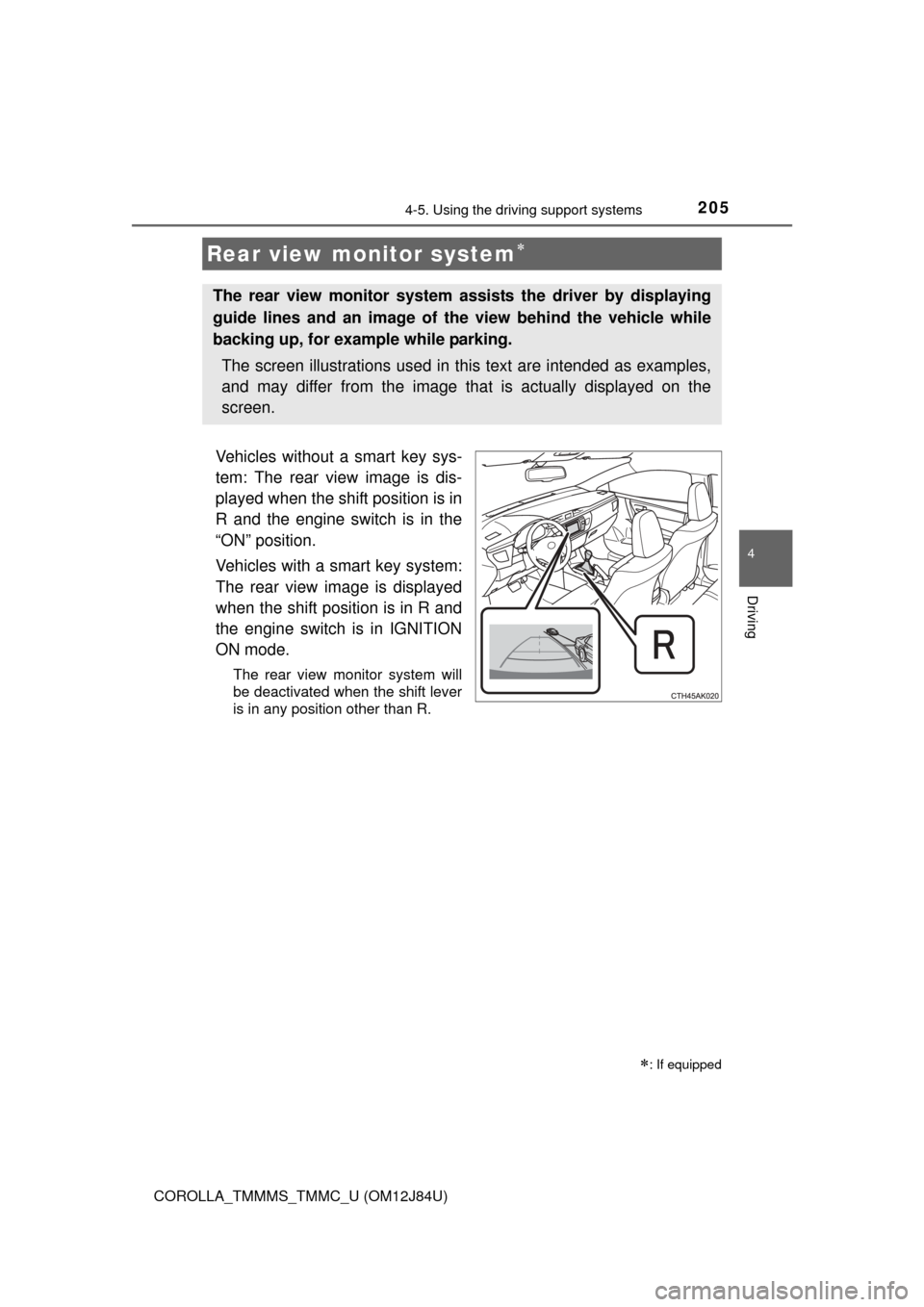
Vehicles without a smart key sys-
tem: The rear view image is dis-
played when the shift position is in
R and the engine switch is in the
“ON” position.
Vehicles with a smart key system:
The rear view image is displayed
when the shift position is in R and
the engine switch is in IGNITION
ON mode.
The rear view monitor system will
be deactivated when the shift lever
is in any position other than R.
Rear view monitor system
: If equipped
The rear view monitor system assists the driver by displaying
guide lines and an image of the view behind the vehicle while
backing up, for example while parking.
The screen illustrations used in this text are intended as examples,
and may differ from the image that is actually displayed on the
screen.
Page 217 of 620
2174-5. Using the driving support systems
4
Driving
COROLLA_TMMMS_TMMC_U (OM12J84U)
nTurning off both TRAC and VSC systems
To turn the TRAC and VSC systems off, press and hold for more than 3
seconds while the vehicle is stopped.
The “TRAC OFF” indicator light and VSC OFF indicator light will come on.
Press again to turn the systems back on.
n When the “TRAC OFF” indicator light comes on even if the VSC OFF
switch has not been pressed
TRAC cannot be operated. Contact your Toyota dealer.
n Sounds and vibrations caused by th e ABS, brake assist, TRAC, VSC and
hill-start assist control systems
l A sound may be heard from the engine compartment when the engine is
started or just after the vehicle begins to move. This sound does not indicate
that a malfunction has occurred in any of these systems.
l Any of the following conditions may occur when the above systems are
operating. None of these indicates that a malfunction has occurred.
• Vibrations may be felt through the vehicle body and steering.
• A motor sound may be heard after the vehicle comes to a stop.
• The brake pedal may pulsate slightly after the ABS is activated.
• The brake pedal may move down slightly after the ABS is activated.
n EPS operation sound
When the steering wheel is operated, a motor sound (whirring sound) may be
heard. This does not indicate a malfunction.
n Automatic reactivation of TRAC and VSC systems
After turning the TRAC and VSC systems off, the systems will be automati-
cally re-enabled in the following situations:
l Vehicles without a smart key system: When the engine switch is turned to
the “LOCK” position
Vehicles with a smart key system: When the engine switch is turned off
l If only the TRAC system is turned off, the TRAC will turn on when vehicle
speed increases
If both the TRAC and VSC systems are turned off, automatic re-enabling will
not occur when vehicle speed increases.
n Reduced effectiveness of the EPS system
The effectiveness of the EPS system is reduced to prevent the system from
overheating when there is frequent steering input over an extended period of
time. The steering wheel may feel heavy as a result. Should this occur, refrain
from excessive steering input or stop the vehicle and turn the engine off. The
EPS system should return to normal within 10 minutes.
Page 265 of 620
2655-6. Using Bluetooth® devices
5
Audio system
COROLLA_TMMMS_TMMC_U (OM12J84U)
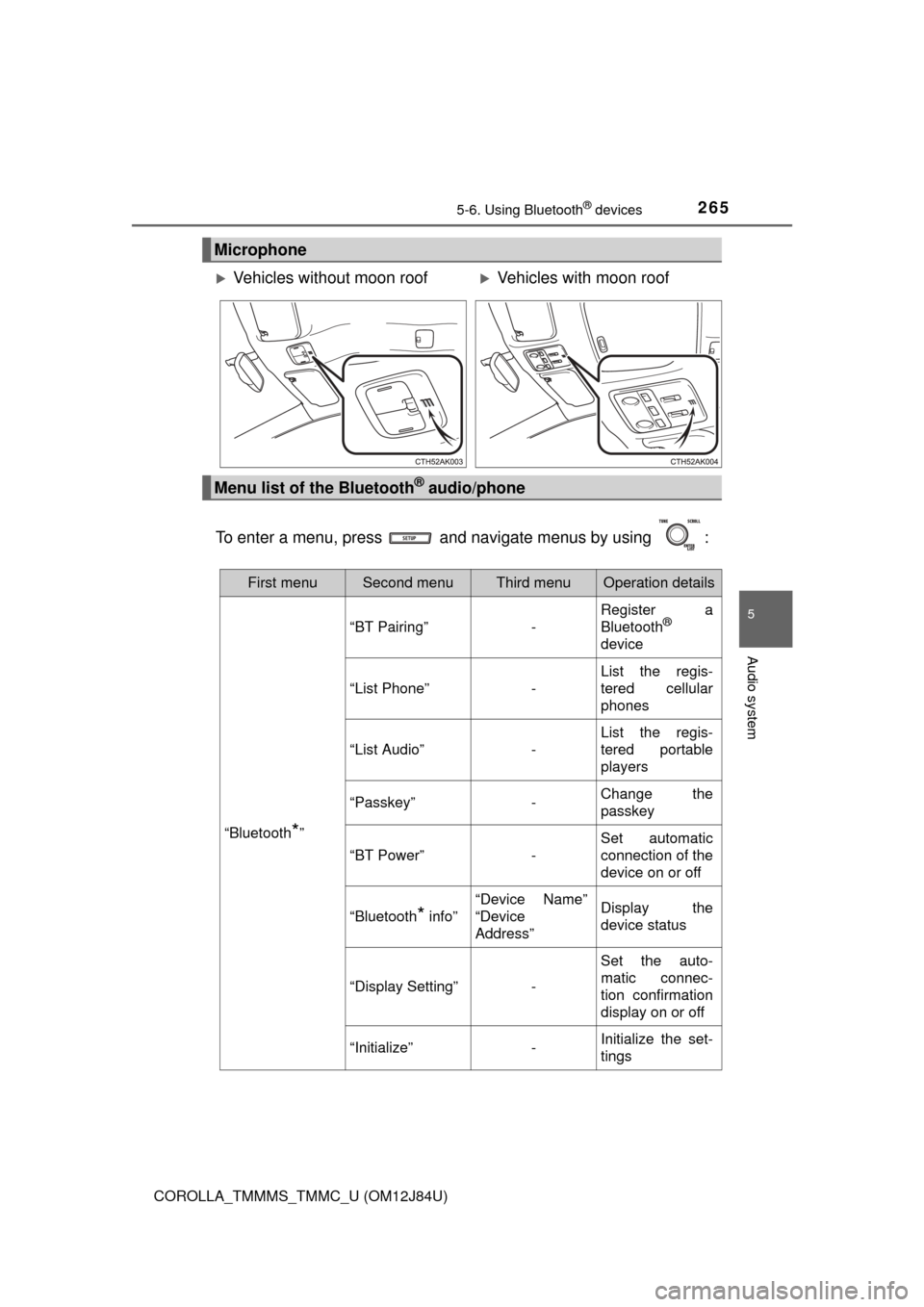
To enter a menu, press and navigate menus by using :
Microphone
Vehicles without moon roofVehicles with moon roof
Menu list of the Bluetooth® audio/phone
First menuSecond menuThird menuOperation details
“Bluetooth*”
“BT Pairing”-
Register a
Bluetooth®
device
“List Phone”-
List the regis-
tered cellular
phones
“List Audio”-
List the regis-
tered portable
players
“Passkey”-Change the
passkey
“BT Power”-
Set automatic
connection of the
device on or off
“Bluetooth* info”
“Device Name”
“Device
Address”Display the
device status
“Display Setting”-
Set the auto-
matic connec-
tion confirmation
display on or off
“Initialize”-Initialize the set-
tings
Page 268 of 620
2685-6. Using Bluetooth® devices
COROLLA_TMMMS_TMMC_U (OM12J84U)
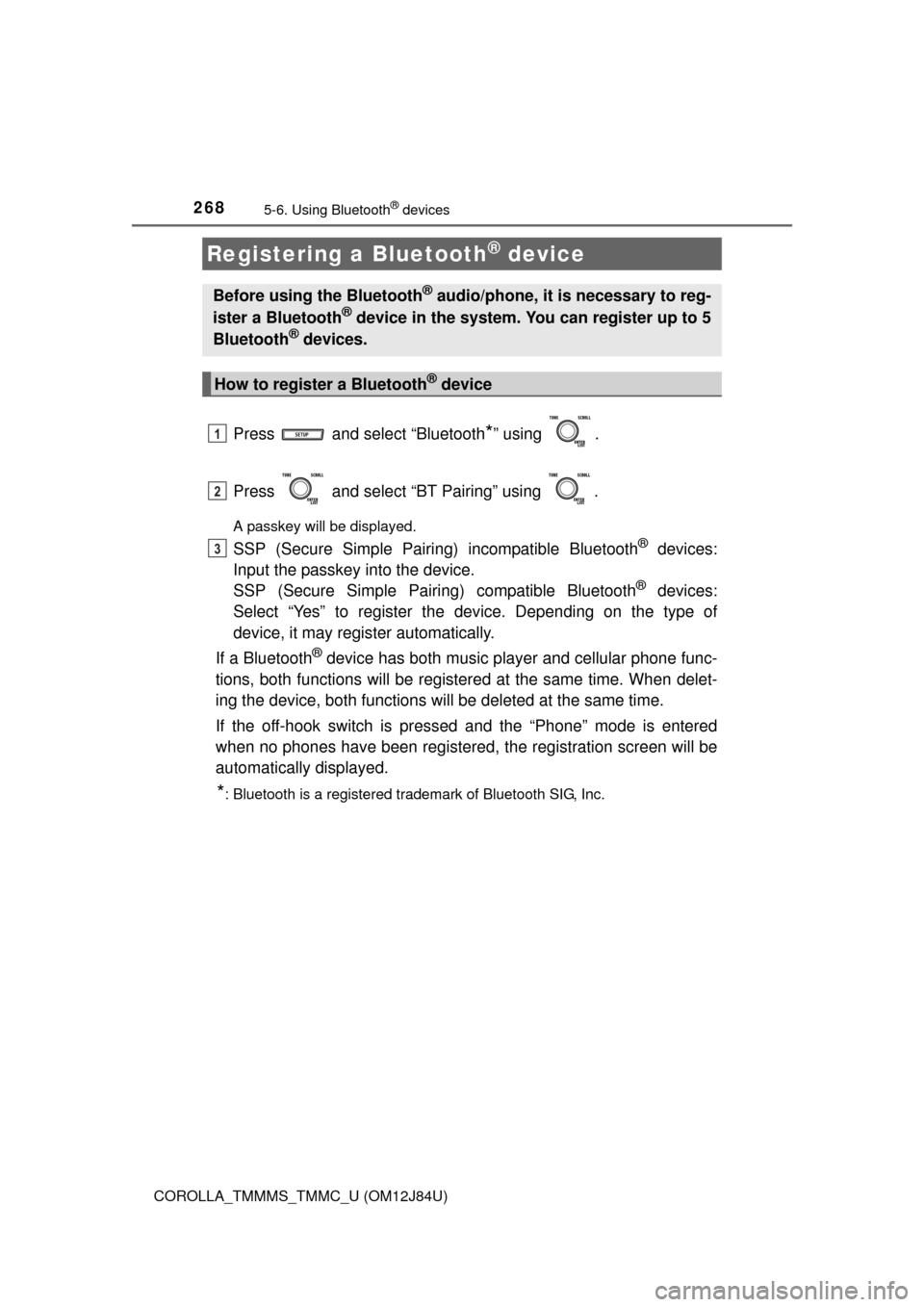
Press and select “Bluetooth*” using .
Press and select “BT Pairing” using .
A passkey will be displayed.
SSP (Secure Simple Pairing) incompatible Bluetooth® devices:
Input the passkey into the device.
SSP (Secure Simple Pairin g) compatible Bluetooth
® devices:
Select “Yes” to register the device. Depending on the type of
device, it may register automatically.
If a Bluetooth
® device has both music player and cellular phone func-
tions, both functions will be register ed at the same time. When delet-
ing the device, both functions will be deleted at the same time.
If the off-hook switch is pressed and the “Phone” mode is entered
when no phones have been registered, the registration screen will be
automatically displayed.
*: Bluetooth is a registered trademark of Bluetooth SIG, Inc.
Registering a Bluetooth® device
Before using the Bluetooth® audio/phone, it is necessary to reg-
ister a Bluetooth® device in the system. You can register up to 5
Bluetooth® devices.
How to register a Bluetooth® device
1
2
3
Page 271 of 620
2715-7. “SET UP” menu
5
Audio system
COROLLA_TMMMS_TMMC_U (OM12J84U)
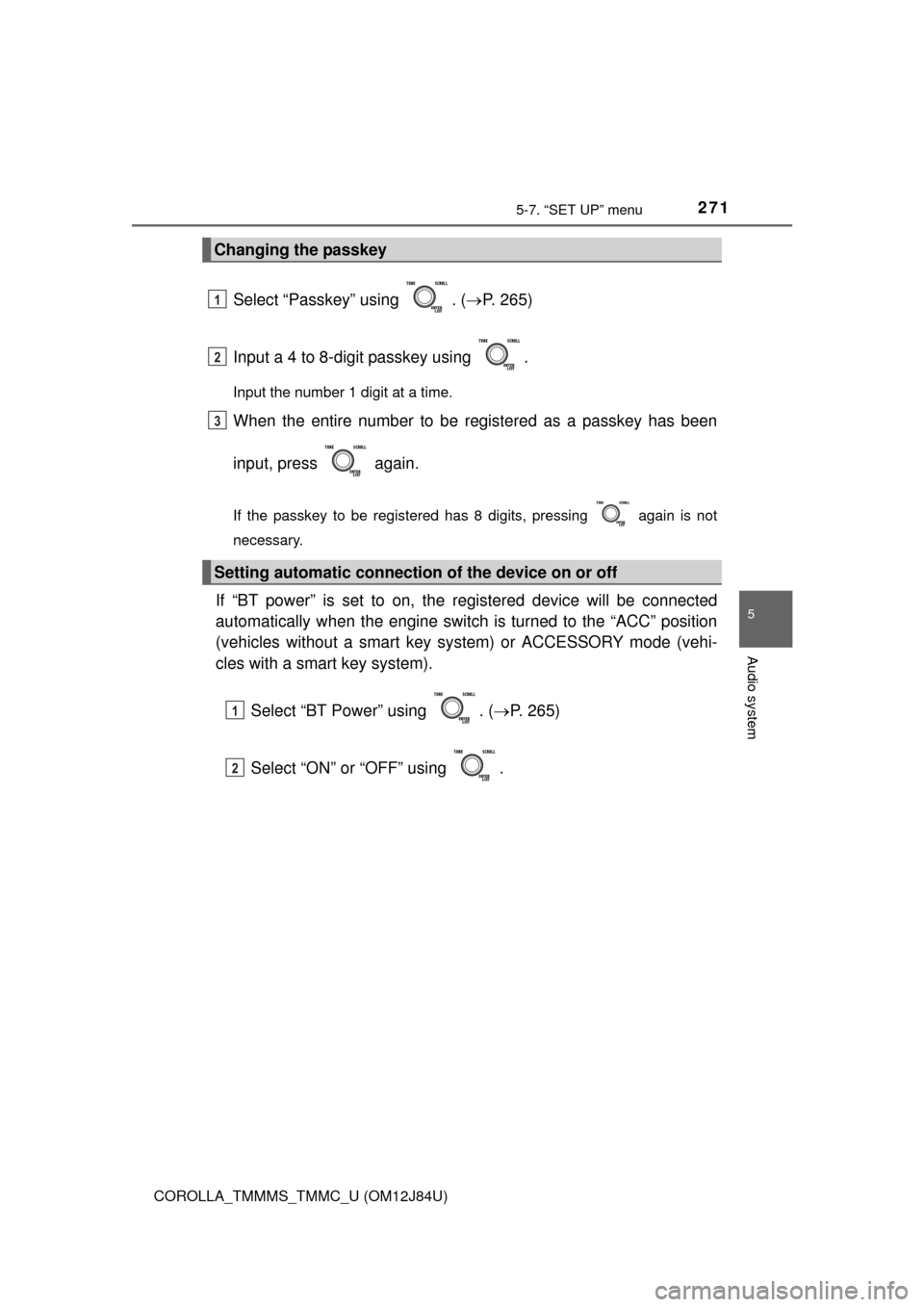
Select “Passkey” using . (P. 265)
Input a 4 to 8-digit passkey using .
Input the number 1 digit at a time.
When the entire number to be registered as a passkey has been
input, press again.
If the passkey to be registered has 8 digits, pressing again is not
necessary.
If “BT power” is set to on, the registered device will be connected
automatically when the engine switch is turned to the “ACC” position
(vehicles without a smart key sy stem) or ACCESSORY mode (vehi-
cles with a smart key system).
Select “BT Power” using . ( P. 265)
Select “ON” or “OFF” using .
Changing the passkey
Setting automatic connection of the device on or off
1
2
3
1
2
Page 272 of 620
2725-7. “SET UP” menu
COROLLA_TMMMS_TMMC_U (OM12J84U)
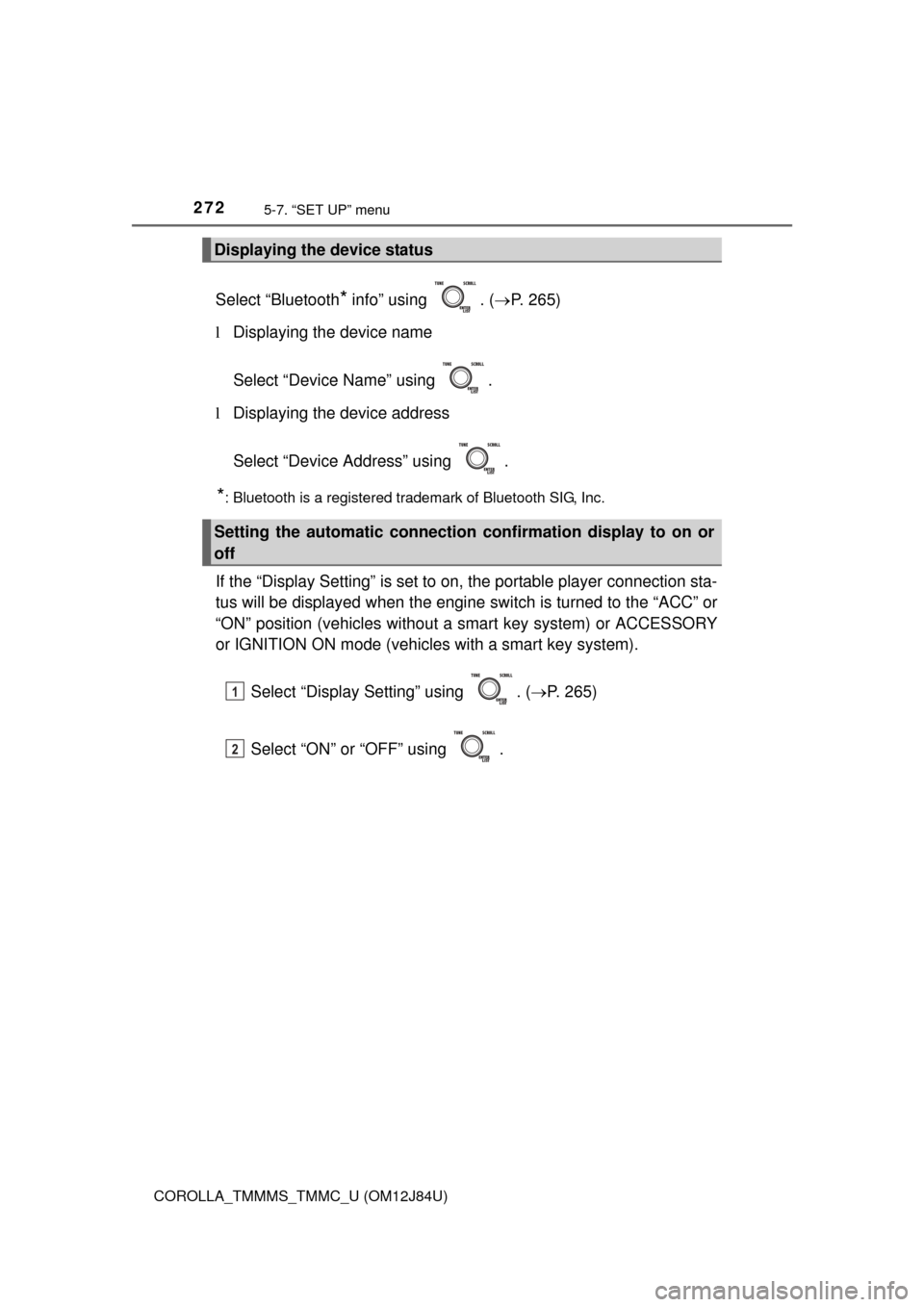
Select “Bluetooth* info” using . (P. 265)
l Displaying the device name
Select “Device Name” using .
l Displaying the device address
Select “Device Address” using .
*: Bluetooth is a registered trademark of Bluetooth SIG, Inc.
If the “Display Setting” is set to on, the portable player connection sta-
tus will be displayed when the engine sw itch is turned to the “ACC” or
“ON” position (vehicles without a smart key system) or ACCESSORY
or IGNITION ON mode (vehicl es with a smart key system).
Select “Display Setting” using . ( P. 265)
Select “ON” or “OFF” using .
Displaying the device status
Setting the automatic connection confirmation display to on or
off
1
2
Page 273 of 620
2735-7. “SET UP” menu
5
Audio system
COROLLA_TMMMS_TMMC_U (OM12J84U)
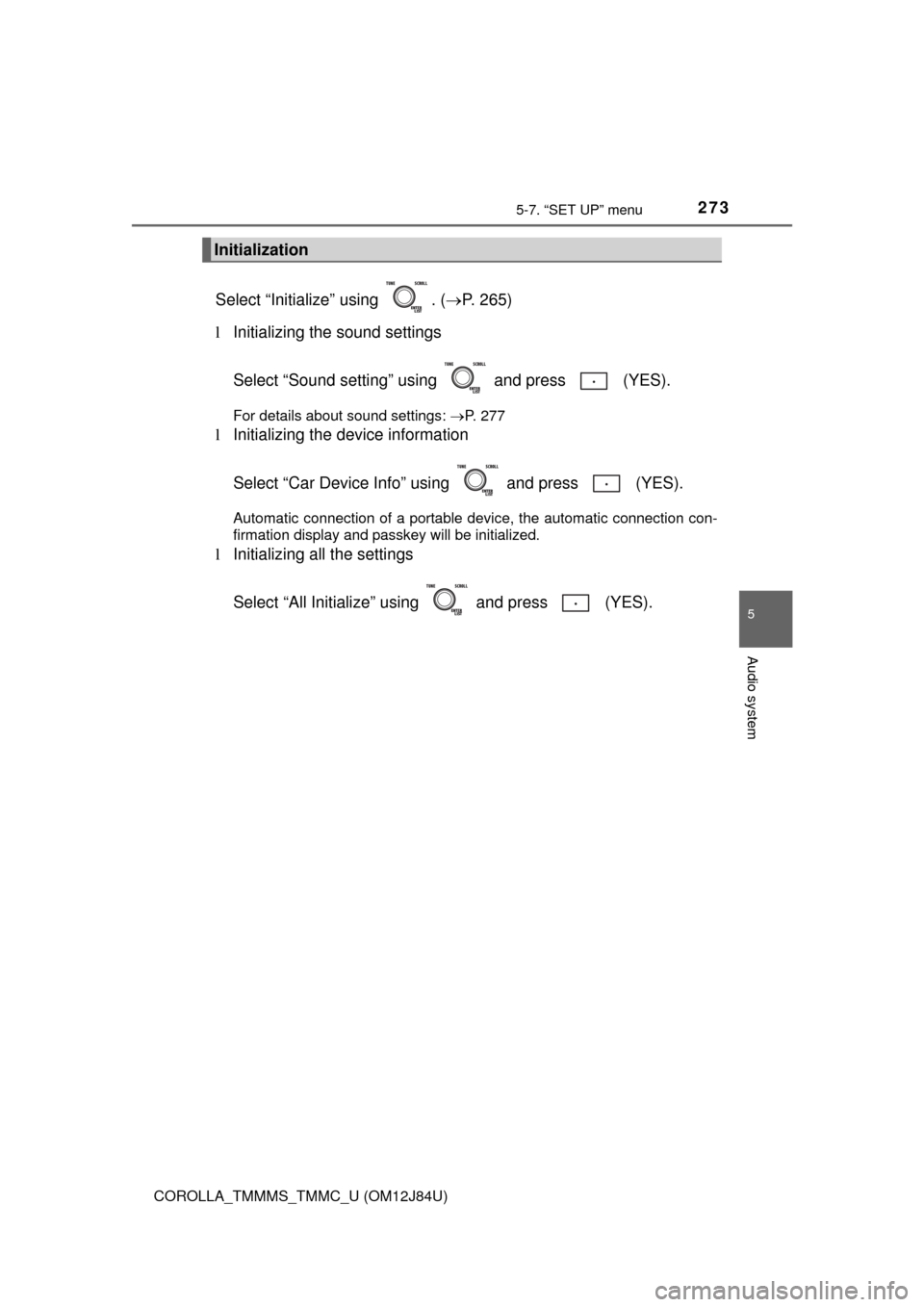
Select “Initialize” using . (P. 265)
l Initializing the sound settings
Select “Sound setting” using and press (YES).
For details about sound settings: P. 277
lInitializing the device information
Select “Car Device Info” using and press (YES).
Automatic connection of a portable device, the automatic connection con-
firmation display and passkey will be initialized.
lInitializing all the settings
Select “All Initialize” us ing and press (YES).
Initialization
Page 297 of 620
2975-12. Setup (Multimedia system)
5
Audio system
COROLLA_TMMMS_TMMC_U (OM12J84U)
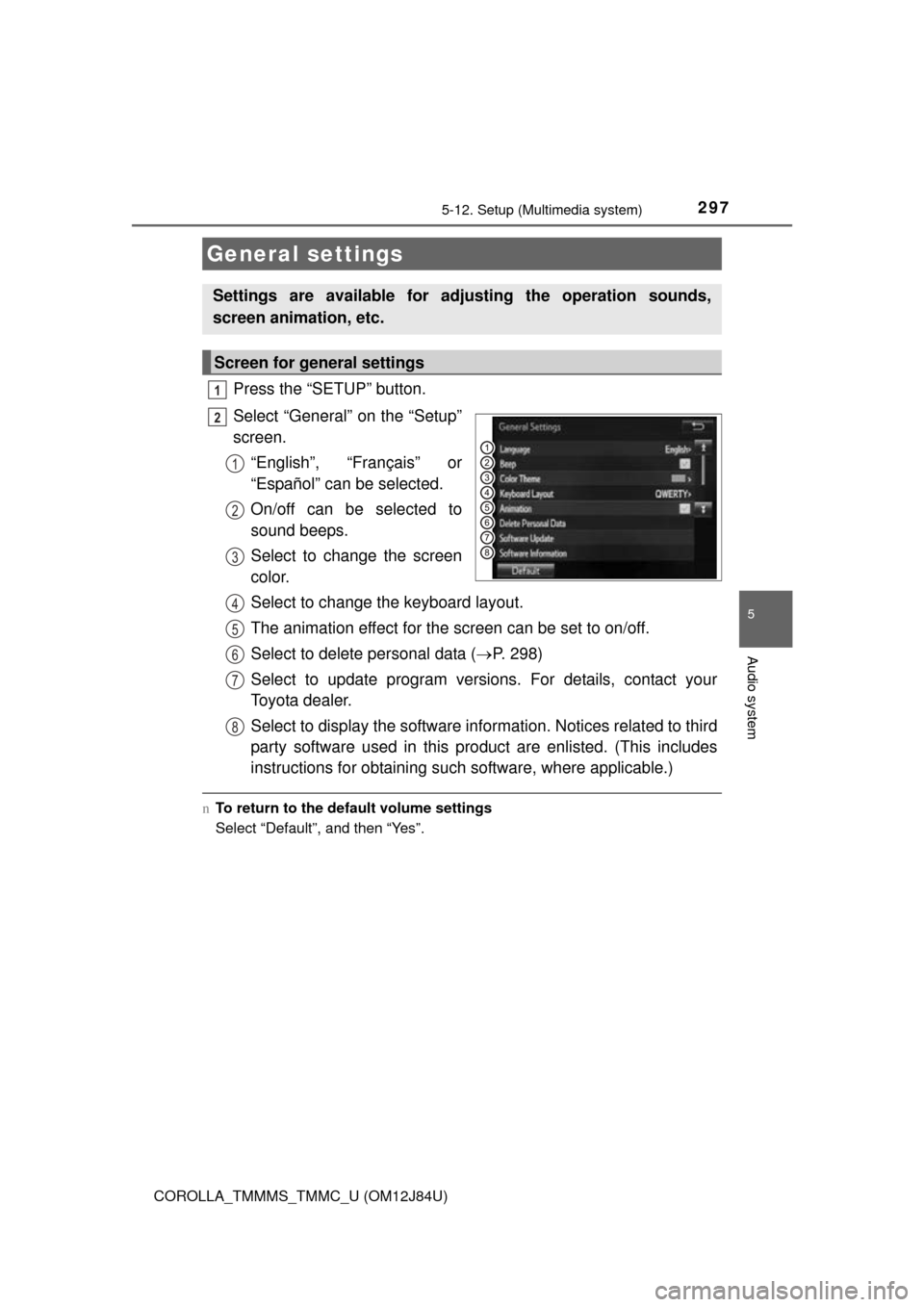
Press the “SETUP” button.
Select “General” on the “Setup”
screen.“English”, “Français” or
“Español” can be selected.
On/off can be selected to
sound beeps.
Select to change the screen
color.
Select to change the keyboard layout.
The animation effect for the screen can be set to on/off.
Select to delete personal data ( P. 298)
Select to update program versions. For details, contact your
Toyota dealer.
Select to display the software info rmation. Notices related to third
party software used in this pr oduct are enlisted. (This includes
instructions for obtaining such software, where applicable.)
n To return to the default volume settings
Select “Default”, and then “Yes”.
General settings
Settings are available for adjusting the operation sounds,
screen animation, etc.
Screen for general settings
1
2
1
2
3
4
5
6
7
8
Page 399 of 620
3996-1. Using the air conditioning system and defogger
6
Interior features
COROLLA_TMMMS_TMMC_U (OM12J84U)n
When the outside temperature exceeds 75°F (24°C) and the air condition-
ing system is on
lIn order to reduce the air conditioning power consumption, the air condition-
ing system may switch to recirculated air mode automatically. This may also
reduce fuel consumption.
Vehicles without a smart key system
l Recirculated air mode is selected as a default mode when the engine switch
is turned to the “ON” position.
Vehicles with a smart key system
l Recirculated air mode is selected as a default mode when the engine switch
is turned to IGNITION ON mode.
l It is possible to switch to outside air mode at any time by pressing .
n When the outside temperature is low
The dehumidification function may not operate even when is pressed.
n Ventilation and air conditioning odors
lTo let fresh air in, set the air conditioning system to the outside air mode.
l During use, various odors from inside and outside the vehicle may enter into
and accumulate in the air conditioning system. This may then cause odor to
be emitted from the vents.
l To reduce potential odors from occurring:
• It is recommended that the air conditioning system be set to outside air
mode prior to turning the vehicle off.
• The start timing of the blower may be delayed for a short period of time immediately after the air conditioning system is started in automatic
mode.
n Air conditioning filter
P. 467
n Customization that can be co nfigured at Toyota dealer
Settings (e.g. air conditioning setting) can be changed.
(Customizable features P. 576)