warning TOYOTA COROLLA 2023 Owners Manual
[x] Cancel search | Manufacturer: TOYOTA, Model Year: 2023, Model line: COROLLA, Model: TOYOTA COROLLA 2023Pages: 468, PDF Size: 14.4 MB
Page 316 of 468
3166-3. Do-it-yourself maintenance
transmitters must also be
installed.
When new tire pressure warning
valves and transmitters are
installed, new ID codes must be
registered in the tire pressure
warning computer and the tire
pressure warning system must
be initialized. Have tire pressure
warning valves and transmitter
ID codes registered by your Toy-
ota dealer. (P.322)
■Replacing tires and wheels
If the ID code of the tire pressure
warning valve and transmitter is not
registered, the tire pressure warning
system will not work properly. After
driving for about 20 minutes, the tire
pressure warning light blinks for 1
minute and stays on to indicate a
system malfunction.
It is necessary to register the
position of each wheel after per-
forming a tire rotation.
Wheel position registration can
be performed by oneself. Wheel
position registration is per-
formed by driving forward with
moderate left and right turns.
However, depending on the driv-
ing conditions and driving envi-
ronment, registration may take
some time to complete.
4.2-inch display
1 Park the vehicle in a safe
place and turn the engine
switch off, wait for approxi-
mately 20 minutes or more,
and then start the engine.
NOTICE
■Repairing or replacing tires,
wheels, tire pressure warn-
ing valves, transmitters and
tire valve caps
●When removing or fitting the
wheels, tires or the tire pressure
warning valves and transmit-
ters, contact your Toyota dealer
as the tire pr essure warning
valves and transmitters may be
damaged if not handled cor-
rectly.
●Make sure to install the tire
valve caps. If the tire valve caps
are not installed, water could
enter the tire pressure warning
valves and the tire pressure
warning valves could be bound.
●When replacing tire valve caps,
do not use tire valve caps other
than those specified. The cap
may become stuck.
■To avoid damage to the tire
pressure warning valves and
transmitters
When a tire is repa ired with liquid
sealants, the tire pressure warn-
ing valve and transmitter may not
operate properly. If a liquid seal-
ant is used, contact your Toyota
dealer or other qualified service
shop as soon as possible. Make
sure to replace the tire pressure
warning valve and transmitter
when replacing the tire. ( P.315)
Registration of the posi-
tion of each wheel after
performing a tire rotation
(vehicles with a tire pres-
sure warning system)
Page 318 of 468

3186-3. Do-it-yourself maintenance
7Drive straight (with occa-
sional left and right turns) at
approximately 25 mph (40
km/h) or more for approxi-
mately 10 to 30 minutes.
When wheel position registration is
complete, a message indicating
that registration has been com-
pleted and the inflation pressure of
each tire will be d isplayed on the
multi-information display.
Even if it is not possible to drive
continuously at a pproximately 25
mph (40 km/h) or more, registration
can be completed by driving for a
long time. However, if registration
does not complete a fter driving for
1 hour or more, park the vehicle in
a safe place and leave it with the
engine switch in ON for approxi-
mately 15 minute s or more, and
then perform the dr iving procedure
again.
■When performing wheel posi-
tion registration
●Normally, wheel position registra-
tion can be completed within
approximately 30 minutes.
●Wheel position registration is per-
formed while driving at a vehicle
speed of approximately 25 mph
(40 km/h) or more.
■Wheel position registration pro-
cedure
●If the engine switch is turned off
while registering the wheel posi-
tion, the next time the engine
switch is turned to ON, the wheel
position registr ation will resume
and it will not be necessary to
restart the procedure.
●While the position of each wheel is
being determined and the inflation
pressures are not being dis-
played, if the infl ation pressure of
a tire drops, the tire pressure
warning light will come on.
■If the wheel position cannot be
registered easily
●In the following situations, wheel
position registration may take lon-
ger than usual to be completed or
may not be possible.
• Vehicle is not dr iven at approxi-
mately 25 mph (40 km/h) or more
• Vehicle is driven on unpaved roads
• If wheel position registration does
not complete after driving for 1
hour or more, park the vehicle in a
safe place for a pproximately 15
minutes and then drive the vehicle
again.
●If the vehicle is reversed during
wheel position registration, all
data collected unt il then will be
cleared. Perform driving again.
In the following situations, it will
be necessary to perform the tire
inflation pressure setting proce-
dure of the tire pressure warning
system.
When the specified tire infla-
tion pressure has changed,
such as due to carried load,
etc.
When the tire inflation pres-
sure is changed such as
when the tire size is changed.
If the tire inflation pressure has
been adjusted to the specified
level, perform the tire inflation set-
ting procedure by selecting speci-
fied inflation pressure on the
multi-information display.
When the tire inflation pressure is
Setting the tire pressure
(vehicles with a tire pres-
sure warning system)
Page 319 of 468
3196-3. Do-it-yourself maintenance
6
Maintenance and care
to be other than specified, such as
when tires other than the specified
size are used, etc., set the tire infla-
tion pressure using the current
pressure. Make sure to adjust the
tire inflation pressure of each tire to
the appropriate level before per-
forming tire pressure setting. The
tire pressure warning system oper-
ates based on this tire inflation
pressure.
■Setting by selecting a spec-
ified tire inflation pressure
4.2-inch display
1 Park the vehicle in a safe
place and then start the
engine.
The tire inflation pressure cannot
be set while the vehicle is moving.
2Select of the multi-infor-
mation display and then
press .
3 Press or to select
“Vehicle Settings” and then
press and hold .
4 Press or to select
“TPWS setting” and then
press .
5 Press or to select
“Tire Pressure Setting” and
then press .
6 Press or to select
“Setting by Specified Pres-
sure” and then press . 7
Select the desired tire pres-
sures, then press .
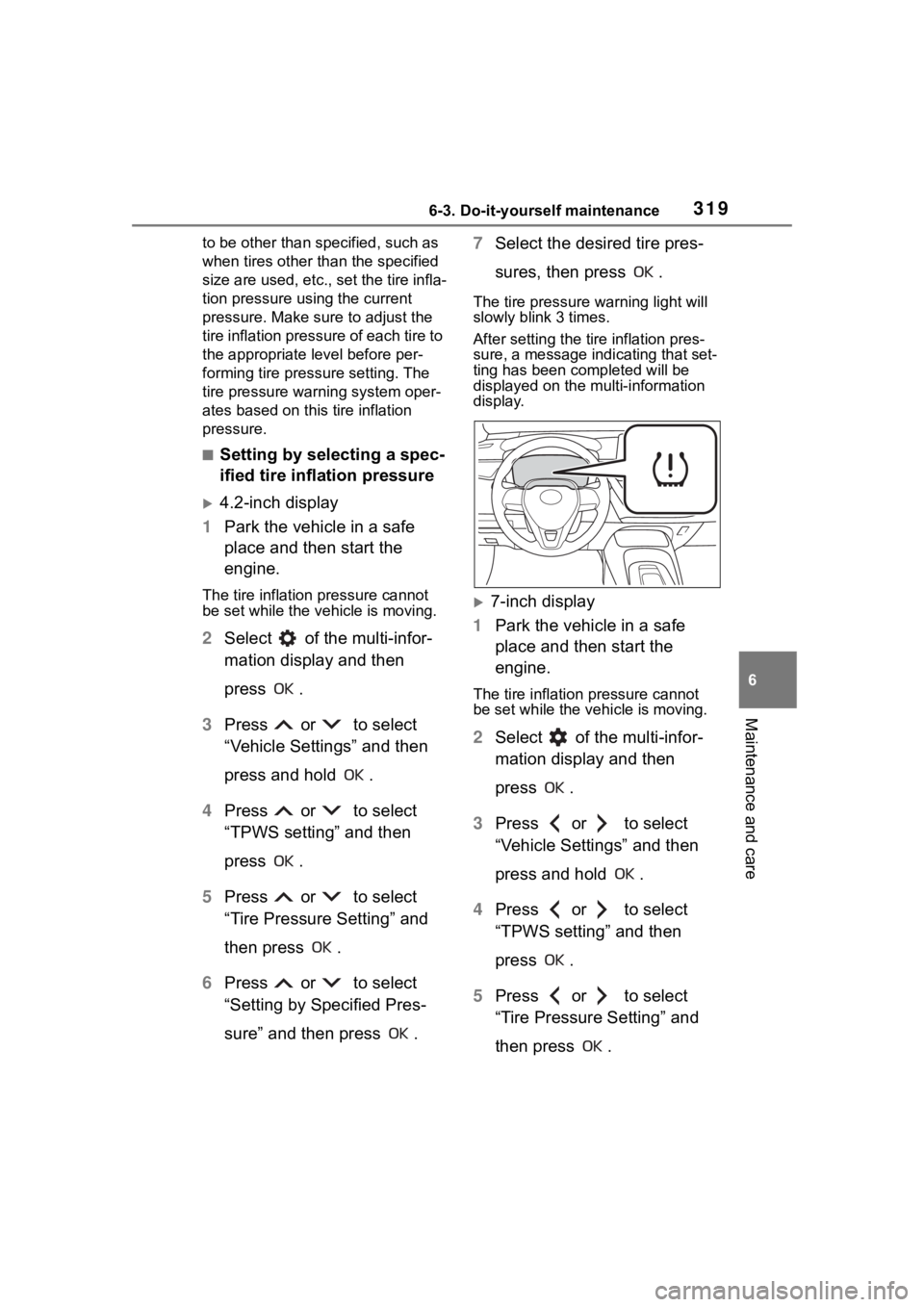
The tire pressure warning light will
slowly blink 3 times.
After setting the tire inflation pres-
sure, a message indicating that set-
ting has been completed will be
displayed on the multi-information
display.
7-inch display
1 Park the vehicle in a safe
place and then start the
engine.
The tire inflation pressure cannot
be set while the ve hicle is moving.
2Select of the multi-infor-
mation display and then
press .
3 Press or to select
“Vehicle Settings” and then
press and hold .
4 Press or to select
“TPWS setting” and then
press .
5 Press or to select
“Tire Pressure Setting” and
then press .
Page 320 of 468
3206-3. Do-it-yourself maintenance
6Press or to select
“Setting by Specified Pres-
sure” and then press .
7 Select the desired tire pres-
sures, then press .
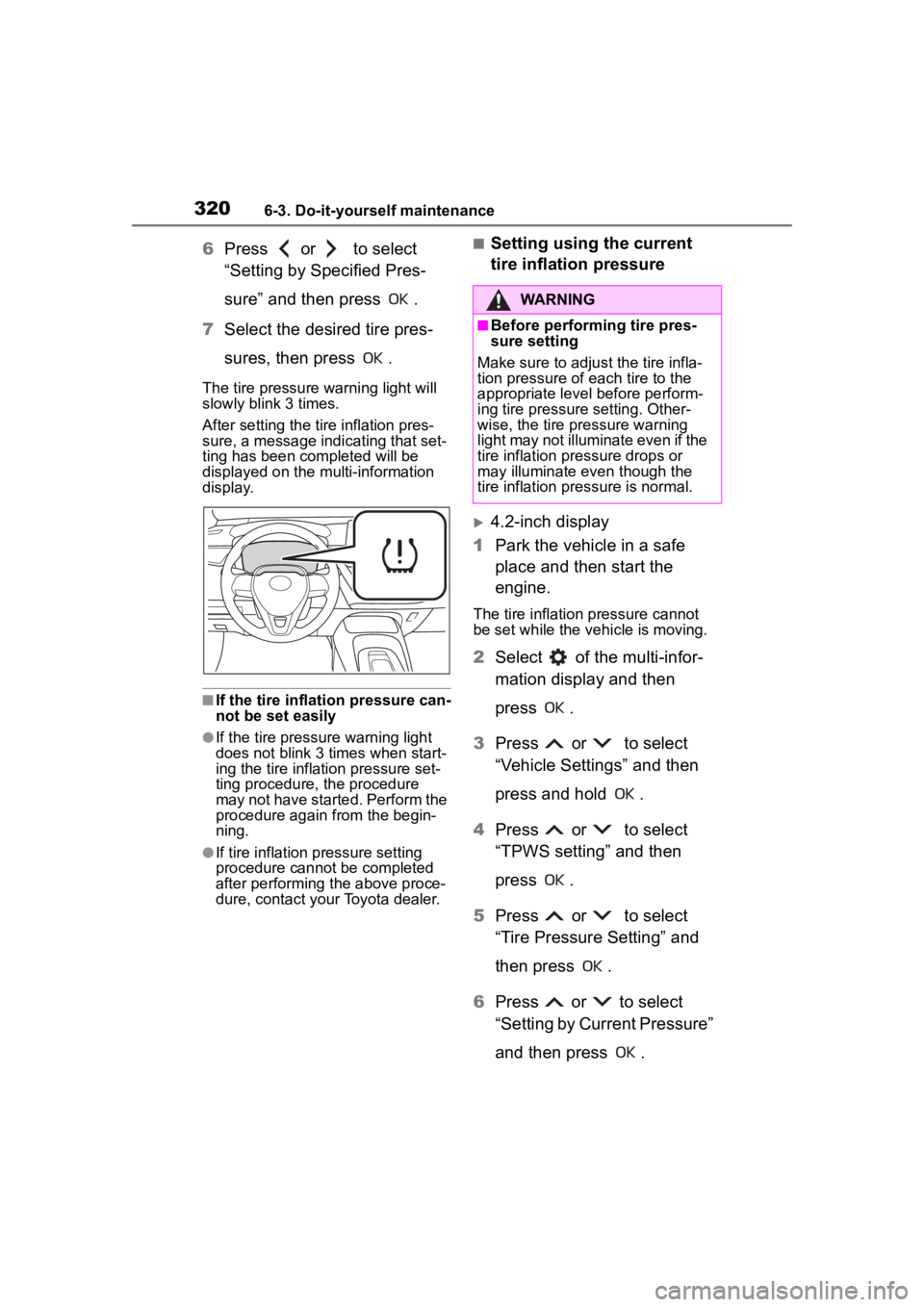
The tire pressure warning light will
slowly blink 3 times.
After setting the tire inflation pres-
sure, a message indicating that set-
ting has been completed will be
displayed on the multi-information
display.
■If the tire inflation pressure can-
not be set easily
●If the tire pressure warning light
does not blink 3 times when start-
ing the tire inflation pressure set-
ting procedure, the procedure
may not have started. Perform the
procedure again from the begin-
ning.
●If tire inflation pressure setting
procedure cannot be completed
after performing the above proce-
dure, contact your Toyota dealer.
■Setting using the current
tire inflation pressure
4.2-inch display
1 Park the vehicle in a safe
place and then start the
engine.
The tire inflation pressure cannot
be set while the ve hicle is moving.
2Select of the multi-infor-
mation display and then
press .
3 Press or to select
“Vehicle Settings” and then
press and hold .
4 Press or to select
“TPWS setting” and then
press .
5 Press or to select
“Tire Pressure Setting” and
then press .
6 Press or to select
“Setting by Current Pressure”
and then press .
WARNING
■Before performing tire pres-
sure setting
Make sure to adjust the tire infla-
tion pressure of each tire to the
appropriate level before perform-
ing tire pressure setting. Other-
wise, the tire pressure warning
light may not illumi nate even if the
tire inflation pressure drops or
may illuminate even though the
tire inflation pressure is normal.
Page 321 of 468
3216-3. Do-it-yourself maintenance
6
Maintenance and care
The tire pressure warning light will
slowly blink 3 times and a message
indicating that tire inflation pressure
is being set will be displayed on the
multi-information display.
After setting the tire inflation pres-
sure, a message indicating that set-
ting has been completed will be
displayed on the multi-information
display.
7-inch display
1 Park the vehicle in a safe
place and then start the
engine.
The tire inflation pressure cannot
be set while the vehicle is moving.
2Select of the multi-infor-
mation display and then
press .
3 Press or to select
“Vehicle Settings” and then
press and hold .
4 Press or to select
“TPWS setting” and then
press .
5 Press or to select
“Tire Pressure Setting” and
then press . 6
Press or to select
“Setting by Current Pressure”
and then press .
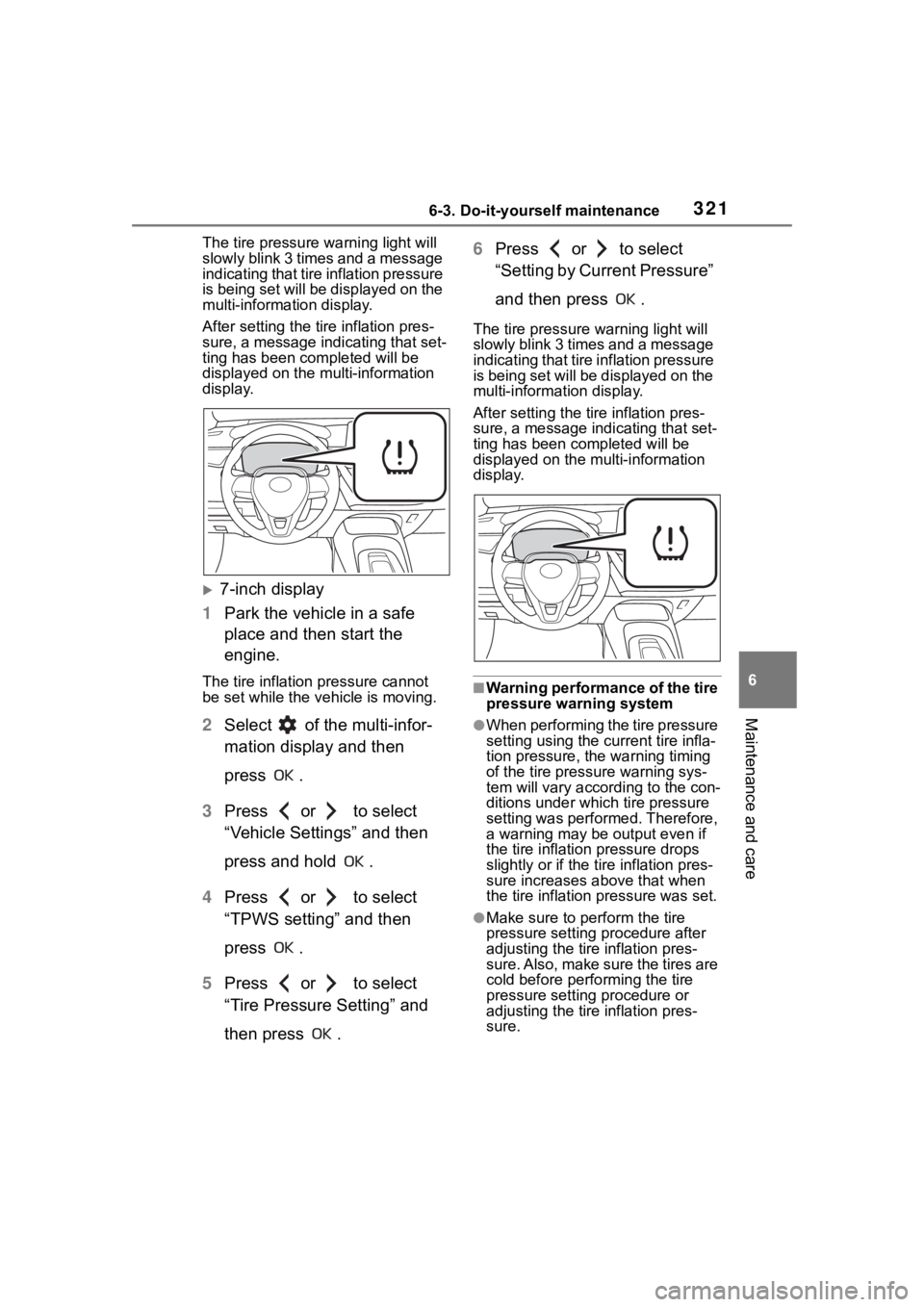
The tire pressure warning light will
slowly blink 3 times and a message
indicating that tire inflation pressure
is being set will be displayed on the
multi-information display.
After setting the tire inflation pres-
sure, a message indicating that set-
ting has been completed will be
displayed on the multi-information
display.
■Warning performance of the tire
pressure warning system
●When performing the tire pressure
setting using the current tire infla-
tion pressure, the warning timing
of the tire pressure warning sys-
tem will vary according to the con-
ditions under which tire pressure
setting was performed. Therefore,
a warning may be output even if
the tire inflation pressure drops
slightly or if the ti re inflation pres-
sure increases above that when
the tire inflation pressure was set.
●Make sure to per form the tire
pressure setting p rocedure after
adjusting the tire inflation pres-
sure. Also, make sure the tires are
cold before performing the tire
pressure setting procedure or
adjusting the tire inflation pres-
sure.
Page 322 of 468
3226-3. Do-it-yourself maintenance
■Tire inflation pressure setting
procedure
●If the engine switch is turned off
while setting the tire inflation pres-
sure, the next time the engine
switch is turned to ON, the setting
procedure will resume and it will
not be necessary to restart the
procedure.
●If the tire inflation pressure setting
procedure is started unnecessar-
ily, adjust the tire inflation pres-
sure to the specified level with the
tires cold and then perform setting
by selecting a specified tire infla-
tion pressure, or p erform the tire
inflation pressure setting proce-
dure with the current tire inflation
pressure.
■If the tire inflation pressure can-
not be set easily
●Normally, the tire inflation pres-
sure setting procedure can be
completed in 2 or 3 minutes.
●If the tire pressure warning light
does not blink 3 times when start-
ing the tire inflation pressure set-
ting procedure, the procedure
may not have started. Perform the
procedure again from the begin-
ning.
●If tire inflation pressure setting
procedure cannot be completed
after performing the above proce-
dure, contact your Toyota dealer.
The tire pressure warning valve
and transmitter is equipped with
a unique ID code. When new
tire pressure warning valves and
transmitters are installed, new
ID codes must be registered in
the tire pressure warning com- puter.
ID codes can be registered by
yourself, but depending on
the driving conditions and
driving environment, registra-
tion may take some time to
complete.
When using a wheel set
which all of the ID codes have
already been registered, the
wheel set can be changed in
a short amount of time.
Before performing ID code reg-
istration, make sure that no
wheels with tire pressure warn-
ing valve and transmitters
installed are near the vehicle.
4.2-inch display
1 Park the vehicle in a safe
place and turn the engine
switch off, wait for approxi-
mately 20 minutes or more,
and then start the engine.
The ID code registration procedure
cannot be performed while the
vehicle is moving.
2Select of the multi-infor-
mation display and then
press .
3 Press or to select
“Vehicle Settings” and then
press and hold .
4 Press or to select
“TPWS setting” and then
press .
Registering ID codes
(vehicles with a tire pres-
sure warning system)
Page 323 of 468
3236-3. Do-it-yourself maintenance
6
Maintenance and care
5Press or to select
“Tire Set Switching” and then
press .
6 Press or to select
“Register New Valve / ID” and
then press .
7 Press or to select
“Tire Set 1” or “Tire Set 2”.
Then press .
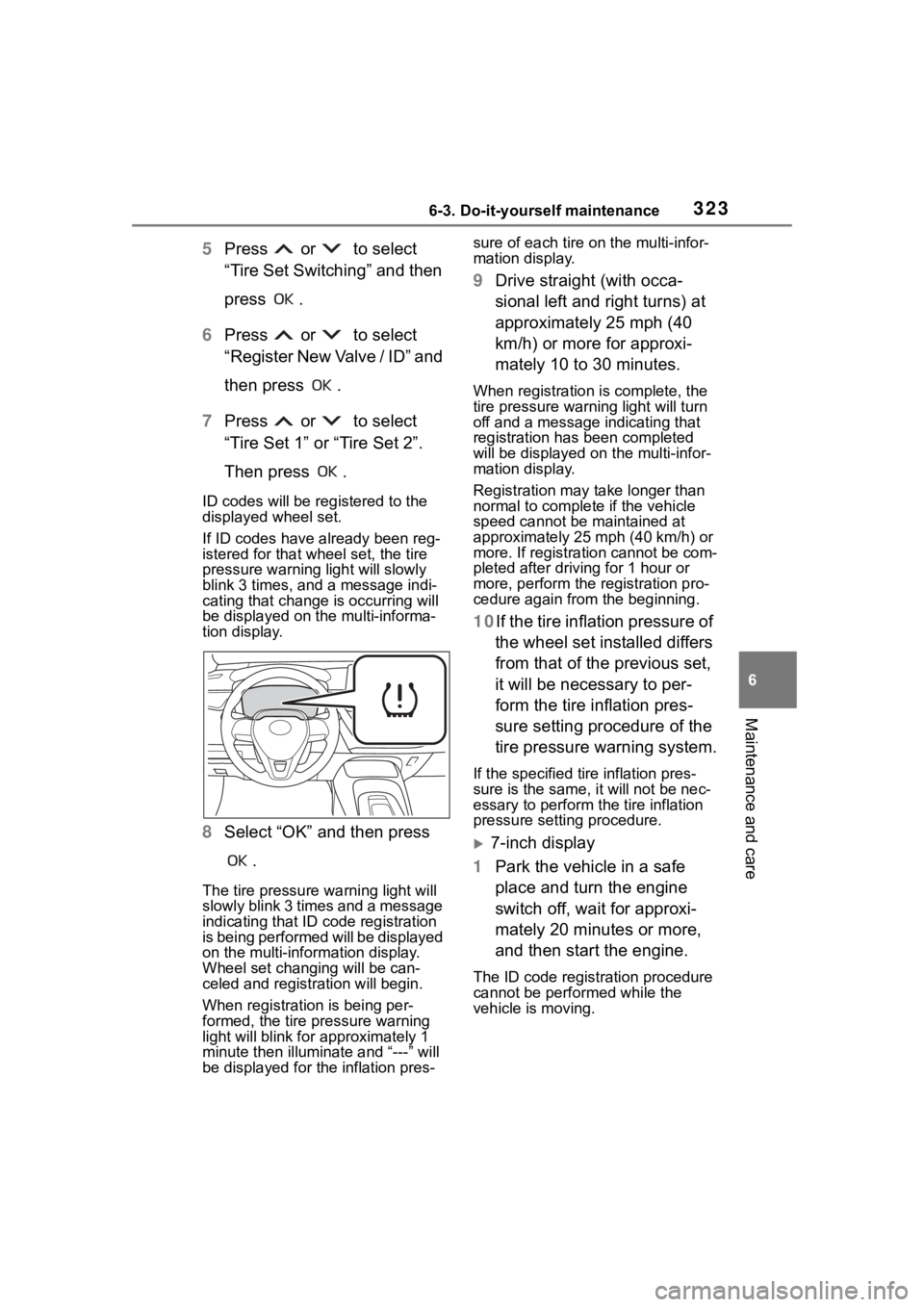
ID codes will be reg istered to the
displayed wheel set.
If ID codes have already been reg-
istered for that wheel set, the tire
pressure warning light will slowly
blink 3 times, and a message indi-
cating that change is occurring will
be displayed on the multi-informa-
tion display.
8 Select “OK” and then press
.
The tire pressure warning light will
slowly blink 3 times and a message
indicating that ID code registration
is being performed will be displayed
on the multi-inform ation display.
Wheel set changing will be can-
celed and registration will begin.
When registration is being per-
formed, the tire pressure warning
light will blink for approximately 1
minute then illuminate and “---” will
be displayed for the inflation pres- sure of each tire o
n the multi-infor-
mation display.
9 Drive straight (with occa-
sional left and right turns) at
approximately 25 mph (40
km/h) or more for approxi-
mately 10 to 30 minutes.
When registration is complete, the
tire pressure warn ing light will turn
off and a message indicating that
registration has been completed
will be displayed on the multi-infor-
mation display.
Registration may take longer than
normal to complete if the vehicle
speed cannot be maintained at
approximately 25 mph (40 km/h) or
more. If registration cannot be com-
pleted after driving for 1 hour or
more, perform the registration pro-
cedure again from the beginning.
10If the tire inflation pressure of
the wheel set installed differs
from that of the previous set,
it will be necessary to per-
form the tire inflation pres-
sure setting procedure of the
tire pressure warning system.
If the specified tire inflation pres-
sure is the same, it will not be nec-
essary to per form the tire inflation
pressure setting procedure.
7-inch display
1 Park the vehicle in a safe
place and turn the engine
switch off, wait for approxi-
mately 20 minutes or more,
and then start the engine.
The ID code registration procedure
cannot be performed while the
vehicle is moving.
Page 324 of 468
3246-3. Do-it-yourself maintenance
2Select of the multi-infor-
mation display and then
press .
3 Press or to select
“Vehicle Settings” and then
press and hold .
4 Press or to select
“TPWS setting” and then
press .
5 Press or to select
“Tire Set Switching” and then
press .
6 Press or to select
“Register New Valve / ID” and
then press .
7 Press or to select
“Tire Set 1” or “Tire Set 2”.
Then press .
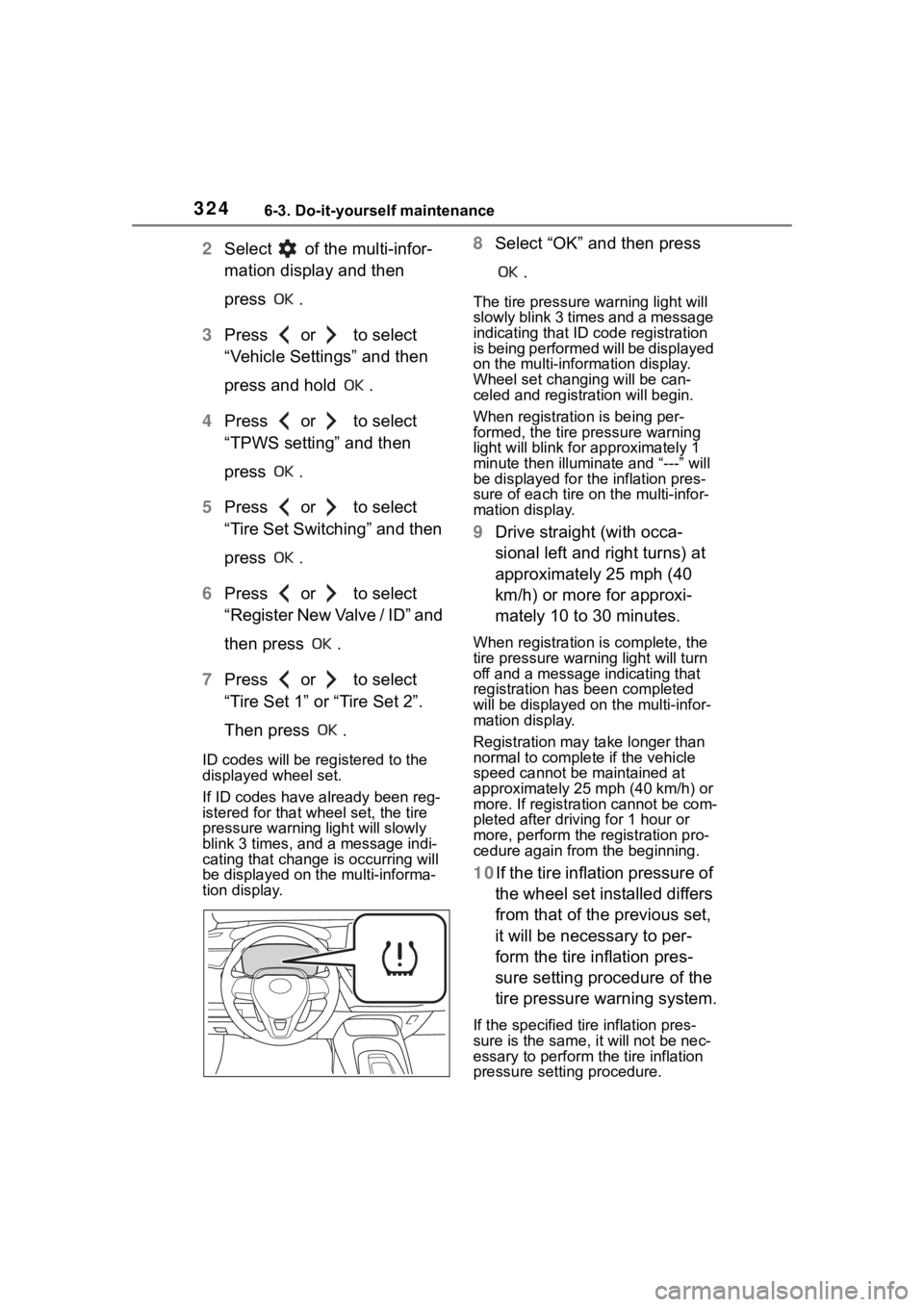
ID codes will be reg istered to the
displayed wheel set.
If ID codes have already been reg-
istered for that wheel set, the tire
pressure warning light will slowly
blink 3 times, and a message indi-
cating that change is occurring will
be displayed on the multi-informa-
tion display.
8 Select “OK” and then press
.
The tire pressure warning light will
slowly blink 3 times and a message
indicating that ID code registration
is being performed will be displayed
on the multi-information display.
Wheel set changing will be can-
celed and registration will begin.
When registration is being per-
formed, the tire pressure warning
light will blink for approximately 1
minute then illumina te and “---” will
be displayed for the inflation pres-
sure of each tire o n the multi-infor-
mation display.
9 Drive straight (with occa-
sional left and right turns) at
approximately 25 mph (40
km/h) or more for approxi-
mately 10 to 30 minutes.
When registration is complete, the
tire pressure warn ing light will turn
off and a message indicating that
registration has been completed
will be displayed on the multi-infor-
mation display.
Registration may take longer than
normal to complete if the vehicle
speed cannot be maintained at
approximately 25 mph (40 km/h) or
more. If registration cannot be com-
pleted after driving for 1 hour or
more, perform the registration pro-
cedure again from the beginning.
10If the tire inflation pressure of
the wheel set installed differs
from that of the previous set,
it will be necessary to per-
form the tire inflation pres-
sure setting procedure of the
tire pressure warning system.
If the specified tire inflation pres-
sure is the same, it will not be nec-
essary to per form the tire inflation
pressure setting procedure.
Page 325 of 468
3256-3. Do-it-yourself maintenance
6
Maintenance and care
■When registering ID codes
●Normally, ID codes registration
can be completed within approxi-
mately 30 minutes.
●ID code registration is performed
while driving at a vehicle speed of
approximately 25 mph (40 km/h)
or more.
■If ID codes are not registered
easily
●In the following situations, ID code
registration may take longer than
usual to be completed or may not
be possible.
• When the vehicle has not been
parked for appro ximately 20 min-
utes or more bef ore being driven
• Vehicle is not driven at approxi-
mately 25 mph ( 40 km/h) or more
• Vehicle is driven on unpaved roads
• Vehicle is driven near other vehi- cles and system cannot recog-
nize tire pressure warning valve
and transmitters of your vehicle
over those of other vehicles
• Wheel with tire p ressure warning
valve and transmitter installed is
inside or near the vehicle
●If the vehicle is reversed during
registration, all da ta collected until
then will be cleared. Perform driv-
ing again.
●If the tire pressure warning light
does not blink 3 times when start-
ing ID code registration proce-
dure to step 8, the procedure may
not have started. Perform the pro-
cedure again from the beginning.
●If registration doe s not complete
after driving for 1 hour or more,
perform the ID c ode registration
procedure again from the begin-
ning.
●If the ID codes cannot be regis-
tered even when performing the
above procedure, contact your
Toyota dealer.
■Canceling ID code registration
To cancel ID code registration after
it has been started , select “Register
Valve / ID” again on the multi-infor-
mation display.
If ID code registration has been can-
celed, the tire pressure warning light
will turn off.
If the warning light does not turn off,
ID code registration may not have
been cancelled correctly. To cancel
registration, select “Register Valve /
ID” on the multi-in formation display.
Your vehicle is equipped with a
tire pressure warning system
with a function to register two
sets of ID codes. This allows for
registration of a second wheel
set, for example a winter set.
The wheel set can be changed
only if a second wheel set has
been registered to the system. If
a second wheel set has not
been registered, it will not be
possible to change to the
selected wheel set.
ID codes can be registered by
yourself.
Only a change between both
registered wheel set is possi-
ble, mixing between these
wheel sets is not supported.
While registering ID codes, it
may not be possible to
change between wheel sets
normally. Cancel registration
Selecting wheel set (vehi-
cles with a tire pressure
warning system)
Page 326 of 468
3266-3. Do-it-yourself maintenance
before changing between
wheel sets.
4.2-inch display
1 Install the desired wheel set.
2 Select of the multi-infor-
mation display and then
press .
3 Press or to select
“Vehicle Settings” and then
press .
4 Press or to select
“TPWS setting” and then
press .
5 Press or to select
“Tire Set Switching” and then
press .
6 Press or to select
“Register Valve / ID” and then
press .
7 Press or to select
“Tire Set 1” or “Tire Set 2”.
Then press .
8 Select “OK” and then press
.
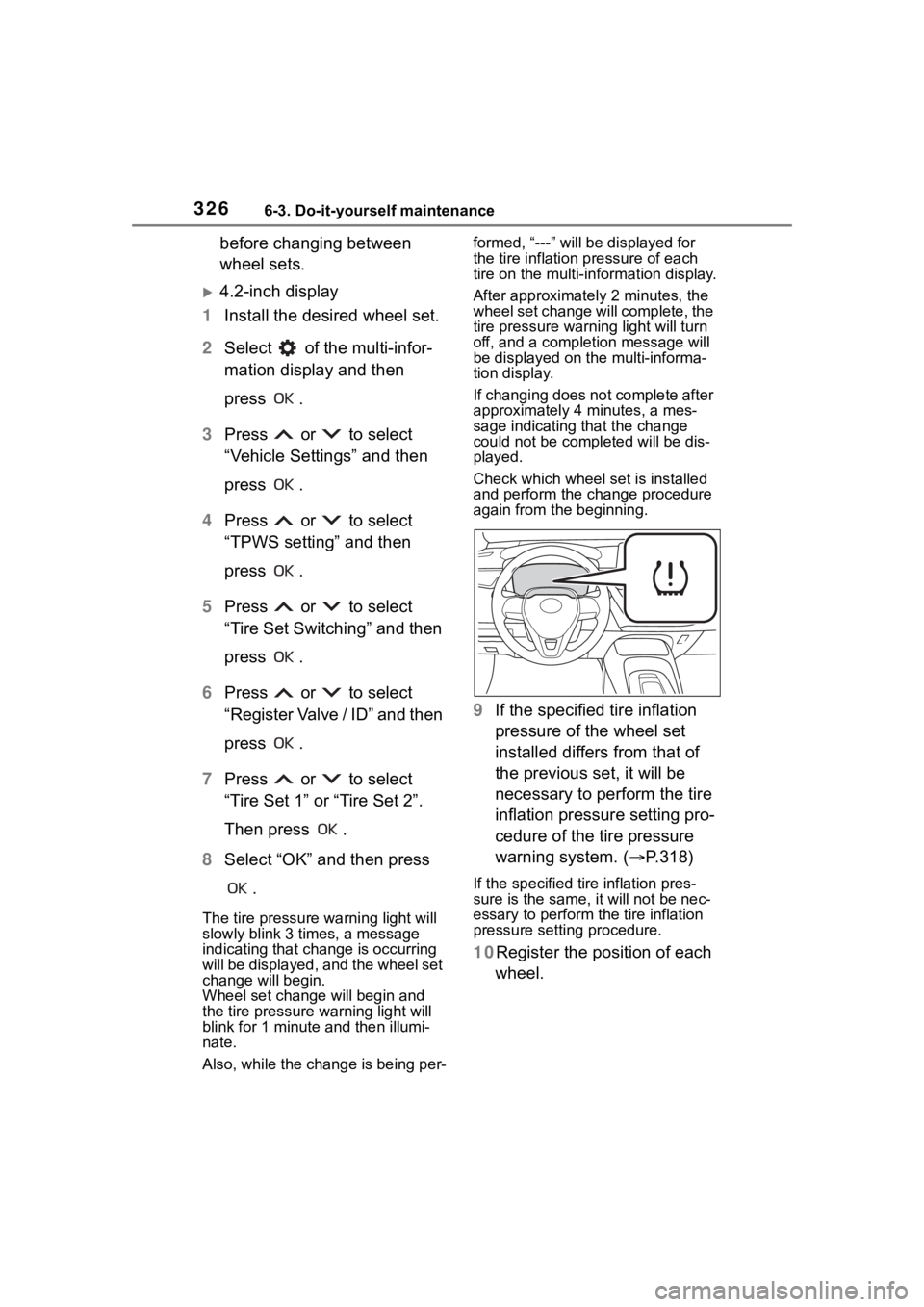
The tire pressure warning light will
slowly blink 3 times, a message
indicating that change is occurring
will be displayed, and the wheel set
change will begin.
Wheel set change will begin and
the tire pressure warning light will
blink for 1 minute and then illumi-
nate.
Also, while the change is being per- formed, “---” will be displayed for
the tire inflation
pressure of each
tire on the multi-in formation display.
After approximatel y 2 minutes, the
wheel set change will complete, the
tire pressure warn ing light will turn
off, and a completion message will
be displayed on the multi-informa-
tion display.
If changing does not complete after
approximately 4 minutes, a mes-
sage indicating that the change
could not be completed will be dis-
played.
Check which wheel set is installed
and perform the change procedure
again from the beginning.
9 If the specified tire inflation
pressure of the wheel set
installed differs from that of
the previous set, it will be
necessary to perform the tire
inflation pressure setting pro-
cedure of the tire pressure
warning system. ( P.318)
If the specified tire inflation pres-
sure is the same, it will not be nec-
essary to per form the tire inflation
pressure setting procedure.
10Register the position of each
wheel.