audio TOYOTA FJ CRUISER 2014 1.G User Guide
[x] Cancel search | Manufacturer: TOYOTA, Model Year: 2014, Model line: FJ CRUISER, Model: TOYOTA FJ CRUISER 2014 1.GPages: 572, PDF Size: 9.45 MB
Page 248 of 572
248
3-2. Using the audio system
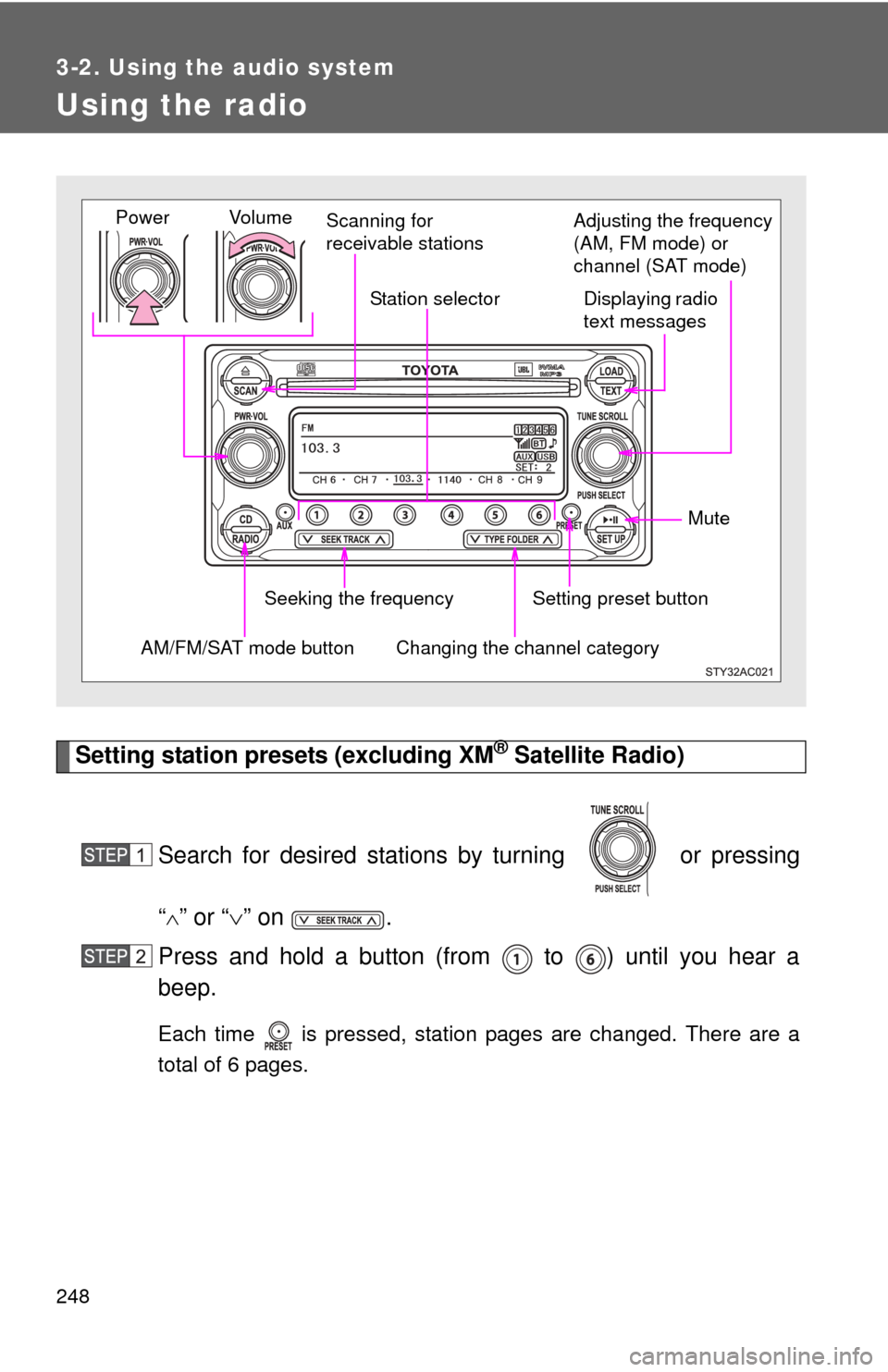
Using the radio
Setting station presets (excluding XM® Satellite Radio)
Search for desired stations by turning or pressing
“
” or “ ” on .
Press and hold a button (from to ) until you hear a
beep.
Each time is pressed, station pages are changed. There are a
total of 6 pages.
Vol u m e Scanning for
receivable stations
Station selector
Seeking the frequency Adjusting the frequency
(AM, FM mode) or
channel (SAT mode)
AM/FM/SAT mode buttonPower
Displaying radio
text messages
Changing the channel category
Setting preset button Mute
Page 249 of 572
249
3-2. Using the audio system
3
Interior features
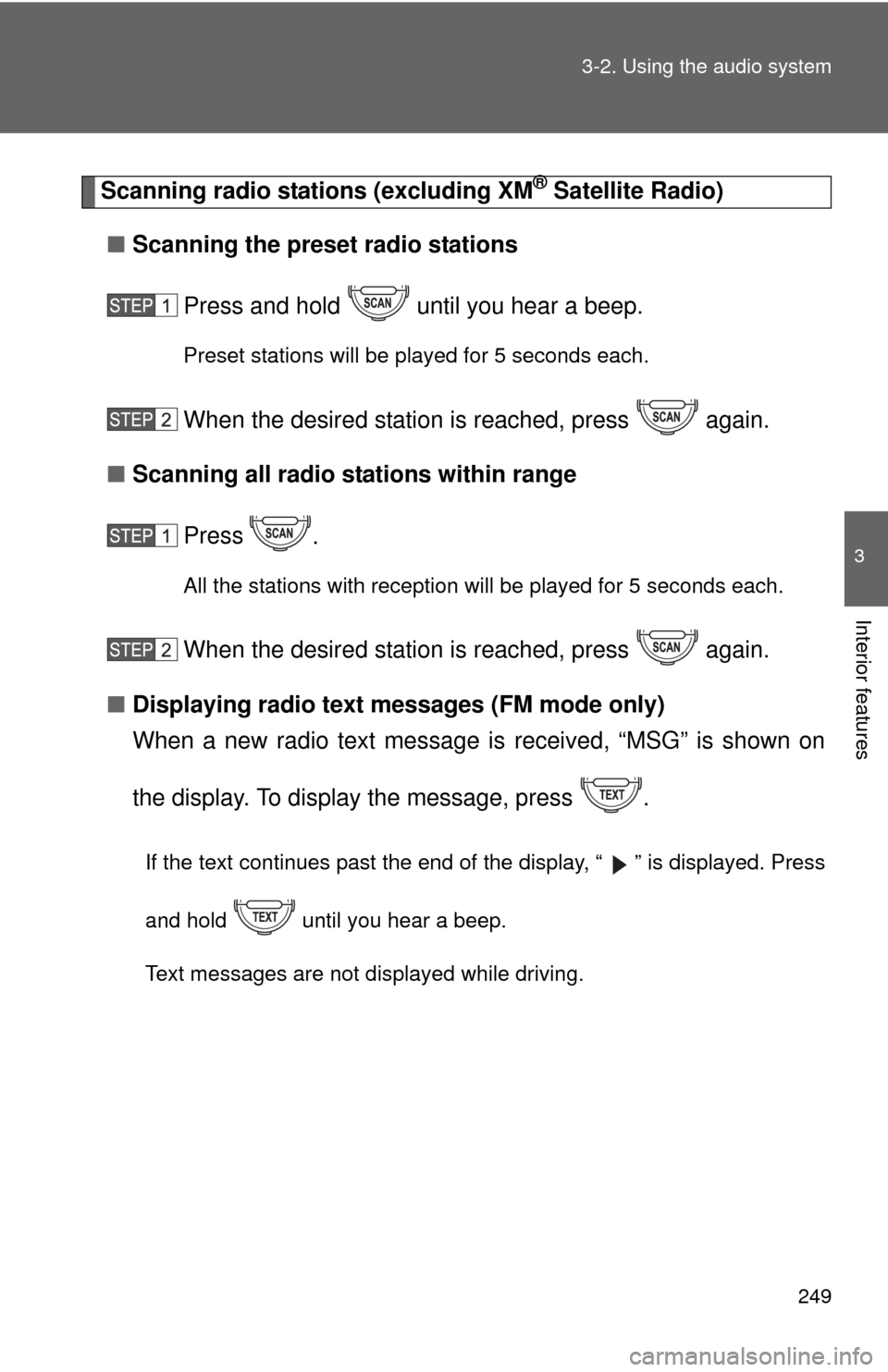
Scanning radio stations (excluding XM® Satellite Radio)
■ Scanning the preset radio stations
Press and hold until you hear a beep.
Preset stations will be played for 5 seconds each.
When the desired station is reached, press again.
■ Scanning all radio stations within range
Press
.
All the stations with reception will be played for 5 seconds each.
When the desired station is reached, press again.
■ Displaying radio text me ssages (FM mode only)
When a new radio text message is received, “MSG” is shown on
the display. To display the message, press .
If the text continues past the end of the display, “ ” is displayed. Press
and hold until you hear a beep.
Text messages are not displayed while driving.
Page 250 of 572
250 3-2. Using the audio system
XM® Satellite Radio (if equipped)
■ Receiving XM
® Satellite Radio
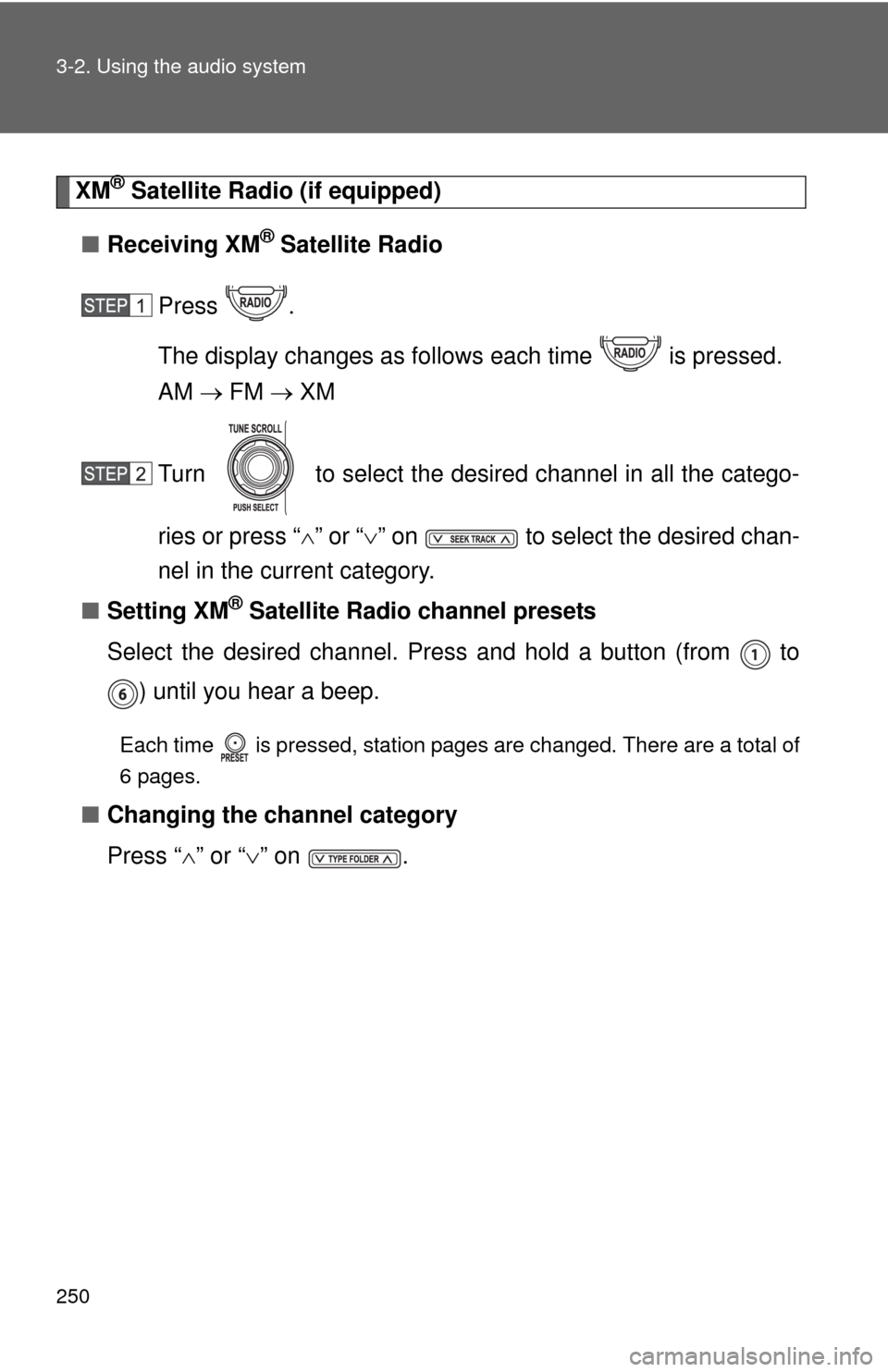
Press .
The display changes as follows each time is pressed.
AM FM XM
Turn to select the desired channel in all the catego-
ries or press “ ” or “ ” on to select the desired chan-
nel in the current category.
■ Setting XM
® Satellite Radio channel presets
Select the desired channel. Press and hold a button (from to ) until you hear a beep.
Each time is pressed, station pages are changed. There are a total of
6 pages.
■ Changing the channel category
Press “ ” or “ ” on .
Page 251 of 572
251
3-2. Using the audio system
3
Interior features
■
Scanning XM® Satellite Radio channels
● Scanning channels in the current category
Press .
When the desired channel is reached, press
again.
● Scanning the preset channels
Press and hold until you hear a beep.
When the desired channel is reached, press
again.
■ Displaying text information
Press .
Each time is pressed, the display changes in the following order:
Title (song/program title) Name (artist name/feature)/Title (song/pro-
gram title).
Page 252 of 572
252 3-2. Using the audio system
■Reception sensitivity
●Cargo loaded on the roof luggage carrier, especially metal objects, may
adversely affect the reception of XM
® Satellite Radio.
● Maintaining perfect radio reception at all times is difficult due to the con-
tinually changing position of the antenna, differences in signal strength
and surrounding objects, such as trains, transmitters, etc.
● The radio antenna is mounted on the right-side front fender. The antenna
can be removed from the base by turning it.
■ XM
® Satellite Radio
An XM
® Satellite Radio is a tuner designed exclusively to receive broadcasts
provided under a separate subscription. Availability is limited to the 48 con-
tiguous states and 10 Canadian provinces.
● XM
® subscriptions
For detailed information about XM® Satellite Radio or to subscribe:
U.S.A.
Visit on the web at www.xmradio.com
or call 1-800-967-2346.
Canada
Visit on the web at www.xmradio.ca
or call 1-877-209-0079.
● Radio ID
You will need the radio ID when activating XM
® service or reporting a
problem. Select “CH000” using , and the receiver’s 8-character
ID number will appear.
● Satellite tuner
The tuner supports only Audio Services (Music and Talk) and the accom-
panying Text Information of XM
® Satellite Radio.
Page 253 of 572
253
3-2. Using the audio system
3
Interior features
■
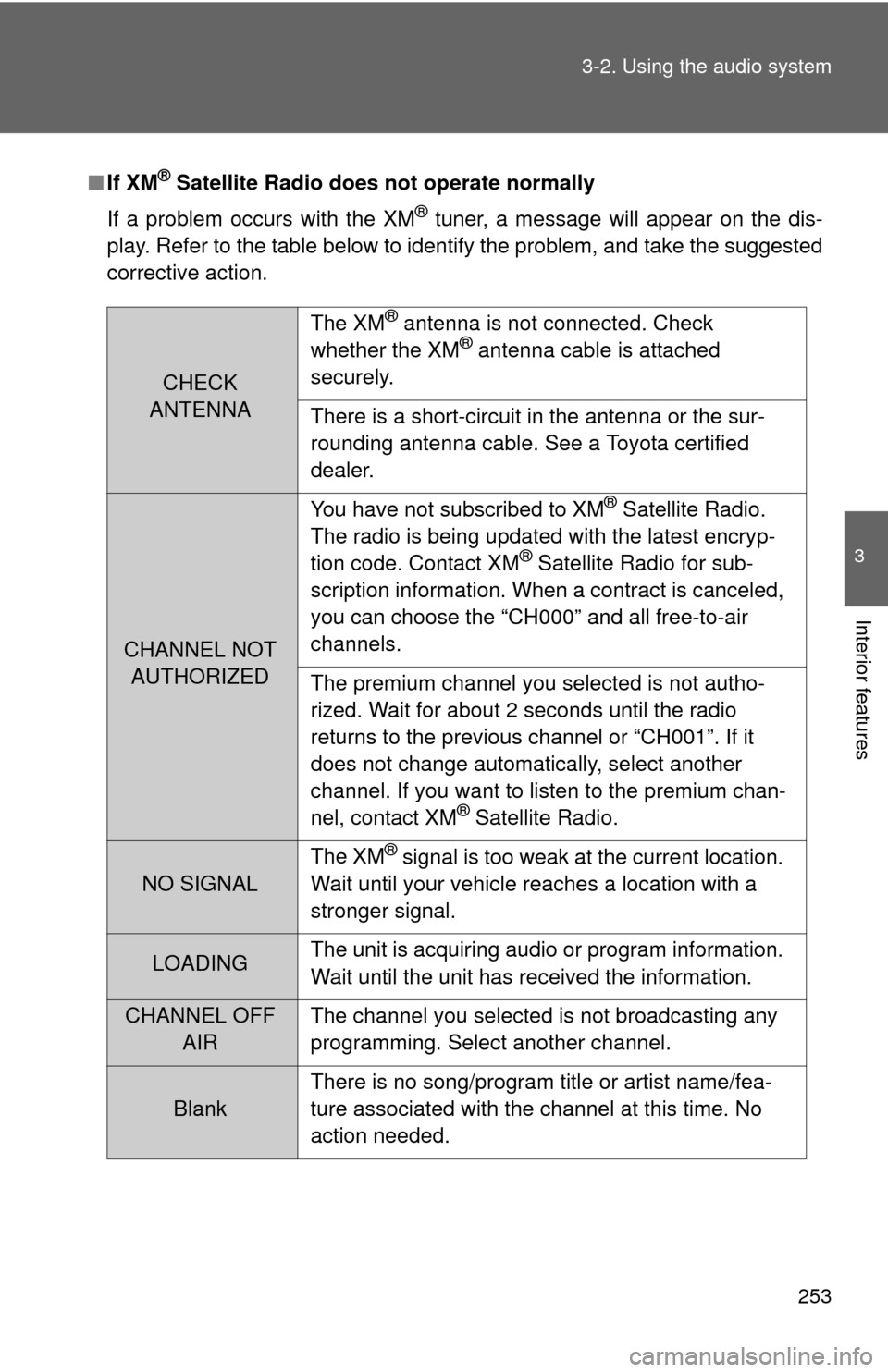
If XM® Satellite Radio does not operate normally
If a problem occurs with the XM
® tuner, a message will appear on the dis-
play. Refer to the table below to identify the problem, and take the suggested
corrective action.
CHECK
ANTENNA The XM
® antenna is not connected. Check
whether the XM® antenna cable is attached
securely.
There is a short-circuit in the antenna or the sur-
rounding antenna cable. See a Toyota certified
dealer.
CHANNEL NOT AUTHORIZED You have not subscribed to XM
® Satellite Radio.
The radio is being updated with the latest encryp-
tion code. Contact XM
® Satellite Radio for sub-
scription information. When a contract is canceled,
you can choose the “CH000” and all free-to-air
channels.
The premium channel you selected is not autho-
rized. Wait for about 2 seconds until the radio
returns to the previous channel or “CH001”. If it
does not change automatically, select another
channel. If you want to listen to the premium chan-
nel, contact XM
® Satellite Radio.
NO SIGNAL The XM
® signal is too weak at the current location.
Wait until your vehicle reaches a location with a
stronger signal.
LOADING The unit is acquiring audio or program information.
Wait until the unit has received the information.
CHANNEL OFF
AIR The channel you selected is not broadcasting any
programming. Select another channel.
Blank There is no song/program title or artist name/fea-
ture associated with the channel at this time. No
action needed.
Page 254 of 572
254 3-2. Using the audio system
Contact the XM® Listener Care Center at 1-800-967-2346 (U.S.A.) or 1-877-
209-0079 (Canada)
■ Certifications for the radio tuner
This equipment has been tested and found to comply with the limits for a
class B digital device, pursuant to Part 15 of the FCC Rules. These limits are
designed to provide reasonable protection against harmful interference in a
residential installation. This equipment generates, uses and can radiate
radio frequency energy and, if not installed and used in accordance with the
instructions, may cause harmful interference to radio communications. How-
ever, there is no guarantee that interference will not occur in a particular
installation.
If this equipment does cause harmful interference to radio or television
reception, which can be determined by turning the equipment off and on, the
user is encouraged to try to correct the interference by trying one or more of
the following:
●Reorienting or relocating the receiving antenna.
● Increasing the separation between the equipment and receiver.
● Connecting the equipment into an outlet on a circuit different from that to
which the receiver is connected.
● Consulting the dealer or an experienc ed radio/TV technician for help.
NOTICE
■To prevent damage, remove the antenna in the following cases.
● The antenna will touch the ceiling of a garage.
● A cover will be put on the vehicle.
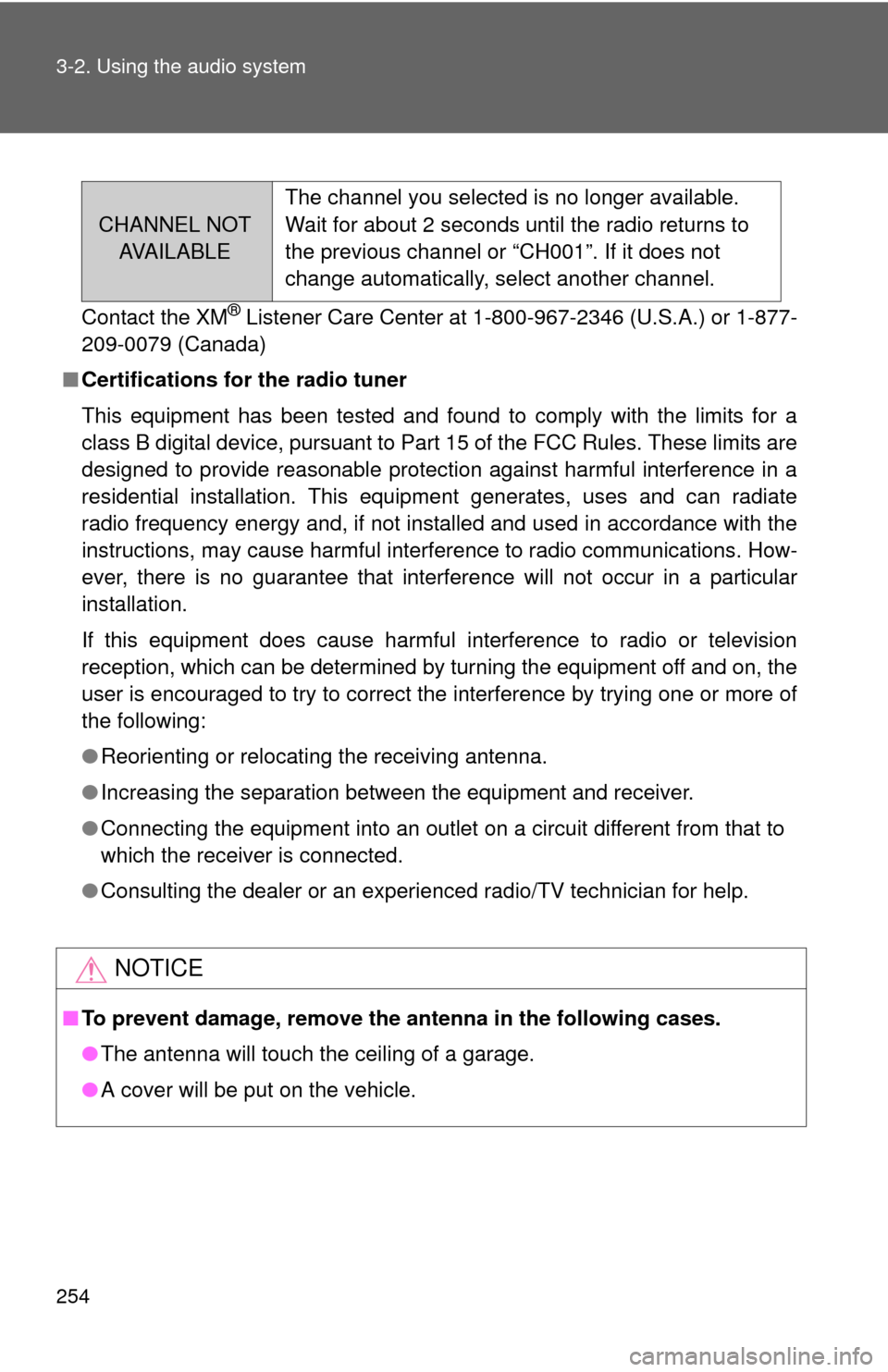
CHANNEL NOT
AVA I L A B L E The channel you selected is no longer available.
Wait for about 2 seconds until the radio returns to
the previous channel or “CH001”. If it does not
change automatically, select another channel.
Page 255 of 572
255
3-2. Using the audio system
3
Interior features
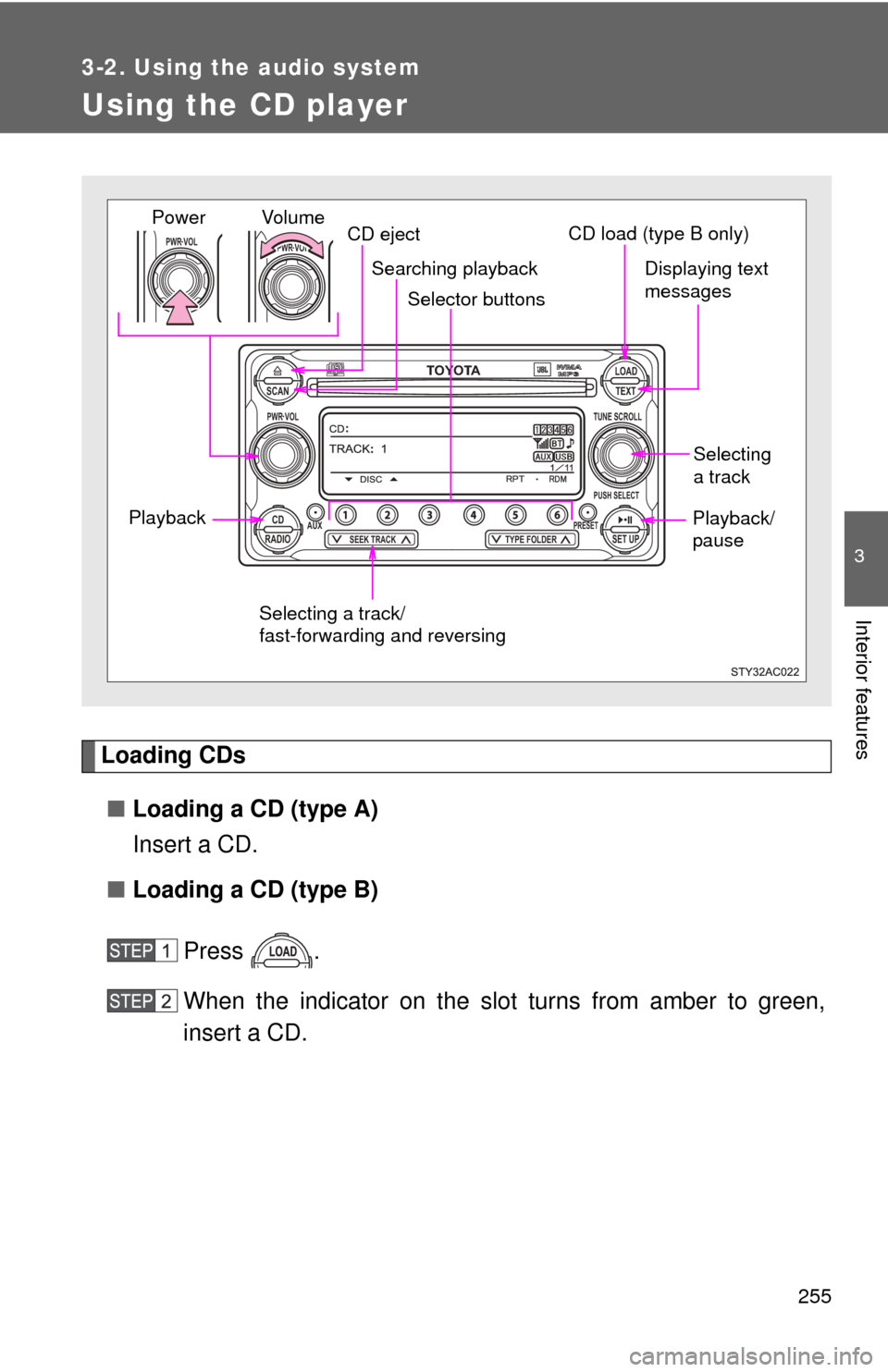
Using the CD player
Loading CDs■ Loading a CD (type A)
Insert a CD.
■ Loading a CD (type B)
Press .
When the indicator on the slot turns from amber to green,
insert a CD.
TOYOTASCAN TEXT
LOAD
CDAUXPRESET
PUSH SELECT
SEEK TRACKTYPE FOLDER RADIOSET UP
PWR VOLTUNE SCROLL
PWR VOLPWR VOL
Selector buttons
Playback CD eject
Displaying text
messages
Selecting
a track
Selecting a track/
fast-forwarding and reversing
Searching playback
Vol u m e
PowerCD load (type B only)
Playback/
pause
Page 256 of 572
256 3-2. Using the audio system
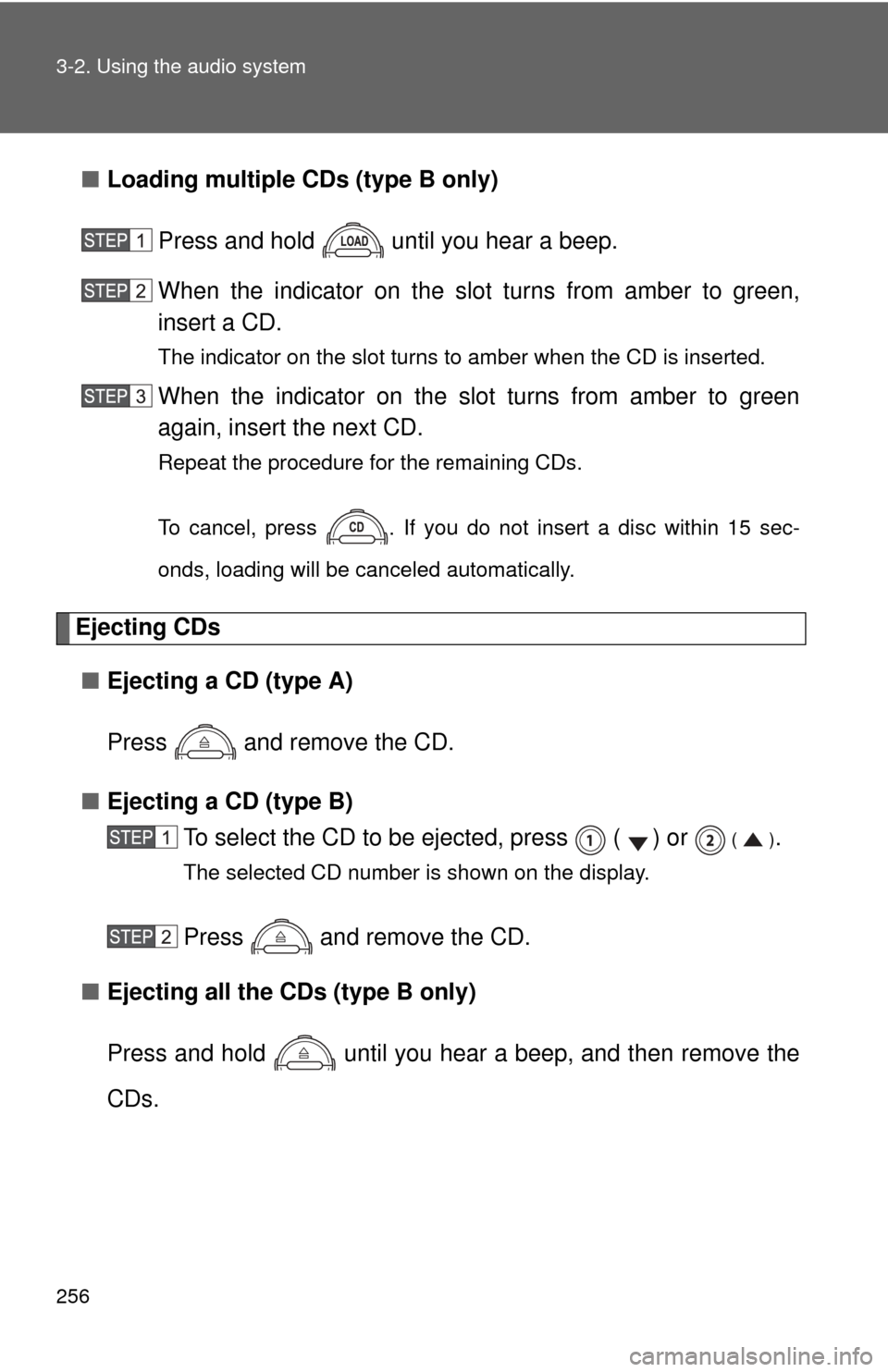
■Loading multiple CDs (type B only)
Press and hold until you hear a beep.
When the indicator on the slot turns from amber to green,
insert a CD.
The indicator on the slot turns to amber when the CD is inserted.
When the indicator on the slot turns from amber to green
again, insert the next CD.
Repeat the procedure for the remaining CDs.
To cancel, press . If you do not insert a disc within 15 sec-
onds, loading will be canceled automatically.
Ejecting CDs■ Ejecting a CD (type A)
Press and remove the CD.
■ Ejecting a CD (type B)
To select the CD to be ejected, press ( ) or
().
The selected CD number is shown on the display.
Press and remove the CD.
■ Ejecting all the CDs (type B only)
Press and hold until you hear a beep, and then remove the
CDs.
Page 257 of 572
257
3-2. Using the audio system
3
Interior features
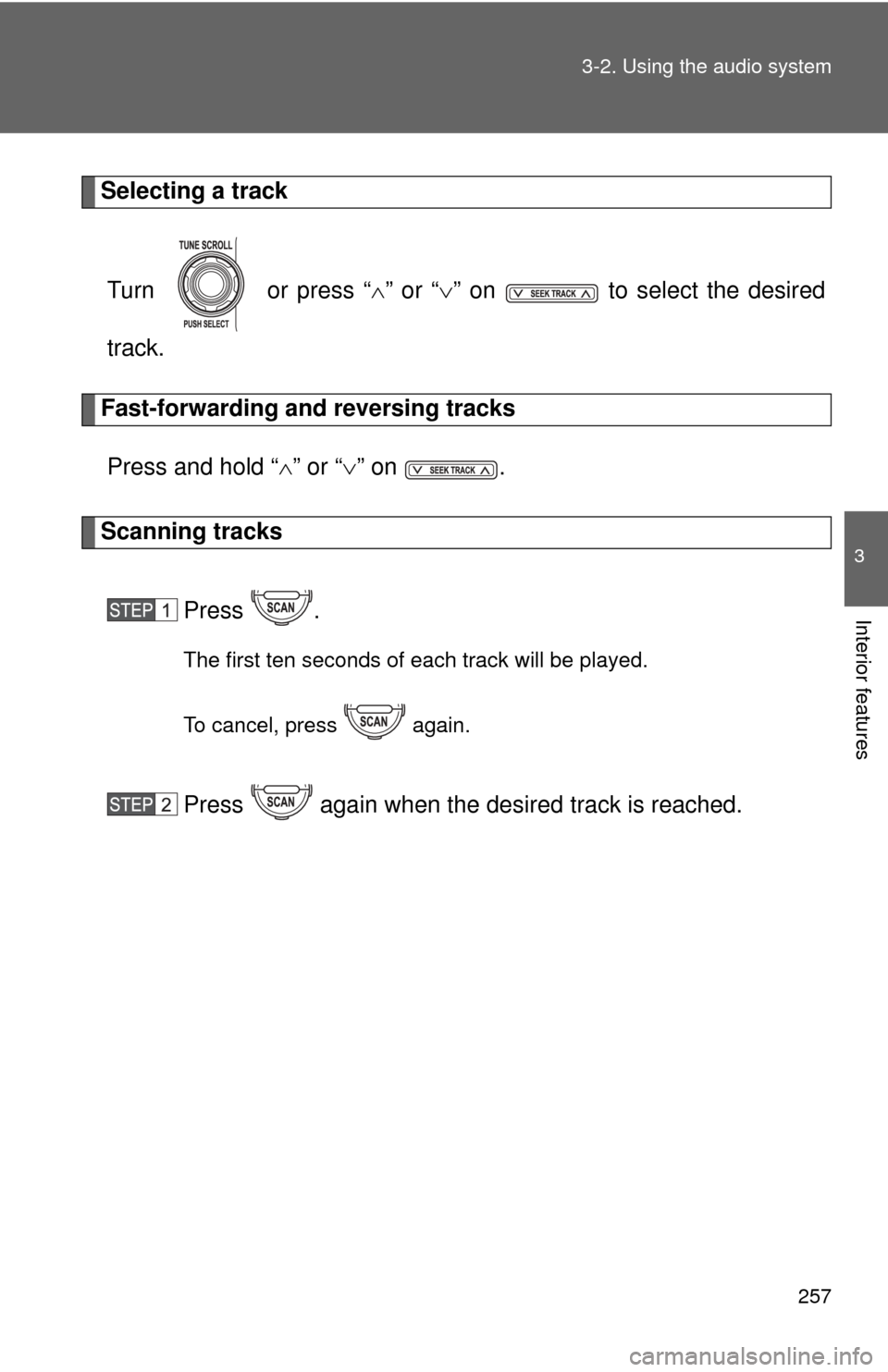
Selecting a track
Turn or press “ ” or “ ” on to select the desired
track.
Fast-forwarding and reversing tracks
Press and hold “ ” or “ ” on .
Scanning tracks
Press .
The first ten seconds of each track will be played.
To cancel, press again.
Press again when the desired track is reached.