display TOYOTA FJ CRUISER 2014 1.G Owner's Guide
[x] Cancel search | Manufacturer: TOYOTA, Model Year: 2014, Model line: FJ CRUISER, Model: TOYOTA FJ CRUISER 2014 1.GPages: 572, PDF Size: 9.45 MB
Page 287 of 572
287
3-2. Using the audio system
3
Interior features
■
Adjusting sound quality
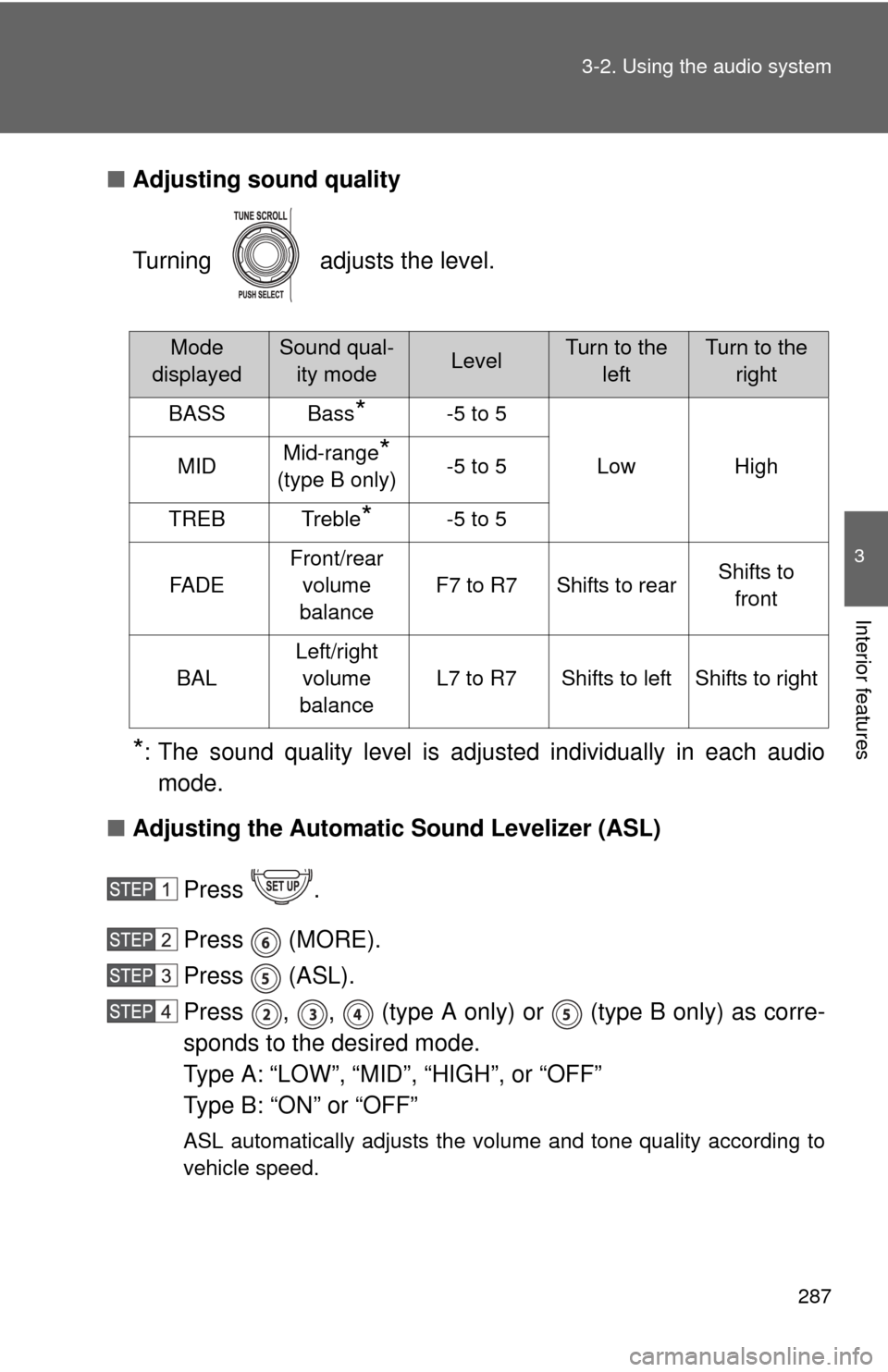
Turning adjusts the level.
*: The sound quality level is adjusted individually in each audio
mode.
■ Adjusting the Automatic Sound Levelizer (ASL)
Press .
Press (MORE).
Press (ASL).
Press , , (type A only) or (type B only) as corre-
sponds to the desired mode.
Type A: “LOW”, “MID”, “HIGH”, or “OFF”
Type B: “ON” or “OFF”
ASL automatically adjusts the volume and tone quality according to
vehicle speed.
Mode
displayedSound qual- ity modeLevelTurn to the leftTurn to the right
BASSBass*-5 to 5
LowHighMIDMid-range*
(type B only)-5 to 5
TREBTreble*-5 to 5
FA D E
Front/rear volume
balance
F7 to R7Shifts to rearShifts to front
BAL
Left/right volume
balance
L7 to R7Shifts to leftShifts to right
Page 300 of 572
300
3-3. Using the Bluetooth® audio system
Using the Bluetooth® audio system
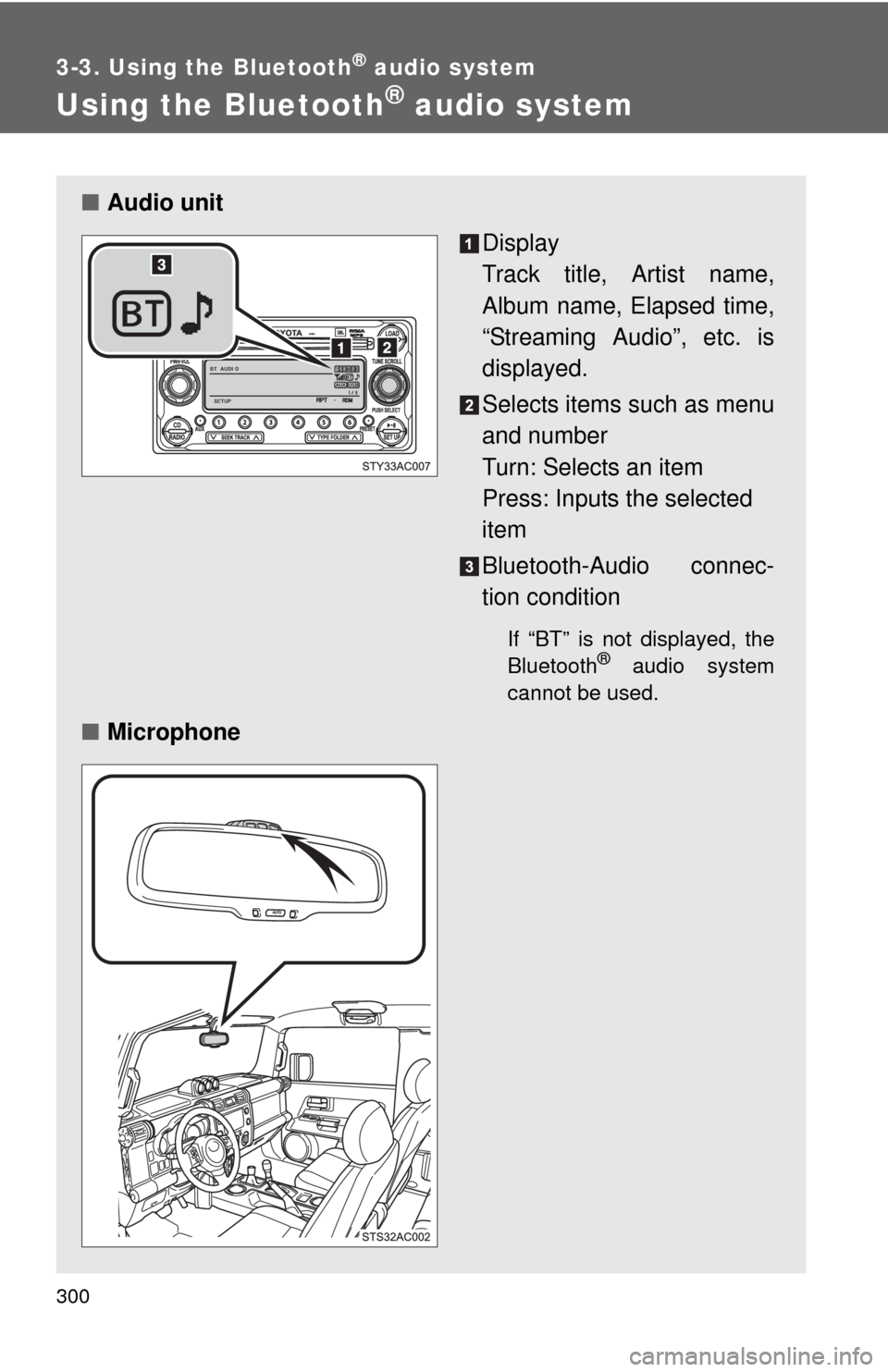
■Audio unit
Display
Track title, Artist name,
Album name, Elapsed time,
“Streaming Audio”, etc. is
displayed.
Selects items such as menu
and number
Turn: Selects an item
Press: Inputs the selected
item
Bluetooth-Audio connec-
tion condition
If “BT” is not displayed, the
Bluetooth® audio system
cannot be used.
■ Microphone
Page 301 of 572
301
3-3. Using the Bluetooth
® audio system
3
Interior features
Operating the system using voice commands
By following voice guidance inst ructions output from the speaker,
voice commands enable to the operation of the Bluetooth
® audio sys-
tem without the need to check the display or operate .
■ Operation procedure when using voice commands
Press the talk switch and follow the voice guidance instructions.
■ Auxiliary commands when using voice commands
The following auxiliary commands can be used when operating the
system using a voice command:
“Cancel”: Exits the Bluetooth
® audio system
“Repeat”: Repeats the previous voice guidance instruction
“Go back”: Returns to the previous procedure
“Help”: Reads aloud the function summary if a help comment is
registered for the selected function
Using the Bluetooth® audio system for the first time
Before using the Bluetooth
® audio system, it is necessary to register
a Bluetooth® enabled portable player in the system. Follow the proce-
dure below to register (pair) a portable player:
Press until “BT AUDIO” is displayed.
Press (SETUP).
The introductory guidance and port able player name registration
instructions are heard.
Select “Pair Audio Players (Pair Audio Player)” using a voice
command or .
Page 302 of 572
302 3-3. Using the Bluetooth
® audio system
Register a portable player name by either of the following
methods:
a. Select “Record Name” using , and say the name
to be registered.
b. Press the talk switch and say the name to be registered.
A voice guidance instruction to confirm the input is heard.
Select “Confirm” using a voice command or .
A passkey is displayed and heard, and a voice guidance instruction
for inputting the passkey into the portable player is heard. Input the passkey into the portable player.
Refer to the manual that comes with the portable player for the oper-
ation of the portable player.
Guidance for registration completion is heard.
If the portable player has a Bluetooth
® phone, the phone can be reg-
istered at the same time. ( P. 320)
Page 303 of 572
303
3-3. Using the Bluetooth
® audio system
3
Interior features
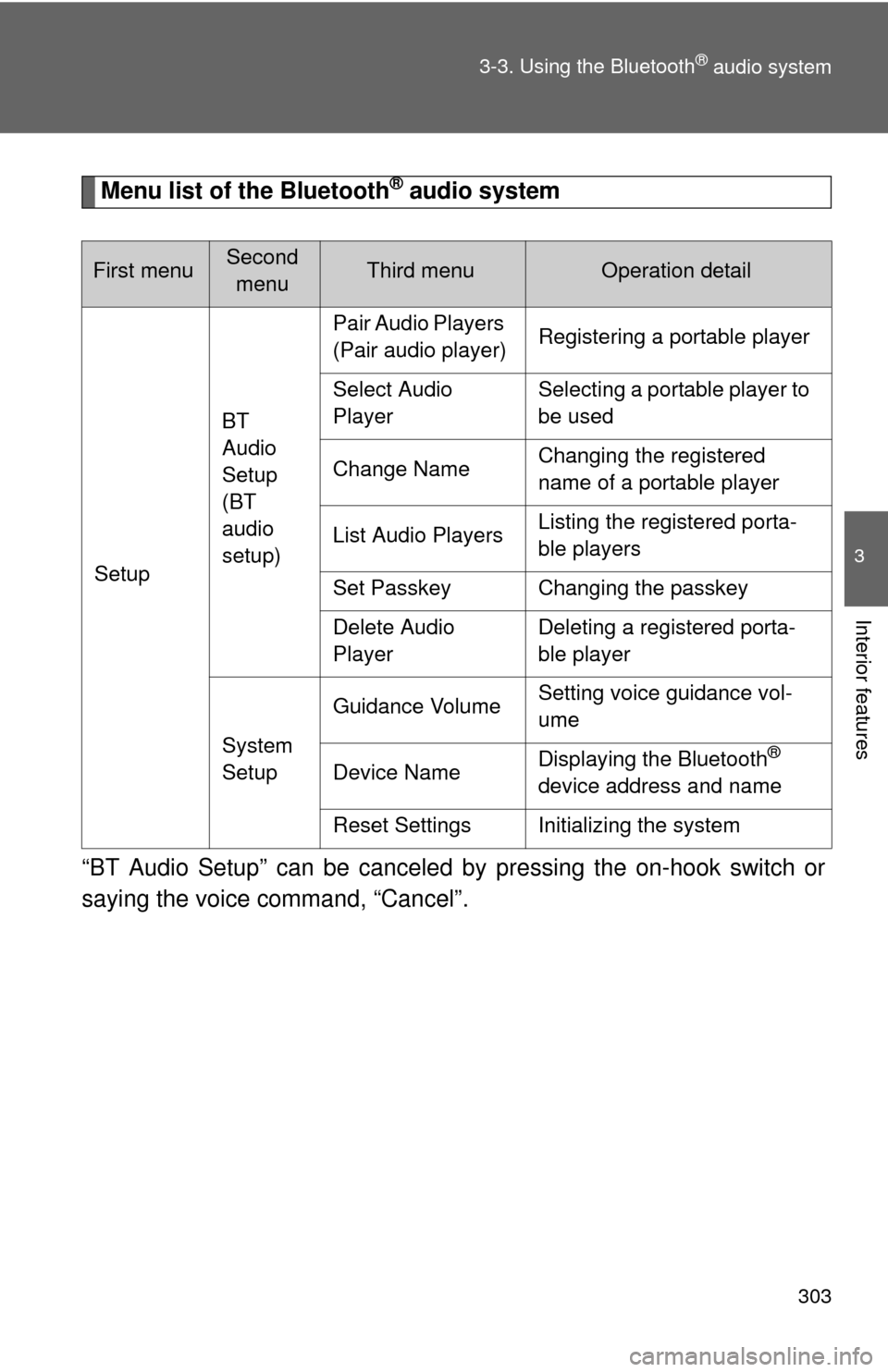
Menu list of the Bluetooth® audio system
“BT Audio Setup” can be canceled by pressing the on-hook switch or
saying the voice command, “Cancel”.
First menuSecond menuThird menuOperation detail
Setup BT
Audio
Setup
(BT
audio
setup)Pair Audio Players
(Pair audio player)
Registering a portable player
Select Audio
Player Selecting a portable player to
be used
Change Name Changing the registered
name of a portable player
List Audio Players Listing the registered porta-
ble players
Set Passkey Changing the passkey
Delete Audio
Player Deleting a registered porta-
ble player
System
Setup Guidance Volume
Setting voice guidance vol-
ume
Device Name Displaying the Bluetooth
®
device address and name
Reset Settings Initializing the system
Page 305 of 572
305
3-3. Using the Bluetooth® audio system
3
Interior features
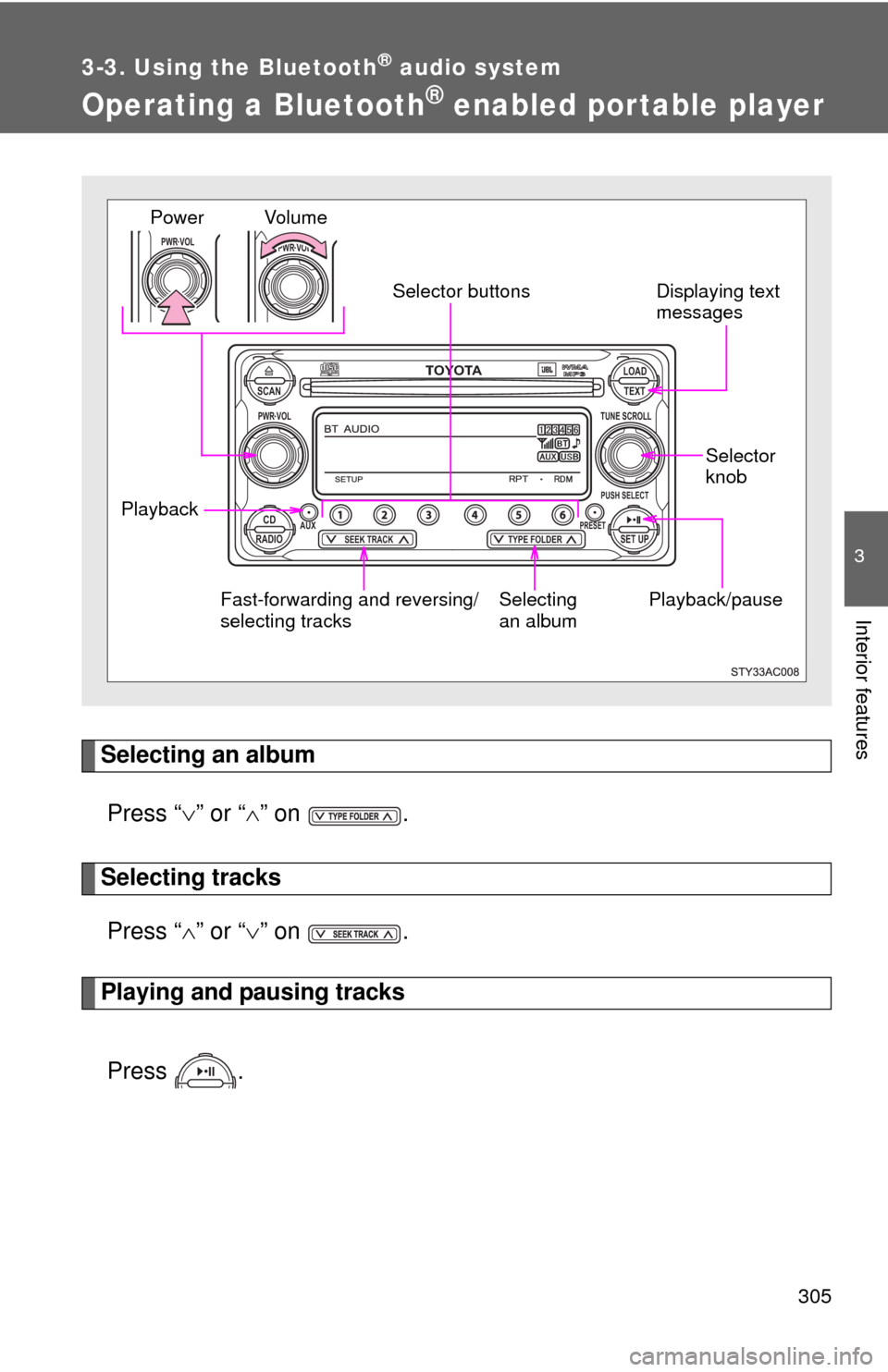
Operating a Bluetooth® enabled por table player
Selecting an albumPress “ ” or “ ” on .
Selecting tracks
Press “ ” or “ ” on .
Playing and pausing tracks
Press .
TOYOTASCAN TEXT
LOAD
CDAUXPRESET
PUSH SELECT
SEEK TRACKTYPE FOLDER RADIOSET UP
PWR VOLTUNE SCROLL
PWR VOLPWR VOL
Playback/pause Displaying text
messages
Selector
knobSelecting
an album
Fast-forwarding and reversing/
selecting tracks Vo l u m e
Power
Selector buttons
Playback
Page 306 of 572
306 3-3. Using the Bluetooth
® audio system
Fast-forwarding and reversing tracksPress and hold “
” or “ ” on .
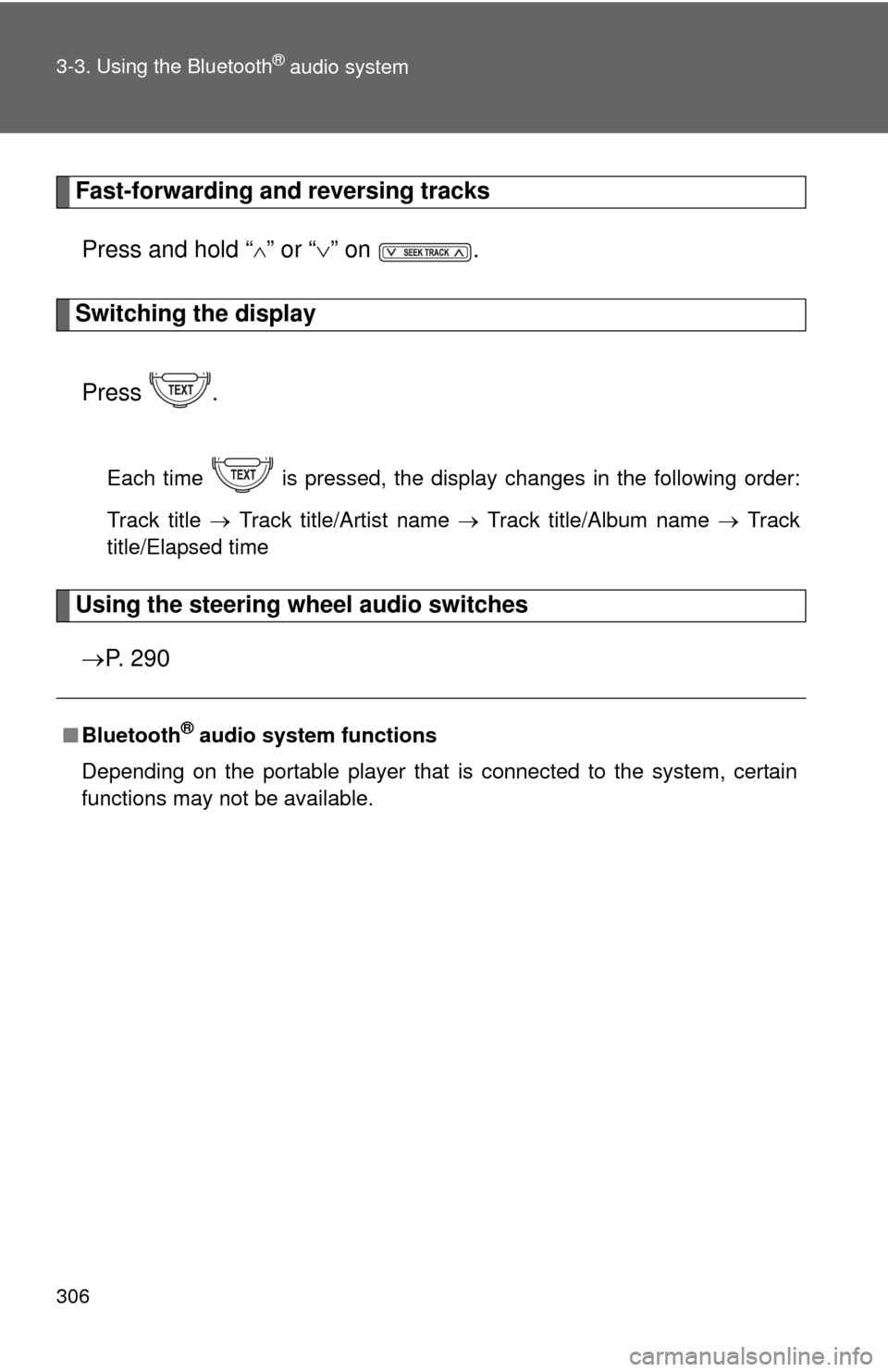
Switching the display
Press .
Each time is pressed, the display changes in the following order:
Track title Track title/Artist name Track title/Album name Track
title/Elapsed time
Using the steering wheel audio switches
P. 2 9 0
■Bluetooth® audio system functions
Depending on the portable player that is connected to the system, certain
functions may not be available.
Page 307 of 572
307
3-3. Using the Bluetooth® audio system
3
Interior features
Setting up a Bluetooth® enabled por table player
Registering a portable playerSelect “Pair Audio Players (Pair audio player)” using a voice com-
mand or , and perform the procedure for registering a porta-
ble player. ( P. 301)
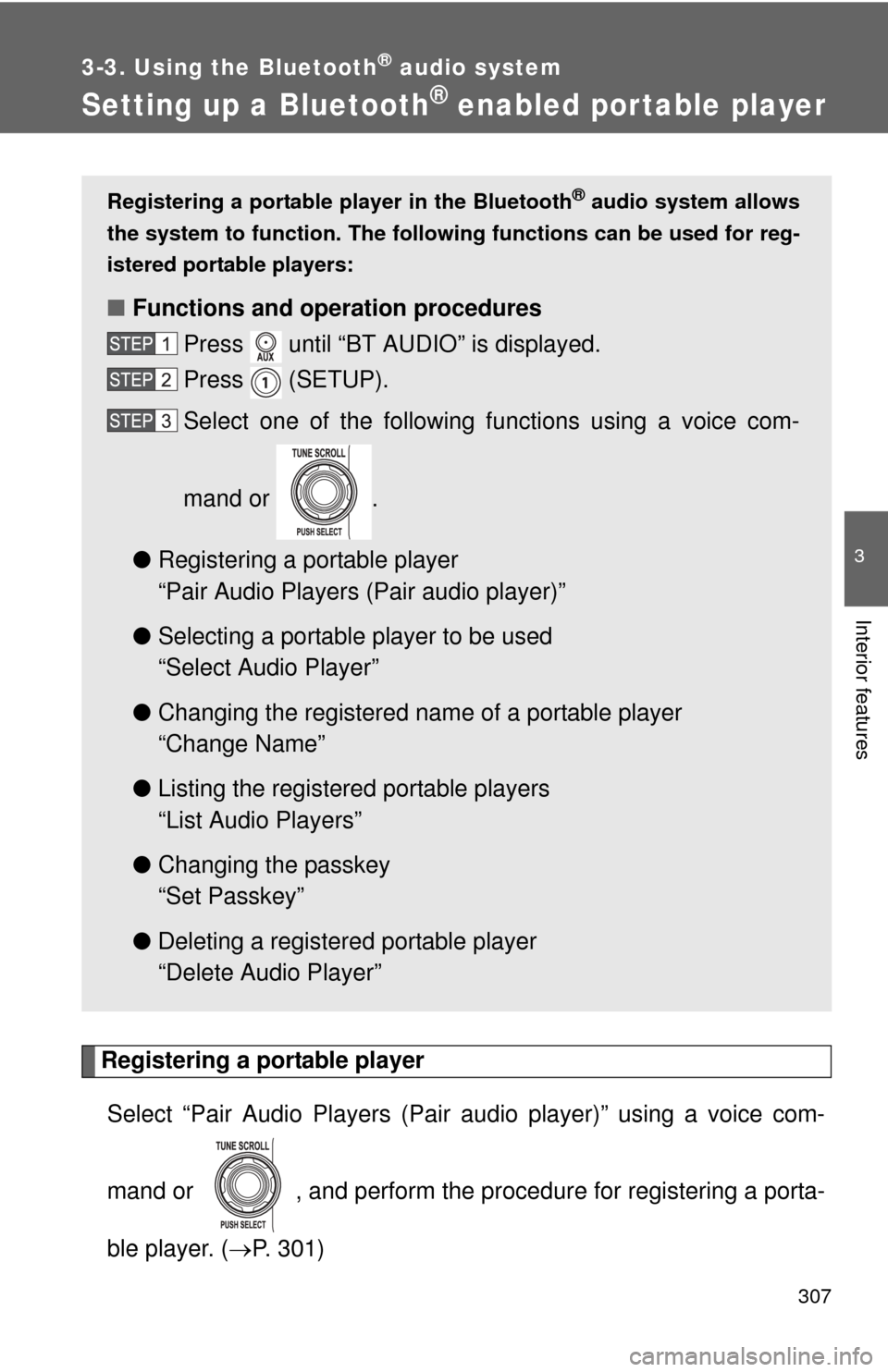
Registering a portable player in the Bluetooth® audio system allows
the system to function. The following functions can be used for reg-
istered portable players:
■ Functions and operation procedures
Press until “BT AUDIO” is displayed.
Press (SETUP).
Select one of the following functions using a voice com-
mand or .
● Registering a portable player
“Pair Audio Players (Pair audio player)”
● Selecting a portable player to be used
“Select Audio Player”
● Changing the registered nam e of a portable player
“Change Name”
● Listing the registered portable players
“List Audio Players”
● Changing the passkey
“Set Passkey”
● Deleting a registered portable player
“Delete Audio Player”
Page 317 of 572
317
3-4. Using the hands-free phone system (for cellular phone)
3
Interior features
Using the hands-free phone system (for cellular phone)
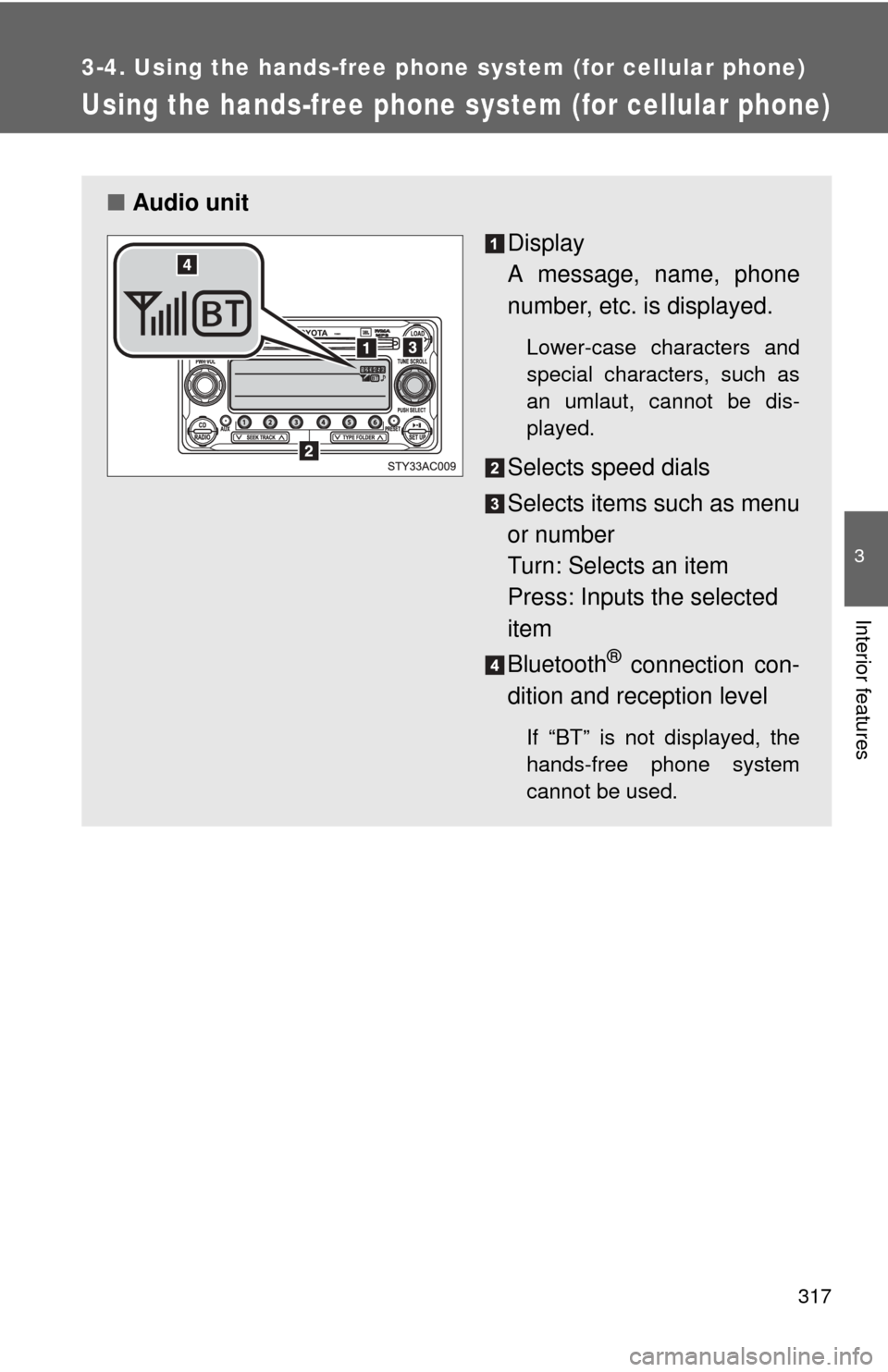
■Audio unit
Display
A message, name, phone
number, etc. is displayed.
Lower-case characters and
special characters, such as
an umlaut, cannot be dis-
played.
Selects speed dials
Selects items such as menu
or number
Turn: Selects an item
Press: Inputs the selected
item
Bluetooth
® connection con-
dition and reception level
If “BT” is not displayed, the
hands-free phone system
cannot be used.
Page 320 of 572
320 3-4. Using the hands-free phone system (for cellular phone)
Operating the system by using a voice command
By following the voice guidance inst ructions output from the speaker,
voice commands enable the operation of the hands-free phone sys-
tem without the need to check the display or operate .
■ Operation procedure when using a voice command
Press the talk switch and follow the voice guidance instructions.
■ Auxiliary commands when using a voice command
The following auxiliary commands can be used when operating the
system using a voice command:
“Cancel”: Exits the hands-free phone system
“Repeat”: Repeats the previous voice guidance instruction
“Go back”: Returns to the previous procedure
“Help”: Reads aloud the function summary if a help comment is
registered for the selected function
Using the hands-free phone system for the first time
Before using the hands-free phone system, it is necessary to register
a cellular phone in the system. Th e phone registration mode will be
entered automatically when starting the system with no cellular
phone registered. Follow the procedure below to register a cellular
phone:
Press the off-hook switch or the talk switch.
The introductory guidance and phone name registration instructions
are heard.
Select “Pair Phone” using a voice command or .