TOYOTA HILUX 2019 Owner's Manual
HILUX 2019
TOYOTA
TOYOTA
https://www.carmanualsonline.info/img/14/67043/w960_67043-0.png
TOYOTA HILUX 2019 Owner's Manual
Page 155 of 708
1553-1. Key information
3
Operation of each component
HILUX_OM_OM0K375E_(EE)
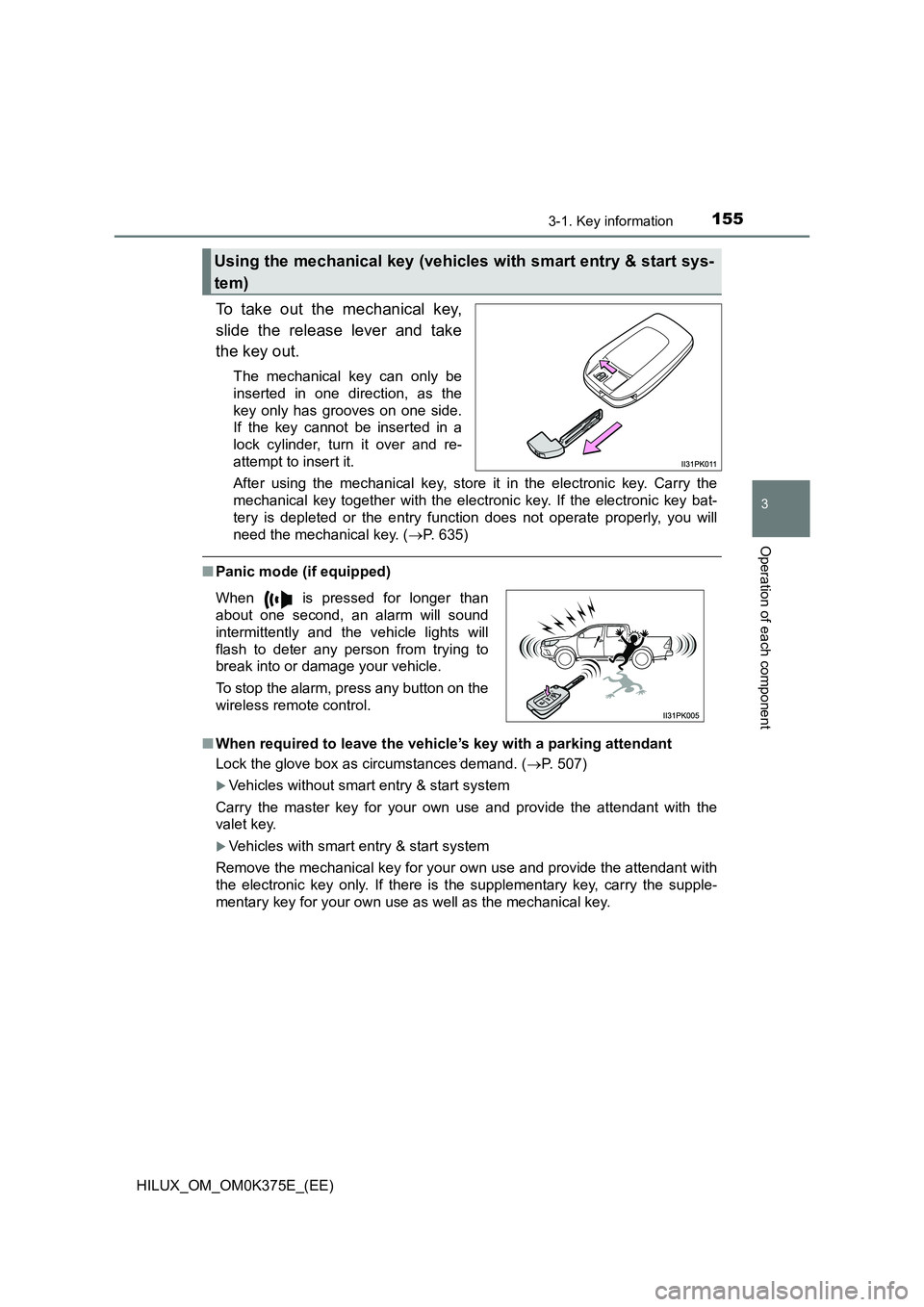
To take out the mechanical key,
slide the release lever and take
the key out.
The mechanical key can only be
inserted in one direction, as the
key only has grooves on one side.
If the key cannot be inserted in a
lock cylinder, turn it over and re-
attempt to insert it.
After using the mechanical key, store it in the electronic key. Carry the
mechanical key together with the electronic key. If the electronic key bat-
tery is depleted or the entry func tion does not operate properly, you will
need the mechanical key. ( P. 635)
■Panic mode (if equipped)
■ When required to leave the vehicle’s key with a parking attendant
Lock the glove box as circumstances demand. ( P. 507)
Vehicles without smart entry & start system
Carry the master key for your own use and provide the attendant with the
valet key.
Vehicles with smart entry & start system
Remove the mechanical key for your own use and provide the attendant with
the electronic key only. If there is the supplementary key, carry the supple-
mentary key for your own use as well as the mechanical key.
Using the mechanical key (vehicles with smart entry & start sys-
tem)
When is pressed for longer than
about one second, an alarm will sound
intermittently and the vehicle lights will
flash to deter any person from trying to
break into or damage your vehicle.
To stop the alarm, press any button on the
wireless remote control.
Page 156 of 708
1563-1. Key information
HILUX_OM_OM0K375E_(EE)
■ If you lose your keys
New genuine keys can be made by any authorized Toyota retailer or Toyota
authorized repairer, or any reliable repairer using a master key (vehicles with-
out smart entry & start system) or the other key of the same type (vehicles
with smart entry & start system), and the key number stamped on your key
number plate. Keep the plate in a safe place such as your wallet, not in the
vehicle.
■ When riding in an aircraft (type C, D, E and F)
When bringing a key with wireless remote control function onto an aircraft,
make sure you do not press any buttons on the key while inside the aircraft
cabin. If you are carrying the key in your bag etc., ensure that the buttons are
not likely to be pressed accidentally. Pressing a button may cause the key to
emit radio waves that could interfere with the operation of the aircraft.
■ Key battery depletion
Vehicles without smart entry & start system
If the wireless remote control function does not operate, the battery may be
depleted. Replace the battery when necessary. ( P. 567)
Vehicles with smart entry & start system
P. 189
■ If a message regarding the state of the electronic key or engine switch
mode, etc. is shown
To prevent trapping the electronic key in side the vehicle, leaving the vehicle
without turning off the engine switch or other passengers from unintentionally
taking the key out of the vehicle, etc., a message that prompts the user to
confirm the state of the electronic key or engine switch mode may be shown
on the multi-information display. In those cases, follow the instructions on the
display immediately.
■ If “KEY BATTERY LOW”/“Key battery low” is shown on the multi-infor-
mation display (if equipped)
The electronic key has a low battery. Replace the electronic key battery.
■ Replacing the electronic key battery
P. 567
■ Confirmation of the registered key number
The number of keys already registered to the vehicle can be confirmed. Ask
any authorized Toyota retailer or Toyota authorized repairer, or any reliable
repairer for details.
Page 157 of 708
1573-1. Key information
3
Operation of each component
HILUX_OM_OM0K375E_(EE)
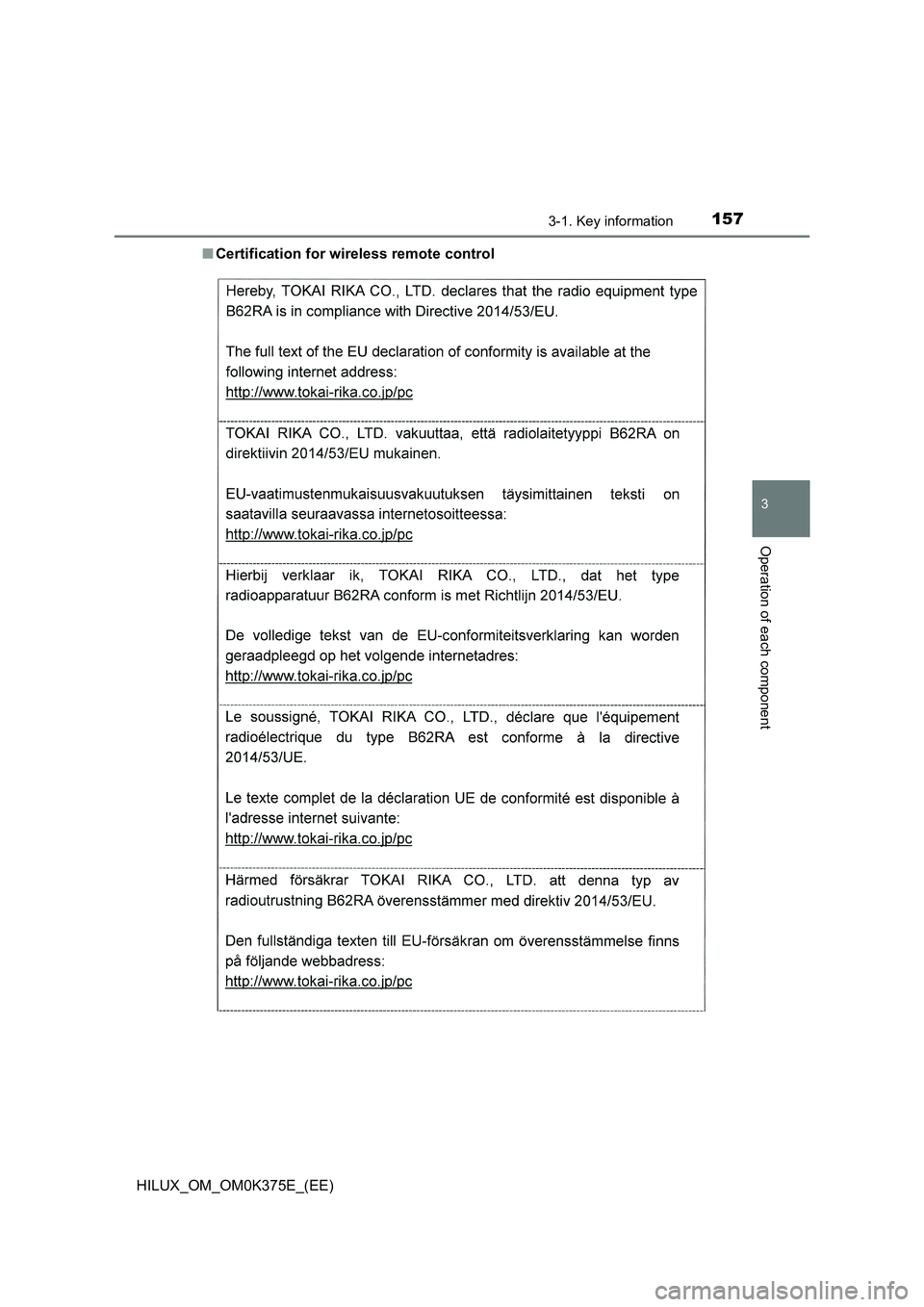
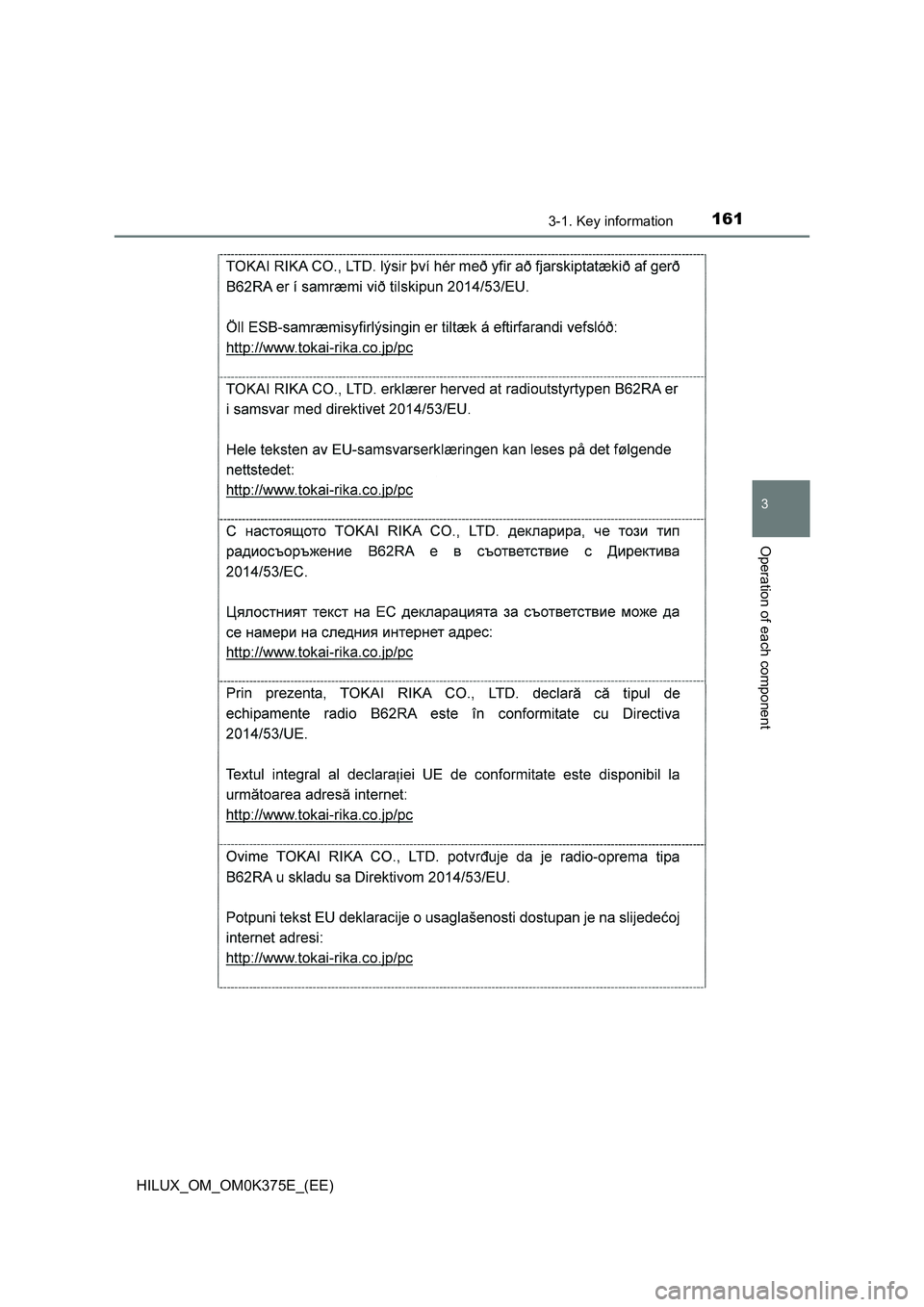
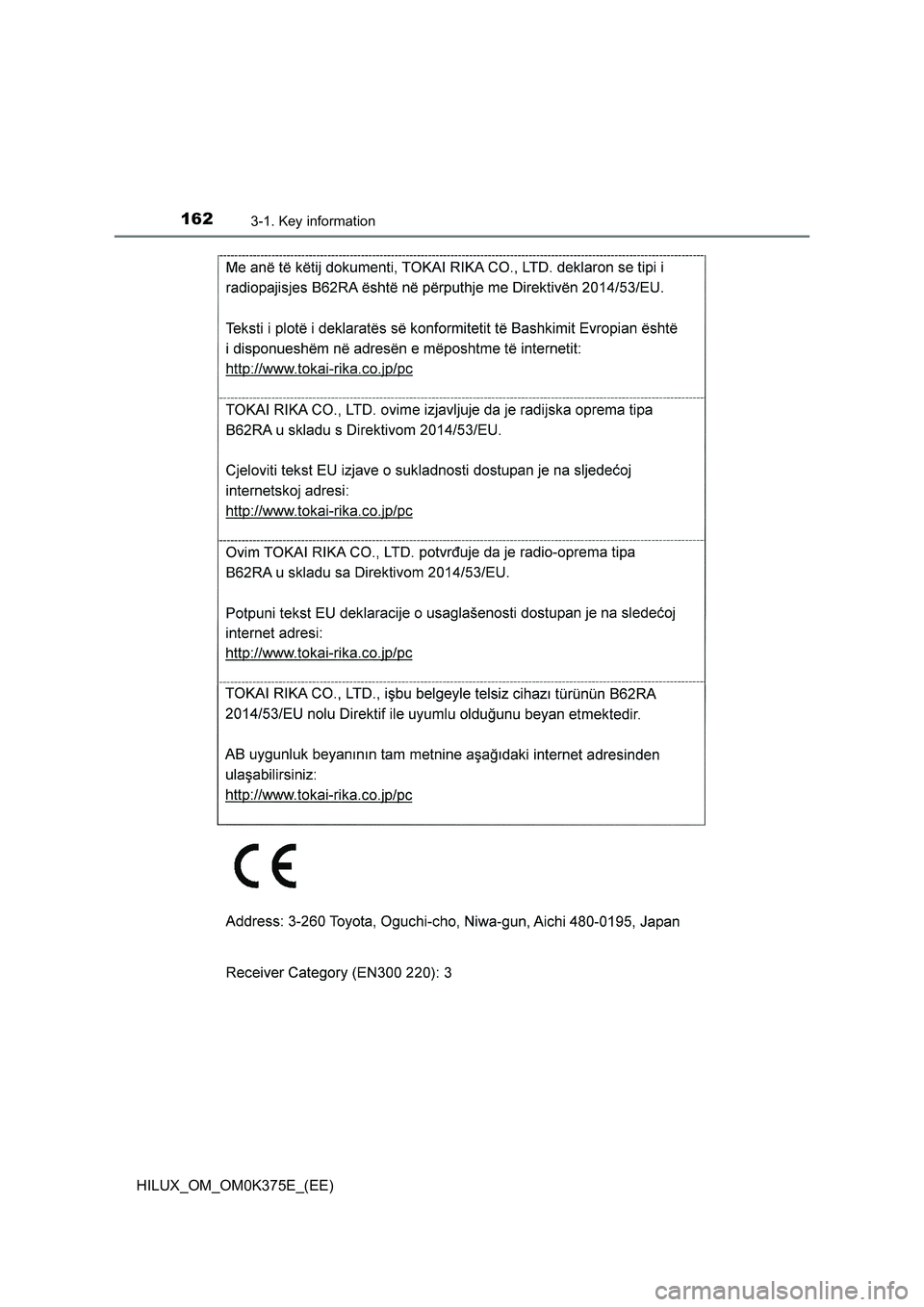
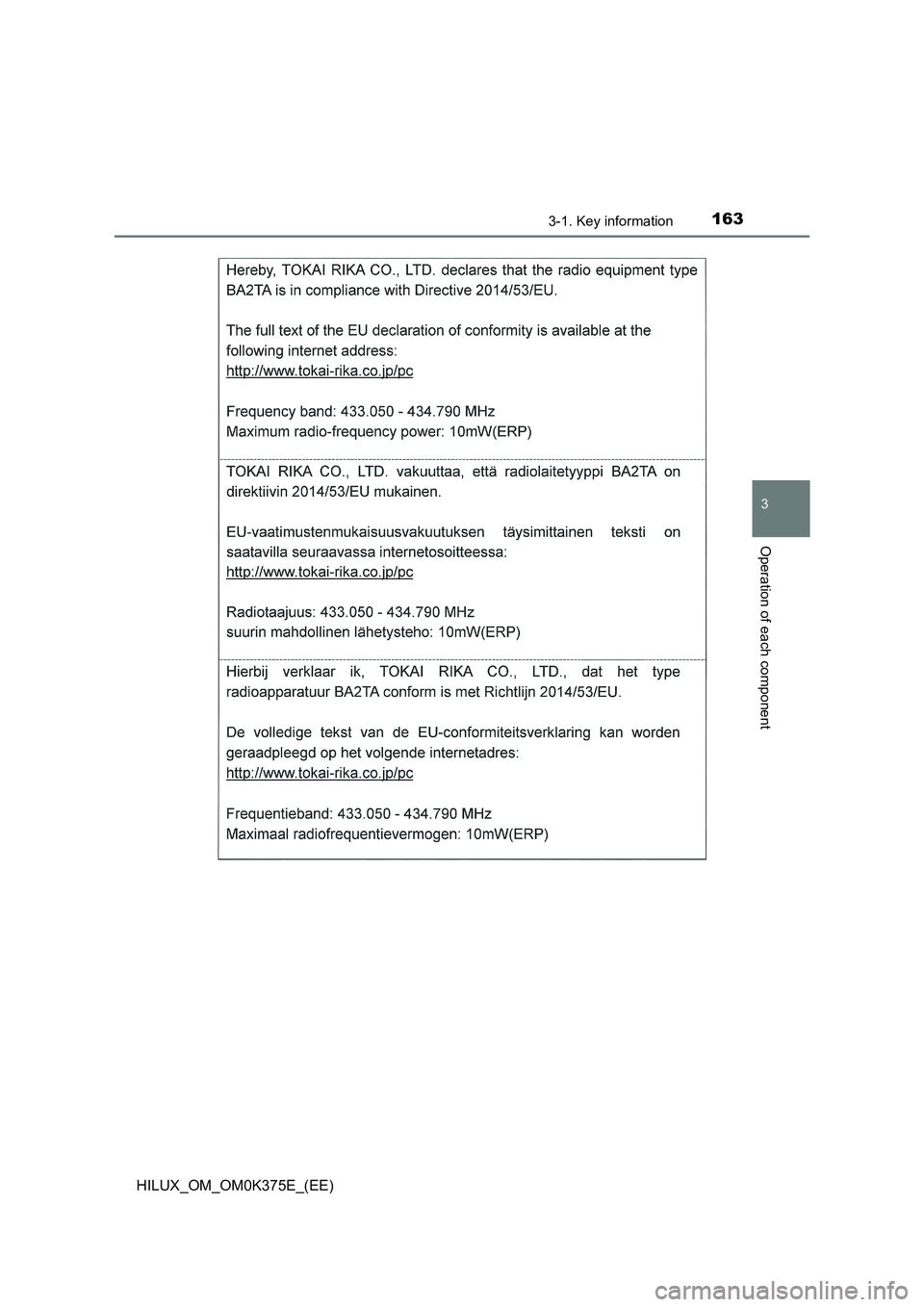
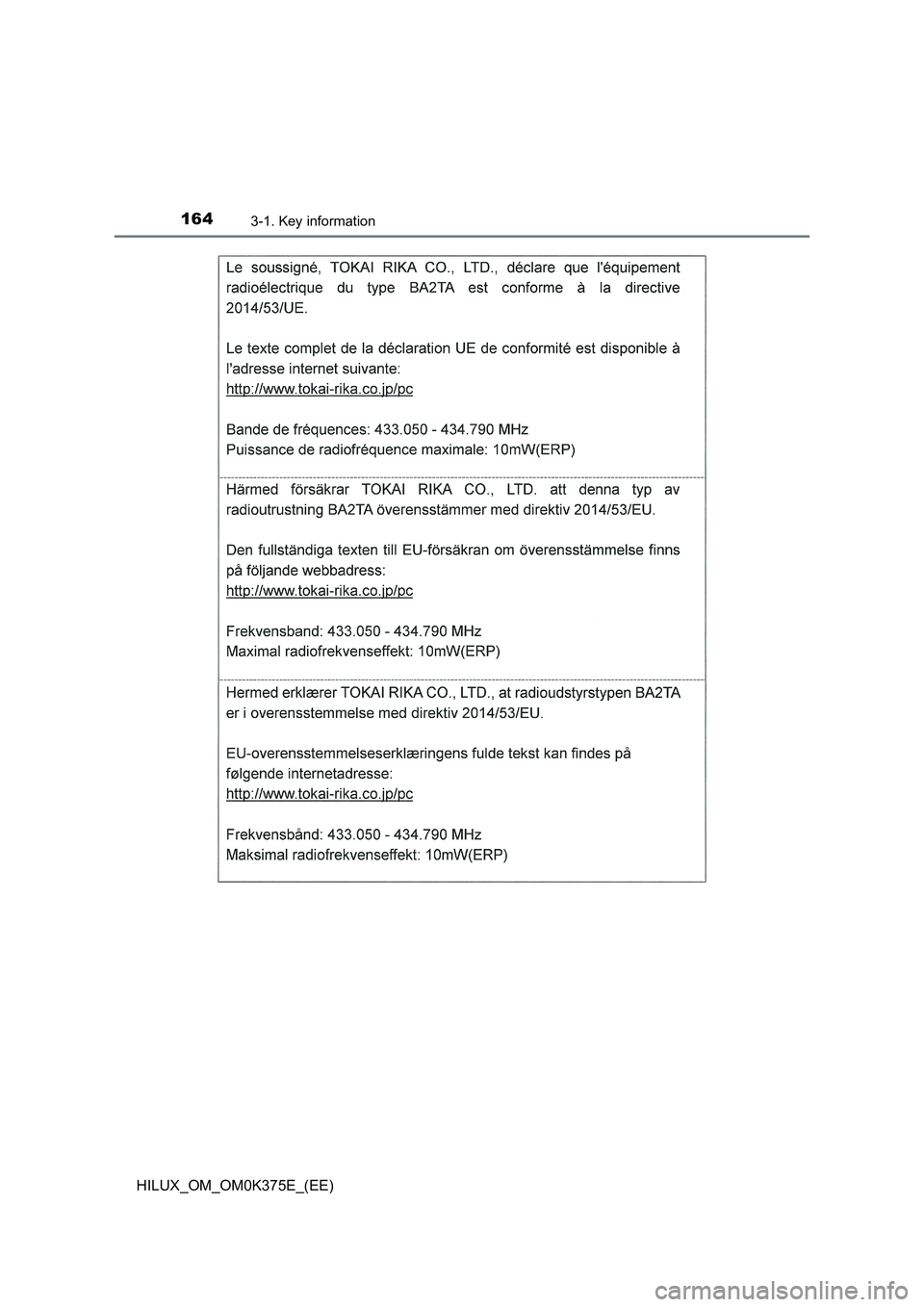
■ Certification for wireless remote control
Page 158 of 708
1583-1. Key information
HILUX_OM_OM0K375E_(EE)
Page 159 of 708
1593-1. Key information
3
Operation of each component
HILUX_OM_OM0K375E_(EE)
Page 160 of 708
1603-1. Key information
HILUX_OM_OM0K375E_(EE)
Page 161 of 708
1613-1. Key information
3
Operation of each component
HILUX_OM_OM0K375E_(EE)
Page 162 of 708
1623-1. Key information
HILUX_OM_OM0K375E_(EE)
Page 163 of 708
1633-1. Key information
3
Operation of each component
HILUX_OM_OM0K375E_(EE)
Page 164 of 708
1643-1. Key information
HILUX_OM_OM0K375E_(EE)