Camera TOYOTA PRIUS 2022 User Guide
[x] Cancel search | Manufacturer: TOYOTA, Model Year: 2022, Model line: PRIUS, Model: TOYOTA PRIUS 2022Pages: 744, PDF Size: 14.35 MB
Page 294 of 744
294
PRIUS_OM_OM47F01U_(U)
4-5. Using the driving support systems
WARNING
■When to disable the pre-collision system
In the following situations, disable the system, as it may not operate prop-
erly, possibly leading to an accident resulting in death or serious injury:
● When the vehicle is being towed
● When your vehicle is towing another vehicle
● When transporting the vehicle via truck, boat, train or similar means of
transportation
● When the vehicle is raised on a lift with the hybrid system on and the tires
are allowed to rotate freely
● When inspecting the vehicle using a drum tester such as a chass is dyna-
mometer or speedometer tester, or when using an on vehicle whee l bal-
ancer
● When a strong impact is applied to the front bumper or front gr ille, due to
an accident or other reasons
● If the vehicle cannot be driven in a stable manner, such as when the vehi-
cle has been in an accident or is malfunctioning
● When the vehicle is driven in a sporty manner or off-road
● When the tires are not properly inflated
● When the tires are very worn
● When tires of a size other than specified are installed
● When tire chains are installed
● When a compact spare tire or an emergency tire puncture repair kit is used
● If equipment (snow plow, etc.) that may obstruct the radar sens or or front
camera is temporarily installed to the vehicle
Page 299 of 744
PRIUS_OM_OM47F01U_(U)
2994-5. Using the driving support systems
4
Driving
• When driving through steam or smoke
• When driving near an object that reflects radio waves, such as a large
truck or guardrail
• When driving near a TV tower, broadcasting station, electric power plant, or other location where strong radio waves or electrical noise may be
present
■ Situations in which the syst em may not operate properly
● In some situations such as the following, an object may not be detected by
the radar sensor and front camera, preventing the system from operating
properly:
• When a detectable object is approaching your vehicle
• When your vehicle or a detectable object is wobbling
• If a detectable object makes an abrupt maneuver (such as sudde n swerv-
ing, acceleration or deceleration)
• When your vehicle approaches a detectable object rapidly
• When a detectable object is near a wall, fence, guardrail, manhole cover, vehicle, steel plate on the road, etc.
• When a detectable object is under a structure
• When part of a detectable object is hidden by an object, such as large
baggage, an umbrella, or guardrail
• When multiple detectable objects are close together
• If the sun or other light is shining directly on a detectable object
• When a detectable object is a shade of white and looks extremely bright
• When a detectable object appears to be nearly the same color o r bright-
ness as its surroundings
• If a detectable object cuts or suddenly emerges in front of your vehicle
• When the front of your vehicle is hit by water, snow, dust, et c.
• When a very bright light ahead, such as the sun or the headlig hts of
oncoming traffic, shines directly into the front camera
• When approaching the side or front of a vehicle ahead
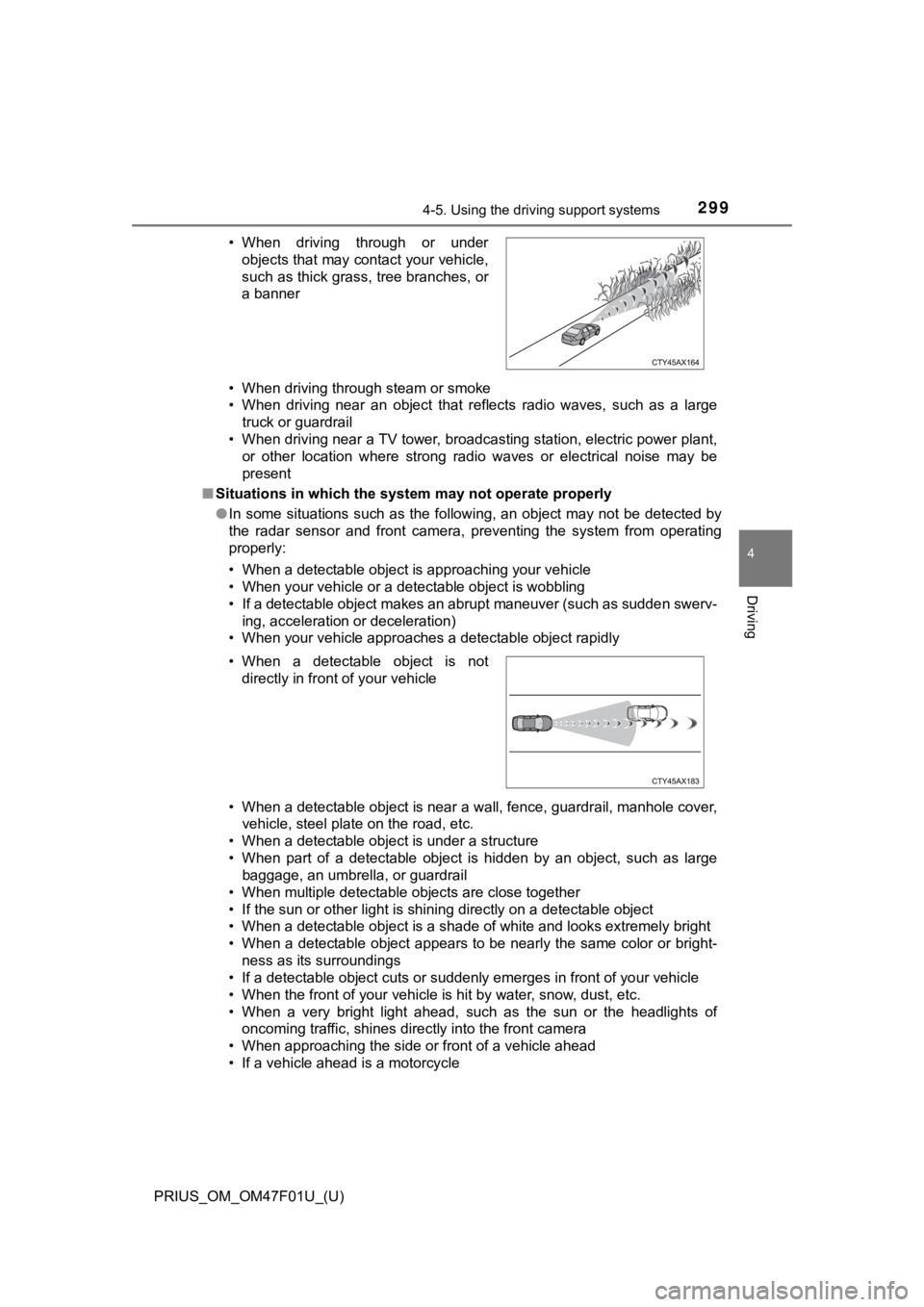
• If a vehicle ahead is a motorcycle • When driving through or under
objects that may contact your vehicle,
such as thick grass, tree branches, or
a banner
• When a detectable object is not directly in front of your vehicle
Page 301 of 744
PRIUS_OM_OM47F01U_(U)
3014-5. Using the driving support systems
4
Driving
• If the wheels are misaligned
• If a wiper blade is blocking the front camera
• The vehicle is being driven at extremely high speeds
• When driving on a hill
• If the radar sensor or front camera is misaligned
● In some situations such as the following, sufficient braking fo rce may not be
obtained, preventing the system from performing properly:
• If the braking functions cannot operate to their full extent, such as when
the brake parts are extremely cold, extremely hot, or wet
• If the vehicle is not properly maintained (brakes or tires are excessively
worn, improper tire inflation pressure, etc.)
• When the vehicle is being driven on a gravel road or other sli ppery sur-
face
■ If VSC is disabled
●If VSC is disabled ( P. 417), the pre-collision brake assist and pre-collision
braking functions are also disabled.
● The PCS warning light will turn on and “VSC Turned Off Pre-Coll ision Brake
System Unavailable” will be displayed on the multi-information display.
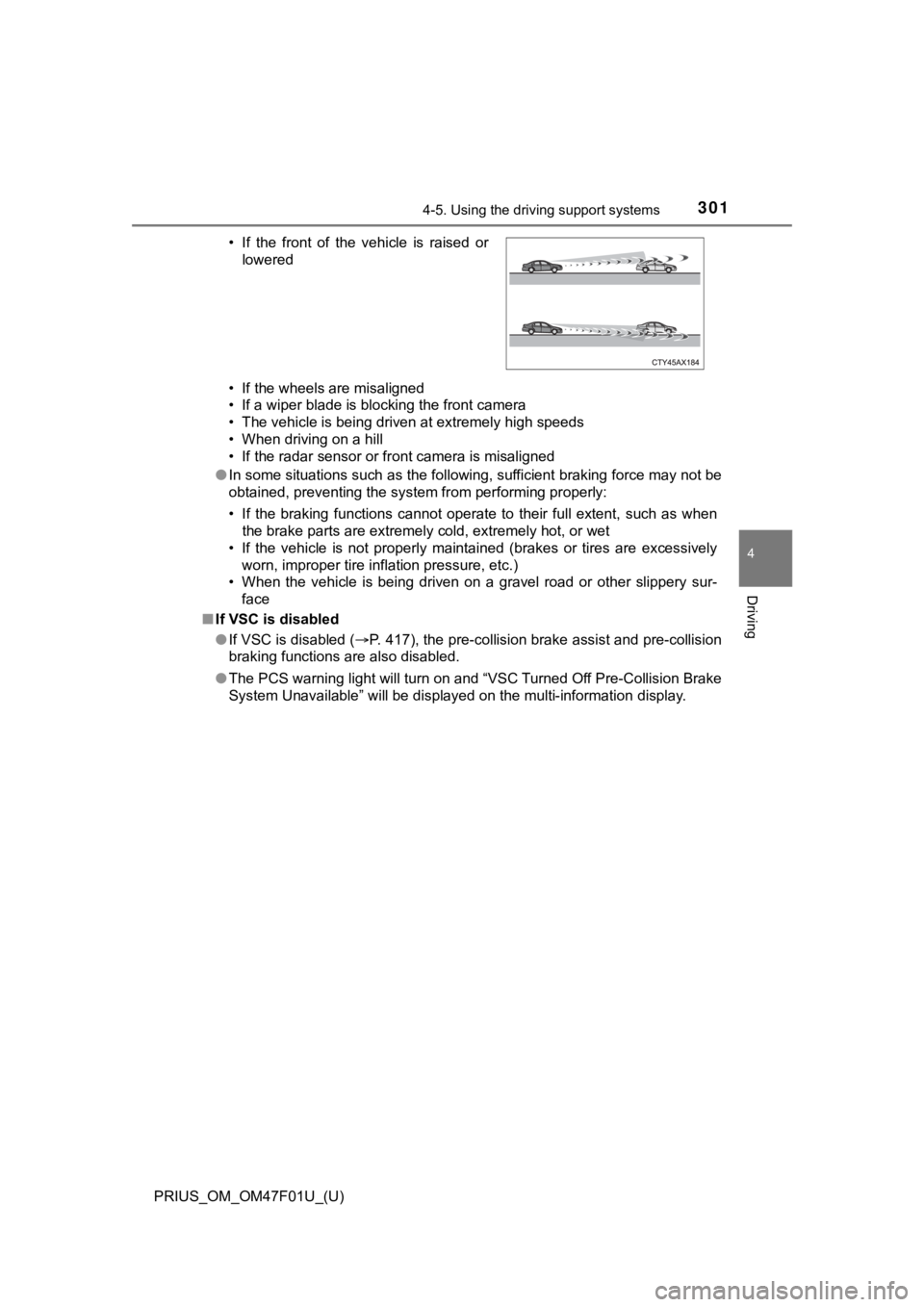
• If the front of the vehicle is raised or
lowered
Page 302 of 744
302
PRIUS_OM_OM47F01U_(U)
4-5. Using the driving support systems
LTA (Lane Tracing Assist)
While driving on a road with clear white (yellow) lane lines, t he LTA
system warns the driver if the vehicle may deviate from the cur rent
lane or course
*, and also can slightly operate the steering wheel to
help avoid deviation from the lane or course
*. Also, while the dynamic
radar cruise control with full-s peed range is operating, this s ystem will
operate the steering wheel to ma intain the vehicle’s lane position.
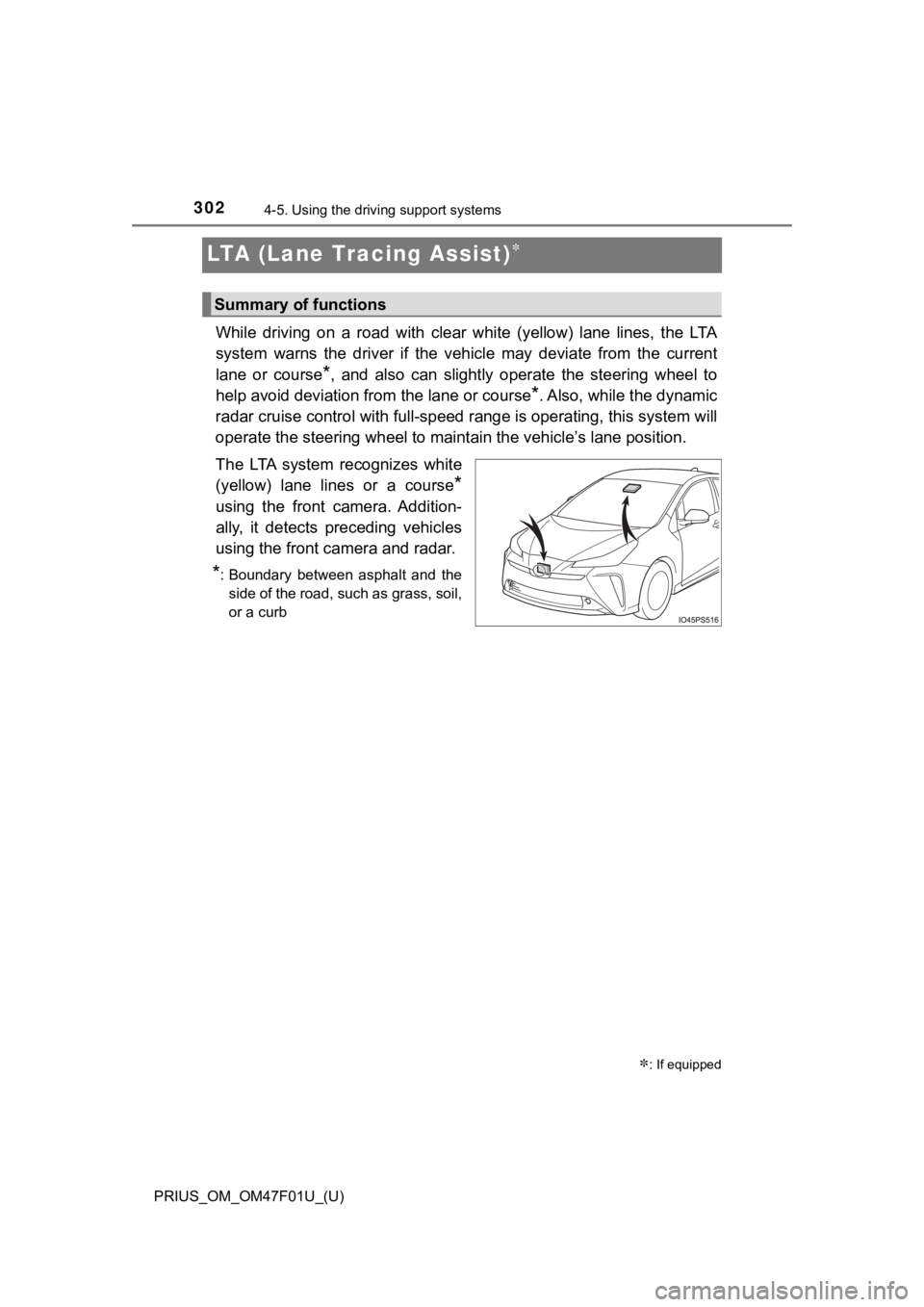
The LTA system recognizes white
(yellow) lane lines or a course
*
using the front camera. Addition-
ally, it detects preceding vehicles
using the front camera and radar.
*: Boundary between asphalt and the side of the road, such as grass, soil,
or a curb
: If equipped
Summary of functions
Page 306 of 744
306
PRIUS_OM_OM47F01U_(U)
4-5. Using the driving support systems
WARNING
●The vehicle is driven in an area where the brightness changes suddenly,
such as at the entrances and exits of tunnels, etc.
● Light from the headlights of an oncoming vehicle, the sun, etc. enters the
camera.
● The vehicle is driven on a slope.
● The vehicle is driven on a road which tilts left or right, or a winding road.
● The vehicle is driven on an unpaved or rough road.
● The traffic lane is excessively narrow or wide.
● The vehicle is extremely tilted due to carrying heavy luggage o r having
improper tire pressure.
● The distance to the preceding vehicle is extremely short.
● The vehicle is moving up and down a large amount due to road conditions
during driving (poor r oads or road seams).
● When driving in a tunnel or at night with the headlights off or when a head-
light is dim due to its lens being dirty or it being misaligned.
● The vehicle is struck by a crosswind.
● The vehicle is affected by wind from a vehicle driven in a nearby lane.
● The vehicle has just changed lanes or crossed an intersection.
● Tires which differ by structure, manufacturer, brand or tread p attern are
used.
● When tires of a size other than specified are installed.
● Snow tires, etc. are equipped.
● The vehicle is being driven at extremely high speeds.
Page 316 of 744

316
PRIUS_OM_OM47F01U_(U)
4-5. Using the driving support systems
■Warning message
If the following warning message is displayed on the multi-info rmation display
and the LTA indicator illuminates in orange, follow the appropr iate trouble-
shooting procedure. Also, if a different warning message is displayed, follow
the instructions displayed on the screen.
● “LTA Malfunction Visit Your Dealer”
The system may not be operating properly. Have the vehicle insp ected by
your Toyota dealer.
● “LTA Unavailable”
The system is temporarily canceled due to a malfunction in a se nsor other
than the front camera. Turn the LTA system off, wait for a litt le while, and
then turn the LTA system back on.
● “LTA Unavailable at Current Speed”
The function cannot be used as the vehicle speed exceeds the LT A opera-
tion range. Drive slower.
■ Customization
Function settings can be changed.
(Customizable features: P. 151)
Page 317 of 744
317
PRIUS_OM_OM47F01U_(U)
4-5. Using the driving support systems
4
Driving
RSA (Road Sign Assist)
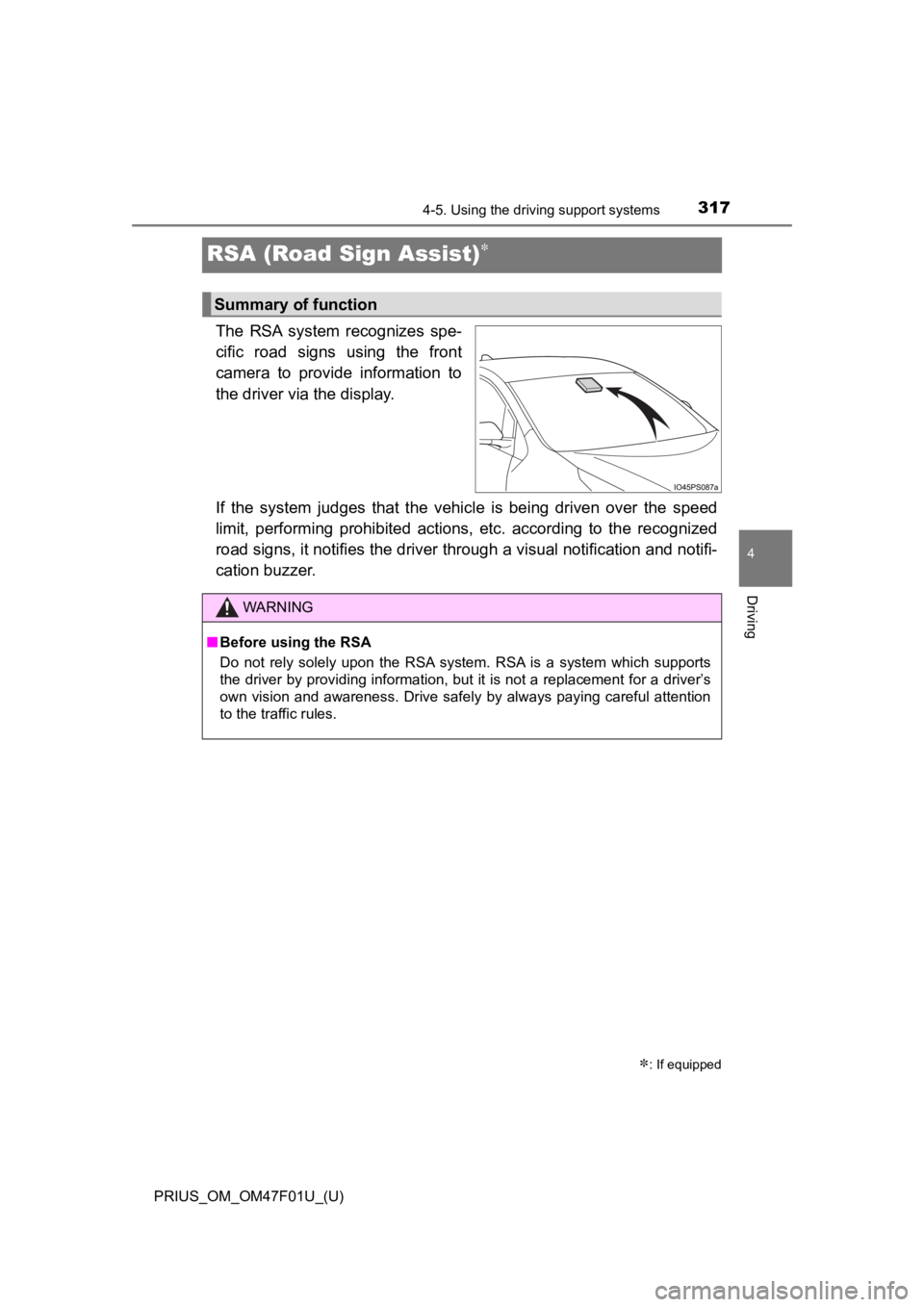
The RSA system recognizes spe-
cific road signs using the front
camera to provide information to
the driver via the display.
If the system judges that the vehicle is being driven over the speed
limit, performing prohibited ac tions, etc. according to the recognized
road signs, it notifies the driver through a visual notification and notifi-
cation buzzer.
: If equipped
Summary of function
WARNING
■ Before using the RSA
Do not rely solely upon the RSA system. RSA is a system which supports
the driver by providing information, but it is not a replacement for a driver’s
own vision and awareness. Drive safely by always paying careful attention
to the traffic rules.
Page 318 of 744
318
PRIUS_OM_OM47F01U_(U)
4-5. Using the driving support systems
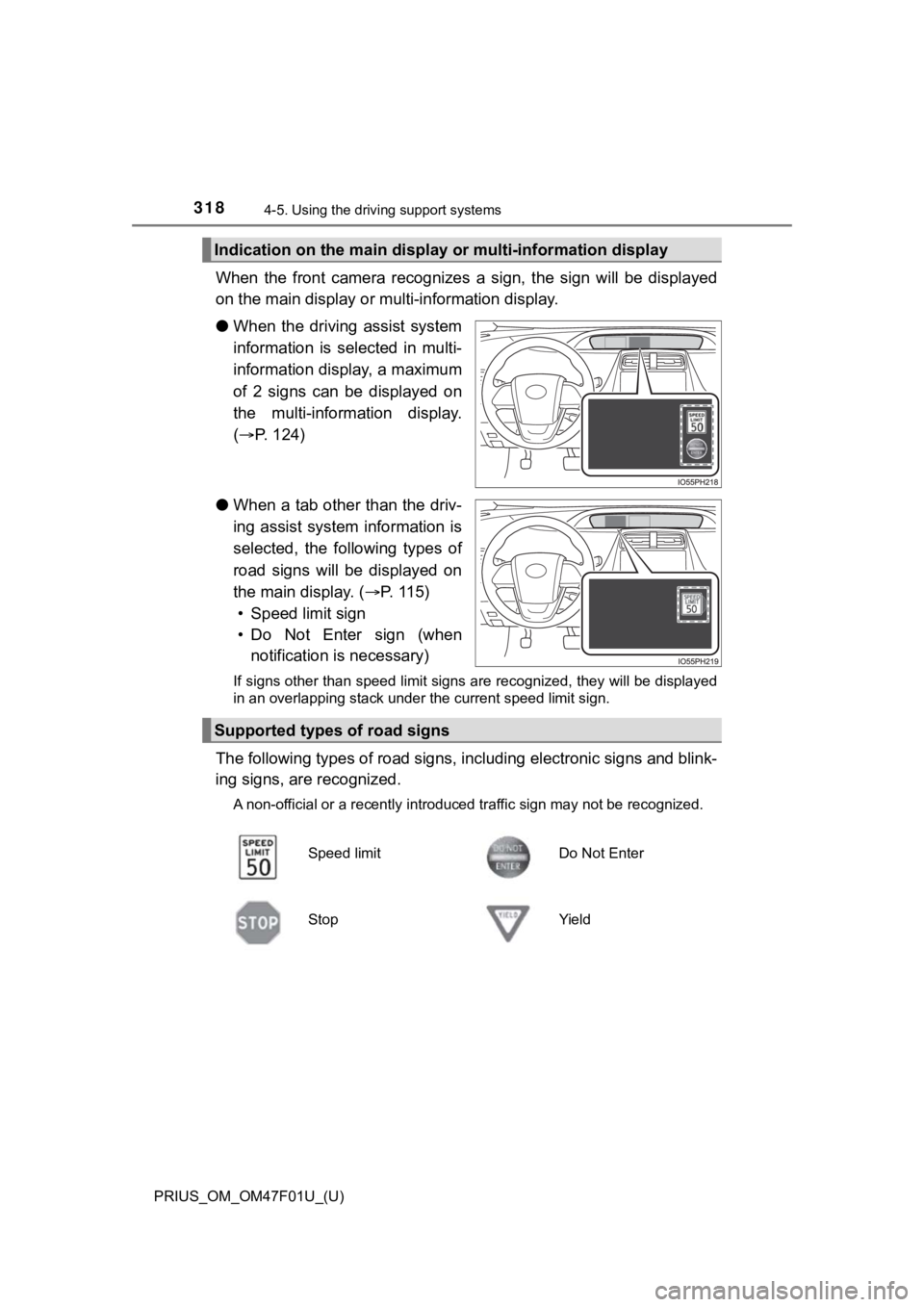
When the front camera recognize s a sign, the sign will be displayed
on the main display or m ulti-information display.
● When the driving assist system
information is selected in multi-
information display, a maximum
of 2 signs can be displayed on
the multi-information display.
( P. 124)
● When a tab other than the driv-
ing assist system information is
selected, the following types of
road signs will be displayed on
the main display. ( P. 1 1 5 )
• Speed limit sign
• Do Not Enter sign (when notification is necessary)
If signs other than speed limit signs are recognized, they will be displayed
in an overlapping stack under the current speed limit sign.
The following types of road sig ns, including electronic signs a nd blink-
ing signs, are recognized.
A non-official or a recently introduced traffic sign may not be recognized.
Indication on the main display or multi-information display
Supported types of road signs
Speed limitDo Not Enter
StopYield
Page 319 of 744
PRIUS_OM_OM47F01U_(U)
3194-5. Using the driving support systems
4
Driving
In the following situations, the RSA syst em will notify the driver.
● When the vehicle speed exceeds the speed notification threshold of
the speed limit sign displayed, the sign display will be emphas ized
and a buzzer will sound.
● When the RSA system recognizes a do not enter sign and deter-
mines that your vehicle has ent ered a no-entry area, the displayed
sign will flash and a buzzer will sound.
Depending on the situation, a not ification function may not operate
properly.
■ Setting procedure
P. 151
■ Automatic turn-off of RSA sign display
In the following situations, a displayed speed limit sign and/o r do not enter
sign will stop being displayed automatically:
● No sign has been recognized for a certain distance.
● The road changes due to a left or right turn, etc.
In the following situations, stop and yield signs will stop bei ng displayed auto-
matically:
● The system determines that your vehicle has passed the sign.
● The road changes due to a left or right turn, etc.
■ Conditions in which the function may not operate or detect correctly
In the following situations, RSA does not operate normally and may not rec-
ognize signs, display the incorrect sign, etc. However, this do es not indicate a
malfunction.
● The front camera is misaligned due to a strong impact being applied to the
sensor, etc.
● Dirt, snow, stickers, etc. are on the windshield near the front camera.
● In inclement weather such as heavy rain, fog, snow or sand storms
● Light from an oncoming vehicle, the sun, etc. enters the front camera.
● The sign is dirty, faded, tilted or bent.
● The contrast of electronic sign is low.
● All or part of the sign is hidden by the leaves of a tree, a pole, etc.
● The sign is only visible to the front camera for a short amount of time.
● The driving scene (turning, lane change, etc.) is judged incorr ectly.
● If a sign not appropriate for the currently traveled lane, but the sign exists
directly after a freeway branches, or in an adjacent lane just before merging.
● Stickers are attached to the rear of the preceding vehicle.
Notification function
Page 320 of 744
320
PRIUS_OM_OM47F01U_(U)
4-5. Using the driving support systems
●A sign resembling a system compatible sign is recognized.
● Side road speed signs may be detected and displayed (if positio ned in sight
of the front camera) while the vehicle is traveling on the main road.
● Roundabout exit road speed signs may be detected and displayed (if posi-
tioned in sight of the front camera) while traveling on a round about.
● The front of the vehicle is raised or lowered due to the carried load
● The surrounding brightness is not sufficient or changes suddenly.
● When a sign intended for trucks, etc. is recognized.
● The speed information displayed on the meter and on the navigation system
may be different due to the navigation system using map data.
■ Speed limit sign display
If the power switch was last turned off while a speed limit sig n was displayed
on the main display or multi-information display, the same sign displays again
when the power switch is turned to ON mode.
■ If “RSA Malfunction Visit Your Dealer” is shown
The system may be malfunctioning. Have the vehicle inspected by your Toy-
ota dealer.
■ Customization
Some functions can be customized. (Customizable features: P. 686)