audio TOYOTA PRIUS PLUS 2014 Owners Manual
[x] Cancel search | Manufacturer: TOYOTA, Model Year: 2014, Model line: PRIUS PLUS, Model: TOYOTA PRIUS PLUS 2014Pages: 496, PDF Size: 21.08 MB
Page 6 of 496
TABLE OF CONTENTS6
PRIUS +_OM_OM47888E_(EE)8-1. Specifications
Maintenance data (fuel, oil level, etc.)...........452
Fuel information .................463
8-2. Customization Customizable features .......465
8-3. Initialization Item to initialize ..................471
What to do if... (Troubleshooting) .....................474
Alphabetical index ......................478
8Vehicle specifications
Index
For vehicles with a navigation system, refer to the “Navigation and
multimedia system Owner’s Manual” for information regarding the
equipment listed below.
• Navigation system
• Toyota parking assist monitor• Audio/visual system
Page 17 of 496
17Pictorial index
PRIUS +_OM_OM47888E_(EE)Multi-information display
*1 . . . . . . . . . . . . . . . . . . . . . . . . . P. 118
Display . . . . . . . . . . . . . . . . . . . . . . . . . . . . . . . . . . . . . . . . . . . P. 118
Energy monitor . . . . . . . . . . . . . . . . . . . . . . . . . . . . . . . . P. 120, 131
When the warning messages are displayed . . . . . . . . . . . . . . P. 388
Parking brake . . . . . . . . . . . . . . . . . . . . . . . . . . . . . . . . . . . . . P. 214
Applying/releasing . . . . . . . . . . . . . . . . . . . . . . . . . . . . . . . . . . P. 214
Precautions against winter season . . . . . . . . . . . . . . . . . . . . . P. 265
Warning buzzer . . . . . . . . . . . . . . . . . . . . . . . . . . . . . . . . . . . . P. 376
Turn signal lever . . . . . . . . . . . . . . . . . . . . . . . . . . . . . . . . . . P. 213
Headlight switch . . . . . . . . . . . . . . . . . . . . . . . . . . . . . . . . . . P. 215
Headlights/front position lights/tail lights/
daytime running lights . . . . . . . . . . . . . . . . . . . . . . . . . . . . . . . P. 215
Front fog lights/rear fog light . . . . . . . . . . . . . . . . . . . . . . . . . . P. 218
Windshield wiper and washer switch . . . . . . . . . . . . . P. 219, 223
Usage . . . . . . . . . . . . . . . . . . . . . . . . . . . . . . . . . . . . . . . P. 219, 223
Adding washer fluid . . . . . . . . . . . . . . . . . . . . . . . . . . . . . . . . . P. 325
Emergency flasher switch . . . . . . . . . . . . . . . . . . . . . . . . . . P. 368
Fuel filler door opener. . . . . . . . . . . . . . . . . . . . . . . . . . . . . . P. 226
Hood lock release lever . . . . . . . . . . . . . . . . . . . . . . . . . . . . P. 313
Tilt and telescopic steering lock release lever . . . . . . . . . . P. 180
Air conditioning system . . . . . . . . . . . . . . . . . . . . . . . . . . . . P. 270
Usage . . . . . . . . . . . . . . . . . . . . . . . . . . . . . . . . . . . . . . . . . . . P. 270
Rear window defogger. . . . . . . . . . . . . . . . . . . . . . . . . . . . . . . P. 273
Audio system
*2
P position switch . . . . . . . . . . . . . . . . . . . . . . . . . . . . . . . . . . P. 209
*1: If equipped
*2: Refer to “Navigation and multimedia system Owner’s Manual”.
4
5
6
7
8
9
10
11
12
13
14
Page 20 of 496
20Pictorial index
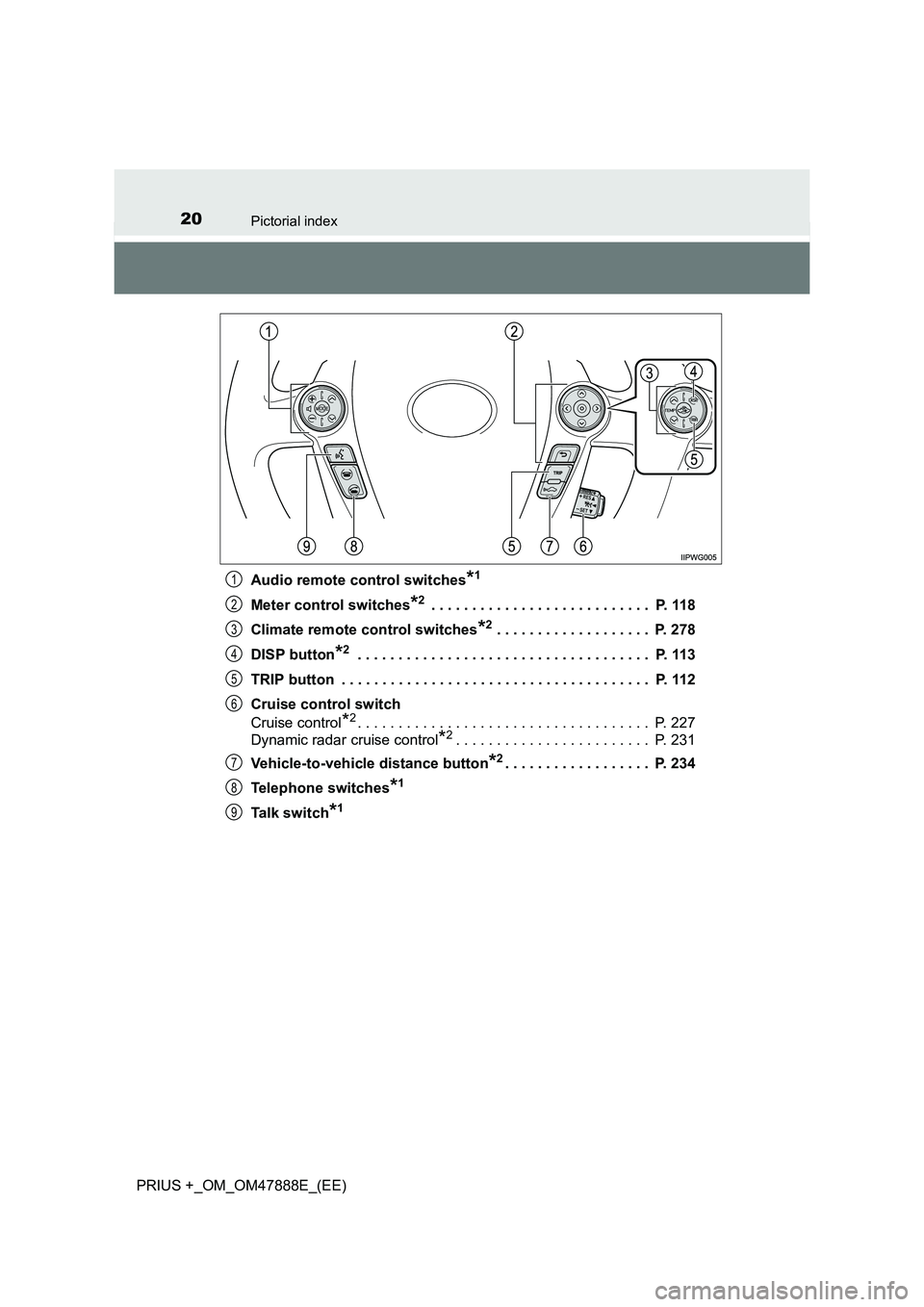
PRIUS +_OM_OM47888E_(EE)Audio remote control switches
*1
Meter control switches*2 . . . . . . . . . . . . . . . . . . . . . . . . . . . P. 118
Climate remote control switches
*2 . . . . . . . . . . . . . . . . . . . P. 278
DISP button
*2 . . . . . . . . . . . . . . . . . . . . . . . . . . . . . . . . . . . . P. 113
TRIP button . . . . . . . . . . . . . . . . . . . . . . . . . . . . . . . . . . . . . . P. 112
Cruise control switch
Cruise control
*2. . . . . . . . . . . . . . . . . . . . . . . . . . . . . . . . . . . . P. 227
Dynamic radar cruise control
*2. . . . . . . . . . . . . . . . . . . . . . . . P. 231
Vehicle-to-vehicle distance button
*2. . . . . . . . . . . . . . . . . . P. 234
Telephone switches
*1
Talk switch*1
1
2
3
4
5
6
7
8
9
Page 25 of 496
25Pictorial index
PRIUS +_OM_OM47888E_(EE)Multi-information display . . . . . . . . .
. . . . . . . . . . . . . . . . . . P. 118
Display . . . . . . . . . . . . . . . . . . . . . . . . . . . . . . . . . . . . . . . . . . . P. 118
Energy monitor . . . . . . . . . . . . . . . . . . . . . . . . . . . . . . . . P. 120, 131
When the warning messages are displayed . . . . . . . . . . . . . . P. 388
Parking brake . . . . . . . . . . . . . . . . . . . . . . . . . . . . . . . . . . . . . P. 214
Applying/releasing . . . . . . . . . . . . . . . . . . . . . . . . . . . . . . . . . . P. 214
Precautions against winter season . . . . . . . . . . . . . . . . . . . . . P. 265
Warning buzzer . . . . . . . . . . . . . . . . . . . . . . . . . . . . . . . . . . . . P. 376
Turn signal lever . . . . . . . . . . . . . . . . . . . . . . . . . . . . . . . . . . P. 213
Headlight switch . . . . . . . . . . . . . . . . . . . . . . . . . . . . . . . . . . P. 215
Headlights/front position lights/tail lights/
daytime running lights . . . . . . . . . . . . . . . . . . . . . . . . . . . . . . . P. 215
Front fog lights/rear fog light . . . . . . . . . . . . . . . . . . . . . . . . . . P. 218
Windshield wiper and washer switch . . . . . . . . . . . . . P. 219, 223
Usage . . . . . . . . . . . . . . . . . . . . . . . . . . . . . . . . . . . . . . . P. 219, 223
Adding washer fluid . . . . . . . . . . . . . . . . . . . . . . . . . . . . . . . . . P. 325
Emergency flasher switch . . . . . . . . . . . . . . . . . . . . . . . . . . P. 368
Fuel filler door opener. . . . . . . . . . . . . . . . . . . . . . . . . . . . . . P. 226
Hood lock release lever . . . . . . . . . . . . . . . . . . . . . . . . . . . . P. 313
Tilt and telescopic steering lock release lever . . . . . . . . . . P. 180
Air conditioning system . . . . . . . . . . . . . . . . . . . . . . . . . . . . P. 270
Usage . . . . . . . . . . . . . . . . . . . . . . . . . . . . . . . . . . . . . . . . . . . P. 270
Rear window defogger. . . . . . . . . . . . . . . . . . . . . . . . . . . . . . . P. 273
Audio system
*1
P position switch . . . . . . . . . . . . . . . . . . . . . . . . . . . . . . . . . . P. 209
*1: Refer to “Navigation and multimedia system Owner’s Manual”.
4
5
6
7
8
9
10
11
12
13
14
Page 28 of 496
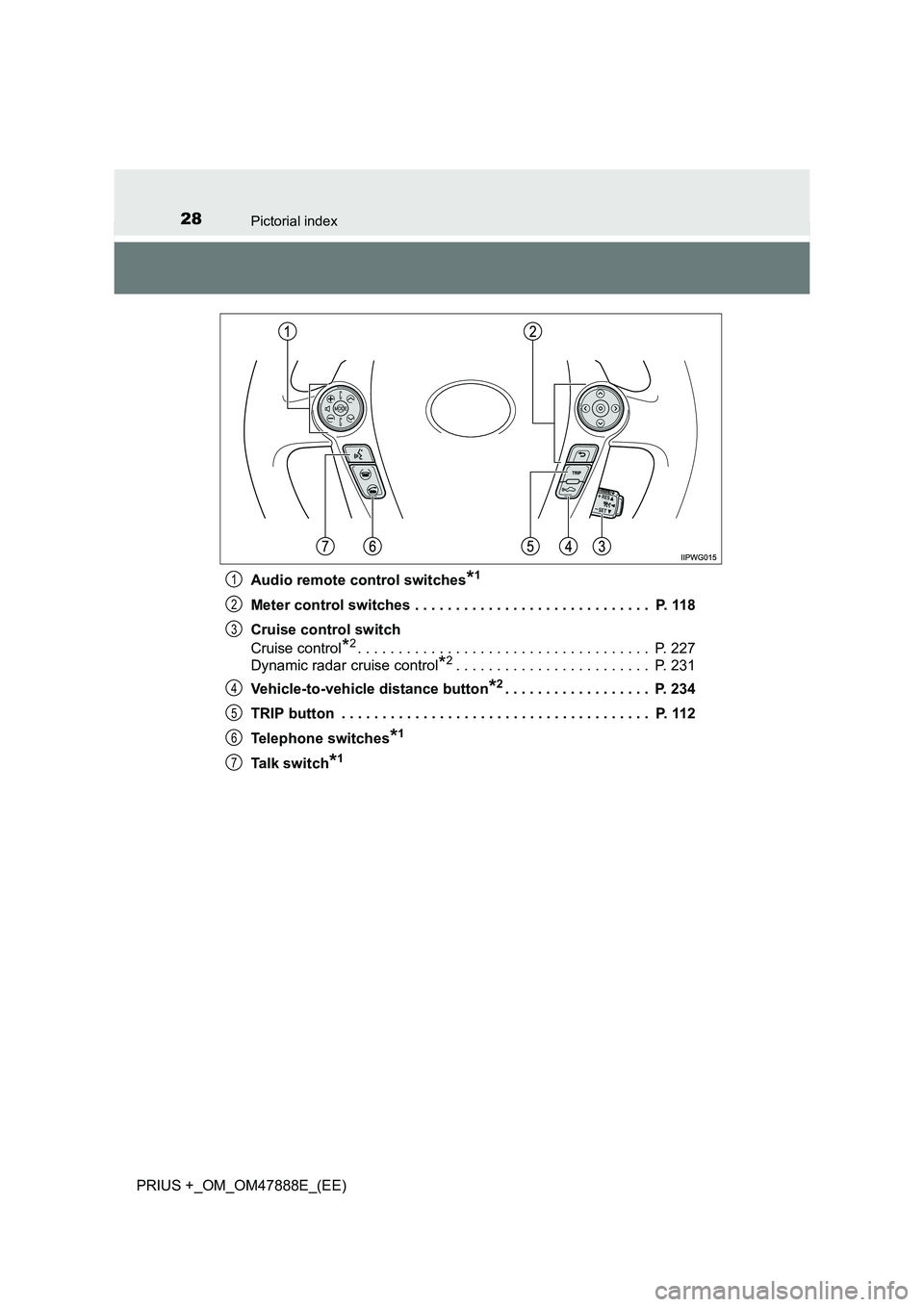
28Pictorial index
PRIUS +_OM_OM47888E_(EE)Audio remote control switches
*1
Meter control switches . . . . . . . . . . . . . . . . . . . . . . . . . . . . . P. 118
Cruise control switch
Cruise control
*2. . . . . . . . . . . . . . . . . . . . . . . . . . . . . . . . . . . . P. 227
Dynamic radar cruise control
*2. . . . . . . . . . . . . . . . . . . . . . . . P. 231
Vehicle-to-vehicle distance button
*2. . . . . . . . . . . . . . . . . . P. 234
TRIP button . . . . . . . . . . . . . . . . . . . . . . . . . . . . . . . . . . . . . . P. 112
Telephone switches
*1
Talk switch*1
1
2
3
4
5
6
7
Page 119 of 496
1192. Instrument cluster
2
Instrument cluster
PRIUS +_OM_OM47888E_(EE)
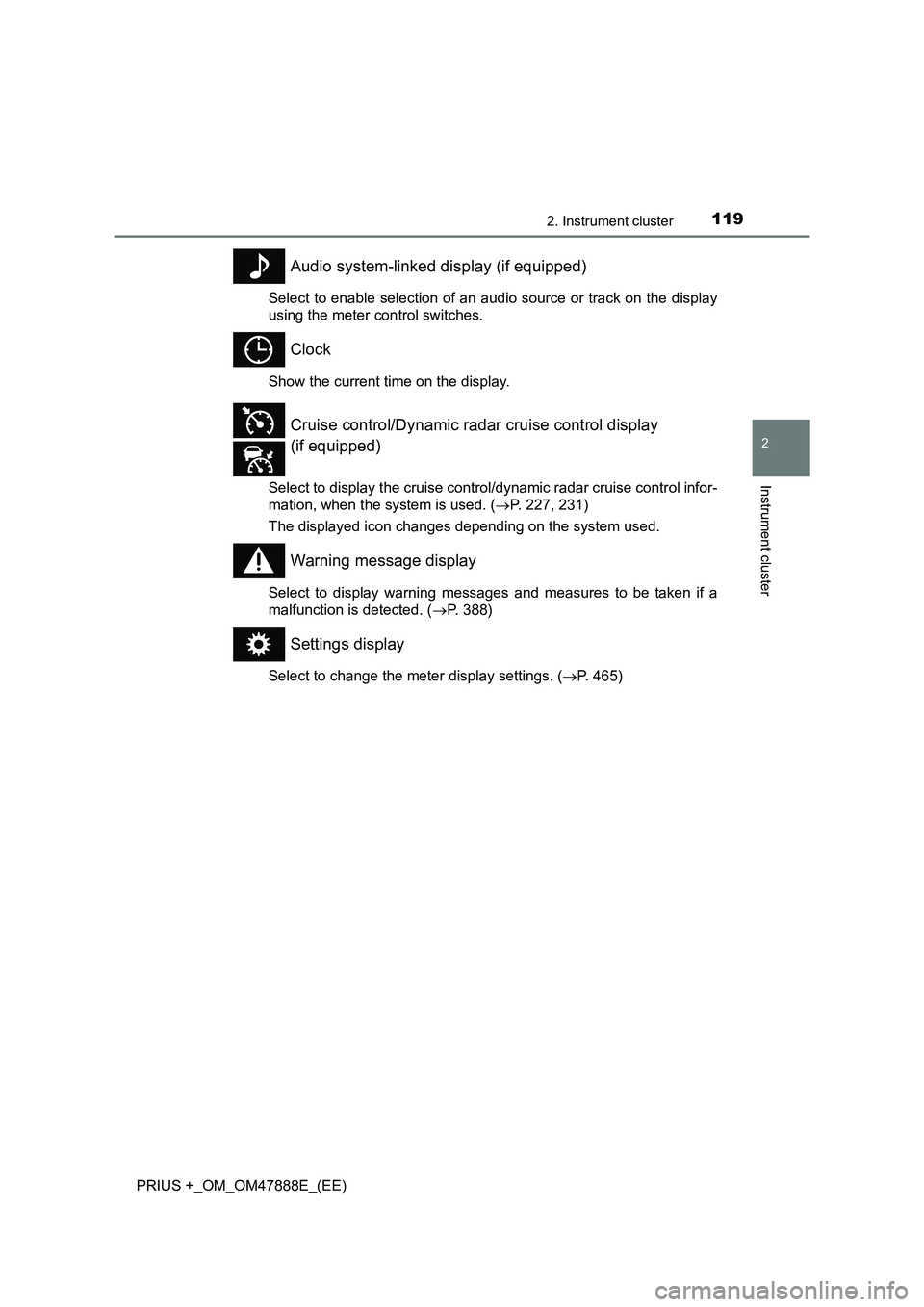
Audio system-linked display (if equipped)
Select to enable selection of an audio source or track on the display
using the meter control switches.
Clock
Show the current time on the display.
Select to display the cruise control/dynamic radar cruise control infor-
mation, when the system is used. (→P. 227, 231)
The displayed icon changes depending on the system used.
Warning message display
Select to display warning messages and measures to be taken if a
malfunction is detected. ( →P. 388)
Settings display
Select to change the meter display settings. ( →P. 465)
Cruise control/Dynamic radar cruise control display
(if equipped)
Page 131 of 496
131
2
2. Instrument cluster
Instrument cluster
PRIUS +_OM_OM47888E_(EE)
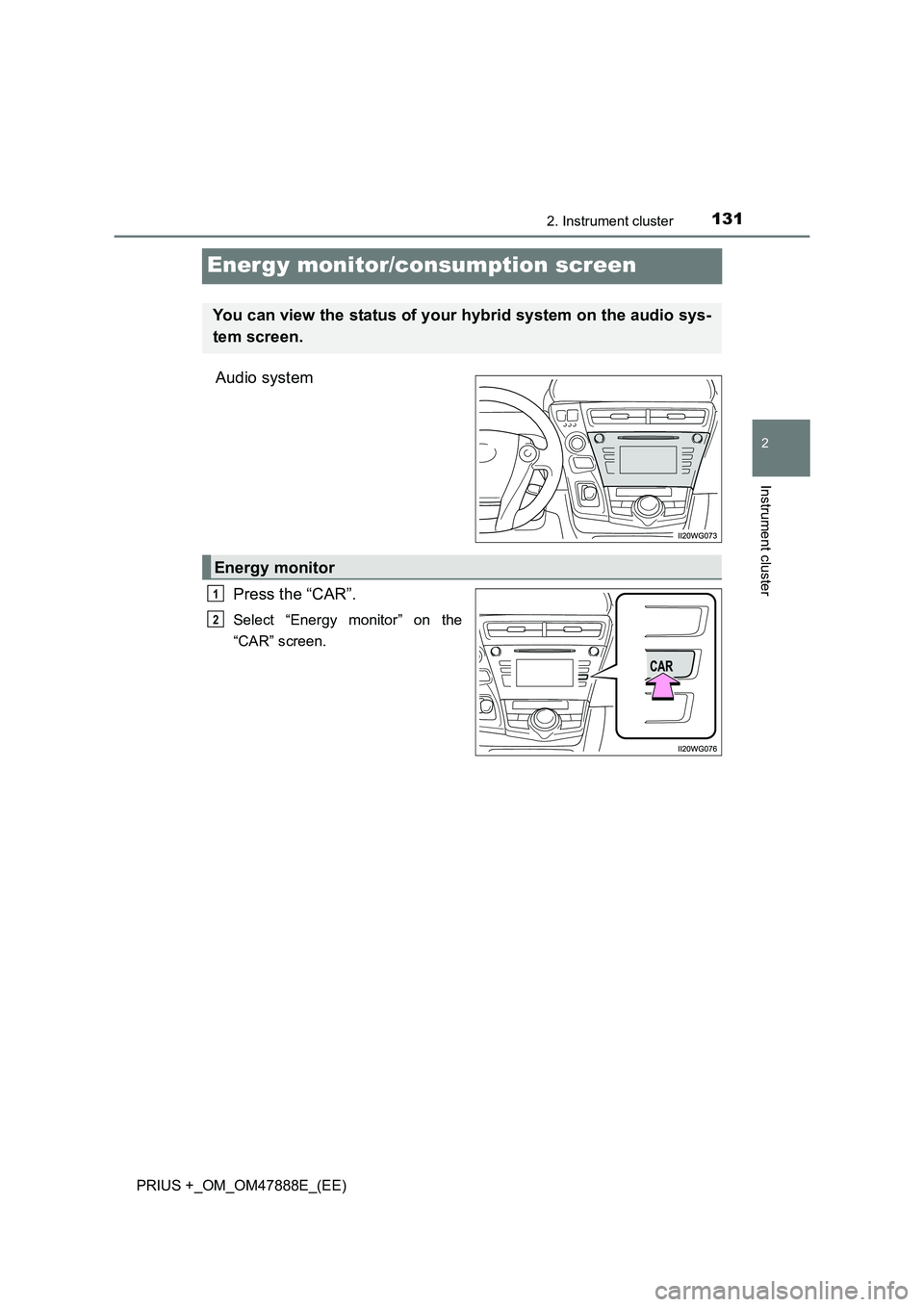
Energy monitor/consumption screen
Audio systemPress the “CAR”.
Select “Energy monitor” on the
“CAR” screen.
You can view the status of your hybrid system on the audio sys-
tem screen.
Energy monitor
1
2
Page 132 of 496
1322. Instrument cluster
PRIUS +_OM_OM47888E_(EE)
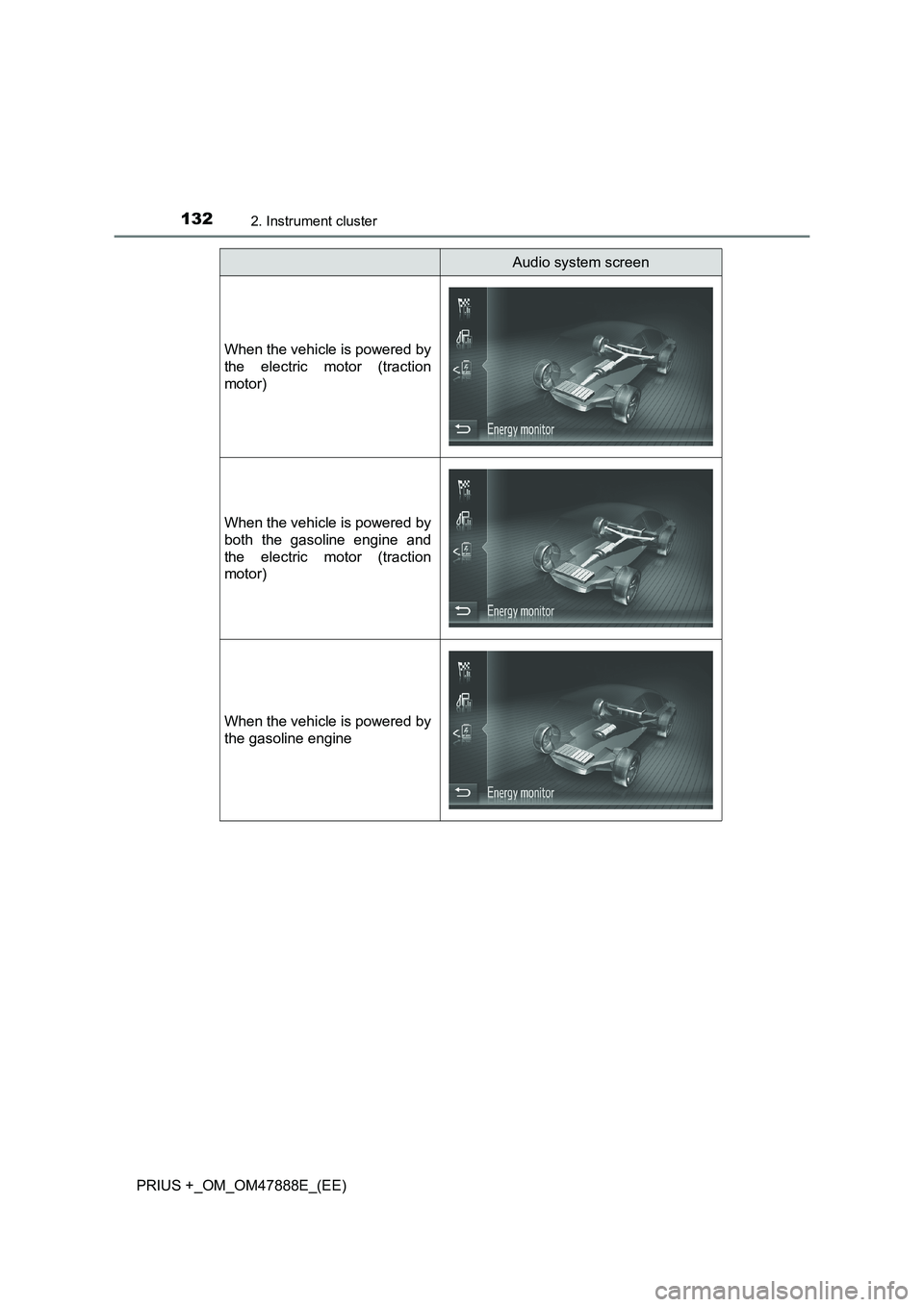
Audio system screen
When the vehicle is powered by
the electric motor (traction
motor)
When the vehicle is powered by
both the gasoline engine and
the electric motor (traction
motor)
When the vehicle is powered by
the gasoline engine
Page 133 of 496
1332. Instrument cluster
2
Instrument cluster
PRIUS +_OM_OM47888E_(EE)
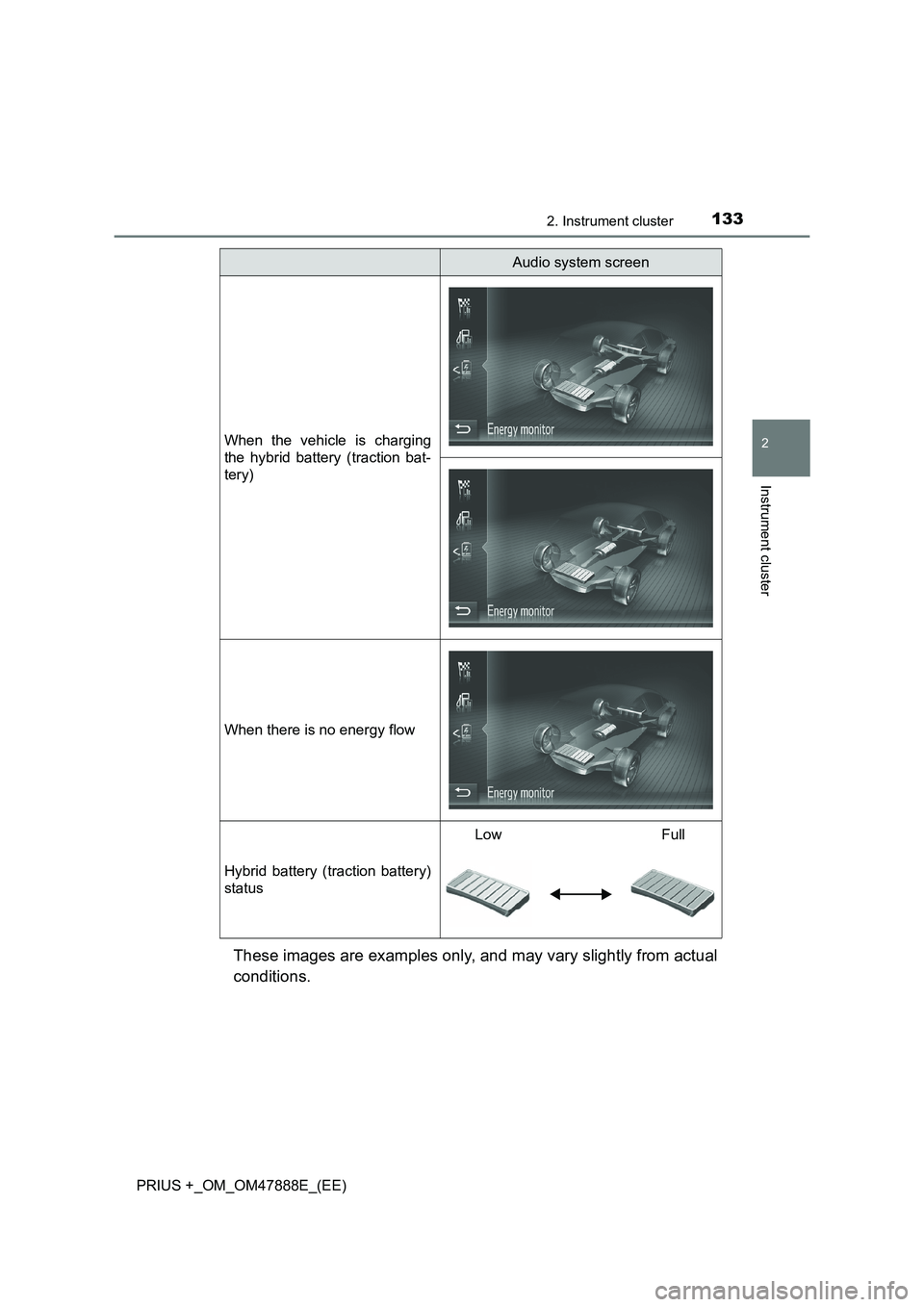
These images are examples only, and may vary slightly from actual
conditions.
When the vehicle is charging
the hybrid battery (traction bat-
tery)
When there is no energy flow
Hybrid battery (traction battery)
status
LowFull
Audio system screen
Page 141 of 496
1413-1. Key information
3
Operation of each component
PRIUS +_OM_OM47888E_(EE)NOTICE
■
To prevent key damage
●Do not drop the keys, subject them to strong shocks or bend them.
● Do not expose the keys to high temperatures for long periods of time.
● Do not get the keys wet or wash them in an ultrasonic washer etc.
● Do not attach metallic or magnetic materials to the keys or place the keys
close to such materials.
● Do not disassemble the keys.
● Do not attach a sticker or anything else to the surface of the electronic key.
● Do not place the keys near objects that produce magnetic fields, such as
TVs, audio systems and induction cookers, or medical electrical equip-
ment, such as low-frequency therapy equipment.
■ Carrying the electronic key on your person
Carry the electronic key 10 cm (3.9 in.) or more away from electric appli-
ances that are turned on. Radio wave s emitted from electric appliances
within 10 cm (3.9 in.) of the electronic key may interfere with the key, caus-
ing the key to not function properly.
■ In case of a smart entry & start syst em malfunction or other key-related
problems
Take your vehicle with all the electronic keys provided with your vehicle to
any authorized Toyota dealer or repairer, or another duly qualified and
equipped professional.
■ When an electronic key is lost
If the electronic key remains lost, the risk of vehicle theft increases signifi-
cantly. Visit any authorized Toyota dealer or repairer, or another duly quali-
fied and equipped professional immediately with all remaining electronic
keys that were provided with your vehicle.