audio TOYOTA PRIUS V 2018 Owners Manual
[x] Cancel search | Manufacturer: TOYOTA, Model Year: 2018, Model line: PRIUS V, Model: TOYOTA PRIUS V 2018Pages: 607, PDF Size: 41.96 MB
Page 485 of 607
4838-2. Steps to take in an emergency
PRIUS v_OM_OM47B78U_(U)
8
When trouble arises
■When the tire pressure warning light comes on
Check the tire inflation pressure and adjust to the appropriate level. Push-
ing the tire pressure warning reset switch will not turn off the tire pressure
warning light.
■The tire pressure warning light may come on due to natural causes
The tire pressure warning light may come on due to natural causes such
as natural air leaks and tire inflation pressure changes caused by tem-
perature. In this case, adjusting the tire inflation pressure will turn off the
warning light (after a few minutes).
■When a tire is replaced with a spare tire
The compact spare tire is not equipped with a tire pressure warning valve
and transmitter. If a tire goes flat, the tire pressure warning light will not
turn off even though the flat tire has been replaced with the spare tire.
Replace the spare tire with the repaired tire and adjust the tire inflation
pressure. The tire pressure warning light will go off after a few minutes.
■If the tire pressure warning system is not functioning
P. 436
■If the tire pressure warning light frequently comes on after blinking
for 1 minute
If the tire pressure warning light frequently comes on after blinking for
1 minute when the power switch is turned to ON mode, have it checked
by your Toyota dealer.
■Warning buzzer
In some cases, the buzzer may not be heard due to being in a noisy location
or audio sound.
Page 527 of 607
5258-2. Steps to take in an emergency
PRIUS v_OM_OM47B78U_(U)
8
When trouble arises
Make sure the “READY” indicator comes on. If the indicator light
does not come on, contact your Toyota dealer.
Once the hybrid system has started, remove the jumper cables in
the exact reverse order from which they were connected.
Close the exclusive jump starting terminal cover, and reinstall the
fuse box cover to its original position.
When installing, first hook the fuse box cover onto the two rear tabs.
Once the hybrid system starts, have the vehicle inspected at your
Toyota dealer as soon as possible.
■Starting the hybrid system when the 12-volt battery is discharged
The hybrid system cannot be started by push-starting.
■ To prevent 12-volt battery discharge
●Turn off the headlights and the audio system while the hybrid system is off.
● Turn off any unnecessary electrical components when the vehicle is running
at a low speed for an extended period, such as in heavy traffic.
■ Charging the 12-volt battery
The electricity stored in the 12-volt battery will discharge gradually even when
the vehicle is not in use, due to natural discharge and the draining effects of
certain electrical appliances. If the vehi cle is left for a long time, the 12-volt
battery may discharge, and the hybrid system may be unable to start. (The
12-volt battery recharges automatically while the hybrid system is operating.)
■ When recharging or replacing the 12-volt battery
●In some cases, it may not be possible to unlock the doors using the smart
key system when the 12-volt battery is discharged. Use the wireless remote
control or the mechanical key to lock or unlock the doors.
● The hybrid system may not start on the first attempt after the 12-volt battery
has recharged but will start normally after the second attempt. This is not a
malfunction.
● The power switch mode is memorized by the vehicle. When the 12-volt bat-
tery is reconnected, the system will return to the mode it was in before the
12-volt battery was discharged. Before disconnecting the 12-volt battery,
turn the power switch off. If you are unsure what mode the power switch was
in before the 12-volt battery discharged, be especially careful when recon-
necting the 12-volt battery.
● If the 12-volt battery discharges while the shift position is in P, it may not be
possible to shift the shift position to other positions. In this case, the vehicle
cannot be towed without lifting both front wheels because the front wheels
will be locked. ( P. 472)
● When the 12-volt battery is reconnected, start the hybrid system and con-
firm that the shift position can be changed to each position using the shift
position indicator.
6
7
8
Page 561 of 607
559
PRIUS v_OM_OM47B78U_(U)
9-2. Customization
9
Vehicle specifications
Customizable features
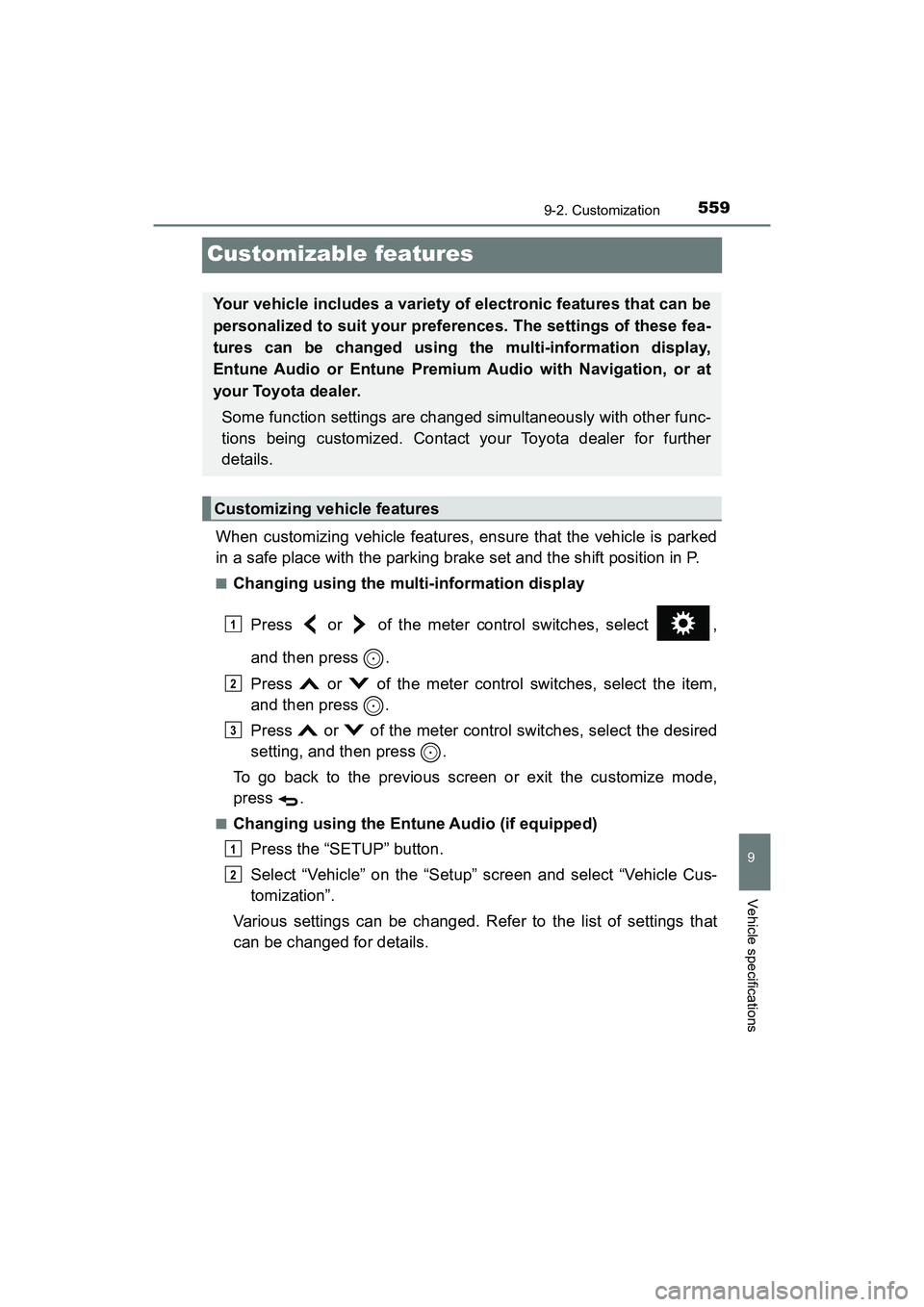
When customizing vehicle features, ensure that the vehicle is parked
in a safe place with the parking brake set and the shift position in P.
■Changing using the multi-information displayPress or of the meter control switches, select ,
and then press .
Press or of the meter control switches, select the item,
and then press .
Press or of the meter control switches, select the desired
setting, and then press .
To go back to the previous screen or exit the customize mode,
press .
■Changing using the Entune Audio (if equipped) Press the “SETUP” button.
Select “Vehicle” on the “Setup” screen and select “Vehicle Cus-
tomization”.
Various settings can be changed. Refer to the list of settings that
can be changed for details.
Your vehicle includes a variety of electronic features that can be
personalized to suit your preferences. The settings of these fea-
tures can be changed using the multi-information display,
Entune Audio or Entune Premium Audio with Navigation, or at
your Toyota dealer.
Some function settings are changed simultaneously with other func-
tions being customized. Contact your Toyota dealer for further
details.
Customizing vehicle features
1
2
3
1
2
Page 562 of 607
560
PRIUS v_OM_OM47B78U_(U)
9-2. Customization
■Changing using the Entune Premium Audio with Navigation (if
equipped)Press the “APPS” button on the navigation system.
Select “Setup” on the “APPS” screen.
Select “Vehicle” on the “Setup” screen and select “Vehicle Cus-
tomization”.
Various settings can be changed. Refer to the list of settings that
can be changed for details.
Settings that can be changed using the multi-information display
Vehicles with Entune Audio or Entune Premium Audio with Naviga-
tion: Settings that can be changed using the Entune Audio or
Entune Premium Audio with Navigation
Settings that can be changed by your Toyota dealer
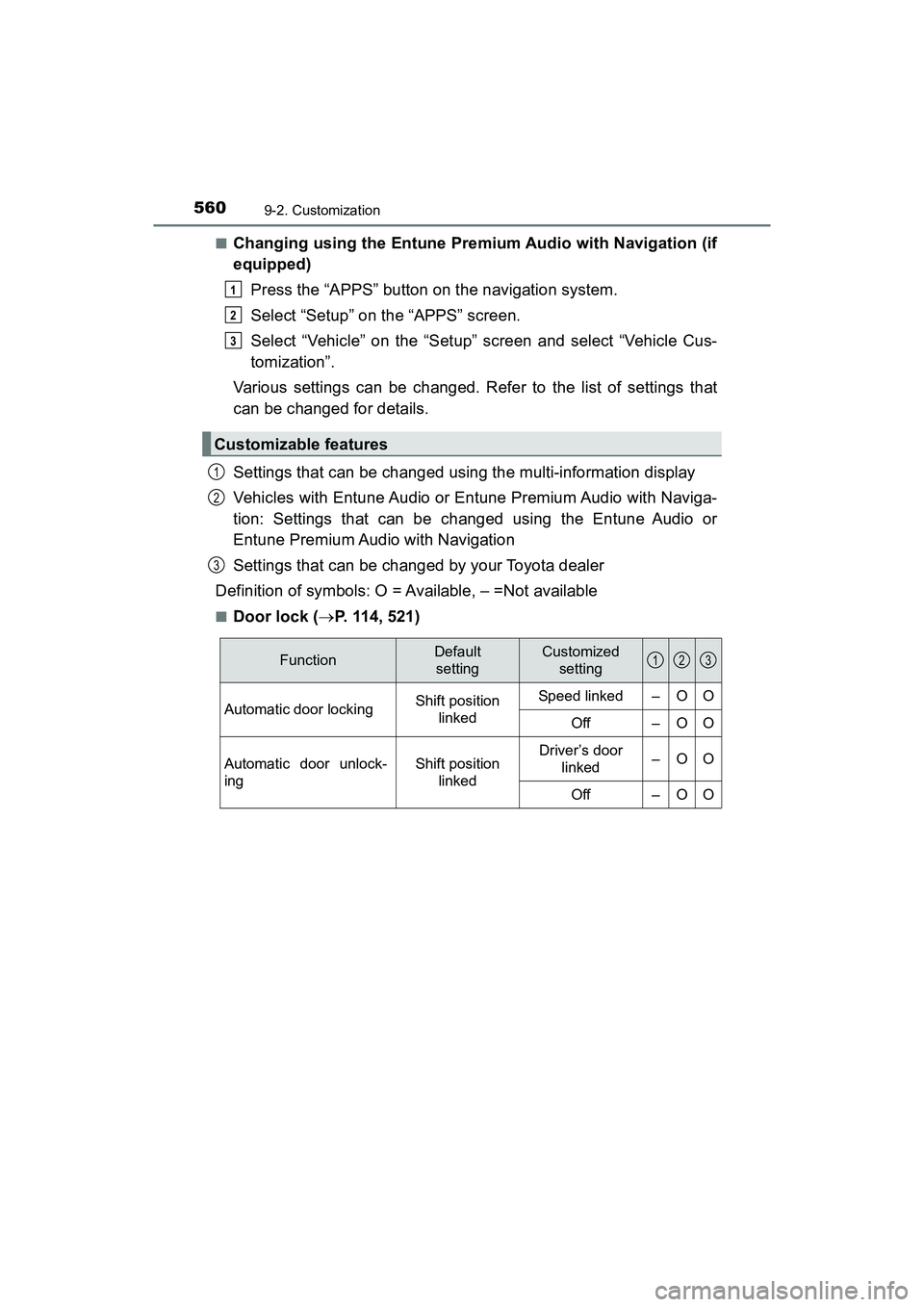
Definition of symbols: O = Available, – =Not available
■Door lock ( P. 114, 521)
Customizable features
1
2
3
1
2
3
FunctionDefault
settingCustomized setting
Automatic door lockingShift position
linkedSpeed linked–OO
Off–OO
Automatic door unlock-
ingShift position linkedDriver’s door linked–OO
Off–OO
123
Page 583 of 607
581
PRIUS v_OM_OM47B78U_(U)
Index
What to do if... (Troubleshooting) .................... 582
Alphabetical index ..................... 586
For vehicles with Entune Premium Audio with Navigation,
refer to the “NAVIGATION SYSTEM OWNER’S MANUAL” for
information regarding the equipment listed below.
• Navigation system
• Audio/visual system
Page 589 of 607
587Alphabetical index
PRIUS v_OM_OM47B78U_(U)
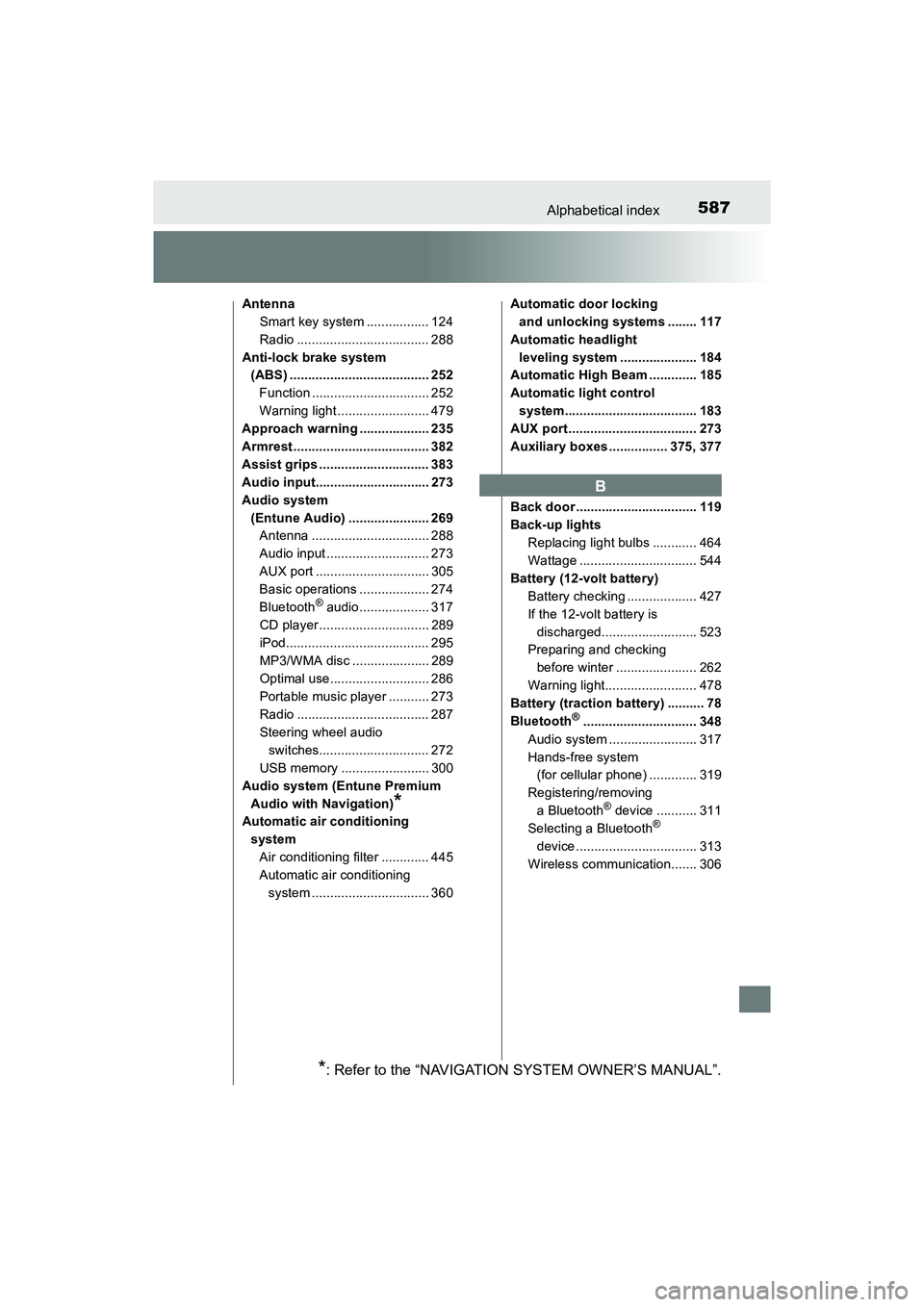
AntennaSmart key system ................. 124
Radio .................................... 288
Anti-lock brake system (ABS) ...................................... 252
Function ................................ 252
Warning light ......................... 479
Approach warning ................... 235
Armrest ..................................... 382
Assist grips .............................. 383
Audio input............................... 273
Audio system (Entune Audio) ...................... 269Antenna ................................ 288
Audio input ............................ 273
AUX port ............................... 305
Basic operations ................... 274
Bluetooth
® audio................... 317
CD player .............................. 289
iPod....................................... 295
MP3/WMA disc ..................... 289
Optimal use........................... 286
Portable music player ........... 273
Radio .................................... 287
Steering wheel audio switches.............................. 272
USB memory ........................ 300
Audio system (Entune Premium Audio with Navigation)
*
Automatic air conditioning systemAir conditioning filter ............. 445
Automatic air conditioning system ................................ 360 Automatic door locking
and unlocking systems ........ 117
Automatic headlight leveling system ..................... 184
Automatic High Beam ............. 185
Automatic light control
system.................................... 183
AUX port................................... 273
Auxiliary boxes ................ 375, 377
Back door ................................. 119
Back-up lights Replacing light bulbs ............ 464
Wattage ................................ 544
Battery (12-volt battery) Battery checking ................... 427
If the 12-volt battery is discharged.......................... 523
Preparing and checking
before winter ...................... 262
Warning light......................... 478
Battery (traction battery) .......... 78
Bluetooth
®............................... 348
Audio system ........................ 317
Hands-free system (for cellular phone) ............. 319
Registering/removing a Bluetooth
® device ........... 311
Selecting a Bluetooth®
device ................................. 313
Wireless communication....... 306
B
*: Refer to the “NAVIGATION SYSTEM OWNER’S MANUAL”.
Page 590 of 607
588Alphabetical index
PRIUS v_OM_OM47B78U_(U)
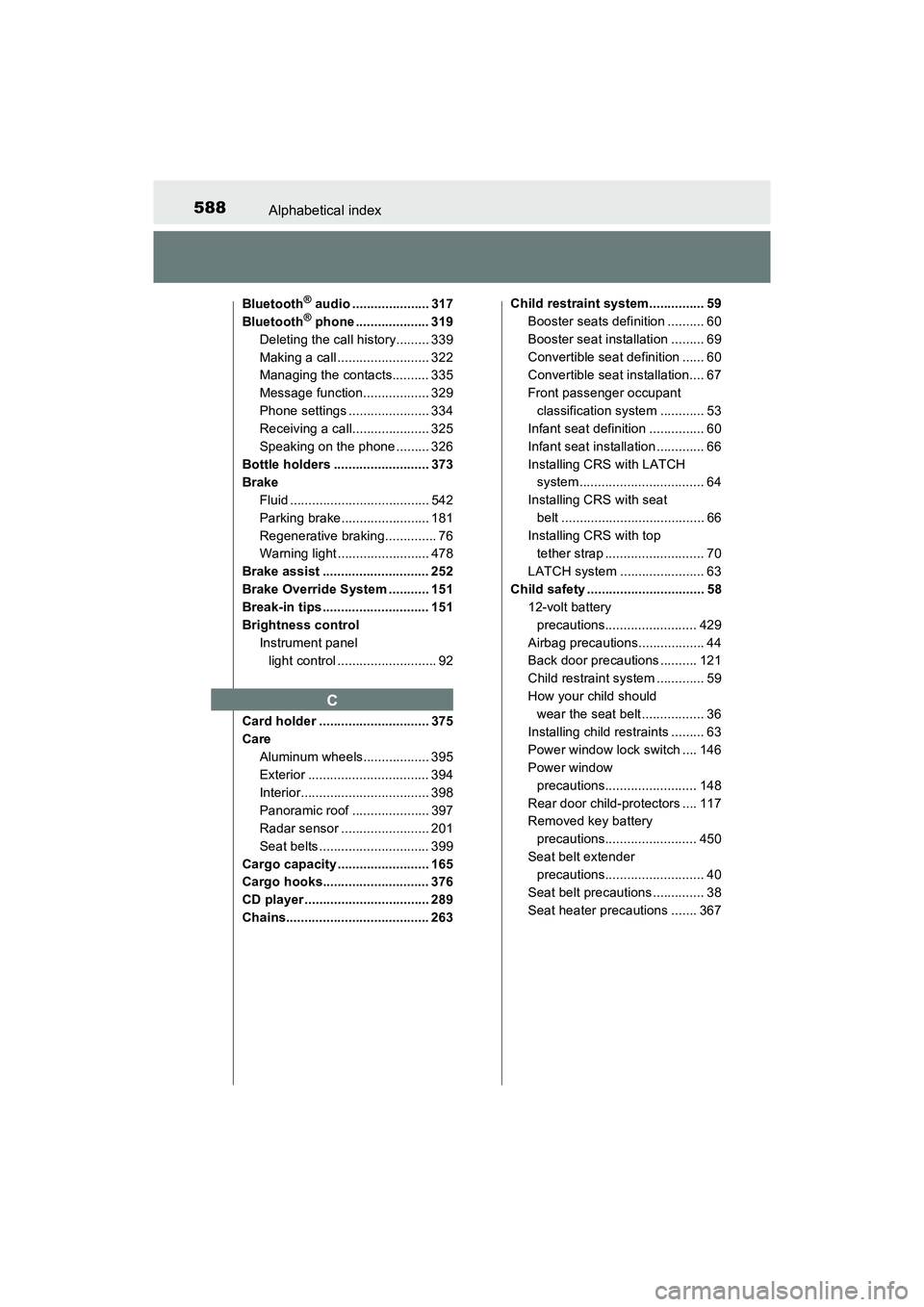
Bluetooth® audio ..................... 317
Bluetooth® phone .................... 319
Deleting the call history......... 339
Making a call ......................... 322
Managing the contacts.......... 335
Message function.................. 329
Phone settings ...................... 334
Receiving a call..................... 325
Speaking on the phone ......... 326
Bottle holders .......................... 373
Brake Fluid ...................................... 542
Parking brake........................ 181
Regenerative braking.............. 76
Warning light ......................... 478
Brake assist ............................. 252
Brake Override System ........... 151
Break-in tips ............................. 151
Brightness control Instrument panel light control ........................... 92
Card holder .............................. 375
Care Aluminum wheels.................. 395
Exterior ................................. 394
Interior................................... 398
Panoramic roof ..................... 397
Radar sensor ........................ 201
Seat belts .............................. 399
Cargo capacity ......................... 165
Cargo hooks............................. 376
CD player .................................. 289
Chains....................................... 263 Child restraint system............... 59
Booster seats definition .......... 60
Booster seat installation ......... 69
Convertible seat definition ...... 60
Convertible seat installation.... 67
Front passenger occupant classification system ............ 53
Infant seat definition ............... 60
Infant seat installation ............. 66
Installing CRS with LATCH system .................................. 64
Installing CRS with seat belt ....................................... 66
Installing CRS with top tether strap ........................... 70
LATCH system ....................... 63
Child safety ................................ 58
12-volt battery precautions......................... 429
Airbag precautions.................. 44
Back door precautions .......... 121
Child restraint system ............. 59
How your child should wear the seat belt ................. 36
Installing child restraints ......... 63
Power window lock switch .... 146
Power window precautions......................... 148
Rear door child-protectors .... 117
Removed key battery precautions......................... 450
Seat belt extender precautions........................... 40
Seat belt precautions .............. 38
Seat heater precautions ....... 367
C
Page 600 of 607
598Alphabetical index
PRIUS v_OM_OM47B78U_(U)
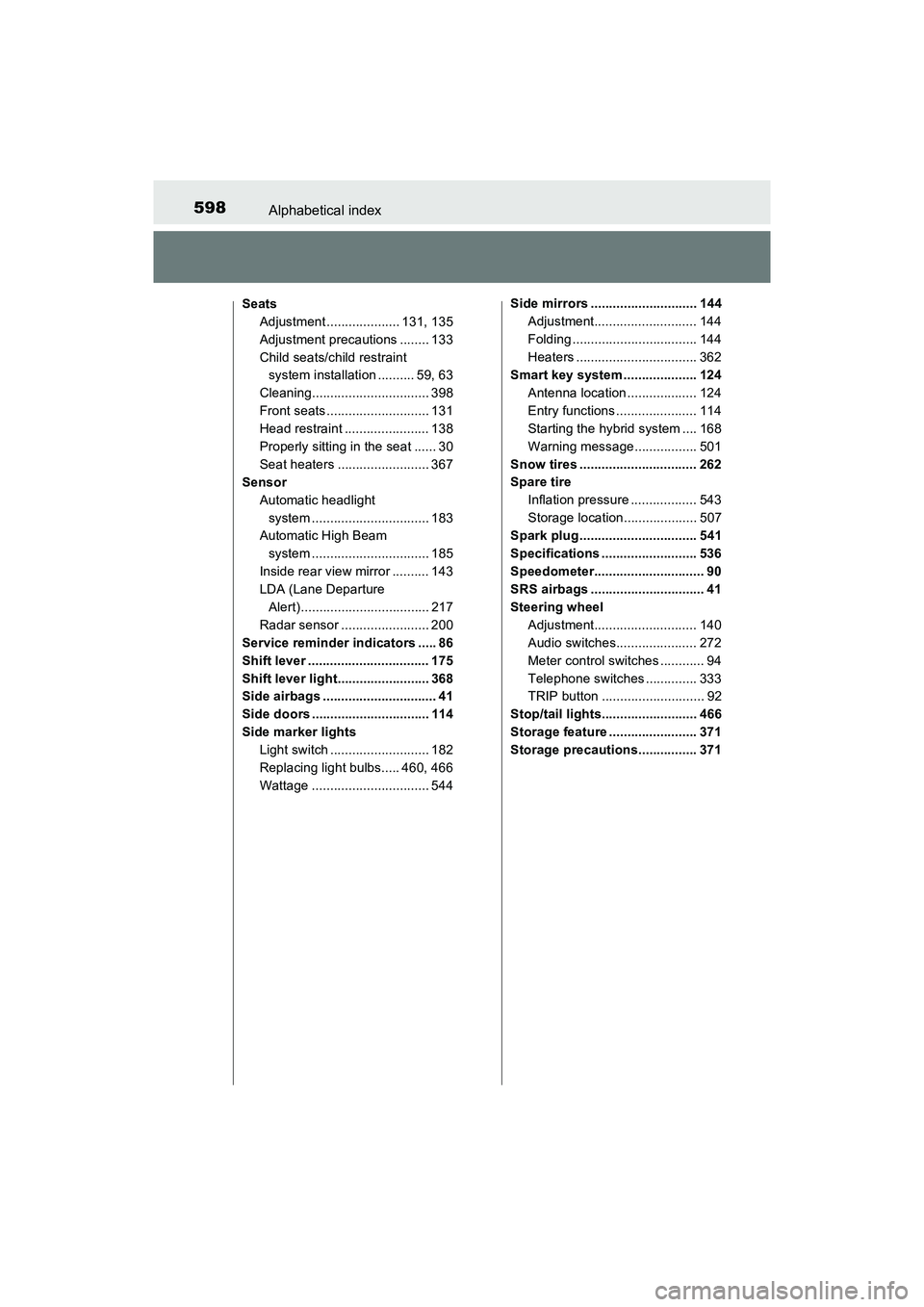
SeatsAdjustment .................... 131, 135
Adjustment precautions ........ 133
Child seats/child restraint system installation .......... 59, 63
Cleaning................................ 398
Front seats ............................ 131
Head restraint ....................... 138
Properly sitting in the seat ...... 30
Seat heaters ......................... 367
Sensor
Automatic headlight system ................................ 183
Automatic High Beam system ................................ 185
Inside rear view mirror .......... 143
LDA (Lane Departure Alert)................................... 217
Radar sensor ........................ 200
Service reminder indicators ..... 86
Shift lever ................................. 175
Shift lever light......................... 368
Side airbags ............................... 41
Side doors ................................ 114
Side marker lights Light switch ........................... 182
Replacing light bulbs..... 460, 466
Wattage ................................ 544 Side mirrors ............................. 144
Adjustment............................ 144
Folding .................................. 144
Heaters ................................. 362
Smart key system .................... 124
Antenna location ................... 124
Entry functions ...................... 114
Starting the hybrid system .... 168
Warning message................. 501
Snow tires ................................ 262
Spare tire Inflation pressure .................. 543
Storage location.................... 507
Spark plug ................................ 541
Specifications .......................... 536
Speedometer.............................. 90
SRS airbags ............................... 41
Steering wheel Adjustment............................ 140
Audio switches...................... 272
Meter control switches ............ 94
Telephone switches .............. 333
TRIP button ............................ 92
Stop/tail lights.......................... 466
Storage feature ........................ 371
Storage precautions................ 371
Page 601 of 607
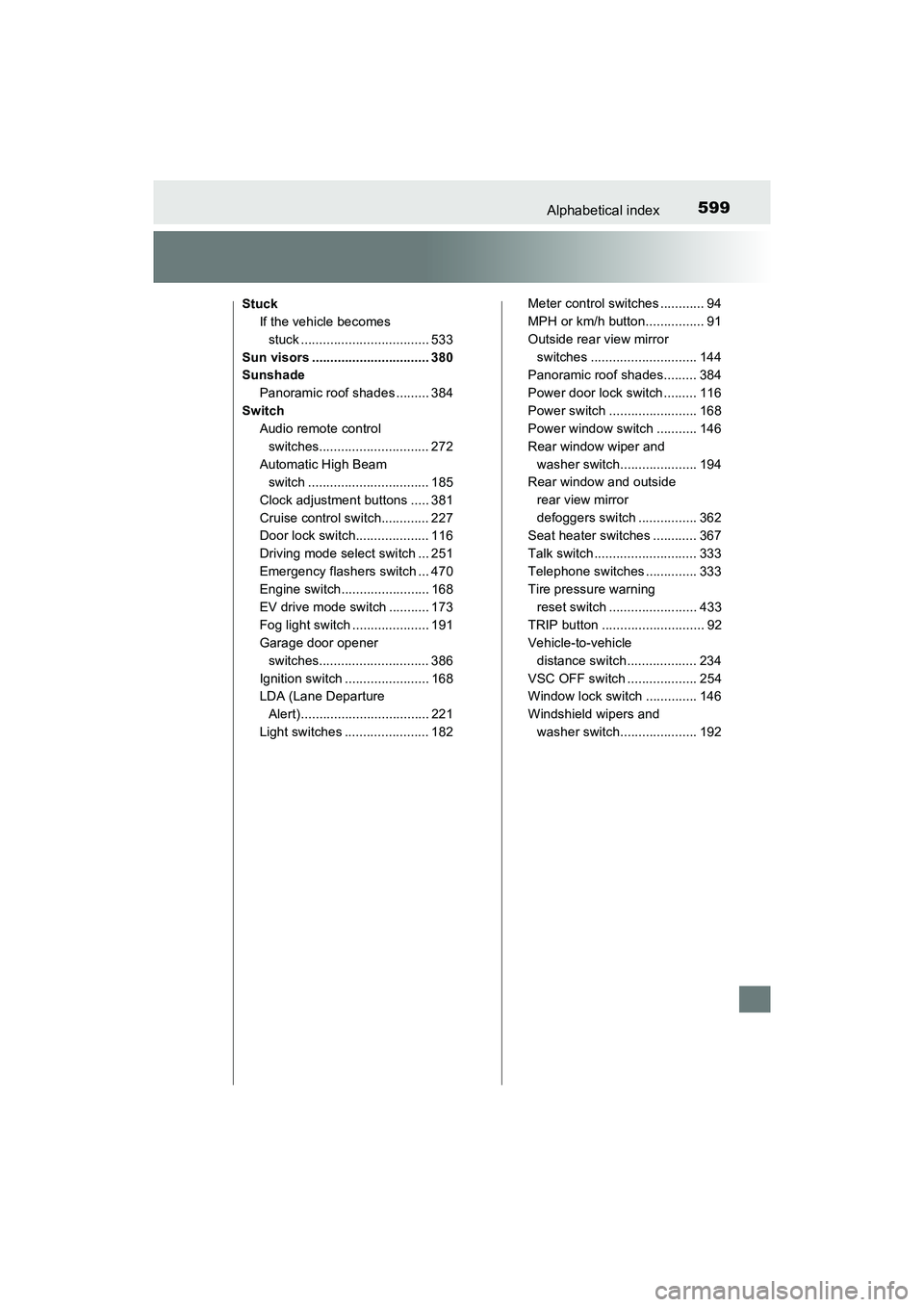
599Alphabetical index
PRIUS v_OM_OM47B78U_(U)
StuckIf the vehicle becomes stuck ................................... 533
Sun visors ................................ 380
Sunshade Panoramic roof shades ......... 384
Switch Audio remote control switches.............................. 272
Automatic High Beam switch ................................. 185
Clock adjustment buttons ..... 381
Cruise control switch............. 227
Door lock switch.................... 116
Driving mode select switch ... 251
Emergency flashers switch ... 470
Engine switch........................ 168
EV drive mode switch ........... 173
Fog light switch ..................... 191
Garage door opener switches.............................. 386
Ignition switch ....................... 168
LDA (Lane Departure Alert)................................... 221
Light switches ....................... 182 Meter control switches ............ 94
MPH or km/h button................ 91
Outside rear view mirror
switches ............................. 144
Panoramic roof shades......... 384
Power door lock switch ......... 116
Power switch ........................ 168
Power window switch ........... 146
Rear window wiper and
washer switch..................... 194
Rear window and outside
rear view mirror
defoggers switch ................ 362
Seat heater switches ............ 367
Talk switch ............................ 333
Telephone switches .............. 333
Tire pressure warning reset switch ........................ 433
TRIP button ............................ 92
Vehicle-to-vehicle distance switch ................... 234
VSC OFF switch ................... 254
Window lock switch .............. 146
Windshield wipers and washer switch..................... 192