check engine light TOYOTA PROACE CITY 2020 User Guide
[x] Cancel search | Manufacturer: TOYOTA, Model Year: 2020, Model line: PROACE CITY, Model: TOYOTA PROACE CITY 2020Pages: 272, PDF Size: 61.18 MB
Page 201 of 272
201
Bluetooth® audio system
10
Consultation call
From the contextual menu, select "Switch" and validate to return to a call left on hold.Confirm with OK.
Directory
To access the directory, press and hold SRC/TEL.Select "Directory" to see the list of contacts.Confirm with OK.
To modify the contacts saved in the system, press MENU then select "Telephone" and confirm.Select "Directory management" and confirm.You can:– "Consult an entry",– "Delete an entry",– "Delete all entries".The system accesses the telephone's
contacts directory, depending on its compatibility, and while it is connected via Bluetooth.With certain telephones connected by Bluetooth you can send a contact to the directory of the audio system.Contacts imported in this way are saved in a permanent directory visible to all, whatever the telephone connected.
The menu for the directory is not accessible if it is empty.
Voice recognition
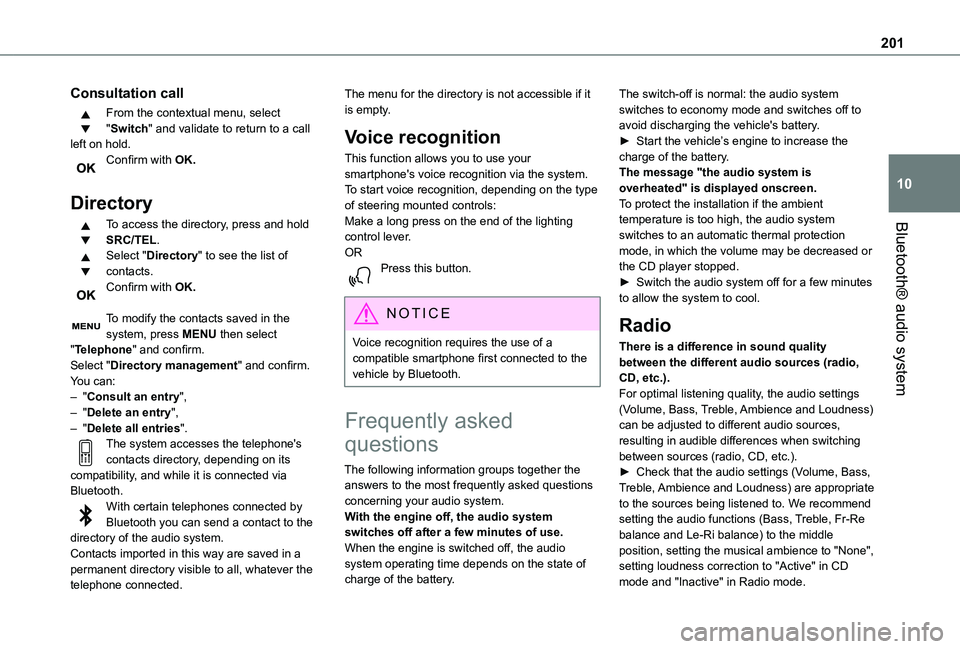
This function allows you to use your smartphone's voice recognition via the system.To start voice recognition, depending on the type of steering mounted controls:Make a long press on the end of the lighting control lever.ORPress this button.
NOTIC E
Voice recognition requires the use of a compatible smartphone first connected to the vehicle by Bluetooth.
Frequently asked
questions
The following information groups together the answers to the most frequently asked questions concerning your audio system.With the engine off, the audio system switches off after a few minutes of use.When the engine is switched off, the audio system operating time depends on the state of charge of the battery.
The switch-off is normal: the audio system switches to economy mode and switches off to avoid discharging the vehicle's battery.► Start the vehicle’s engine to increase the charge of the battery.The message "the audio system is overheated" is displayed onscreen.To protect the installation if the ambient temperature is too high, the audio system switches to an automatic thermal protection mode, in which the volume may be decreased or the CD player stopped.► Switch the audio system off for a few minutes to allow the system to cool.
Radio
There is a difference in sound quality between the different audio sources (radio, CD, etc.).For optimal listening quality, the audio settings (Volume, Bass, Treble, Ambience and Loudness) can be adjusted to different audio sources, resulting in audible differences when switching
between sources (radio, CD, etc.).► Check that the audio settings (Volume, Bass, Treble, Ambience and Loudness) are appropriate to the sources being listened to. We recommend setting the audio functions (Bass, Treble, Fr-Re balance and Le-Ri balance) to the middle position, setting the musical ambience to "None", setting loudness correction to "Active" in CD mode and "Inactive" in Radio mode.
Page 248 of 272
248
Level, AdBlue® 155Level, brake fluid 154Level, Diesel additive 155–156Level, engine coolant 16, 154Level, engine oil 153Levels and checks 152–154Level, screenwash fluid 72, 154Light-emitting diodes - LEDs 69, 170Lighting 67Lighting, exterior 67Lighting, guide-me home 69Lighting, welcome 70Loading 52, 150Load reduction mode 150Load restraint 51Locating your vehicle 24Locking 23–24, 28Locking from the inside 32–34Long load support bar 36Low fuel level 144–145Lumbar 42
M
Maintenance (advice) 160Maintenance, routine 11 6, 155Manoeuvring aids (recommendations) 11 4Markings, identification 190Mat 48, 11 6Memorising a speed 128Menu 2 11
Menu, main 193Menus (audio) 206–207, 219–220Messages 238Messages, quick 238Mirror, rear view 45Mirrors, door 44–45, 63, 134Misfuel prevention 145–146MP3 CD 197
N
Navigation 225–227Navigation, connected 227–229Number plate lamps 174
O
Obstacle detection 137Oil change 153Oil consumption 153
OIl, engine 153On-board tools 162–163Opening the bonnet 151–152Opening the boot 23Opening the doors 23Overhead storage 49
P
Pads, brake 156Paint 161, 190Paint colour code 190Parking brake 100, 156Parking brake, electric 101–103, 156Parking sensors, audible and visual 137Parking sensors, front 138Parking sensors, rear 138Plates, identification 190Player, Apple® 197, 210, 235Player, MP3 CD 196–197Player, USB 195, 209, 235Port, USB 49, 195, 209, 230, 235Pressures, tyres 156, 165, 169, 190Pre-tensioning seat belts 84Priming the fuel system 162Profiles 214, 239Programmable cruise control 122Protecting children 85–86, 88–89, 91–92Puncture 163, 165
R
Radar (warnings) 11 5Radio 193–194, 207–208, 210, 233Radio, digital (Digital Audio Broadcasting - DAB) 194, 209, 234Range, AdBlue 155RDS 208, 233–234