camera TOYOTA PROACE CITY 2022 Owners Manual
[x] Cancel search | Manufacturer: TOYOTA, Model Year: 2022, Model line: PROACE CITY, Model: TOYOTA PROACE CITY 2022Pages: 320, PDF Size: 75.81 MB
Page 3 of 320
3
Contents
Speed Limit Recognition and Recommendation 156Speed limiter 159Fixed speed limiter 161Cruise control - particular recommendations 162Programmable cruise control 162Adaptive Cruise Control 165Memorising speeds 169Active Safety Brake with Collision Risk Alert and Intelligent emergency braking assistance 169Active Lane Departure Warning System 173Blind Spot Monitoring System 176Distraction detection 178Parking sensors 179Reversing Camera 182Surround Rear Vision 183Top Rear Vision 186Park Assist 188
7Practical information
Compatibility of fuels 192Refuelling 192Misfuel prevention (Diesel) 194Charging system (Electric) 195Charging the traction battery (Electric) 202Energy economy mode 206Snow chains 206Very cold climate screen 207Towing device 208Overload indicator 209Roof bars / Roof rack 210Bonnet 2 11Engine compartment 212Checking levels 213Speed checks 215
AdBlue® (Diesel engines) 217Free-wheeling 220Advice on care and maintenance 221
8In the event of a breakdown
Running out of fuel (Diesel) 223Tool kit 223Temporary puncture repair kit 225Spare wheel 227Changing a bulb 230Fuses 23612 V battery / Accessory battery 237Towing 241
9Technical data
Dimensions 243Engine technical data and towed loads 248Petrol motors 249Diesel motors 251Electric motor 253Identification markings 254
10 Touch screen BLUETOOTH audio system
First steps 255Steering mounted controls 256Menus 256Radio 258DAB (Digital Audio Broadcasting) radio 259Media 259Telephone 261Settings 262Frequently asked questions 263
11TOYOTA Connect Radio
First steps 265Steering mounted controls 266Menus 267Applications 268Radio 268DAB (Digital Audio Broadcasting) radio 270Media 271Telephone 272Settings 275Frequently asked questions 277
12TOYOTA Connect Nav
First steps 279Steering mounted controls 280Menus 280Voice commands 282Navigation 286Connected navigation 288Applications 291Radio 294DAB (Digital Audio Broadcasting) radio 295Media 296Telephone 297Settings 300Frequently asked questions 303
■Alphabetical index
Page 95 of 320
95
Lighting and visibility
4
NOTIC E
The LEDs are brighter when operating as daytime running lamps.
Guide-me-home and
welcome lighting
Guide-me-home lighting
Automatic
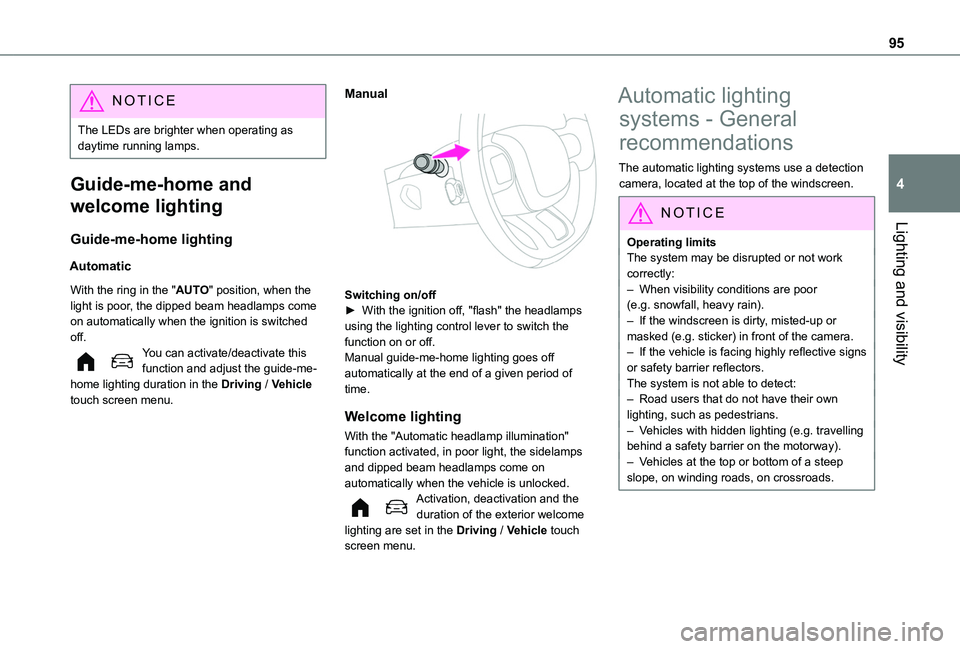
With the ring in the "AUTO" position, when the light is poor, the dipped beam headlamps come on automatically when the ignition is switched off.You can activate/deactivate this function and adjust the guide-me-home lighting duration in the Driving / Vehicle touch screen menu.
Manual
Switching on/off► With the ignition off, "flash" the headlamps using the lighting control lever to switch the function on or off.Manual guide-me-home lighting goes off automatically at the end of a given period of time.
Welcome lighting
With the "Automatic headlamp illumination"
function activated, in poor light, the sidelamps and dipped beam headlamps come on automatically when the vehicle is unlocked.Activation, deactivation and the duration of the exterior welcome lighting are set in the Driving / Vehicle touch screen menu.
Automatic lighting
systems - General
recommendations
The automatic lighting systems use a detection camera, located at the top of the windscreen.
NOTIC E
Operating limits
The system may be disrupted or not work correctly:– When visibility conditions are poor (e.g. snowfall, heavy rain).– If the windscreen is dirty, misted-up or masked (e.g. sticker) in front of the camera.– If the vehicle is facing highly reflective signs or safety barrier reflectors.The system is not able to detect:– Road users that do not have their own lighting, such as pedestrians.– Vehicles with hidden lighting (e.g. travelling behind a safety barrier on the motorway).– Vehicles at the top or bottom of a steep slope, on winding roads, on crossroads.
Page 96 of 320
96
WARNI NG
MaintenanceClean the windscreen regularly, particularly the area in front of the camera.The internal surface of the windscreen can also become misted around the camera. In humid and cold weather, demist the windscreen regularly.Do not allow snow to accumulate on the bonnet or roof of the vehicle as this could obstruct the camera.
Automatic headlamp
dipping
WARNI NG
For more information, refer to the General recommendations for automatic lighting systems.
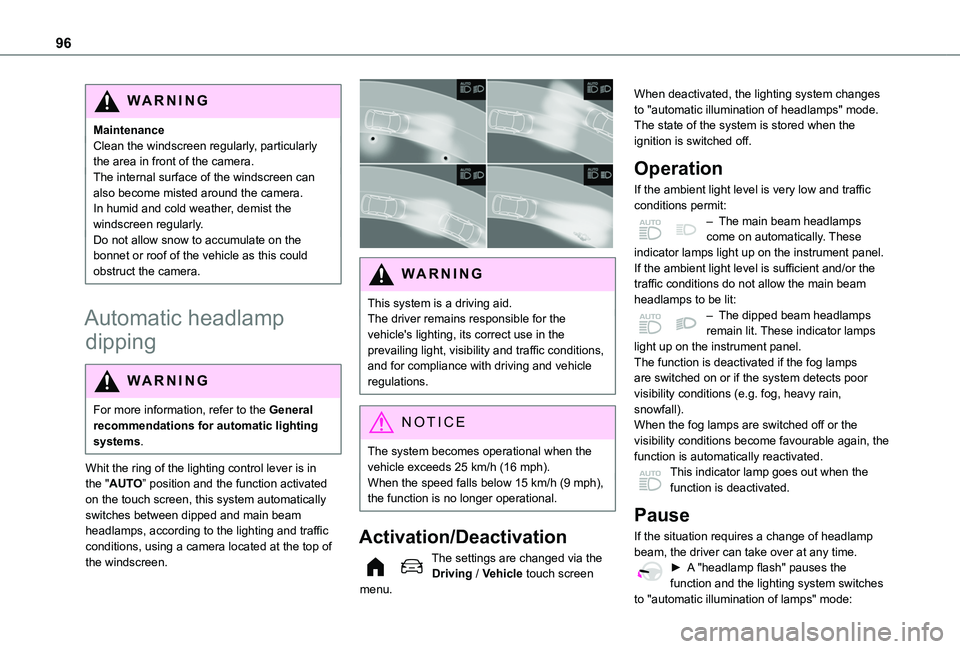
Whit the ring of the lighting control lever is in the "AUTO” position and the function activated on the touch screen, this system automatically switches between dipped and main beam headlamps, according to the lighting and traffic conditions, using a camera located at the top of the windscreen.
WARNI NG
This system is a driving aid.The driver remains responsible for the vehicle's lighting, its correct use in the prevailing light, visibility and traffic conditions, and for compliance with driving and vehicle regulations.
NOTIC E
The system becomes operational when the vehicle exceeds 25 km/h (16 mph).When the speed falls below 15 km/h (9 mph), the function is no longer operational.
Activation/Deactivation
The settings are changed via the Driving / Vehicle touch screen menu.
When deactivated, the lighting system changes to "automatic illumination of headlamps" mode.The state of the system is stored when the ignition is switched off.
Operation
If the ambient light level is very low and traffic conditions permit:– The main beam headlamps come on automatically. These indicator lamps light up on the instrument panel.If the ambient light level is sufficient and/or the traffic conditions do not allow the main beam headlamps to be lit:– The dipped beam headlamps remain lit. These indicator lamps light up on the instrument panel.The function is deactivated if the fog lamps are switched on or if the system detects poor visibility conditions (e.g. fog, heavy rain, snowfall).When the fog lamps are switched off or the visibility conditions become favourable again, the
function is automatically reactivated.This indicator lamp goes out when the function is deactivated.
Pause
If the situation requires a change of headlamp beam, the driver can take over at any time.► A "headlamp flash" pauses the function and the lighting system switches
to "automatic illumination of lamps" mode:
Page 97 of 320
97
Lighting and visibility
4
– If the "AUTO" and "Dipped beam" indicator lamps were on, the system changes to main beam.– If the "AUTO" and "Main beam" indicator lamps were on, the system changes to dipped beam.► To reactivate the function, once again switch the headlamps manually between dipped and main beam.
NOTIC E
The system may be disrupted or not work correctly:– When visibility conditions are poor (snowfall, heavy rain, etc.).– If the windscreen in front of the camera is dirty, misted or obscured (for example, by a sticker).– If the vehicle is facing highly reflective signs.When the system detects thick fog, it temporarily deactivates the function.
The system is not able to detect:– Road users that do not have their own lighting, such as pedestrians.– Vehicles whose lighting is obscured (for example, vehicles driving behind a safety barrier on a motorway).– Vehicles at the top or bottom of a steep slope, on winding roads, on crossroads.
WARNI NG
Clean the windscreen regularly, particularly the area in front of the camera.The internal surface of the windscreen can also become misted around the camera. In humid and cold weather, demist the windscreen regularly.Do not allow snow to accumulate on the bonnet or roof of the vehicle as this could obstruct the detection camera.
Headlamp beam height
adjustment
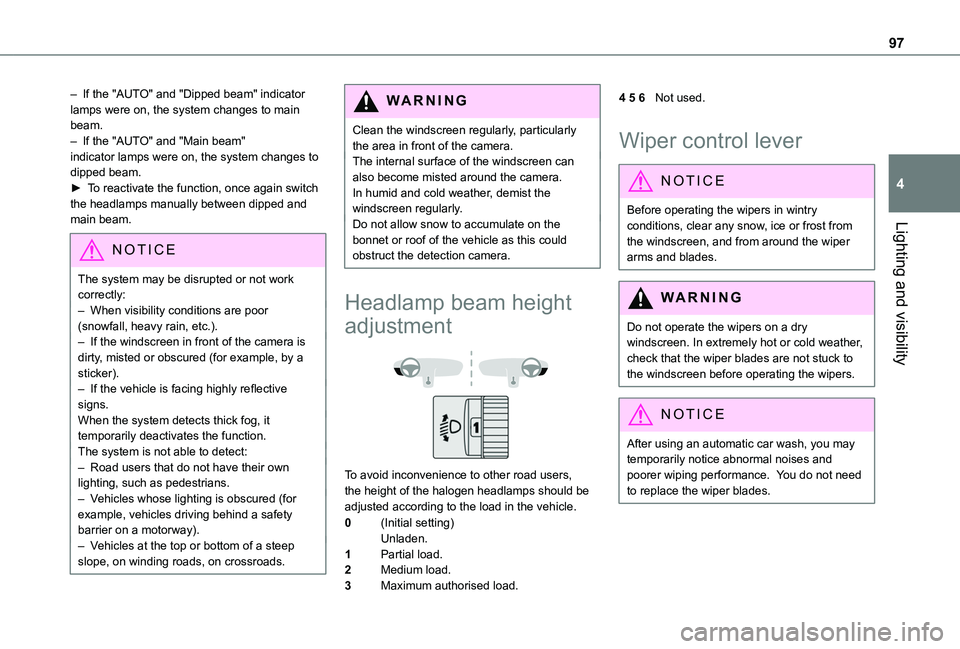
To avoid inconvenience to other road users, the height of the halogen headlamps should be adjusted according to the load in the vehicle.
0(Initial setting)Unladen.
1Partial load.
2Medium load.
3Maximum authorised load.
4 5 6Not used.
Wiper control lever
NOTIC E
Before operating the wipers in wintry conditions, clear any snow, ice or frost from the windscreen, and from around the wiper arms and blades.
WARNI NG
Do not operate the wipers on a dry windscreen. In extremely hot or cold weather, check that the wiper blades are not stuck to the windscreen before operating the wipers.
NOTIC E
After using an automatic car wash, you may temporarily notice abnormal noises and poorer wiping performance. You do not need to replace the wiper blades.
Page 155 of 320
155
Driving
6
NOTIC E
Driving aidsYou should hold the steering wheel with both hands, always use the interior and exterior rear view mirrors, always keep the feet close to the pedals and take a break every two hours.
NOTIC E
Manoeuvring aidsThe driver must always check the surroundings of the vehicle before and during the whole manoeuvre, in particular using the mirrors.
WARNI NG
Radar(s)The operation of the radar(s), along with any associated functions, may be affected by the accumulation of dirt (e.g. mud, ice), in poor weather conditions (e.g. heavy rain, snow), or if the bumpers are damaged.If the front bumper is to be repainted, contact any authorized Toyota retailer or Toyota authorized repairer, or any reliable repairer; certain types of paint could interfere with the operation of the radar(s).
WARNI NG
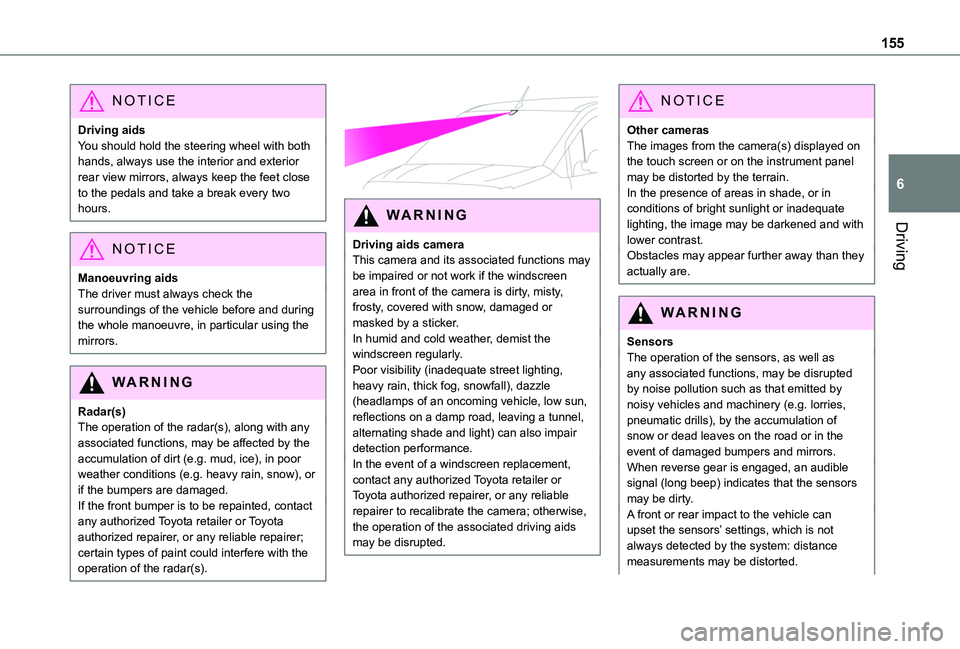
Driving aids cameraThis camera and its associated functions may be impaired or not work if the windscreen area in front of the camera is dirty, misty, frosty, covered with snow, damaged or masked by a sticker.In humid and cold weather, demist the windscreen regularly.Poor visibility (inadequate street lighting, heavy rain, thick fog, snowfall), dazzle (headlamps of an oncoming vehicle, low sun, reflections on a damp road, leaving a tunnel, alternating shade and light) can also impair
detection performance.In the event of a windscreen replacement, contact any authorized Toyota retailer or Toyota authorized repairer, or any reliable repairer to recalibrate the camera; otherwise, the operation of the associated driving aids may be disrupted.
NOTIC E
Other camerasThe images from the camera(s) displayed on the touch screen or on the instrument panel may be distorted by the terrain.In the presence of areas in shade, or in conditions of bright sunlight or inadequate lighting, the image may be darkened and with lower contrast.Obstacles may appear further away than they actually are.
WARNI NG
SensorsThe operation of the sensors, as well as any associated functions, may be disrupted by noise pollution such as that emitted by noisy vehicles and machinery (e.g. lorries, pneumatic drills), by the accumulation of snow or dead leaves on the road or in the
event of damaged bumpers and mirrors.When reverse gear is engaged, an audible signal (long beep) indicates that the sensors may be dirty.A front or rear impact to the vehicle can upset the sensors’ settings, which is not always detected by the system: distance measurements may be distorted.
Page 156 of 320
156
The sensors do not systematically detect obstacles that are too low (pavements, studs) or too thin (trees, posts, wire fences).Certain obstacles located in the sensors’ blind spots may not be detected or may no longer be detected during the manoeuvre.Certain materials (fabrics) absorb sound waves: pedestrians may not be detected.
NOTIC E
MaintenanceClean the bumpers and door mirrors and the field of vision of the cameras regularly.When washing your vehicle at high pressure, direct the spray from at least 30 cm away from the radar, sensors and cameras.
WARNI NG
Mats/Pedal trimsThe use of mats or pedal trims not approved
by TOYOTA may interfere with the operation of the speed limiter or cruise control.To avoid any risk of jamming the pedals:– Ensure that the mat is secured correctly.– Never fit one mat on top of another.
NOTIC E
Units of speedEnsure that the units of speed displayed on the instrument panel (km/h or mph) are those for the country you are driving in.If this is not the case, when the vehicle is stationary, set the display to the required units of speed so that it complies with what is authorised locally.In case of doubt, contact any authorized Toyota retailer or Toyota authorized repairer, or any reliable repairer.
Speed Limit Recognition
and Recommendation
WARNI NG
For more information, refer to the General recommendations on the use of driving and manoeuvring aids.
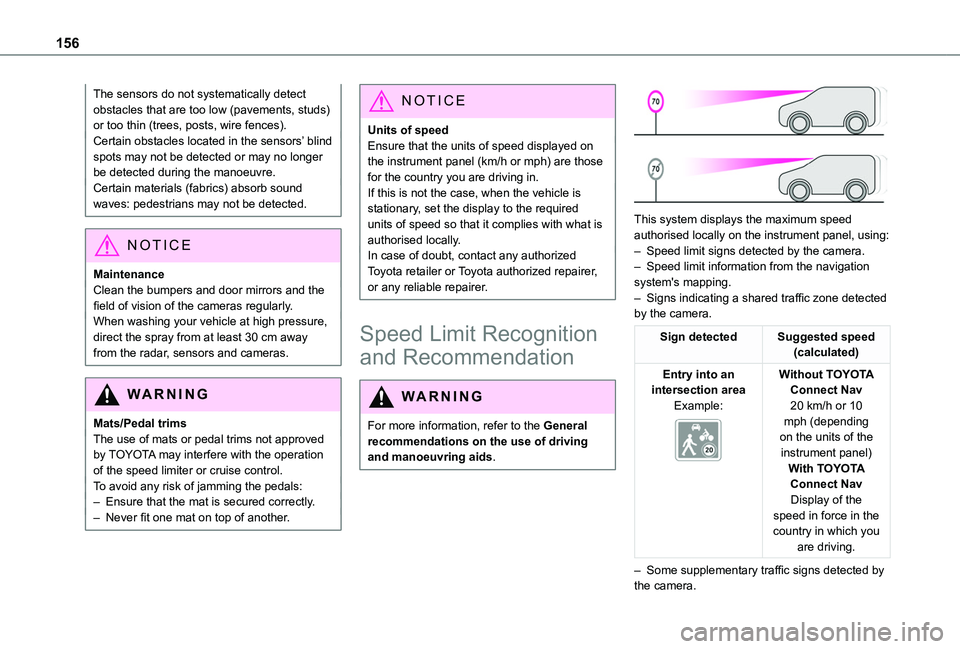
This system displays the maximum speed authorised locally on the instrument panel, using:
– Speed limit signs detected by the camera.– Speed limit information from the navigation system's mapping.– Signs indicating a shared traffic zone detected by the camera.
Sign detectedSuggested speed (calculated)
Entry into an intersection areaExample:
Without TOYOTA Connect Nav20 km/h or 10 mph (depending on the units of the instrument panel)With TOYOTA Connect NavDisplay of the speed in force in the country in which you are driving.
– Some supplementary traffic signs detected by the camera.
Page 165 of 320
165
Driving
6
Switching off
► Turn the thumbwheel 1 to the "0” position: the cruise control information disappears from the screen.
Malfunction
In the event of a malfunction, dashes are displayed flashing and then fixed instead of the speed setting.Have it checked by any authorized Toyota retailer or Toyota authorized repairer, or any reliable repairer.
Adaptive Cruise Control
WARNI NG
For more information, refer to the General recommendations on the use of driving and manoeuvring aids and to Cruise control - particular recommendations.
This system automatically maintains the vehicle speed at a value set by the driver (speed setting), while respecting a safety distance from the vehicle in front (target vehicle) previously set by the driver. The system automatically manages the acceleration and deceleration of the vehicle.With a manual gearbox, the system slows the vehicle down as far as a speed of 30 km/h (19 mph).With the Stop function, the system manages the braking until the vehicle comes to a complete stop.
WARNI NG
The brake lamps come on if the vehicle is slowed down by the system.It can be dangerous to drive if the brake lamps are not in perfect working order.
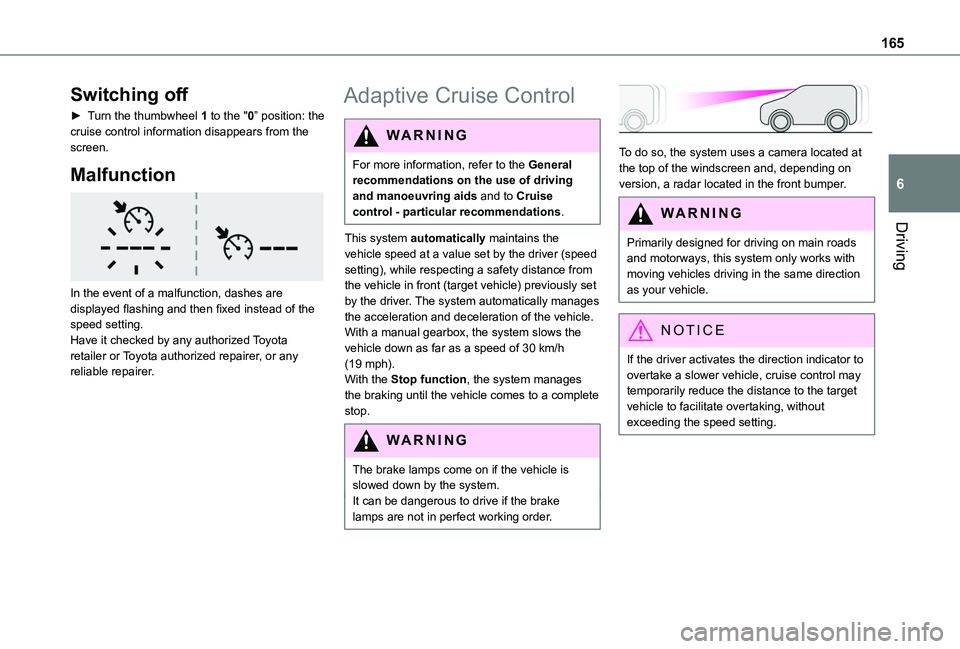
To do so, the system uses a camera located at the top of the windscreen and, depending on version, a radar located in the front bumper.
WARNI NG
Primarily designed for driving on main roads and motorways, this system only works with moving vehicles driving in the same direction as your vehicle.
NOTIC E
If the driver activates the direction indicator to overtake a slower vehicle, cruise control may temporarily reduce the distance to the target vehicle to facilitate overtaking, without exceeding the speed setting.
Page 168 of 320
168
► Brake or accelerate, depending on the context."Take back control" (red).
► Take back control of the vehicle immediately: the system cannot manage the current driving situation."Activation not possible, conditions unsuitable". The system refuses to activate cruise control, as the necessary conditions are not fulfilled.
Stop function
"Cruise control paused" (for a few seconds).The system has brought the vehicle to a complete stop and is holding it immobilised: cruise control is paused.The driver must accelerate to move off again, then reactivate cruise control.
Operating limits
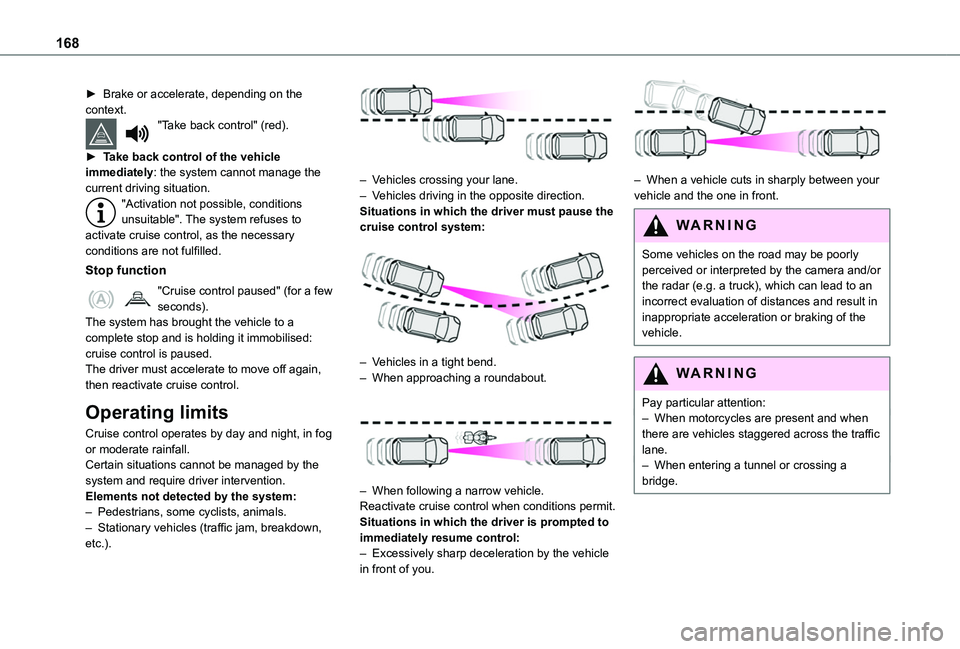
Cruise control operates by day and night, in fog
or moderate rainfall.Certain situations cannot be managed by the system and require driver intervention.Elements not detected by the system:– Pedestrians, some cyclists, animals.– Stationary vehicles (traffic jam, breakdown, etc.).
– Vehicles crossing your lane.– Vehicles driving in the opposite direction.Situations in which the driver must pause the cruise control system:
– Vehicles in a tight bend.– When approaching a roundabout.
– When following a narrow vehicle.Reactivate cruise control when conditions permit.Situations in which the driver is prompted to immediately resume control:– Excessively sharp deceleration by the vehicle in front of you.
– When a vehicle cuts in sharply between your vehicle and the one in front.
WARNI NG
Some vehicles on the road may be poorly perceived or interpreted by the camera and/or the radar (e.g. a truck), which can lead to an incorrect evaluation of distances and result in inappropriate acceleration or braking of the vehicle.
WARNI NG
Pay particular attention:– When motorcycles are present and when there are vehicles staggered across the traffic lane.– When entering a tunnel or crossing a bridge.
Page 169 of 320
169
Driving
6
WARNI NG
If any of the following malfunctions occurs, do not use the system:– Following an impact on the windscreen close to the camera.– Brake lamps not working.
WARNI NG
If the vehicle has undergone any of the following modifications, do not use the system:– Carrying long objects on roof bars or a roof rack.– Towing.– Front end of the vehicle modified (for example by adding long-range headlamps or painting the front bumper).– Obstructed radar.
Malfunction
In the event of a cruise control malfunction, dashes are displayed instead of the cruise control speed setting.This warning lamp comes on, accompanied by an audible signal and an onscreen message, to indicate a system malfunction.Have the system checked by a TOYOTA dealer or a qualified workshop.
Memorising speeds
This function, used only for the speed limiter and programmable cruise control, lets you save speed settings that will subsequently be proposed for the purpose of configuring these two systems.You can memorise multiple speed settings for each of the two systems.By default, some speed settings are already memorised.
WARNI NG
As a safety measure, the driver must only change speed settings when stationary.
Changing a speed setting
Speed setting can be activated, deactivated, selected and changed in the Driving / Vehicle touch screen menu.
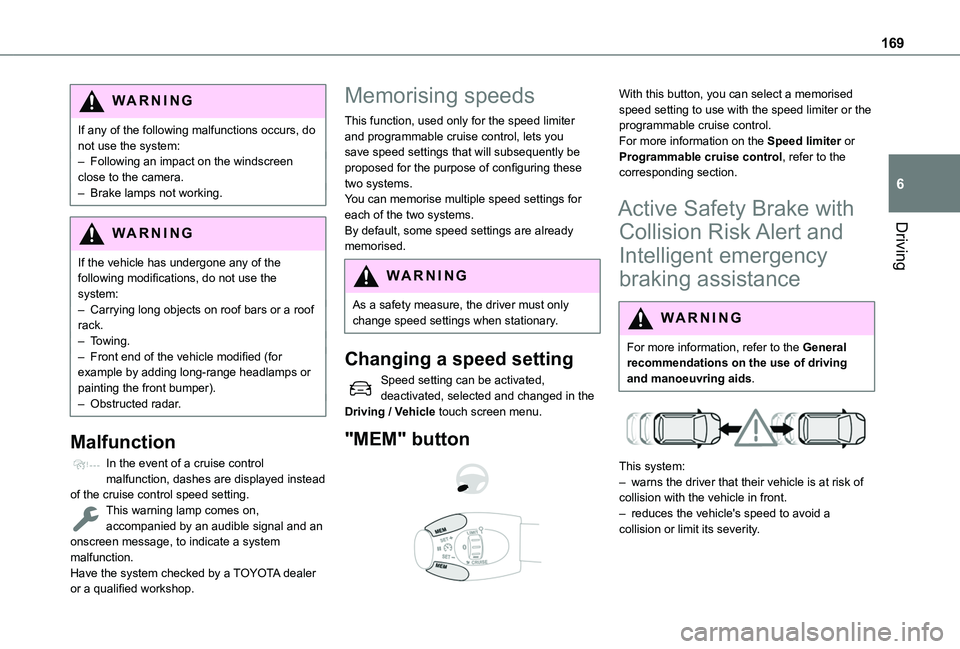
"MEM" button
With this button, you can select a memorised speed setting to use with the speed limiter or the programmable cruise control.For more information on the Speed limiter or Programmable cruise control, refer to the corresponding section.
Active Safety Brake with
Collision Risk Alert and
Intelligent emergency
braking assistance
WARNI NG
For more information, refer to the General recommendations on the use of driving and manoeuvring aids.
This system:
– warns the driver that their vehicle is at risk of collision with the vehicle in front.– reduces the vehicle's speed to avoid a collision or limit its severity.
Page 170 of 320
170
WARNI NG
The system also takes motorcyclists and animals into account; however, animals below 0.5 m (1 ft 6") tall and objects on the road are not necessarily detected.
This system is comprised of three functions:– Collision Risk Alert.– Intelligent emergency braking assistance (iEBA).– Active Safety Brake (automatic emergency braking).
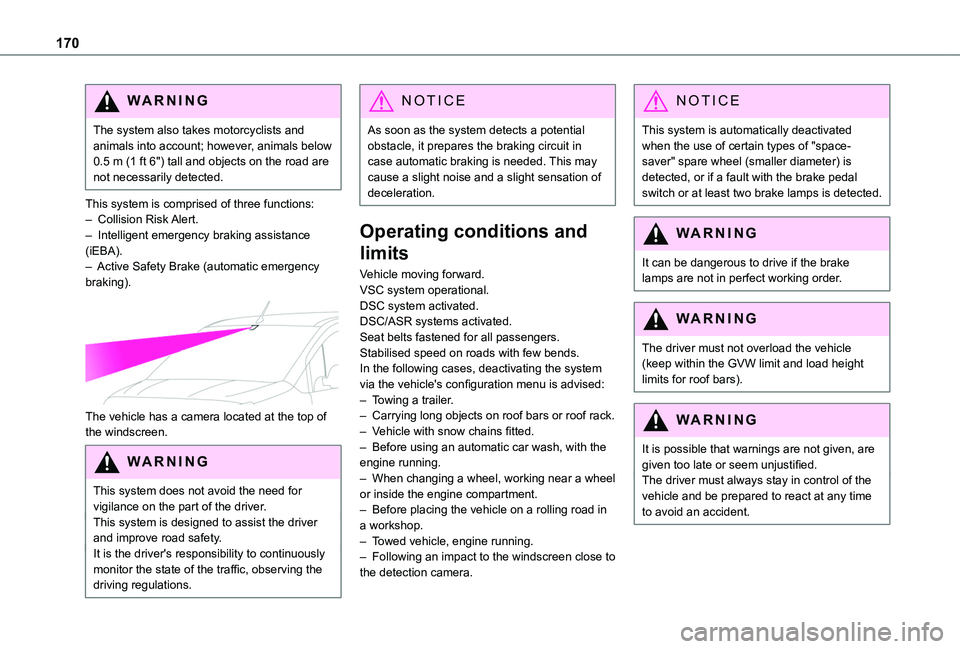
The vehicle has a camera located at the top of the windscreen.
W ARNI NG
This system does not avoid the need for vigilance on the part of the driver.This system is designed to assist the driver and improve road safety.It is the driver's responsibility to continuously monitor the state of the traffic, observing the driving regulations.
NOTIC E
As soon as the system detects a potential obstacle, it prepares the braking circuit in case automatic braking is needed. This may cause a slight noise and a slight sensation of deceleration.
Operating conditions and
limits
Vehicle moving forward.VSC system operational.DSC system activated.DSC/ASR systems activated.Seat belts fastened for all passengers.Stabilised speed on roads with few bends.In the following cases, deactivating the system via the vehicle's configuration menu is advised:– Towing a trailer.– Carrying long objects on roof bars or roof rack.– Vehicle with snow chains fitted.
– Before using an automatic car wash, with the engine running.– When changing a wheel, working near a wheel or inside the engine compartment.– Before placing the vehicle on a rolling road in a workshop.– Towed vehicle, engine running.– Following an impact to the windscreen close to the detection camera.
NOTIC E
This system is automatically deactivated when the use of certain types of "space-saver" spare wheel (smaller diameter) is detected, or if a fault with the brake pedal switch or at least two brake lamps is detected.
WARNI NG
It can be dangerous to drive if the brake lamps are not in perfect working order.
WARNI NG
The driver must not overload the vehicle (keep within the GVW limit and load height limits for roof bars).
WARNI NG
It is possible that warnings are not given, are given too late or seem unjustified.The driver must always stay in control of the vehicle and be prepared to react at any time to avoid an accident.