warning TOYOTA PROACE VERSO 2018 Repair Manual
[x] Cancel search | Manufacturer: TOYOTA, Model Year: 2018, Model line: PROACE VERSO, Model: TOYOTA PROACE VERSO 2018Pages: 504, PDF Size: 80.57 MB
Page 217 of 504
217
Operating fault
Depending on your vehicle's equipment:
Have it checked by an authorized Toyota dealer or repairer, or another duly qualified and equipped professional.In the event of a fault in STOP mode, the vehicle may stall.All of the instrument panel warning lamps come on.Depending on version, an alert message may also be displayed, asking you to place the gear lever in position N and put your foot on the brake pedal.With the vehicle stationary, you must switch off the ignition and then start the engine again.
The Stop & Start system requires a 12 V battery with a special specification and technology.
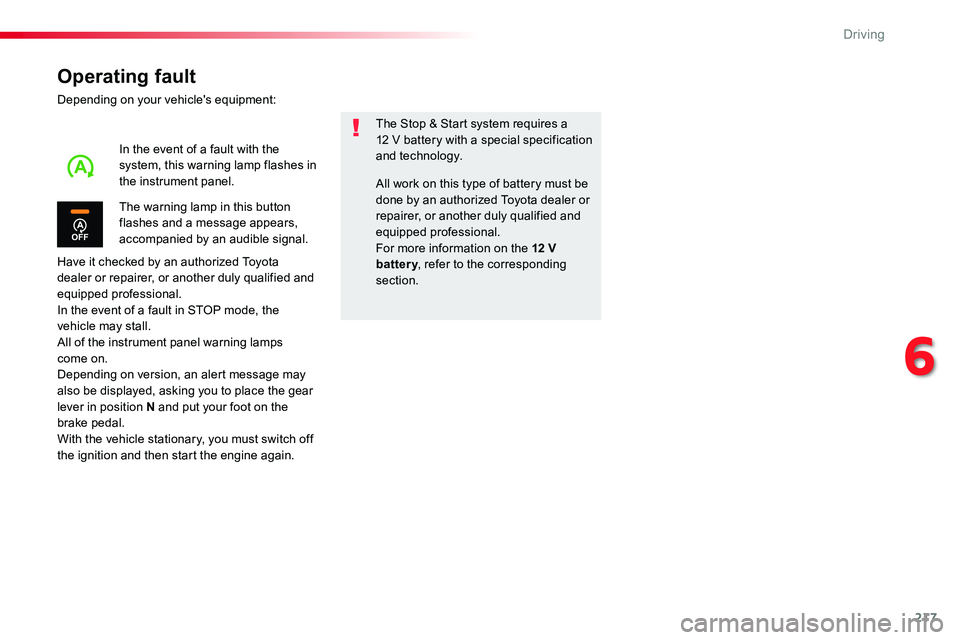
The warning lamp in this button flashes and a message appears,
accompanied by an audible signal.
In the event of a fault with the system, this warning lamp flashes in the instrument panel.All work on this type of battery must be done by an authorized Toyota dealer or repairer, or another duly qualified and equipped professional.For more information on the 12 V battery, refer to the corresponding section.
6
Driving
Page 235 of 504
235
This value remains in memory, regardless of the state of the system.
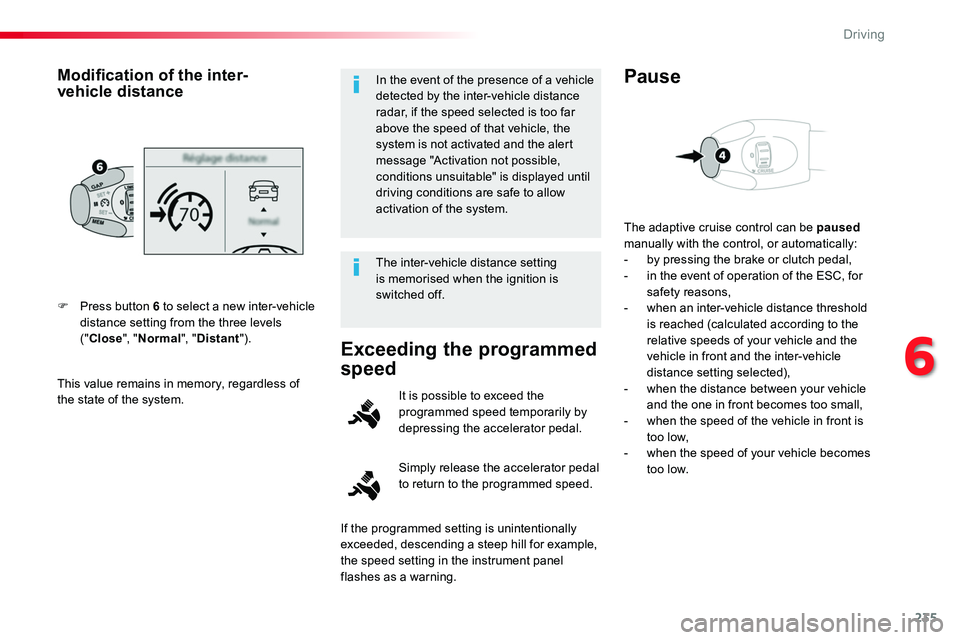
F Press button 6 to select a new inter-vehicle distance setting from the three levels ("Close", "Normal", "Distant").
Modification of the inter-vehicle distanceIn the event of the presence of a vehicle detected by the inter-vehicle distance radar, if the speed selected is too far above the speed of that vehicle, the system is not activated and the alert message "Activation not possible, conditions unsuitable" is displayed until driving conditions are safe to allow activation of the system.
The inter-vehicle distance setting is memorised when the ignition is switched off.
Exceeding the programmed
speed
Simply release the accelerator pedal to return to the programmed speed.
It is possible to exceed the programmed speed temporarily by depressing the accelerator pedal.
The adaptive cruise control can be paused manually with the control, or automatically:- by pressing the brake or clutch pedal,- in the event of operation of the ESC, for safety reasons,- when an inter-vehicle distance threshold is reached (calculated according to the relative speeds of your vehicle and the vehicle in front and the inter-vehicle distance setting selected),- when the distance between your vehicle and the one in front becomes too small,- when the speed of the vehicle in front is too low,- when the speed of your vehicle becomes too low.
Pause
If the programmed setting is unintentionally exceeded, descending a steep hill for example, the speed setting in the instrument panel flashes as a warning.
6
Driving
Page 239 of 504
239
Forward collision warning and Autonomous
emergency braking system with Pedestrian
Detection
Conditions for operation
The Autonomous emergency braking system operates:- between 3 and 87 mph (5 and 140 km/h), in the case of a moving vehicle,- at a speed below 50 mph (80 km/h), in the case of a stationary vehicle,- at a speed below 36 mph (60 km/h), in the case of a pedestrian,- if the passenger seat belts are fastened,- if the vehicle is not accelerating sharply,- if the vehicle is not in a tight corner.
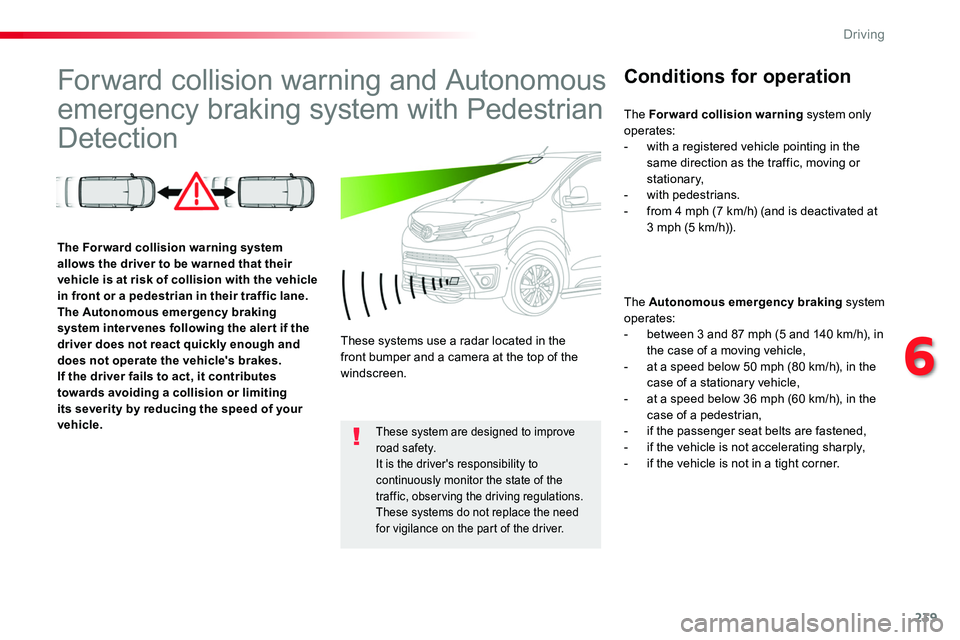
The Forward collision warning system allows the driver to be warned that their vehicle is at risk of collision with the vehicle in front or a pedestrian in their traffic lane.The Autonomous emergency braking system inter venes following the aler t if the driver does not react quickly enough and does not operate the vehicle's brakes.If the driver fails to act, it contributes towards avoiding a collision or limiting its severity by reducing the speed of your vehicle.
These systems use a radar located in the front bumper and a camera at the top of the windscreen.
These system are designed to improve road safety.It is the driver's responsibility to continuously monitor the state of the traffic, observing the driving regulations.These systems do not replace the need for vigilance on the part of the driver.
The Forward collision warning system only operates:- with a registered vehicle pointing in the same direction as the traffic, moving or stationary,- with pedestrians.- from 4 mph (7 km/h) (and is deactivated at 3 mph (5 km/h)).
6
Driving
Page 240 of 504
240
The Autonomous emergency braking system does not operate:- if the front bumper is damaged,- if the system has been triggered in the last 10 seconds,- if the electronic stability control system has a fault.
Limits of operation
It is recommended that the system be deactivated in the vehicle configuration menu in the following cases:- if the windscreen has impact damage close to the detection camera,- when towing a trailer or caravan,- when a load on the roof rack extends beyond the windscreen (for example: long objects),- when the vehicle is being towed, with the engine running,- when a "space-saver" type spare wheel is fitted (if your vehicle has one),- when on a rolling road for a service in a workshop,- when in an automatic car wash,- if the brake lamps are not working.
Following an impact, the system is automatically disabled; contact an authorized Toyota dealer or repairer, or another duly qualified and equipped professional to have the system checked.
Forward collision warning
Depending on the degree of risk of collision detected by the system and the alert threshold chosen, different levels of alert can be triggered and displayed in the instrument panel or the head-up display.
This level of alert is based on the inter-vehicle time between your vehicle and the vehicle ahead.
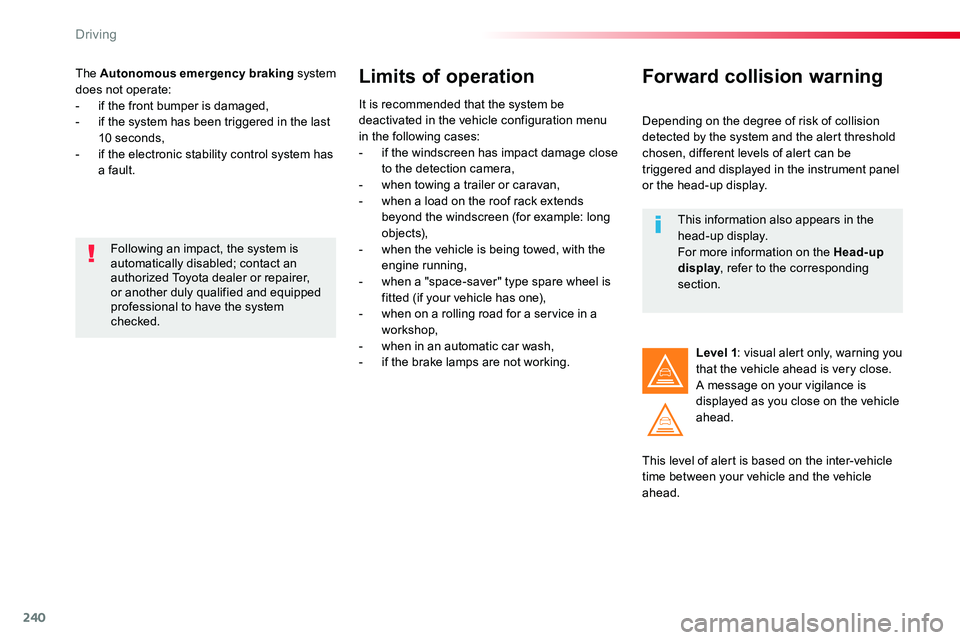
Level 1: visual alert only, warning you that the vehicle ahead is very close.A message on your vigilance is displayed as you close on the vehicle ahead.
This information also appears in the head-up display.For more information on the Head-up display, refer to the corresponding section.
Driving
Page 241 of 504
241
This level of alert is based on the time before collision. It takes account of the vehicle dynamics, the speed of your vehicle and the
one in front, the environmental conditions, the operation of the vehicle (cornering, pedals pressed, etc.) to trigger the alert at the best moment.
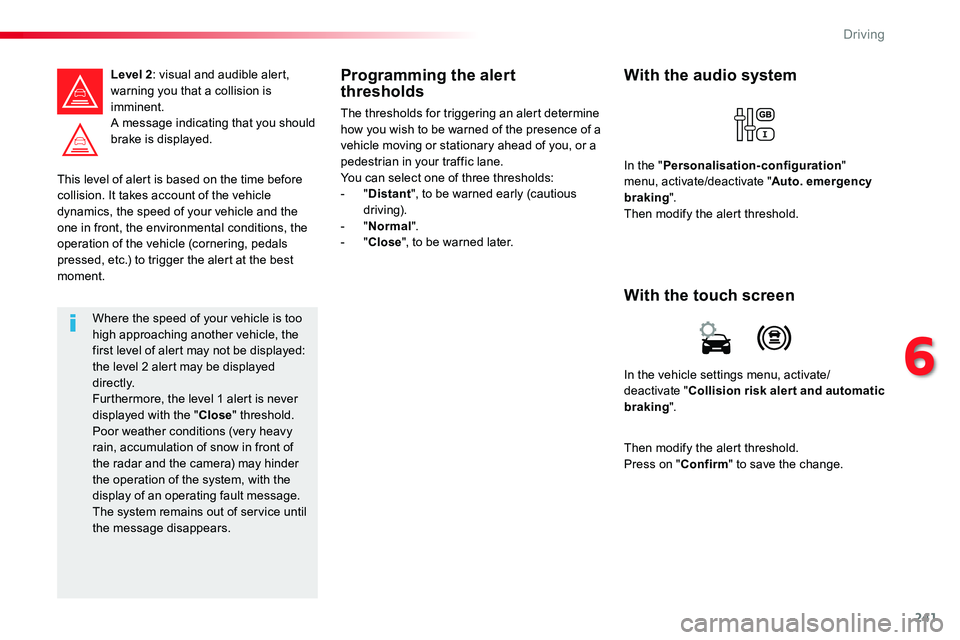
Level 2: visual and audible alert, warning you that a collision is imminent.A message indicating that you should brake is displayed.
Where the speed of your vehicle is too high approaching another vehicle, the first level of alert may not be displayed: the level 2 alert may be displayed di r e c t l y.Furthermore, the level 1 alert is never displayed with the "Close" threshold.Poor weather conditions (very heavy rain, accumulation of snow in front of the radar and the camera) may hinder the operation of the system, with the display of an operating fault message. The system remains out of service until the message disappears.
Programming the alert thresholds
The thresholds for triggering an alert determine how you wish to be warned of the presence of a vehicle moving or stationary ahead of you, or a pedestrian in your traffic lane.You can select one of three thresholds:- "Distant", to be warned early (cautious driving).- "Normal".- "Close", to be warned later.
In the vehicle settings menu, activate/deactivate "Collision risk alert and automatic braking".
With the touch screen
With the audio system
In the "Personalisation-configuration" menu, activate/deactivate "Auto. emergency braking".Then modify the alert threshold.
Then modify the alert threshold.Press on "Confirm" to save the change.
6
Driving
Page 242 of 504
242
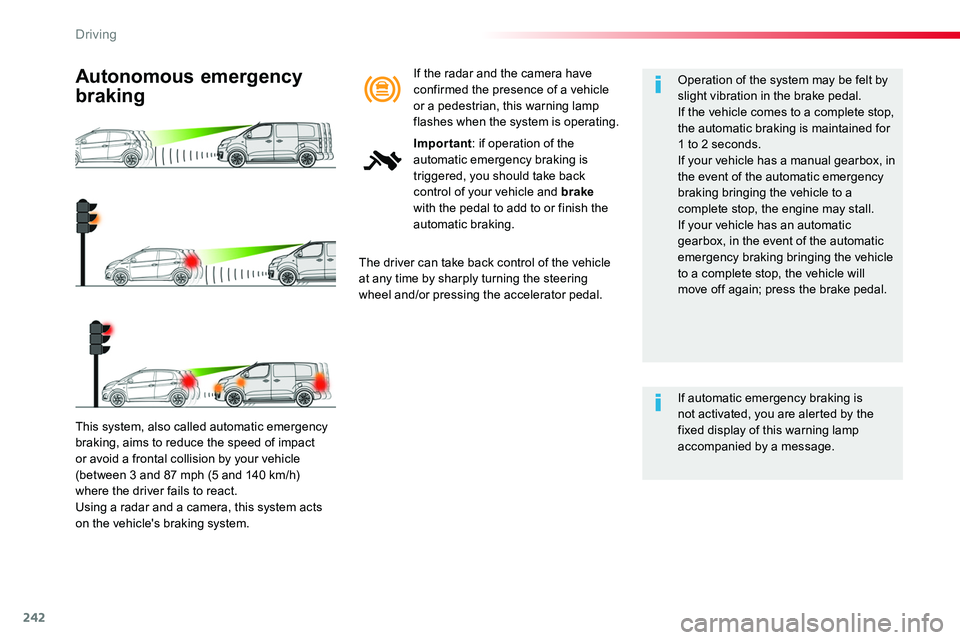
This system, also called automatic emergency
braking, aims to reduce the speed of impact or avoid a frontal collision by your vehicle (between 3 and 87 mph (5 and 140 km/h) where the driver fails to react.Using a radar and a camera, this system acts on the vehicle's braking system.
Autonomous emergency
braking
The driver can take back control of the vehicle at any time by sharply turning the steering wheel and/or pressing the accelerator pedal.
Operation of the system may be felt by slight vibration in the brake pedal.If the vehicle comes to a complete stop, the automatic braking is maintained for 1 to 2 seconds.If your vehicle has a manual gearbox, in the event of the automatic emergency braking bringing the vehicle to a complete stop, the engine may stall.
If your vehicle has an automatic gearbox, in the event of the automatic emergency braking bringing the vehicle to a complete stop, the vehicle will move off again; press the brake pedal.
If automatic emergency braking is not activated, you are alerted by the fixed display of this warning lamp accompanied by a message.
If the radar and the camera have confirmed the presence of a vehicle or a pedestrian, this warning lamp flashes when the system is operating.
Important: if operation of the automatic emergency braking is triggered, you should take back control of your vehicle and brake with the pedal to add to or finish the automatic braking.
Driving
Page 243 of 504
243
Deactivation / Activation of
the alert and the braking
By default, the function is automatically activated at every engine start.The deactivation or activation of the function is done in the vehicle configuration menu.
With the audio system
In the "Personalisation-configuration" menu, activate/deactivate "Auto. emergency braking".
Autonomous emergency braking system with Pedestrian Detection
If the driver does not brake sufficiently to avoid an accident, this system will complete the braking.This emergency braking system will not act if you press the brake pedal.
With the touch screen
In the vehicle settings menu, activate/deactivate "Collision risk alert and automatic
braking".
In the event of a fault, you are alerted by the illumination of this warning lamp, accompanied by an audible signal and a message.Contact an authorized Toyota dealer or repairer, or another duly qualified and equipped professional.
Operating fault
There may be inter ference in the operation of the camera or it not work at all in the following situations:- poor visibility (inadequate street lighting, falling snow or rain, fog, ...),- dazzle (headlamps of an approaching vehicle on the other side of the road, low sun, reflection on a wet road, leaving a tunnel, alternating between light and shade, ...),- the area in front of the windscreen: dirty, misty, frosty, snow-covered,
damaged or covered by a sticker.The operation of the radar, located in the front bumper, may be disturbed in certain weather conditions: with accumulations of snow, ice, mud, ...
6
Driving
Page 244 of 504
244
Clean the front bumper, removing the snow, mud, ...
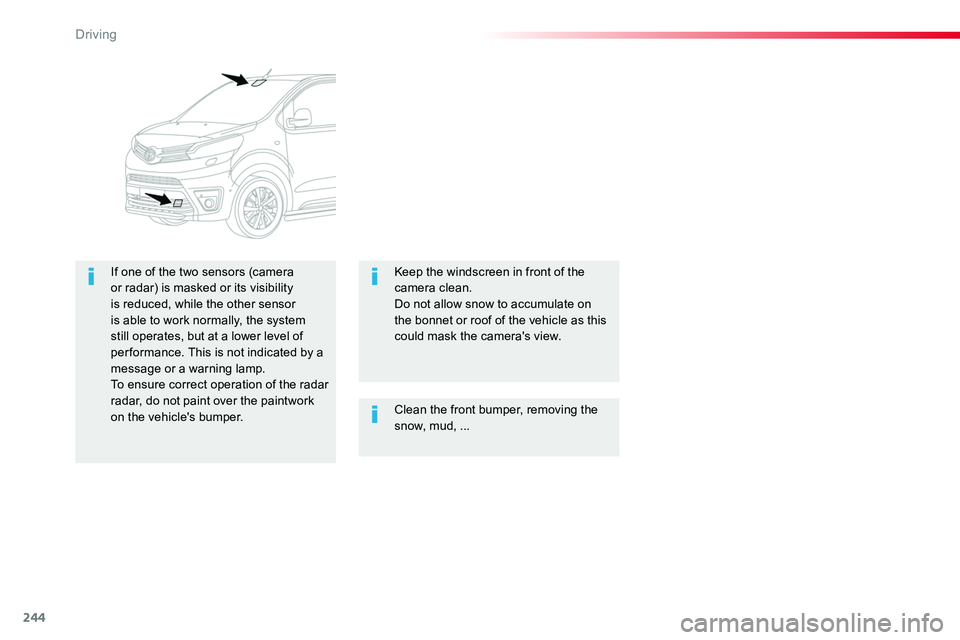
If one of the two sensors (camera or radar) is masked or its visibility is reduced, while the other sensor is able to work normally, the system still operates, but at a lower level of per formance. This is not indicated by a message or a warning lamp.To ensure correct operation of the radar radar, do not paint over the paintwork on the vehicle's bumper.
Keep the windscreen in front of the camera clean.Do not allow snow to accumulate on the bonnet or roof of the vehicle as this could mask the camera's view.
Driving
Page 245 of 504
245
Lane Departure Alert
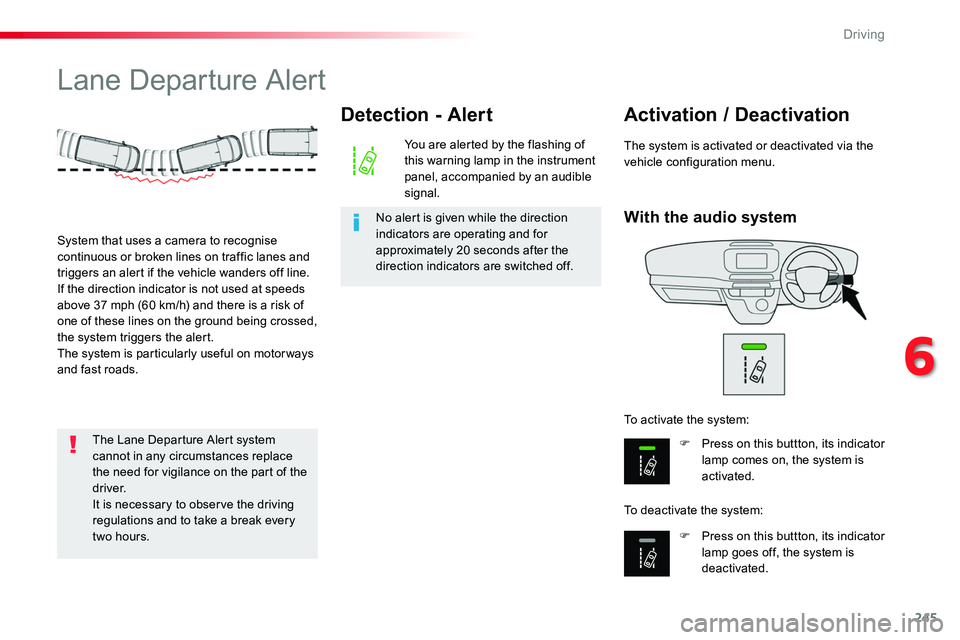
With the audio system
Activation / Deactivation
F Press on this buttton, its indicator lamp comes on, the system is activated.
F Press on this buttton, its indicator lamp goes off, the system is deactivated.
To activate the system:
To deactivate the system:
The system is activated or deactivated via the vehicle configuration menu.
System that uses a camera to recognise continuous or broken lines on traffic lanes and triggers an alert if the vehicle wanders off line.If the direction indicator is not used at speeds above 37 mph (60 km/h) and there is a risk of one of these lines on the ground being crossed, the system triggers the alert.The system is particularly useful on motor ways and fast roads.
Detection - Alert
You are alerted by the flashing of this warning lamp in the instrument panel, accompanied by an audible signal.
No alert is given while the direction indicators are operating and for approximately 20 seconds after the direction indicators are switched off.
The Lane Departure Alert system cannot in any circumstances replace the need for vigilance on the part of the driver.It is necessary to observe the driving regulations and to take a break every
two hours.
6
Driving
Page 246 of 504
246
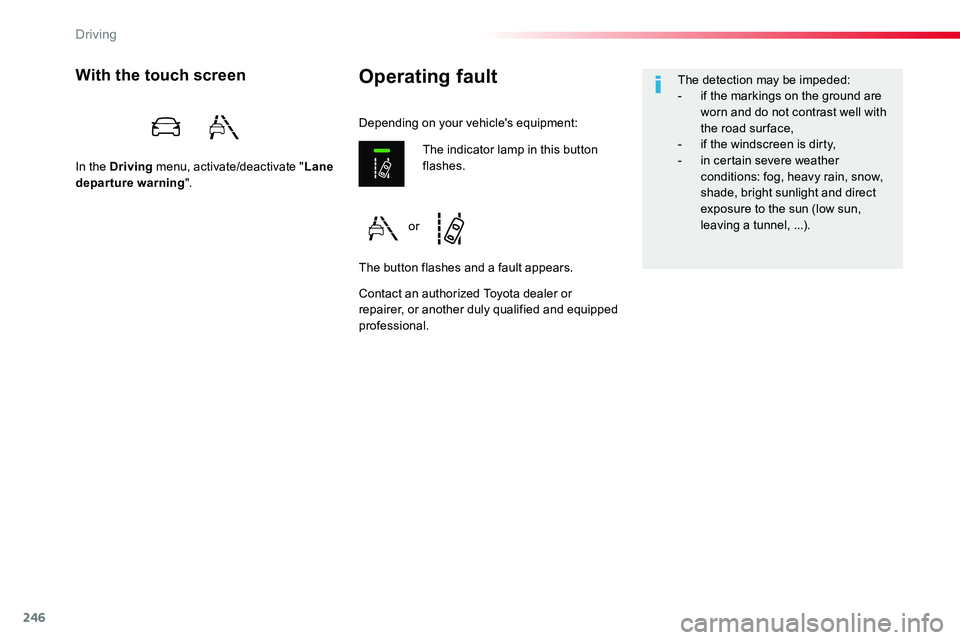
Operating faultWith the touch screen
In the Driving menu, activate/deactivate "Lane departure warning".
Contact an authorized Toyota dealer or repairer, or another duly qualified and equipped professional.
The indicator lamp in this button flashes.
The button flashes and a fault appears.
Depending on your vehicle's equipment:
The detection may be impeded:- if the markings on the ground are worn and do not contrast well with the road sur face,- if the windscreen is dirty,- in certain severe weather conditions: fog, heavy rain, snow, shade, bright sunlight and direct exposure to the sun (low sun,
leaving a tunnel, ...).or
Driving