hood open TOYOTA RAV4 PLUG-IN HYBRID 2021 Owners Manual
[x] Cancel search | Manufacturer: TOYOTA, Model Year: 2021, Model line: RAV4 PLUG-IN HYBRID, Model: TOYOTA RAV4 PLUG-IN HYBRID 2021Pages: 666, PDF Size: 161.28 MB
Page 15 of 666
13Pictorial index
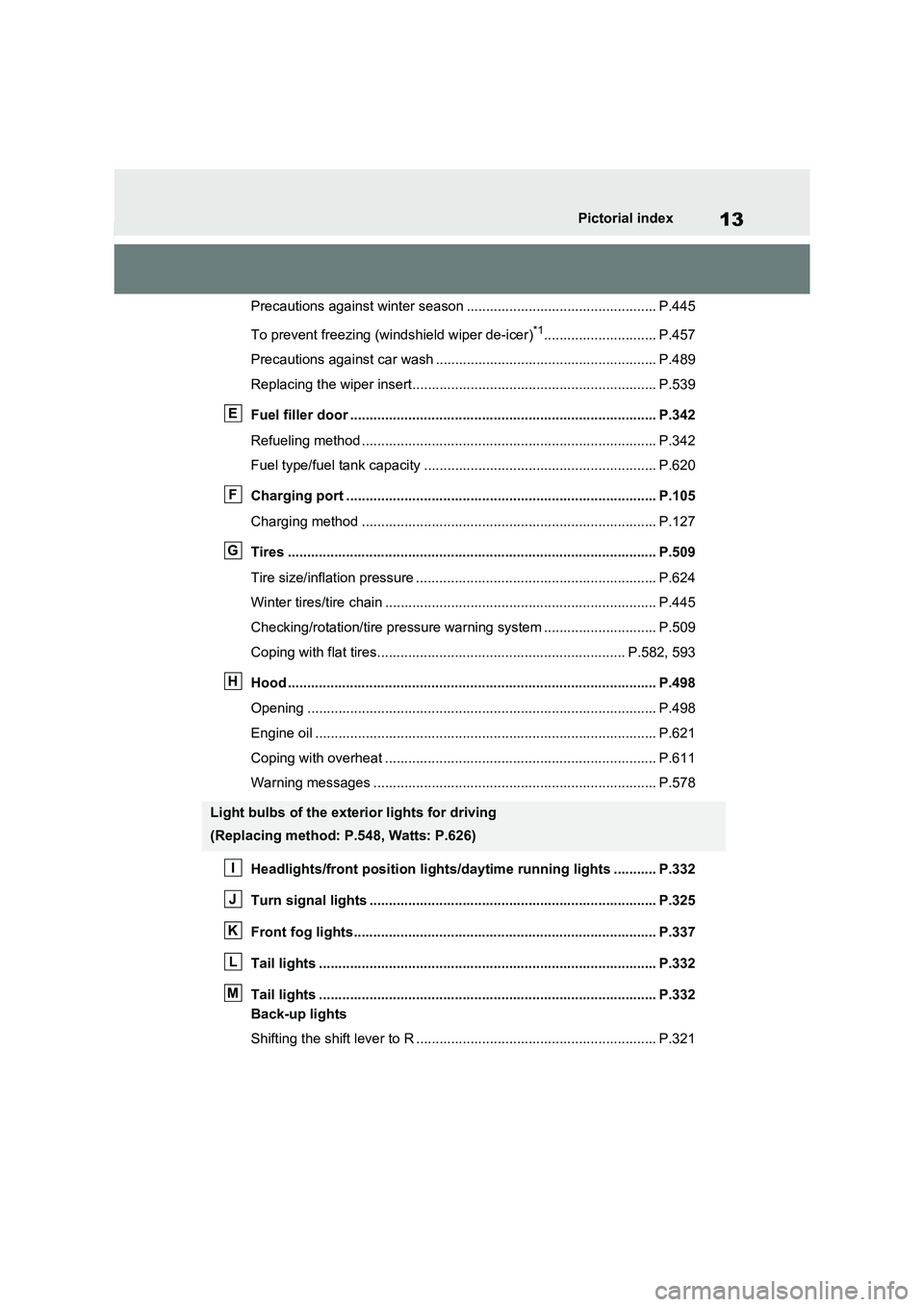
Precautions against winter season ................................................. P.445
To prevent freezing (windshield wiper de-icer)*1............................. P.457
Precautions against car wash ................................... ...................... P.489
Replacing the wiper insert..................................... .......................... P.539
Fuel filler door ............................................... ................................ P.342
Refueling method ............................................... ............................. P.342
Fuel type/fuel tank capacity ................................... ......................... P.620
Charging port .................................................. .............................. P.105
Charging method ................................................ ............................ P.127
Tires .......................................................... ..................................... P.509
Tire size/inflation pressure .............................................................. P.624
Winter tires/tire chain ........................................ .............................. P.445
Checking/rotation/tire pressu re warning system ............................. P.509
Coping with flat tires......................................... ....................... P.582, 593
Hood ........................................................... .................................... P.498
Opening ........................................................ .................................. P.498
Engine oil ..................................................... ................................... P.621
Coping with overheat ........................................... ........................... P.611
Warning messages ............................................... .......................... P.578
Headlights/front position lights/daytime running lights ........ ... P.332
Turn signal lights ............................................. ............................. P.325
Front fog lights............................................... ............................... P.337
Tail lights .................................................... ................................... P.332
Tail lights .................................................... ................................... P.332
Back-up lights
Shifting the shift lever to R .................................. ............................ P.321
Light bulbs of the exterior lights for driving
(Replacing method: P.548, Watts: P.626)
E
F
G
H
I
J
K
L
M
Page 18 of 666
16Pictorial index
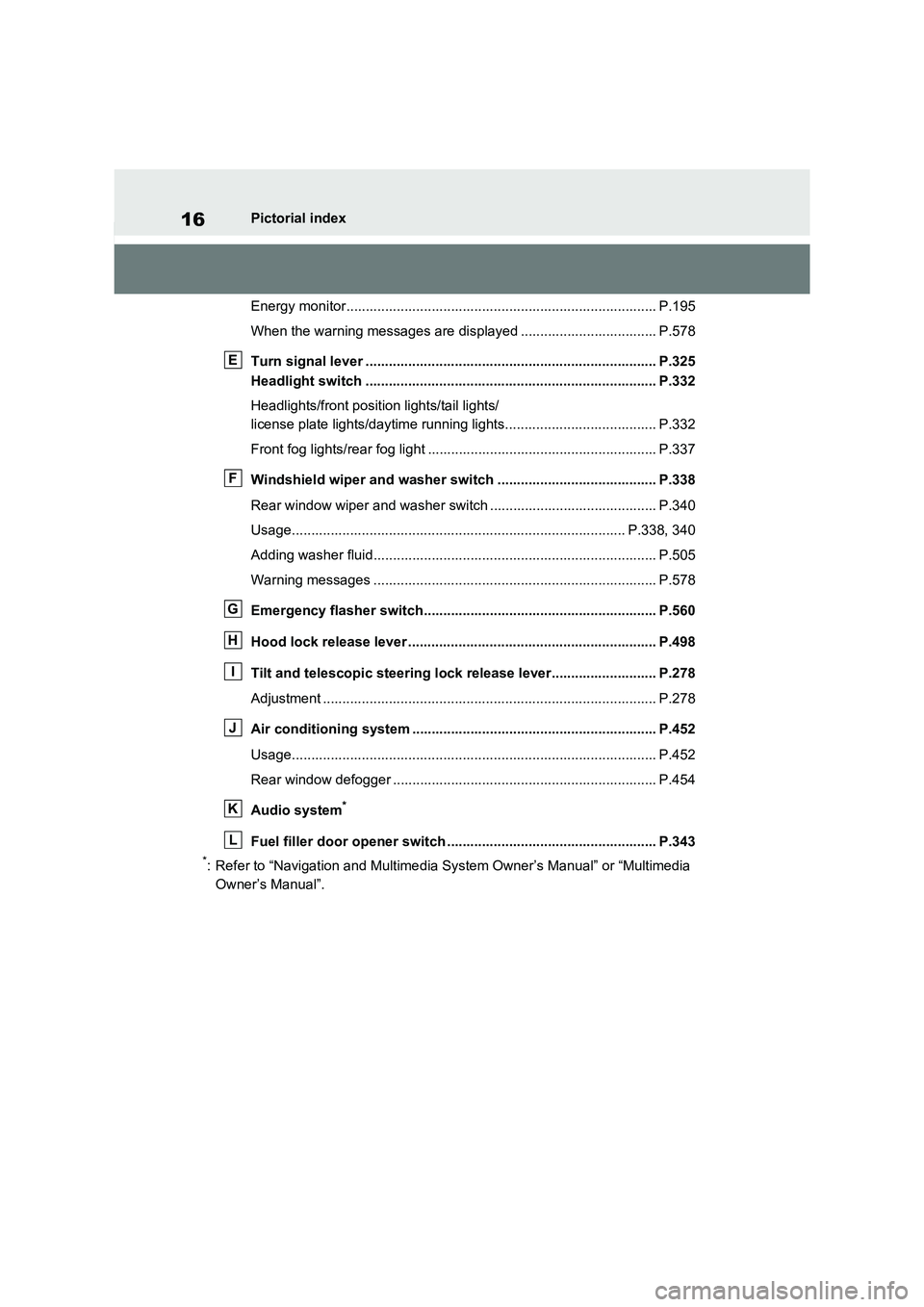
Energy monitor................................................. ............................... P.195
When the warning messages are displayed ................................... P.578
Turn signal lever .............................................. ............................. P.325
Headlight switch ............................................... ............................ P.332
Headlights/front posit ion lights/tail lights/
license plate lights/daytime r unning lights....................................... P.332
Front fog lights/rear fog light ................................ ........................... P.337
Windshield wiper and washer switch ............................. ............ P.338
Rear window wiper and washer switch ............................ ............... P.340
Usage.......................................................... ............................ P.338, 340
Adding washer fluid............................................ ............................. P.505
Warning messages ............................................... .......................... P.578
Emergency flasher switch....................................... ..................... P.560
Hood lock release lever .... ............................................................ P.498
Tilt and telescopic steering lock release lever................ ........... P.278
Adjustment ..................................................... ................................. P.278
Air conditioning system ........................................ ....................... P.452
Usage.......................................................... .................................... P.452
Rear window defogger ........................................... ......................... P.454
Audio system*
Fuel filler door opener switch ................................. ..................... P.343
*: Refer to “Navigation and Multimedia System Owner’s Manual” or “Multimedia
Owner’s Manual”.
E
F
G
H
I
J
K
L
Page 26 of 666
24Pictorial index
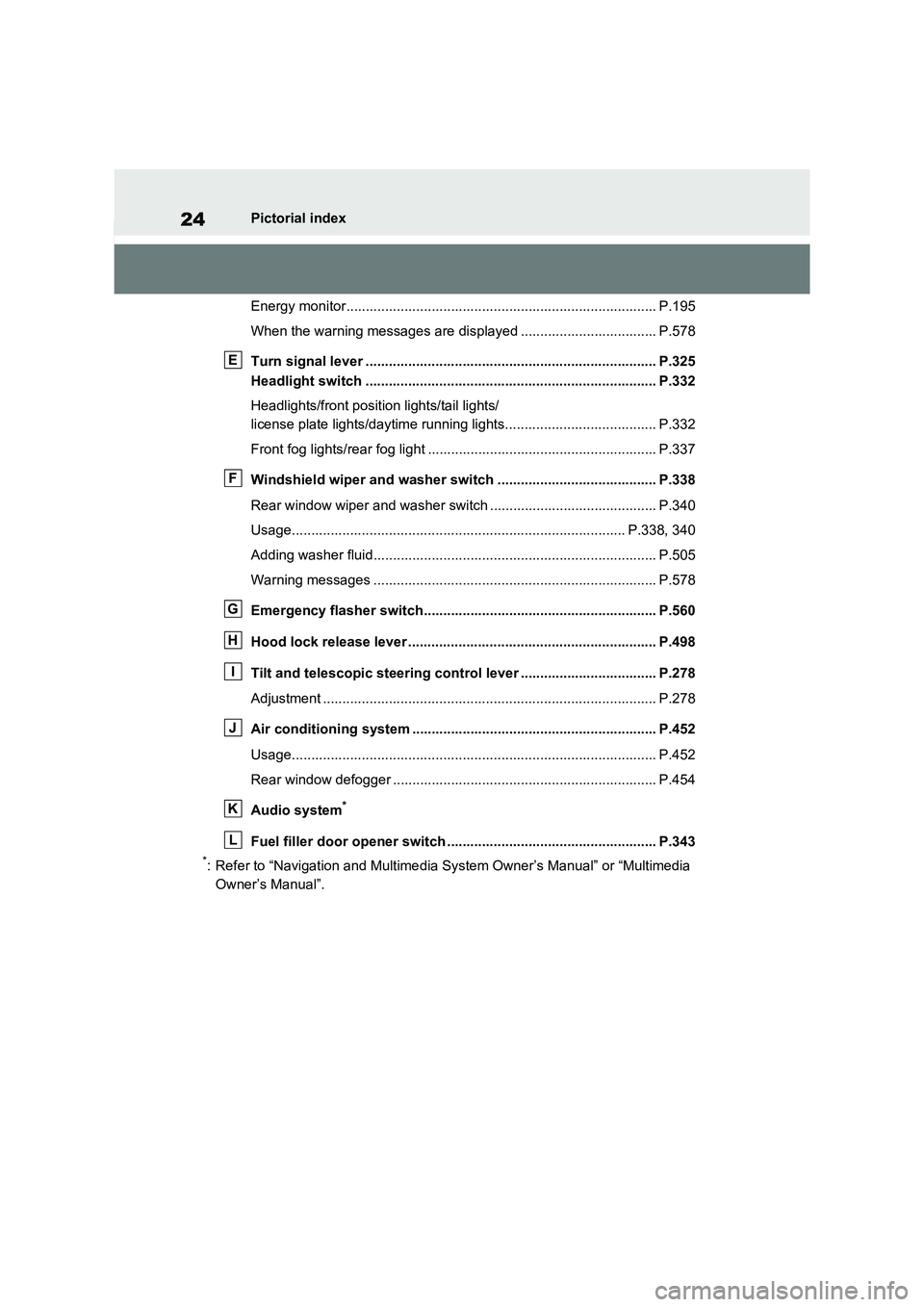
Energy monitor................................................. ............................... P.195
When the warning messages are displayed ................................... P.578
Turn signal lever .............................................. ............................. P.325
Headlight switch ............................................... ............................ P.332
Headlights/front posit ion lights/tail lights/
license plate lights/daytime r unning lights....................................... P.332
Front fog lights/rear fog light ................................ ........................... P.337
Windshield wiper and washer switch ............................. ............ P.338
Rear window wiper and washer switch ............................ ............... P.340
Usage.......................................................... ............................ P.338, 340
Adding washer fluid............................................ ............................. P.505
Warning messages ............................................... .......................... P.578
Emergency flasher switch....................................... ..................... P.560
Hood lock release lever .... ............................................................ P.498
Tilt and telescopic steering control lever ..................... .............. P.278
Adjustment ..................................................... ................................. P.278
Air conditioning system ........................................ ....................... P.452
Usage.......................................................... .................................... P.452
Rear window defogger ........................................... ......................... P.454
Audio system*
Fuel filler door opener switch ................................. ..................... P.343
*: Refer to “Navigation and Multimedia System Owner’s Manual” or “Multimedia
Owner’s Manual”.
E
F
G
H
I
J
K
L
Page 51 of 666
49
1
1-2. Child safety
For safety and security
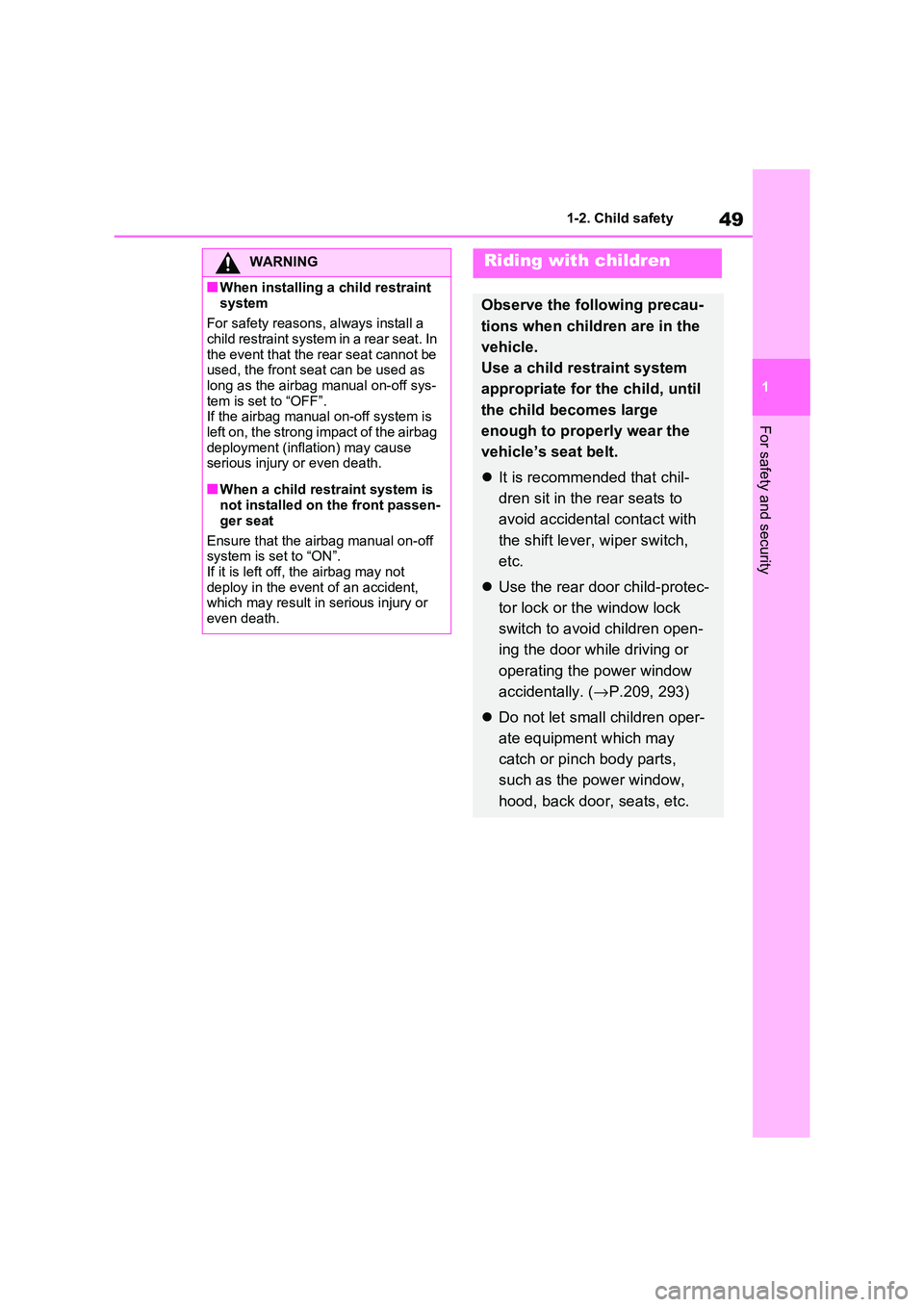
WARNING
■When installing a child restraint
system
For safety reasons , always install a child restraint system in a rear seat. In
the event that the rear seat cannot be
used, the front seat can be used as long as the airbag manual on-off sys-
tem is set to “OFF”.
If the airbag manual on-off system is
left on, the strong impact of the airbag deployment (inflation) may cause
serious injury or even death.
■When a child restr aint system is
not installed on the front passen -
ger seat
Ensure that the airbag manual on-off
system is set to “ON”.
If it is left off, the airbag may not deploy in the even t of an accident,
which may result in serious injury or
even death.
Riding with children
Observe the following precau -
tions when children are in the
vehicle.
Use a child restraint system
appropriate for the child, until
the child becomes large
enough to properly wear the
vehicle’s seat belt.
It is recommended that chil-
dren sit in the rear seats to
avoid accidental contact with
the shift lever, wiper switch,
etc.
Use the rear door child-protec-
tor lock or the window lock
switch to avoi d children open-
ing the door while driving or
operating the power window
accidentally. ( →P.209, 293)
Do not let small children oper-
ate equipment which may
catch or pinch body parts,
such as the power window,
hood, back door, seats, etc.
Page 80 of 666
781-4. Theft deterrent system
*: If equipped
■Items to check before locking
the vehicle
To prevent unexpected triggering of
the alarm and vehicle theft, make
sure of the following:
Nobody is in the vehicle.
The side windows and pan-
oramic moon roof (if equipped)
are closed before the alarm is
set.
No valuables or other personal
items are left in the vehicle.
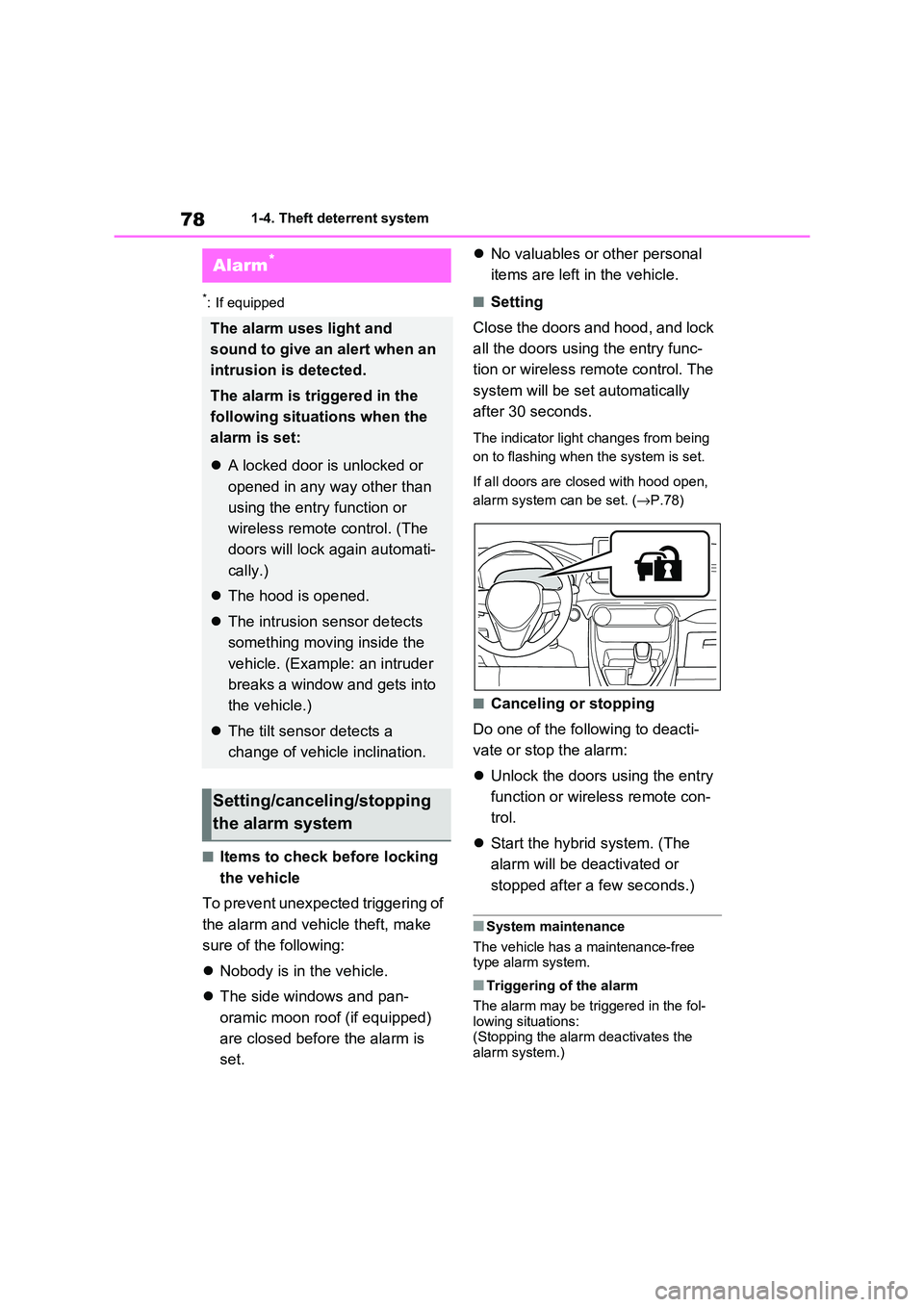
■Setting
Close the doors and hood, and lock
all the doors using the entry func -
tion or wireless remote control. The
system will be set automatically
after 30 seconds.
The indicator light changes from being
on to flashing when the system is set.
If all doors are closed with hood open,
alarm system can be set. ( →P.78)
■Canceling or stopping
Do one of the fo llowing to deacti-
vate or stop the alarm:
Unlock the doors using the entry
function or wirel ess remote con-
trol.
Start the hybrid system. (The
alarm will be de activated or
stopped after a few seconds.)
■System maintenance
The vehicle has a maintenance-free type alarm system.
■Triggering of the alarm
The alarm may be tr iggered in the fol-
lowing situations: (Stopping the alar m deactivates the
alarm system.)
Alarm*
The alarm uses light and
sound to give an alert when an
intrusion is detected.
The alarm is triggered in the
following situat ions when the
alarm is set:
A locked door is unlocked or
opened in any way other than
using the entry function or
wireless remote control. (The
doors will lock again automati -
cally.)
The hood is opened.
The intrusion sensor detects
something moving inside the
vehicle. (Example: an intruder
breaks a window and gets into
the vehicle.)
The tilt sensor detects a
change of vehicle inclination.
Setting/canceling/stopping
the alarm system
Page 81 of 666
79
1
1-4. Theft dete rrent system
For safety and security
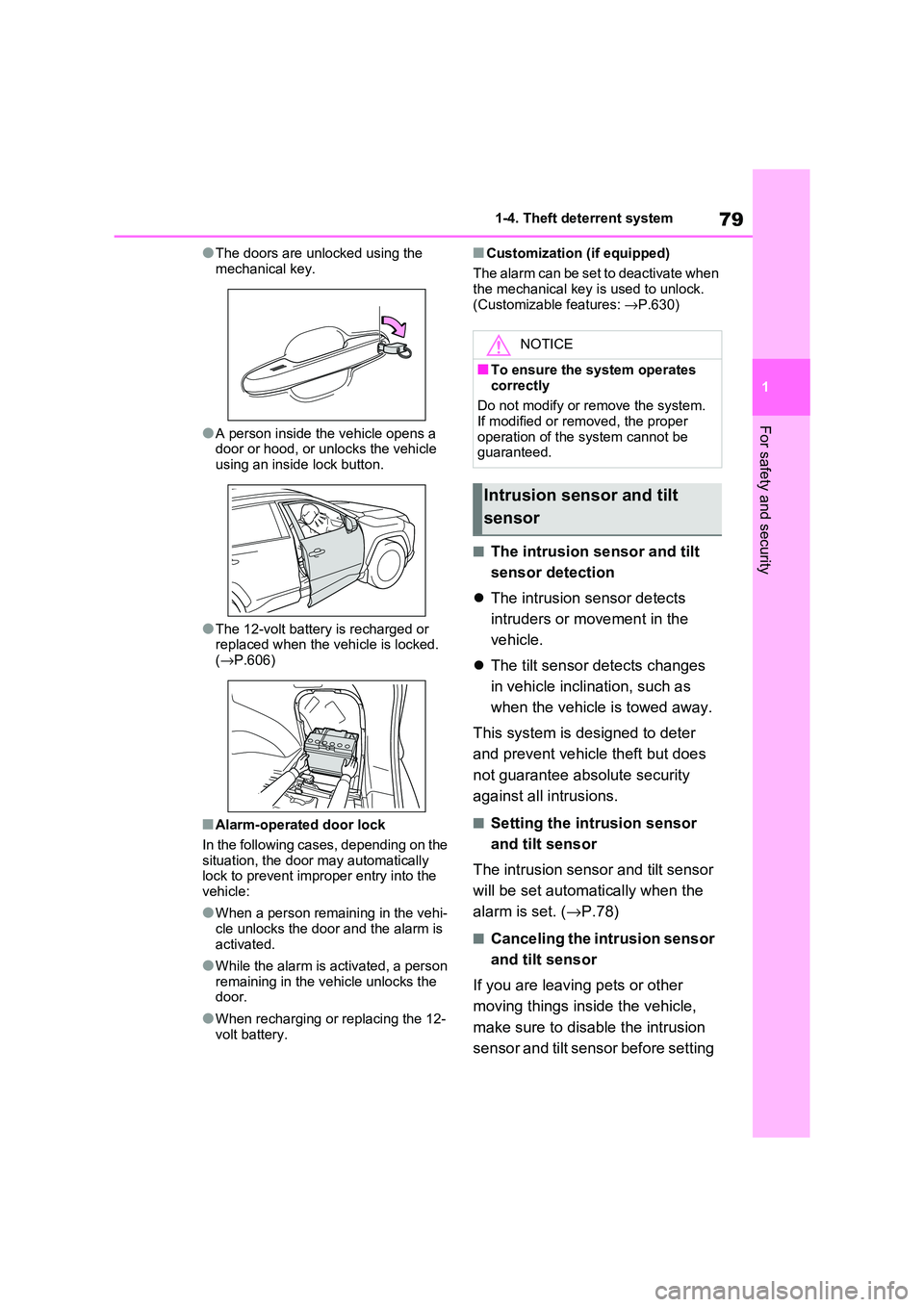
●The doors are unlocked using the
mechanical key.
●A person inside the vehicle opens a
door or hood, or unlocks the vehicle using an inside lock button.
●The 12-volt battery is recharged or replaced when the v ehicle is locked.
( →P.606)
■Alarm-operated door lock
In the following cases, depending on the
situation, the door may automatically lock to prevent impro per entry into the
vehicle:
●When a person rem aining in the vehi-
cle unlocks the door and the alarm is
activated.
●While the alarm is activated, a person
remaining in the v ehicle unlocks the door.
●When recharging or replacing the 12-
volt battery.
■Customization (if equipped)
The alarm can be set to deactivate when the mechanical key is used to unlock.
(Customizable features: →P.630)
■The intrusion sensor and tilt
sensor detection
The intrusion sensor detects
intruders or movement in the
vehicle.
The tilt sensor detects changes
in vehicle inclination, such as
when the vehicle is towed away.
This system is designed to deter
and prevent vehicle theft but does
not guarantee abs olute security
against all intrusions.
■Setting the intrusion sensor
and tilt sensor
The intrusion sensor and tilt sensor
will be set automa tically when the
alarm is set. ( →P.78)
■Canceling the intrusion sensor
and tilt sensor
If you are leaving pets or other
moving things inside the vehicle,
make sure to disable the intrusion
sensor and tilt sensor before setting
NOTICE
■To ensure the system operates correctly
Do not modify or r emove the system.
If modified or remo ved, the proper
operation of the system cannot be guaranteed.
Intrusion sensor and tilt
sensor
Page 132 of 666
1302-2. Charging
maximum of approximately 30 min -
utes. However, when the “Departure” time is set ( →P.144) and there is not
sufficient time between the current
time and the time that charging will complete, “Battery Cooler” operation
time may become shorter.
●When there is a small amount of
remaining charge in the hybrid battery
(traction battery), even if the hybrid battery (traction battery) is hot, “Bat -
tery Cooler” may not be implemented.
●When the following operations are
performed while “Battery Cooler” is
operating, the hybrid battery (traction battery) cooling operation stops.
• The hood is opened
• The power switch is turned to any mode other than off
• The Remote Air Conditioning System
is operated ( →P.460) • “Charge Now” is implemented
( →P.145)
●“Battery Cooler” uses the power of the
hybrid battery (tr action battery) and
external power source. • While “Battery Cooler” is operating,
the amount of the remaining charge of
the hybrid battery (traction battery) increases and decreases in a certain
range, and does not increase as in
normal charging. • The operation of “Battery Cooler” is
recognized as charging by a charger.
The charger that calculates the fee according to charging time causes a
charging fee.
To enable the use of EV mode or
AUTO EV/HV mode, we recom -
mend systematically charging the
vehicle.
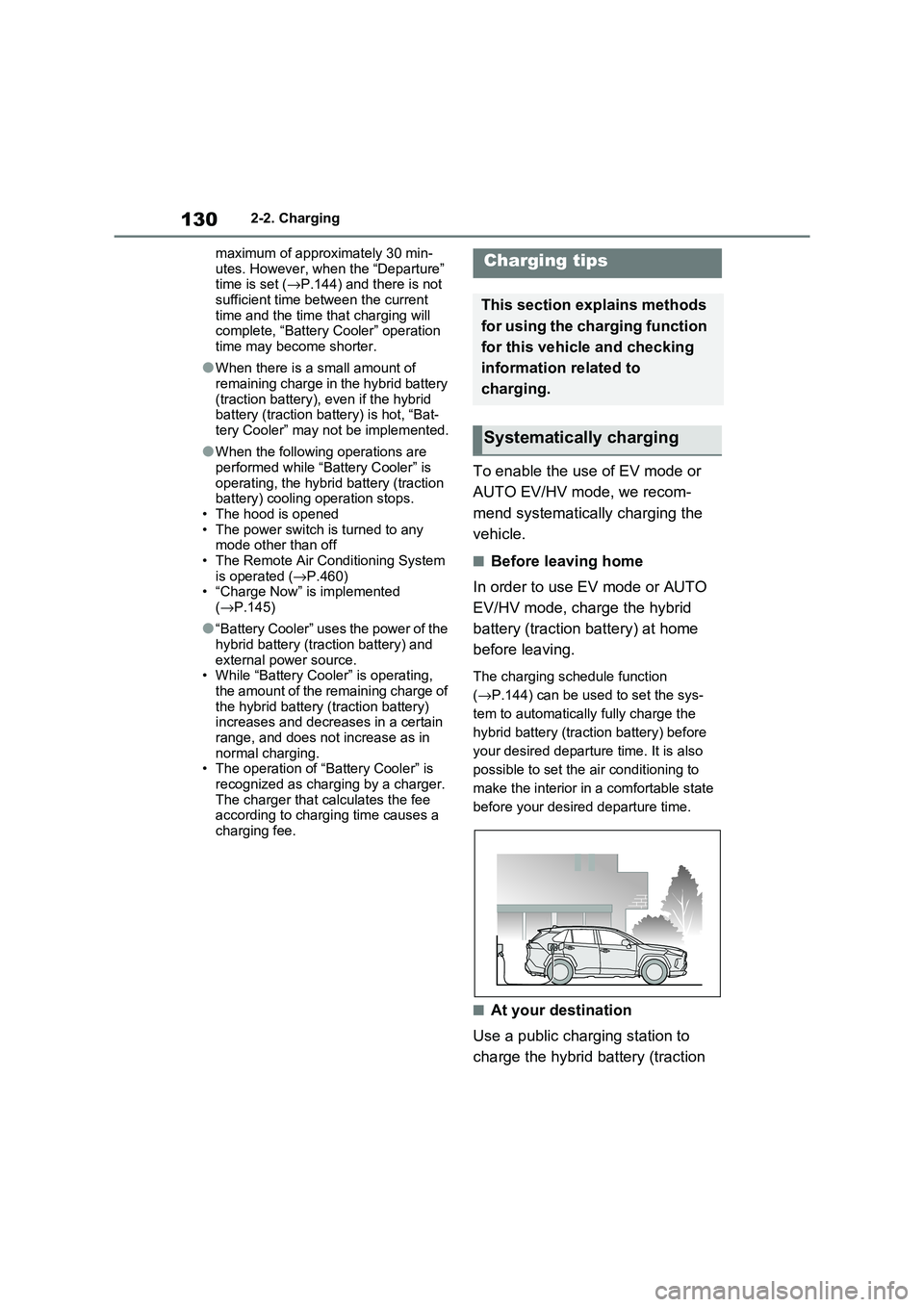
■Before leaving home
In order to use EV mode or AUTO
EV/HV mode, charge the hybrid
battery (traction battery) at home
before leaving.
The charging schedule function
( →P.144) can be used to set the sys-
tem to automatically fully charge the
hybrid battery (traction battery) before
your desired departu re time. It is also
possible to set the air conditioning to
make the interior in a comfortable state
before your desire d departure time.
■At your destination
Use a public charging station to
charge the hybrid battery (traction
Charging tips
This section explains methods
for using the charging function
for this vehicle and checking
information related to
charging.
Systematically charging
Page 210 of 666
2084-2. Opening, closing and locking the doors
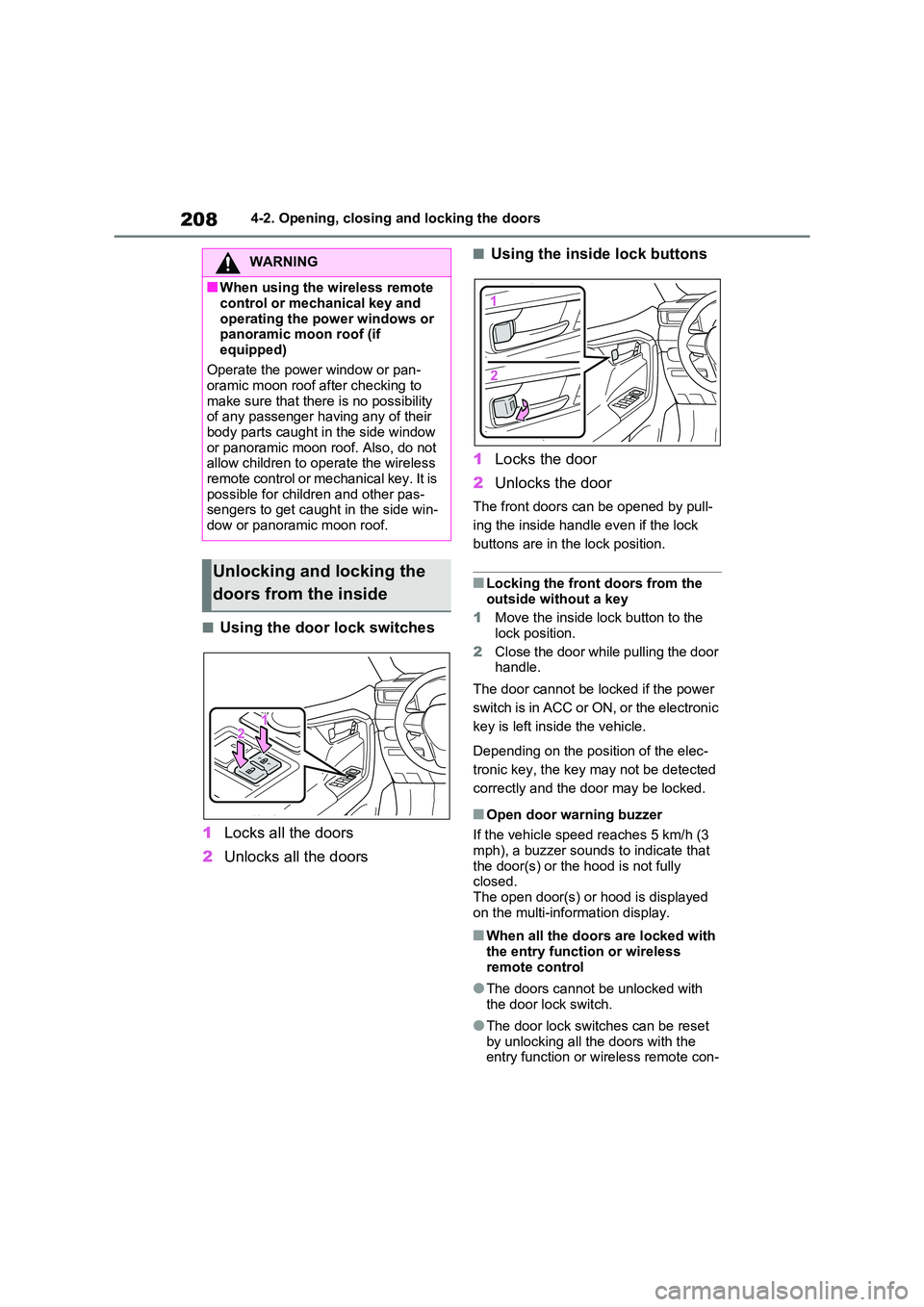
■Using the door lock switches
1 Locks all the doors
2 Unlocks all the doors
■Using the inside lock buttons
1 Locks the door
2 Unlocks the door
The front doors can be opened by pull-
ing the inside handle even if the lock
buttons are in the lock position.
■Locking the front doors from the
outside without a key
1 Move the inside lock button to the
lock position.
2 Close the door while pulling the door handle.
The door cannot be locked if the power
switch is in ACC or ON, or the electronic
key is left insi de the vehicle.
Depending on the position of the elec -
tronic key, the key m ay not be detected
correctly and the door may be locked.
■Open door warning buzzer
If the vehicle speed r eaches 5 km/h (3
mph), a buzzer sounds to indicate that
the door(s) or the hood is not fully closed.
The open door(s) or hood is displayed
on the multi-information display.
■When all the doors are locked with
the entry functi on or wireless remote control
●The doors cannot b e unlocked with the door lock switch.
●The door lock switc hes can be reset by unlocking all th e doors with the
entry function or w ireless remote con-
WARNING
■When using the wireless remote
control or mechanical key and
operating the power windows or panoramic moon roof (if
equipped)
Operate the power window or pan - oramic moon roof a fter checking to
make sure that there is no possibility
of any passenger having any of their
body parts caught in the side window or panoramic moon r oof. Also, do not
allow children to o perate the wireless
remote control or me chanical key. It is possible for chil dren and other pas-
sengers to get caugh t in the side win-
dow or panoramic moon roof.
Unlocking and locking the
doors from the inside
Page 356 of 666
3545-5. Using the driving support systems
●In the following situations, if the situation has changed (or the vehicle has been
driven for some time) and the no rmal operating conditions are detected, the mes-
sage will disappear and the system will become operational.
If the message does not disappear, contact any authorized Toyot a retailer or Toyota
authorized repairer, or any reliable repairer.
• When the temperature around the radar sensor is outside of the operational range,
such as when the vehicle is in the sun or in an extremely cold environment
• When the front camera cannot detect objects in front of the vehicle, such as when driving in the dark, snow, or fog, or when bright lights are shining into the front
camera
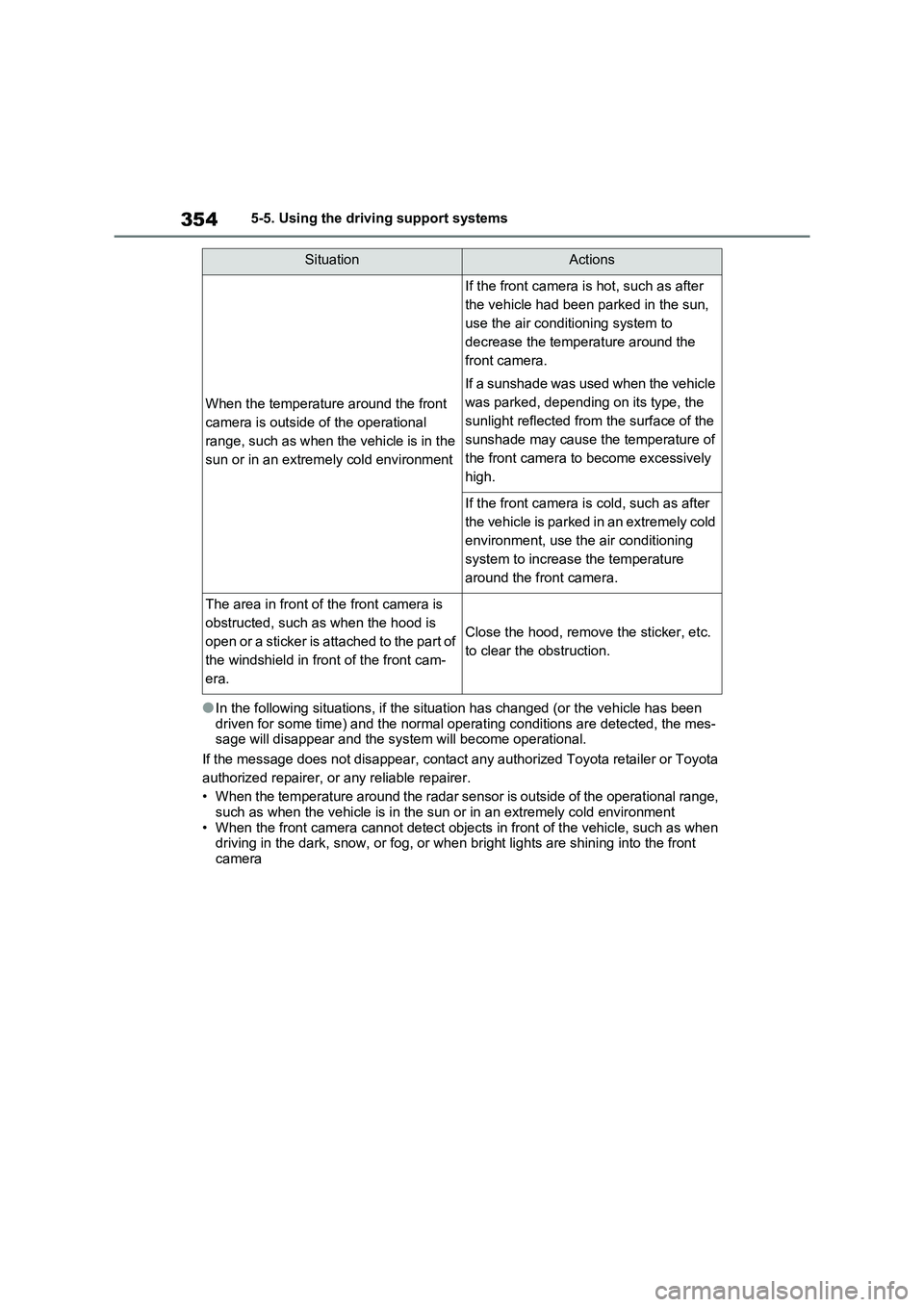
When the temperatur e around the front
camera is outside of the operational
range, such as when the vehicle is in the
sun or in an extremely cold environment
If the front camera is hot, such as after
the vehicle had been pa rked in the sun,
use the air cond itioning system to
decrease the temperature around the
front camera.
If a sunshade was used when the vehicle
was parked, depending on its type, the
sunlight reflected from the surface of the
sunshade may cause t he temperature of
the front camera to become excessively
high.
If the front camera is cold, such as after
the vehicle is parked in an extremely cold
environment, use the air conditioning
system to increase the temperature
around the front camera.
The area in front of the front camera is
obstructed, such a s when the hood is
open or a sticker is attached to the part of
the windshield in front of the front cam -
era.
Close the hood, remove the sticker, etc.
to clear the obstruction.
SituationActions
Page 463 of 666
461
6
6-1. Using the air conditi oning system and defogger
Interior features
●The outside temperature is extremely
low
●When the hybrid syst em is cool (for
example, after being left for a long time in low temperatures)
■Windshield defogger
When defogging the windshield using
the Remote Air Conditioning System, defogging may be insufficient due to the
power being restricted more than during
normal air conditioning operation. Also, the outside of the windshield may fog up
due to the outside temperature, humidity
or air conditioning set temperature.
■Using the heater via the Remote Air Conditioning System
●When the outside te mperature is low, heating may feel insufficient due to
restricted operation of the air condi -
tioning.
●When the outside heat exchanger
becomes frosted ov er, heating perfor- mance may decline due to automati -
cally switchi ng to the frost removal
operation. ( →P.452)
■Security feature
Any unlocked doors will be automatically
locked when the system is operating.
The emergency flashers flash to indicate that the doors have been locked or the
system has been turned off.
■Conditions affecting operation
→ P.225
■While the Remote Air Conditioning System is operating
●Depending on the operating condition of the Remote Air Conditioning Sys -
tem, the air condit ioning compressor
or cooling fan may spin and an operat -
ing noise may be heard. However, this does not indicate a mal -
function.
●The air conditi oning operation
switches, etc. will not operate while
the Remote Air Conditioning System is operating.
■Electronic key battery depletion
→ P.202
■When the electronic key battery is fully depleted
→ P.543
■Customization
Setting (e.g. Operation using “A/C” on the wireless remote control) can be
changed. (Customizable features:
→ P.629)
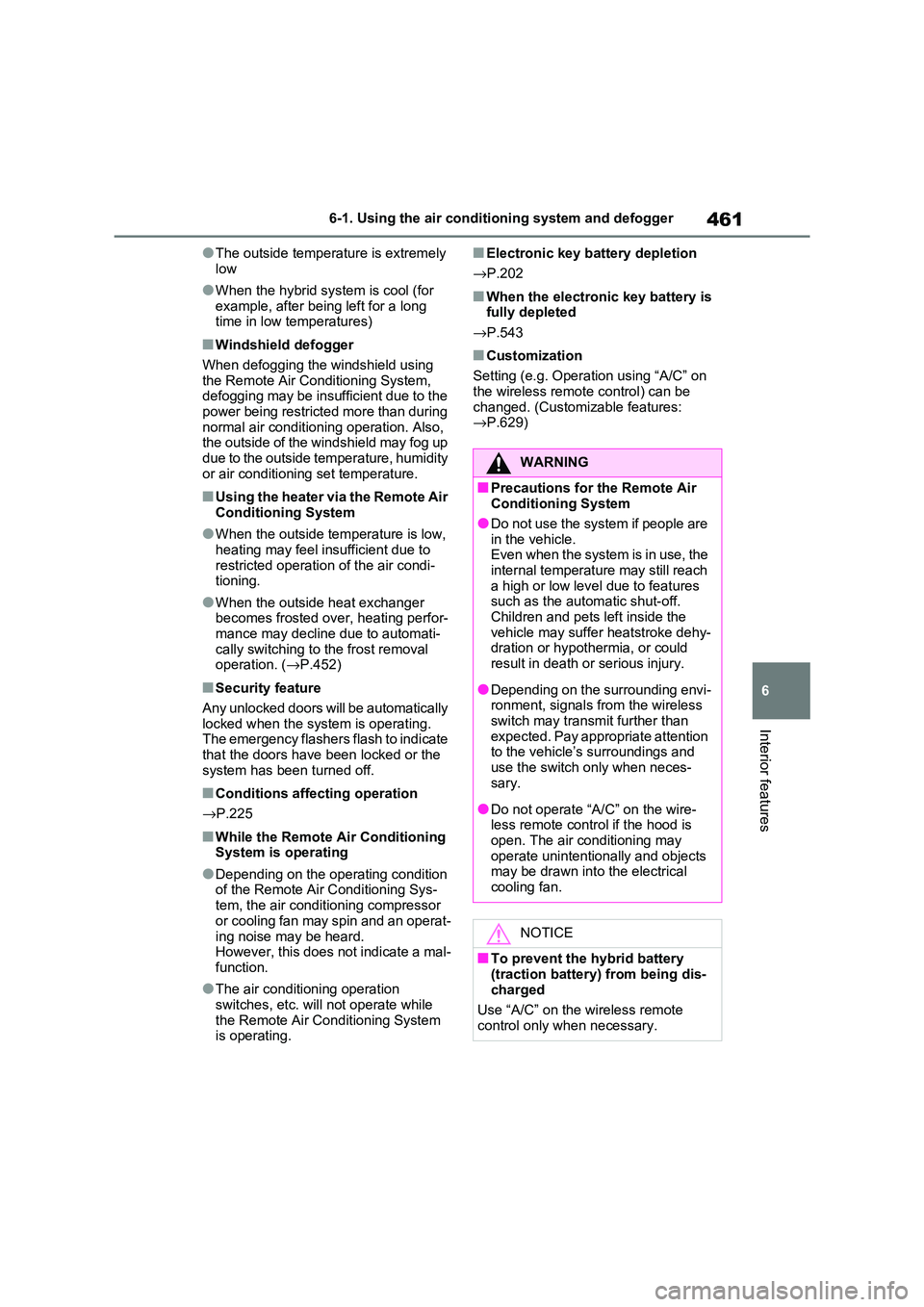
WARNING
■Precautions for the Remote Air Conditioning System
●Do not use the system if people are
in the vehicle. Even when the system is in use, the
internal temperature may still reach
a high or low level due to features such as the automatic shut-off.
Children and pets left inside the
vehicle may suffer heatstroke dehy - dration or hypothermia, or could
result in death or serious injury.
●Depending on the surrounding envi -
ronment, signals from the wireless
switch may transmit further than expected. Pay appropriate attention
to the vehicle’s surroundings and
use the switch only when neces- sary.
●Do not operate “A/C” on the wire - less remote contro l if the hood is
open. The air conditioning may
operate unintentionally and objects may be drawn into the electrical
cooling fan.
NOTICE
■To prevent the hybrid battery (traction battery ) from being dis-
charged
Use “A/C” on the wireless remote control only when necessary.