phone TOYOTA SEQUOIA 2013 2.G Service Manual
[x] Cancel search | Manufacturer: TOYOTA, Model Year: 2013, Model line: SEQUOIA, Model: TOYOTA SEQUOIA 2013 2.GPages: 740, PDF Size: 15.34 MB
Page 470 of 740
470 3-5. Using the hands-free phone system (for cellular phone)
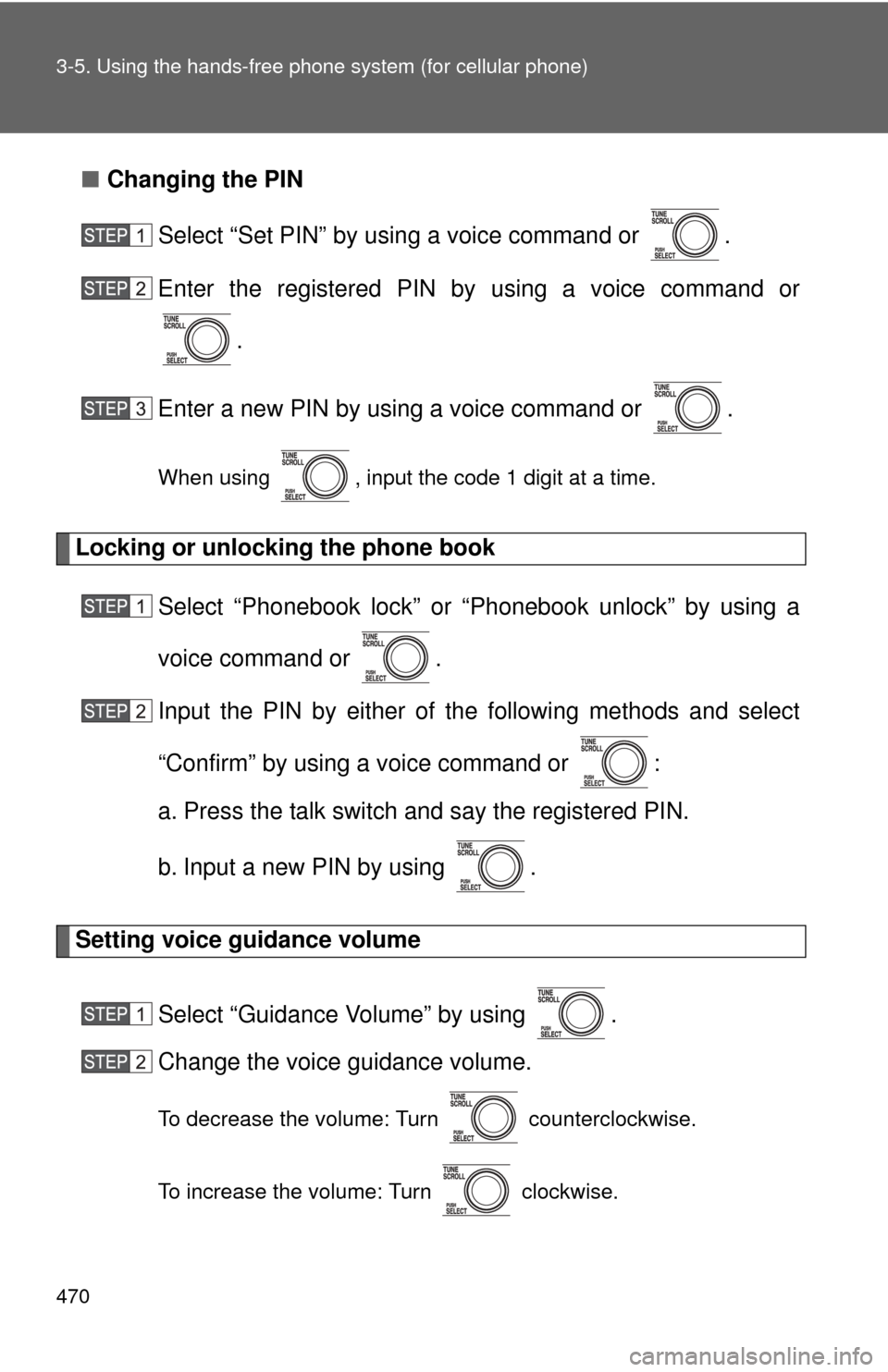
■Changing the PIN
Select “Set PIN” by using a voice command or .
Enter the registered PIN by using a voice command or
.
Enter a new PIN by using a voice command or .
When using , input the code 1 digit at a time.
Locking or unlocking the phone book Select “Phonebook lock” or “Phonebook unlock” by using a
voice command or .
Input the PIN by either of the following methods and select
“Confirm” by using a voice command or :
a. Press the talk switch and say the registered PIN.
b. Input a new PIN by using .
Setting voice guidance volume
Select “Guidance Volume” by using .
Change the voice guidance volume.
To decrease the volume: Turn counterclockwise.
To increase the volume: Turn clockwise.
Page 471 of 740
471
3-5. Using the hand
s-free phone system (for cellular phone)
3
Interior features
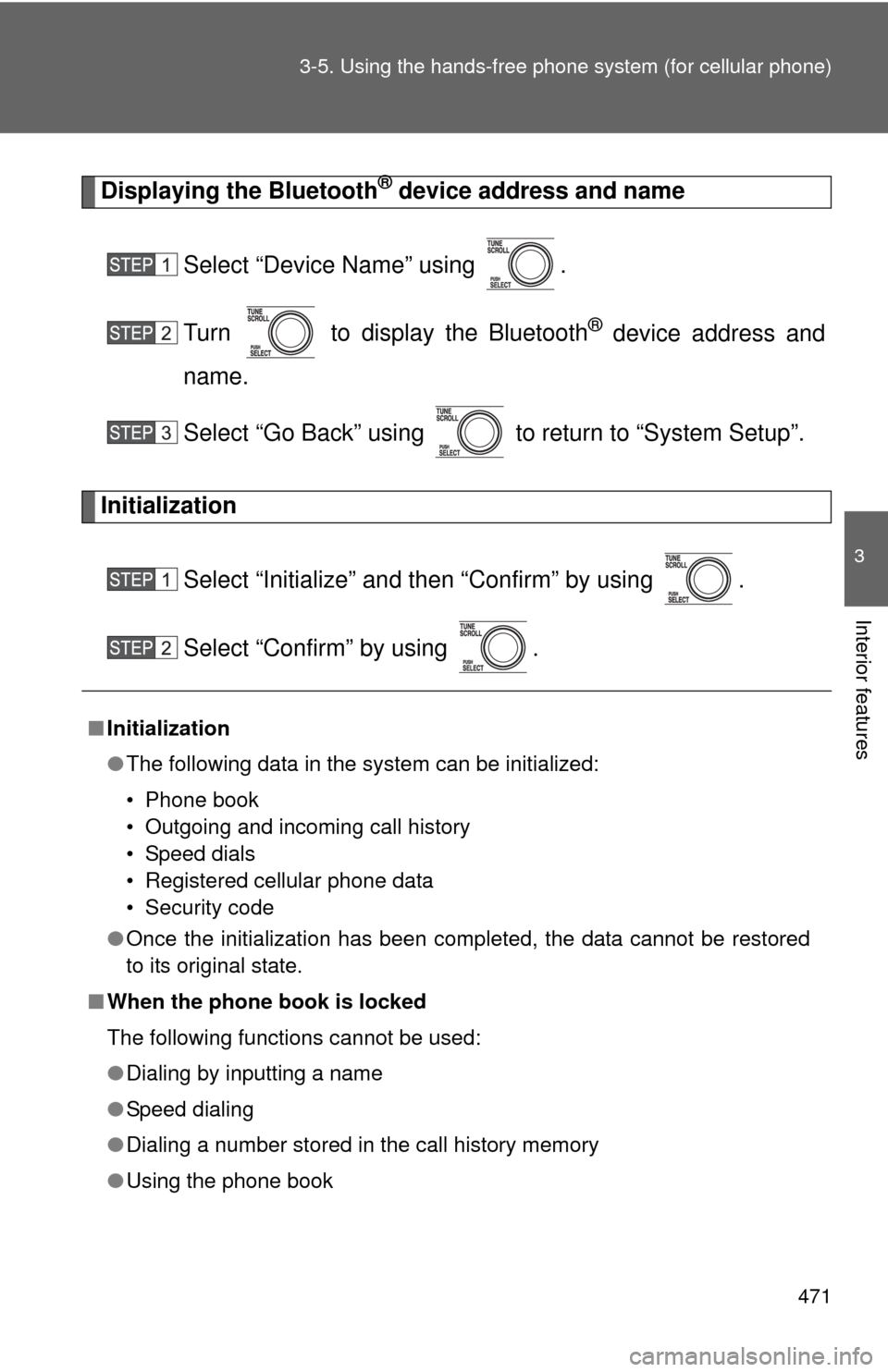
Displaying the Bluetooth® device address and name
Select “Device Name” using .
Turn to display the Bluetooth
® device address and
name.
Select “Go Back” using to return to “System Setup”.
Initialization
Select “Initialize” and then “Confirm” by using .
Select “Confirm” by using .
■Initialization
●The following data in the system can be initialized:
• Phone book
• Outgoing and incoming call history
• Speed dials
• Registered cellular phone data
• Security code
● Once the initialization has been completed, the data cannot be restored
to its original state.
■ When the phone book is locked
The following functions cannot be used:
●Dialing by inputting a name
● Speed dialing
● Dialing a number stored in the call history memory
● Using the phone book
Page 472 of 740
472
3-5. Using the hands-free phone system (for cellular phone)
Using the phone book
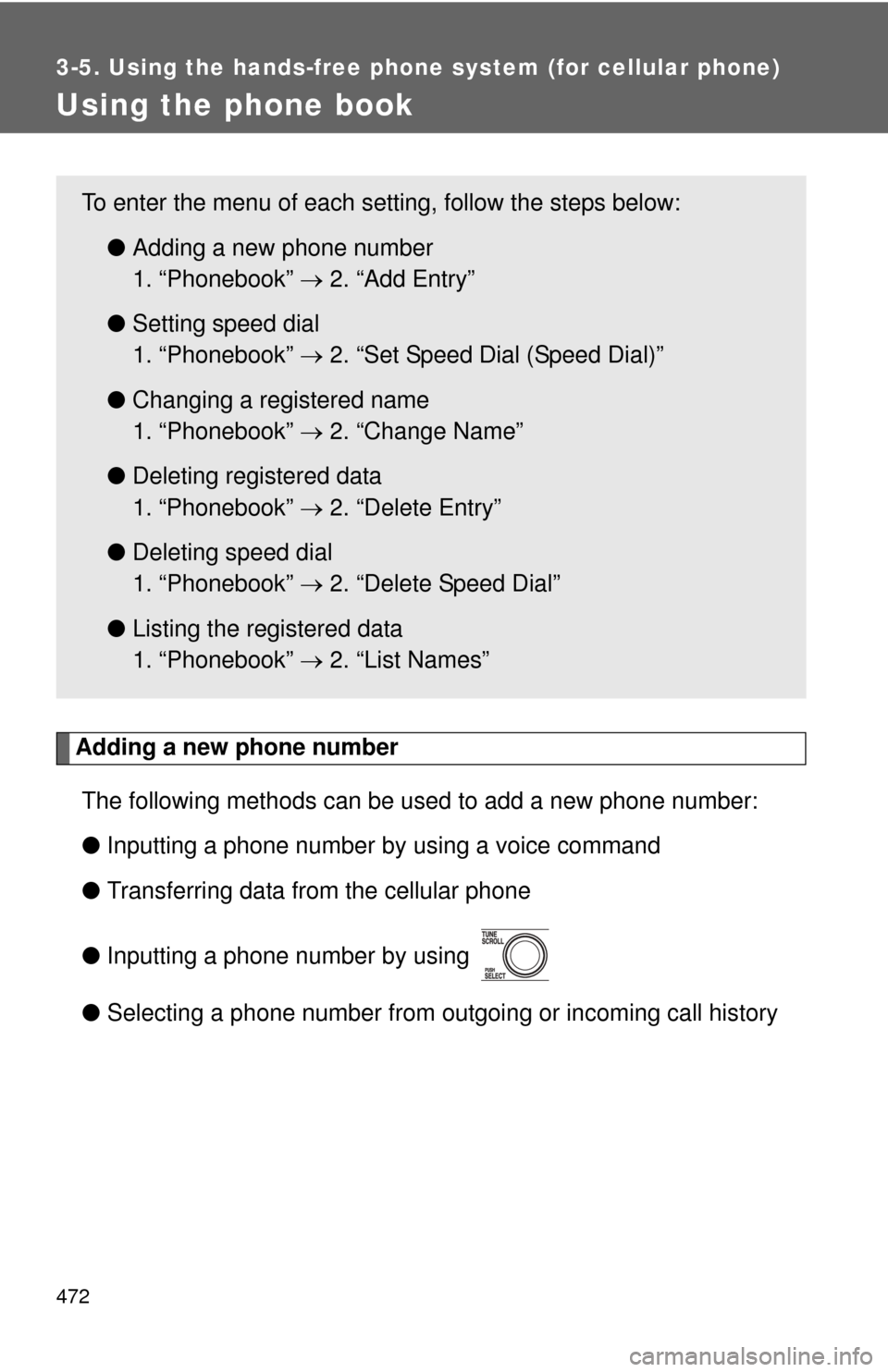
Adding a new phone numberThe following methods can be used to add a new phone number:
● Inputting a phone number by using a voice command
● Transferring data from the cellular phone
● Inputting a phone number by using
● Selecting a phone number from outgoing or incoming call history
To enter the menu of each setting, follow the steps below:
●Adding a new phone number
1. “Phonebook” 2. “Add Entry”
● Setting speed dial
1. “Phonebook” 2. “Set Speed Dial (Speed Dial)”
● Changing a registered name
1. “Phonebook” 2. “Change Name”
● Deleting registered data
1. “Phonebook” 2. “Delete Entry”
● Deleting speed dial
1. “Phonebook” 2. “Delete Speed Dial”
● Listing the registered data
1. “Phonebook” 2. “List Names”
Page 473 of 740
473
3-5. Using the hand
s-free phone system (for cellular phone)
3
Interior features
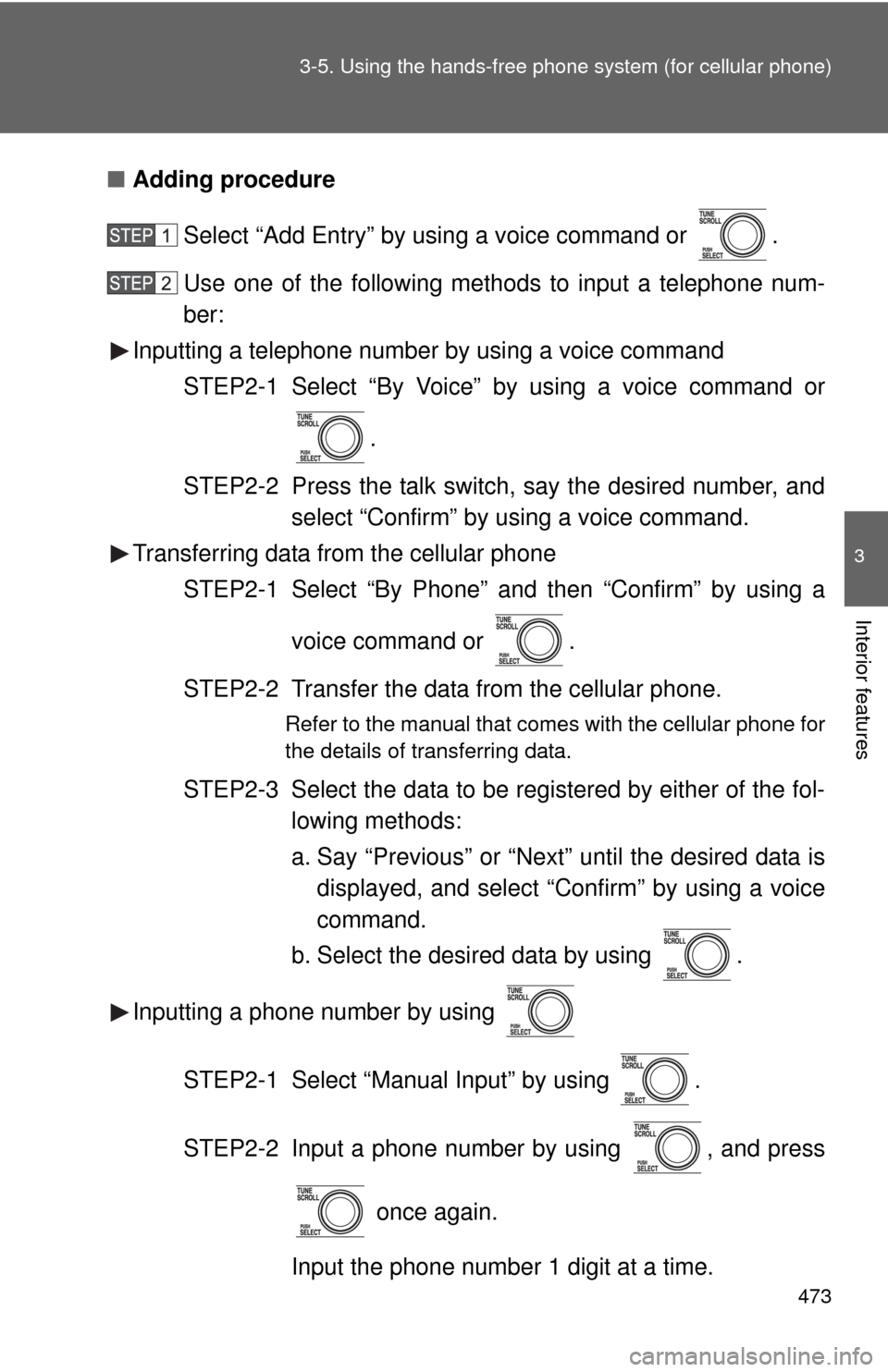
■Adding procedure
Select “Add Entry” by using a voice command or .
Use one of the following methods to input a telephone num-
ber:
Inputting a telephone number by using a voice command
STEP2-1 Select “By Voice” by using a voice command or
.
STEP2-2 Press the talk switch, say the desired number, and select “Confirm” by using a voice command.
Transferring data from the cellular phone
STEP2-1 Select “By Phone” and then “Confirm” by using a
voice command or .
STEP2-2 Transfer the data from the cellular phone.
Refer to the manual that comes with the cellular phone for
the details of transferring data.
STEP2-3 Select the data to be registered by either of the fol- lowing methods:
a. Say “Previous” or “Next” until the desired data isdisplayed, and select “Confirm” by using a voice
command.
b. Select the desired data by using .
Inputting a phone number by using
STEP2-1 Select “Manual Input” by using .
STEP2-2 Input a phone number by using , and press once again.
Input the phone number 1 digit at a time.
Page 474 of 740
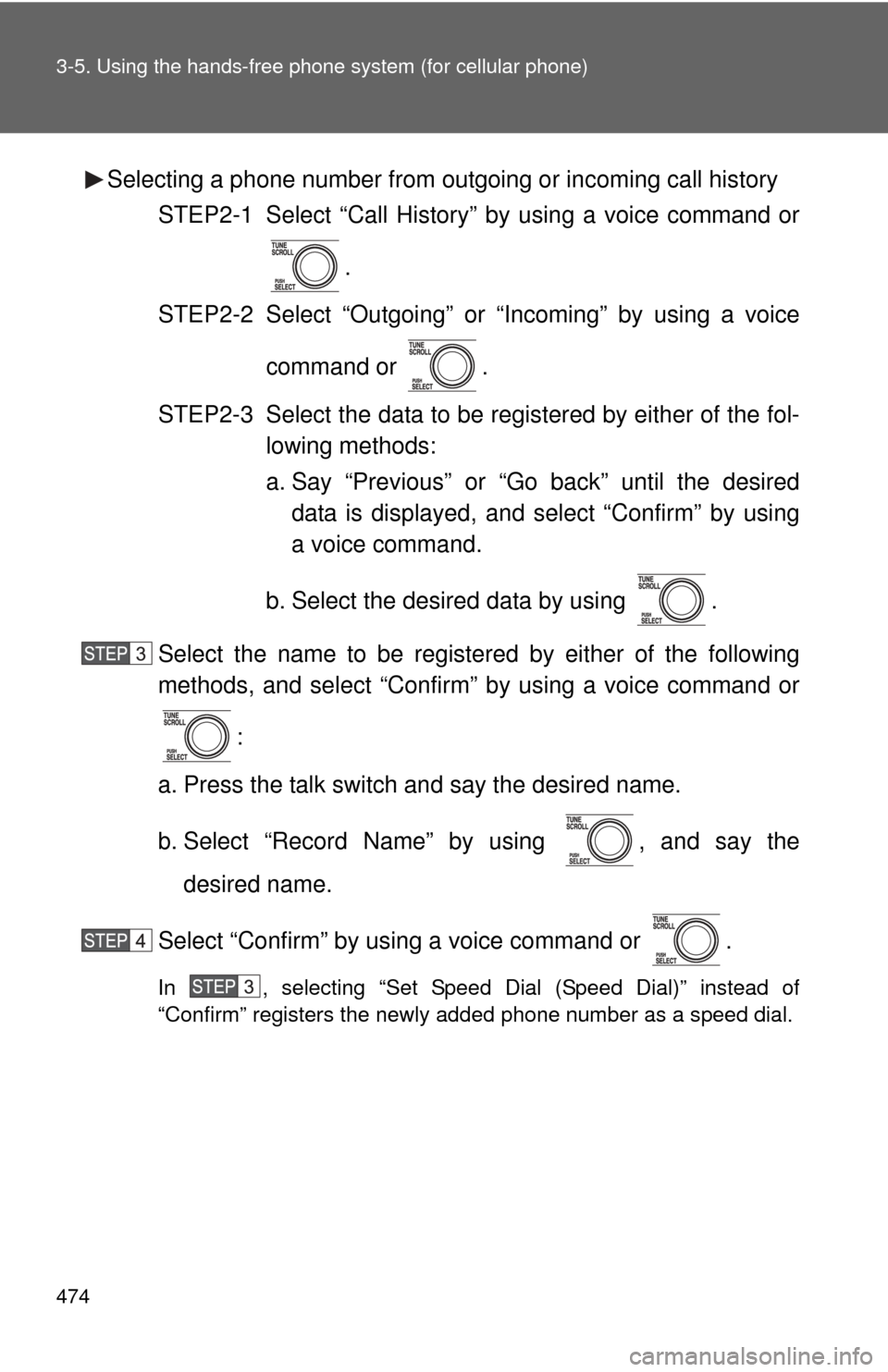
474 3-5. Using the hands-free phone system (for cellular phone)
Selecting a phone number from outgoing or incoming call history
STEP2-1 Select “Call History” by using a voice command or
.
STEP2-2 Select “Outgoing” or “Incoming” by using a voice
command or .
STEP2-3 Select the data to be re gistered by either of the fol-
lowing methods:
a. Say “Previous” or “Go back” until the desired data is displayed, and select “Confirm” by using
a voice command.
b. Select the desired data by using .
Select the name to be registered by either of the following
methods, and select “Confirm” by using a voice command or :
a. Press the talk switch and say the desired name.
b. Select “Record Name” by using , and say the desired name.
Select “Confirm” by using a voice command or .
In , selecting “Set Speed Dial (Speed Dial)” instead of
“Confirm” registers the newly added phone number as a speed dial.
Page 475 of 740
475
3-5. Using the hand
s-free phone system (for cellular phone)
3
Interior features
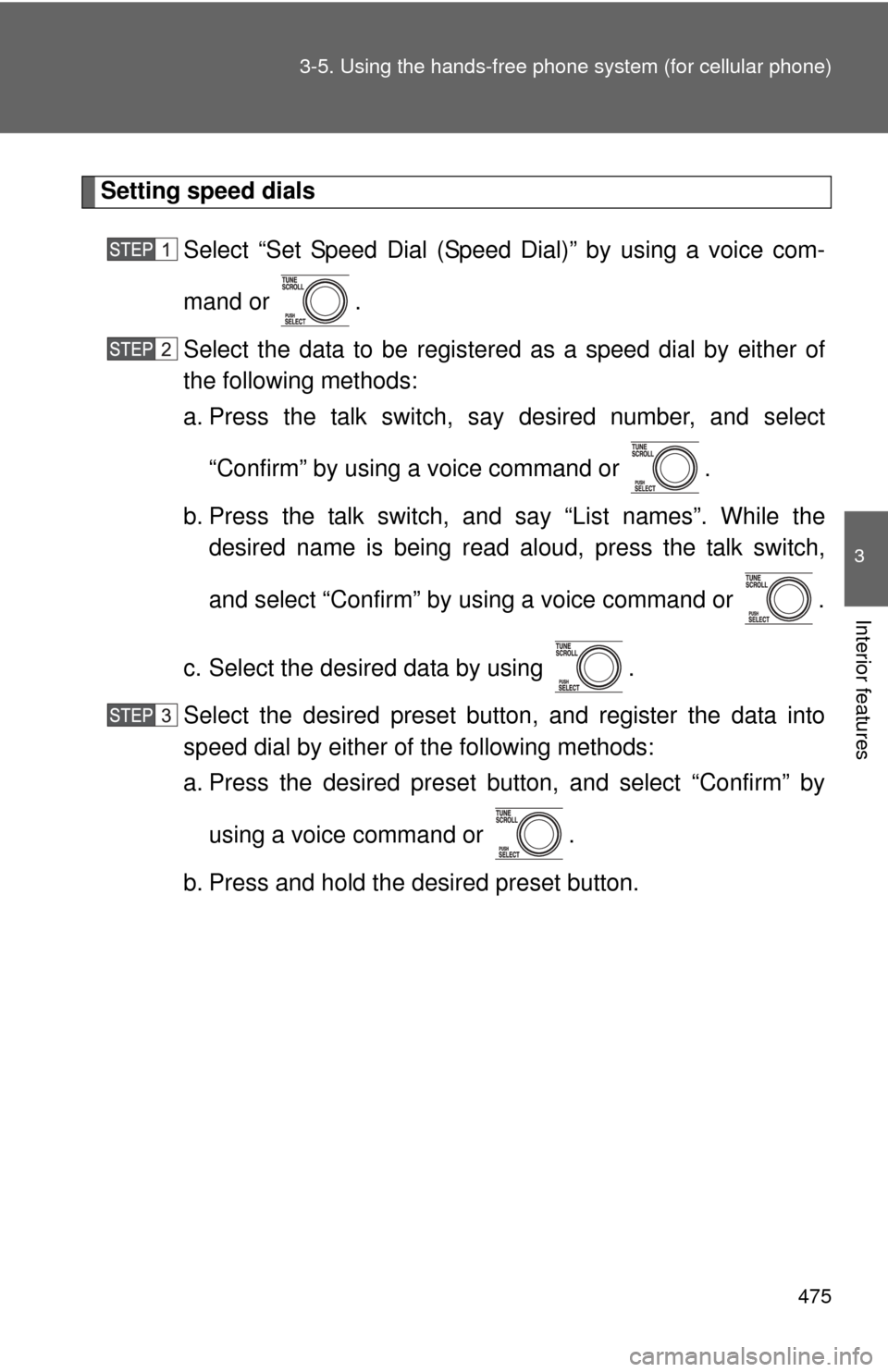
Setting speed dials
Select “Set Speed Dial (Speed Dial)” by using a voice com-
mand or .
Select the data to be registered as a speed dial by either of
the following methods:
a. Press the talk switch, say desired number, and select“Confirm” by using a voice command or .
b. Press the talk switch, and say “List names”. While the desired name is being read aloud, press the talk switch,
and select “Confirm” by using a voice command or .
c. Select the desired data by using .
Select the desired preset butt on, and register the data into
speed dial by either of the following methods:
a. Press the desired preset button, and select “Confirm” by
using a voice command or .
b. Press and hold the desired preset button.
Page 476 of 740
476 3-5. Using the hands-free phone system (for cellular phone)
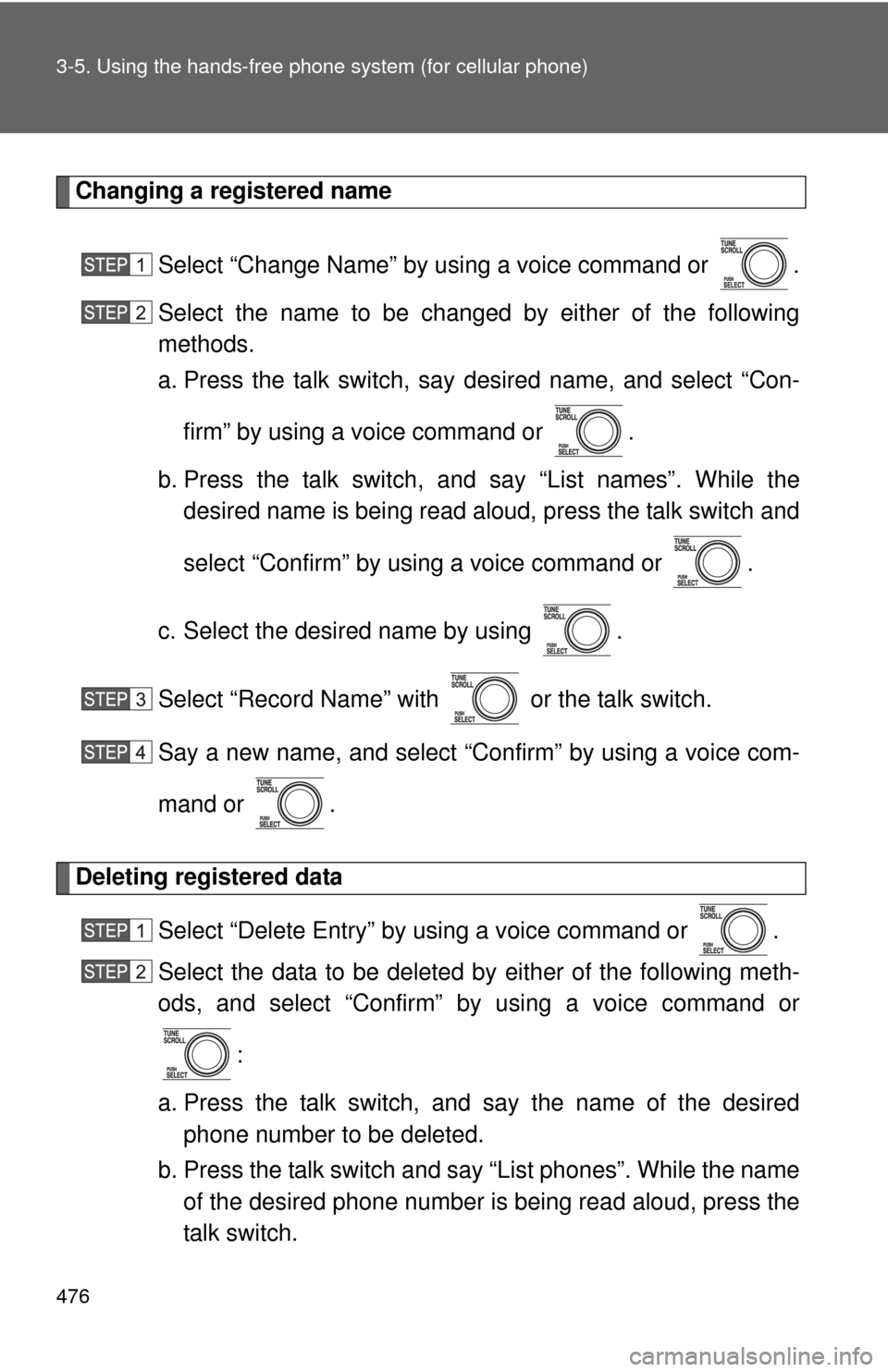
Changing a registered name
Select “Change Name” by using a voice command or .
Select the name to be changed by either of the following
methods.
a. Press the talk switch, say desired name, and select “Con-firm” by using a voice command or .
b. Press the talk switch, and say “List names”. While the desired name is being read aloud, press the talk switch and
select “Confirm” by using a voice command or .
c. Select the desired name by using .
Select “Record Name” with or the talk switch.
Say a new name, and select “Con firm” by using a voice com-
mand or .
Deleting registered data
Select “Delete Entry” by using a voice command or .
Select the data to be deleted by either of the following meth-
ods, and select “Confirm” by using a voice command or:
a. Press the talk switch, and say the name of the desired phone number to be deleted.
b. Press the talk switch and say “List phones”. While the name of the desired phone number is being read aloud, press the
talk switch.
Page 477 of 740
477
3-5. Using the hand
s-free phone system (for cellular phone)
3
Interior features
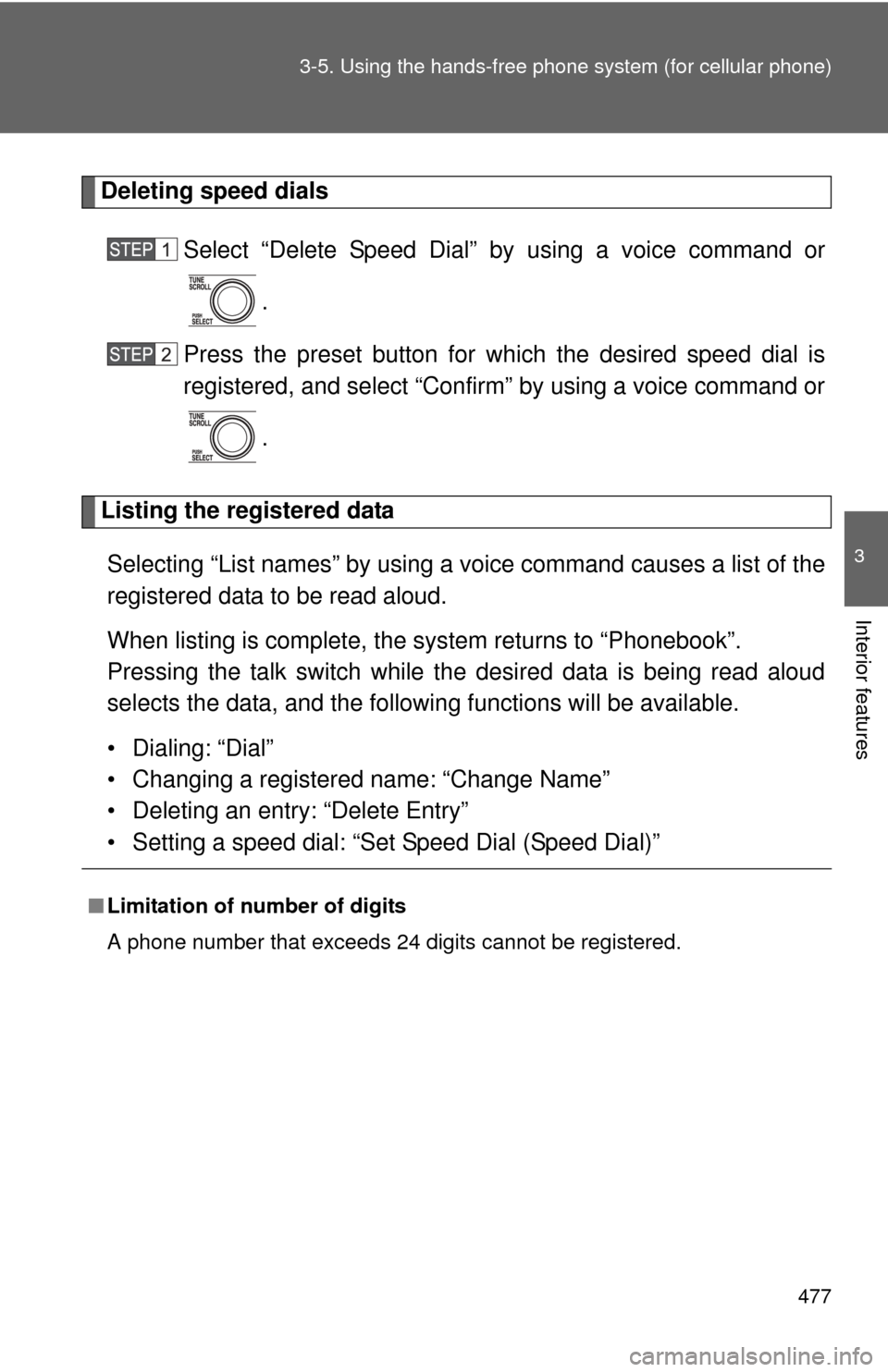
Deleting speed dials
Select “Delete Speed Dial” by using a voice command or
.
Press the preset button for wh ich the desired speed dial is
registered, and select “Confirm” by using a voice command or
.
Listing the registered data
Selecting “List names” by using a vo ice command causes a list of the
registered data to be read aloud.
When listing is complete, the system returns to “Phonebook”.
Pressing the talk switch while the desired data is being read aloud
selects the data, and the following functions will be available.
• Dialing: “Dial”
• Changing a registered name: “Change Name”
• Deleting an entry: “Delete Entry”
• Setting a speed dial: “Set Speed Dial (Speed Dial)”
■Limitation of number of digits
A phone number that exceeds 24 digits cannot be registered.
Page 729 of 740

729
Alphabetical index
Back-up lights
Replacing light bulbs ............ 611
Wattage ................................ 686
Back door Back door ............................... 42
Wireless remote control.......... 33
Back window .......................... 96
Battery
Checking .............................. 575
If the vehicle has discharged battery ................................ 665
Preparing and checking before winter ...................... 275
Blind Spot Monitor .................. 236
Bluetooth
® audio..................... 371
Bluetooth® phone ................... 448
Bottle holder ............................ 501
Brakes
Fluid...................................... 572
Parking brake ....................... 167
Brake assist ............................. 255
Break-in tips ............................ 151
BSM .......................................... 236
Card holder .............................. 487
Care Exterior ................................. 548
Interior .................................. 550
Seat belts ............................. 551
Cargo capacity ........................ 268
Cargo hooks ............................ 531
CD changer CD ........................................ 331
MP3 ...................................... 340
WMA disc ............................. 340
CD player ................................. 331
Chains ...................................... 275 Child restraint system
Booster seats, definition ........132
Booster seats, installation .....143
Convertible seats, definition .............................132
Convertible seats, installation ...........................142
Front passenger occupant
classification system ........... 127
Infant seats, definition ...........132
Infant seats, installation.........141
Installing CRS with LATCH system ................................138
Installing CRS with seat
belts ....................................141
Installing CRS with top tether straps ........................144
Child safety Airbag precautions ................121
Battery precautions .......576, 667
Child restraint system............132
Child-protectors .......................39
How your child should wear the seat belt ..........................78
Installing child restraints ........136
Moon roof precautions ..........101
Power window lock switch.......93
Power window precautions .....95
Removed key battery precautions .........................598
Seat belt extender precautions ...........................81
Seat belt precautions ..............78
Seat heater precautions ........520
Child-protectors .........................39
Cigarette lighter .......................510
Cleaning Exterior ..................................548
Interior ...................................550
Seat belts ..............................551
B
C
Page 731 of 740
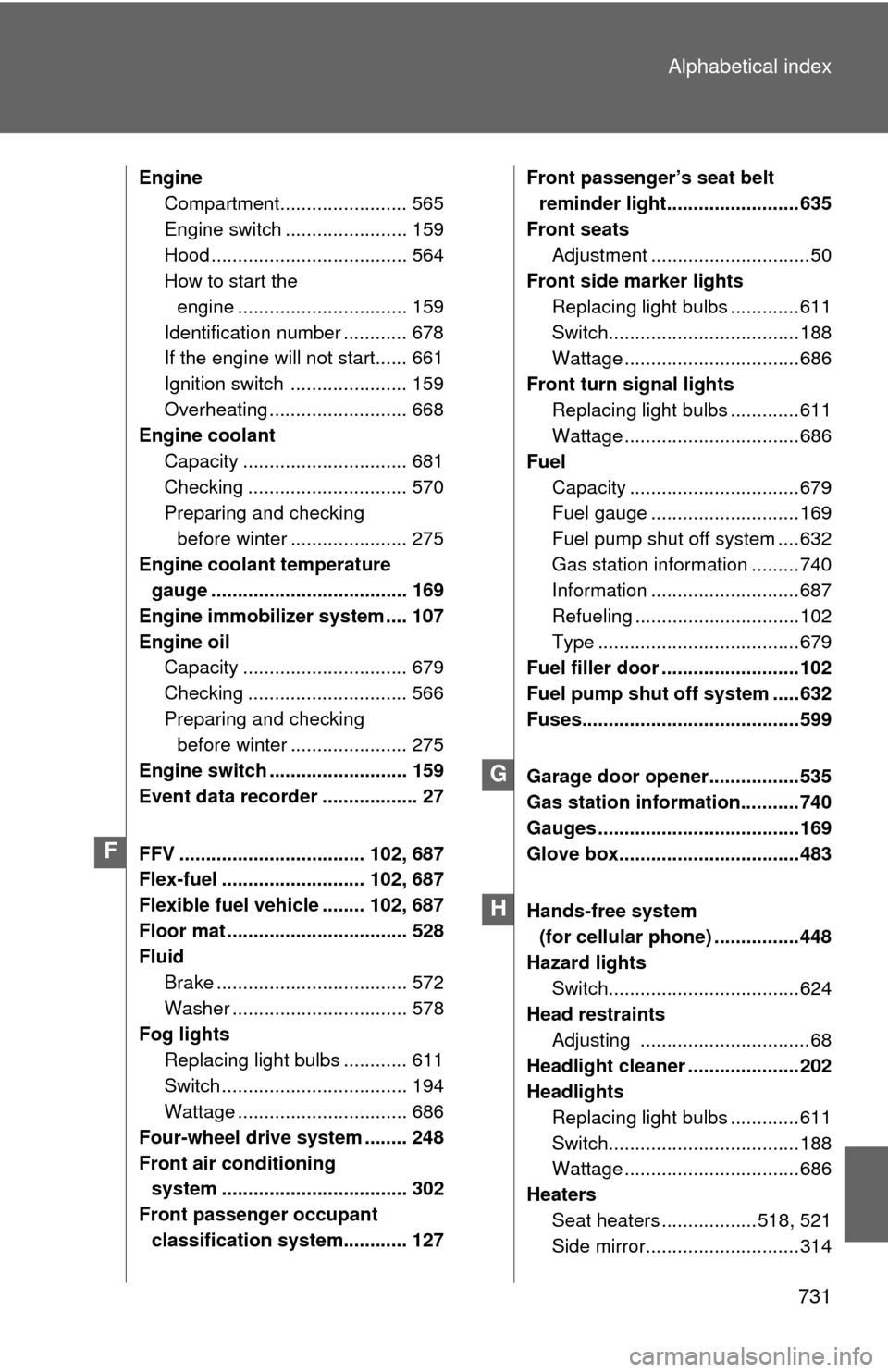
731
Alphabetical index
Engine
Compartment........................ 565
Engine switch ....................... 159
Hood ..................................... 564
How to start the
engine ................................ 159
Identification number ............ 678
If the engine will not start...... 661
Ignition switch ...................... 159
Overheating .......................... 668
Engine coolant
Capacity ............................... 681
Checking .............................. 570
Preparing and checking before winter ...................... 275
Engine coolan t temperature
gauge ..................................... 169
Engine immobilizer system .... 107
Engine oil Capacity ............................... 679
Checking .............................. 566
Preparing and checking before winter ...................... 275
Engine switch .......................... 159
Event data recorder .................. 27
FFV ................................... 102, 687
Flex-fuel ........................... 102, 687
Flexible fuel vehicle ........ 102, 687
Floor mat .................................. 528
Fluid Brake .................................... 572
Washer ................................. 578
Fog lights
Replacing light bulbs ............ 611
Switch ................................... 194
Wattage ................................ 686
Four-wheel drive system ........ 248
Front air conditioning system ................................... 302
Front passenger occupant classification system............ 127 Front passenger’s seat belt
reminder light.........................635
Front seats Adjustment ..............................50
Front side marker lights
Replacing light bulbs .............611
Switch....................................188
Wattage .................................686
Front turn signal lights Replacing light bulbs .............611
Wattage .................................686
Fuel Capacity ................................679
Fuel gauge ............................169
Fuel pump shut off system ....632
Gas station information .........740
Information ............................687
Refueling ...............................102
Type ......................................679
Fuel filler door ..........................102
Fuel pump shut off system .....632
Fuses.........................................599
Garage door opener.................535
Gas station information...........740
Gauges ......................................169
Glove box..................................483
Hands-free system (for cellular phone) ................448
Hazard lights Switch....................................624
Head restraints
Adjusting ................................68
Headlight cleaner .....................202
Headlights Replacing light bulbs .............611
Switch....................................188
Wattage .................................686
Heaters Seat heaters ..................518, 521
Side mirror.............................314
F
G
H