service TOYOTA SUPRA 2019 User Guide
[x] Cancel search | Manufacturer: TOYOTA, Model Year: 2019, Model line: SUPRA, Model: TOYOTA SUPRA 2019Pages: 456, PDF Size: 88.65 MB
Page 16 of 456
16
Supra Owner's Manual1-1. NOTES
If an emergency call is made by the
automatic emergency call system,
the same information is conveyed
to the appointed emergency call
centre as is normally conveyed to
the public rescue coordination cen-
tre by the eCall statutory emer-
gency call system.
Furthermore, the automatic emer-
gency call system also conveys the
following additional information to
an emergency call centre appointed
by the vehicle manufacturer and,
where applicable, to the public res-
cue coordination centre:
• Accident data, for example the
direction of the collision as
detected by the vehicle sensors
in order to facilitate the rescue
services deployment plans.
• Contact data, for example the
telephone number of the
installed SIM card and the
driver's telephone number, if
available, so that those involved
in the accident can be contacted
quickly if necessary.
The data relating to an emergency
call that has been placed is trig-
gered in the vehicle. The data con-
tains information about the
emergency call, for example the
place and time it was issued.
The emergency call centre saves audio recordings of the emergency
call.
Audio recordings of the customer
are saved for 24 hours, in case
details of the emergency call need
to be analysed. After that, the audio
recordings are deleted. Audio
recordings of the emergency call
centre employee are saved for 24
hours for quality assurance pur-
poses.
The data obtained in the context of
an automatic emergency call is only
used to process the emergency
call. If legally obliged to do so, the
vehicle manufacturer will disclose
the data it has processed and,
where applicable, still has saved.
The owner of a vehicle equipped
with an automatic emergency call
system and the eCall statutory
emergency call system has the
right to use the on-board eCall sys-
tem instead of the automatic emer-
gency call.
For deactivation requests, contact
any authorized Toyota retailer or
Toyota authorized repairer, or any
reliable repairer.
The eCall statutory emergency call
system is always on standby in
addition to the automatic emer-
gency call system. The eCall statu- Sent information
Data storage
Disclosure of personal data
Statutory emergency call system
Page 20 of 456
20
Supra Owner's Manual2-1. QUICK REFERENCE
2-1.QUICK REFE RENCE
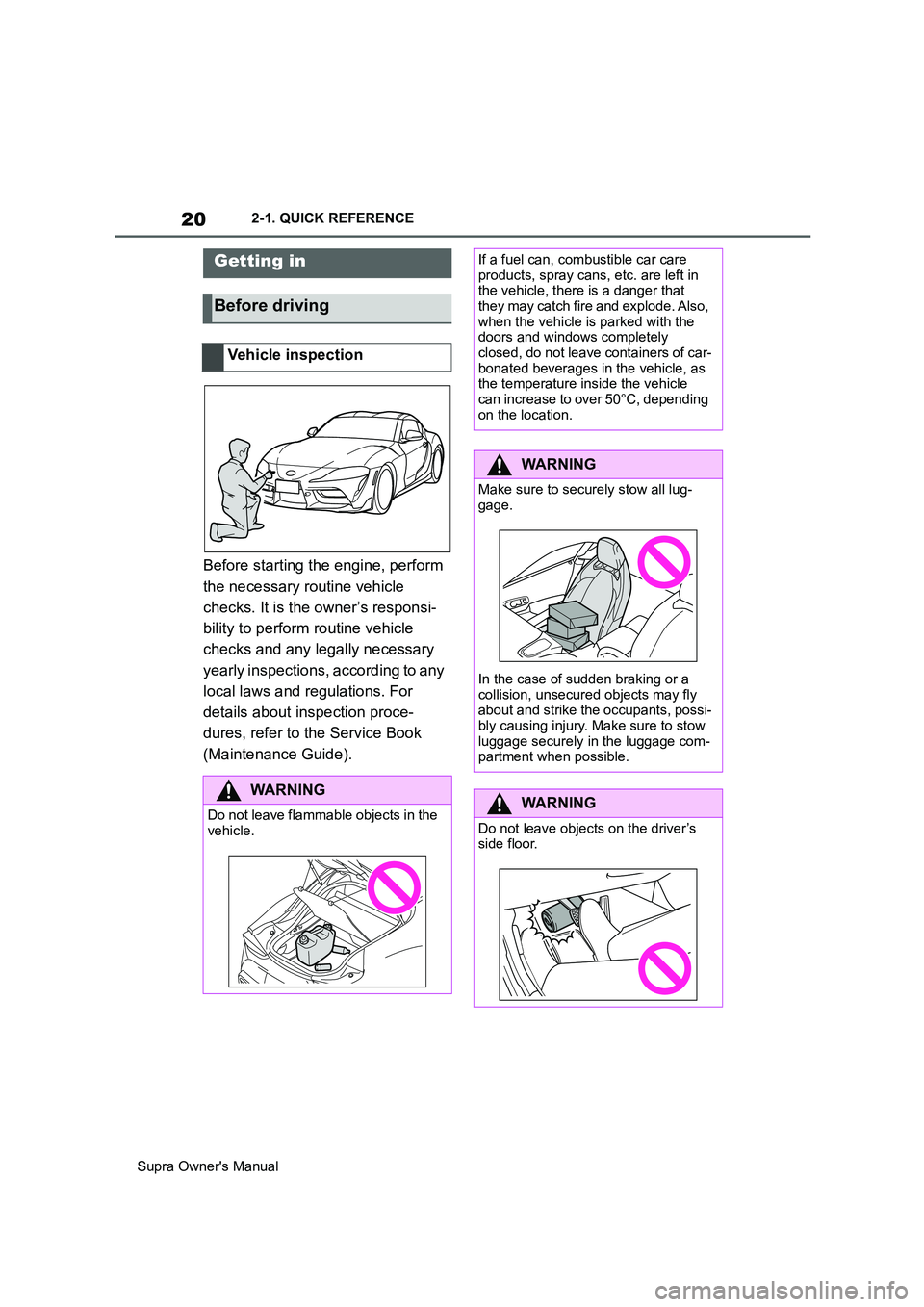
Before starting the engine, perform
the necessary routine vehicle
checks. It is the owner’s responsi-
bility to perform routine vehicle
checks and any legally necessary
yearly inspections, according to any
local laws and regulations. For
details about inspection proce-
dures, refer to the Service Book
(Maintenance Guide).
Getting in
Before driving
Vehicle inspection
WARNING
Do not leave flammable objects in the
vehicle.
If a fuel can, combustible car care
products, spray cans, etc. are left in
the vehicle, there is a danger that
they may catch fire and explode. Also,
when the vehicle is parked with the
doors and windows completely
closed, do not leave containers of car-
bonated beverages in the vehicle, as
the temperature inside the vehicle
can increase to over 50°C, depending
on the location.
WARNING
Make sure to securely stow all lug-
gage.
In the case of sudden braking or a
collision, unsecured objects may fly
about and strike the occupants, possi-
bly causing injury. Make sure to stow
luggage securely in the luggage com-
partment when possible.
WARNING
Do not leave objects on the driver’s
side floor.
Page 37 of 456
37
2
Supra Owner's Manual2-1. QUICK REFERENCE
QUICK REFERENCE
The Concierge Service provides
information about hotels, restau-
rants etc. and can send an SMS
with the required information to the
vehicle. Addresses can also be
sent directly to the navigation sys-
tem.
Via Toyota Supra Command:
1"Connected Serv."
2"Toyota Supra Assistance"
3"Concierge Services"
A voice connection to the Con-
cierge Service is established.
Remote maintenances are services
that help to keep the vehicle
mobile.
Remote maintenances can com-
prise the following services:
• Roadside assistance
• Battery guard
When leaving the vehicle, turn the
engine switch off, apply the parking
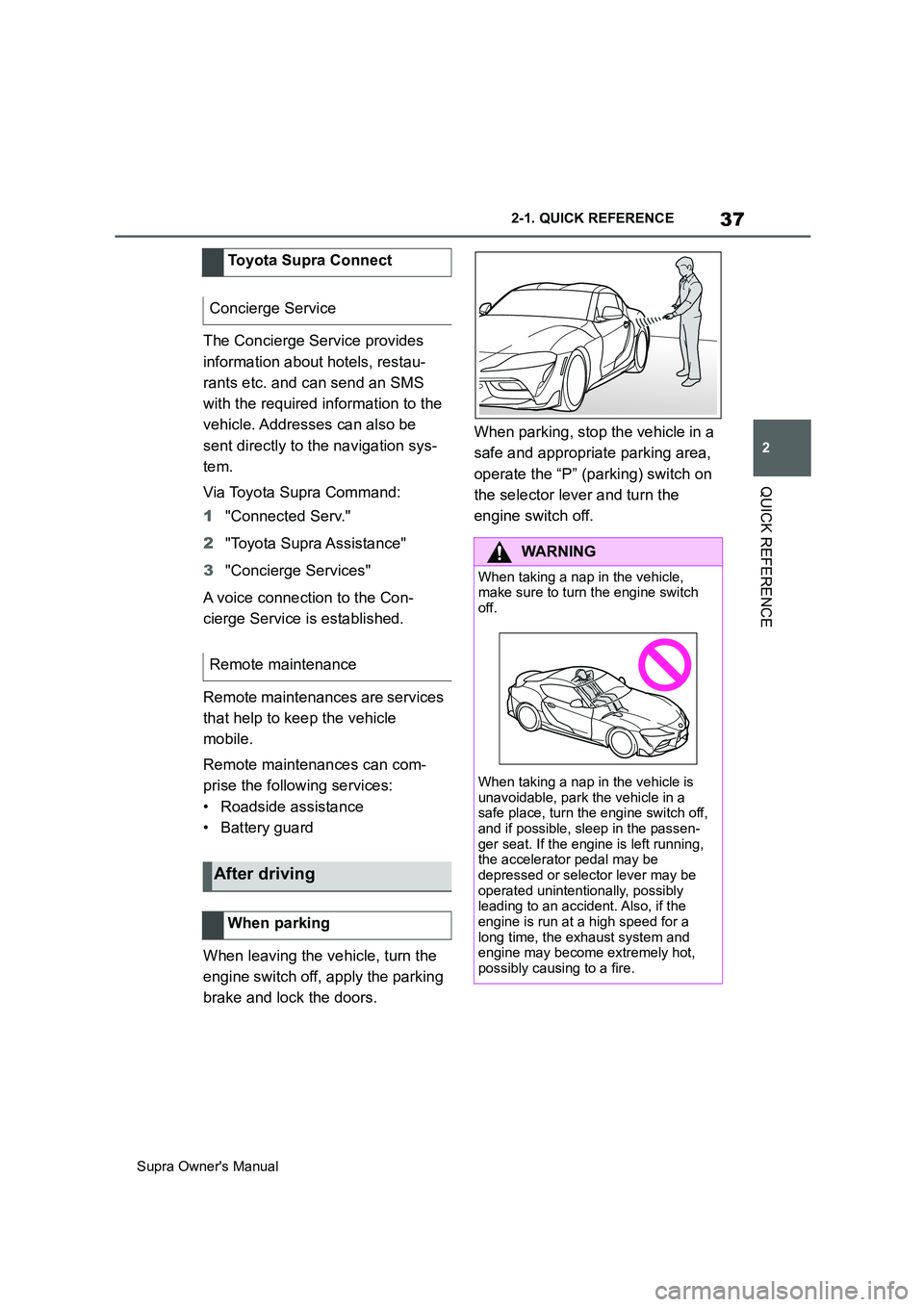
brake and lock the doors.When parking, stop the vehicle in a
safe and appropriate parking area,
operate the “P” (parking) switch on
the selector lever and turn the
engine switch off. Toyota Supra Connect
Concierge Service
Remote maintenance
After driving
When parking
WARNING
When taking a nap in the vehicle,
make sure to turn the engine switch
off.
When taking a nap in the vehicle is
unavoidable, park the vehicle in a
safe place, turn the engine switch off,
and if possible, sleep in the passen-
ger seat. If the engine is left running,
the accelerator pedal may be
depressed or selector lever may be
operated unintentionally, possibly
leading to an accident. Also, if the
engine is run at a high speed for a
long time, the exhaust system and
engine may become extremely hot,
possibly causing to a fire.
Page 64 of 456
64
Supra Owner's Manual3-1. CONTROLS
6Turn the Controller until the
desired brightness is obtained.
7Press the Controller.
The setting is saved for the cur-
rently used driver profile.
Depending on the lighting condi-
tions, the brightness adjustment
may not be immediately apparent.
The content displayed in some
menu items of the main menu can
be selected.
1 Press the button.
2"Contents of main menu"
3Select the desired menu and
desired content.
The setting is saved for the cur-
rently used driver profile.
The menu shows all messages
received by the vehicle, centrally in
the form of a list.
The following messages can be
displayed:
• Traffic messages.
• Vehicle messages.
• Communication messages, for example email, SMS or remind-
ers.
• Service requirement messages.
Messages are additionally dis-
played in the status field.
Via Toyota Supra Command:
1"Notifications"
2Select the required message.
The associated menu is opened
and the message displayed.
All messages which are not vehicle
messages can be deleted from the
list. Vehicle messages remain for
as long as they are relevant.
Via Toyota Supra Command:
1"Notifications"
2Select the required message if
necessary.
3 Press the button.
4"Delete this notification" or
"Delete all notifications"
The following settings can be per-
formed:
• Select the applications from
which messages are permitted.
• Sort the sequence of messages
by date or priority.
Via Toyota Supra Command: Selecting the content of the
main menu
Messages
Principle
General
Calling up messages
Deleting messages
Settings
Page 65 of 456
65
3
Supra Owner's Manual3-1. CONTROLS
CONTROLS
1"My Vehicle"
2"System settings"
3"Notifications"
4Select the desired setting.
The vehicle offers various functions
which require data to be transferred
to Toyota or a service provider. The
transfer of data can be deactivated
for some functions.
If data transfer has been deacti-
vated for a function, then that func-
tion cannot be used.
Only perform settings with the vehi-
cle at a standstill.
Follow the instructions on the Con-
trol Display.
Via Toyota Supra Command:
1"My Vehicle"
2"System settings"
3"Data privacy"
4Select the desired setting.Depending on use, the vehicle
stores personal data such as saved
radio stations. This personal data
can be permanently deleted using
Toyota Supra Command.
Depending on the equipment in
your vehicle, the following data can
be deleted:
• Driver profile settings.
• Saved radio stations.
• Saved Favourites buttons.
• Trip and on-board computer val-
ues.
• Music hard disc.
• Navigation, for example saved
destinations.
• Phone book.
• Online data, for example Favour-
ites, cookies.
• Office data, for example voice
memos.
• Login accounts.
It can take up to 15 minutes in total
to delete data.
Data can only be deleted with the
vehicle at a standstill.
Data protection
Data transfer
Principle
General
Activating/deactivating
Deleting personal data in the
vehicle
Principle
General
Operating requirements
Page 70 of 456

70
Supra Owner's Manual3-1. CONTROLS
When connecting, bear the follow-
ing in mind:
• Do not use force when inserting
the plug into the USB interface.
• Use a flexible adapter cable.
• Protect the USB device from
mechanical damage.
• Due to the large variety of USB
devices available on the market,
operation via the vehicle cannot
be ensured for every device.
• Do not expose the USB devices
to extreme environmental condi-
tions, for example very high tem-
peratures, see the operating
instructions of the device.
• Due to the large variety of differ-
ent compression techniques,
correct playback of the media
stored on the USB device cannot
be guaranteed in every case.
• To ensure correct transfer of the
stored data, do not charge a
USB device from the socket in
the vehicle when the device is
also connected to the USB inter-
face.
• Depending on how the USB
device is being used, it may be
necessary to perform settings on
the USB device, see the operat-
ing instructions of the device.
Unsuitable USB devices:
• USB hard drives.
• USB hubs.
• USB memory card reader with
several inserts.
• HFS-formatted USB devices.
• Devices such as fans or lamps.Compatible device with USB inter-
face.
Connect the USB device to a USB
interface, see page 259, using a
suitable adapter cable.
The USB device is displayed in the
device list, see page 72.
CarPlay makes it possible to oper-
ate certain functions of a compati-
ble Apple iPhone by Siri voice
operation and using Toyota Supra
Command.
• Compatible iPhone.
iPhone 5 or later with iOS 7.1 or later.
• Corresponding mobile radio con-
tract.
• Bluetooth, WLAN and Siri voice
operation are activated on the
iPhone.
• Booking of the Toyota Supra
Connect service: Apple CarPlay
preparation.
Via Toyota Supra Command:Operating requirements
Connecting a device
Apple CarPlay preparation
Principle
Operating requirements
Switching on Bluetooth and Car-
Play
Page 79 of 456
79
3
Supra Owner's Manual3-1. CONTROLS
CONTROLS
vicinity of the remote control.
Do not transport the remote control
together with electronic devices.
• Interference with radio transmis-
sion caused by the charging of
mobile devices, for example a
mobile phone.
• The remote control is located in
the immediate vicinity of the
wireless charging dock. Place
the remote control somewhere
else.
If there is a malfunction, the vehicle
can be unlocked and locked from
the outside with the integrated key,
see page 79.
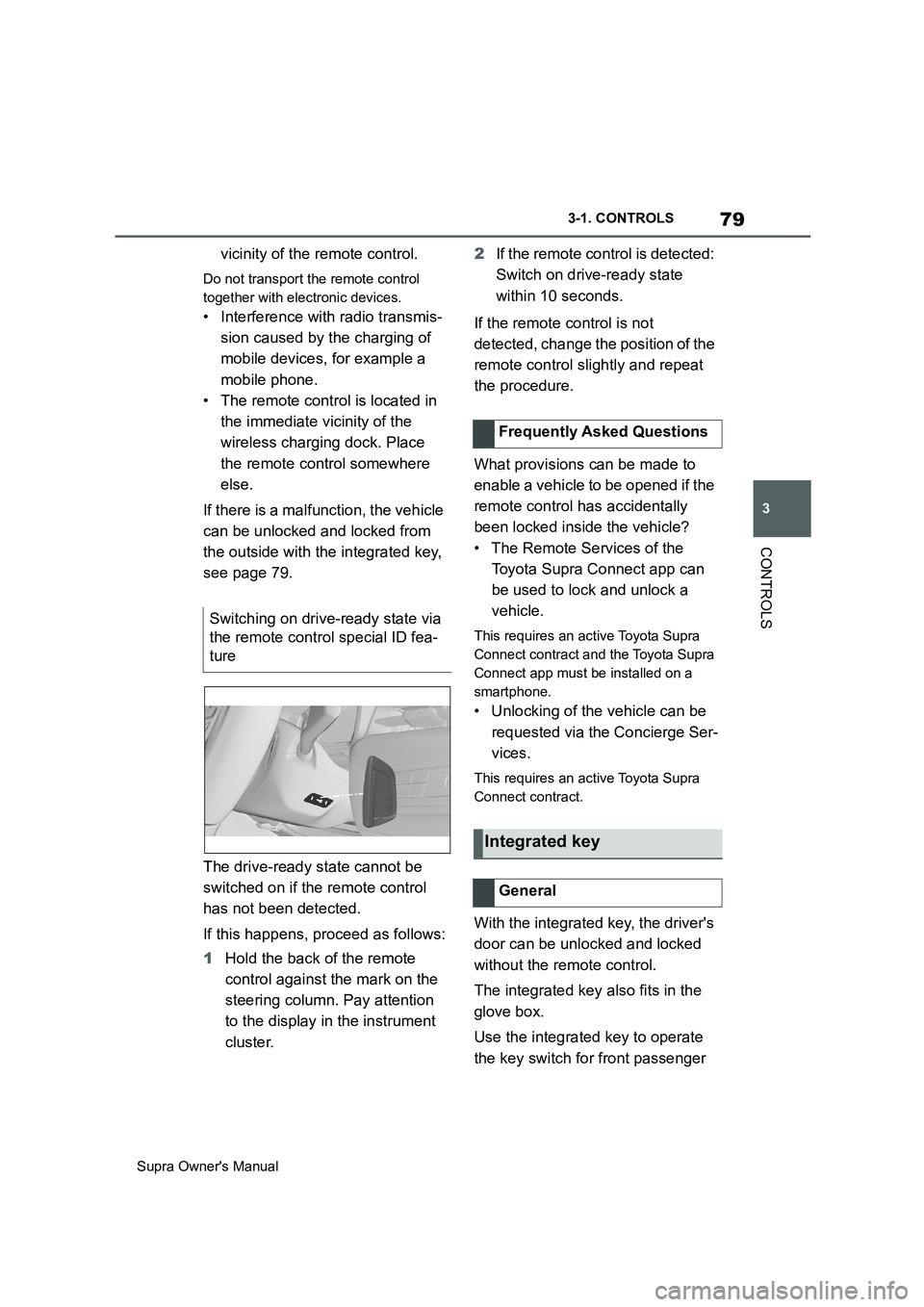
The drive-ready state cannot be
switched on if the remote control
has not been detected.
If this happens, proceed as follows:
1Hold the back of the remote
control against the mark on the
steering column. Pay attention
to the display in the instrument
cluster.2If the remote control is detected:
Switch on drive-ready state
within 10 seconds.
If the remote control is not
detected, change the position of the
remote control slightly and repeat
the procedure.
What provisions can be made to
enable a vehicle to be opened if the
remote control has accidentally
been locked inside the vehicle?
• The Remote Services of the
Toyota Supra Connect app can
be used to lock and unlock a
vehicle.
This requires an active Toyota Supra
Connect contract and the Toyota Supra
Connect app must be installed on a
smartphone.
• Unlocking of the vehicle can be
requested via the Concierge Ser-
vices.
This requires an active Toyota Supra
Connect contract.
With the integrated key, the driver's
door can be unlocked and locked
without the remote control.
The integrated key also fits in the
glove box.
Use the integrated key to operate
the key switch for front passenger Switching on drive-ready state via
the remote control special ID fea-
ture
Frequently Asked Questions
Integrated key
General
Page 159 of 456
159
3
Supra Owner's Manual3-1. CONTROLS
CONTROLS
The time is shown in the instrument
cluster. Setting the time and time
format, see page 62.
The function shows the current ser-
vice requirements and related
maintenance jobs.
The distance or time remaining until
the next service is displayed briefly
in the instrument cluster after the
ignition is switched on.
More detailed information on the
scope of maintenance can be dis-
played on the Control Display.Via Toyota Supra Command:
1"My vehicle"
2"Vehicle status"
3"Service requirements"
Essential maintenance routines and
any statutory inspections required are
displayed.
4Select an entry to display more
detailed information.
Enter deadlines for statutory vehi-
cle inspections.
Ensure that the date and time are
set correctly in the vehicle.
Via Toyota Supra Command:
1"My vehicle"
2"Vehicle status"
3"Service requirements"
4"Date:"
5Select the desired setting. Safety note
WARNING
Even at temperatures above
+3°C/+37 °F there may be an
increased risk of black ice, for exam-
ple on bridges or on shaded road
selection. There is a danger of acci-
dents. At low temperatures, adjust the
driving style to the weather condi-
tions.
Time
Service requirements
Principle
General
Display
Detailed information on service
requirements
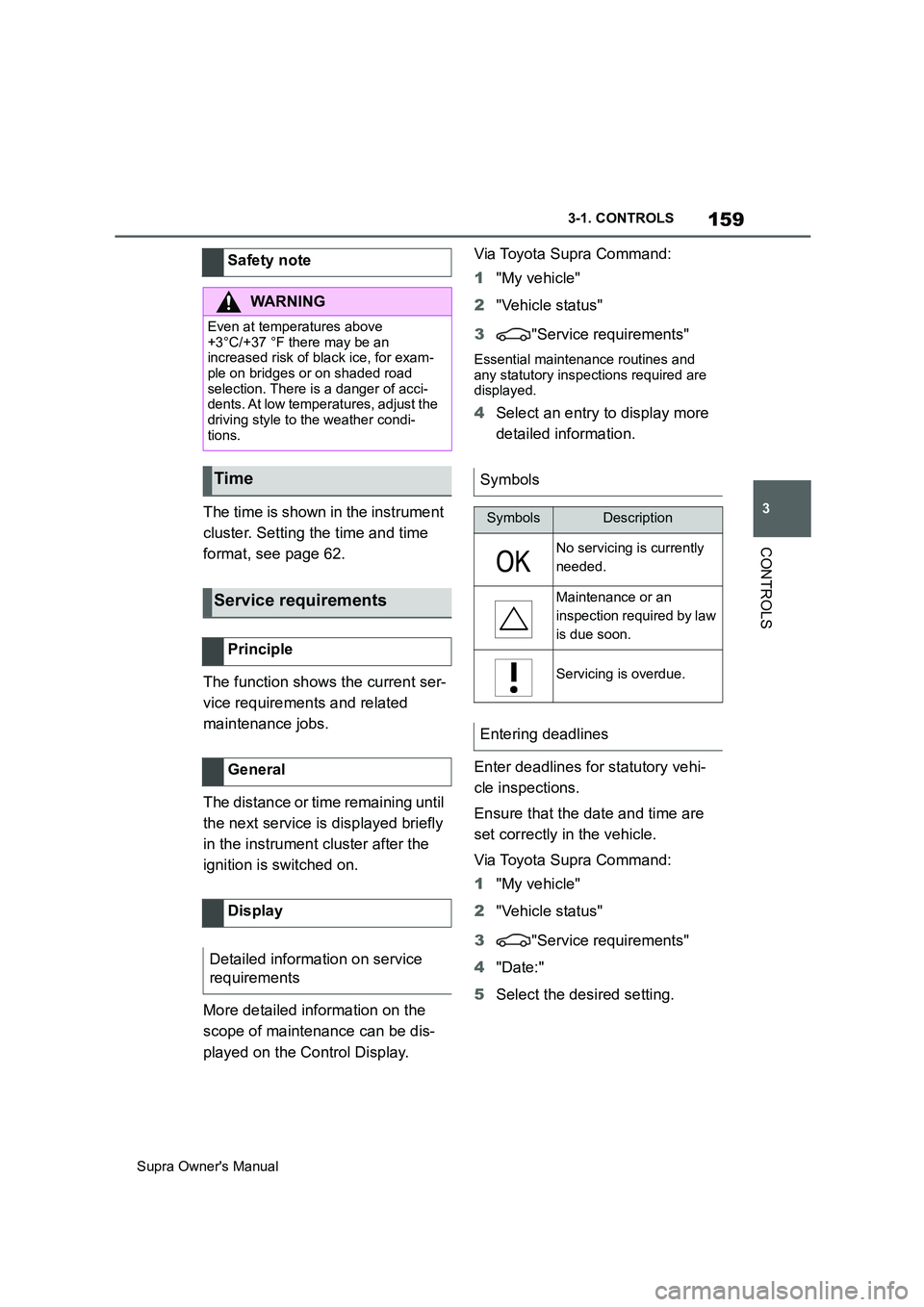
Symbols
SymbolsDescription
No servicing is currently
needed.
Maintenance or an
inspection required by law
is due soon.
Servicing is overdue.
Entering deadlines
Page 168 of 456
168
Supra Owner's Manual3-1. CONTROLS
Via Toyota Supra Command:
1"My Vehicle"
2"Vehicle settings"
3"Speed warning"
4"Warning at:"
5Turn the Controller until the
desired speed is displayed.
6Press the Controller.
Via Toyota Supra Command:
1"My Vehicle"
2"Vehicle settings"
3"Speed warning"
4"Speed warning"
Via Toyota Supra Command:
1"My Vehicle"
2"Vehicle settings"
3"Speed warning"
4"Select current speed"
The status can be displayed or
actions performed for some sys-
tems.Via Toyota Supra Command:
1"My vehicle"
2"Vehicle status"
• "Tyre Pressure Monitor": Sta-
tus of the Tyre Pressure Monitor,
see page 290
• "Engine oil level": Electronic
oil measurement, see page 309.
• "Vehicle messages": Vehicle
messages are stored in the
background and can be shown
on the Control Display. Display-
ing of saved vehicle messages,
see page 152.
• "Service requirements": dis-
play of the service requirements,
see page 159.
• "Remote maintenance call":
Remote maintenance call.
The system projects important
information, for example the speed,
into the driver's field of vision.
The driver can register this informa-
tion without having to divert atten-
tion from the road. Adjusting the speed warning
Activating/deactivating the
speed warning
Setting the current speed as
the speed warning
Vehicle status
General
Calling up the vehicle status
Overview of the information
Head-Up Display (vehicles
with head-up display)
Principle
Page 260 of 456
260
Supra Owner's Manual3-1. CONTROLS
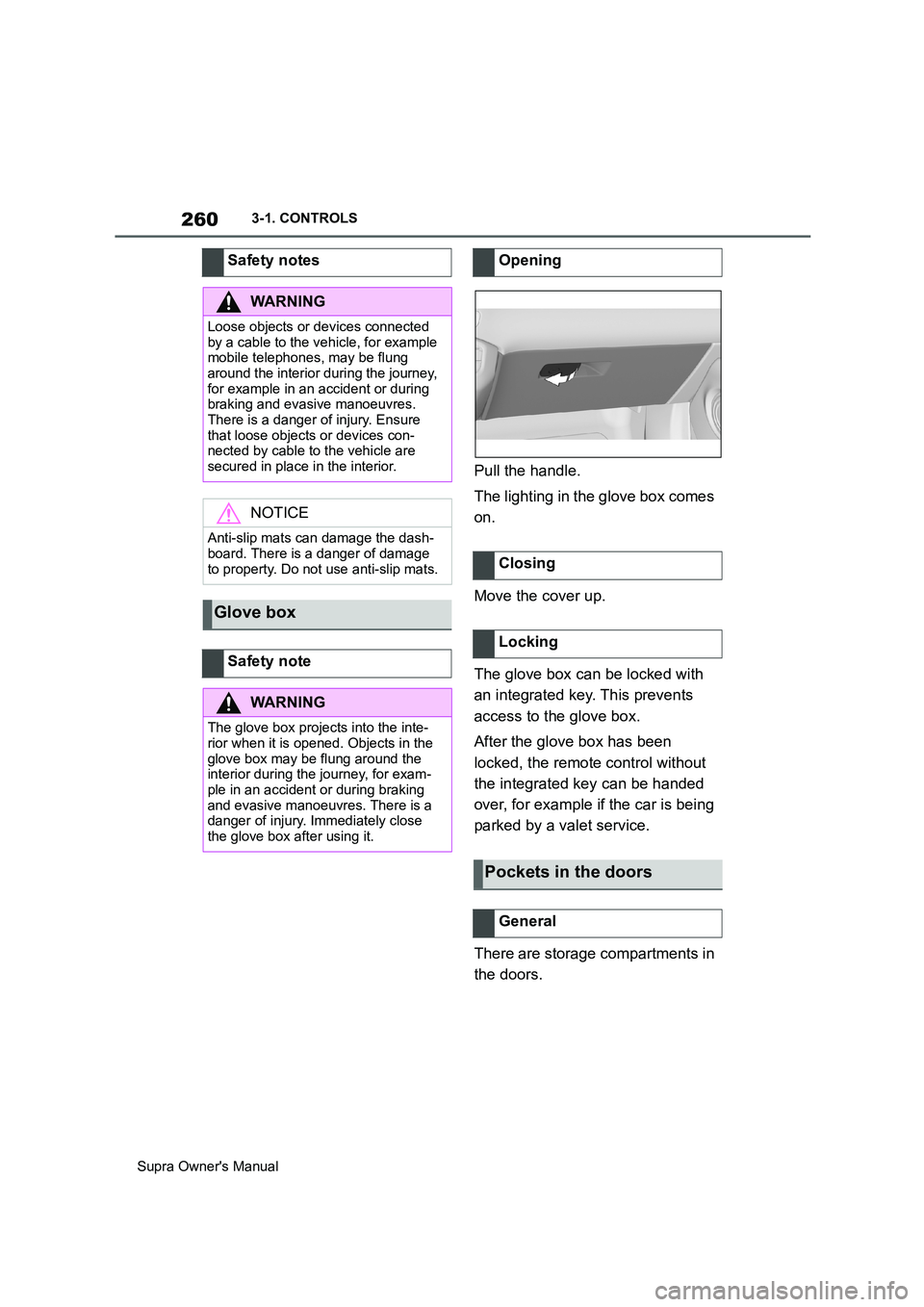
Pull the handle.
The lighting in the glove box comes
on.
Move the cover up.
The glove box can be locked with
an integrated key. This prevents
access to the glove box.
After the glove box has been
locked, the remote control without
the integrated key can be handed
over, for example if the car is being
parked by a valet service.
There are storage compartments in
the doors. Safety notes
WARNING
Loose objects or devices connected
by a cable to the vehicle, for example
mobile telephones, may be flung
around the interior during the journey,
for example in an accident or during
braking and evasive manoeuvres.
There is a danger of injury. Ensure
that loose objects or devices con-
nected by cable to the vehicle are
secured in place in the interior.
NOTICE
Anti-slip mats can damage the dash-
board. There is a danger of damage
to property. Do not use anti-slip mats.
Glove box
Safety note
WARNING
The glove box projects into the inte-
rior when it is opened. Objects in the
glove box may be flung around the
interior during the journey, for exam-
ple in an accident or during braking
and evasive manoeuvres. There is a
danger of injury. Immediately close
the glove box after using it.
Opening
Closing
Locking
Pockets in the doors
General