service indicator TOYOTA SUPRA 2020 Owners Manual (in English)
[x] Cancel search | Manufacturer: TOYOTA, Model Year: 2020, Model line: SUPRA, Model: TOYOTA SUPRA 2020Pages: 352, PDF Size: 6.49 MB
Page 134 of 352
1343-1. CONTROLS
Supra Owner's Manual
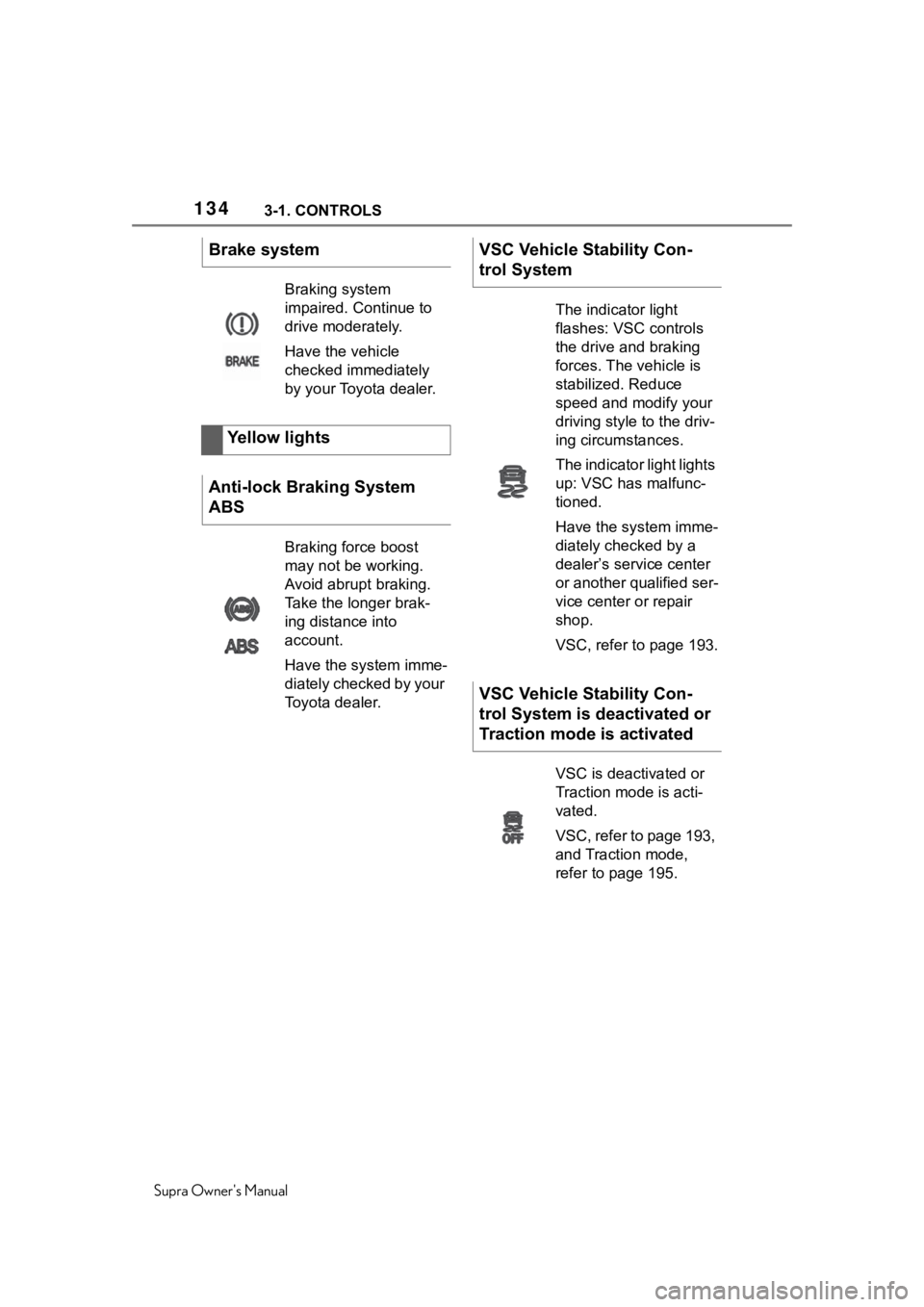
Brake system
Braking system
impaired. Continue to
drive moderately.
Have the vehicle
checked immediately
by your Toyota dealer.
Yellow lights
Anti-lock Braking System
ABS
Braking force boost
may not be working.
Avoid abrupt braking.
Take the longer brak-
ing distance into
account.
Have the system imme-
diately checked by your
Toyota dealer.
VSC Vehicle Stability Con-
trol System
The indicator light
flashes: VSC controls
the drive and braking
forces. The vehicle is
stabilized. Reduce
speed and modify your
driving style to the driv-
ing circumstances.
The indicator light lights
up: VSC has malfunc-
tioned.
Have the system imme-
diately checked by a
dealer’s service center
or another qualified ser-
vice center or repair
shop.
VSC, refer to page 193.
VSC Vehicle Stability Con-
trol System is deactivated or
Traction mode is activated
VSC is deactivated or
Traction mode is acti-
vated.
VSC, refer to page 193,
and Traction mode,
refer to page 195.
Page 140 of 352
1403-1. CONTROLS
Supra Owner's Manual
Enter the dates for the manda-
tory vehicle inspections.
Make sure that the vehicle's
date and time are set correctly.
Via Toyota Supra Command:
1"My vehicle"
2 "Vehicle status"
3 "Service required"
4 "Date:"
5 Select the desired setting.
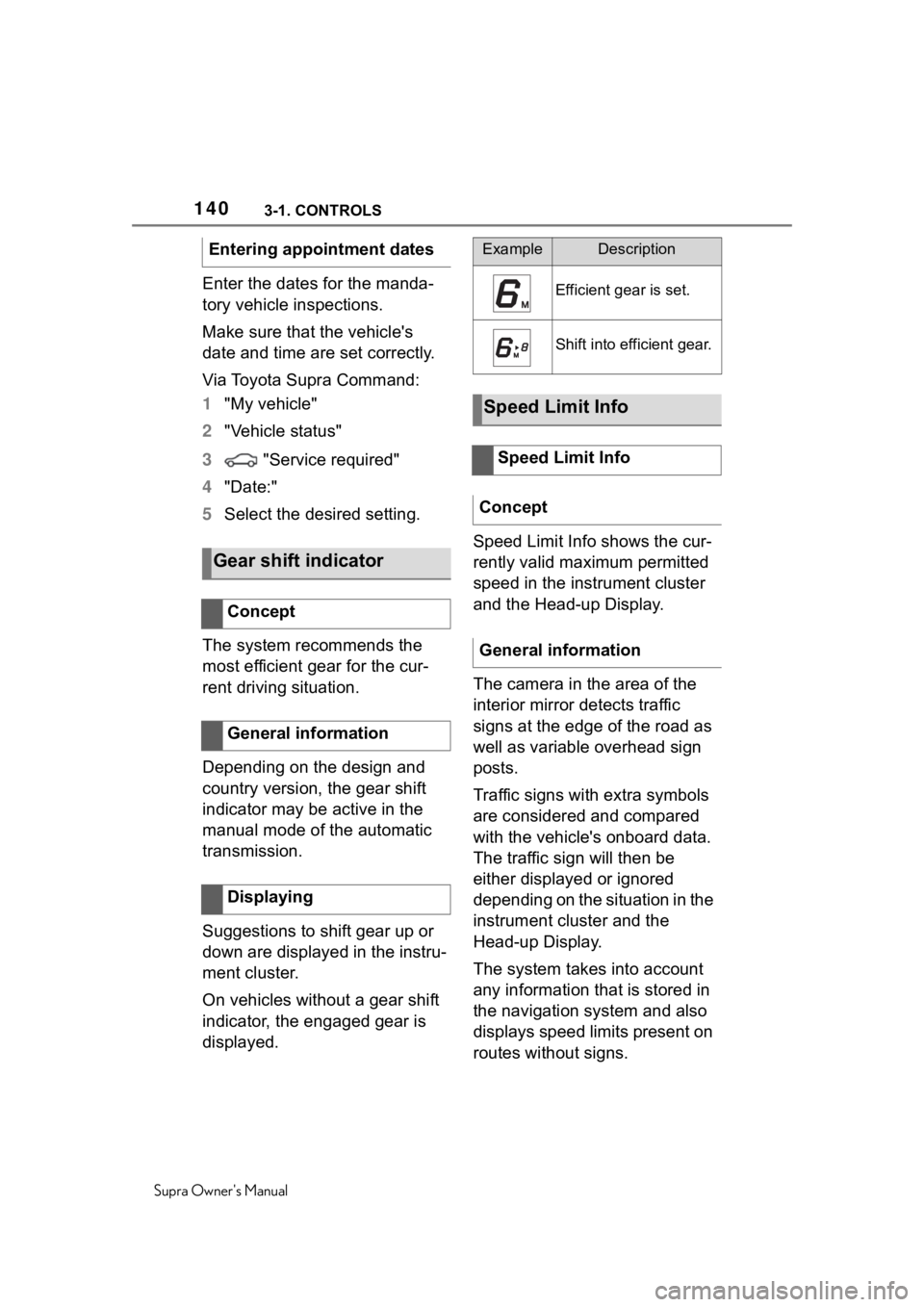
The system recommends the
most efficient gear for the cur-
rent driving situation.
Depending on the design and
country version, the gear shift
indicator may be active in the
manual mode of the automatic
transmission.
Suggestions to shift gear up or
down are displayed in the instru-
ment cluster.
On vehicles without a gear shift
indicator, the engaged gear is
displayed. Speed Limit Info shows the cur-
rently valid maximum permitted
speed in the instrument cluster
and the Head-up Display.
The camera in the area of the
interior mirror detects traffic
signs at the edge of the road as
well as variable overhead sign
posts.
Traffic signs with extra symbols
are considered and compared
with the vehicle's onboard data.
The traffic sign will then be
either displayed or ignored
depending on the situation in the
instrument cluster and the
Head-up Display.
The system takes into account
any information that is stored in
the navigation system and also
displays speed limits present on
routes without signs.
Entering appointment dates
Gear shift indicator
Concept
General information
Displaying
ExampleDescription
Efficient gear is set.
Shift into efficient gear.
Speed Limit Info
Speed Limit Info
Concept
General information
Page 341 of 352
341
Supra Owner's Manual341Alphabetical Index
Defrosting the windows ......... 229
Deleting personal data ............. 64
Departure time, parked-car venti- lation...................................... 232
Device list, displaying .............. 71
Devices, managing ................... 71
Diagnosis connectio n ............ 296
Dimensions ............................. 322
Dimmable exterior mirrors .... 104
Dimmable interior mirror ....... 105
Direct dial butto ns, see Program-
mable memory buttons.......... 56
Direction indicator, see Turn sig- nals ........................................ 118
Display in the windshield, see Head-up Display ................... 148
Display lighting , see Instrument
lighting .................................. 155
Displays .................................. 130
Displays and symbols ............... 4
Displays, screens ................... 320
Disposal, coolant ................... 293
Disposal, vehicle battery ....... 301
Distance control , see Parking
Sensors ................................. 211
Drive-off assistan t .................. 193
Drive-off assistant, see VSC.. 193
Driver assistance, see Toyota Supra Safety ......................... 170
Driver attention control.......... 190
Driver Fatigue Detector.......... 190
Driver profiles ........................... 85
Drive-ready state, idle state, and standby state .......................... 44
Driving Assistant, see Toyota Supra Safety ......................... 170
Driving comfort ...................... 224
Driving instructions, break-in246
Driving mode, see Sport mode switch .................................... 128
Driving notes, general ........... 247
Driving on racetracks ............ 251 Driving stability
control systems
...............................................192
Driving tips ..............................247
Drying air, see Air conditioning ...............................................227
E
Electronic oil measurement...289
Emergency brake function when parking, Parking Sensors with
emergency braking function214
Emergency service, see Break- down assistance ...................308
Emergency unlocking, fuel filler flap .........................................257
Emergency unlocking, transmis- sion lock ................................127
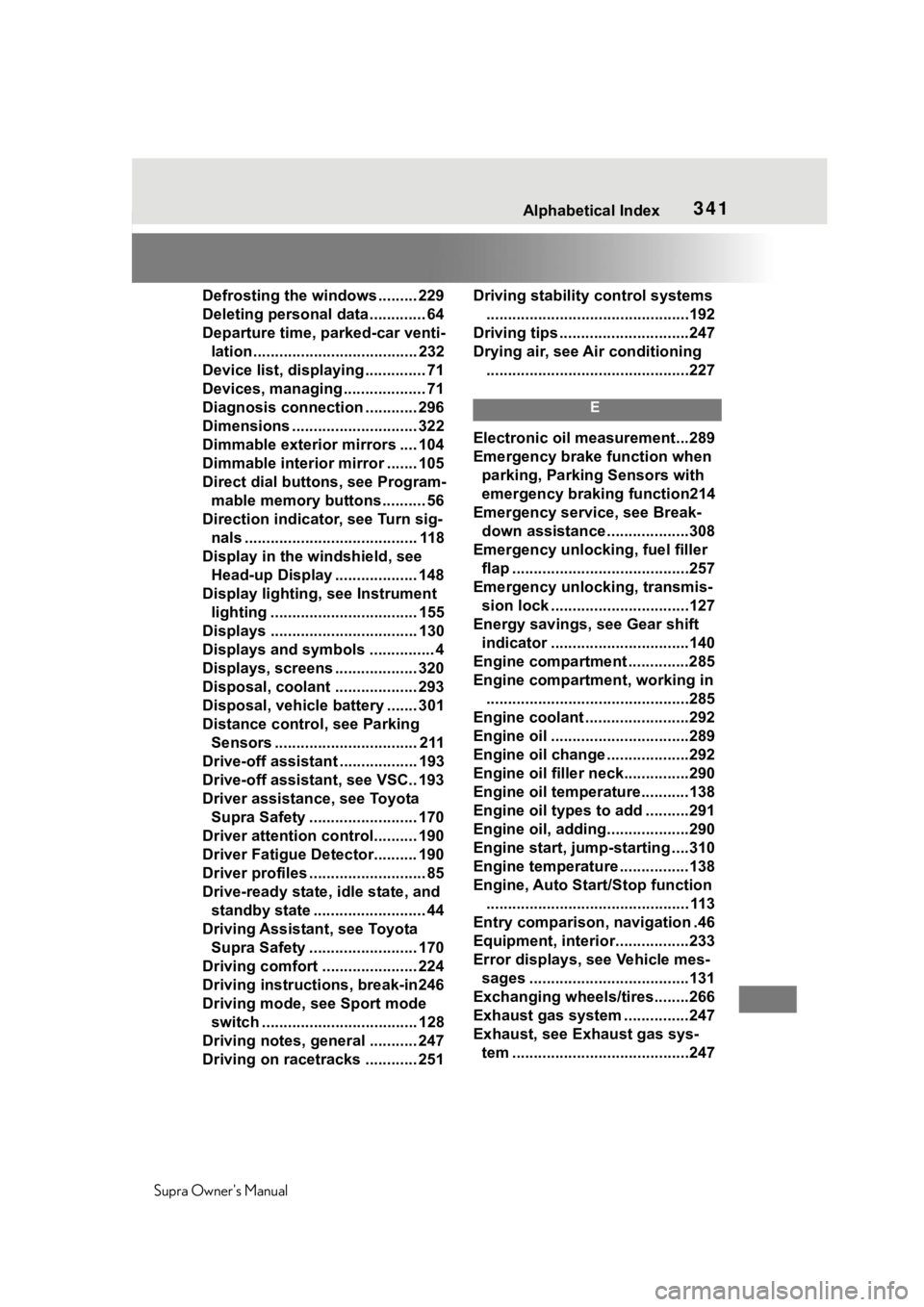
Energy savings, see Gear shift indicator ................................140
Engine compartment ..............285
Engine compartment, working in ...............................................285
Engine coolant ........................292
Engine oil ................................289
Engine oil change ...................292
Engine oil filler neck...............290
Engine oil temperature...........138
Engine oil types to add ..........291
Engine oil, adding...................290
Engine start, jump-starting ....310
Engine temperature ................138
Engine, Auto Start/Stop function ............................................... 113
Entry comparison, navigation .46
Equipment, interior.................233
Error displays, see Vehicle mes- sages .....................................131
Exchanging wheels/tires........266
Exhaust gas system ...............247
Exhaust, see Exhaust gas sys- tem .........................................247
Page 343 of 352
343
Supra Owner's Manual343Alphabetical Index
Hazard warning flashers ........ 307
Head restraints, front ............. 102
Headlight control, automatic . 151
Headlight courtesy delay feature ............................................... 153
Headlight courtesy delay feature, switching on ........................... 77
Headlight flasher .................... 119
Headlight glass ....................... 299
Headlights, care ..................... 315
Headlights, see Lights and bulbs
............................................... 299
Head-up Display ..................... 148
Head-up Display, care ............ 320
Head-up Display, see Memory function ................................. 105
Head-up Display, standard view ............................................... 148
Heavy cargo, stowing cargo.. 243
Height, vehicle ........................ 322
High beams ............................. 119
High beams/low beams, see Automatic high-beam .......... 153
Hill start assista nt, see Drive-off
assistant................................ 193
Hills .......................................... 250
Holder for beverages, see Cup holders .................................. 241
HomeLink, see Integrated Uni- versal Remote Control ......... 233
Hood ........................................ 285
Horn ........................................... 38
Hot exhaust gas system ........ 247
Humidity in the headlight, see Headlight glass..................... 299
Hydroplaning .......................... 249
I
Ice warning, see External tem- perature ................................. 138
Icy roads, see External tempera- ture ........................................ 138 Identification marks, tires ......262
Identification number, see Vehi-
cle identification number .......12
Idle state, standby state, and drive-ready state .....................44
Indicator and warning lights, see Vehicle messages .................131
Individual air dist ribution.......229
Inflation pressure monitor, see Tire Pressure Monitor TPM ..274
Inflation pressure, tires ..........258
Information ..................................4
Initialize, Tire Pressure Monitor TPM ........................................277
Instrument cluster ..................130
Instrument lighting .................155
Integrated key ...........................79
Integrated Universal Remote Control ...................................233
Intelligent emergency call......308
Intended use ...............................5
Interior equipment ..................233
Interior lights...........................156
Interior lights during unlocking .................................................74
Interior lights wi th the vehicle
locked ......................................76
Interior mirror, automatic dim- ming feature ..........................105
Interior motion sensor .............92
Intersection warning, see Approach control warning with
light braking function ...........172
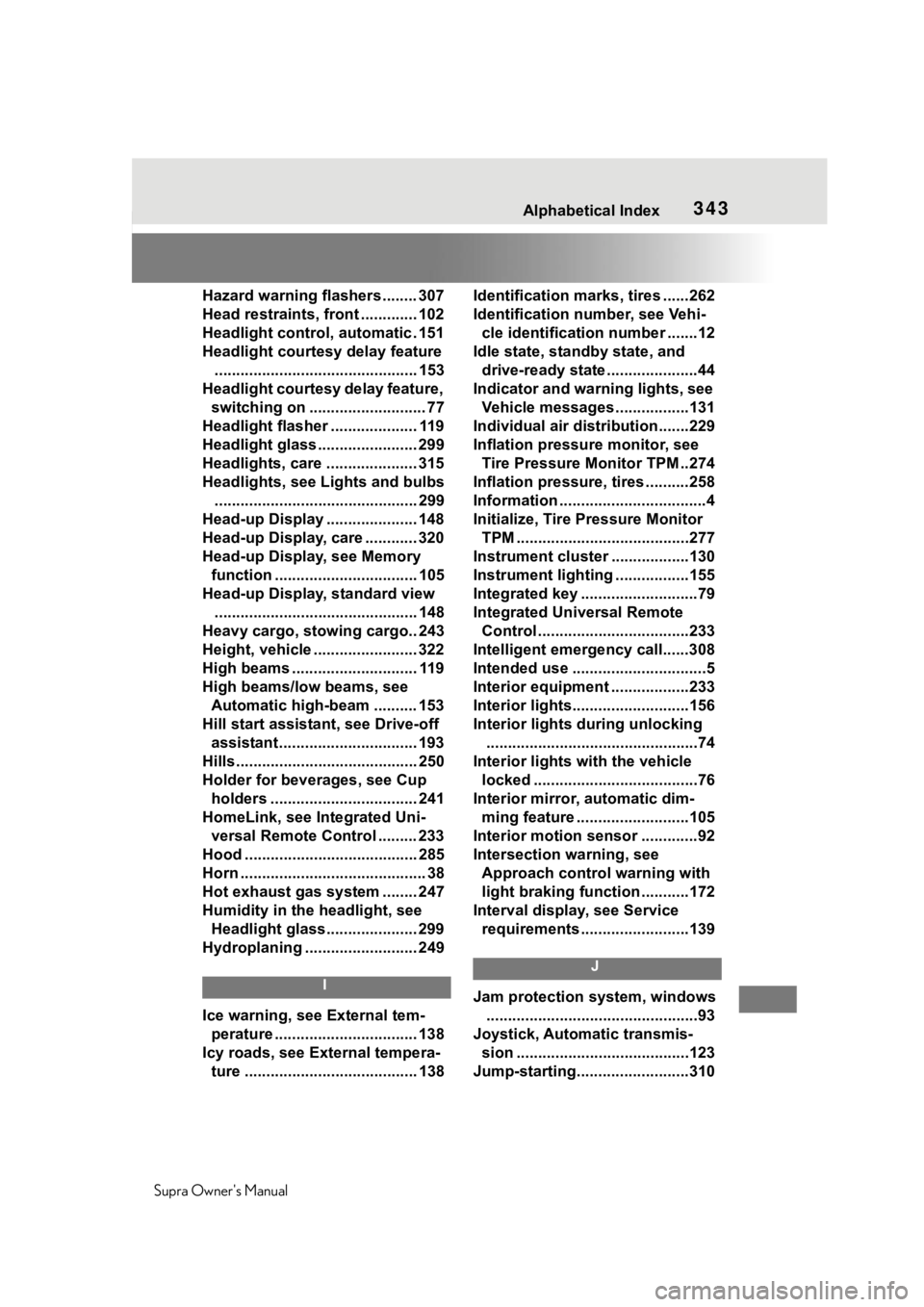
Interval display , see Service
requirements .........................139
J
Jam protection system, windows .................................................93
Joystick, Automatic transmis- sion ........................................123
Jump-starting..........................310